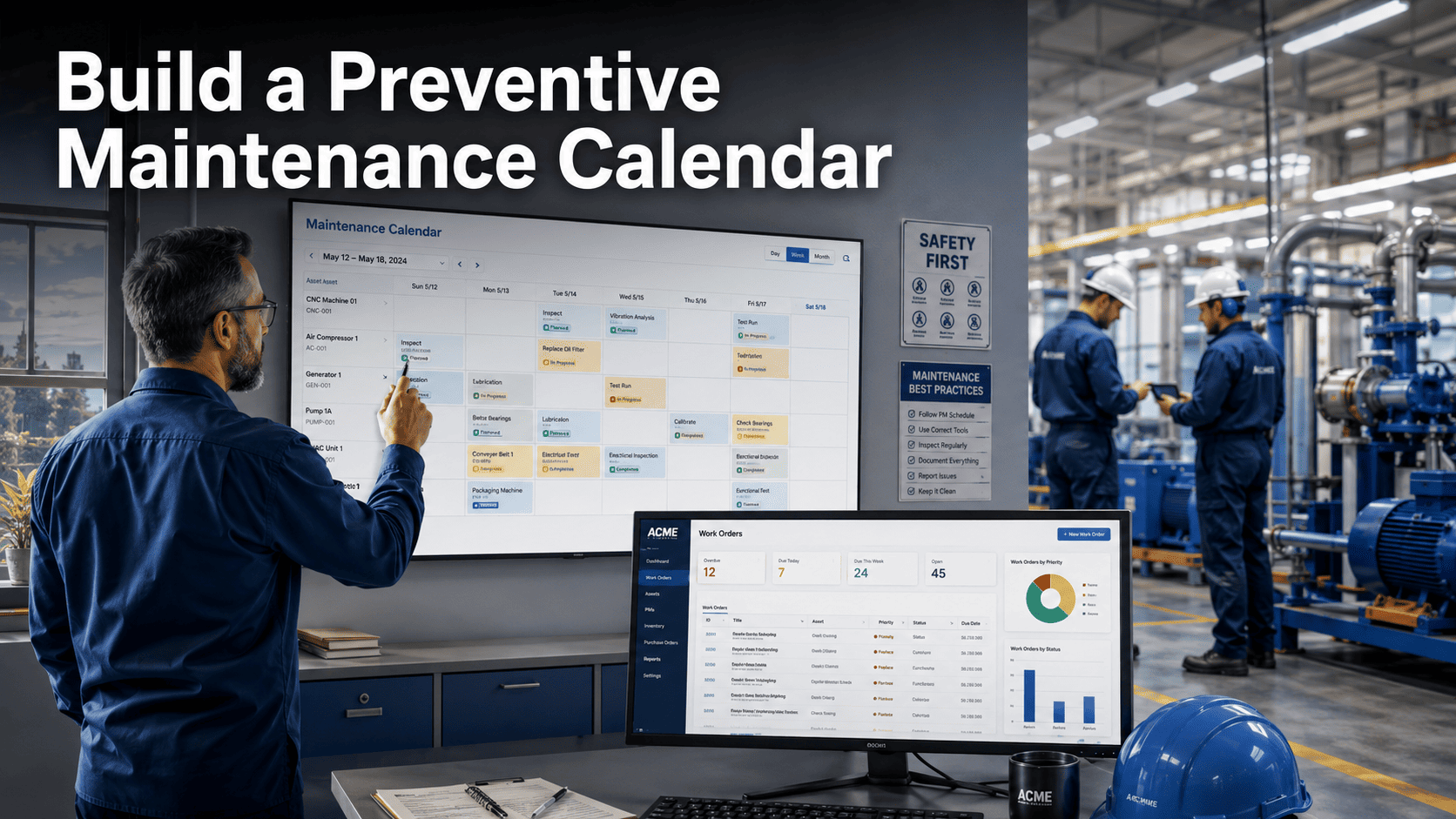
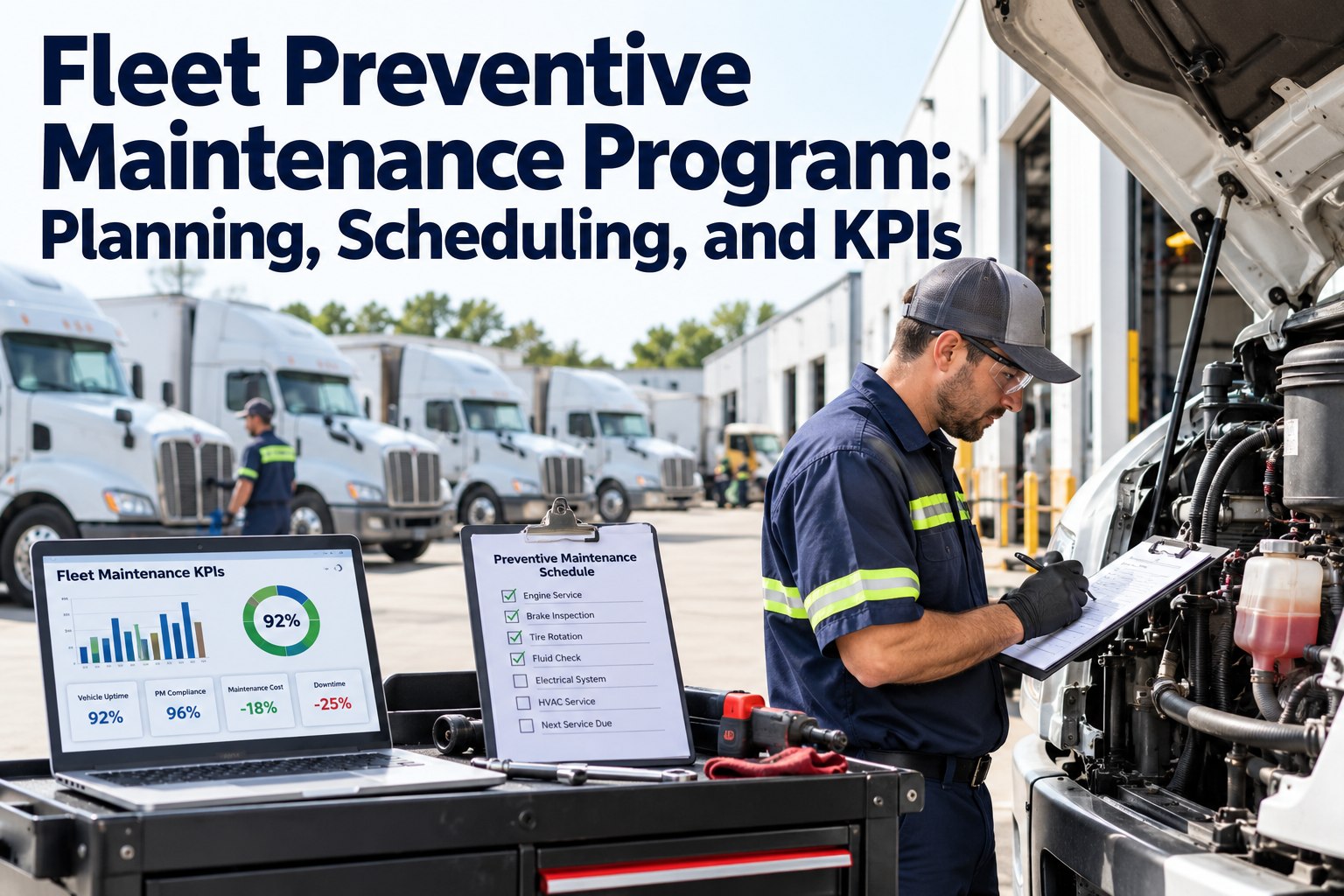
A preventive maintenance calendar is the operational backbone of any facility that wants to stop reacting to breakdowns and start controlling them — it maps every scheduled inspection, lubrication, filter change, and equipment service across your entire asset base into a structured, trackable timeline that runs maintenance before failures happen. Without one, even the best-intentioned PM programs collapse into ad hoc firefighting within months. This guide walks you through exactly how to build a preventive maintenance calendar that your team will actually follow — and shows how Oxmaint's AI-driven PM scheduling automates the hardest parts so the calendar runs itself.
Build your PM calendar in hours, not weeks — and let AI keep it optimized year-round.
AI-scheduled PMs based on actual asset runtime and sensor data
Auto-escalation for missed tasks — no backlog builds silently
62% average reduction in unplanned downtime across 1,000+ clients
Trusted by facility teams managing 10,000+ assets · Live in days, not months
A preventive maintenance calendar is a scheduled plan that assigns specific maintenance tasks to specific assets at defined intervals — daily, weekly, monthly, quarterly, or annually — before those assets fail. It transforms maintenance from a reactive activity (fix what breaks) into a proactive system (maintain what matters on a known schedule).
Effective PM calendars do more than list tasks. They assign responsible technicians, specify parts and tools required, define completion criteria, and integrate with work order management so every scheduled task becomes a trackable, verifiable event. Facilities with structured PM calendars report 25–35% lower maintenance costs and equipment lifespans extending 20–40% beyond reactive-only operations.
The gap between a PM calendar that works and one that doesn't comes down to three things: whether intervals are based on real data or guesswork, whether compliance is tracked digitally or on paper, and whether missed tasks trigger automatic escalation or disappear quietly. Start a free trial to see how Oxmaint builds and manages your PM calendar automatically, or book a demo and we'll map your asset base to a working schedule.
25–35%
Lower maintenance costs with structured PM
U.S. Dept of Energy, O&M Best Practices
40%
Longer asset lifespan vs reactive maintenance
Plant Engineering reliability benchmarks
62%
Less unplanned downtime with Oxmaint AI-CMMS
Documented across 1,000+ Oxmaint clients
3–5×
Cost of emergency repair vs planned maintenance
Mainstream maintenance industry consensus
Facilities without a structured PM calendar spend 30–50% of their maintenance budget on emergency repairs — work that a calendar running correctly would have prevented.
Section 02
8 Steps to Build a Preventive Maintenance Calendar
Follow these steps in order. Skipping ahead — especially starting with intervals before finishing the asset inventory — is the most common reason PM calendars fail within the first 90 days.
01
Build Your Complete Asset Inventory
List every maintainable asset: HVAC units, pumps, motors, electrical panels, fire systems, elevators, plumbing infrastructure. Include make, model, age, location, and current condition. You can't schedule PM for assets you haven't catalogued. Use QR asset tags so every piece of equipment has a scannable digital record from day one.
02
Score Assets by Criticality
Not all assets deserve the same PM frequency. Score each asset on three factors: consequence of failure (production loss, safety risk, compliance impact), likelihood of failure (age, condition, operating load), and cost to repair or replace. High-criticality assets get tighter intervals and more thorough inspection procedures.
03
Gather Manufacturer Recommendations
Pull OEM manuals for every critical asset and record recommended service intervals, lubrication specs, filter ratings, and inspection points. Manufacturer recommendations are your starting baseline — real-world operating conditions will adjust them, but you need the baseline before you can adjust intelligently.
04
Define Task Lists for Each Asset
For every asset, write specific task lists for each interval tier: what to inspect, what to measure, what to lubricate, what to replace, what readings to record. Vague tasks ("check motor") produce inconsistent work. Specific tasks ("measure motor bearing temperature with infrared thermometer, log reading, flag if above 85°C") produce verifiable outcomes.
05
Set PM Intervals Based on Data
Assign intervals: daily (safety checks, fluid levels), weekly (filters, belt tension, lubrication), monthly (motor condition, HVAC coils, electrical connections), quarterly (full system inspections, calibration), annually (major overhauls, compliance inspections). Cross-reference manufacturer specs with your asset criticality scores and any historical failure data you have.
06
Assign Technicians and Parts
Every PM task needs an owner and a parts list. Assign tasks to technicians with the right certification for the equipment. Pre-stage required parts so technicians never arrive at a PM to find the needed component is out of stock. Link your PM calendar to your parts and inventory system for automatic reservation.
07
Load Into a CMMS and Set Auto-Scheduling
Manual PM calendars in spreadsheets degrade within weeks. Load your PM schedule into a CMMS like Oxmaint where tasks auto-generate as work orders on the right date, notify the assigned technician, escalate if overdue, and log completion digitally. The calendar manages itself — you manage the exceptions.
08
Review and Optimize Quarterly
A PM calendar is a living document. Every quarter, review completion rates, check whether any assets had unexpected failures (a signal the interval is too long), and identify over-maintained equipment (assets always in perfect condition at PM time may need less frequent service). Use your analytics dashboard to make data-driven interval adjustments.
Section 03
Common PM Calendar Failure Points
These four problems kill more PM calendars than any other. Recognizing them early is the difference between a program that runs for years and one that quietly collapses within 90 days.
Calendar Lives in a Spreadsheet
Spreadsheet PM schedules can't auto-generate work orders, send technician notifications, track completions, or escalate overdue tasks. Within 60 days, the calendar is outdated and nobody is checking it.
Result: silent PM backlog — equipment runs without protection
Intervals Set Once, Never Reviewed
PM intervals set during initial setup don't automatically adjust as assets age, operating conditions change, or failure history accumulates. Static intervals mean your schedule gets less accurate every year.
Result: wrong PMs at wrong times — money spent, reliability not improved
No Compliance Verification
Without digital proof-of-work, PM completion is self-reported and unverifiable. Regulators, insurers, and auditors increasingly require documented evidence that scheduled maintenance actually occurred.
OSHA violations: $15,625–$156,259 per citation
Reactive Work Overrides the Calendar
Every time a breakdown pulls technicians off scheduled PM, the calendar slips. Without automatic rescheduling and backlog management, one emergency creates a cascade that takes weeks to recover from.
Average PM backlog recovery cost: $22,000 per incident
Every one of these failure points is solved in Oxmaint's automated PM calendar — start a free trial to see how it works on your assets, or book a demo and we'll walk through your specific facility setup.
Section 04
How Oxmaint Runs Your PM Calendar Automatically
Capability 01
Auto-Generated Work Orders
Every PM task in your calendar auto-generates a work order on the scheduled date — pre-populated with task list, required parts, assigned technician, and asset history. Zero manual planning per cycle.
Capability 02
AI-Optimized Intervals
Oxmaint's AI reads IoT sensor data and adjusts PM intervals dynamically. An asset running harder than normal gets scheduled sooner. One running light gets extended. Intervals stay accurate as conditions change.
Capability 03
QR Proof-of-Work
Technicians scan the asset QR code to open the work order on mobile, complete each checklist item digitally, log readings and photos, and mark complete. Creates a tamper-proof compliance record for every PM.
Capability 04
Auto-Escalation for Missed Tasks
Overdue PMs trigger automatic escalation to supervisors — no silent slippage. The system tracks every missed task, reschedules it, and maintains the backlog until it's cleared and verified.
Capability 05
Parts Auto-Reservation
When a PM work order is generated, the inventory system checks required parts, reserves them, and auto-triggers reorder if stock is low. Technicians always have what they need.
Capability 06
Live Compliance Dashboard
Real-time PM completion rates, upcoming tasks, overdue work orders, and technician performance — all visible from a single analytics dashboard. Know the health of your PM program at any moment.
Section 05
Manual Calendar vs CMMS-Managed PM: What Changes
Capability
Manual / Spreadsheet Calendar
Oxmaint AI-CMMS Calendar
Work Order Generation
Manual — planner creates each WO individually
Automatic — generates on scheduled date with full task detail
Technician Notification
Manual email or verbal — easy to miss
Auto push notification to assigned tech's mobile device
Interval Optimization
Static — set once, rarely reviewed
AI-adjusted based on sensor data and failure history
Completion Verification
Self-reported — unverifiable paper log
QR-verified digital proof with photos and readings
Missed Task Handling
Silently slips — no automatic follow-up
Auto-escalates to supervisor, reschedules, tracks backlog
Parts Coordination
Manual check — stockouts discovered at PM time
Auto-reserved when WO generates, auto-reorder if low
Teams that move PM scheduling from spreadsheets to an AI-CMMS see 90%+ PM completion rates within 60 days — versus the 60–70% typical of manual programs.
Section 06
Results: What a Working PM Calendar Delivers
62%
Less Unplanned Downtime
Oxmaint client average
90%+
PM Completion Rate
vs 60–70% manual programs
40%
Longer Asset Life
vs reactive-only maintenance
35%
Lower Maintenance Costs
U.S. DoE benchmark for structured PM
94%
AI Prediction Accuracy
Failure forecasts from sensor data
Days
Time to Go Live
No heavy IT project required
Ready to build a PM calendar that runs itself? Start a free trial and your first PM schedule can be live today, or calculate the ROI for your specific facility size and asset count.
Section 07
Frequently Asked Questions
How often should I update my preventive maintenance calendar?
At minimum, review your PM calendar quarterly — checking completion rates, identifying assets that failed between PMs (interval too long), and flagging assets consistently in perfect condition at PM time (interval possibly too short). Annual reviews should also incorporate updated manufacturer recommendations, new equipment additions, and changes to regulatory requirements. With an AI-CMMS like Oxmaint, interval optimization happens automatically based on sensor data and failure history, reducing the manual review burden significantly.
What is the best format for a preventive maintenance calendar — spreadsheet or CMMS?
Spreadsheets work as a starting point for very small operations (fewer than 20 assets, one technician) but break down quickly at scale. They can't auto-generate work orders, track real-time completion, escalate overdue tasks, or link to parts inventory. A CMMS becomes necessary as soon as you have multiple technicians, multiple sites, or regulatory compliance requirements. The transition from spreadsheet to CMMS typically takes 1–2 days with Oxmaint's guided setup, and most teams see immediate improvement in PM completion rates.
How do I determine the right PM intervals for new equipment?
Start with the manufacturer's recommended service intervals from the OEM manual — these are your baseline. Then adjust based on your specific operating conditions: high-duty-cycle equipment running 24/7 may need 30–50% shorter intervals; equipment in clean, temperature-controlled environments may safely run longer. If you have failure history from similar equipment, use it. With Oxmaint's predictive maintenance engine reading IoT sensor data, intervals adjust dynamically as you accumulate real operating data on the new equipment.
How do I get technicians to actually follow the PM calendar?
Technician adoption comes down to three things: making the calendar easy to access (mobile work orders beat paper every time), making completion verifiable (QR scan proof-of-work vs honor system), and making performance visible (dashboard showing individual completion rates). Resistance drops sharply when technicians see that AI-scheduled PMs get them ahead of problems rather than always reacting to them. The teams with highest PM compliance in Oxmaint are ones where technicians scan QR codes on mobile — the friction is gone and the accountability is built in.
Build It Once. Let AI Run It.
Your Preventive Maintenance Calendar Shouldn't Need a Full-Time Planner
Oxmaint builds your PM calendar from your asset list, auto-schedules work orders, notifies technicians on mobile, tracks completion digitally, and adjusts intervals based on real sensor data — so your calendar stays accurate and your team stays ahead of failures.
62% average reduction in unplanned downtime — documented across 1,000+ clients
90%+ PM completion rates with auto-escalation for missed tasks
Live in days — no heavy onboarding or IT project
Trusted by maintenance teams across manufacturing, facilities, healthcare, food processing, and fleet · 9+ industries