School districts across the United States manage an average of 423,000 square feet of facility space per district — spread across aging buildings, portable classrooms, athletic facilities, and administrative offices. Yet 72% of K-12 maintenance teams still rely on paper work orders, phone calls, and spreadsheets to coordinate repairs across these complex portfolios. The result is predictable: deferred maintenance backlogs exceeding $85 billion nationally, emergency repairs consuming budgets meant for planned improvements, and facility directors unable to demonstrate where money went or what comes next. Implementing a CMMS is not a technology project — it is an operational transformation that produces measurable results within weeks, not years. School districts that have deployed OxMaint's CMMS platform report 40% faster work order completion, 90% PM compliance rates within 90 days, and the ability to produce audit-ready maintenance documentation on demand. Want to see how this works for your district? Get a free trial for 30 days and book a demo to see it mapped to your schools.
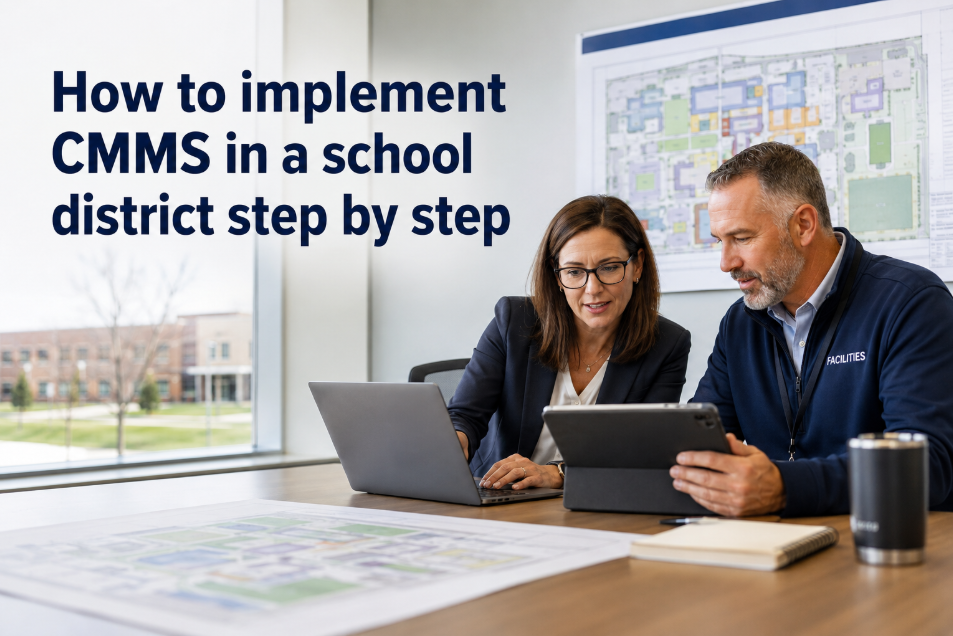
How to Implement CMMS in a School District Step by Step
A practical roadmap for directors of facilities adopting CMMS across multiple school buildings — covering asset import, team onboarding, PM setup, and how to generate measurable value in your first week.
What Does CMMS Implementation Mean for a School District?
CMMS implementation for a school district means replacing scattered paper work orders, maintenance request emails, and spreadsheet tracking with a single digital platform that manages every maintenance activity across every building in the district. Unlike commercial real estate deployments, school district implementations must account for seasonal operations (summer deep-maintenance windows), union labor considerations, and the reality that maintenance staff often serve multiple buildings simultaneously. A properly implemented CMMS gives your facilities team a unified view of every asset, every open work order, every scheduled PM task, and every dollar spent — across all schools, from a single dashboard. Districts using OxMaint complete this implementation in phases specifically designed for education environments, producing the first automated PM work orders within 7 days and full district-wide adoption within 90 days. Curious how this maps to your district? Start with a free trial or book a demo to see your buildings in the system.
Pre-Implementation Readiness: 6 Things to Prepare
Before you configure a single screen, these six preparation steps determine whether your implementation succeeds in weeks or stalls for months. Districts that complete this checklist before Day 1 reach full adoption 3x faster.
List every building, portable, athletic facility, and administrative site. Include square footage and age. This becomes your site hierarchy in the CMMS. Most districts have 12-45 separate sites.
HVAC units, boilers, roofing systems, fire alarms, elevators, kitchen equipment. You do not need serial numbers yet — just categories. OxMaint imports asset lists from any spreadsheet format.
Document who handles what: in-house custodians, district maintenance crew, contracted HVAC techs, roofing vendors. Each role gets specific CMMS permissions. Average district has 8-25 maintenance personnel.
Collect whatever PM schedules exist — even if they are on paper calendars or in someone's memory. Filter changes, belt inspections, roof checks. These become your first automated PM templates.
How do teachers and principals currently report maintenance issues? Phone, email, paper forms? Document the current flow so you can map it to the digital request portal — typically reducing request-to-assignment time by 80%.
Pick 3-4 KPIs you will track: PM compliance rate, average work order completion time, emergency repair percentage, budget variance. These benchmarks prove ROI to your superintendent and school board within 90 days.
The 4-Phase CMMS Implementation Roadmap for School Districts
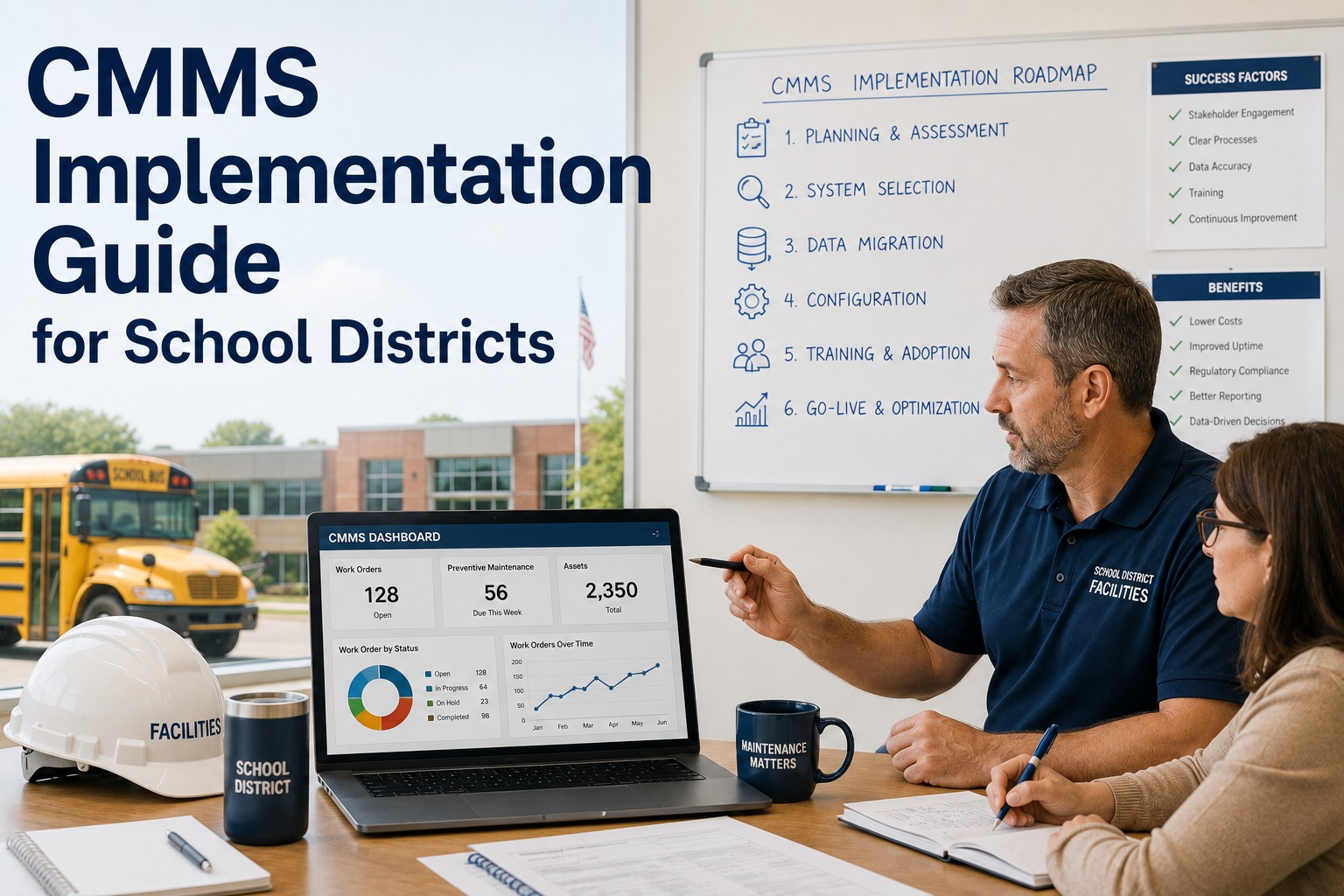
This roadmap is drawn from real school district implementations and produces measurable wins within the first week. Each phase builds on the previous one — you do not need to complete all four before seeing value.
Import your building list into OxMaint as a site hierarchy: District > School > Building > System. Add your top 20 critical assets per building (HVAC, boilers, fire systems). Configure 5-10 PM templates from your existing schedules. Generate your first automated PM work orders.
Replace paper work requests with OxMaint's digital request portal. Train maintenance staff on mobile app — most complete their first work order within one shift. Set up approval workflows for repairs over your threshold (typically $500-$1,000). Begin tracking labor hours per work order.
Expand asset coverage to all buildings. Add condition scores for major systems (roofing, HVAC, plumbing, electrical). Activate cost-per-asset reporting. Generate your first district-wide maintenance report for leadership. Begin building your deferred maintenance backlog list with cost estimates.
Activate CapEx forecasting models for 5-10 year capital planning. Use maintenance data to support bond referendum proposals. Implement compliance documentation for fire safety, ADA, and health inspections. Enable portfolio-level reporting for superintendent and board presentations.
Districts that follow this phased approach see 90%+ PM compliance within 90 days and produce their first board-ready facilities report within 60 days. Ready to start Phase 1 this week? Launch your implementation with a free trial or book a demo to see the roadmap mapped to your district.
Before vs After CMMS: What Changes in a School District
The difference between paper-based and digital maintenance becomes concrete when you trace daily operations across a typical school district. Here is what changes at every level.
| Operation | Before CMMS | After OxMaint |
|---|---|---|
| Work Request Submission | Phone call or paper form — 24-48 hour delay to assignment | Digital portal — auto-assigned within minutes |
| PM Scheduling | Paper calendar, often forgotten during busy periods | Automated reminders, escalation if overdue |
| Asset History | Scattered across filing cabinets, personal notebooks | Complete digital record per asset, searchable |
| Budget Reporting | Manual compilation, 2-3 weeks to produce | Real-time cost-per-building dashboard |
| Compliance Documentation | Assembled manually before each inspection | Auto-generated, timestamped, audit-ready |
| Board Presentations | Anecdotal evidence, no data backing | Data-driven reports with condition scores and trends |
Common Implementation Pitfalls and How to Avoid Them
68% of CMMS implementations in education fail not because of the software — but because of how they are rolled out. These are the four most common mistakes and how OxMaint's approach prevents each one.
Districts that attempt to catalog every asset, every serial number, and every maintenance history record before going live never go live. Start with your top 20 critical assets per building. The system builds history progressively as work orders are completed. A partial asset list is enough to generate value in week one.
If building principals and custodians do not know how to submit digital work requests, they will keep calling the maintenance office. Budget 30 minutes per school for a simple portal walkthrough. OxMaint's request portal requires zero technical training — it works like submitting a form online.
Implementation stalls when the superintendent or CFO is not visibly supporting the transition. Frame CMMS as a financial accountability tool (which it is), not a maintenance department software purchase. The first board-ready report — typically available within 60 days — locks in executive support permanently.
Summer break is the ideal implementation window — buildings are empty, maintenance crews have bandwidth, and you can complete asset walkthroughs without disrupting classes. Districts that start CMMS implementation in June are fully operational by September's first day of school.
Why OxMaint Is Built for Multi-Site School Districts
Most CMMS platforms were designed for single-facility industrial plants. School districts need a platform that handles 15-60 buildings, shared maintenance crews, seasonal operations, and board-level reporting — without enterprise-level pricing or implementation fees.
See every building, every open work order, and every overdue PM across your entire district. OxMaint's asset hierarchy mirrors how school districts operate: District > School > Building > System > Asset.
No laptops needed in the field. Maintenance staff receive assignments, log labor time, attach photos, and close work orders from their mobile device. 90% crew adoption within 30 days — no formal training required.
Configure PM schedules once — OxMaint generates work orders automatically at the right intervals. Overdue tasks escalate to supervisors. Districts report PM compliance jumping from 45% to 92% within the first quarter.
Rolling 5-10 year CapEx models built from actual asset condition data and maintenance cost history. Generate the documentation that wins bond referendums and capital budget approvals.
Fire safety inspections, ADA compliance checks, health department records, elevator certifications — all timestamped, digitally signed, and exportable on demand. Audit prep drops from weeks to minutes.
OxMaint requires no expensive consultants, no multi-month implementation projects, and no long-term contracts. Most school districts generate their first automated PM work orders within 48 hours of starting setup.
Frequently Asked Questions
How long does it take to fully implement CMMS across a school district?
Most school districts complete Phase 1 (site hierarchy, critical assets, first PM templates) within 7 days. Full district-wide adoption — including all buildings, work request portal for staff, and automated reporting — typically reaches operational maturity within 90 days. Districts that use the summer break window often launch fully operational on the first day of school.
What if our maintenance staff is not tech-savvy?
OxMaint's mobile app is designed for field workers, not IT professionals. The interface is simpler than most smartphone apps your team already uses. In school district deployments, 90% of maintenance staff complete their first digital work order within their first shift — with no formal training session required. The app eliminates paperwork, which most technicians consider a welcome change.
Can teachers and principals submit maintenance requests through the system?
Yes. OxMaint includes a web-based request portal that anyone in the district can access — no app download required. Teachers, principals, and office staff submit requests through a simple online form. Requests are automatically routed to the maintenance team, prioritized, and tracked through completion. This replaces phone calls, sticky notes, and email chains entirely.
How does OxMaint help with school board presentations and bond referendums?
OxMaint generates portfolio-level facility reports that include asset condition scores, maintenance cost trends, deferred maintenance backlogs with dollar values, and rolling CapEx forecasts. These reports transform board presentations from anecdotal requests into data-backed capital proposals. Districts that use CMMS data in bond referendum campaigns report significantly higher approval rates because voters see exactly where money is needed and why.
Your District Deserves Better Than Paper Work Orders
OxMaint is built for school districts moving from spreadsheets and phone calls to digital maintenance management. Guided onboarding, a mobile-first interface your crew will actually use, and the first automated PM work orders generated within 48 hours. See how it maps to your buildings in a 30-minute walkthrough.