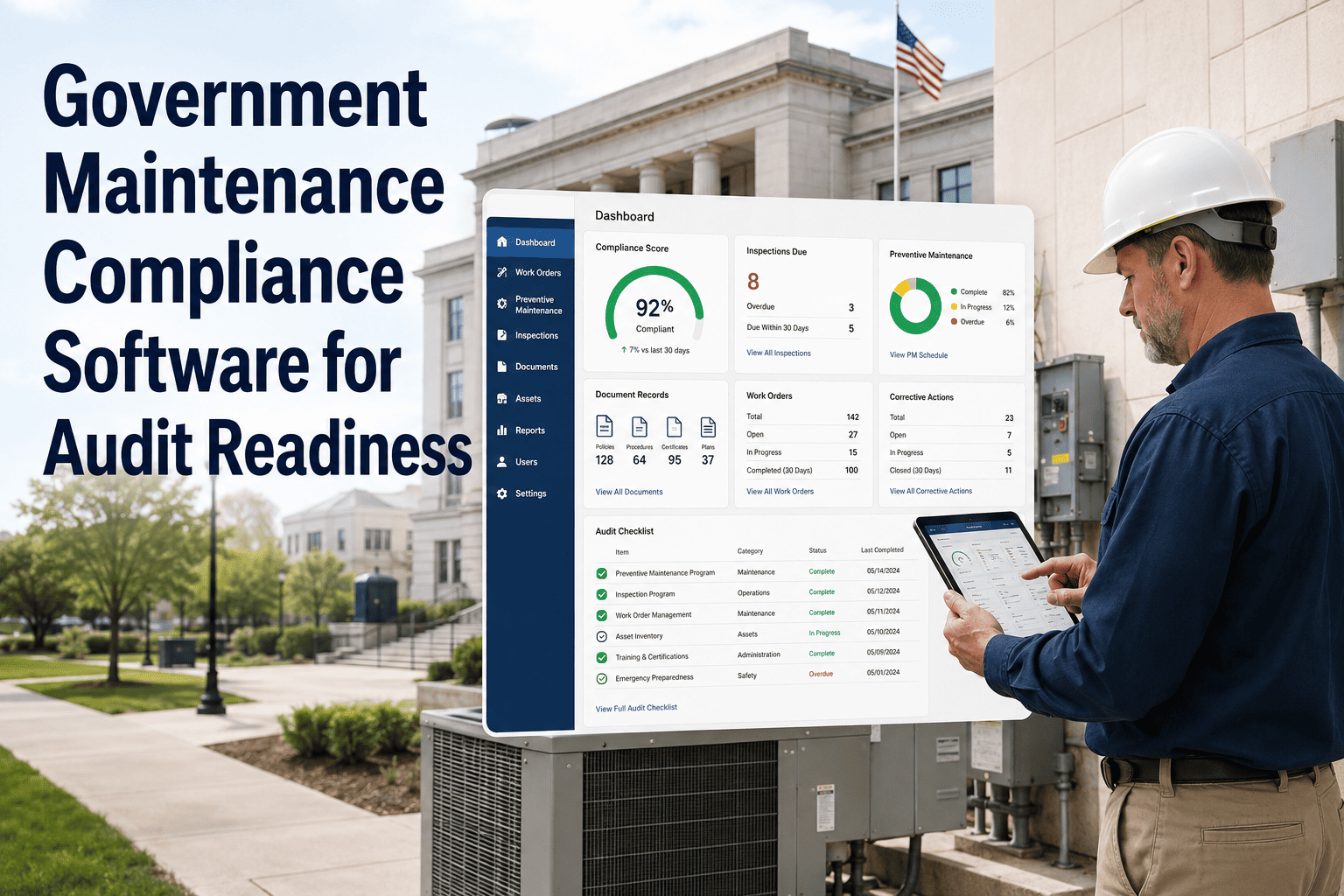
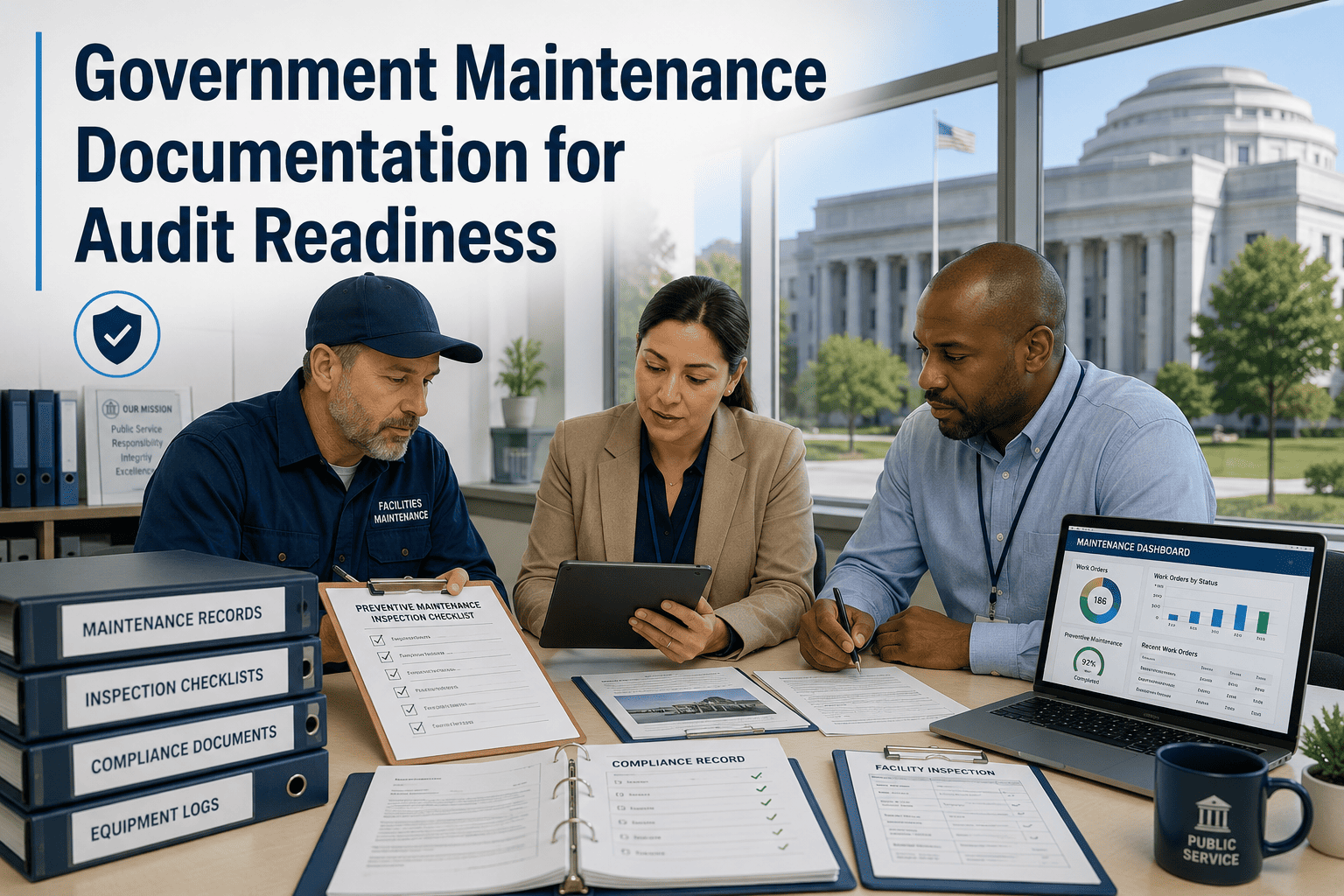
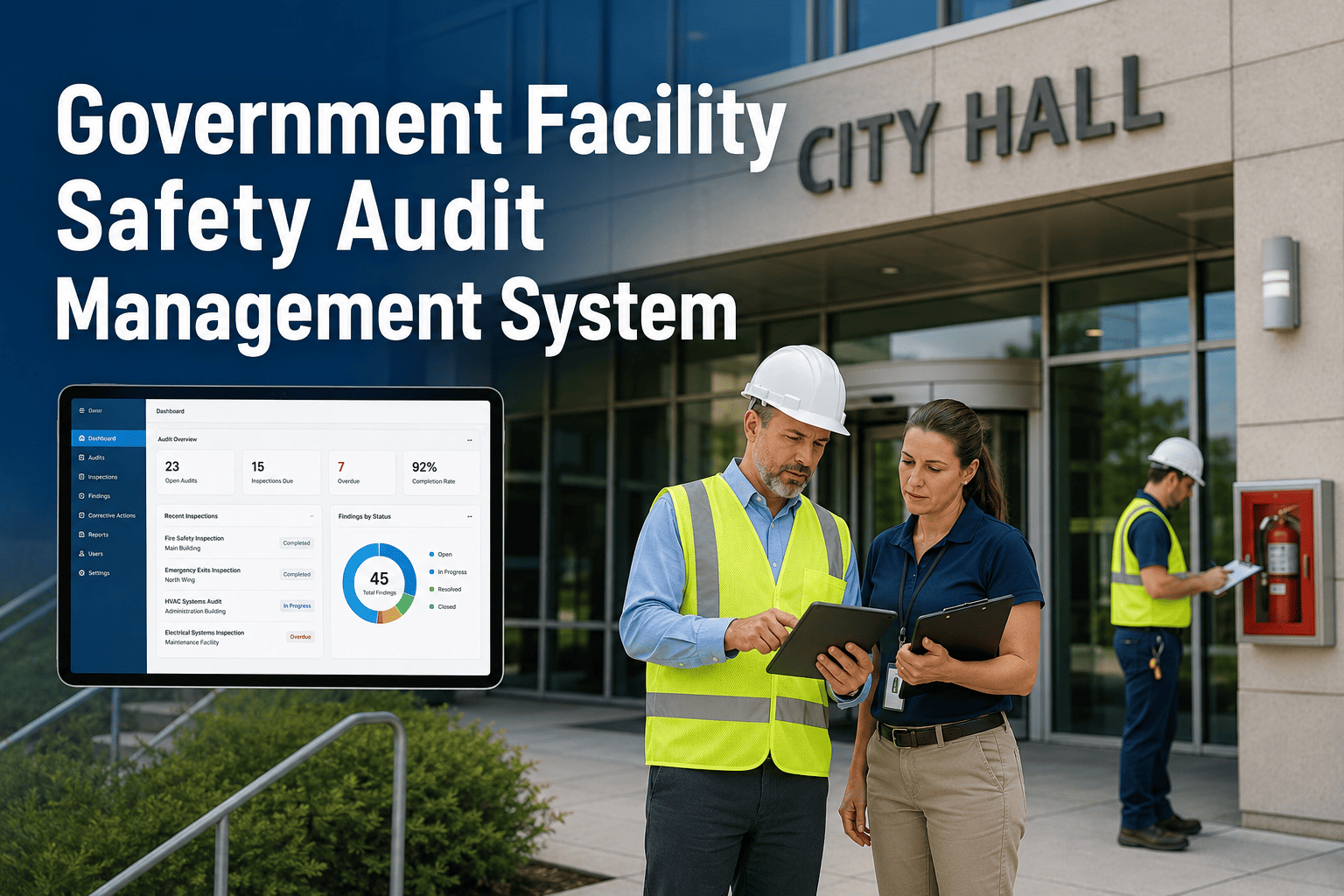
When the EPA fined a mid-sized municipality $120,000 for failing to report a series of minor wastewater discharge exceedances, it wasn't because the city lacked the data—it was because the data was trapped in a spreadsheet on a retired superintendent's laptop. Regulatory agencies like the EPA, OSHA, FHWA, and NERC don't accept "we didn't know" as a valid defense. In an era of increasing scrutiny, relying on manual data entry and fragmented record-keeping is a direct path to non-compliance. Automated compliance reporting transforms the burden of regulatory documentation from a monthly panic into a continuous, audit-ready workflow. Start free trial today.
Municipal agencies operate under a complex web of federal and state regulations. From drinking water quality standards to roadway safety inspections, the volume of required documentation is staggering. Manual reporting processes are prone to human error, missed deadlines, and data gaps that can lead to significant fines, legal liability, and loss of public trust. Automated documentation ensures that every required inspection, maintenance task, and test result is captured, timestamped, and formatted for regulatory submission without manual intervention.
40%
Reduction in administrative time spent on report generation
$150K
Average saved annually in avoided fines and audit preparation costs
100%
Accuracy in regulatory filings with automated data capture
24/7
Audit readiness with real-time digital record access
Different government sectors face unique reporting requirements. A unified compliance platform must be versatile enough to handle the specific data needs of water utilities, public works, transportation, and energy sectors.
Automated Reporting Across Agencies
EPA (Water & Wastewater)
Focus:NPDES, SDWA, DMRs
Automate:Lab results, flow data, spill reports
Benefit:Zero missed discharge reports
OSHA (Workforce Safety)
Focus:Incident Logs (300/300A)
Automate:Training records, inspection logs
Benefit:Instant audit trail for safety
FHWA (Transportation)
Focus:Asset Condition (GASB 34)
Automate:Bridge/road inspection cycles
Benefit:Defensible infrastructure funding
NERC (Energy Utilities)
Focus:CIP, Reliability Standards
Automate:Maintenance testing proof
Benefit:Grid reliability compliance
The transition to automated compliance documentation replaces vulnerable paper trails with secure, cloud-based data streams. This shift not only ensures accuracy but also frees up staff to focus on core operations rather than paperwork.
| Method | Data Integrity | Reporting Speed | Audit Risk | Staff Burden |
| Paper Logs / Binders |
Low |
Weeks |
High |
High |
| Spreadsheets / Shared Drives |
Medium |
Days |
Moderate |
Medium |
| Automated CMMS Integration |
High |
Instant |
Low |
Low |
Strategies for Automating Compliance
1
Trigger-Based Reporting
Configure the CMMS to automatically generate compliance reports when specific maintenance tasks (e.g., generator load tests, chlorine residual checks) are completed.
Result: Reports are always up-to-date
2
Mobile Data Capture
Equip field crews with mobile devices to input inspection data directly at the source. GPS timestamps and mandatory fields ensure data validity and prevent "pencil whipping."
Result: Verifiable, real-time data
3
Digital Asset History
Maintain a complete digital lifecycle record for every regulated asset. One click reveals installation date, all maintenance performed, parts replaced, and inspection results.
Result: Instant audit traceability
4
Exception Alerting
Set up automated notifications for missed inspections, out-of-range readings, or approaching deadlines to catch non-compliance issues before they become violations.
Result: Proactive compliance management
Automate Your Government Compliance Reporting
Oxmaint CMMS simplifies regulatory tracking with automated workflows, digital inspection forms, and one-click report generation tailored for municipal agencies.
Join agencies nationwide simplifying their compliance burden
In a regulatory audit, if it isn't documented, it didn't happen. Automated documentation provides a defensible data trail that manual methods cannot match. By linking every data point to a specific user, time, and location, municipalities can prove due diligence and operational integrity.
Advantages of Digital Audit Trails
✓
Immutable Records
Digital logs cannot be lost, altered, or destroyed, ensuring data integrity for years
✓
Photo Evidence
Attach photos of completed work or inspection conditions directly to the compliance record
✓
User Accountability
Electronic signatures and user logins verify exactly who performed the work and when
✓
Standardized Formatting
Reports are automatically formatted to meet specific agency requirements (e.g., OSHA 300)
Moving from manual to automated reporting requires a structured approach to ensure all regulatory requirements are met and staff are comfortable with the new tools.
Compliance Automation Implementation Plan
Phase 1
Audit & Configuration
→ Identify all mandatory reports and their submission schedules
→ Configure digital inspection forms to match regulatory requirements
→ Import historical asset data and set up preventive maintenance schedules
Milestone: System configured for regulatory needs
→ Roll out mobile app to a pilot group of field technicians
→ Train staff on data entry standards and mobile reporting
→ Validate automated reports against manual versions for accuracy
Milestone: Validated data capture workflow
Phase 3
Full Deployment & Optimization
→ Expand to all departments and regulatory domains
→ Set up automated email distribution for compliance reports
→ Establish dashboard reviews to monitor compliance KPIs
Milestone: Fully automated compliance ecosystem
Tracking the right metrics allows agencies to demonstrate the effectiveness of their compliance programs and identify areas for improvement before an external audit occurs.
Adherence
PM Compliance Rate
Target: >95%
Ensures critical regulatory maintenance is completed on time
Documentation
Data Completeness
Target: 100%
Verifies that all required fields in inspection forms are filled out
Timeliness
Report Generation Time
Target: < 5 Mins
Measures the efficiency gain of automation vs. manual compilation
Readiness
Open Corrective Actions
Target: 0 Critical
Tracks the swift resolution of non-compliance issues identified in inspections
Agencies utilizing automated compliance documentation are seeing transformative results in their operational efficiency and risk profile:
98%
Reduction in Missing Data
Through mandatory field mobile entry
200+
Hours Saved Annually
In administrative reporting time
Zero
Violations
In subsequent regulatory audits
100%
Traceability
Of asset maintenance history
Experience Stress-Free Compliance
See how Oxmaint's automated documentation features can transform your agency's reporting process. Book a demo today to see the platform in action.
Trusted by government agencies for reliable reporting
The era of paper-based compliance is ending. As regulations become stricter and data demands increase, manual processes are no longer sustainable or safe. Automated documentation offers a clear path forward: one where compliance is a natural byproduct of daily operations, not a separate, burdensome task. By adopting digital tools, municipal agencies can protect their budgets, their reputations, and, most importantly, the public they serve.
Don't wait for a violation to modernize your reporting. The technology to automate your compliance documentation is available now. Take the first step towards a more secure, efficient, and compliant future by scheduling a consultation with our government compliance experts.
Can the system handle reports for multiple different agencies (e.g., EPA and OSHA)?
Yes, a robust CMMS like Oxmaint is designed to be flexible. You can create custom inspection forms and report templates tailored to the specific requirements of any regulatory body, managing all your compliance needs in one central platform.
Is my data secure in the cloud?
Absolutely. Government-grade CMMS providers prioritize security, utilizing encryption, secure data centers, and rigorous access controls to ensure your sensitive compliance data is protected against unauthorized access and loss.
How does automation help with employee turnover?
Institutional knowledge often leaves when employees retire. Automated systems capture this knowledge in digital workflows, standard operating procedures, and asset histories. New hires can step in and follow established digital protocols, ensuring compliance continuity regardless of staff changes.
Do I need internet access for field reporting?
Modern mobile CMMS apps offer offline functionality. Crews can complete inspections and log data in remote areas without signal. The app automatically syncs the data to the cloud once connectivity is restored, ensuring no data is lost.
Can I export reports to Excel or PDF?
Yes, reporting flexibility is key. You can easily export your compliance data and reports into common formats like PDF and Excel for easy sharing with regulators, stakeholders, or for further analysis.