A hotel engineering team's output is dictated by what its technicians can actually execute on the room floor — not by the work orders sitting in a back-office queue. The modern hotel mobile technician workflow replaces clipboard rounds and radio calls with QR-tagged assets, in-hand work orders, and instant photo capture, compressing average fix-to-close cycles from hours to minutes. This guide breaks down how to deploy a QR asset CMMS that lifts direct wrench time from 35% to 55%+ without adding engineering headcount. You can explore the full mobile execution suite when you Start Free Trial or jump to the deployment playbook below.
Can your technician close a guest-room work order in under 4 minutes from the floor?
Most hotel engineering teams lose 20+ minutes per ticket walking back to the office for assignment, asset history, and parts lookup. A QR-driven mobile CMMS collapses that loop — scan, diagnose, document, close — without leaving the room. The result is a 55%+ wrench-time benchmark without adding a single headcount.
The QR Asset Tagging Standard That Makes Mobile Workflow Possible
A 250-key full-service property carries roughly 1,800–2,400 maintainable assets across guest rooms, corridors, BOH, and grounds. Without a strict tagging convention, the mobile app is just a digital clipboard — technicians still guess which AHU is which.
Location-First Convention
Use a hierarchical code: BLDG-FLOOR-ROOM-ASSET-SERIAL. Example: TWR1-07-0712-AHU-03. A technician scanning the QR instantly knows the asset sits in Tower 1, 7th floor, room 712, and it's the third air handler in that room. No ambiguity, no cross-referencing.
Tamper-Resistant Placement
Apply anodized aluminum QR plates (not paper labels) riveted or etched onto the asset frame. Paper labels degrade within 90 days in humid BOH environments — aluminum lasts 7+ years and survives nightly chemical wipe-downs. Plate cost: ~$0.45 per asset. Total for a 2,000-asset property: under $1,000.
CMMS Record Binding
Each QR resolves to a unique asset ID in the CMMS database — never a generic URL. The scan must pull up model number, install date, warranty status, last 5 work orders, PM schedule, OEM manual link, and criticality tier. If the scan only opens a form, the workflow is broken at the foundation.
Criticality Tier Tagging
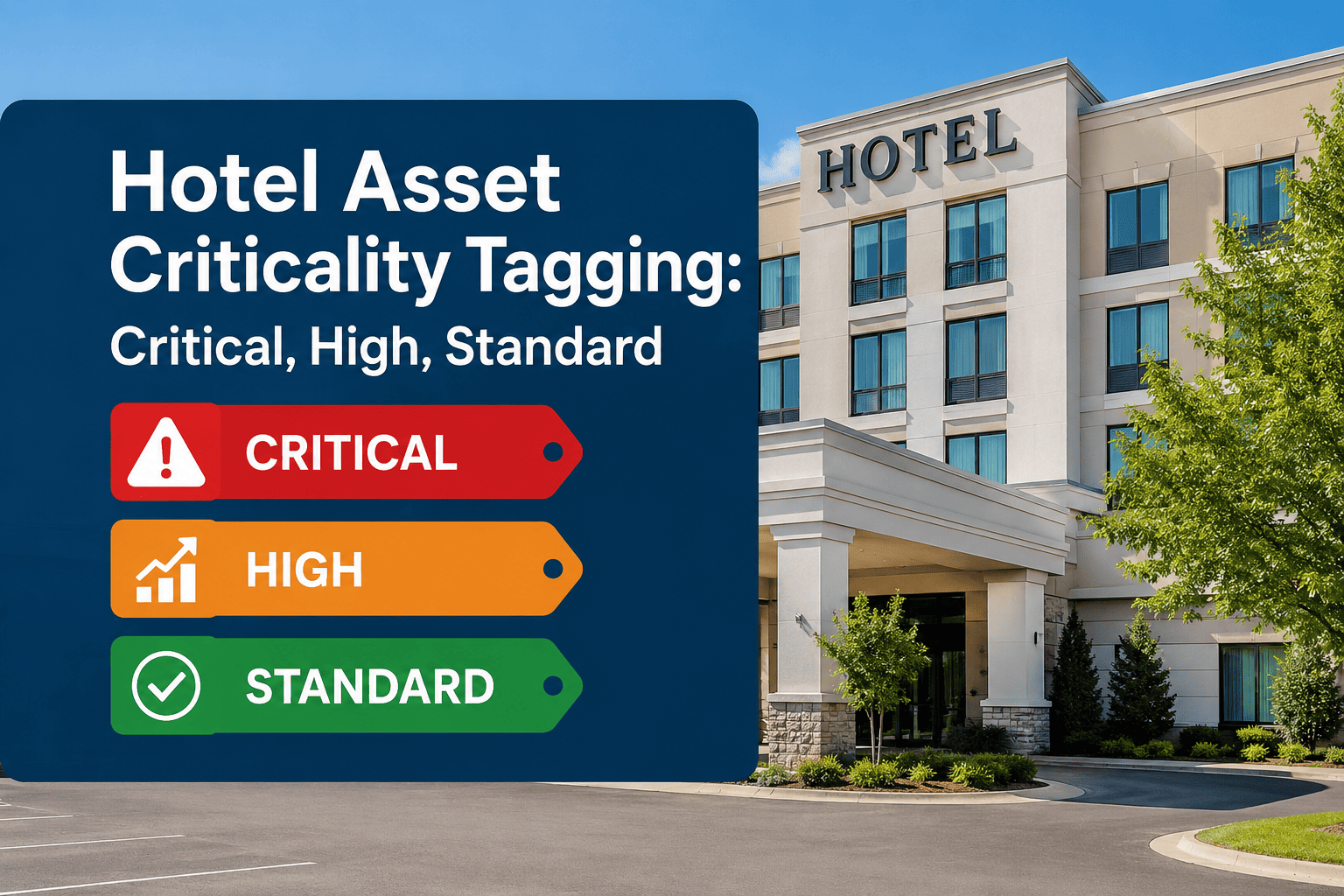
Color-code the CMMS record by criticality: Tier 1 (life-safety, guest-facing HVAC, elevators), Tier 2 (BOH plumbing, laundry), Tier 3 (cosmetic, signage). This drives prioritization in the mobile work queue — a Tier 1 fault in room 712 jumps ahead of 14 Tier 3 cosmetic tickets automatically.
The 5-Step Mobile Technician Execution Loop
A properly configured CMMS mobile app turns every work order into a closed loop that takes place entirely on the floor — no desk visits, no radio calls, no duplicate data entry. Here's the workflow that drives the 55% wrench-time benchmark.
QR Scan Pulls Full Asset Context
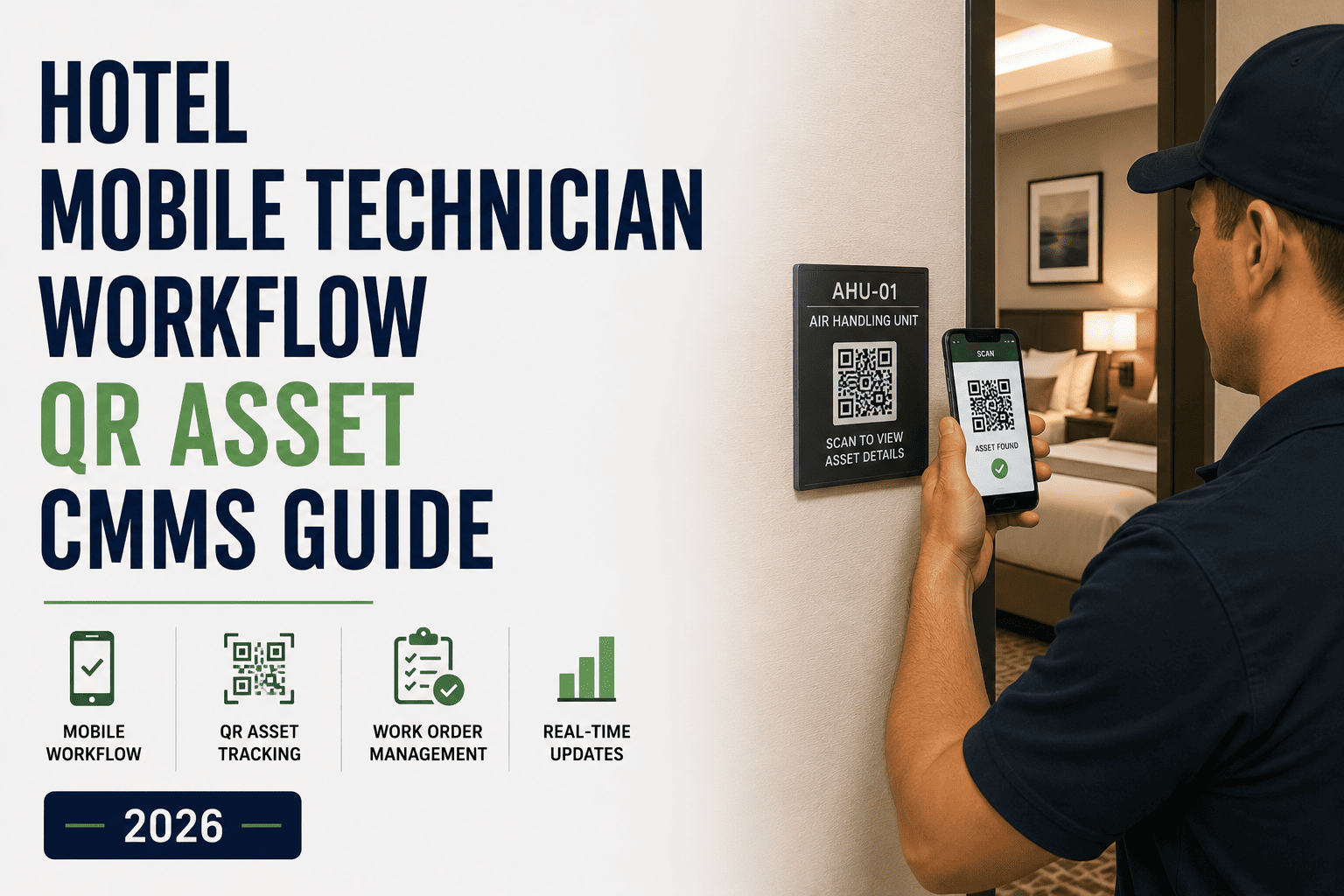
Technician arrives at room 712, scans the QR on the AHU with the phone camera. The CMMS loads model, serial, install date, last 5 repairs, PM due status, and OEM specs in under 2 seconds. No clipboard, no guessing which unit failed.
Capture Photo + Symptom Notes In-App
Technician snaps 1–3 photos of the failed component, selects from a standardized symptom dropdown (e.g., "no cooling," "abnormal noise," "leak"), and types a 1-line note. This replaces the 5-minute handwritten log and gives the chief engineer a visual audit trail.
Check Parts Inventory + Pull from Stock
The app shows on-hand quantity of the likely replacement part (filter, capacitor, valve) in the nearest BOH storeroom. Technician pulls the part, scans its barcode to decrement inventory, and logs it against the work order — all from the phone. Zero stockouts, zero phantom inventory.
Close WO with Labor Time + Resolution Code
Technician logs actual labor minutes (auto-timed from scan to close), selects a resolution code from a standardized list, and attaches before/after photos. The work order closes in the system before the technician leaves the room — no end-of-shift paperwork backlog.
Auto-Route Unresolved Issues to Chief Engineer
If the fix requires a part not in stock, a vendor dispatch, or a second trade, the technician flags it in-app with one tap. The CMMS auto-routes to the chief engineer's queue with full context — photos, diagnosis, parts needed — eliminating the 15-minute radio back-and-forth.
180-Room Boutique Hotel: 90-Day Mobile CMMS Rollout
Consider a 180-room boutique property running 1,100 maintainable assets on paper logs and a shared Excel tracker. The chief engineer managed 6 technicians handling ~320 work orders per month. Pre-deployment wrench time averaged 34% — the rest was walking, looking up info, and paperwork.
"The biggest unlock wasn't the app — it was the QR tags. Once a tech could scan a unit and instantly see its full history, we stopped re-diagnosing the same recurring faults. Our repeat-call rate on HVAC dropped 40% in the first 60 days."
— Director of Engineering, 180-room boutique hotel portfolio
7 Non-Negotiable Features for a Hotel CMMS Mobile App
If the mobile app you're evaluating is missing any of these, the workflow above breaks. Use this as a procurement checklist when comparing CMMS platforms.
Offline-First Sync
The app must cache work orders, asset records, and parts lists locally — and auto-sync when signal returns. Hotels have dead zones in basements, mechanical rooms, and elevators. An app that blanks out offline is useless on 30% of the floor.
Native Camera QR + Barcode
No third-party scanner apps. The CMMS must use the phone's native camera for both QR asset scans and barcode parts scans. Sub-2-second scan-to-record-load is the standard.
Photo Capture With Annotations
Technicians must be able to snap, crop, and annotate photos (circle the leak, arrow the corroded contact) directly in the work order. No separate camera roll, no email-to-CMMS workaround.
Drag-and-Priority Work Queue
The home screen should show a prioritized work queue — not a blank dashboard. Tier 1 faults auto-bump to the top; technicians can reorder within their assigned zone. Chief engineer sees real-time queue status across all techs.
Standardized Resolution Codes
Free-text resolution fields create un-analyzable data. The app must force selection from a code library (e.g., "RPL-CAP," "CLN-FILT," "ADJ-BELT"). This is what enables the chief engineer to spot recurring failures by asset and by code.
Auto-Timed Labor Logging
The app should auto-capture time-on-task from QR scan to WO close — not rely on technicians estimating minutes at end of shift. Auto-timed data is 30% more accurate and requires zero manual entry.
Guest-Facing Status Visibility
Front desk should see real-time WO status (assigned, in-progress, closed) for any guest-reported issue — without calling engineering. This closes the communication loop that causes 70% of guest complaint escalations.
Before vs. After: What Mobile Workflow Actually Changes
The shift from paper-and-radio to QR-driven mobile CMMS isn't incremental — it restructures where technicians spend every hour of the shift. Here's the side-by-side on a per-technician, per-shift basis.
| Metric | Paper + Radio (Before) | Mobile QR CMMS (After) | Delta |
|---|---|---|---|
| WO assignment time | 8–12 min (walk to office, read board) | 0 min (auto-pushed to phone) | −100% |
| Asset history lookup | 5–7 min (flip through binders) | 2 sec (QR scan) | −99% |
| Parts availability check | 10 min (walk to storeroom, eyeball shelf) | 5 sec (in-app lookup) | −99% |
| Photo documentation | 0 photos (not captured) | 2–3 photos per WO (in-app) | +100% |
| WO close + paperwork | 15 min end-of-shift (handwritten log) | 30 sec (close in-app on floor) | −97% |
| Direct wrench time | 34% of shift | 55–58% of shift | +71% |
| Repeat calls (same asset, 30 days) | 22% of WOs | 9% of WOs | −59% |
Ready to put the work order in your technician's hand — not on a clipboard?
Deploy a QR-tagged mobile CMMS in under 14 days and see wrench-time gains within the first PM cycle.
Hotel Mobile Technician Workflow: Common Questions
Engineering directors and chief engineers ask these five questions most often when evaluating a QR-driven mobile CMMS for hotel operations.
How long does it take to QR-tag every asset in a 200-room hotel?
A 200-room property typically carries 1,500–2,000 maintainable assets. A two-person team can tag and bind QR codes to CMMS records at a rate of ~80 assets per day, completing the full inventory in 4–5 working days. The QR plates themselves cost under $1,000 for the entire property, and the CMMS record binding can be batch-imported from an existing asset spreadsheet.
What happens when a technician loses Wi-Fi signal in a basement or mechanical room?
A properly built mobile CMMS caches the technician's assigned work orders, asset records, and parts lists locally on the phone. The technician can scan QRs, capture photos, log labor time, and close WOs entirely offline. When signal returns — even briefly — the app auto-syncs all closed WOs and photo attachments to the cloud. You can test this behavior when you Start Free Trial by walking into a known dead zone.
How does mobile CMMS integrate with our existing PMS and guest complaint system?
Most modern CMMS platforms offer a REST API or pre-built connectors to major hotel PMS platforms (Opera, Mews, Cloudbeds). When front desk logs a guest complaint, it auto-creates a work order in the CMMS, assigns it to the on-shift technician for that zone, and pushes it to their phone. Front desk sees real-time status updates without calling engineering — which eliminates roughly 70% of complaint-escalation phone calls.
Can we roll this out to a multi-property portfolio, or is it single-property only?
A portfolio-grade CMMS supports multi-property asset hierarchies, shared parts catalogs, and cross-property reporting. Each property gets its own QR tag namespace, but a regional director can view wrench-time, repeat-call, and PM-compliance dashboards across all properties. For portfolio deployment planning, Book a Demo to review the rollout sequence for 5+ properties.
What's the typical payback period for a hotel mobile CMMS deployment?
For a 200-room property with 6 technicians, the combined cost of CMMS subscription ($8K–$14K/yr), QR plates ($1K one-time), and rollout labor (5 days) typically totals $12K–$18K in year one. The labor savings from wrench-time gains alone (34% to 55%, ~$11K/quarter) deliver payback in 4–6 months — before counting savings from reduced repeat calls, lower vendor dispatch spend, and extended asset life.
Lift your engineering team's wrench time from 35% to 55%+ this quarter.
Tag your assets, push work orders to the floor, and close the loop in real time — no new headcount required.
Free 14-day trial · No credit card