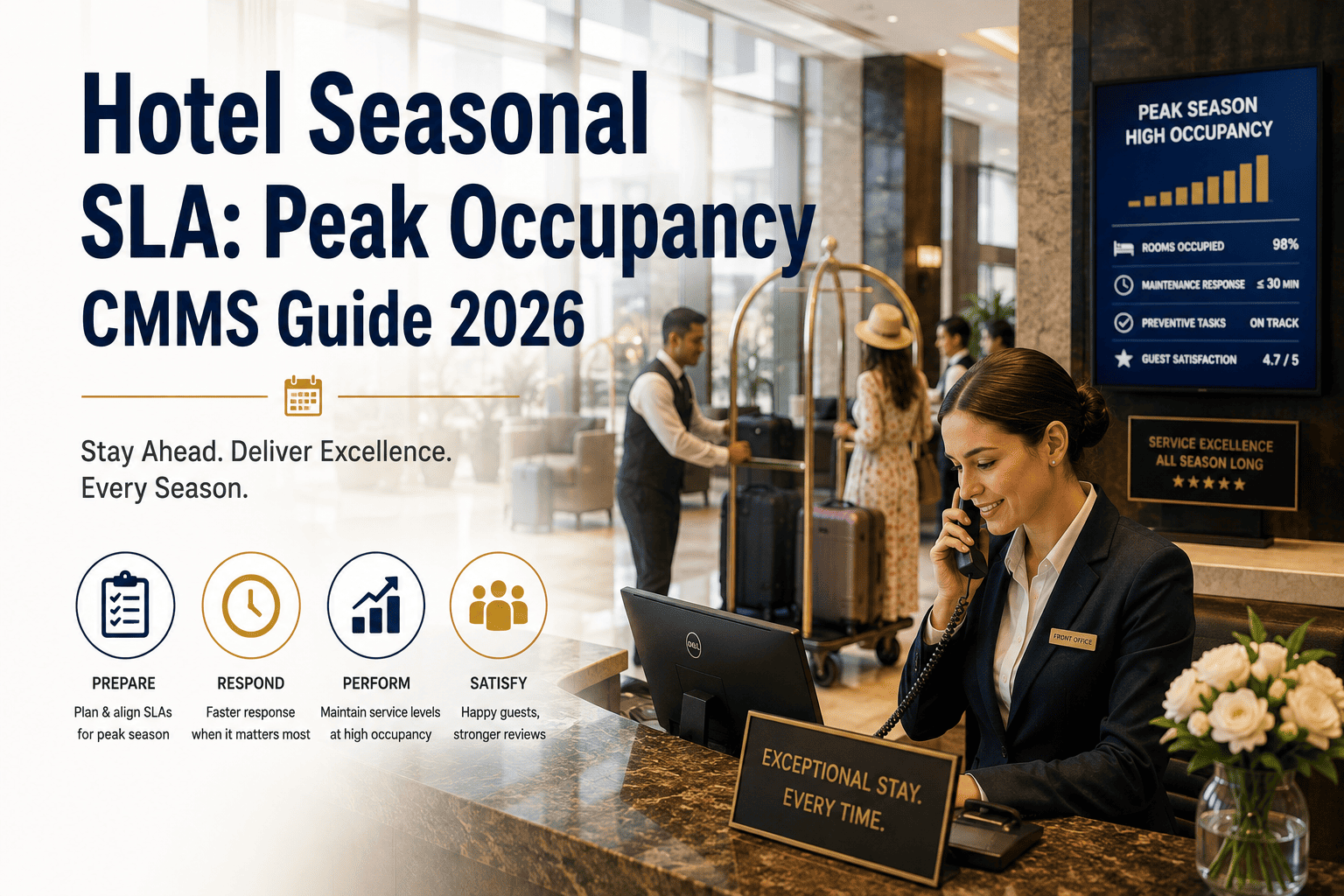
Hotel seasonal SLA management is the practice of dynamically adjusting maintenance response-time commitments, priority thresholds, and staffing coverage to match occupancy-driven demand fluctuations — and a peak occupancy CMMS is the system that makes those adjustments automated, auditable, and enforceable across every shift. When a property moves from 65% to 95% occupancy, the same service-level agreement that delivered 4-hour response times on Tuesday will silently collapse into 12-hour delays on Saturday unless the SLA rules, technician assignments, and work-order priorities are reconfigured in real time. This 2026 guide walks maintenance and reliability leaders through seasonal SLA adjustment, staffing-plan alignment, priority reallocation, and the CMMS-based dynamic SLA configuration that keeps performance intact when work-order volume triples overnight. If you want to see how OxMaint handles this in practice before reading further, you can Start Free Trial or skip ahead to book a personalized walkthrough.
Can your maintenance SLA survive the night occupancy hits 95%?
A seasonal SLA that works at 65% occupancy breaks at 95%. Guest complaints triple, HVAC tickets backlog, and emergency response times slip past 12 hours — unless your CMMS dynamically reconfigures SLA thresholds, priority routing, and technician coverage the moment demand shifts. OxMaint makes that automatic.
Why Static Hotel SLAs Fail During Peak Occupancy
Most hotel maintenance teams operate on a single SLA policy year-round — 4-hour response for priority-1 tickets, 24 hours for priority-2, 72 hours for routine. That structure holds at 60–70% occupancy when a property generates 8–12 maintenance tickets per day. At 95% occupancy, that volume jumps to 25–35 tickets daily, and the same four technicians are now facing 3x the workload with zero adjustment to response-time targets, priority definitions, or escalation rules.
The core problem is that traditional CMMS configurations treat SLA as a fixed contract rather than a dynamic, context-aware rule set. A seasonal SLA guide for hotels must account for occupancy rate, day-of-week, staffing capacity, and asset criticality — all simultaneously. When occupancy moves from 65% to 95%, the definition of "urgent" changes. A running toilet at 65% occupancy is a same-day fix; at 95% occupancy with a fully booked floor, it becomes a 90-minute priority because the guest room is revenue-critical and the next check-in is in four hours.
"A 180-room resort we studied was breaching 40% of its priority-1 SLAs every Friday night because the CMMS was still running Tuesday's response-time rules. Dynamic seasonal SLA configuration cut those breaches to under 6% within two weeks of going live on OxMaint."
— Director of Engineering, 4-star coastal resort portfolioResponse Time Scaling: How to Build a Seasonal SLA Matrix
Response time scaling for hotels means defining different SLA thresholds for different occupancy bands, then configuring your CMMS to automatically apply the correct band based on real-time property data. Below is the seasonal SLA matrix used by properties running OxMaint — adjust the exact minutes to your property class and staffing model.
| Priority Level | Low Season (under 65%) | Shoulder (65–85%) | Peak Season (85–95%) | Max Peak (95%+) |
|---|---|---|---|---|
| P1 — Emergency (life/safety) | 15 min response | 15 min response | 10 min response | 10 min response |
| P2 — Urgent (room down, guest impact) | 4 hours | 2 hours | 90 minutes | 45 minutes |
| P3 — Standard (functionality degraded) | 24 hours | 12 hours | 6 hours | 4 hours |
| P4 — Routine (preventive, cosmetic) | 72 hours | 48 hours | Schedule to off-peak | Defer / auto-reschedule |
| P5 — Low (paint, minor upgrades) | 14 days | 14 days | 30 days | 30 days |
The key insight: during max-peak occupancy, routine and low-priority work should be automatically deferred to off-peak days. A CMMS that supports seasonal SLA configuration can reclassify P4 and P5 work orders on Friday morning and reschedule them to Monday — freeing technician capacity for revenue-impacting P2 and P3 tickets without manual triage. This single rule change typically recovers 18–25% of technician hours during peak weekends.
Month-by-Month: Building Your Hotel Seasonal SLA Calendar
A seasonal SLA CMMS guide is only useful if it maps to your property's actual demand calendar. Below is a 12-month seasonal SLA configuration timeline for a typical full-service hotel in a mixed business-and-leisure market. Your months will shift based on local events, climate, and demand drivers — but the structure applies universally.
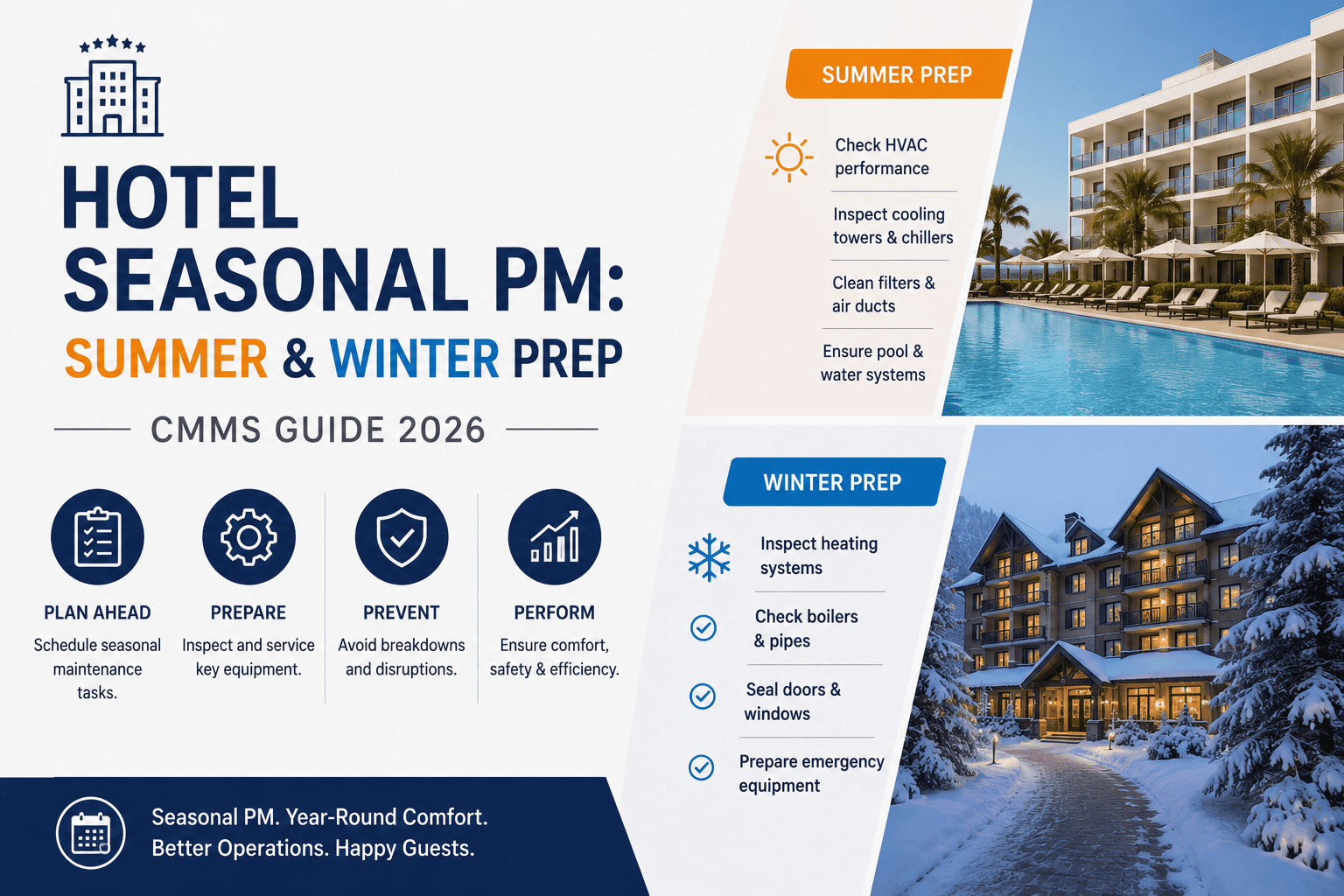
Occupancy 45–60%. Run extended SLA thresholds. This is your window for deep preventive maintenance, capital projects, and asset audits. Stock up on high-use spare parts (filters, belts, valves) ahead of spring shoulder season. Use OxMaint predictive analytics to identify assets showing wear trends before demand increases.
Occupancy 65–80%. Shift to shoulder SLA thresholds. Begin staffing up — hire seasonal technicians, confirm on-call vendor contracts, and validate that all P1 emergency equipment (fire panels, elevators, generators) passed inspection. Configure OxMaint to auto-escalate P2 tickets older than 90 minutes.
Occupancy 85–97%. Activate peak SLA thresholds with compressed response times. Enable auto-deferral of P4/P5 work orders to off-peak days. Confirm 24/7 on-call rotation and stock critical spares at par-plus-30%. OxMaint's real-time occupancy integration adjusts SLA clocks automatically — no manual reconfiguration needed each weekend.
Occupancy 70–85%. Step SLA thresholds back to shoulder levels. Execute deferred P4/P5 backlog from peak season. Run post-peak asset condition assessments — which HVAC units, ice machines, and pool systems took the heaviest wear? Feed findings into OxMaint predictive models to plan winter remediation.
Occupancy swings 55–95% around holidays and events. This period demands the most dynamic SLA configuration — thresholds may shift weekly. OxMaint's occupancy-based SLA engine handles this automatically, applying the correct response-time target per day based on booked-room forecast data from your PMS.
How OxMaint Configures Dynamic Seasonal SLAs for Hotels
OxMaint was built specifically for the demand-volatility problem that breaks traditional CMMS setups. Instead of manually editing SLA rules every time occupancy shifts, OxMaint uses real-time property data, AI-driven priority classification, and automated escalation logic to keep SLA performance stable across every season. Here's how four core capabilities map directly to the seasonal SLA challenge.
Occupancy-Triggered SLA Recalibration
OxMaint integrates with your PMS to read daily occupancy forecasts and automatically apply the correct SLA band — low, shoulder, peak, or max-peak — to every new and open work order. No manual rule changes. No forgotten weekend updates. SLA response clocks reset to the correct threshold the moment occupancy crosses 85% or 95%.
Context-Aware Work-Order Triage
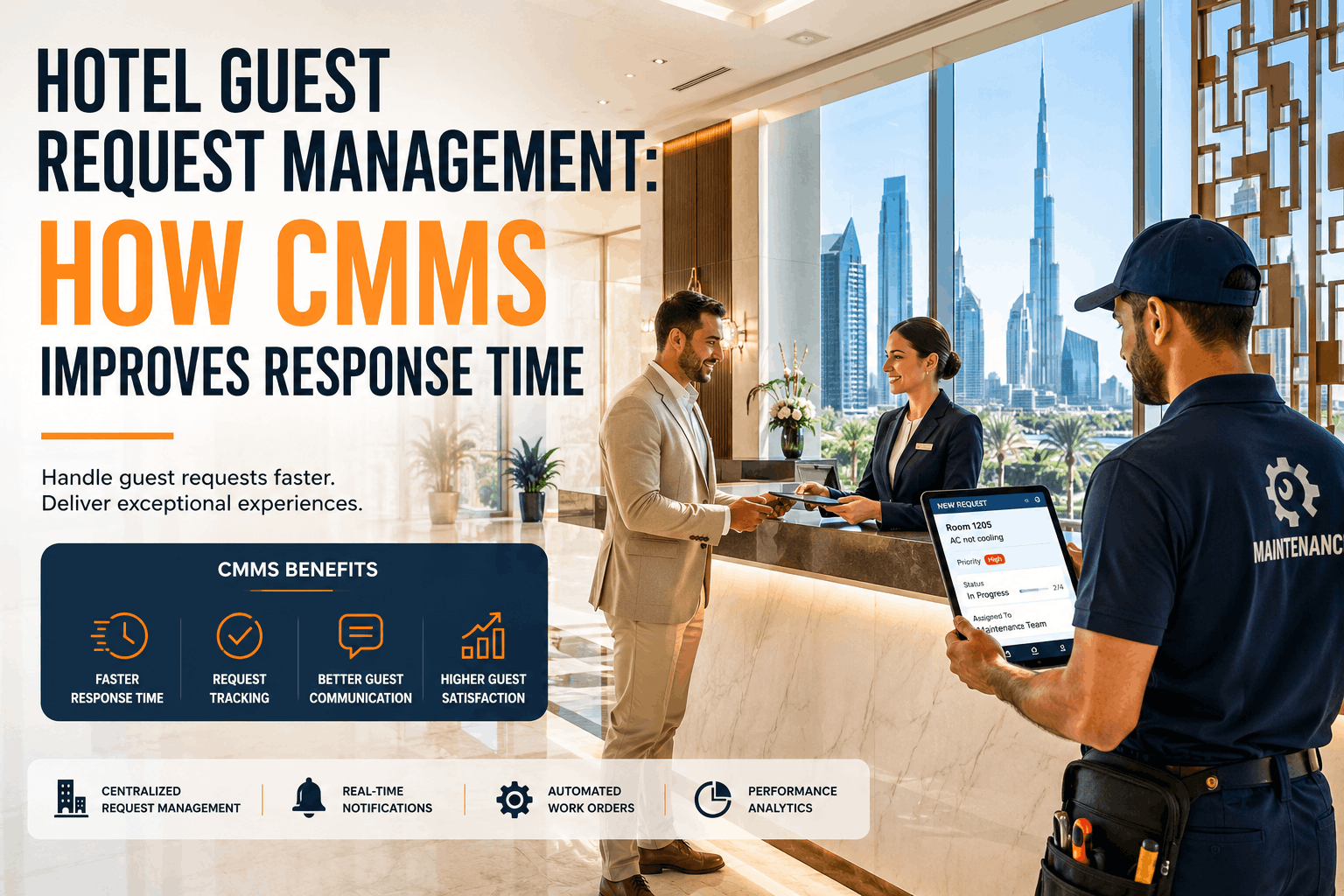
OxMaint's AI engine classifies each incoming work order based on asset criticality, guest impact, room revenue at stake, and current occupancy band. A toilet leak in a sold-out wing at 95% occupancy is automatically tagged P2 with a 45-minute SLA — not P3 with a 24-hour clock. The system learns from historical resolution data to refine priority calls over time.
Smart Work-Order Rescheduling
During peak-occupancy detection, OxMaint automatically defers P4 and P5 work orders to the next off-peak day, freeing technician capacity for revenue-impacting tickets. Any P1 or P2 ticket approaching its SLA deadline triggers automatic escalation to the on-call supervisor, duty manager, and — if unresolved — the Director of Engineering. No ticket slips through unnoticed.
Real-Time SLA Performance Dashboard
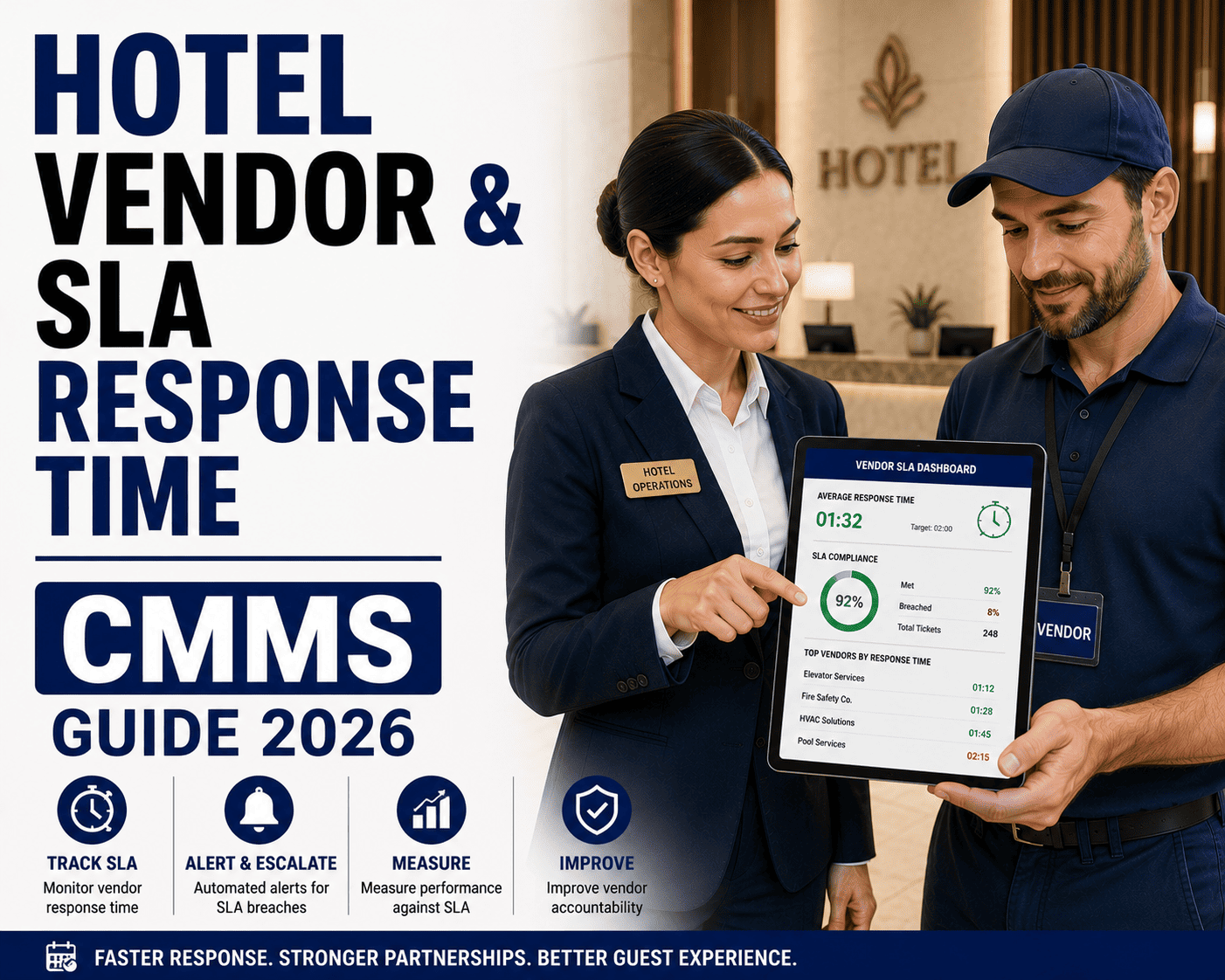
OxMaint's analytics dashboard shows SLA compliance by priority, shift, asset type, and occupancy band — updated in real time. Spot the exact hour your peak-season response times start slipping, identify which technician teams are over capacity, and export audit-ready reports for ownership groups and brand-compliance reviews. All data is retained for trend analysis across seasons.
The Real Cost of Not Adjusting SLAs: A 240-Room Hotel Scenario
Consider a 240-room full-service hotel running a static SLA year-round: 4-hour P2 response, 24-hour P3 response, 72-hour P4 response. During a peak summer weekend at 94% occupancy (226 rooms sold), the property generates 34 maintenance tickets over 48 hours. Here's what happens with static SLAs versus dynamic seasonal SLA configuration through OxMaint.
The difference is $11,450 in a single peak weekend — and that figure compounds across a 12-to-16-week peak season. For this 240-room property, annual savings from dynamic seasonal SLA configuration exceed $137,000. The OxMaint platform cost is a fraction of that, with typical payback under 60 days for mid-to-large hotels. The question isn't whether you can afford a peak occupancy CMMS — it's whether you can afford another peak season without one.
See OxMaint dynamically scale your SLAs for peak season
Book a 30-minute demo and we'll walk you through a live seasonal SLA configuration on a hotel property profile — occupancy-triggered thresholds, AI priority routing, auto-escalation, and real-time compliance dashboards. Bring your toughest peak-season SLA problem.
Hotel Seasonal SLA & Peak Occupancy CMMS: Frequently Asked Questions
What is a hotel seasonal SLA and why does it matter for peak occupancy?
A hotel seasonal SLA is a maintenance service-level agreement that dynamically adjusts response-time targets, priority definitions, and escalation rules based on real-time occupancy levels. It matters because work-order volume can triple during peak occupancy, and static SLAs designed for 65% occupancy will systematically fail at 95% — causing guest complaints, revenue loss, and brand-compliance penalties. A CMMS with seasonal SLA configuration like OxMaint automates these adjustments so response times scale with demand without manual intervention.
How does a CMMS handle hotel seasonal demand fluctuation?
A CMMS handles hotel seasonal demand fluctuation by integrating with the property management system to read occupancy forecasts, then automatically applying the correct SLA band (low, shoulder, peak, or max-peak) to all work orders. It also adjusts technician assignments, defers low-priority work to off-peak days, and escalates at-risk tickets before they breach. OxMaint adds AI-driven priority classification that factors in room revenue and guest impact, not just asset category — you can see this in action when you Start Free Trial.
What response time scaling should hotels use for peak occupancy CMMS?
For peak occupancy (85–95%), hotels should compress P2 response times to 60–90 minutes (down from 4 hours at low season), P3 to 6 hours (down from 24), and automatically defer P4 and P5 work to off-peak days. At 95%+ occupancy, P2 should drop to 45 minutes. P1 emergency response should remain at 10–15 minutes regardless of season. These thresholds should be configured in the CMMS as occupancy-triggered rules, not manual updates.
Can OxMaint integrate with our hotel PMS for real-time occupancy data?
Yes. OxMaint integrates with major hotel property management systems to pull daily occupancy forecasts and real-time room-status data. This integration powers the dynamic SLA engine — when occupancy crosses your configured thresholds (e.g., 85% or 95%), OxMaint automatically applies the correct SLA band to all open and incoming work orders without any manual rule changes. Integration typically takes 1–2 weeks depending on your PMS platform. Book a demo to discuss your specific PMS setup.
How long does it take to implement seasonal SLA configuration in a hotel CMMS?
With OxMaint, most hotels are live with dynamic seasonal SLA configuration in 2–4 weeks. The process includes PMS integration, SLA matrix setup (defining thresholds for each occupancy band), technician and shift mapping, priority-routing rules configuration, and dashboard customization. Properties switching from spreadsheets or basic CMMS setups see the fastest timelines. The ROI typically begins in the first peak-occupancy weekend after go-live, with full payback in under 60 days for mid-to-large hotels.
Don't let another peak season break your SLAs
OxMaint's AI-powered CMMS dynamically scales your maintenance SLAs with occupancy, routes work orders by real guest impact, and auto-escalates before breaches happen. Join hotels cutting peak-season SLA failures by 75% or more.
Free 14-day trial · No credit card