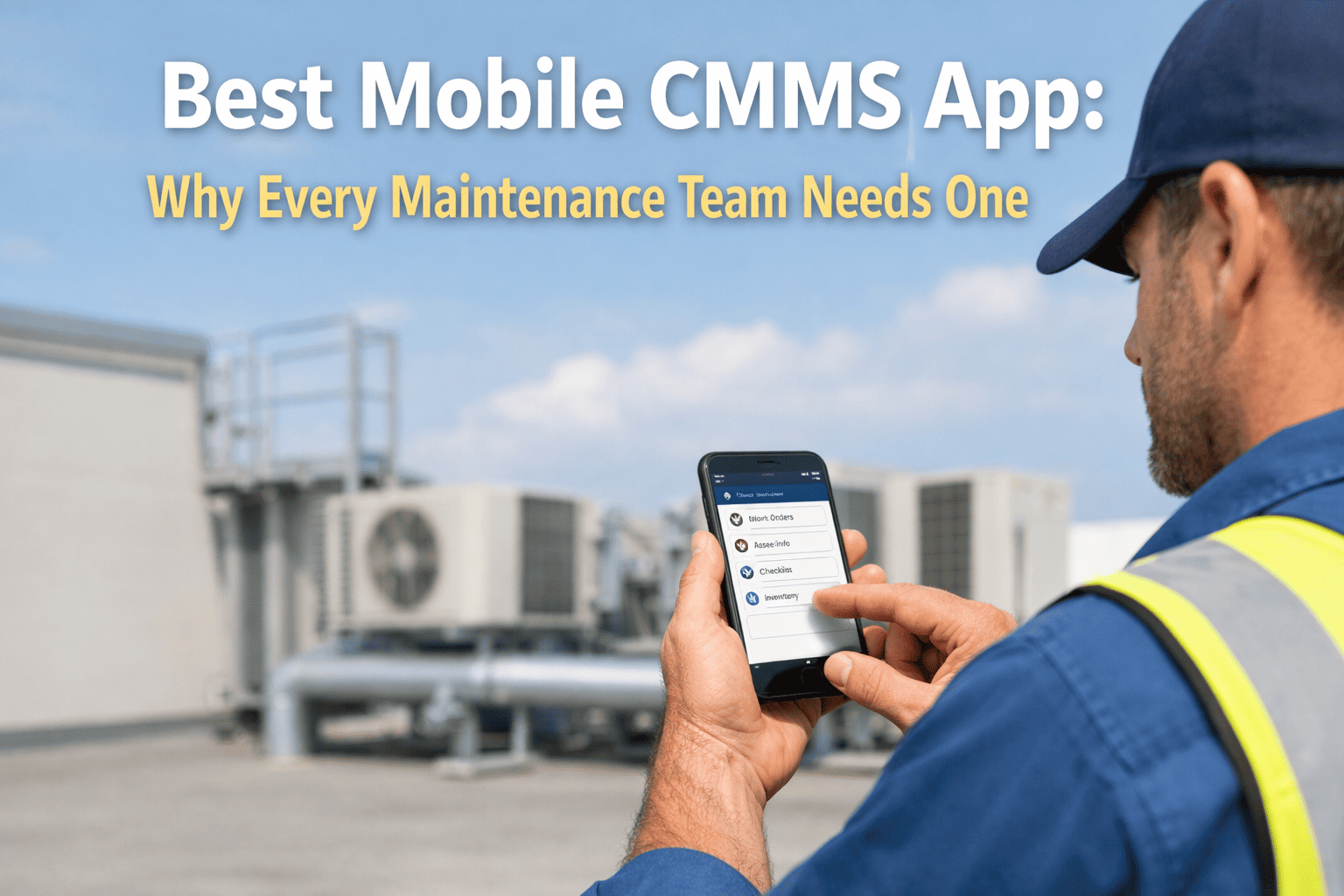
The most expensive gap in most maintenance operations isn't the wrench — it's the walk back to the desktop. A technician finishes a job, scribbles findings on a paper work order, and hours later keys it into a terminal from memory, half the detail already lost. Multiply that across a shift and a team, and you've got stale records, missed steps, and analytics built on data that was never quite right. A mobile CMMS closes that gap by putting the work order, the checklist, and the asset history in the tech's hand at the equipment. This guide covers what to look for and how OXMAINT AI, the AI-powered CMMS, turns the phone in a technician's pocket into the whole maintenance workflow.
Best Mobile CMMS Software: Field Maintenance Management for Technicians
A technician shouldn't have to choose between doing the work and documenting it. When the CMMS lives on a phone, the checklist gets ticked at the asset, the photo attaches on the spot, and the work order closes before the tech walks away — no re-keying, no lost detail. OXMAINT AI gives field teams the full workflow in their pocket, so the record is done when the job is done.
The Desktop-Only Tax
Every step between finishing a job and recording it is a chance to lose accuracy. A desktop-only CMMS forces that gap by design — the tech is at the equipment, the software is back at the office. What falls into the gap is exactly the detail that makes maintenance data worth having. Start free and close the gap.
- Findings written on paper, keyed in later
- Asset history stuck back at a terminal
- Detail lost between the job and the desk
- Trips back to the office to close work
- Analytics built on stale, partial data
- Findings logged at the asset, instantly
- Full service history a tap away, on site
- Nothing lost — captured where it happens
- Work orders closed without leaving
- Analytics on real-time, complete data
The Technician's Workflow, In Hand
The whole point of mobile is that the day's work runs on one screen. Here's what a field tech actually does in the app — receive, inspect, log, close — without ever walking back. Book a demo to see the tech's view.
Four Steps, One Screen
Behind that queue is a simple loop the technician repeats all day, entirely on the phone. Start free and run the loop.
Data Captured at the Asset Is the Only Data You Can Trust.
Every hour between the job and the keyboard degrades the record. OXMAINT AI moves capture to the point of work, so what the tech saw is what the system stores — and every report, trend, and PM decision downstream is built on it.
What to Look For in a Mobile CMMS
"Has an app" isn't the same as built for the field. These are the capabilities that decide whether technicians actually use it — or route around it. Book a demo to check these off.
Who Gets What From It
| Role | What mobile delivers |
|---|---|
| Technician | The whole job on one screen — less paperwork, no trips back, more wrench time |
| Supervisor | Real-time status and instant reassignment, without chasing people for updates |
| Manager | Analytics on complete, current data — trends and PM decisions you can trust |
| The asset | A full, accurate history built from the field, not reconstructed at a desk |
How OXMAINT AI Works in the Field
The value of mobile is only real if the app is genuinely built for a tech on their feet. Here's what OXMAINT AI puts in their hand. Start free and equip the field.
Desktop-Bound vs. OXMAINT AI Mobile
| What matters | Desktop-bound CMMS | OXMAINT AI |
|---|---|---|
| Where work is logged | Back at a terminal | At the asset, on the phone |
| Data accuracy | From memory, hours later | Captured on the spot |
| Asset history access | Only at the desk | In hand, on site |
| Closing a work order | Requires a trip back | Done where the work is |
| Manager visibility | Lags by hours | Real-time status |
| Offline sites | No option | Work now, sync later |
Frequently Asked Questions
Give Technicians the Whole Workflow — In Their Pocket.
Put work orders, checklists, asset history, and closeout on the phone at the asset, so field teams document as they work, records stay accurate, and every decision downstream runs on data you can trust.