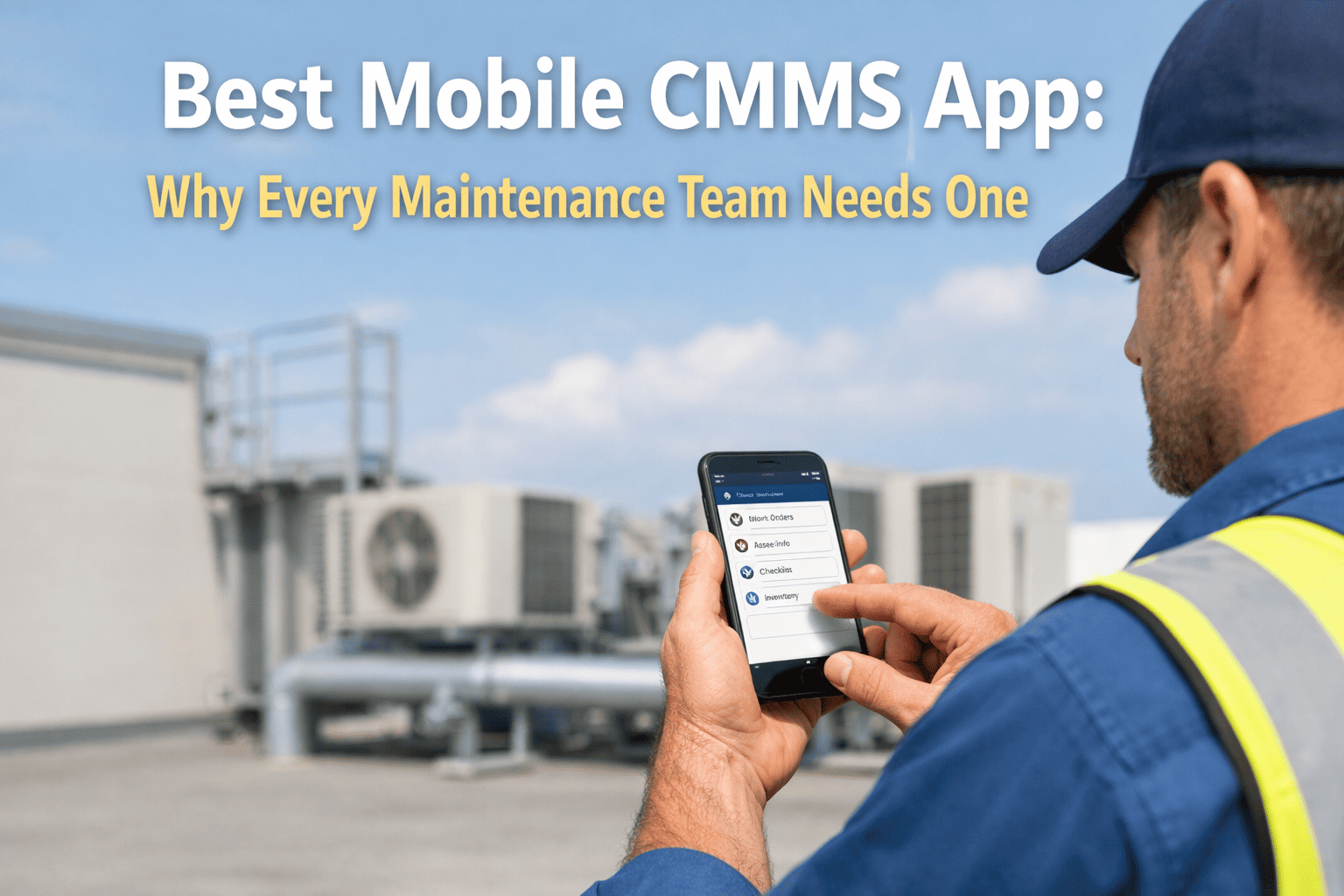
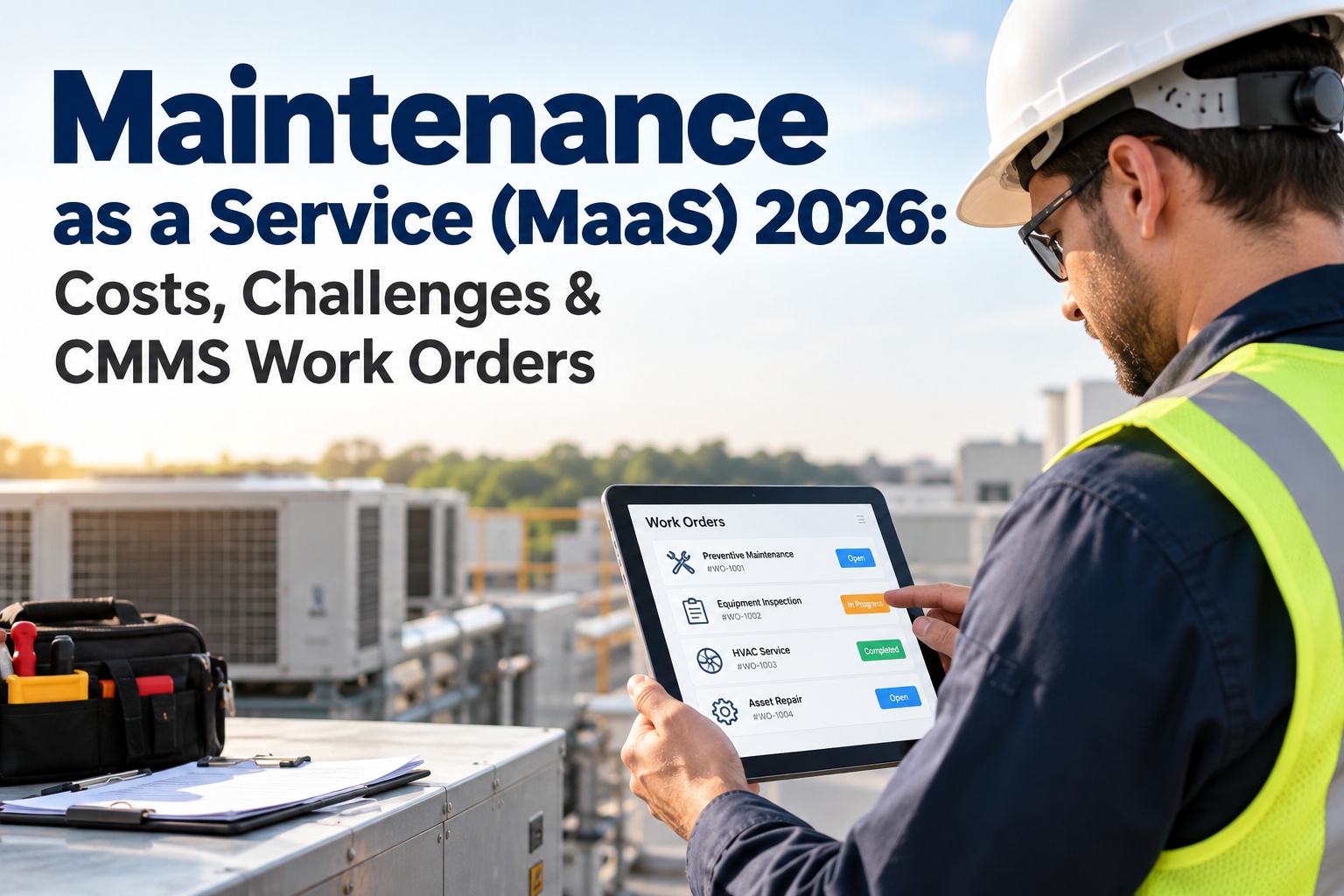
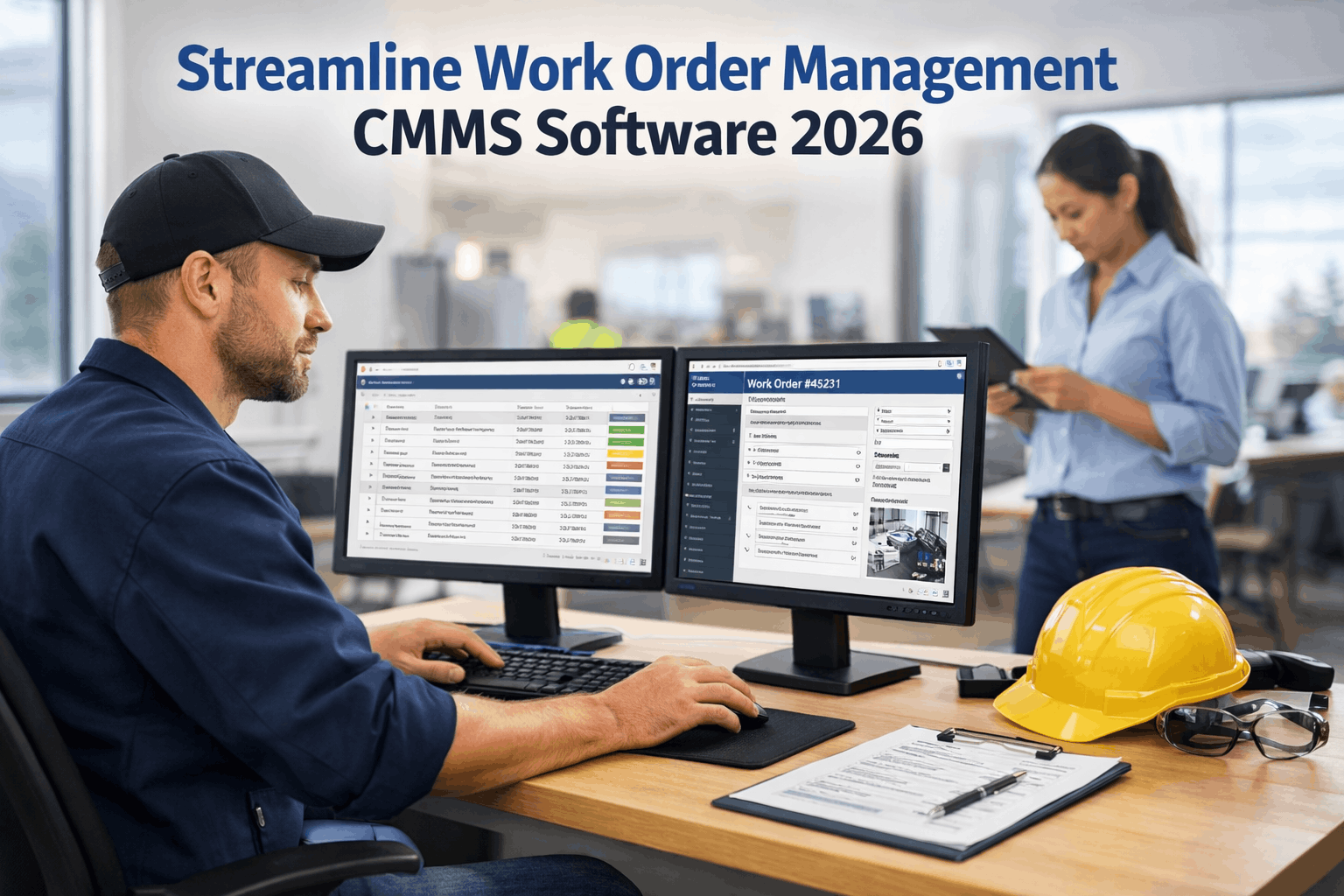
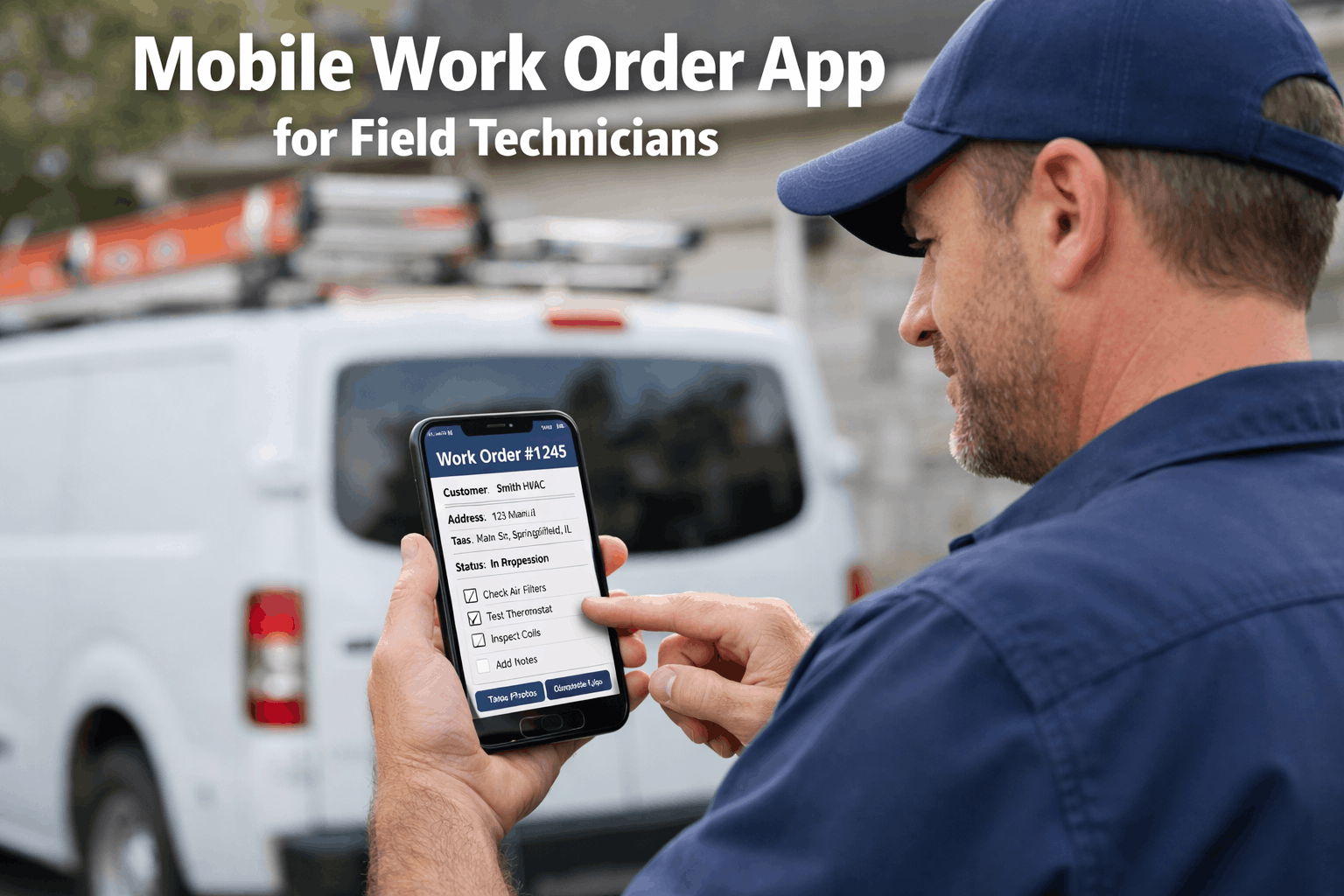
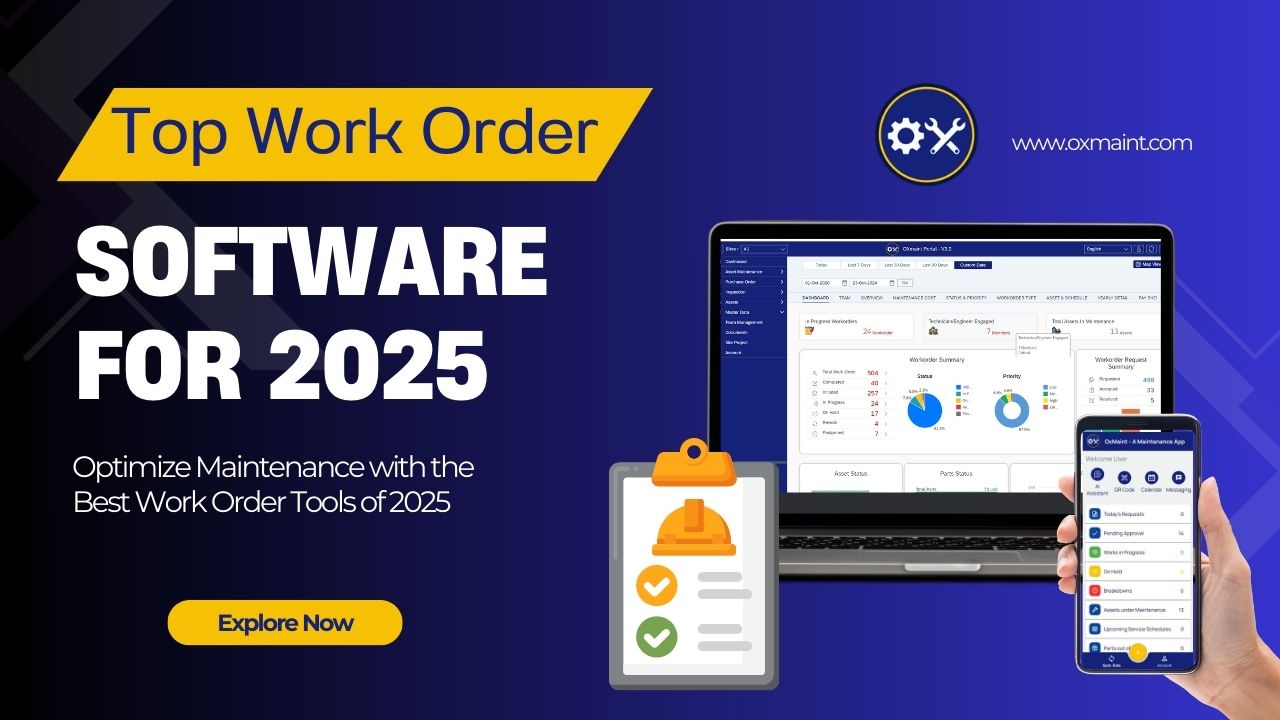
Maintenance teams lose an average of 3-5 hours per day on paperwork, walking back to the office, and chasing down asset information that should be at their fingertips. The gap between where work happens—on the floor, in the field, inside machine rooms—and where data lives has cost industries billions in preventable downtime. A mobile CMMS app closes that gap permanently, giving every technician instant access to work orders, asset histories, inspection checklists, and AI-driven maintenance intelligence from any smartphone or tablet. Schedule a free 30-minute walkthrough to see how Oxmaint's AI-powered mobile CMMS works on your actual device.
What Is a Mobile CMMS App and Why It Matters in 2025
A mobile CMMS (Computerized Maintenance Management System) app is a smartphone and tablet application that lets maintenance teams create, assign, track, and complete work orders directly from the field—without returning to a desktop computer or printing paper forms. Unlike legacy CMMS platforms built for office managers, modern mobile CMMS apps are designed for the people who actually turn wrenches, run inspections, and keep facilities operational. With the global CMMS market projected to reach $2.25 billion by 2033 and mobile-first adoption accelerating across manufacturing, healthcare, hospitality, and fleet operations, choosing the right mobile maintenance app is no longer optional—it is a competitive necessity.
1M+App Downloads
1,000+Global Clients
9Product Suite
Oxmaint delivers AI-powered mobile CMMS trusted by maintenance teams across manufacturing, fleet, healthcare, hospitality, and education worldwide.
The Real Cost of Not Going Mobile
Many maintenance managers underestimate the hidden costs buried inside paper-based and desktop-only workflows. These costs compound silently—draining productivity, delaying repairs, and inflating parts spend month after month. Understanding these numbers makes the case for mobile CMMS adoption undeniable.
3-5 hrs/day
Lost to manual data entry, walking to offices, and searching for asset records without mobile access
$260K/hr
Average cost of unplanned downtime in manufacturing—mobile CMMS reduces downtime by 32%
23%
Of paper-based work orders contain errors or missing information that cause rework and delays
Your team is losing 3-5 hours every day to paperwork. Sign up for Oxmaint's free mobile CMMS and start creating, assigning, and completing work orders from your phone—eliminate paper-based delays starting today.
After analyzing dozens of mobile CMMS platforms and studying what actually drives technician adoption and maintenance ROI, these seven capabilities consistently separate market leaders from basic digital checklists. Every feature listed here directly impacts wrench time, data accuracy, and team communication.
01
AI-Powered Predictive Work Orders
Machine learning algorithms analyze sensor data, historical failure records, and usage patterns to generate work orders before breakdowns occur. AI auto-populates asset details, failure codes, required parts, and recommended procedures—reducing manual data entry by up to 70% and shifting your team from reactive firefighting to proactive maintenance.
02
Barcode and QR Code Scanning
Point your phone camera at any asset barcode or QR tag to instantly pull up complete maintenance history, manuals, warranty status, and open work orders. Eliminates manual searching, reduces misidentification errors, and gives technicians full asset intelligence in under two seconds. Start scanning your assets with Oxmaint's free mobile CMMS and pull up complete maintenance histories instantly.
03
Full Offline Mode with Auto-Sync
Access work orders, complete inspections, capture photos, and log labor hours with zero internet connectivity. Data syncs automatically the moment your device reconnects—ensuring nothing is lost when working in basements, remote sites, underground tunnels, or facilities with dead zones.
04
Photo and Video Documentation
Capture before-and-after photos, annotate images with arrows and notes, and attach video evidence directly to work orders. This visual documentation eliminates ambiguity, speeds up approvals, creates audit trails, and helps new technicians learn from previous repairs.
05
Real-Time Push Notifications and Alerts
Instant mobile alerts for new assignments, priority escalations, overdue tasks, and SLA breaches keep every team member informed and responsive. Managers get real-time visibility into field operations without making a single phone call.
06
Preventive Maintenance Scheduling
Set time-based, meter-based, or condition-based PM schedules that auto-generate work orders and send reminders to technicians' phones. Never miss a scheduled service again—and track compliance rates in real time from your mobile dashboard.
07
Mobile Analytics and KPI Dashboards
View work order completion rates, mean time to repair (MTTR), asset availability, maintenance costs, and team performance metrics—all from a thumb-friendly mobile dashboard. Data-driven decisions no longer require sitting at a desk. Schedule a live demo to explore Oxmaint's mobile KPI dashboards and see your maintenance metrics in real time.
How AI Changes Everything for Field Technicians
Artificial intelligence is not a buzzword bolted onto maintenance apps for marketing appeal—it is fundamentally changing how field technicians receive, execute, and learn from every work order. AI-powered mobile CMMS platforms act as an intelligent co-pilot that learns your facility's unique patterns and delivers smarter recommendations over time.
Intelligent Routing
AI assigns incoming work orders to the best-suited technician based on skill certifications, real-time location, current workload, and historical completion speed—eliminating manual dispatching and reducing average travel time between tasks by 35%.
Failure Prediction
Machine learning models trained on equipment sensor data and maintenance histories identify degradation patterns days or weeks before failure occurs. Technicians receive predictive alerts with specific recommended actions—not vague warnings.
Continuous Learning
Every completed work order, inspection result, and parts usage record feeds back into the AI engine—refining scheduling algorithms, improving failure predictions, and optimizing spare parts inventory recommendations across your entire operation.
See how AI auto-routes work orders to the right technician in seconds. Book a 30-minute demo and we will walk you through Oxmaint's predictive maintenance alerts, intelligent dispatching, and mobile analytics on a live screen—customized to your facility.
Paper-Based vs. Mobile CMMS: A Side-by-Side Reality Check
The contrast between paper-based maintenance operations and mobile CMMS-powered teams is not gradual—it is dramatic. Here is what actually changes when your technicians trade clipboards for smartphones.
Maintenance Workflow Comparison
Workflow Element
Paper / Desktop-Only
Mobile CMMS with AI
Work Order Creation
Walk to office, fill paper form or log into desktop, manually type details
Tap phone, scan QR, speak or type issue—AI auto-fills asset data and history
Assignment & Dispatch
Manager makes phone calls or posts on whiteboard, delays of 1-4 hours
AI auto-routes to best technician instantly with push notification
Asset Information Access
Search filing cabinets or binders, often outdated or missing
Scan barcode for full history, manuals, parts list, and past repair photos
Documentation
Handwritten notes, often illegible, entered into system days later
Photos, timestamps, digital signatures, and voice notes captured in real time
Reporting & Analytics
Monthly spreadsheet compilation, weeks behind actual performance
Live dashboards on phone showing MTTR, costs, completion rates, and trends
Downtime Impact
Reactive—problems discovered only after equipment fails
Proactive—AI predicts failures and auto-creates preventive work orders
Which Industries Gain the Most from Mobile CMMS
While mobile CMMS delivers measurable ROI across every sector that maintains physical assets, certain industries see transformational results due to their distributed workforce, compliance demands, and the critical nature of their equipment uptime.
Manufacturing & Production
Reduce unplanned downtime by 32% with mobile preventive maintenance, real-time equipment monitoring, and AI-driven failure prediction across production lines.
Fleet & Transportation
Digitize vehicle inspections, automate DOT compliance documentation, track fuel consumption, and keep your entire fleet road-ready with mobile work orders.
Facilities & Property
Handle tenant requests, HVAC servicing, multi-building oversight, and safety inspections from one app. Response times drop by 40% with mobile-first workflows.
Healthcare & Hospitals
Maintain regulatory compliance for medical equipment, automate safety inspections, and create auditable digital trails—directly from mobile devices at the point of care.
Hospitality & Hotels
Coordinate guest requests, room turnovers, kitchen equipment maintenance, and housekeeping schedules through a single mobile platform that keeps operations seamless.
Schools & Universities
Manage campus-wide facility maintenance, playground safety inspections, HVAC compliance, and staff work requests while controlling budgets and maintaining safe learning environments.
Your Industry. Your Workflows. One Powerful Mobile CMMS.
Oxmaint adapts to your industry-specific compliance needs, asset types, and maintenance workflows. Whether you manage a fleet of 500 vehicles or a hospital with 10,000 assets, our mobile CMMS scales with your operation—and your technicians will actually use it.
Measurable Results: Mobile CMMS ROI by the Numbers
The financial case for mobile CMMS is built on hard data from real deployments, not theoretical projections. Organizations consistently report positive ROI within six to twelve months of adoption, with savings compounding as AI models learn operational patterns and technician adoption matures.
Unplanned Downtime Reduction
32%
Maintenance Productivity Gain
50%
Faster Response Times
40%
Total Maintenance Cost Savings
25-40%
Spare Parts Cost Reduction
Up to 70%
Find out exactly how much your facility can save with mobile CMMS. Sign up for a free Oxmaint account, connect your assets, and our maintenance specialists will build a custom ROI projection based on your actual downtime, labor hours, and parts spend.
With dozens of mobile CMMS apps competing for attention, choosing the right platform requires looking beyond feature lists and marketing claims. The following decision framework focuses on the factors that actually determine long-term success and ROI in real-world maintenance environments.
Mobile CMMS Evaluation Checklist
Technician-First UX Design — If the app takes more than 3 taps to complete a common task, adoption will fail. Test it with your least tech-savvy team member.
True Offline Capability — Partial offline is not offline. Verify the app allows full work order execution, photo capture, and data logging without any connectivity.
AI and Automation Depth — Predictive alerts, intelligent routing, and auto-generated work orders separate modern platforms from glorified digital checklists.
Integration Ecosystem — Your CMMS must connect with ERP, IoT sensors, accounting, procurement, and SCADA systems to eliminate data silos.
Multi-Site Scalability — Confirm the platform supports unlimited assets, role-based access, and cross-facility reporting without per-site pricing surprises.
Implementation Speed — Cloud-based mobile CMMS platforms like Oxmaint deploy in days, not months. Create your free Oxmaint account now and have your technicians managing work orders from their phones in under two weeks.
The single biggest predictor of CMMS ROI is not the software's feature list—it is whether technicians actually open the app every day. Mobile-first design, intuitive UX, and genuine offline capability are the three factors that drive real adoption.
Put Maintenance Intelligence in Every Technician's Pocket
Oxmaint's AI-powered mobile CMMS gives your maintenance team everything they need—work orders, barcode scanning, offline mode, photo documentation, predictive alerts, and real-time analytics—in one app that works on any smartphone or tablet. Start free today and see measurable results in your first week.
What is a mobile CMMS app and how is it different from desktop CMMS?
A mobile CMMS app is a smartphone and tablet application that gives maintenance teams full access to work orders, asset records, preventive maintenance schedules, and analytics from anywhere—without needing a desktop computer. Unlike desktop-only CMMS, mobile apps let technicians update tasks in real time from the field, capture photos, scan barcodes, and work offline. Create your free Oxmaint account in 2 minutes to experience a true mobile-first CMMS built for field technicians.
Can mobile CMMS apps work without internet connectivity?
The best mobile CMMS platforms include full offline mode, allowing technicians to access work orders, complete inspections, capture photos, and log data even in areas with zero connectivity. All changes sync automatically when the device reconnects to the network. This capability is critical for basements, underground facilities, remote job sites, and areas with poor cellular coverage.
How long does it take to implement a mobile CMMS?
Cloud-based mobile CMMS platforms like Oxmaint can be deployed in days, not months. Most teams are fully operational within one to two weeks. Technicians typically adopt mobile apps faster than desktop alternatives because the interface feels familiar—similar to consumer apps they already use daily. Schedule a demo to get a step-by-step implementation plan customized for your team size and facility requirements.
What ROI can we expect from a mobile CMMS app?
Organizations typically see positive ROI within six to twelve months of deployment. Documented results include 32% reduction in unplanned downtime, 50% improvement in maintenance productivity, 25-40% lower total maintenance costs, and up to 70% reduction in spare parts expenses. The exact ROI depends on your facility size, asset count, and current maintenance maturity.
Is a mobile CMMS app secure enough for enterprise use?
Enterprise-grade mobile CMMS platforms use end-to-end data encryption, role-based access control, two-factor authentication, and comply with SOC 2 Type II standards. Edge processing options keep sensitive operational data on-premises when required, while audit trails ensure full compliance documentation for regulated industries like healthcare and food manufacturing.
By oxmaint
✨
Experience Oxmaint's Power
Take a personalized tour with our product expert to see how OXmaint can help you streamline your maintenance operations and minimize downtime.