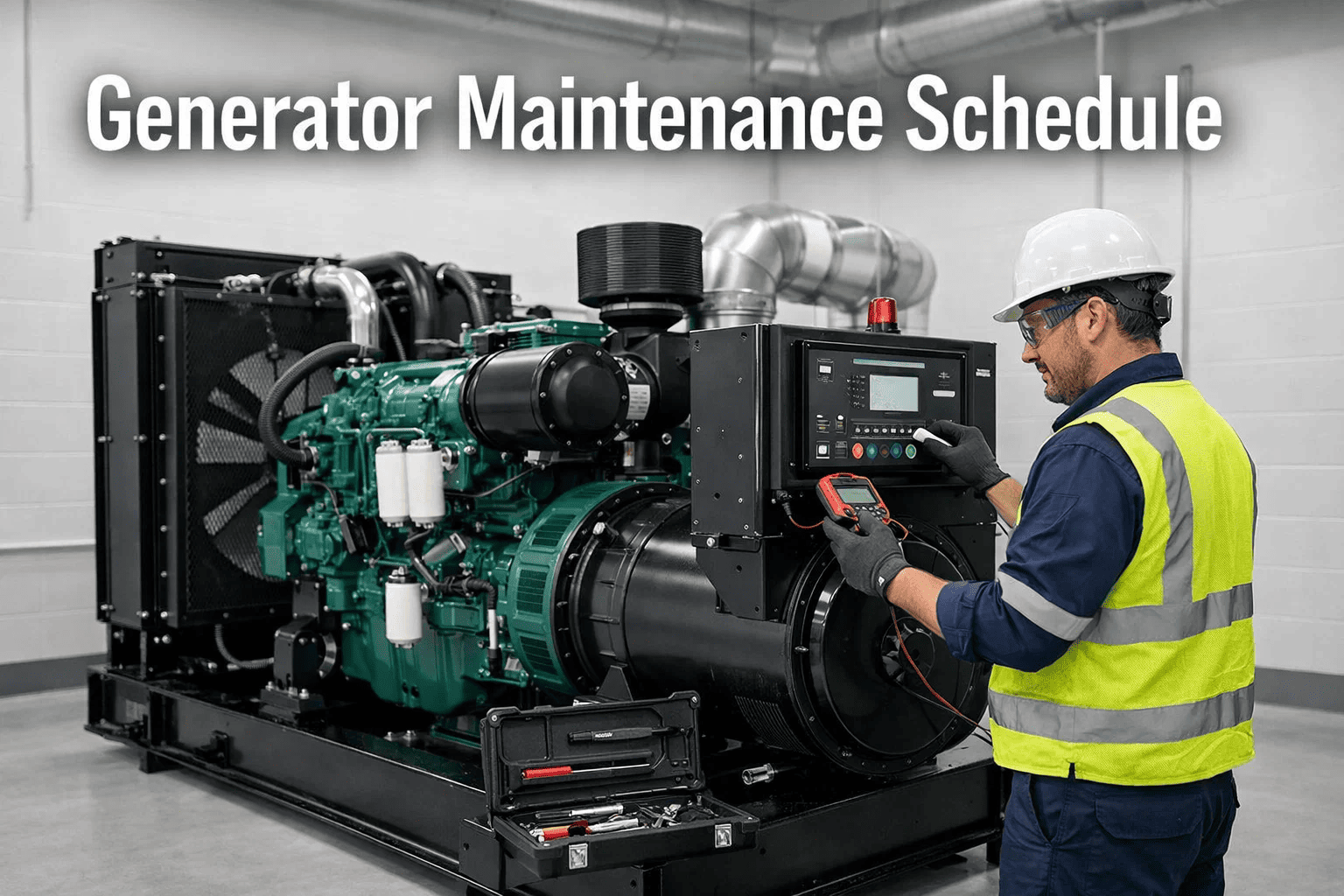
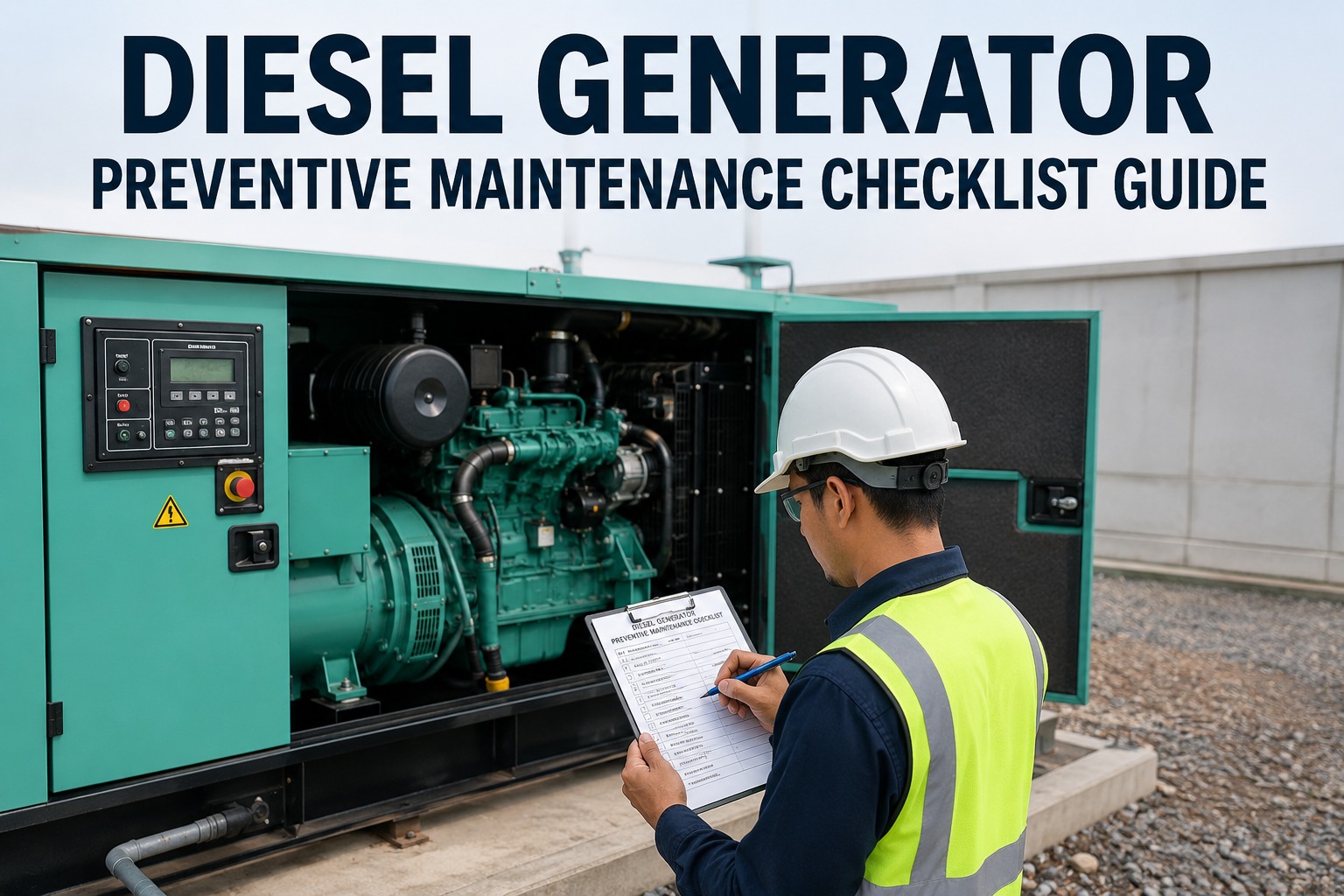
A generator that fails at the wrong moment doesn't just cost you fuel and a repair bill — it costs you the hospital ward that went dark, the data center that tripped, the production line that lost a full shift, or the tenant lease that walked. The difference between a standby generator that runs when it's supposed to and one that doesn't is almost never the machine itself. It's the schedule behind it. This guide lays out the exact weekly, monthly, quarterly, and annual generator maintenance cadence that keeps diesel and standby units reliable — and shows how CMMS-driven tracking turns that schedule into audit-ready proof. Want to see how it comes together in one place? You can start a free trial or book a demo and see the scheduling engine live.
25%
of generator failures trace back to a missed preventive task
4.8x
cost of emergency repair vs. scheduled maintenance
30 min
minimum weekly exercise run recommended for standby units
15+ yrs
typical service life when PM is tracked consistently
Stop guessing when your generator was last serviced.
Pull up full service history, next due dates, and technician notes for every generator across every site — from one dashboard.
What a Generator Maintenance Schedule Really Is
A generator maintenance schedule is a structured calendar of inspections, fluid checks, load tests, and component replacements — tied to either runtime hours or calendar intervals, whichever comes first. For standby units that sit idle 95% of the year, calendar-based triggers dominate. For prime power generators running continuously, hours-based triggers take over. A proper schedule combines both. The goal is simple: catch degradation early, prove compliance when inspectors show up, and never let a critical unit go into a blackout untested. If this is the kind of oversight you're missing today, you can book a demo to see how portfolio-level tracking looks in practice.
The Four-Interval Maintenance Cadence
WEEKLY
Visual + Exercise Run
15–30 min
Check fuel, coolant, oil levels
Exercise run under no-load
Inspect for leaks or corrosion
Review control panel alarms
Verify battery charger operation
MONTHLY
Operational Load Test
30–60 min
Run under 30%+ load for 30 min
Log voltage, frequency, amperage
Check exhaust color and backpressure
Battery electrolyte + terminals
Test automatic transfer switch
QUARTERLY
Fluid + Filter Service
2–3 hours
Oil + oil filter replacement
Fuel filter + water separator
Air filter inspection or swap
Coolant condition + SCA test
Belt + hose condition check
ANNUAL
Full Load Bank Test
4–6 hours
Load bank test at 100% rated kW
Fuel polishing + tank inspection
Injector + valve lash check
Complete electrical inspection
Certified compliance documentation
The Real Cost of Skipping Tasks
Every missed task has a downstream cost. Here's how a $40 fuel filter becomes a $18,000 engine rebuild when the schedule slips.
$40
Skipped fuel filter
Scheduled quarterly — takes 20 minutes
$450
Clogged injectors
Water + particulates reach injection system
$3,200
Fuel pump failure
Emergency callout + parts + 8-hour downtime
$18,000
Engine rebuild
Scored cylinders, wet-stacking damage
The Six Pain Points Teams Hit Without a Digital Schedule
01
Paper Logs Go Missing
Clipboard records disappear between shifts. 40% of maintenance managers report losing service history within 12 months of a technician leaving.
02
Weekly Runs Get Skipped
Without automated reminders, exercise runs get missed 1 week in 5. Fuel stratifies, batteries sulfate, and the unit fails its next real start attempt.
03
No Portfolio Visibility
Multi-site operators cannot see which of 40 generators are overdue. Compliance becomes a spreadsheet scramble every time an inspector calls.
04
Wet-Stacking Goes Unnoticed
Diesel units under-loaded for months develop carbon buildup that halves lifespan — and the only way to catch it is load-bank data nobody logged.
05
Parts Arrive Too Late
Without linked spare parts inventory, filters and coolant get ordered the day of the PM — delaying tasks by 5–10 days on average.
06
Audit Trails Break
NFPA 110, JCAHO, and OSHA inspections all want dated records with technician signatures. Paper makes a 20-minute audit into a 3-day dig.
Every missed PM is a future emergency repair waiting to happen.
OxMaint schedules, reminds, logs, and proves every generator task — without paper, spreadsheets, or text-message handoffs.
How OxMaint Runs Your Generator Program
SCHEDULING
Hybrid Calendar + Hours Triggers
Weekly exercise runs fire on calendar. Oil changes fire on whichever comes first — 250 hours or 6 months. No more double-booking or missed thresholds.
MOBILE
Field-First Work Orders
Technicians see the checklist, log readings, attach photos, and sign off — all from a phone, even in a basement plant room with no signal.
INVENTORY
Linked Spare Parts
Each generator asset carries its own parts list. When a PM is scheduled, required filters, oil, and coolant are auto-reserved 10 days in advance.
COMPLIANCE
Audit-Ready Records
NFPA 110 weekly/monthly/annual records export as a single PDF with technician signatures, timestamps, and runtime hours — zero prep time.
PORTFOLIO
Multi-Site Dashboard
Executives see red/amber/green status on every generator across every property. One screen answers: "Are we covered?"
ANALYTICS
Failure Pattern Reporting
Auto-builds MTBF, load trends, and fuel consumption curves per unit — spotting the generator that's sliding before it strands you.
Reactive vs. Scheduled Generator Maintenance
| Dimension | Reactive (Run-to-Fail) | Scheduled (CMMS-Driven) |
| Cost per repair event |
$3,500 average emergency |
$280 average planned |
| Downtime per failure |
8–72 hours |
45 minutes planned |
| Unit life expectancy |
8–10 years |
15–20 years |
| Start-on-demand reliability |
Under 80% |
Above 99% |
| Audit readiness |
Manual reconstruction |
One-click PDF export |
| Technician time per year |
High, unpredictable |
Planned, 30% lower total |
What Teams Measure After 12 Months
78%
Fewer unplanned failures
Average reduction across healthcare + data center clients in year one
42%
Lower annual repair spend
Shift from emergency to planned labor drops the per-event cost
99.4%
Start-on-demand rate
Weekly exercise + monthly load test = near-perfect reliability
6 hrs
Saved per audit cycle
NFPA 110 documentation exports instantly vs. manual binder prep
Frequently Asked Questions
How often should a standby generator be exercised?
NFPA 110 requires weekly no-load exercise runs of at least 30 minutes for Level 1 systems. Most manufacturers recommend monthly runs under 30% or higher load, and an annual full load bank test at nameplate kW. Miss this cadence and you risk wet-stacking, fuel degradation, and battery failure — the three leading causes of failed cold starts.
What's the difference between calendar-based and hours-based PM triggers?
Calendar triggers fire every 30, 90, or 365 days regardless of use — ideal for standby units that rarely run. Hours-based triggers fire every 250 or 500 runtime hours — ideal for prime power units. OxMaint uses whichever trigger hits first, so neither idle units nor heavy-use units fall through the cracks.
Do I really need a load bank test every year?
Yes — particularly for any diesel that spends most of its hours at under 30% load. Load bank testing burns off accumulated carbon (wet-stacking), verifies the unit can sustain its rated kW, and generates the documentation NFPA 110, JCAHO, and many insurance carriers now require annually.
How does OxMaint handle multi-site generator fleets?
Every generator is tracked under a Portfolio > Property > System hierarchy. A VP of Operations sees red/amber/green status across 40 sites on one dashboard. Site managers see only their units. Technicians see only today's work. It scales from two generators to two hundred without changing workflow.
Your Next Generator Failure Is Already on the Calendar. You Just Can't See It Yet.
OxMaint turns every weekly, monthly, quarterly, and annual task into an automated, tracked, and audit-ready record — across every site, every unit, every technician.