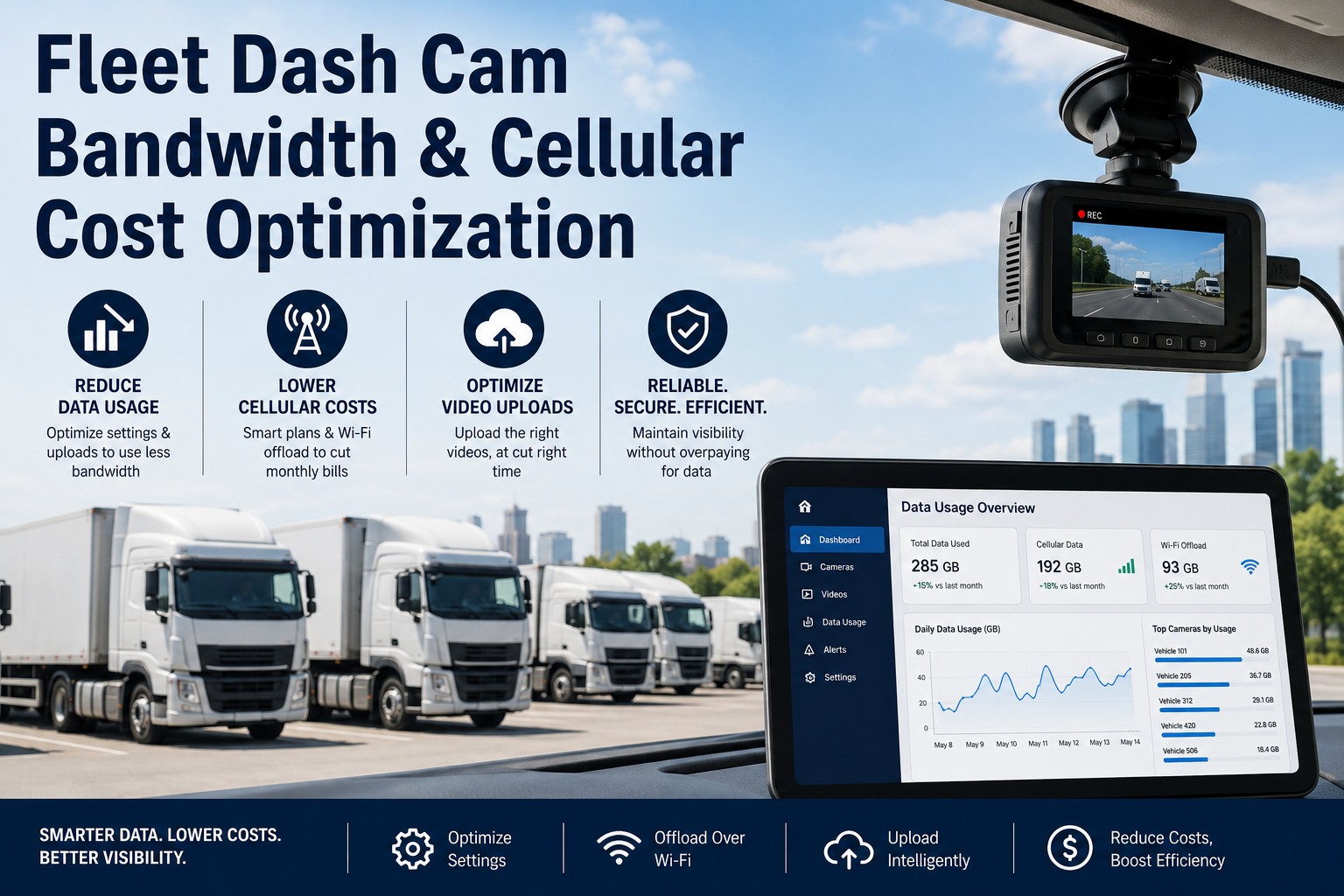
Dash cam cellular bills surprise fleets around month three, when the pilot's data pattern collides with real production usage across every vehicle. This guide covers the bandwidth math, the five optimization strategies ranked by savings, the pooled-vs-per-SIM data plan decision, and the cost waterfall that turns a $60/vehicle bill into a $12/vehicle bill without giving up the footage that matters. Start free on OxMaint to bring dash cam data into the fleet asset record, or book a demo.
Dash Cam Bandwidth & Cellular Cost · Optimize Before the Bill Arrives
Event-triggered · HEVC · Wi-Fi offload · adaptive bitrate.
2–8 Mbps
Typical dash cam bitrate range — the input to every bandwidth calculation and cost model
~50%
Data reduction moving from H.264 to H.265 (HEVC) at equivalent visual quality on the same footage
10–20×
Bandwidth ratio between continuous streaming and event-triggered upload models on the same fleet
$10–25/GB
Typical carrier overage rate when a fleet plan exceeds pooled allotment — the surprise bill driver
The Bandwidth Math · Where the Bill Actually Comes From
Every dash cam cellular cost conversation starts with the same equation: bitrate × hours streamed × cameras per vehicle × vehicles × 30 days. Get any variable wrong at pilot and the production bill lands 3–5× over budget. The table below is the reference sheet every fleet ops team should have in hand before signing the data plan.
| Config | Resolution / Codec | Bitrate | Hours / Day | Cameras | GB / Vehicle / Month |
|---|
| Worst-case | 1080p H.264 continuous | 6 Mbps | 10 | 2 | ~162 GB |
| Heavy | 1080p H.264 continuous | 4 Mbps | 8 | 2 | ~86 GB |
| Heavy | 1080p H.265 continuous | 2 Mbps | 8 | 2 | ~43 GB |
| Standard | 720p H.265 continuous | 1.2 Mbps | 8 | 1 | ~13 GB |
| Optimized | 1080p H.265 event-triggered | 2 Mbps | 0.5* | 2 | ~2.7 GB |
| Optimized+ | 720p H.265 event + Wi-Fi offload | 1.2 Mbps | 0.2* | 2 | ~0.6 GB |
* Event-triggered hours = actual clip upload time — full-day storage stays local until Wi-Fi return-to-yard offload
The 5 Bandwidth Optimization Strategies · Ranked by Savings
The five strategies below stack — each one multiplies the savings of the ones above it. A fleet that applies all five together typically lands at 5–10% of the bandwidth cost of a naive continuous-streaming baseline.
Strategy 01
Event-Triggered Upload
10–20× reduction
Camera stores continuously to SD; only harsh braking, collision, distraction, or dispatcher-requested clips upload over cellular. The single biggest lever — the difference between "everything" and "the 3 minutes that matter."
Strategy 02
H.265 (HEVC) Codec
~50% reduction
Modern cameras support HEVC natively — same visual quality at half the bitrate of H.264. Verify the back-office platform decodes HEVC before switching; older platforms sometimes require H.264 for playback.
Strategy 03
Wi-Fi Offload on Return-to-Yard
70–90% reduction
Full-day footage bulk-uploads over yard Wi-Fi at shift end. Cellular carries only critical real-time clips. Requires yard AP coverage where vehicles park and enough overnight window for the queue to drain.
Strategy 04
Adaptive Bitrate + Resolution
20–40% reduction
Camera scales down to 720p or lowers bitrate when connectivity is weak (edge-of-coverage, rural routes). Preserves upload success rate; avoids the retry loop that quietly doubles data usage.
Strategy 05
Smart Retention Policies
10–30% reduction
Cloud retention scoped by event severity — collision footage kept 12 months, harsh-braking 90 days, distraction 30 days, routine loops overwritten in 7. Cuts storage AND the "re-download from cloud" traffic that stealth-inflates bills.
Continuous vs Event-Triggered · The Real Coverage Tradeoff
The event-triggered vs continuous debate is not about video quality — both capture the same footage on the SD card. It's about what uploads over cellular in near real-time. The comparison below is the field-standard framing.
Continuous Stream
Every Frame · Every Vehicle · Always
CoverageLive view any moment · full driver-visibility replay any minute of any shift
Bandwidth50–150 GB / vehicle / month depending on config
Use caseHigh-value cargo · security-first fleets · rideshare / passenger transport regulatory
Event-Triggered
AI-Detected Events + On-Demand
CoverageHarsh brake · collision · distraction · lane depart · plus dispatcher pull-on-demand
Bandwidth1–5 GB / vehicle / month typical after full optimization stack
Use caseStandard commercial fleets · safety programs · exception-based review workflow
Bring Dash Cam Cost Data Into the Fleet Record — Free Forever
Sign up on OxMaint's free forever plan and track every dash cam's data usage, upload success rate, and cellular cost against the vehicle asset record. Yard Wi-Fi offload jobs, SD-card health, and firmware currency all live on the same maintenance record as tires and oil. No card, no time limit.
Data Plan Architecture · Pooled vs Per-SIM Decision
Once bandwidth is optimized, the data plan structure determines whether savings show up on the invoice. The two architectures below are the standard choices, and the wrong pick can wipe out 30% of the optimization win.
Pooled Plan
One shared data allotment across the entire SIM fleet — high-use vehicles offset by low-use vehicles.
Best whenUsage varies widely by vehicle · mixed route types · seasonal patterns
Watch outTotal pool overage hits all lines · one runaway vehicle drains everyone's budget
VerdictDefault choice for fleets > 20 vehicles with event-triggered baseline
Per-SIM Plan
Fixed allotment on each SIM — predictable per-vehicle cost, individual line management.
Best whenUniform usage patterns · sub-fleet cost allocation to divisions or customers
Watch outUnused allotment on light vehicles is wasted · high vehicles hit overage individually
VerdictFits small fleets < 20 vehicles OR fleets with strict per-unit budget accountability
The Cost Optimization Waterfall · Starting Bill to Optimized Bill
The waterfall below is the visual that gets fleet management approval to invest in optimization. Each step shows the cumulative savings against a naive baseline of continuous 1080p H.264 dual-camera streaming on a 100-vehicle fleet.
Baseline
$6,000 / mo
100 vehicles · 1080p H.264 · dual-cam · continuous · pooled $60/veh
→
+ HEVC Codec
$3,000 / mo
~50% reduction · zero coverage change
→
+ Event-Triggered
$800 / mo
Coverage → exception-based · SD retains everything
→
+ Wi-Fi Offload
$400 / mo
Full footage available via yard offload nightly
→
+ Adaptive Rate
$280 / mo
~ $2.80/vehicle · > 95% total reduction
How OxMaint Runs the Dash Cam Cost Program
Dash cam data usage, upload success, SD-card health, firmware version, and cellular cost all live on the same vehicle asset record as tires, oil, and inspections — so the cost signal shows up in the maintenance workflow, not in a spreadsheet nobody opens.
Inventory
Dash Cam as Vehicle Asset
Every camera tracked as an asset on the parent vehicle — model, firmware, SIM ID, install date, storage capacity, warranty status.
Monitor
Usage & Upload Success Rate
Monthly data usage per SIM, upload success percentage, retry rates. Outlier vehicles auto-flag for investigation.
Cost
Cellular Cost Per Vehicle
Data-plan cost allocated to each vehicle asset record. Total cost-per-mile TCO now includes cellular alongside fuel, maintenance, insurance.
Offload
Yard Wi-Fi Offload Jobs
Nightly offload jobs tracked as recurring tasks — success confirmation, failed-upload retry queue, storage cleanup verification.
Maintain
SD-Card Health & Firmware
SD-card wear tracking, firmware currency, camera lens cleaning PMs — all on the same schedule as vehicle mechanical PMs.
Report
Fleet-Level Cost Dashboard
Monthly cellular spend, GB per vehicle, cost trend, outlier vehicles, projected annual spend. The number that goes in the fleet budget meeting.
Stop Getting Surprised by Month-3 Cellular Bills
Free forever plan — no card, no time limit. Track every dash cam's data usage, upload success, and cost per vehicle. Yard Wi-Fi offload jobs, SD health, and firmware currency live on the same maintenance record as the rest of the vehicle. Or book 30 minutes and we'll map your fleet's optimization path end-to-end.
Frequently Asked Questions
Why do dash cam cellular bills surprise fleets around month 3?
Because pilot deployments run on a small vehicle count, on familiar routes, in a promo data plan window, and the operations pattern hasn't reached steady state. When the rollout expands to the full fleet with real production usage — longer routes, weaker coverage areas triggering retry loops, dispatcher pull-on-demand traffic, cloud re-download for incident review — the actual bandwidth per vehicle lands 3–5× above the pilot number. Cost per vehicle triples, the pooled plan overage kicks in, and the invoice arrives at month 3 with a number that wasn't in the budget.
What's the difference between H.264 and H.265 (HEVC) for dash cam bandwidth?
H.265, also known as HEVC (High Efficiency Video Coding), is the newer codec successor to H.264. At equivalent visual quality on the same footage, HEVC produces roughly 50% smaller files — meaning a fleet that switches from 4 Mbps H.264 to 2 Mbps H.265 keeps the same viewable image quality while halving cellular data usage. The only precondition is verifying that the back-office review platform decodes HEVC natively; some older platforms still require H.264, in which case the camera can be configured to transcode on upload.
Is Wi-Fi offload safe for footage that might be needed as evidence?
Yes — and event-critical clips still upload over cellular in near real-time regardless. Wi-Fi offload handles the routine day-long footage that would otherwise sit on the SD card unused. The camera continues streaming collision, harsh-braking, and dispatcher-requested clips over cellular immediately, and the full-shift footage bulk-uploads over yard Wi-Fi at shift end. Evidence chain-of-custody is preserved because the footage timestamp and camera metadata don't change based on upload path — only the transport network does.
Pooled data plan or per-SIM — which is right?
For most fleets over 20 vehicles running event-triggered upload, pooled is the default: usage varies widely by route and vehicle, and the pool smooths out the high-vehicle / low-vehicle spread that would otherwise leave allotment stranded on light lines while heavy lines overage. Per-SIM makes sense when usage is genuinely uniform, when sub-fleets need strict cost allocation to divisions or customers, or when the fleet is small enough that a single runaway vehicle could drain a pool. The wrong pick can wipe out 30% of the bandwidth-optimization savings.
Book a demo to walk through the decision.
How much can a fleet realistically save by applying the full optimization stack?
Applied together, HEVC codec plus event-triggered upload plus Wi-Fi offload plus adaptive bitrate plus smart retention policies typically bring a fleet from a $50–70/vehicle/month baseline down to $3–8/vehicle/month — greater than 90% reduction, with no loss of the footage that actually matters for safety, coaching, or incident investigation. The waterfall math above shows a representative 100-vehicle path from a $6,000/month baseline to a $280/month optimized run rate.
Sign up free to start tracking the numbers on your fleet.