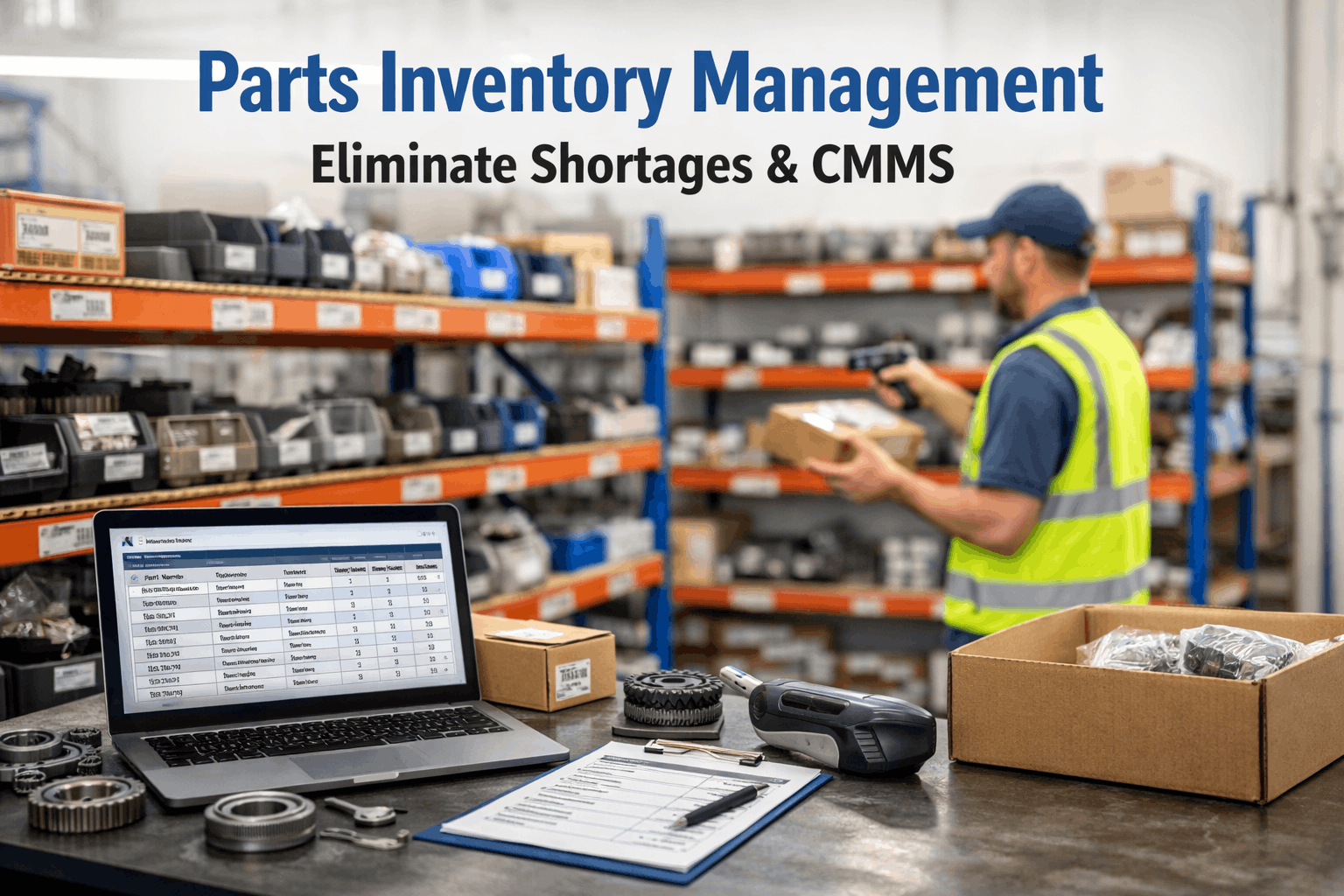
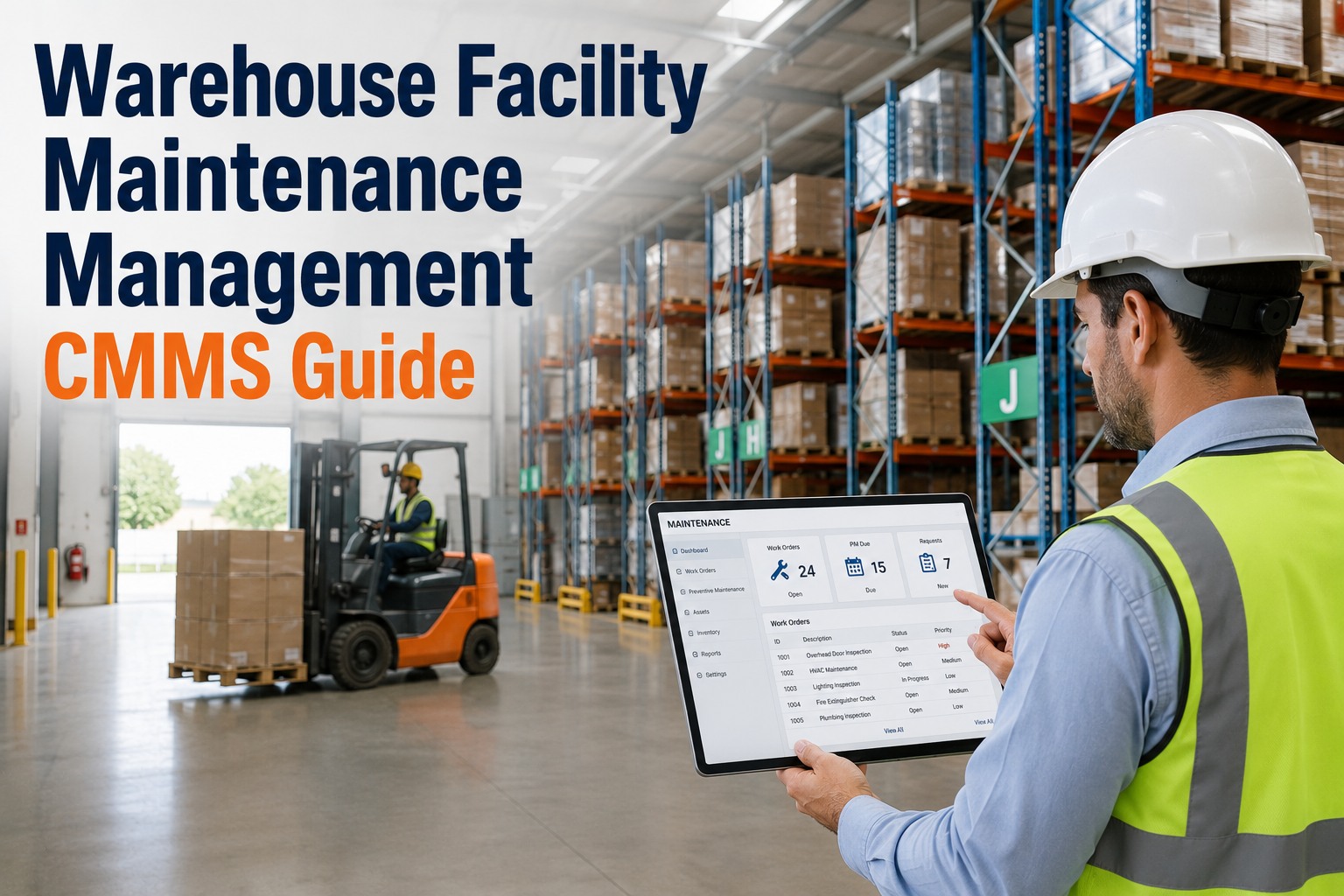
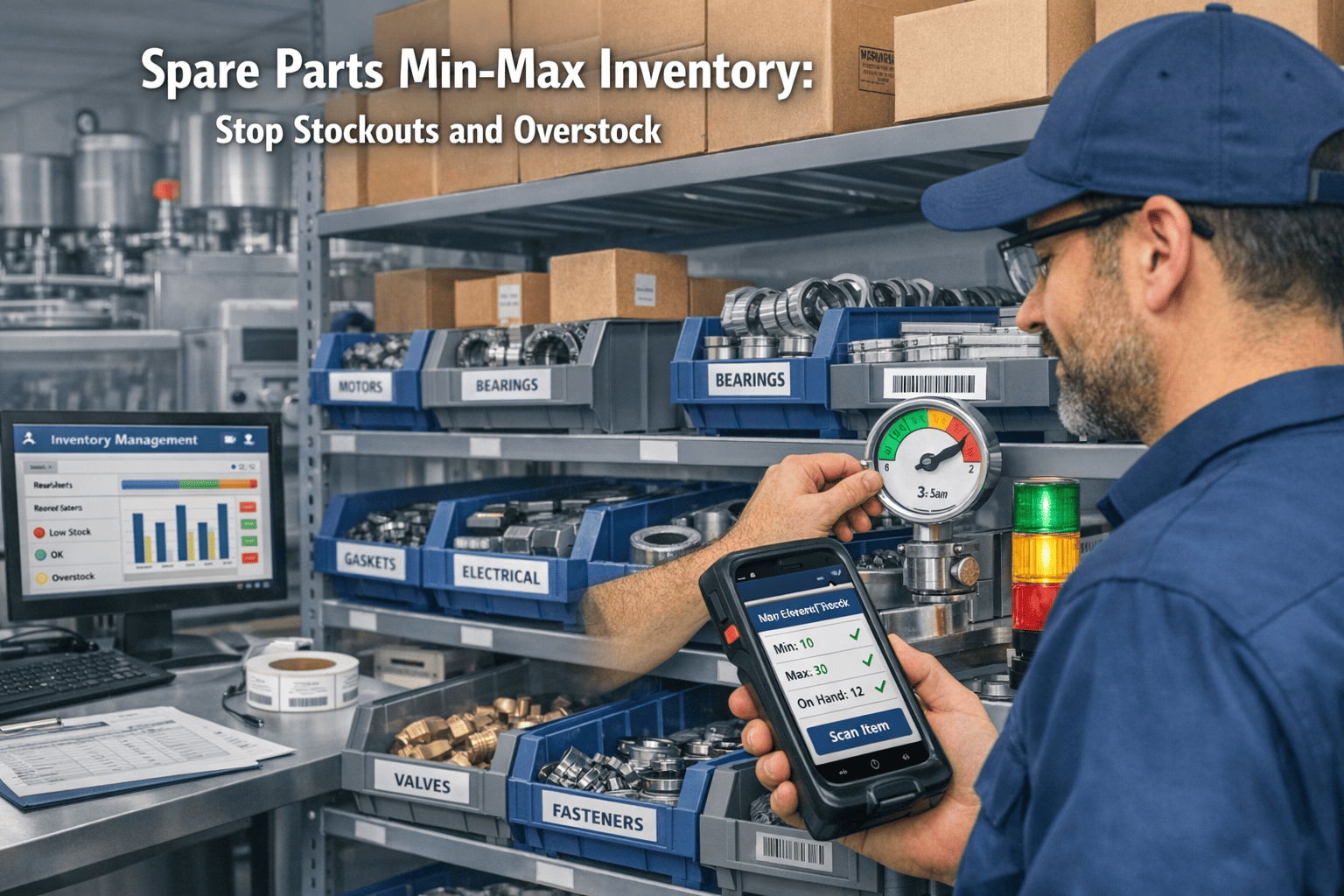
Parts unavailability is the single largest controllable cause of extended downtime in maintenance operations. When a technician diagnoses a failed bearing, identifies the replacement, and discovers it is not in stock, the 4-hour planned repair becomes a 3–14 day emergency procurement event at 2–5× the normal parts cost — plus every hour of production or operational loss while the asset sits idle waiting for a part that should have been on the shelf. Industry data shows that 25–35% of all work order delays are caused by parts unavailability, and the average facility carries $180K–$600K in excess inventory on parts that are not needed while simultaneously stocking out on the 8–12% of parts that are critical. Smart CMMS inventory management solves both problems simultaneously: AI-driven demand forecasting sets reorder points based on actual consumption patterns rather than guesswork, automated purchase orders trigger when stock hits minimum thresholds, and every part is linked to the specific assets and work orders that consume it — eliminating both stockouts and overstock. Schedule a demo to see AI-driven parts inventory management integrated with work order workflows.
25–35%
of work order delays caused by parts unavailability — the largest controllable delay factor
2–5×
cost multiplier for emergency parts procurement vs. planned reorder from approved suppliers
$180K–$600K
excess inventory carried at average facilities on parts with zero consumption in 24 months
92%+
parts fill rate achievable with CMMS demand forecasting vs. 65–75% with manual min/max
Why Parts Shortages Keep Happening
Parts inventory management fails in maintenance operations for structural reasons — not negligence. The demand pattern for maintenance parts is fundamentally different from production materials: consumption is irregular, driven by equipment failures that are partially random, and the consequence of a stockout is not a delayed shipment but an idle asset costing $500–$50,000 per day. Traditional inventory methods designed for predictable manufacturing demand cannot handle this pattern.
01
No Link Between Parts and Assets
Parts are stored in a warehouse inventory system. Assets are tracked in the CMMS (or not tracked at all). Nobody can answer the question: “Which specific parts does this chiller need, and are they in stock?” The technician discovers the answer at the moment of repair — the worst possible time to learn you are out of stock.
02
Static Min/Max Levels Set by Guesswork
Reorder points were set years ago based on someone’s estimate of “how many we usually need.” Consumption patterns have changed. Equipment has been replaced. New assets have been added. But the min/max levels have not been updated — resulting in overstock on obsolete parts and stockouts on parts for newer equipment.
03
No Consumption Tracking per Work Order
Parts are pulled from the storeroom without being logged against a work order. Inventory counts drift from reality. Demand data does not exist because consumption was never recorded. Without consumption data, forecasting is impossible — and reorder decisions remain guesswork.
04
Predictive Maintenance Creates New Demand
When a CMMS generates a predictive work order for a bearing replacement 30 days from now, the parts system does not know about it. The bearing is not reserved or ordered. The technician arrives at the scheduled repair window and the part is not available — defeating the purpose of predictive scheduling entirely.
05
Emergency Procurement Costs Are Invisible
When a stockout triggers overnight shipping, expedited vendor fees, or procurement from a non-approved supplier, the premium cost is buried in the work order total or the general procurement budget. Nobody tracks the “stockout penalty” separately — so nobody knows the true cost of poor inventory management.
Every one of these root causes is a data integration problem — not a warehouse management problem. Smart CMMS inventory connects parts to assets, consumption to work orders, and demand forecasting to predictive maintenance schedules.
The 7-Layer Smart Inventory Architecture
Smart CMMS inventory management is not a standalone warehouse system bolted onto a maintenance platform. It is an integrated architecture where every layer connects parts data to the maintenance workflows that consume them — creating a closed loop from demand signal through procurement, storage, consumption, and replenishment.
1
Asset-to-Parts Bill of Materials (BOM)
Every maintainable asset is linked to its complete parts list: bearings, seals, filters, belts, contactors, fuses, gaskets — with manufacturer part numbers, approved alternates, and current stock levels. When a technician opens a work order for Chiller #3, they see every part that chiller could need and whether each is in stock, on order, or unavailable.
Impact: Eliminates the “what part does this asset need?” search that costs 15–30 minutes per work order.
2
Work Order Parts Reservation
When a work order is created — whether from a corrective request, a PM schedule, or an AI predictive alert — the required parts are automatically reserved in inventory. Reserved stock is visible but not available for other work orders. If the part is not in stock, the system triggers procurement immediately — 30 days before the scheduled repair, not the day the technician arrives.
Impact: Predictive work orders always have parts available at the scheduled repair window. Zero day-of stockouts on planned work.
3
AI-Driven Demand Forecasting
The CMMS analyzes consumption history per part across all assets, correlates demand with PM schedules, seasonal patterns, and predictive maintenance alerts, and calculates dynamic reorder points that adjust automatically. A part consumed 4 times in the last 12 months with a 6-week lead time gets a different reorder point than a part consumed 40 times with a 3-day lead time — and both adjust as patterns change.
Impact: Reorder points based on data, not guesswork. Fill rate moves from 65–75% to 92%+ within 6 months.
4
Automated Purchase Order Generation
When inventory hits the AI-calculated reorder point, the CMMS generates a purchase order automatically: correct part number, approved vendor, negotiated price, correct quantity based on economic order quantity (EOQ) calculation, and routing to the appropriate approval tier. No manual requisition forms. No procurement delays because someone forgot to submit the order.
Impact: Procurement cycle reduced from 5–10 days (manual) to same-day PO generation. Emergency procurement drops 60–80%.
5
Mobile Parts Consumption Logging
When a technician uses a part, they log it against the work order from their mobile device: scan the part barcode, confirm the quantity, and the inventory count updates in real time. Every part consumed is tied to a specific asset, a specific work order, a specific failure mode, and a specific technician. This closes the consumption loop that makes demand forecasting accurate.
6
Multi-Location Inventory Visibility
Organizations with multiple sites, buildings, or storerooms see all inventory across all locations in a single view. If Site A has zero stock on a critical bearing but Site B has three on the shelf, the transfer is identified and initiated before an emergency purchase order goes out. Cross-location visibility prevents both duplicate purchasing and emergency procurement when stock exists elsewhere in the organization.
Impact: 15–25% reduction in total inventory investment through cross-location optimization and duplicate elimination.
7
Vendor Performance and Cost Analytics
The CMMS tracks every vendor by on-time delivery rate, fill rate, price consistency, defective parts rate, and lead time accuracy. When multiple approved vendors exist for a part, the system routes the PO to the vendor with the best composite score — not just the cheapest price. Vendor performance data drives contract negotiations with quantified leverage.
Impact: 8–15% reduction in parts procurement costs through vendor competition and performance-based routing.
Before and After: Manual vs. Smart Inventory
Parts-to-asset link: None — technician searches storeroom by memory
Reorder trigger: Visual check or empty bin discovery
Consumption tracking: 40–60% logged, often days after use
Demand forecasting: Guesswork based on past experience
Procurement cycle: 5–10 days from need to PO
Inventory accuracy: 70–80% — counts drift from reality
Fill rate: 65–75% — 1 in 4 work orders delayed
Emergency procurement: 25–40% of all parts purchases
Parts-to-asset link: Full BOM per asset with stock status visible on every work order
Reorder trigger: AI-calculated dynamic reorder points with auto-PO generation
Consumption tracking: 100% via mobile barcode scan linked to work orders
Demand forecasting: AI model using consumption history, PM schedules, and predictive alerts
Procurement cycle: Same-day automated PO when reorder point is reached
Inventory accuracy: 97%+ within 90 days of deployment
Fill rate: 92%+ — parts available for 9 of 10 work orders
Emergency procurement: Under 8% of total parts purchases
The Financial Case: What Smart Inventory Saves
Emergency procurement elimination
Small: $40K–$120K
Mid: $200K–$600K
Large: $800K–$2.5M
Downtime reduction from parts availability
Small: $60K–$180K
Mid: $350K–$900K
Large: $1.2M–$4M
Excess inventory reduction (carrying cost)
Small: $20K–$50K
Mid: $80K–$200K
Large: $250K–$700K
Procurement labor and cycle time savings
Small: $15K–$40K
Mid: $60K–$150K
Large: $180K–$400K
Vendor cost optimization
Small: $10K–$30K
Mid: $50K–$120K
Large: $150K–$450K
Total Annual Value Range
Small$145K–$420K
Mid$740K–$1.97M
Large$2.58M–$8.05M
The largest savings category is not the parts cost itself — it is the downtime cost avoided when parts are available at the moment of need. A $200 bearing that prevents a $40,000 emergency event is not an inventory expense. It is an insurance policy that pays off every time.
Critical vs. Non-Critical: The ABC Classification That Drives Stocking Strategy
Not every part deserves the same stocking investment. Smart CMMS inventory classifies parts by a combination of consumption frequency, failure consequence, and lead time — then applies different inventory strategies to each category.
Class
Criteria
Stocking Strategy
% of SKUs
A — Critical
High failure consequence + long lead time + high consumption. A stockout causes $10K+ per day in downtime or safety risk.
Always in stock. Safety stock at 2× lead time demand. Auto-reorder at 150% of average consumption. Annual vendor contract for guaranteed availability.
8–12% of SKUs, 70–80% of spend
B — Important
Moderate consequence + moderate lead time. A stockout delays work orders by 3–7 days but does not create emergencies.
Stock at standard reorder point. AI-calculated min/max based on 12-month consumption. Auto-reorder from approved vendor list. No safety stock premium.
20–30% of SKUs, 15–20% of spend
C — Routine
Low consequence + short lead time + high availability. Filters, consumables, fasteners, and commodity items readily sourced.
Kanban or order-on-demand. Minimal stock. Vendor-managed inventory (VMI) where available. Bulk purchase quarterly for cost efficiency.
60–70% of SKUs, 5–10% of spend
Insurance
Catastrophic consequence + very long lead time (12–52 weeks). Transformer windings, custom castings, obsolete control boards.
Stocked regardless of consumption frequency. Capital spare — justified by replacement cost vs. downtime cost analysis. Reviewed annually for relevance.
1–3% of SKUs, asset-preservation spend
Implementation: 30–60 Days to Smart Inventory
Phase
Timeline
Activities
Milestone
Foundation
Days 1–14
Import parts catalog with current stock levels. Link parts to asset BOMs. Classify parts into ABC categories. Configure storeroom locations. Set up barcode/QR scanning.
Parts searchable by asset. Current stock visible on every work order.
Automation
Days 15–30
Activate mobile consumption logging. Enable work order parts reservation. Configure auto-reorder rules for Class A parts. Connect approved vendor catalog with pricing.
Every part consumed is tracked. Auto-POs generating for critical parts.
Intelligence
Days 31–60
Activate AI demand forecasting from accumulated consumption data. Enable predictive work order parts reservation. Deploy vendor performance analytics. Activate multi-location visibility.
Dynamic reorder points operational. Fill rate measurably improving. Emergency procurement declining.
By day 30, every part is linked to its assets, every consumption event is tracked, and critical parts are auto-reordering. By day 60, AI demand forecasting is adjusting reorder points from real consumption data, predictive work orders are reserving parts weeks before scheduled repairs, and the emergency procurement rate is measurably declining. Sign up free and have parts linked to assets and work orders from the first day of deployment.
Parts fill rate: 92%+ (from 65–75%)
Inventory accuracy: 97%+ (from 70–80%)
Emergency procurement: Under 8% (from 25–40%)
Excess inventory: Reduced 15–25%
WO delay from parts: Under 8% (from 25–35%)
Consumption tracking: 100% (from 40–60%)
Total savings documented: $145K–$8M depending on facility size
Biggest single save: First prevented emergency from parts availability
Procurement labor saved: 0.5–2.0 FTE from auto-PO and mobile logging
Vendor cost reduction: 8–15% through performance-based routing
Predictive WO parts hit: 100% parts available at scheduled window
Typical ROI: 5–12× in year one
The Part Was on the Shelf. The Technician Knew Where. The Repair Started Immediately.
Oxmaint connects every part to every asset, tracks every consumption against every work order, forecasts demand from AI models, and auto-generates purchase orders before stockouts happen. No more emergency procurement. No more day-of discoveries. No more idle assets waiting for parts.
Frequently Asked Questions
Can we import our existing parts catalog, or do we start from scratch?
Import directly. Oxmaint accepts parts data from spreadsheets, existing ERP/CMMS systems, and vendor catalogs via CSV, Excel, or API. The platform normalizes naming conventions, removes duplicates, and maps parts to assets based on equipment model and manufacturer data. Most organizations have 60–80% of their parts catalog imported and linked to assets within the first two weeks. The remaining 20–40% builds progressively as technicians use parts and the system records the asset-part relationships.
Start free and import your existing parts catalog in the first session.
How does the system handle parts for predictive maintenance work orders?
When the AI generates a predictive work order — for example, “Chiller #3 compressor bearing: replace within 30 days” — the CMMS immediately checks the BOM for that asset, verifies bearing availability in inventory, and either reserves the part (if in stock) or generates a purchase order (if not). By the time the repair is scheduled, the part is on the shelf, reserved for that specific work order. This is the critical integration that standalone warehouse systems lack: the inventory system knows what the maintenance AI is predicting before the failure happens.
Does the inventory system work across multiple locations?
Yes. Multi-location visibility shows stock levels across all storerooms, buildings, campuses, or sites in a single view. When a work order requires a part that is out of stock locally but available at another location, the system identifies the transfer option before triggering an external purchase order. This prevents the common scenario where one site emergency-orders a part at 3× cost while another site has three sitting on the shelf. Cross-location transfers are tracked with the same documentation as external procurement.
Book a demo to see multi-location inventory visibility across your facility portfolio.
How accurate is AI demand forecasting for maintenance parts?
AI demand forecasting achieves 85–92% accuracy on reorder point calculations within 6 months of deployment — compared to 50–60% accuracy with static min/max levels set by human estimation. The accuracy improves continuously as the model learns from actual consumption patterns, seasonal variations, PM schedule changes, and predictive maintenance alerts. For Class A critical parts, the system adds safety stock margins that account for forecast uncertainty — ensuring that even when the forecast is slightly off, the critical part is still available.
What does implementation cost, and what is the ROI timeline?
Oxmaint includes parts and inventory management as an integrated module — not a separate add-on. The platform starts free for core functionality, with full-featured plans scaling by asset count and user volume. Most organizations see positive ROI within 60–90 days from three sources: the first prevented emergency from parts availability ($10K–$340K saved per event), the procurement labor eliminated by auto-PO generation (0.5–2.0 FTE), and the excess inventory identified and reduced (15–25% carrying cost savings). Total annual value ranges from $145K for small facilities to $8M+ for large multi-site operations against platform costs that represent a fraction of the savings.