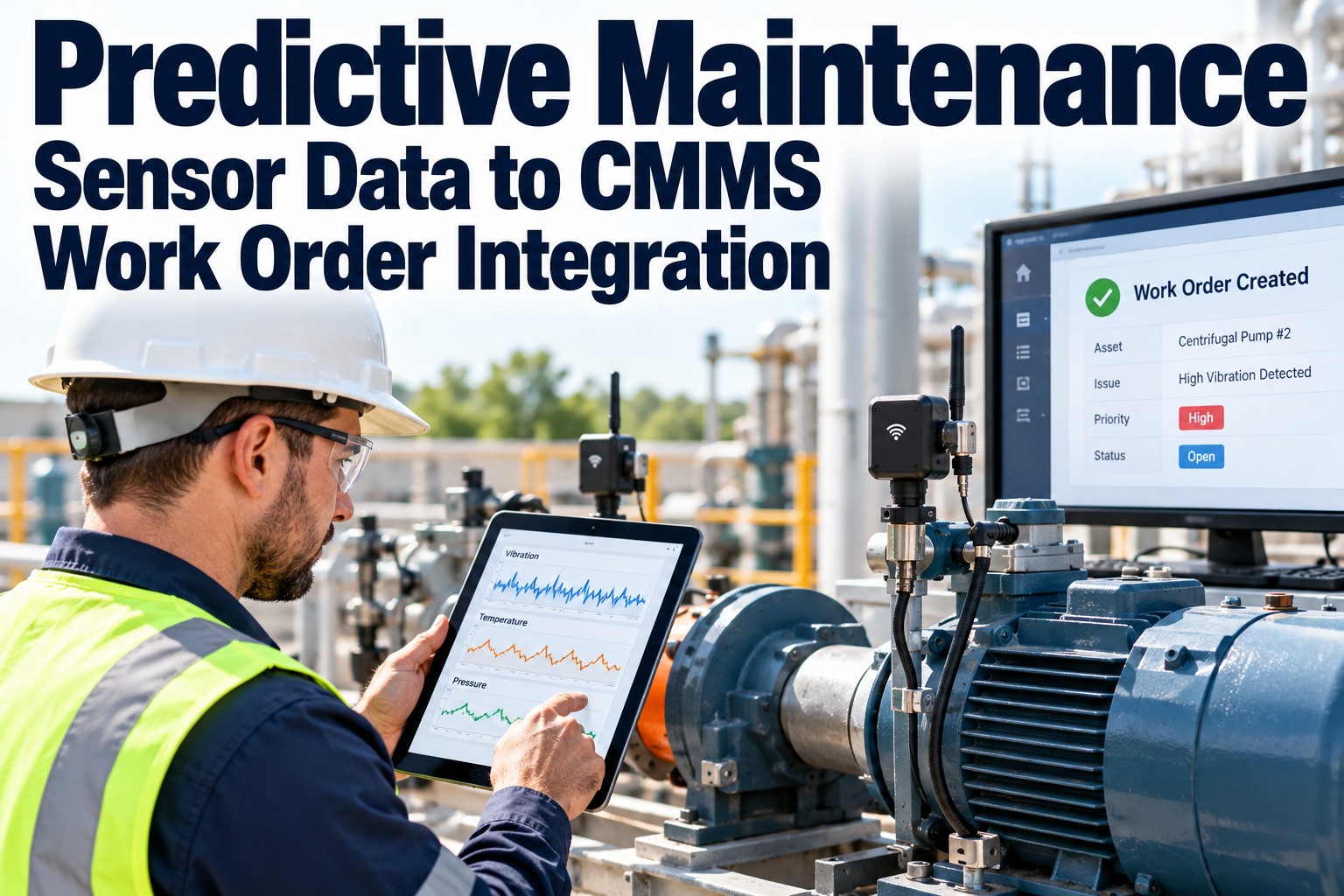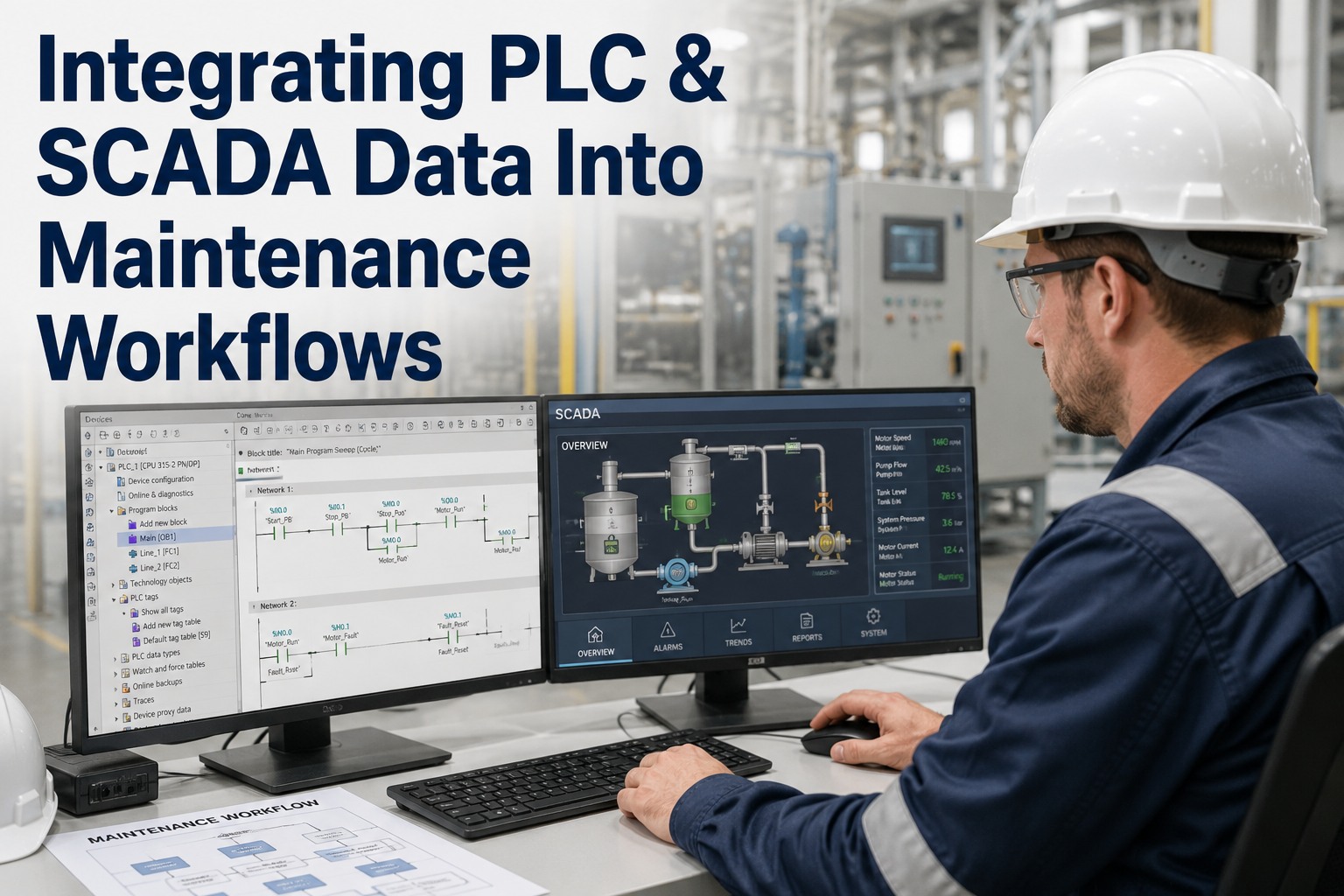
For most plants, PLC and SCADA systems already capture the real-time condition of every motor, pump, conveyor and oven on the floor — yet 70% of that signal never reaches the CMMS, so alarms flash and disappear while work orders stay manual. Integrating control-system data with maintenance workflows is what turns those ignored notifications into condition-based work order generation: a temperature tag crosses threshold, and a job is auto-created, routed and tracked before failure. OxMaint maintenance management software gives IT/OT teams the tag mapping, historian integration and alarm-to-work-order automation to close that loop. Start your Start Free Trial and connect your first 50 tags in an afternoon.
Every alarm should become a work order — not a screenshot.
Feed PLC and SCADA signals straight into condition-based work order generation. Map tags, automate triggers, and let the historian tell you exactly which asset degrades next — before it takes the line down.
The hidden cost of disconnected control data
A mid-sized 180-asset plant typically logs 12,000+ SCADA alarms per month. Without CMMS integration, maintenance only acts on roughly 8% of them — the rest become invisible failures waiting for the next outage.
Four PLC / SCADA data streams worth wiring into maintenance
Not every tag deserves a work order. These four signal families consistently produce the highest ROI when mapped to condition-based triggers in OxMaint.
Vibration & bearing temperature tags
RMS velocity, peak acceleration and bearing-cap temperature from the PLC motor block. Crossing ISO 10816 Zone C for 30 minutes auto-creates a "inspect bearing" work order with the trend chart attached.
Pump cycle & run-hour counters
Run-hour accumulation from the SCADA historian hits a programmed PM interval and generates the next preventive job — no spreadsheet, no missed 4,000-hour seal change.
Process deviation & quality alarms
Pressure, flow and temperature deviations that persist beyond a dwell window trigger a condition ticket. The operator sees context; the technician gets the diagnosis before the line stops.
Fault & trip event logs
PLC fault codes and safety trips push as high-priority work orders with the exact code, timestamp and asset hierarchy pre-filled — cutting diagnostic time by an average of 60%.
The trigger logic that turns a tag into a job
Condition-based work order generation is not magic — it is a deterministic rule. Get the formula right and the CMMS stops being a filing cabinet and starts acting on OT truth.
Zero manual entry
Tag value, timestamp, asset ID and trend snapshot populate the work order automatically — technicians arrive with context, not guesswork.
Dwell time kills noise
A 30-minute dwell window filters the 12K monthly alarms down to the ~80 events that actually warrant a maintenance action.
Historian trend attached
Each ticket carries a 7-day trend chart from the SCADA historian so the technician sees degradation, not just a snapshot.
Auto-prioritised
Criticality matrix scores the asset and assigns P1–P4 — a 2-MW chiller tripping gets P1; a fan vibration drift gets P3.
Manual monitoring vs OxMaint-integrated workflow
The gap between a clipboard-driven CMMS and a tag-driven one shows up directly in MTTR, PM compliance and downtime hours. Here is the side-by-side.
| Maintenance metric | Manual CMMS (no OT data) | OxMaint + PLC/SCADA integration |
|---|---|---|
| Alarm-to-action latency | 4–48 hours, depends on shift handover | < 60 seconds, auto-generated ticket |
| PM compliance rate | 62% — run-hours guessed, intervals slip | 96% — counters trigger PMs exactly on time |
| Mean time to repair | 3.5 hours average, diagnosis-heavy | 0.8 hours, fault code pre-populated |
| Unplanned downtime / month | 22 hours across 180 assets | 6 hours, 73% reduction in 90 days |
| Work-order diagnostic data | "Motor hot" — free-text note | Tag, threshold, dwell, 7-day trend chart |
| OT/IT alignment | Two systems, two truths, weekly reconciliation | Single source — PLC tag = work order source |
A 180-asset food plant cut downtime 71% in one quarter
A mid-Atlantic prepared-foods plant running 180 assets across four packaging lines integrated 312 SCADA tags into OxMaint. Before integration, the maintenance team fielded 14,000 alarms monthly and acted on roughly 900. Within 90 days of tag-to-work-order automation, the same plant ran on 80 actionable condition-based tickets, cut unplanned downtime from 22 to 6.4 hours/month, and recovered an estimated $214K in annualised lost-production cost. The historian now feeds every work order, and the OT engineer no longer exports CSV files at 2 a.m.
Stop screenshotting alarms. Start generating work orders from them.
Connect your PLC and SCADA tags to OxMaint and turn real-time control data into condition-based maintenance action — in days, not quarters.
PLC and SCADA integration, answered
Do I need to replace my existing PLCs or SCADA platform?
No. OxMaint connects to the data you already generate — Allen-Bradley, Siemens, Modbus, OPC UA servers and most major SCADA historians (PI, iFIX, Ignition, Wonderware). Integration is read-only against your control layer, so nothing on the OT side is re-engineered or disrupted.
How are tags mapped to assets and work-order templates?
You import your asset hierarchy, then map each PLC tag to an asset ID and a pre-built work-order template. A single mapping screen handles threshold, dwell window, priority and the attached historian trend. Most plants map their first 50 tags in under two hours. Ready to try it? Start Free Trial.
What happens to a SCADA alarm after it generates a work order?
The alarm stays in the SCADA system as the source of truth; OxMaint creates a linked, trackable work order with the tag value, timestamp, dwell duration and trend chart attached. When the technician closes the ticket, the status syncs back so operators see maintenance is underway — no double entry.
Is the integration read-only, or can OxMaint write back to the PLC?
The standard maintenance integration is read-only — OxMaint consumes tag values and historian data but never writes to the control layer. This preserves OT safety boundaries and keeps your automation team comfortable. Write-back, if ever needed, is a separate governed project.
How quickly can a typical plant see ROI from this integration?
Most 100–300 asset plants see measurable MTTR and downtime improvements within 30–90 days of going live. The 180-asset food plant in our case study recovered $214K annualised inside one quarter. Want a tailored projection? Book a Demo.
Turn your control system into your maintenance system.
Map your first 50 PLC/SCADA tags, generate condition-based work orders, and watch downtime drop — all inside a 14-day free trial.
Free 14-day trial · No credit card