A maintenance supervisor at a 60-building university campus starts Monday morning with 287 open work orders. She does not know which ones were completed over the weekend. She does not know which technicians are currently working on what. She does not know which emergency work order from Friday night was resolved or is still waiting for parts. She opens the CMMS, checks each technician’s queue individually, makes four phone calls, and 35 minutes later has an approximate picture of where things stand — approximate, because two technicians did not update their work orders before clocking out Friday, and one emergency was closed by the weekend crew without logging the parts they used. This is not a technology failure. It is an architecture failure. The system stores work orders but does not track them in real time. Real-time work order tracking means every work order has a live status visible to every stakeholder — from the moment a request is submitted through assignment, travel, check-in, execution, parts consumption, photo documentation, and close-out — updated automatically as each step occurs, without requiring technicians to remember to update a screen they have already moved past. Start your free OxMaint trial and see real-time tracking across every open work order from day one.
The 10 Work Order Statuses That Should Update Automatically
Real-time tracking is not one feature — it is 10 automatic status transitions that occur as the work order moves through its lifecycle. Each transition updates the dashboard, notifies relevant stakeholders, and logs the timestamp for performance analytics. In a properly configured system, the technician never manually changes a status field. The system infers status from their actions.
Every one of these status transitions happens without the technician manually updating a status dropdown. The system infers the status from the technician’s natural workflow actions: tapping “Start,” checking in at the location, scanning a part, taking a photo, tapping “Complete.” This is the critical design difference between a CMMS that stores work orders and one that tracks them in real time. Book a demo to see all 10 automatic status transitions running on live work order data.
OxMaint tracks every work order through 10 lifecycle stages automatically — from submission to close-out.
Technicians work. The system tracks. Supervisors see everything in real time.
The Real-Time Dashboard: What Every Stakeholder Sees
Real-time tracking is only valuable if the right people see the right information at the right time. OxMaint provides role-based dashboards that show each stakeholder exactly what they need — without overwhelming field technicians with executive metrics or burying supervisors in individual task details.
Mobile-First Tracking: How the Field Workflow Drives Visibility
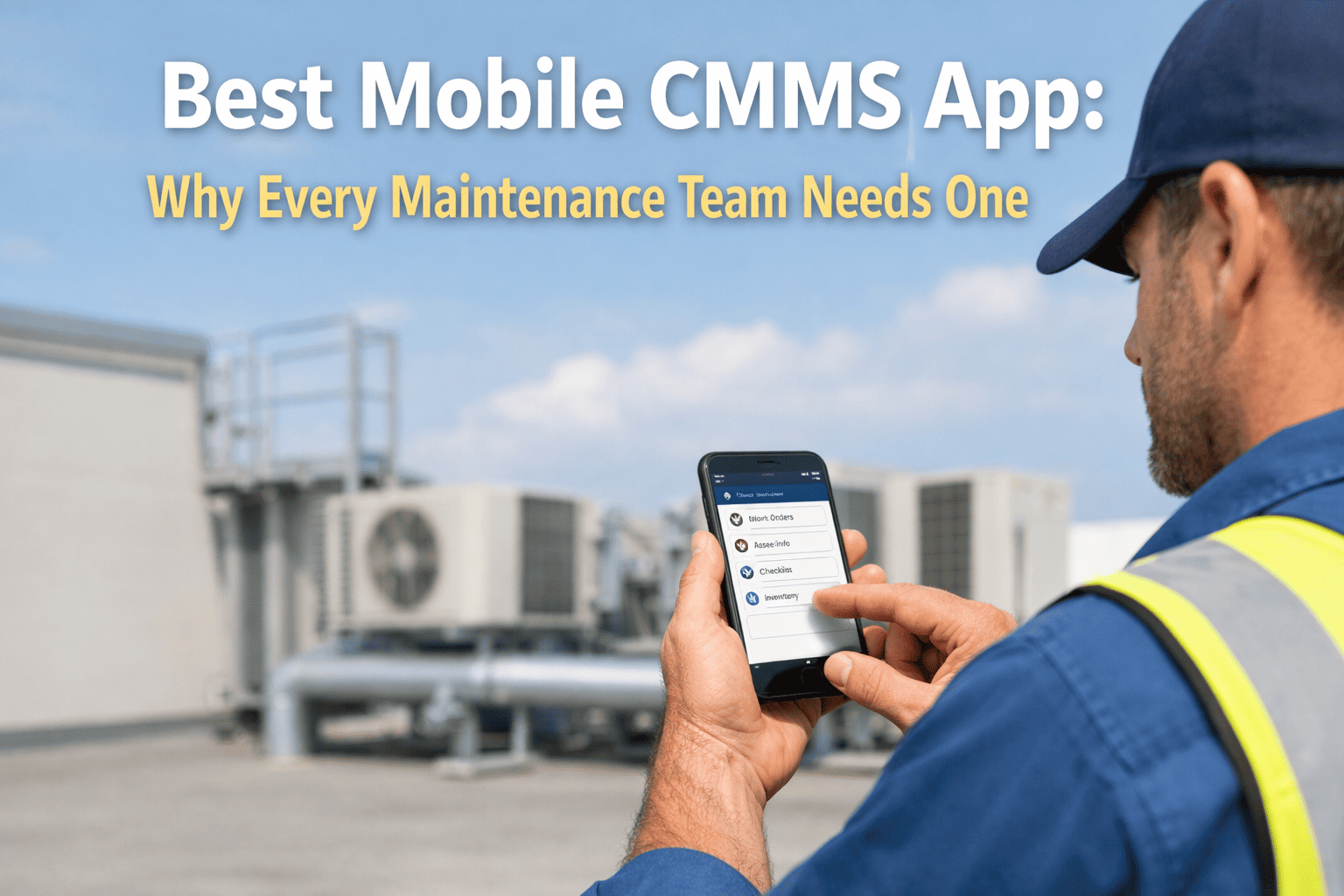
Real-time tracking only works if the field technicians actually use the system. OxMaint’s mobile app is designed so that every natural workflow action — arriving at a building, opening a work order, scanning a part, taking a photo — automatically generates the status updates that power the dashboard. The technician is not doing extra work to update status. They are doing their normal work, and the system captures the data.
The technician sees their queue sorted by priority and optimized by geographic route. They tap “Start” on the next work order. When they arrive at the building, they tap “Check In.” GPS confirms the location. Two taps. Status updated for the entire organization. Response time KPI calculated. No manual entry.
The technician photographs the condition before starting work using the in-app camera. After completing the repair, they photograph the result. Both photos are automatically attached to the work order with timestamps and GPS coordinates. No separate camera app. No emailing photos. No uploading later.
When the technician uses a replacement part, they scan the barcode or QR code on the shelf label or part packaging. The system logs the part number, quantity, and cost against the work order. Storeroom inventory auto-deducts. If inventory drops below the reorder point, a purchase requisition generates automatically. Zero manual data entry.
Instead of typing on a small screen with dirty gloves, the technician dictates their repair notes: “Replaced VAV actuator BEL-LF24. Verified full stroke 0 to 100. Discharge temp now 55 degrees. Asset operational.” Speech-to-text converts the dictation into structured work order notes. The AI parses it into completion fields: work performed, parts used, readings taken.
The technician taps “Complete.” The system checks that all required close-out fields are populated: work performed, root cause (if applicable), parts consumed, after photo, and labor time. If any field is missing, the system prompts for it before allowing close-out. The requestor receives a completion notification. The work order moves to supervisor review.
The entire field workflow — from receiving the assignment to completing the work order — involves five taps on the mobile app plus the actual repair work. Every tap generates a status update, a timestamp, and a data point for analytics. The technician is not updating a tracking system. They are doing their job, and the tracking system captures everything. Sign up free and deploy the mobile app to your field team within the first week.
Notifications That Drive Action, Not Noise
Real-time tracking without intelligent notifications creates alert fatigue. OxMaint sends notifications only when action is needed — and sends them to the right person for the right reason:
What Happens When Tracking Data Becomes Intelligence
Real-time tracking is not just about knowing where work orders stand today. The data generated by 10 automatic status transitions across thousands of work orders over months and years becomes the analytical foundation for every maintenance improvement decision.
Every Work Order Generates Data. Real-Time Tracking Turns It Into Decisions.
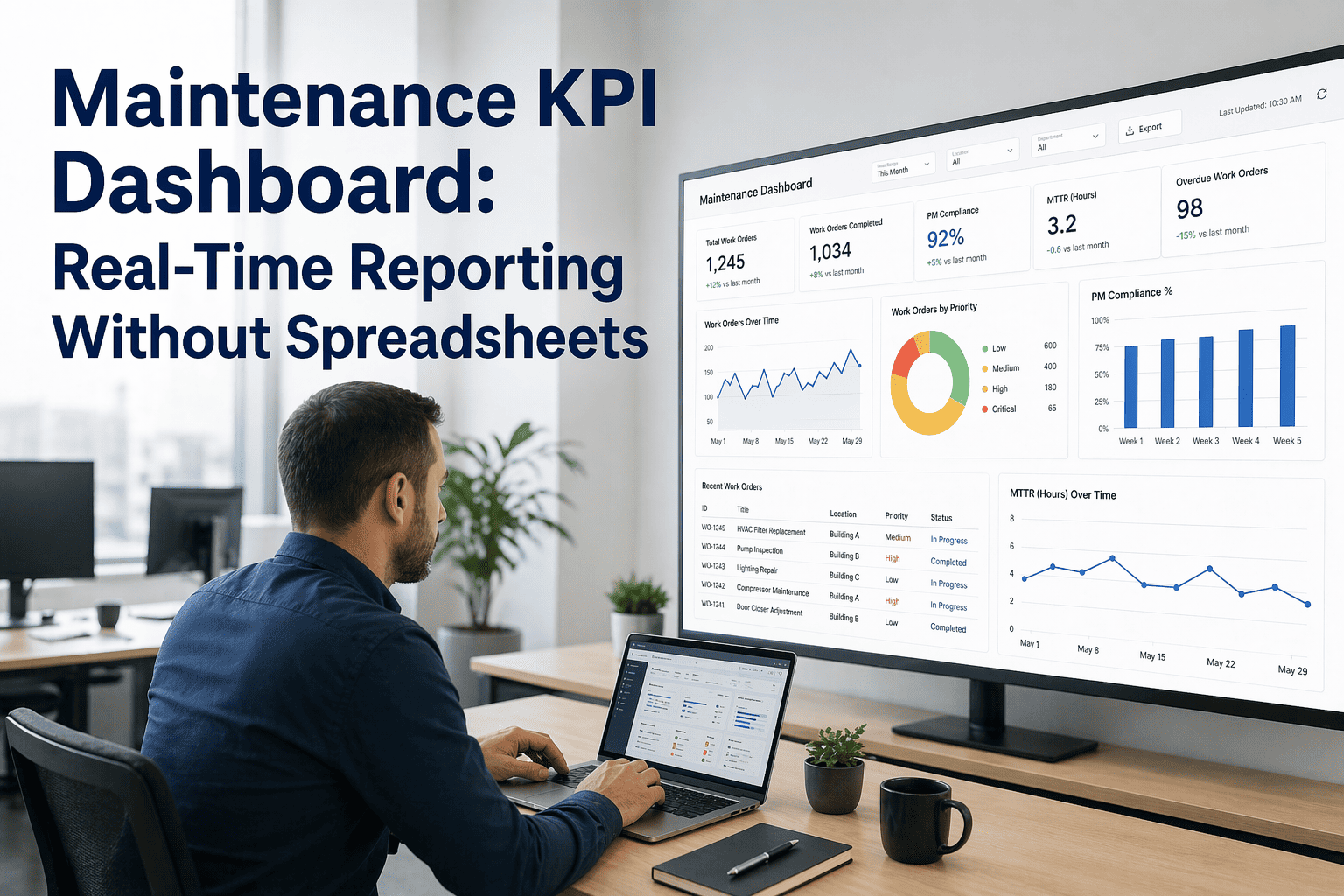
OxMaint’s real-time dashboards show response time, PM compliance, emergency ratio, wrench time, and cost per work order — calculated automatically from the status transitions your team generates through normal daily work. No manual reporting. No spreadsheet assembly.
Implementation: From Status Blindness to Full Visibility in 30 Days
Real-time tracking deploys faster than any other CMMS capability because it requires no IoT sensors, no BAS integration, and no historical data migration. The tracking layer activates the moment your team begins using the mobile app. Start your free trial and have real-time tracking operational across your entire team within two weeks.
Notification rules: Configure who receives what alerts and when. Eliminate noise. Drive action.
Dashboard customization: Role-based views for director, supervisor, technician, requestor, and finance.
KPI baselines: First 30 days of tracking data establishes your baseline response time, PM compliance, and emergency ratio — the foundation for measuring every improvement going forward.
Stop Wondering. Start Knowing.
OxMaint’s real-time work order tracking gives every stakeholder — from the technician in the field to the CBO in the boardroom — live visibility into every maintenance task across every building. No lost work orders. No stale statuses. No morning phone calls to reconstruct what happened yesterday. Deploy in 30 days. Free to start.
Start FreeFrequently Asked Questions
Does real-time tracking require technicians to do extra data entry?
No. That is the core design principle. Status updates are inferred from the technician’s natural workflow actions: tapping “Start” (en route), tapping “Check In” (on-site), scanning a part (parts consumed), taking a photo (in progress), and tapping “Complete” (completed). The technician is not updating a tracking system — they are doing their normal job and the system captures the data automatically. Most technicians are fully productive on the mobile app within a single shift of introduction.
Can building occupants see the status of their maintenance requests?
Yes. Requestors receive automatic notifications at three milestones: when their request is assigned (with technician name and estimated arrival time), when the technician checks in on-site, and when the work order is completed. They can also check status at any time through a simple web link or the requestor app. This eliminates the “where’s my work order?” phone calls that consume 15–20% of the facilities front desk’s time at most institutions. Book a demo to see the requestor status experience from the building occupant’s perspective.
What happens when a work order gets stuck — parts unavailable or tech reassigned?
The system handles interruptions automatically. When a technician marks a work order “awaiting parts,” the system checks inventory across all storeroom locations, initiates a transfer if the part exists elsewhere, or creates a purchase requisition if it does not. The work order automatically re-queues for the next available qualified technician when the part arrives. When a technician is reassigned to an emergency, the AI re-sequences the remaining team’s schedules in under 90 seconds, redistributing the displaced tasks across available staff. No work order is ever left in limbo.
Does the mobile app work offline in areas with poor connectivity?
Yes. OxMaint’s mobile app caches the technician’s work order queue, asset data, and checklists locally. Technicians can check in, log notes, take photos, scan parts, and complete work orders while offline. When connectivity is restored, the app syncs all data — including timestamps that reflect when the actions actually occurred, not when they synced. This is critical for basements, mechanical rooms, and rural campus locations where cellular coverage is inconsistent.
How quickly can we deploy real-time tracking to our team?
Real-time tracking is the fastest CMMS capability to deploy because it requires no sensors, no BAS integration, and no historical data migration. Week 1: import your asset registry and configure work order types. Week 2: deploy the mobile app to field technicians (1–2 hours of guided use for full adoption). By day 14, every new work order is being tracked in real time through all 10 lifecycle stages. Dashboard KPIs begin populating immediately from live data. Most teams see measurable improvements in response time within the first 30 days. Sign up free and begin real-time tracking on your campus within two weeks.