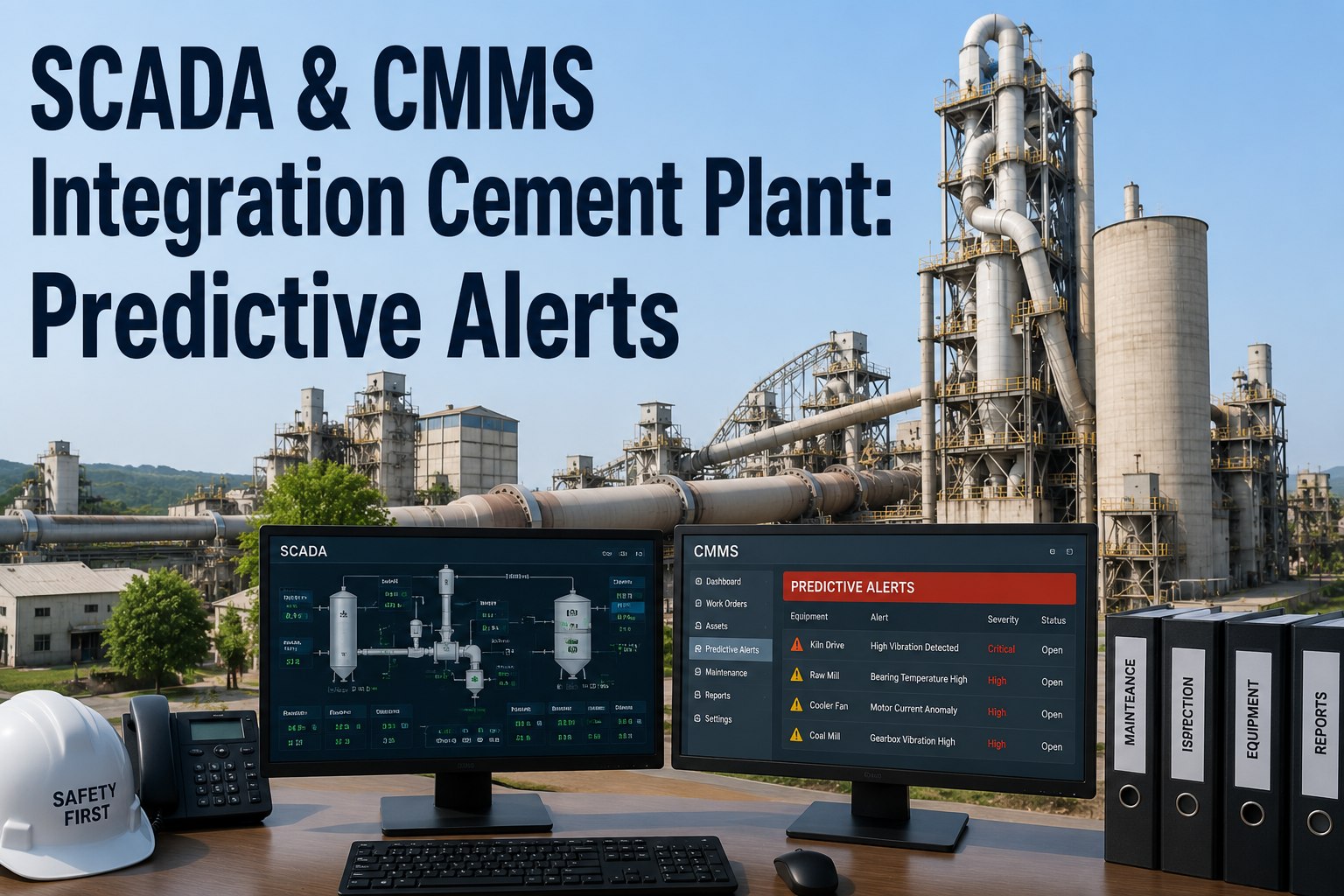
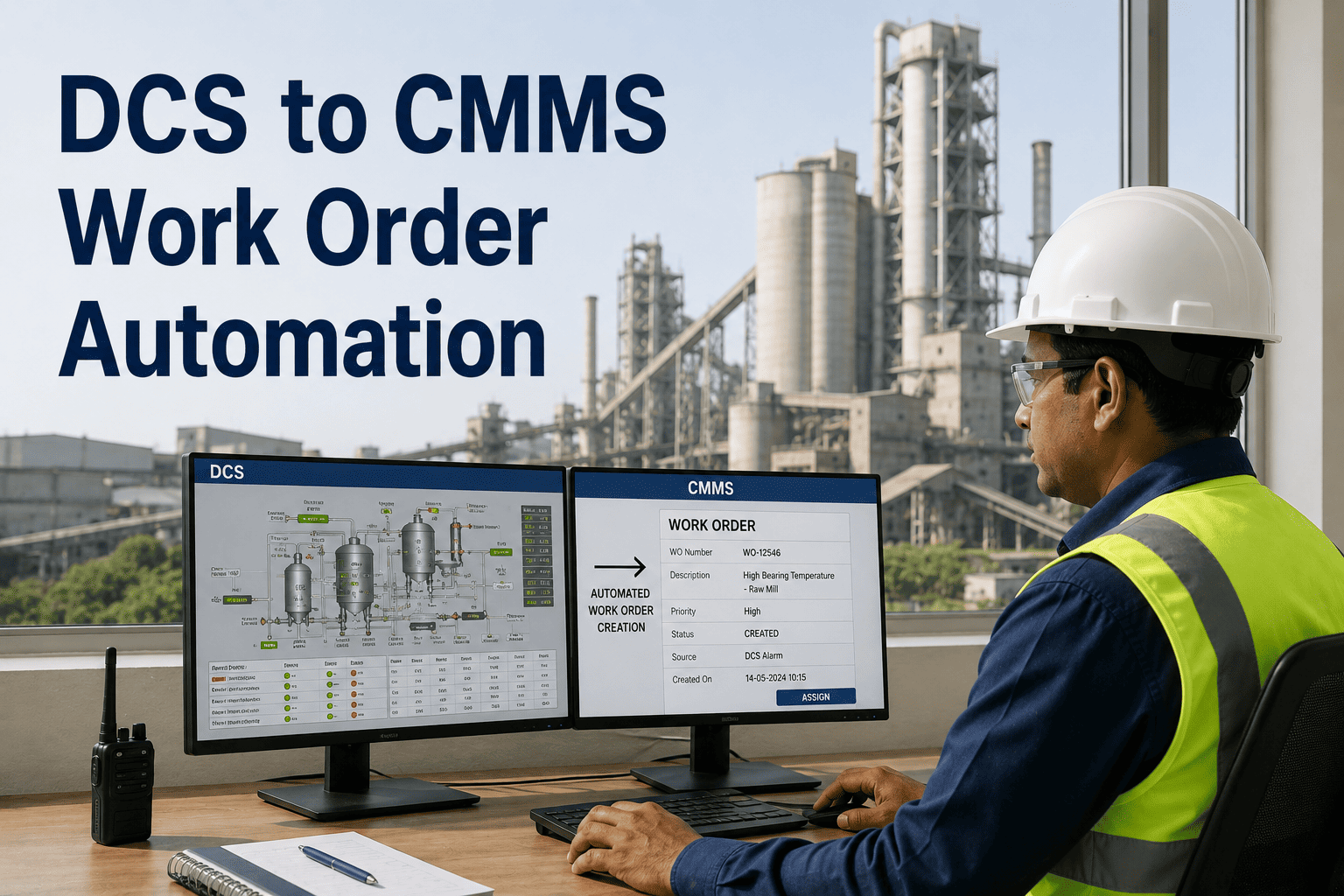
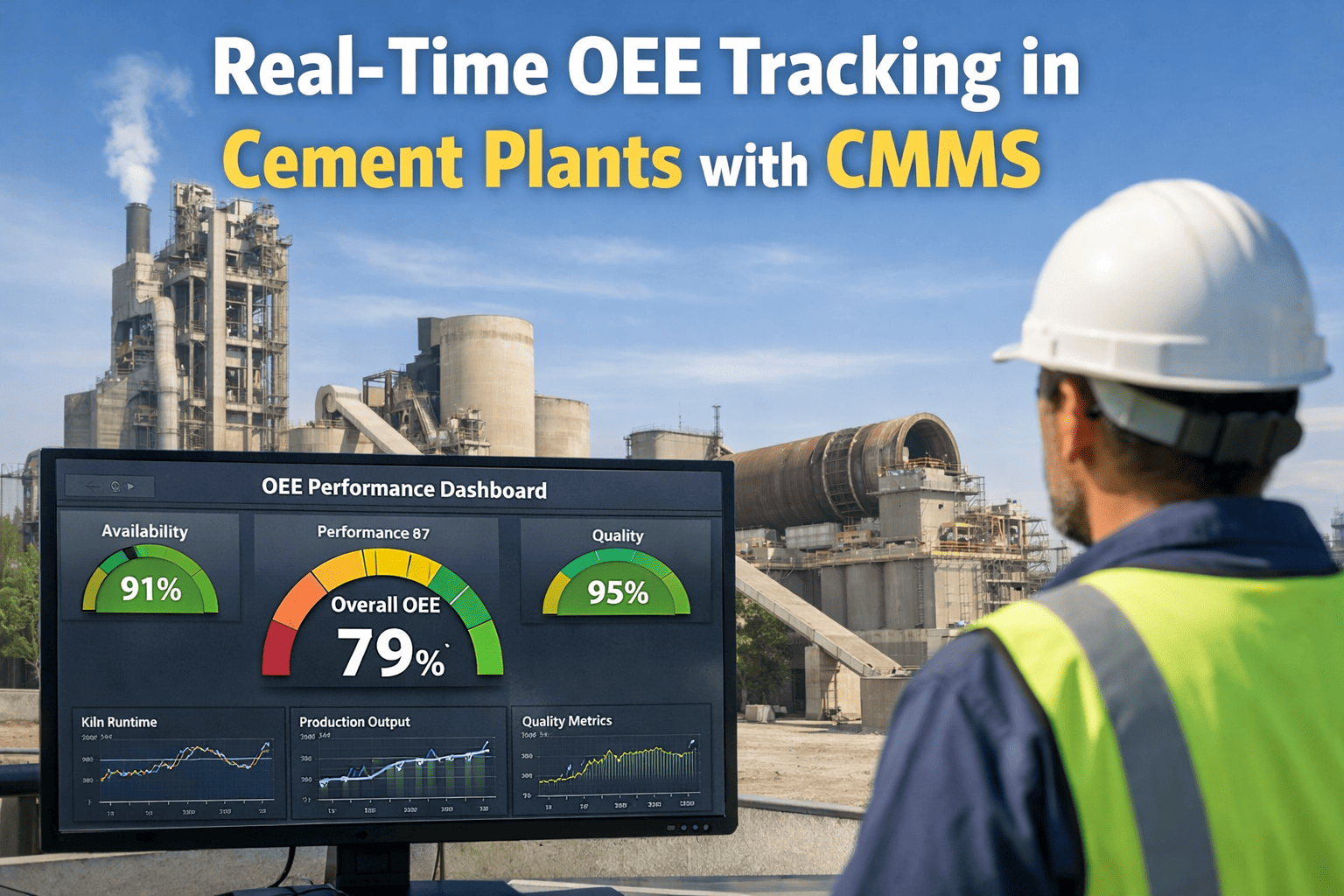
In the control room of a 6,500 TPD integrated cement plant in Southeast Asia, a SCADA screen flashed amber at 03:14 on a Tuesday morning — vertical raw mill main gearbox oil temperature exceeding 72°C on a bearing that normally ran at 58°C. The night-shift operator acknowledged the alarm, wrote it in the shift log, and the line kept running. Seven hours later, during morning handover, the day-shift maintenance planner heard about the alarm. A work order was raised at 11:40 AM — eight hours and twenty-six minutes after the signal first appeared. By 2:15 PM the bearing had seized. The mill was down for 19 hours. Clinker production lost: $340,000. The fault data that could have prevented it was generated by the SCADA system, displayed on a screen, and then vanished into the historian because nothing connected it to the CMMS. Oxmaint's OPC-UA integration closes that gap — turning SCADA alarms into automated work orders in under 60 seconds. Book a 30-minute walkthrough to see alarm-to-work-order automation using your plant's tag structure.
Case Study · SCADA-CMMS Integration via OPC-UA
How a 6,500 TPD Cement Plant Cut Alarm Response Time From 8 Hours to 58 Seconds by Connecting SCADA to CMMS Over OPC-UA.
Every cement plant in the world runs a SCADA or DCS that sees every fault code, every bearing temperature, every mill motor current in real time. Almost none of them feed that data directly into a CMMS. The handoff between control room and maintenance planner is still radio, email, or shift handover — a 4–8 hour delay that turns catchable events into emergency repairs.
58s
Alarm to work order after integration
4–6wk
Typical OPC-UA deployment window
50%
Unplanned downtime reduction
0
Changes to PLC or SCADA logic
The Plant, the Gap, and What Kept Breaking
The plant ran a 4,200 TPD kiln line plus secondary mills, with roughly 1,800 maintainable assets across crusher, raw mill, preheater, kiln, cooler, cement mill, and packing plant. SCADA was Siemens PCS7 in the main plant and Rockwell FactoryTalk on the packing side. A 14-year-old CMMS handled work orders — entered manually, by the maintenance planner, from whatever information made it through the 8-hour morning handover cycle.
Before Integration
The 8-Hour Handoff
01
SCADA fires alarm at 03:14 — operator acknowledges, enters shift log line
02
Night shift ends 07:00 — verbal handover at 07:15 covers major events only
03
Maintenance morning meeting 09:00 — alarm gets mentioned if remembered
04
Planner creates work order 11:40 — written from memory, no process data
05
Technician dispatched 13:30 — often after failure has already progressed
Avg alarm-to-dispatch
8h 26min
After Integration
The 60-Second Loop
01
SCADA fires alarm at 03:14 — OPC-UA subscription captures event in under 1 second
02
Oxmaint rule engine checks severity, frequency, and deadband — passes filter
03
Work order auto-generated with asset ID, fault code, 30-min process values attached
04
Technician on call receives mobile push — full alarm context already loaded
05
Technician on site 03:41 — 27 minutes from alarm fire to hands-on intervention
Avg alarm-to-dispatch
58 seconds
The Integration Architecture
Oxmaint sits on the IT side of the network as a read-only OPC-UA client. It does not write to the PLC. It does not modify SCADA configurations. It subscribes to the alarm tags and condition tags that already exist in the control system and translates them into maintenance events on the CMMS side of the firewall.
Layer 1 — Field Devices
Temperature Sensors
Vibration Probes
Motor Current Transducers
Pressure Transmitters
Layer 2 — PLC & DCS
Siemens PCS7
Rockwell FactoryTalk
ABB 800xA
Schneider EcoStruxure
Layer 3 — Edge Gateway
Tag Namespace Browsing
Subscription Rate Control
Mutual TLS Authentication
OPC-DA Fallback Wrapper
Layer 4 — Oxmaint CMMS
Alarm Rule Engine
Auto Work Order Generation
Asset Context Attachment
Technician Dispatch
Alarm-to-Work-Order Mapping
Not every SCADA alarm deserves a work order. The integration's value comes from a clean rule set that converts the right signals into action and suppresses the rest. The table below shows the mapping configured at the case study plant across its seven major process areas — each rule tuned during the first two weeks of live data.
Kiln
Shell hot spot > 380°C
Critical
15 min
On-call refractory eng.
Kiln
Main drive vibration > 7.1 mm/s
High
1 hour
Reliability team lead
Raw Mill
Gearbox oil temp > 70°C
Critical
30 min
Mechanical shift team
Raw Mill
Motor current deviation 15%
High
2 hours
Electrical shift team
Preheater
Cyclone blockage detected
Critical
20 min
Process + mechanical crew
Cooler
Grate plate temp anomaly
High
1 hour
Cooler specialist
Cement Mill
Bearing temp > threshold
High
2 hours
Mill mechanical team
Baghouse
DP across filter > setpoint
Medium
8 hours
Environmental team
Packing
Packer torque overload
Medium
4 hours
Packing line technician
Critical — fires within shift, automatic callout
High — same shift, assigned technician notified
Medium — next shift, added to planner queue
Live alarm-to-WO in under 60 seconds
Your SCADA Already Knows What's Failing. Your CMMS Should Know Too.
Oxmaint's OPC-UA client connects to your PCS7, FactoryTalk, 800xA, or EcoStruxure system in read-only mode and converts alarm events into assigned work orders with full process context. Zero changes to your control system. Zero risk to running production.
The 60-Second Timeline, Second by Second
What actually happens between the moment SCADA flags a threshold breach and the moment a technician has the work order on their phone? The sequence below is the same for every critical alarm on every integrated asset at the case study plant.
+0s
SCADA detects threshold breach
Raw mill gearbox oil temperature crosses 70°C setpoint. PCS7 raises alarm on HMI and writes to alarm log simultaneously.
+1s
OPC-UA subscription captures event
Oxmaint client reads the alarm object from the PCS7 OPC-UA server. Payload includes timestamp, severity, tag ID, current value, and 30-minute historic trend.
+3s
Rule engine evaluates
Frequency check (not a chatter signal), deadband check (sustained for 60s), severity gate (passes High priority threshold). Rule engine approves work order creation.
+8s
Asset context attached
Work order auto-populated with equipment history, recent PM completions, spare parts on hand, relevant SOPs, last three similar fault occurrences — all pre-loaded.
+20s
Technician assigned by rule
Rule assigns to on-call mechanical shift team. If primary unavailable, fallback routing activates to second-on-call within 2 minutes.
+58s
Mobile push delivered, WO active
Technician's phone alerts. Full work order visible — fault code, trend chart, spare parts ready, SOP attached. Technician acknowledges and is en route.
Six Capabilities That Only Exist Once You Integrate
Connecting SCADA to CMMS over OPC-UA is not a dashboard upgrade. It unlocks six maintenance capabilities that are structurally impossible when control and maintenance run as separate systems.
01
Alarm-Triggered Work Orders
Every qualifying alarm becomes a work order with asset context, fault history, and assigned technician — no human relay, no handoff delay.
02
Condition-Based PM Triggering
Running hours, cycle counts, and production tonnage trigger PM schedules automatically instead of drifting calendar dates on an Excel sheet.
03
Repeat-Failure Pattern Detection
Same alarm firing three times in 30 days surfaces as a pattern, not three isolated work orders — driving root cause investigation.
04
Process-Data-Rich Repair Context
Every work order arrives with 30 minutes of pre-alarm process trend data attached — no more guessing what the equipment was doing before it faulted.
05
Audit-Ready Compliance Trail
Every alarm event linked to its resulting work order and resolution outcome — complete documentation that manual processes cannot produce reliably.
06
Alarm Quality Improvement Loop
Technicians close each WO with a finding code. Over time, nuisance alarm rules tighten automatically and signal-to-noise ratio climbs quarter on quarter.
What the First Thirty Days Actually Looked Like
The integration was not a big-bang cutover. It was a phased rollout against a defined scope, starting with the four highest-criticality process areas and expanding across the plant as signal quality proved out. The journey below is the exact sequence the case study plant followed.
Week 1
OPC-UA Endpoint Discovery
Oxmaint OPC-UA client installed on plant edge gateway. Browse PCS7 and FactoryTalk tag namespaces. Identify 480 alarm tags across kiln, raw mill, cement mill, and packing.
Result: Tag inventory complete
Week 2
Rule Configuration & Pilot
Configure severity gates, deadband filters, and frequency thresholds for top 40 critical alarms. Start generating work orders in test mode — zero dispatch yet.
Result: 120 test WOs generated
Week 3
Live Cutover on Kiln Line
Enable live WO dispatch on the kiln process area only. Monitor false positive rate, alarm flooding, and technician acknowledgement patterns for 7 days.
Result: Live on 4 process areas
Week 4
Plant-Wide Expansion
Extend to remaining process areas — preheater, cooler, baghouse, packing. Final rule tuning based on first-fortnight findings data. Full plant coverage live.
Result: 480 tags, full coverage
Results After Six Months of Integrated Operation
The plant committed to a 6-month post-integration measurement window to quantify outcomes against a documented pre-integration baseline. The numbers below are what the maintenance manager reported to the executive steering committee at the Q2 review.
Mean Alarm-to-Dispatch Time
99.8% reduction in time from alarm fire to assigned technician dispatch
Unplanned Mill Downtime Events
71% reduction across raw mill and cement mill unplanned stops
Work Orders From Process Data
Shift from technician-requested to system-generated work orders
Repeat Failure Events Flagged
Patterns surface from data instead of dying in the alarm log
Protocol Coverage Beyond OPC-UA
Not every plant is on modern OPC-UA. Legacy infrastructure, older SCADA platforms, and specialized subsystems often require additional protocol support. Oxmaint connects across the full control layer without forcing a rip-and-replace upgrade.
Primary
OPC-UA
Modern standard, mutual TLS, semantic tag namespace. Native support on Siemens, Rockwell, ABB, Schneider, Yokogawa PLC and DCS families.
Used in: 78% of deployments
Legacy Bridge
OPC-DA (Classic)
Windows DCOM-based. Older SCADA installs pre-2015. Requires OPC-DA-to-UA wrapper running on-site edge gateway for secure bridging.
Used in: 14% of deployments
Lightweight
MQTT / Sparkplug B
Pub-sub messaging for IIoT sensor retrofits — vibration, thermal, acoustic — on assets that never had native SCADA visibility.
Used in: 6% of deployments
Database
Historian SQL / API
OSIsoft PI, GE Proficy Historian, Honeywell Uniformance accessed via OPC-UA or standard REST API endpoint for batch and event data.
Used in: 2% of deployments
Security Model — What Your OT Team Will Actually Ask
Every cement plant IT/OT team reviews three questions before any integration touches the SCADA network. The answers below are the same ones Oxmaint's deployment team walks through during every plant's security review.
Q1 — Does it write anything back to the PLC?
No. Oxmaint is a read-only OPC-UA client. It subscribes to tag values and alarm events but never issues write commands. PLC logic, SCADA configurations, and control loops remain unchanged.
Q2 — Where does the client actually sit on the network?
On the DMZ between OT and IT networks, behind your existing firewall rules. Mutual TLS authentication between the client and the SCADA OPC-UA server. Certificate-based identity. No direct connection from cloud to control network.
Q3 — What happens if the integration service fails?
SCADA keeps running exactly as it did before integration. The worst case is that new alarm-triggered work orders stop being generated until the client reconnects. Control operations are entirely unaffected — the plant falls back to its pre-integration process.
Platform Capabilities Inside Oxmaint
OPC-UA Tag Browser
Visual namespace explorer for your SCADA tag structure. Select tags to subscribe to without scripting.
Alarm Rule Engine
Severity gates, deadband filters, frequency thresholds, nuisance suppression configured without code.
Process Data Attachment
Every WO includes the 30-minute process trend chart from the moment before the alarm fired.
Mobile Push to Technician
WO delivery in seconds with full context — asset history, spares on hand, SOPs, past three fault events.
Repeat Failure Detection
Pattern engine flags recurring alarm signatures for root cause investigation instead of repeat repairs.
Compliance Audit Trail
Every alarm event linked to work order linked to resolution outcome — automated documentation.
Frequently Asked Questions
Do we need to modify our PLC or SCADA logic for this to work?
No. Oxmaint is a read-only OPC-UA client that subscribes to existing alarm tags and condition tags. No PLC logic changes, no HMI screen changes, no SCADA reconfiguration. All integration work happens on the Oxmaint side of the firewall.
Our SCADA system is older and does not support OPC-UA — can we still connect?
Yes. For legacy OPC-DA systems, a small wrapper on an on-site edge gateway translates OPC-DA to OPC-UA securely. For even older setups, MQTT edge retrofits or historian SQL connectors work as alternative bridge paths.
How do we stop alarm flooding from overwhelming the maintenance team?
Three layers of filtering — severity gate, deadband duration, and frequency window — suppress nuisance alarms before they generate work orders. Plants typically start with the top 20–40 most critical tags and expand after rule validation.
How long does a typical cement plant integration take?
Four to six weeks from kickoff to plant-wide live operation. Week 1 is tag discovery, week 2 rule configuration, weeks 3–4 phased live rollout by process area. No plant shutdown is required at any point.
Control room data, maintenance action
Stop Losing Six-Figure Failures to the Gap Between SCADA and CMMS.
Oxmaint connects your control system to your maintenance platform over OPC-UA in weeks, not quarters. Every alarm becomes an assigned work order. Every process signal becomes maintenance context. The 8-hour handoff that cost your last unplanned stop disappears for good.