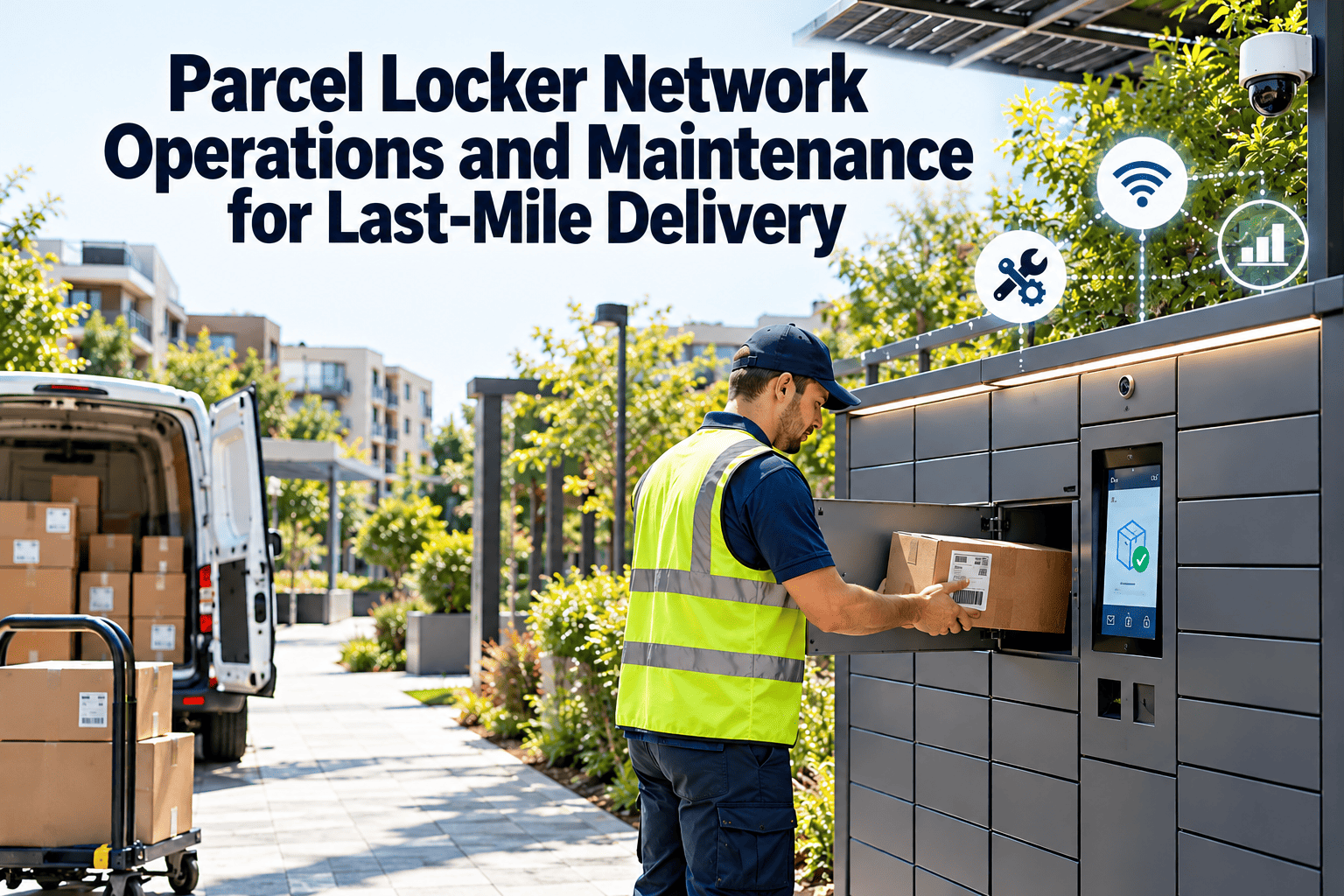
A parcel locker only saves money when it works every time a driver or customer walks up to it. Lockers cut failed home deliveries and consolidate many stops into one, but a door that will not open, a dead screen, or a lost network connection turns a cost saving into a complaint. Running a locker network means getting four things right: where to place it, how it connects to driver workflows, how customers adopt it, and how it is maintained. This guide covers all four, with a closer look at how maintenance management software keeps locker uptime high.
Parcel Locker Network Operations and Maintenance for Last-Mile Delivery
Design, run, and maintain a delivery locker network so lower cost per delivery does not come at the expense of uptime and customer trust.
Why Operators Add Parcel Lockers
A locker bank replaces many individual home stops with one stop. The recipient collects at a time that suits them, which removes a major cause of failed first attempts.
- One stop per recipient
- Failed attempts when nobody is home
- Narrow time windows
- High cost per stop in sparse areas
- Many parcels dropped at one location
- Recipient collects when convenient
- No delivery window to miss
- Lower stop cost where locker use is high
The saving depends on adoption and uptime. A locker that is rarely used or often out of order does not repay its cost.
Locker Types and Where They Fit
| Locker type | Best suited for | Operational note |
|---|---|---|
| Standard modular outdoor bank | Retail car parks, transit stops, residential areas | Needs weatherproofing, lighting, and power |
| Indoor locker | Offices, shopping centers, apartment lobbies | Depends on building access hours and security |
| Temperature-controlled locker | Grocery and food deliveries | Adds cooling units and temperature monitoring to maintenance |
| Returns-enabled locker | E-commerce returns and exchanges | Needs clear process for collection and inspection |
| Staffed pickup point | Shops and service points | Relies on partner staff, not a machine, for handover |
| Private or building locker | Residential and corporate buildings | Access control and resident communication are key |
Network Design: Choosing Locker Sites
Site choice decides usage. A well-located locker is passed in the customer’s normal routine, and a poorly located one needs a special trip.
Review each site after launch. Move or remove lockers that stay empty, and add capacity where they are always full.
Protect Locker Uptime From Day One
Register every locker bank as an asset, schedule routine checks, and route faults to technicians as work orders with Oxmaint.
Driver App Integration and Daily Operations
Lockers only save time when loading is fast. The driver flow should be as simple as scanning and closing a door.
- Size matching: keep compartment mix aligned with parcel profile, so large parcels are not forced into the wrong size.
- Overflow rules: define what happens when a locker is full, such as a nearby alternative site.
- Exception handling: give drivers a clear process for jammed doors and failed scans.
- Collection reminders: automated messages reduce overstay and free compartments sooner.
What Goes Wrong in a Locker Network
| Failure area | Typical issue | Effect on operations |
|---|---|---|
| Door and lock mechanism | Jammed latch, failed actuator, misaligned door | Compartment unusable or parcel trapped |
| Control electronics | Frozen controller, failed screen, scanner fault | Customers and drivers cannot open compartments |
| Connectivity | Lost cellular or network link | Codes cannot be verified, status not reported |
| Power | Supply failure, battery or backup issues | Whole bank offline |
| Cooling | Compressor or sensor fault in cold lockers | Food safety risk and spoiled goods |
| Physical damage | Vandalism, impact, graffiti, weather ingress | Safety concern, poor customer impression |
| Software | Configuration or integration errors | Wrong compartment size, duplicate codes, failed collection |
Preventive Maintenance for Locker Banks
Most locker failures give some warning, either in remote status data or in repeated minor faults. A structured routine catches these before a bank goes offline.
| Frequency | Task | Notes |
|---|---|---|
| Continuous or daily | Review remote status, door faults, and connectivity alerts | Create work orders for repeat or unresolved faults |
| Weekly or by site visit | Check doors, latches, screen, scanner, lighting, and cleanliness | Photograph the site for the record |
| Monthly | Test every compartment opening and closing | Record any slow, noisy, or sticking doors |
| Quarterly | Inspect electrical enclosure, power supply, and backup | Follow local electrical safety rules |
| Cold lockers | Check temperature logs, door seals, and condenser cleanliness | Act immediately on out-of-range readings |
| Annually | Full inspection, anchoring, weatherproofing, and signage review | Update asset and compliance records |
Adjust frequency to site type. A busy transit locker bank needs more frequent attention than a quiet residential one.
Maintenance Response Levels
How Oxmaint Supports Locker Network Maintenance
Oxmaint is maintenance management software. It does not replace the locker operating platform, but it organizes the maintenance work that keeps that platform’s hardware reliable.
- Asset records for each locker bank, with compartments, controllers, and cooling units linked to the site.
- Preventive maintenance schedules by site type, with checklists for doors, electronics, power, and cleaning.
- Work orders created from faults reported by drivers, customers, or monitoring, with priority and technician assignment.
- Mobile access so technicians can view history, complete checklists, and add photos on site.
- Inventory tracking for locks, door actuators, screens, scanners, and common spare parts.
- Compliance records for electrical and safety inspections.
- Reports on repeat faults, response times, and downtime by site, so you know which lockers and suppliers cause the most trouble.
Reactive Versus Planned Locker Care
- Faults found when a customer complains
- Technician sent without parts or history
- Repeat visits to the same site
- Unknown downtime by location
- Customers lose confidence in the network
- Faults found in checks and status data
- Technician arrives with the right spares
- Repeat faults analyzed and fixed at source
- Uptime measured for every site
- Customers can rely on the locker being ready, which supports repeat use
The Adoption Playbook: Filling the Lockers
Uptime keeps customers, but adoption brings them in. Operators who treat lockers as a product, not just a drop point, see better use.
KPIs for Locker Operations
| KPI | Why it matters |
|---|---|
| Locker uptime by site | Primary reliability measure |
| Compartment utilization | Shows whether capacity matches demand |
| Average dwell time before collection | Indicates turnover and overstay |
| Collection success rate | Measures customer experience |
| Mean time to repair | How fast faults are fixed |
| Repeat faults per bank | Highlights root causes |
| Cost per parcel delivered to locker | Connects the network to cost savings |
Trends in Locker and Out-of-Home Delivery
- Out-of-home delivery growth: operators and retailers continue to expand lockers and pickup points as an alternative to home delivery.
- Shared networks: some markets move toward open, multi-carrier lockers, which raises utilization and requires clear service rules.
- Cold and returns capability: more banks add temperature control and returns, which increases maintenance complexity.
- Remote diagnostics: better status data helps operators send the right technician with the right part, which shortens repairs and cuts repeat visits.
- Data sharing with retailers: clearer status and availability information lets retailers show customers which lockers are working at checkout.
- Solar and low-power designs: these can reduce the need for grid connection at some sites, though battery and panel upkeep then joins the maintenance plan.
- Integration with building systems: lockers in apartment complexes and offices increasingly connect to resident or tenant apps, so software and hardware faults need coordinated support.
Uncollected Parcels and Compartment Turnover
A compartment held by an uncollected parcel is a compartment that cannot serve the next customer. Turnover is as important as uptime.
- Set a clear collection period and show it to the customer at checkout and in every message.
- Send reminders before the deadline, using the customer’s preferred channel.
- Remove expired parcels on a fixed schedule, ideally during planned driver visits.
- Return or redirect parcels according to the retailer’s rules, and update the order status.
- Report overstay by site, since high overstay often points to a poor location or unclear instructions, and review it with the retailer or carrier.
Fast, predictable clearing also reduces the pressure to add more lockers than the area needs.
Compartment Mix and Capacity Planning
| Compartment size | Typical contents | Planning note |
|---|---|---|
| Small | Accessories, cosmetics, documents | Often the highest-turnover size |
| Medium | Clothing, shoes, small electronics | Usually the largest share of parcels |
| Large | Boxed items, bags, small appliances | Keep enough to avoid forcing parcels elsewhere |
| Extra large | Bulky goods | Hold only where demand is proven |
Review the parcel size profile every quarter. A bank with plenty of small compartments but constant demand for large ones will report full while still showing empty doors.
Security, Vandalism, and Site Condition
Record every damage event with date, photo, and repair cost. Repeat incidents at one site may justify moving the bank.
Temperature-Controlled Lockers: Added Responsibilities
- Log temperature continuously and alert on out-of-range readings.
- Inspect door seals, condensers, and fans on a fixed schedule.
- Define what happens to goods if cooling fails, including notification and replacement.
- Keep sensors calibrated and record calibration dates.
- Follow local food safety rules and keep records ready for inspection.
Cold lockers carry higher risk and higher cost per fault, so they deserve shorter check intervals and priority response.
Spare Parts and Supplier Management
Locker hardware is often proprietary, so lead times for parts can be long. Plan stock around the parts that fail most often.
- Keep spare locks, door actuators, sensors, and screens for each locker model.
- Hold a spare controller or communication module for the highest-traffic sites.
- Agree repair response times and parts availability in supplier contracts.
- Track failure history by supplier and model, and use it in renewals and purchasing decisions.
- Document warranty terms and claim dates inside the asset record.
Good records also help prove warranty claims, since each repair, date, and part is already logged against the asset.
Launch Checklist for a New Locker Site
- Confirm permits, landlord agreement, and power and network availability.
- Install, anchor, and test every compartment and the screen or scanner.
- Register the bank as an asset with serial numbers, location, and warranty details.
- Create the preventive maintenance schedule and inspection checklist for the site.
- Test the driver loading flow and the customer collection flow end to end.
- Set remote monitoring alerts and the work order rules for faults.
- Brief support staff on common issues and escalation steps.
- Review usage, faults, and customer feedback after the first month, then adjust the maintenance plan, compartment mix, and messaging.
- Share the launch results with the carrier or retailer, so expansion decisions use real data.
Parcel Locker Network Questions
Keep Every Locker Ready for the Next Parcel
Give your locker network the maintenance discipline it needs. Use Oxmaint to schedule checks, respond to faults, and track uptime for every site.