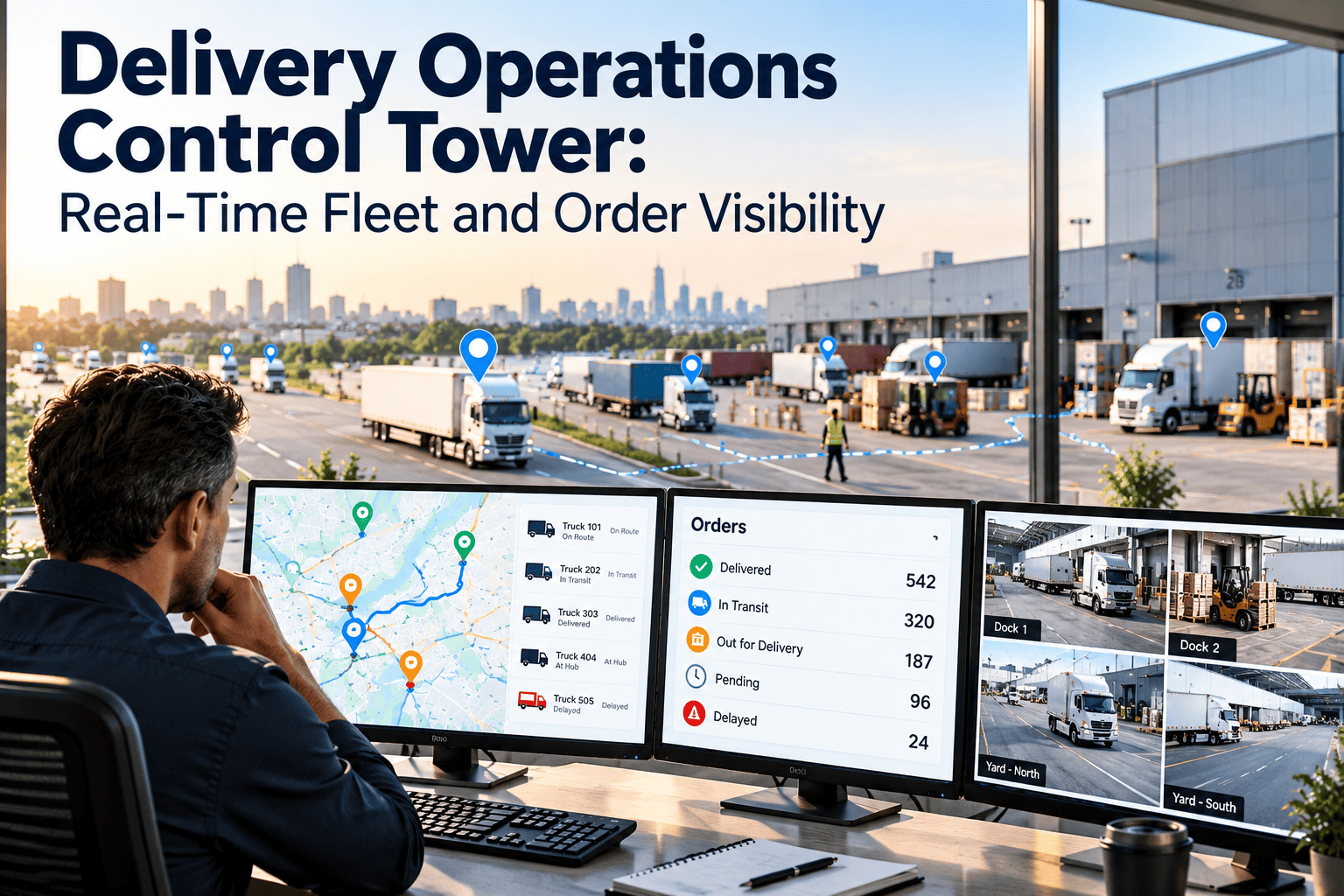
Most delivery operations already have the data they need. Dispatch knows the routes, the tracking tool knows the vehicles, the warehouse knows the orders, and maintenance knows which vans are due for service, but each answer lives in a different screen. A delivery operations control tower brings those views into one operating picture so problems are seen early and handled by the right person. This guide explains what a real control tower includes, which integrations it needs and the operating rhythm that makes it more than a wall of monitors, with a view of how Oxmaint maintenance software supplies fleet and asset health.
One operating picture for fleets, orders and equipment
A control tower is valuable when it shortens the time between a problem appearing and someone acting on it. That requires connected data, clear ownership and a routine that people actually follow.
Fragmented visibility makes every decision slow
When each team works from its own system, issues are discovered by phone call, text message or the next morning's report. The dispatcher hears from a driver, the customer service team hears from a customer, and the maintenance team hears when a vehicle is already on the shoulder.
Separate tools
- Each team sees only its own data
- Exceptions are found by reports, calls and messages
- The same issue is logged in several places
- Vehicle condition is invisible to dispatch
- Managers compile status by hand for meetings
Connected control tower
- One shared view of orders, routes and assets
- Exceptions flagged and assigned automatically
- One record per issue, visible to everyone affected
- Maintenance status informs dispatch decisions
- Status is live, so meetings focus on decisions
What a real control tower includes
A map with moving dots is a tracking tool, not a control tower. The difference is whether the platform helps people decide and act, so look for these capabilities when comparing options, and ask each vendor to demonstrate them with your own routes rather than a generic sample.
Live visibility
Vehicle position, order status and stop progress on a single screen, refreshed continuously.
Exception detection
Rules that flag late stops, missed windows, idle vehicles, route deviations and stock issues.
Workflow and ownership
Each exception is assigned, timed and tracked through to resolution.
Asset and fleet health
Maintenance due dates, open defects and vehicle availability that affect what can be dispatched.
Communication
Notifications to drivers, hubs and customers triggered by status changes.
Performance analytics
On-time rates, exception counts, response times and cost trends by route, hub and period.
The data connections a control tower depends on
The tower is only as good as the feeds behind it. Start with the sources that change decisions most often, then widen the scope in stages. Each new connection should have a named owner, a refresh expectation and a test that proves the data matches reality.
| Source | Data it supplies | Decision it supports |
|---|---|---|
| Order or e-commerce system | Orders, promised windows, priority and service level | Which deliveries are at risk and which can wait |
| Dispatch and routing | Planned routes, driver assignments, stop sequence | Where capacity can be rebalanced |
| Telematics and driver app | Position, speed, idling, proof of delivery, faults | Whether a route is on plan and a vehicle is healthy |
| Warehouse and inventory | Pick status, stock availability, loading progress | Whether goods will be ready for departure |
| Maintenance system | Work orders, service due dates, downtime, parts status | Which vehicles and equipment can be used safely |
| Customer messaging | Notifications, replies, delivery preferences | How and when to communicate about changes |
Tiering exceptions so the tower does not drown in alerts
A tower that raises every possible alert trains people to ignore it. Tiers decide who sees what, and how quickly someone must respond.
The routine that turns a screen into a control tower
Software shows the picture, but a routine makes it useful. A predictable cadence assigns attention to the right level of detail, so frontline teams handle the next hour while managers study the patterns behind it.
Bringing maintenance data into the tower
Maintenance is often the missing layer. Without it, dispatch plans around vehicles that look available but are due for service, carry open defects or are waiting for parts.
Oxmaint supplies the maintenance side through work orders, scheduled tasks, inspections, asset records and reports. How that data reaches your control tower depends on the systems involved, so confirm integration options during evaluation.
From a defect report to a rerouted delivery
Driver reports a defect
A pre-trip check finds a brake warning and the driver logs it on a phone, creating a work order.
Tower flags the vehicle
The vehicle shows restricted status, and its route is marked at risk in the exception queue.
Dispatch rebalances
A spare vehicle or nearby route takes the stops, with customer notices sent only where windows change.
Maintenance closes the loop
The technician repairs the defect, closes the work order and the vehicle returns to available status.
Four stages of control tower maturity
Roles that keep the control tower accountable
Technology does not resolve exceptions, people do. Defining roles early prevents the common situation where a problem is visible to everyone and owned by no one.
Communicate changes before customers have to ask
The best use of early visibility is early notice. When the tower knows a stop will miss its window, the customer can be told while there is still time to adjust.
Proactive delay notice
Send a revised window when route data shows a stop will slip, with a clear reason and next update time.
Vehicle-change notice
Tell customers when a different vehicle or driver is coming only if the change affects them.
Recovery notice
Confirm a new delivery slot after a failed attempt, so the customer is not left to chase it.
A staged plan for the first ninety days
- Choose two or three recurring problems to target
- Connect orders, dispatch and vehicle tracking
- Register vehicles and key hub equipment in the maintenance system
- Define the first exception tiers and owners
- Start the daily huddle and end-of-day review
- Add vehicle availability and open defects to the view
- Tune rules that create noise
- Record every exception outcome
- Add warehouse and customer messaging feeds
- Review repeat causes by route, hub and asset
- Adjust maintenance plans using the findings
- Set targets for time to detect and resolve
Why control tower projects stall
Too many alerts
Every rule fires on every minor deviation, and operators stop reading them.
No clear owner
Exceptions appear on screen but nobody is accountable for resolving them.
Unreliable data
Stale position, wrong asset records or missing scans make the picture untrusted.
Maintenance left out
The tower shows routes but not whether vehicles and hub equipment can be relied on.
No review habit
Rules and thresholds are set once and never tuned against what actually happens.
Big-bang rollout
Every system is connected at once, so delays and data problems hide the early value.
Trust in the data decides whether people use the tower
Operators abandon a view the first time it contradicts what they can see with their own eyes. Data quality is therefore an operating discipline, not a one-time integration task.
Measuring whether the control tower is working
Delivery control towers, answered
Is a control tower the same as a tracking dashboard?
No. A dashboard displays status, while a control tower detects exceptions, assigns owners and records outcomes. The workflow is what makes it operational, and the routine around it keeps it useful.
Which systems should we connect first?
Begin with orders, dispatch and vehicle tracking, then add maintenance and warehouse data. Prioritize feeds that change decisions during the shift, and leave reporting-only data for a later phase when the core workflow is stable.
Why include maintenance data in the tower?
Vehicle and equipment condition decides what can be dispatched. You can book a demo to see how work orders and service schedules show fleet availability.
How many alerts are too many?
When operators stop acting on them. Use tiers, tune thresholds regularly and remove alerts that never lead to a decision. Review which alerts were acted on each month.
Can a smaller operation use a control tower approach?
Yes. Even a small team benefits from one shared view, defined owners and a daily routine. Start simple and add integrations as needs become clear. A shared board, a named owner for each exception and a fifteen-minute daily review already change how quickly problems are handled.


