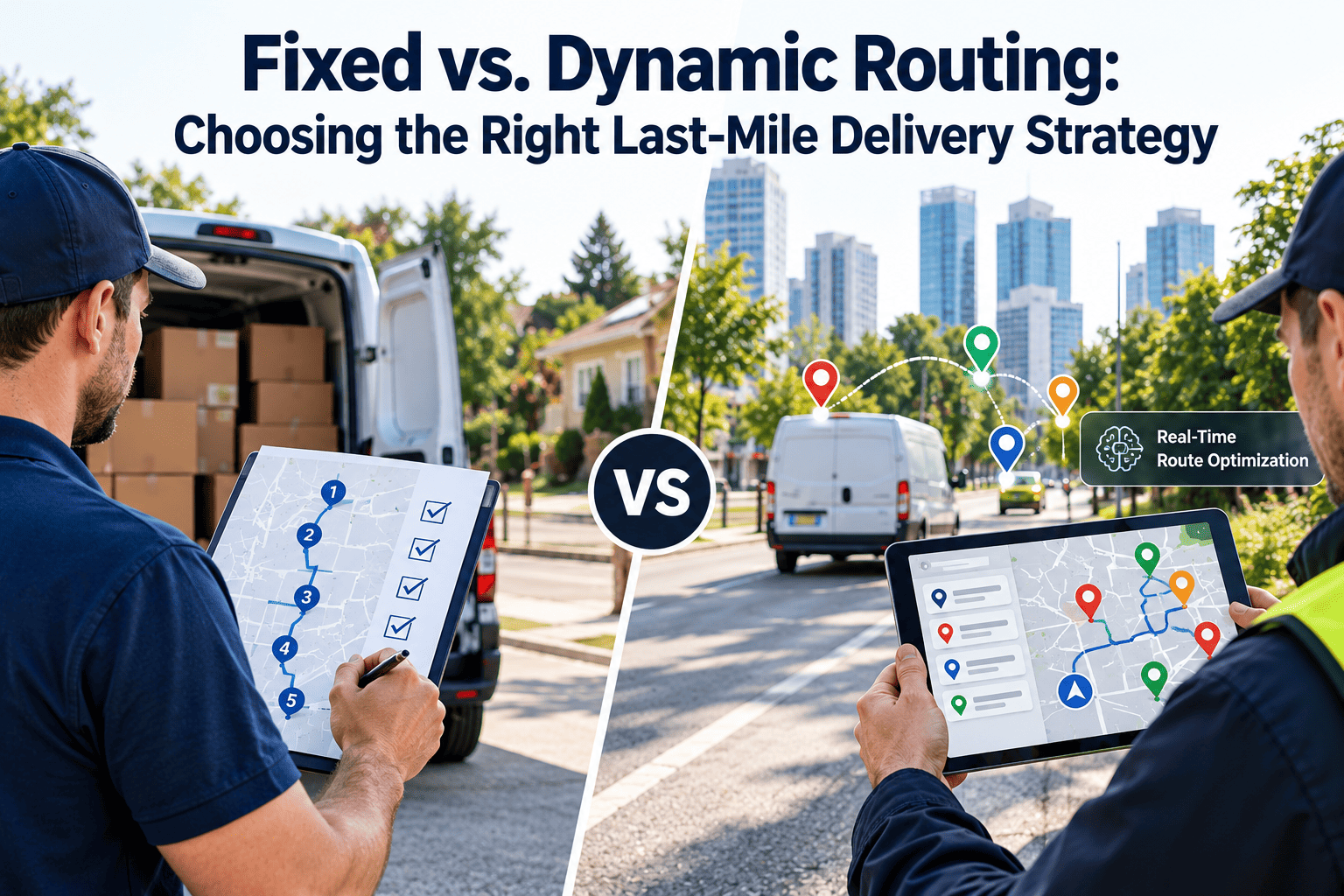
A route plan built at 6 a.m. starts going stale by 7. A crash closes a lane, a customer reschedules, a same-day order lands near a van that is already half loaded, and the plan no longer matches the street. Dynamic route optimization rebuilds routes as conditions change, but it only works when vehicles are ready, data is clean, and drivers trust the new sequence. This guide covers the algorithms, data, integrations, and the maintenance discipline behind them, including how Oxmaint keeps the fleet available for the plan.
Dynamic Route Optimization for Real-Time Last-Mile Delivery Efficiency
What Dynamic Route Optimization Actually Does
- Routes are planned once, usually the night before.
- Changes are handled by dispatcher phone calls.
- Delays on one route rarely help another.
- Same-day orders are added by guesswork.
- Routes are recalculated when inputs change.
- Stops can move between vehicles automatically.
- Live ETAs update customers and dispatchers.
- New orders are inserted where capacity exists.
The practical goal is fewer wasted miles, steadier delivery windows, and less dispatcher firefighting. Results vary by density, order variability, and how well data is maintained.
The Re-Optimization Loop
Trigger rules matter
Re-planning on every small change creates churn that drivers resent. Most teams set thresholds, such as a projected delay beyond a set number of minutes, before the solver runs again.
How the Algorithms Work, Without the Jargon
- Route optimization is a form of the vehicle routing problem, which is hard to solve exactly at scale, so solvers use heuristics and metaheuristics that find strong solutions quickly.
- Constraints include vehicle capacity, time windows, driver hours, skills, and depot return times.
- Objectives can be total distance, total time, number of vehicles, on-time rate, or a weighted mix.
- Insertion methods add a new stop to the best existing route without rebuilding everything.
- Machine learning models can improve travel time estimates and service time predictions, which makes the solver's inputs more realistic.
Data a Dynamic Routing Engine Needs
| Data input | Source | Why it matters |
|---|---|---|
| Order and address data | OMS or WMS | Bad geocodes create wrong stops and lost time |
| Time windows and priorities | Customer commitments | Defines what the solver must protect |
| Vehicle capacity and type | Fleet records | Prevents overload and wrong-vehicle assignments |
| Live position and speed | Telematics | Drives ETAs and re-plan triggers |
| Traffic and road events | Map or traffic provider | Reflects real travel times |
| Service time history | Past deliveries | Improves stop duration estimates |
| Vehicle availability and condition | Maintenance system | Avoids planning a van that is due for service or down |
The Overlooked Input: Vehicle Readiness
Routing engines assume the vehicles on the roster can run. When a van fails a pre-trip inspection or sits in the shop, the plan breaks before the first stop.
- Dispatchers learn about unavailable vans at shift start.
- Routes are rebuilt by hand under time pressure.
- Breakdowns mid-route force emergency reassignments.
- Planned service windows are visible in advance.
- Failed inspections flag vehicles before dispatch.
- Repeat defects show which vehicles are risky for long routes.
Integration Map: WMS, TMS, Telematics, and Maintenance
Change Management: Getting Drivers to Follow the New Route
- Explain why a route changed, such as a closure or a late order, directly in the driver app.
- Let drivers flag impossible stops, and treat those flags as data for the next plan.
- Avoid last-minute resequencing when a driver is about to arrive at the next stop.
- Pilot on a few routes first and compare results with drivers present.
- Review override patterns weekly, because repeated overrides usually point to a bad constraint.
Dispatchers change roles
Dispatchers move from building routes to managing exceptions. Give them dashboards that highlight late risk, vehicle issues, and customer escalations.
Metrics That Show Whether Dynamic Routing Is Working
Where Dynamic Routing Struggles
| Problem | Cause | Practical response |
|---|---|---|
| Constant resequencing | Triggers set too sensitive | Add thresholds and freeze the next stops |
| Unrealistic ETAs | Poor service time data | Use measured stop durations by location type |
| Driver distrust | No reason shown for changes | Show cause and expected benefit in the app |
| Missed loads | Re-plans ignore loading constraints | Include load order and vehicle layout rules |
| Vehicle failures mid-route | Defects not visible to planners | Connect inspections and maintenance status to dispatch |
Events That Should Trigger a Re-Plan
| Event | Typical response | Risk if ignored |
|---|---|---|
| Road closure or major delay | Resequence remaining stops or move stops to a nearby vehicle | Missed windows across several customers |
| Same-day or priority order | Insert into the route with the best capacity and timing fit | Manual guesswork and overloaded drivers |
| Failed delivery or customer reschedule | Drop or defer the stop and close the gap | Wasted miles and idle time |
| Driver delay or absence | Redistribute stops across available drivers | Backlog carried into the next day |
| Vehicle defect or breakdown | Reassign stops and send a replacement vehicle if one is ready | Stranded loads and spoiled or late goods |
Constraints Worth Modeling Before You Go Live
- Delivery windows, including hard windows that cannot be missed and soft windows that can be missed at a cost.
- Vehicle capacity by weight, volume, and pallet or tote count.
- Loading order, so the first stop is reachable without unloading half the vehicle.
- Driver working hours, break rules, and local regulations.
- Access limits such as height restrictions, loading bays, and residential delivery rules.
- Special handling needs, such as temperature control or two-person delivery.
Start with the constraints that cause real failures
Review the last month of late deliveries and failed stops. The causes you find belong in the model first, before more advanced tuning.
Customer ETA Communication
Building a Cost Model You Can Defend
Savings claims are only useful when they come from your own baseline. Measure a few weeks of static performance first, then compare the same routes under dynamic planning.
- Track total distance, drive time, idle time, and fuel use per route.
- Include driver overtime and missed-window costs, not just fuel.
- Separate the effect of dynamic routing from seasonal volume changes.
- Include vehicle costs such as wear, repairs, and downtime, because more efficient routes can change how vehicles are used.
- Report results by route type, because dense urban routes and rural routes behave differently.
How Vehicle Data Improves Route Planning Over Time
- Service due dates and mileage thresholds.
- Open defects and their priority.
- Repeat repairs on specific vehicles.
- Expected return-to-service dates.
- Which vehicles take long or remote routes.
- When to schedule service with minimal route impact.
- When to hold spare capacity for likely failures.
- Which vehicles deserve replacement review.
Common Mistakes When Adopting Dynamic Routing
- Launching citywide before proving results on a pilot group.
- Treating poor address data as a solver problem instead of a data problem.
- Ignoring driver feedback on service times and access limits.
- Planning maintenance and routes in separate silos, so service is booked on the busiest days.
- Measuring only fuel savings and missing late deliveries or driver turnover.
How Oxmaint Supports a Dynamic Routing Operation
Oxmaint is maintenance management software, not a routing engine. It supports the fleet side of the plan.
- Preventive maintenance schedules based on time or usage, planned around delivery demand.
- Digital pre-trip and post-trip inspections that create work orders when defects are found.
- Asset records for each vehicle, including history, parts, costs, and recurring faults.
- Corrective work orders with priority, so urgent repairs return vehicles to service quickly.
- Inventory for common parts such as filters, tires, and brake components.
- Reports on downtime, repair frequency, and overdue preventive tasks.
A Phased Rollout Plan
A Day in the Life of a Dynamic Route
Questions to Ask Before You Choose a Routing Approach
- How variable is daily order volume, and how many orders arrive after dispatch?
- How tight are customer windows, and what does a missed window cost?
- Do drivers have devices and training to follow live changes safely?
- Can your WMS or order system release data fast enough to support re-planning?
- Is vehicle availability known early enough for planners to rely on it?
- Who owns the exception process when a re-plan fails or a driver disagrees?
Honest answers shape the rollout
A stable operation with predictable demand may gain less from constant re-planning than one with volatile orders. The next step is to compare your options with a clear baseline.
Data Quality Checklist for the First 30 Days
| Area | Check | Owner |
|---|---|---|
| Addresses | Geocodes verified, gate and dock notes recorded | Customer service or dispatch |
| Service times | Measured by stop type rather than a single default | Operations |
| Vehicle records | Capacity, type, and service status current | Fleet maintenance |
| Driver records | Shift limits, skills, and home depot accurate | Transport manager |
| Inspection data | Pre-trip results captured digitally and reviewed daily | Maintenance supervisor |
Governance: Who Owns What
- Transport managers own routing rules, triggers, and service level targets.
- Dispatchers own exception handling and customer escalations during the shift.
- Drivers own accurate stop feedback, inspections, and defect reporting.
- Maintenance teams own vehicle readiness, service windows, and repair closure.
- Operations leaders review combined metrics monthly and adjust rules when results drift.
Keep the rules visible
Document trigger thresholds, freeze windows, and override rules where dispatchers and drivers can read them. Clear rules reduce arguments and make results easier to compare month to month.
Review cadence for dispatch and maintenance leaders
- Daily: late deliveries, overrides, and vehicles removed from service.
- Weekly: repeat exceptions, service time accuracy, and open repairs affecting routes.
- Monthly: cost per delivery, availability trends, and rule changes to test next.
- Quarterly: pilot results, driver feedback, and whether routing rules still match current demand patterns across all depots.