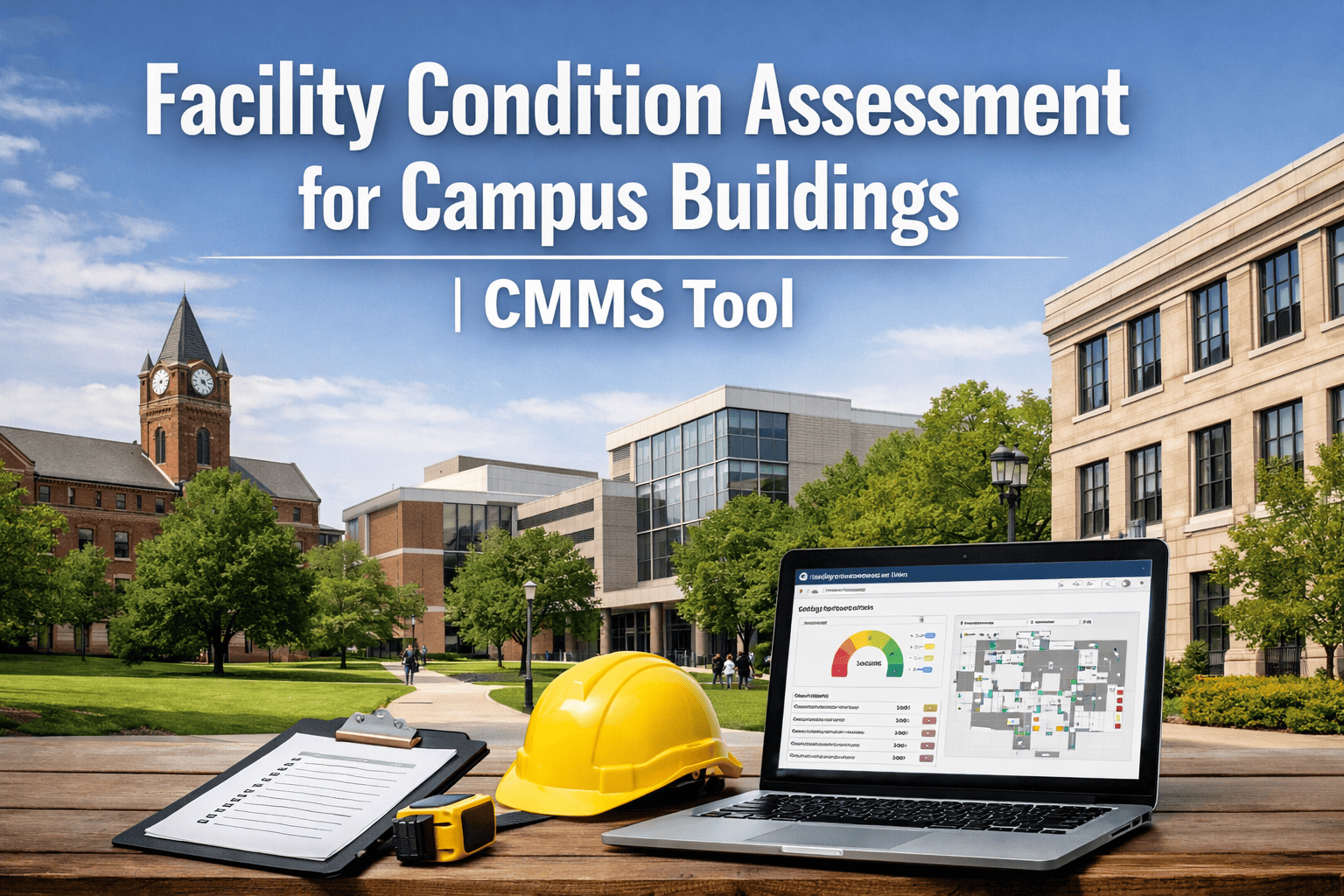
A regional public university with 47 buildings across 320 acres ran its facilities operation on the same paper carbon-copy work order forms it had used since 1989 — until the head of maintenance retired in March 2024. His replacement walked into a stockroom that contained four file cabinets of completed work orders organized by year, three different handwritten preventive maintenance binders kept by individual technicians, and an asset list maintained on a Word document last updated in 2019. The first audit by the new director found 31 fire extinguisher inspections that had been completed but were filed in the wrong cabinet, an elevator certificate that had expired six weeks earlier without anyone noticing, and an estimated 280 hours per quarter that the team was spending on paperwork the digital tools used by their peer institutions had eliminated years ago. Going from paper to digital is not a software project. It is the recovery of those 280 hours every quarter — and the closure of the audit gaps nobody knew were there. If your campus is still running maintenance on paper, sign up to try Oxmaint free for 30 days or book a demo to see the four-week transition.
Campus Maintenance Digital Transition —
The Average Campus Building Is 49 Years Old. The Average Maintenance System Is Roughly the Same Age.
800 hrs
Annual unplanned downtime
Paper-based facilities — at costs reaching $17,000 per incident or higher on critical equipment
88%
See significant savings
Facilities with fully implemented CMMS — tens of thousands to millions in documented annual savings
80%
More time on actual work
Digital maintenance technicians vs paper-based peers spend on tools, not paperwork
4 weeks
Typical campus go-live timeline
Single-campus rollout from kickoff to fully digital operations on a modern platform
The Four-Week Path From Paper Clipboard to Fully Digital Campus Operations
Going digital is not an annual capital project. For a single-campus operation with one or two clusters of buildings, the proven path takes four weeks if it is run with discipline. Each week has its own deliverables, its own success criteria, and its own checkpoints with the maintenance team. Book a demo to walk through the timeline mapped to your campus.
Week 01
Asset Registry & Hierarchy Build
Walk every building, capture every asset with photo + QR tag
Configure hierarchy: Campus → Building → System → Asset
Import existing PM schedules from binders and spreadsheets
Assign criticality rankings to top 20% of assets
Outcome: complete digital asset registry, every asset tagged
Week 02
PM Scheduling & Compliance Configuration
Convert paper PM cycles to time/meter/condition triggers
Load all certifications, inspection deadlines, warranties
Configure expiration alerts for elevators, fire suppression, boilers
Set work order priority rules and escalation paths
Outcome: every PM and inspection on the digital calendar
Week 03
Mobile Rollout & Technician Onboarding
Issue or activate mobile devices for all field technicians
Hands-on training: open WO, log time, attach photo, sign off
Run parallel paper + digital for all work orders week three
Assign shift-level digital champions for peer support
Outcome: 100% of techs submitting digital WOs daily
Week 04
Paper Retirement & Reporting Activation
Stop accepting paper work orders effective Monday morning
Activate management dashboards: backlog, PM compliance, costs
Configure automated reports for VP Facilities monthly review
Begin first full digital month — measure baseline KPIs
Outcome: paper retired, baseline KPI tracking begins
Four Resistance Patterns Every Campus Maintenance Director Will Encounter
Software is not the hard part of campus digital transformation. People are. Anticipating the four predictable resistance patterns is what separates the rollouts that succeed in four weeks from the ones that drag for nine months and never fully retire paper.
01
"I Can Do It Faster on Paper"
Senior technicians who have filled out the same work order form for 22 years are not lying — they actually can do it faster on paper. The mobile workflow only beats paper after about week two of consistent use, when muscle memory transfers. Plan for the dip in productivity in week one and reinforce that the bottom of the curve is short.
02
"My Phone Doesn't Have Service in Boiler Room B"
Perfectly true on most older campuses. The platform has to support offline mode — work orders captured without connectivity that sync when the technician returns to coverage. Without offline support, the 12% of campus locations with poor signal become the excuse to keep paper, and paper never fully retires.
03
"We Already Tried This Five Years Ago"
Most campuses have a previous failed CMMS implementation in their history — usually one that was selected without floor-level input and abandoned within 18 months. The platform has to win the technicians, not the IT committee. Demos run in the field on actual phones beat conference room presentations every time.
04
"Who's Going to Enter All That Old Data?"
The fear that going digital requires retroactively capturing 30 years of work order history is the single most common reason campus rollouts stall. The honest answer: don't. Start fresh on day one with the current asset registry and current PM schedule. The next 90 days of digital data is worth more than 30 years of paper history that nobody will ever search.
Built for Campus Reality
From Paper Clipboard to Mobile Operations in 28 Days. Without the Failed Rollout History.
Oxmaint runs the campus transition on a four-week cadence designed around the reality of college facilities — multi-building portfolios, mixed-age technician teams, fragmented signal coverage, and the inspection deadlines that don't pause for transformation projects.
What Changes the Day Your Campus Goes Digital
The transition from paper to digital is not about adopting software. It is about recovering hours, closing audit gaps, and freeing technicians to do the actual work they were hired for. Start a free trial to see what the first 30 days look like for a typical campus operation.
01
Mobile Work Orders Replace Carbon Forms
Technicians submit, log, and close work orders from their phones. Photos attached. Time logged automatically. Signatures captured digitally. The single biggest change every campus reports day one.
Work order cycle time drops 40–60%
02
Asset History Survives Personnel Changes
When the senior technician retires, his troubleshooting playbook stays. Every prior repair, every parts replacement, every condition note attached to the asset record. The next technician starts with the institutional knowledge intact.
Knowledge preserved across staff turnover
03
Inspection Expiration Alerts
Elevator certificates, fire suppression tests, boiler inspections, backflow preventers — every regulated deadline tracked, with alerts at 90/60/30/7 days. The expired-certificate findings that humiliated the previous administration disappear permanently.
Zero missed regulatory deadlines
04
Backlog Visibility for Building Owners
Department heads see open work orders for their building, expected completion dates, and parts on order. The constant phone calls asking "when will my classroom door be fixed" stop because the answer is in the dashboard.
Status calls reduced 70%+
05
Audit Documentation Exports in Minutes
When the OSHA, EPA, ADA, or insurance auditor arrives, the relevant maintenance documentation exports as a complete package in a single click. The week-long binder pulls become hour-long sessions.
Audit prep time reduced 90%+
06
CapEx Forecasting on Real Asset Data
When the next 5-year capital plan is requested, it is built from actual asset condition data — not a copy of the previous plan with inflation applied. Trustees and CFOs ask harder questions in 2026 than they did five years ago.
Capital planning credibility restored
Paper vs. Digital — The Operational Comparison That Matters to Facilities Directors
| Operational dimension | Paper-based | Oxmaint digital |
|---|
| Work order submission | Carbon-copy form delivered to dispatch | Mobile request from any campus phone |
| Technician documentation time | 20–30% of shift on paperwork | 5–10% of shift, mostly automated |
| PM compliance tracking | Whiteboard and individual binders | Real-time dashboard, alerts before missed |
| Asset history access | File cabinet by year | Asset record opens on phone via QR scan |
| Regulatory deadline tracking | Sticky notes and director's memory | Auto alerts at 90/60/30/7 days |
| Audit prep time | 3–5 days of binder review | 30 minutes from director to inspector portal |
| Status visibility for buildings | Phone calls to dispatch | Live dashboard for each building owner |
Frequently Asked Questions
Our last CMMS rollout failed. How is going digital with Oxmaint different?+
Most failed CMMS implementations share the same root cause: the platform was selected by IT or finance without floor-level input, the rollout was scheduled around capital planning rather than operational readiness, and the technicians were never persuaded the new system was faster than what it replaced. Oxmaint's four-week rollout starts with field demos on actual phones, runs parallel for a full week, and only retires paper after technician adoption is verified.
Book a demo with the field team, not just the leadership team.
Do we need to migrate years of historical paper records?+
No — and the campuses that try usually fail. Start fresh on day one with current asset registry, current PM schedule, current open work orders. Historical paper records stay archived as paper. The next 90 days of clean digital data is worth more than 30 years of paper history nobody will search. The asset record builds value forward from go-live, not backward.
What about technicians who don't use smartphones?+
A campus-issued tablet or shared devices stationed in shop areas handle this. The mobile interface uses large tap targets, voice notes, and barcode/QR scanning rather than complex typing. Technicians who were skeptical of smartphones in week one are usually the strongest advocates by week four because the workflow is genuinely simpler than the paper one it replaced.
Does the platform work in basements, mechanical rooms, and other low-signal areas?+
Yes. Offline mode lets technicians capture work orders, add photos, and complete checklists without connectivity. The data syncs automatically when the device returns to coverage. This is essential for older campus buildings where signal is unreliable in basements, boiler rooms, and tunnel utilities — exactly the locations where the most maintenance happens.
What ROI should we expect from going digital?+
Research from facilities with mature implementations: 25–40% maintenance cost reduction, 35–50% improvement in asset reliability metrics, and 88% reporting significant overall savings. Most campuses recover platform cost within the first year through recovered technician hours, eliminated emergency repairs that should have been planned PMs, and the audit preparation hours that no longer happen. Initial investments of $200,000–$600,000 typically generate $1–3 million in annual savings on a multi-building campus.
Campus Digital Transformation — Oxmaint
Retire the Filing Cabinet. Recover 280 Hours a Quarter. Stop Missing Inspection Deadlines.
Mobile work orders, complete asset registry, automated PM scheduling, regulatory deadline alerts, building-owner dashboards, and one-click audit exports — the full digital transformation, delivered on a four-week cadence designed for campus operational reality.
4 weeks
Single-campus paper-to-digital timeline
88%
Of CMMS adopters report significant savings
80%
More technician time on actual maintenance
90%+
Reduction in audit preparation hours