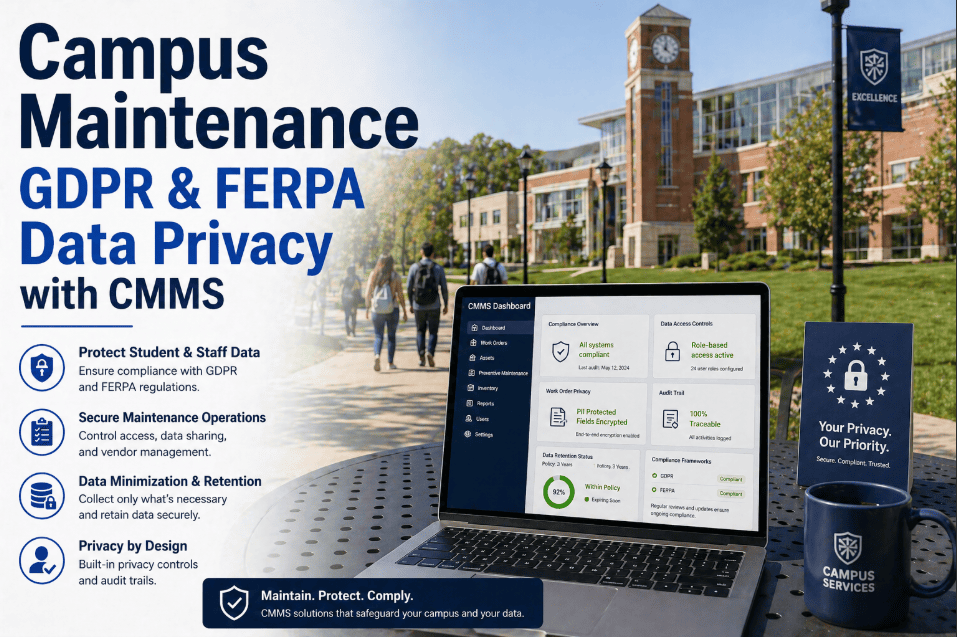
A university's facility management data is not a generic operational record — it is an institutional asset that touches FERPA-protected building access logs, research laboratory compliance documentation, life-safety inspection records, and deferred maintenance capital data that directly affects bond ratings and accreditation reviews. When a facilities director deploys a cloud-based CMMS under a standard SaaS agreement, they are accepting terms that typically give the vendor rights to store, process, and in some cases analyze that data on infrastructure the university neither controls nor audits. For institutions that operate research facilities under federal grants, medical centers under HIPAA, or residential halls with FERPA-governed occupancy records, the data sovereignty question is not theoretical — it is a compliance obligation that cloud deployments can complicate in ways that become visible only at audit time. Oxmaint's on-premise CMMS deployment option gives university facilities teams complete data control, local-network-only operation, and the ability to meet any institutional data governance policy without compromise. See Oxmaint's on-premise deployment configured for your institution — start free.
On-Premise CMMS for Universities: Data Security & Complete Institutional Control
Full CMMS functionality — work orders, PM scheduling, asset lifecycle, compliance reporting — deployed on your institution's own servers. Your data never leaves your network. No third-party cloud dependency. No vendor data rights over institutional records.
Oxmaint on-premise delivers the same PM scheduling, work order management, asset lifecycle tracking, mobile field access, and compliance reporting as the cloud version — with all data stored on university-controlled servers, accessible only within the institution's network perimeter, and subject to the university's own data governance policies rather than vendor terms.
Why Universities Choose On-Premise CMMS Over Cloud SaaS
The cloud-versus-on-premise decision for university CMMS is not primarily a technology question — it is a data governance question that plays out differently at every institution. A small liberal arts college with no research operations and no medical center may find cloud SaaS perfectly adequate. A research-intensive university with active NIH grants, a clinical simulation center, and a campus police department operating under state records laws faces a substantially different data environment — one where the specific data handling language in a cloud SaaS vendor agreement may conflict with grant conditions, state open-records statutes, or institutional data classification policies established by the university's general counsel.
The three most common CMMS data categories that create institutional compliance complexity are building access logs (which may contain FERPA-protected information about student residential patterns), laboratory safety inspection records (which may be subject to federal grant data handling requirements under 2 CFR 200), and life-safety system test documentation (which may be subject to state fire marshal records retention laws that specify local storage). Oxmaint's on-premise deployment resolves all three by keeping every record on institutional servers under institutional control — without the performance trade-off that early on-premise software required. Book a demo to see Oxmaint's on-premise architecture for your institution's environment.
Cloud CMMS vs On-Premise CMMS — University Data Security Comparison
The table below compares how cloud SaaS and on-premise CMMS deployment handle the specific data security and compliance requirements that matter most to university facilities directors and institutional IT governance teams.
| Requirement | Typical Cloud SaaS | Oxmaint On-Premise |
|---|---|---|
| Data storage location | Vendor cloud (AWS, Azure, GCP) | University servers only |
| FERPA compliance | Vendor BAA / DPA required; varies | Institutional policy governs |
| Network access | Internet-dependent; public cloud | LAN / VPN only if desired |
| Uptime dependency | Vendor SLA (typically 99.9%) | University infrastructure |
| Data backup control | Vendor-managed; export limitations | University IT controls backup |
| Research data handling | Subject to vendor data terms | 2 CFR 200 compliant locally |
| Penetration test access | Limited; vendor permission required | University IT controls testing |
| Integration with campus IAM | API-based; latency risk | Direct LDAP / Active Directory |
On-Premise CMMS Outcomes — University Deployments
Measured outcomes at universities that deployed Oxmaint on-premise — comparing security posture, IT integration quality, and facilities operations performance against prior cloud or paper-based systems.
FERPA, HIPAA, and Research Data — How On-Premise Addresses Each
University facilities data intersects three distinct federal compliance frameworks that have specific implications for CMMS deployment architecture. FERPA governs educational records — which includes building access logs for student residential facilities and any maintenance record that could be correlated to a specific student's living or learning environment. HIPAA governs protected health information — which affects universities with clinical simulation centers, student health buildings, or medical school facilities where maintenance records may contain references to protected areas or equipment. And 2 CFR 200 (the Uniform Guidance for federal grants) contains data handling and audit access provisions that can affect how maintenance records for grant-funded facilities must be stored and retained.
On-premise deployment does not automatically make a CMMS compliant with these frameworks — compliance depends on the institution's own data classification policies, access controls, and audit procedures. What on-premise deployment does is give the institution's compliance and legal teams direct control over those policies, rather than requiring them to assess and rely on a vendor's compliance certifications. For most research universities, this control is the decisive factor. Start free to explore Oxmaint's on-premise architecture.
On-Premise Deployment Architecture — Five Layers
Oxmaint's on-premise architecture is designed to integrate cleanly with university IT infrastructure — running on standard Linux or Windows Server environments, connecting to existing Active Directory, and deploying mobile access within the campus network without requiring internet connectivity for core CMMS functions.
Our general counsel required on-premise deployment before approving any CMMS for our research facilities. Oxmaint was the only vendor that offered a full-featured on-premise option without requiring us to build custom integrations. IT approved it in one review cycle. We were live in 3 days.
Frequently Asked Questions
Full CMMS. Complete Data Sovereignty. Live in 72 Hours.
On-premise university deployment — no cloud dependency, no vendor data rights, full institutional control.