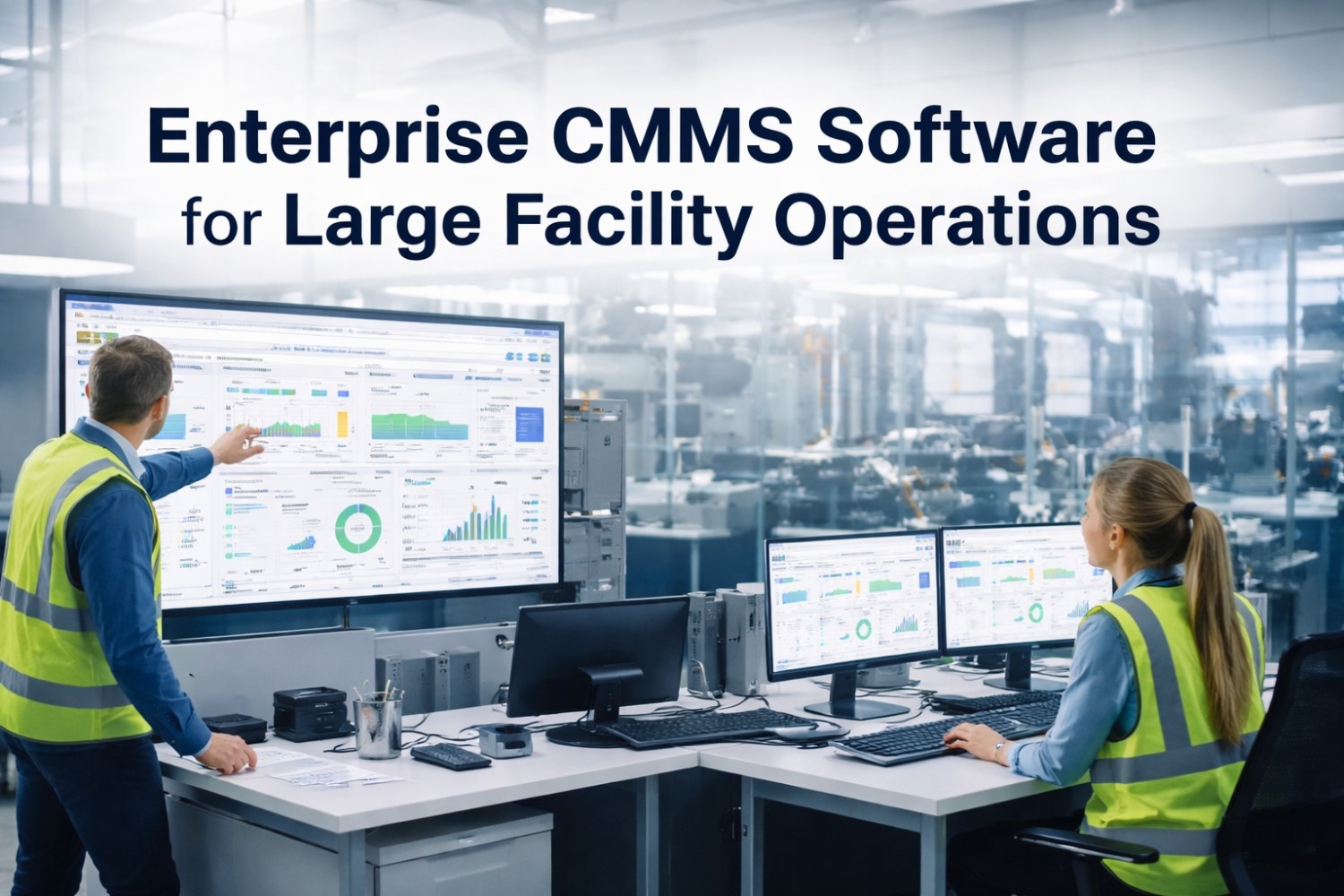
Managing maintenance across a 500,000+ square-foot facility with 200 assets and 45 technicians on paper spreadsheets is like flying a commercial aircraft with a paper map — technically possible, fatally risky. A petrochemical complex in the Gulf Coast ran its 3,200-asset maintenance program on spreadsheets and disconnected work order pads for over a decade. Annual unplanned downtime exceeded 920 hours. Emergency repair costs consumed 38% of the total maintenance budget. When three compressor failures occurred in one week — all traceable to missed PM schedules — leadership approved the switch to Oxmaint Enterprise CMMS. Within 14 months, unplanned downtime dropped 62%, PM compliance reached 94%, and the facility saved $1.7M in avoided emergency repairs.
Why Spreadsheets and Legacy Systems Fail Large Facility Operations
Facilities managing 1,000+ assets across multiple buildings, floors, and operational zones hit a complexity ceiling that spreadsheets and first-generation maintenance tools cannot cross. Work orders get lost between shifts. Spare parts run out because inventory lives in one system while maintenance requests live in another. Technicians drive across campus to check a clipboard when a mobile device could route them in real time. The result is a maintenance operation that appears busy but chronically underperforms — reactive, fragmented, and invisible to leadership until something expensive breaks. Transitioning to an enterprise CMMS platform eliminates these structural failures.
Core Enterprise CMMS Modules for Large Facility Operations
An enterprise-grade CMMS addresses every dimension of large-scale facility maintenance — from work order execution and asset tracking to compliance documentation, inventory control, and executive reporting. Facilities using Oxmaint's enterprise platform unify these capabilities into a single operational hub accessible from any device, on any floor, across any building in the portfolio.
Create, assign, prioritize, and track every maintenance task from request to completion. Auto-routing sends the right work order to the right technician based on skill set, location proximity, and current workload. Shift handover reports generate automatically so nothing falls through the cracks between crews.
Every pump, motor, HVAC unit, conveyor, and building system component lives in a single searchable registry with full maintenance history, nameplate data, warranty status, and replacement cost. Facilities managing thousands of assets need this centralized visibility to make repair-vs-replace decisions grounded in actual cost-per-operating-hour data rather than assumptions.
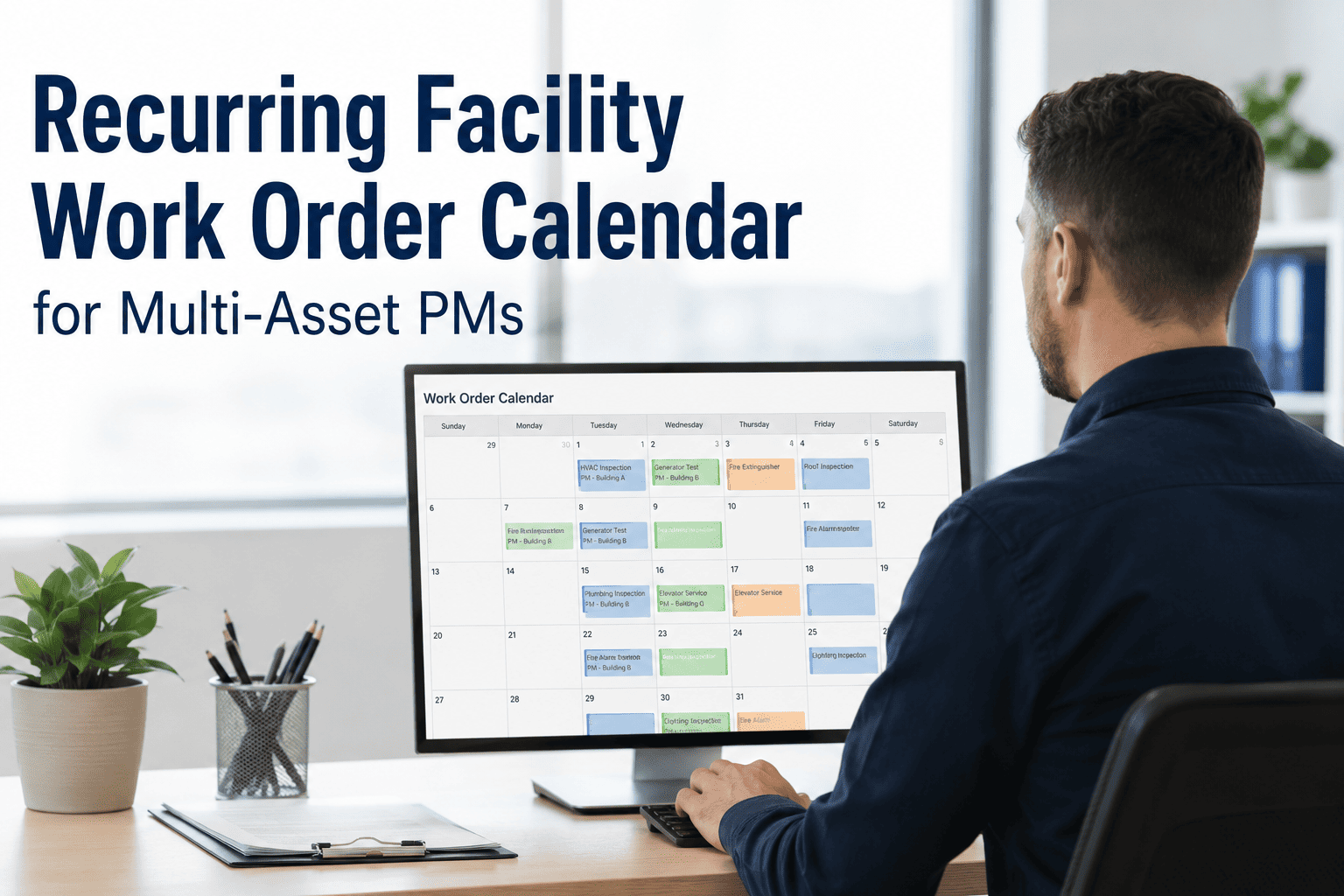
Configure PM schedules based on calendar intervals, runtime hours, meter readings, or condition triggers. The system auto-generates work orders with step-by-step procedures, required parts, safety lockout instructions, and estimated labor hours — ensuring every PM gets executed consistently regardless of which technician performs it.
Link every spare part to the assets it serves and the work orders that consume it. Auto-reorder triggers fire when stock drops below minimum thresholds, purchase orders route to approved vendors, and receiving logs update inventory counts automatically — eliminating the emergency procurement scrambles that inflate maintenance budgets at large facilities.
Enterprise Capabilities That Scale With Your Facility
Large facilities need more than basic work order tracking. These platform capabilities separate enterprise-grade CMMS from lightweight tools that hit walls when complexity grows. Oxmaint delivers every capability below out of the box — sign up free to explore the platform.
Manage maintenance operations across campuses, buildings, and geographic regions from a single dashboard. Roll up KPIs, compare site performance, and standardize procedures without losing local operational control.
Control who sees what at every level — technicians access their work queues, supervisors see team dashboards, directors review budget summaries, and every action is timestamped with full audit trail for compliance documentation.
Connect vibration sensors, temperature probes, and energy meters directly to asset records. When a reading exceeds the threshold, the CMMS auto-generates a condition-based work order — turning sensor data into maintenance action without manual intervention.
Pre-built and customizable reports deliver maintenance cost breakdowns, labor utilization rates, asset reliability trends, and budget variance analysis to leadership — in formats that finance, operations, and engineering all understand.
What Facility Operations Leaders Achieve With Enterprise CMMS
Large facility managers need a platform that handles the operational complexity they face every day — hundreds of assets, dozens of technicians, multiple shifts, contractor coordination, regulatory compliance, and executive reporting. Here is how Oxmaint enterprise CMMS addresses each dimension.
Route work orders to the closest available technician with the right skill set. Auto-balance workloads across shifts, track wrench time vs. travel time, and ensure shift handovers include every open, in-progress, and deferred task with context.
Automatically generate compliance records for OSHA, EPA, fire codes, and industry-specific standards. Every inspection, permit, and corrective action links to the originating work order with timestamp, performer signature, and photo evidence — audit-ready at all times.
Onboard external contractors with scoped access to assigned work orders, required permits, and facility maps. Track contractor hours, costs, and performance ratings — then compare against internal labor metrics to optimize your build-vs-buy maintenance strategy.
Take Control of Your Facility's Maintenance Operations
Join thousands of facility operations teams using Oxmaint to reduce downtime, extend asset life, and bring maintenance costs under control across every building in their portfolio.


.jpeg)
