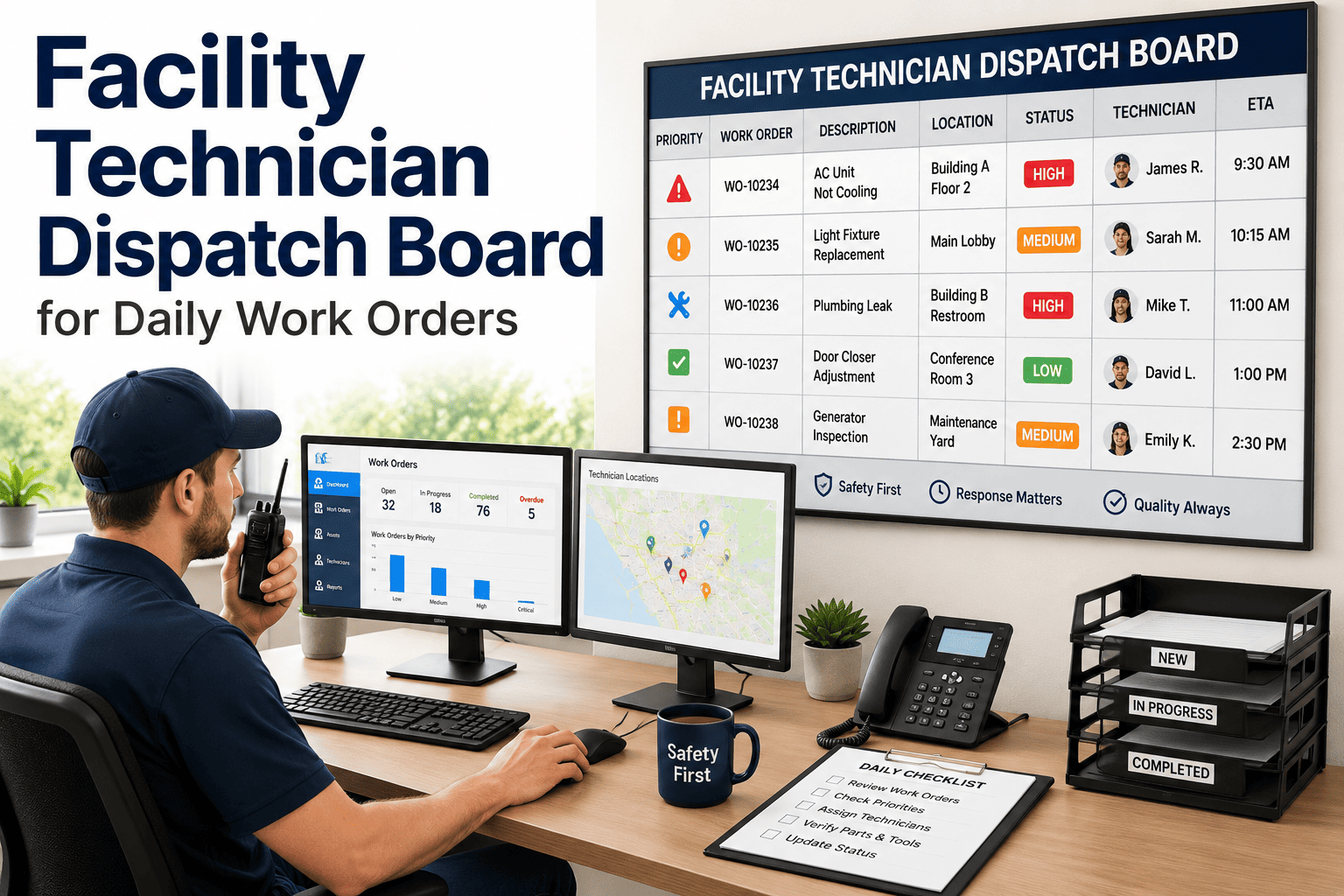
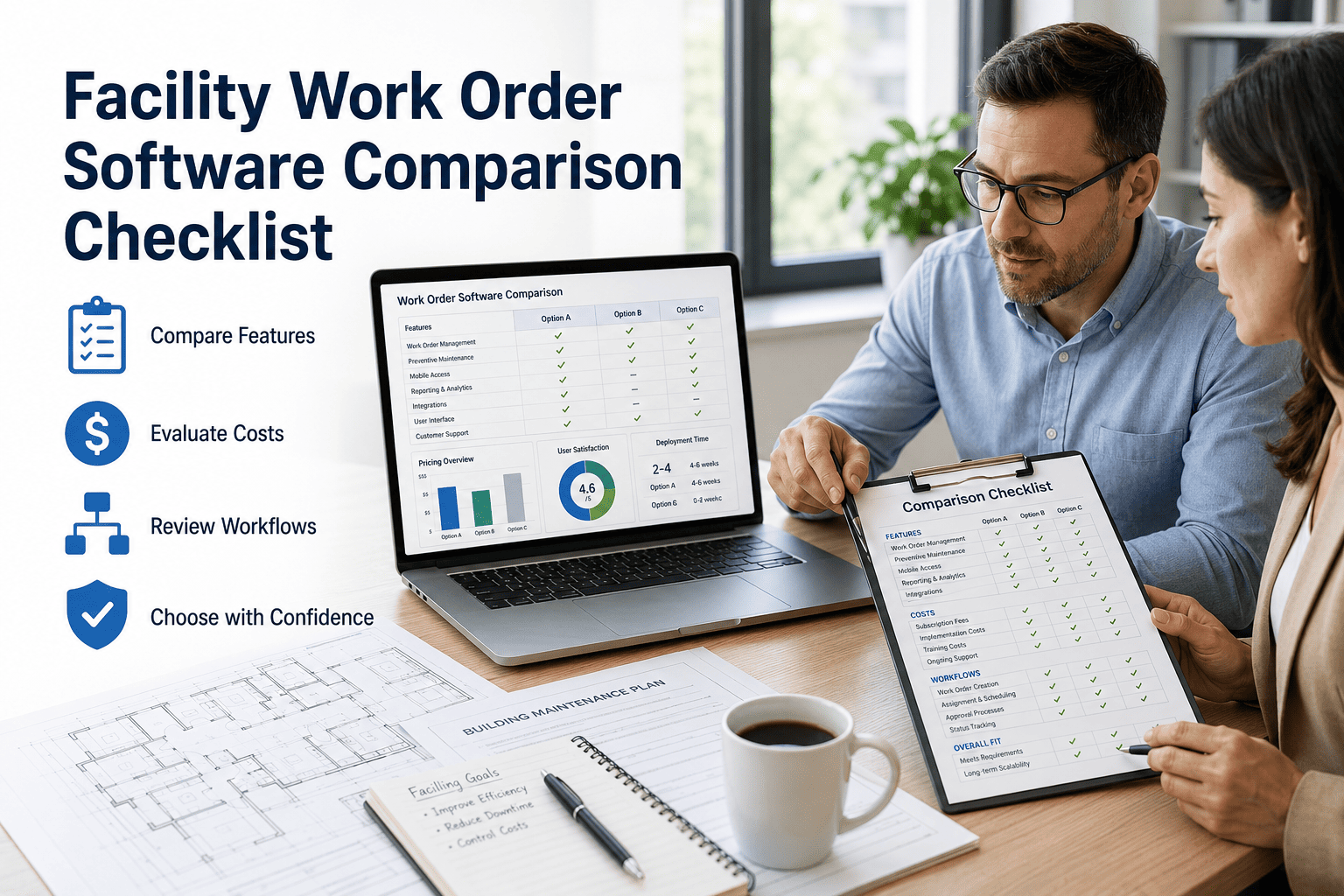
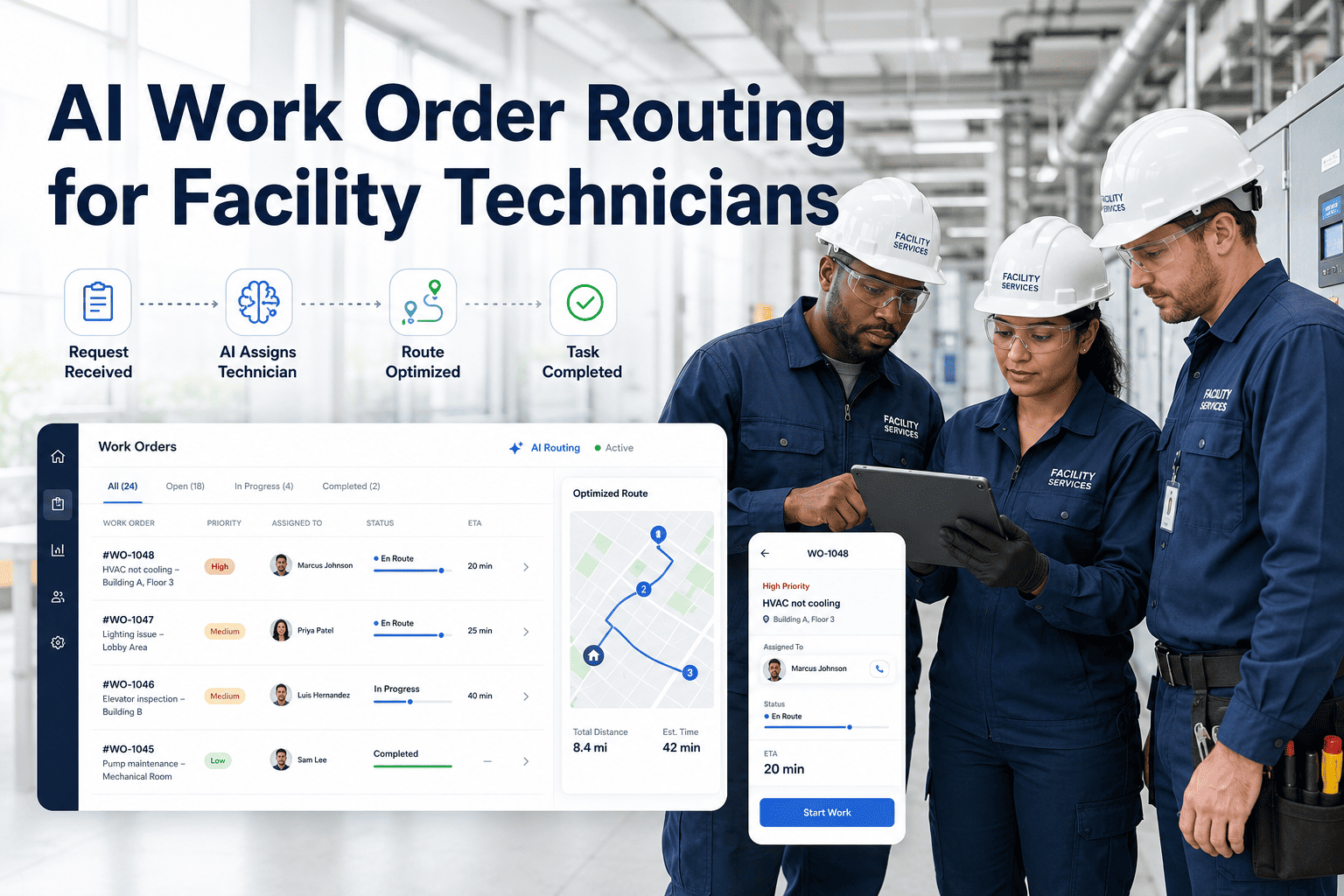
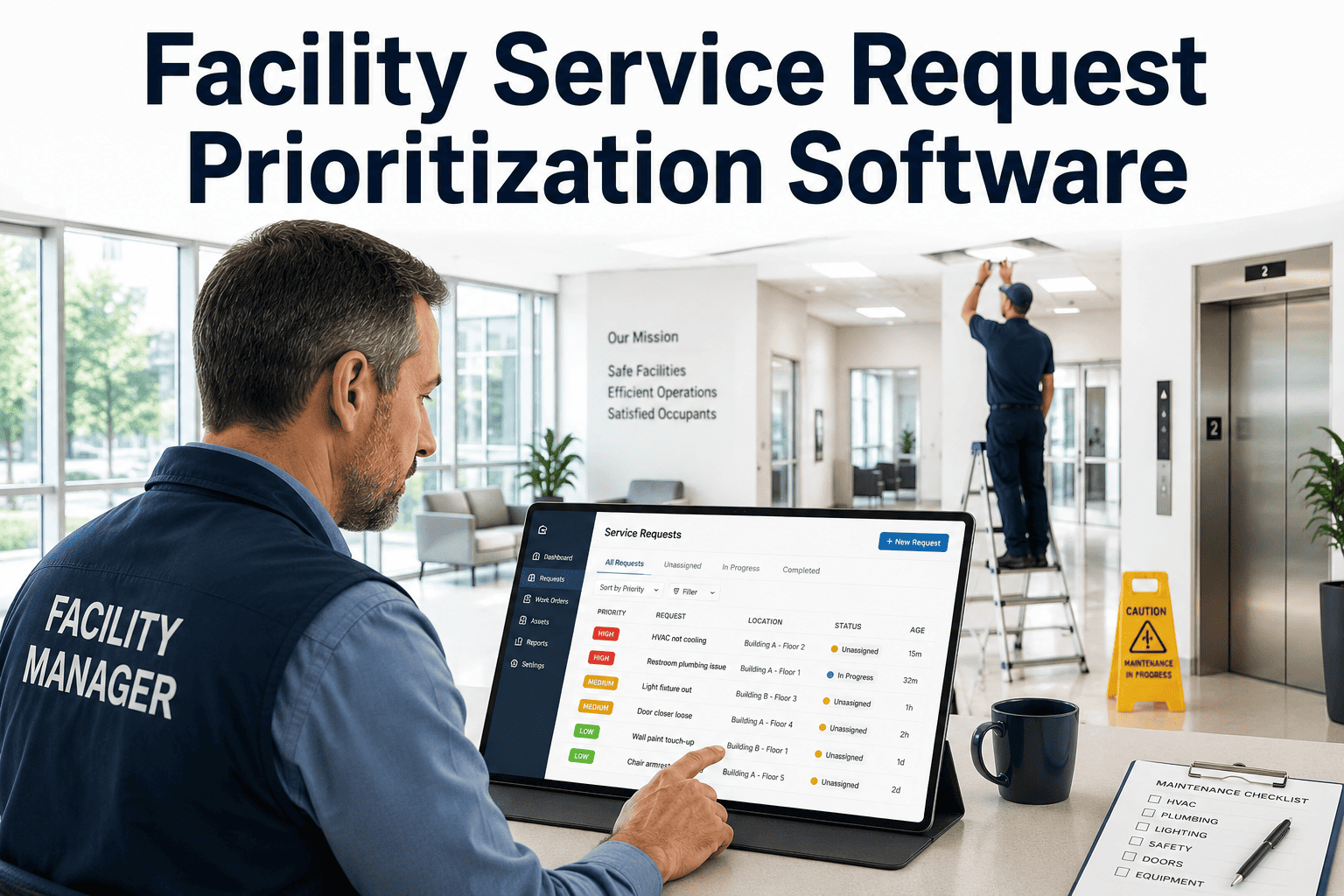
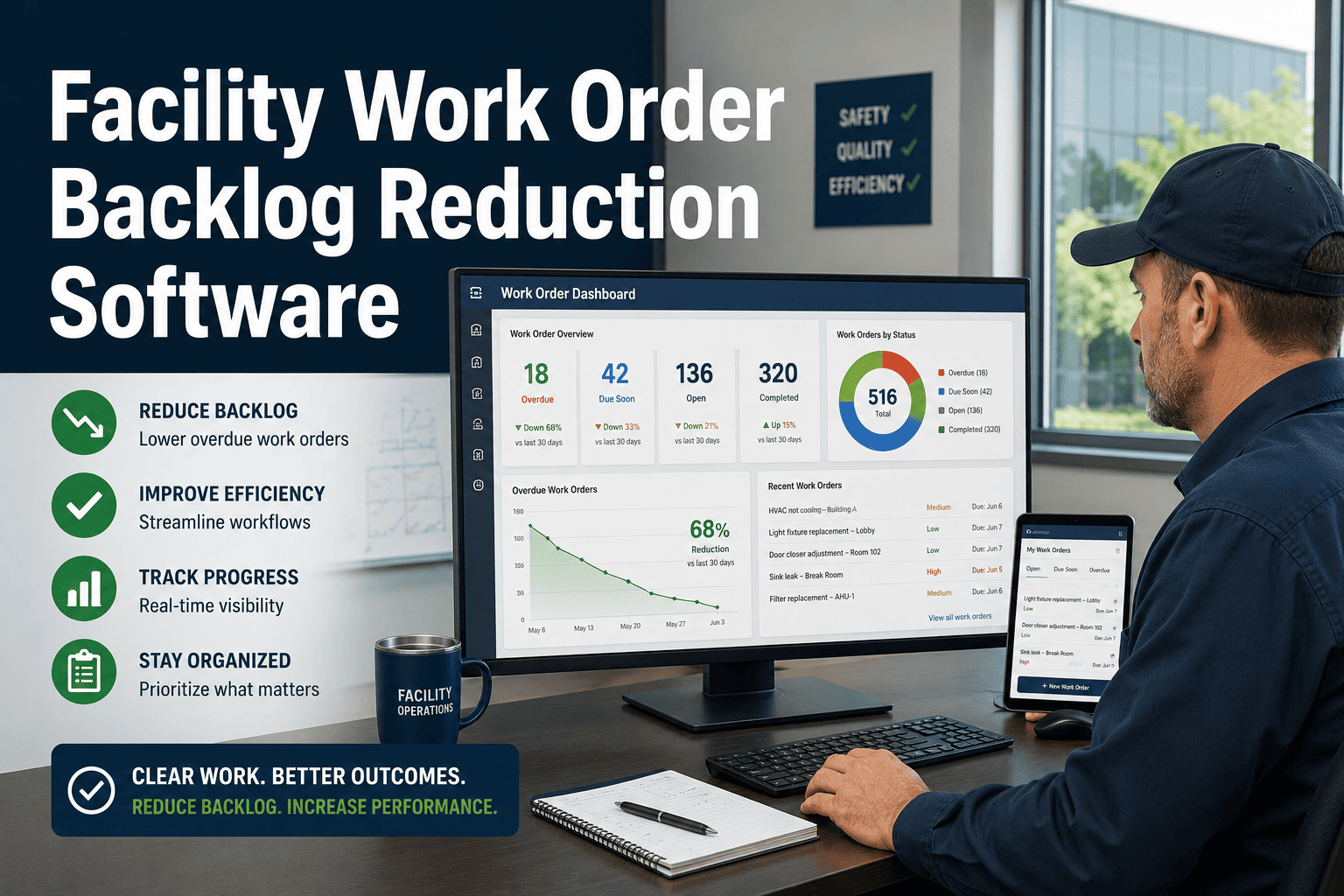
High-volume facilities receive dozens to hundreds of repair requests every shift — from broken HVAC units and elevator faults to roof leaks and electrical failures. Without a structured triage system, the most urgent problems get buried, SLA deadlines slip, and maintenance teams spend more time managing chaos than fixing buildings. OxMaint's facility CMMS gives operations teams a real-time priority engine that scores every incoming request by urgency, asset risk, and technician availability — so the right job gets to the right person before a small issue becomes a costly shutdown. Start triaging work orders in OxMaint free or book a 30-minute demo to see the priority queue live.
Work Order Management
Stop Firefighting. Start Triaging.
For facility teams managing 50+ daily requests across multi-building portfolios, OxMaint's triage engine prioritizes every job by urgency, SLA deadline, and live technician capacity — automatically.
68%
of facilities miss SLAs due to manual prioritization
3.4x
faster response time with automated triage
40%
reduction in critical repair backlog within 60 days
The Problem
Why High-Volume Buildings Break Down Without Triage
In a building with 200+ daily requests, every request looks the same in a spreadsheet or email inbox. Teams end up prioritizing by who complains the loudest — not by what actually threatens asset health, tenant safety, or SLA compliance.
Without Triage Software
Requests pile up in email or paper logs
Priority assigned by gut feel or first-in
Critical assets wait behind routine tasks
SLA breaches go unnoticed until escalation
No visibility into technician availability
With OxMaint Triage
Every request scored on urgency and asset risk
SLA deadlines set rules — not opinions
Critical asset jobs surface to top automatically
SLA countdown visible on every open order
Live technician map shows capacity in real time
How It Works
The 4-Factor Triage Engine
OxMaint scores each incoming work request against four weighted factors to determine dispatch priority — eliminating the need for supervisors to manually sort queues.
01
Urgency Level
Requestor-assigned urgency combined with asset category rules. Life safety and structural issues auto-escalate to P1 regardless of queue position.
02
Asset Risk Score
Critical assets — fire suppression, HVAC chillers, elevators — carry higher risk multipliers. A fault on a critical asset jumps the queue over a low-risk cosmetic repair.
03
SLA Deadline
Every work order carries an SLA clock based on request type and tenant agreement. As deadlines approach, priority scores increase — surfacing at-risk orders before breach.
04
Technician Availability
Open job counts, skill match, and location proximity determine optimal dispatch — reducing travel time and balancing workload across the team in real time.
By the Numbers
Triage Impact Across Facility Types
| Facility Type |
Daily Requests |
Avg SLA Compliance (Before) |
Avg SLA Compliance (After) |
Backlog Reduction |
| Corporate Office Campus |
80–150 |
61% |
94% |
38% |
| Retail Mall (Multi-Anchor) |
120–200 |
54% |
91% |
44% |
| Hospital / Healthcare Facility |
200–400 |
72% |
97% |
31% |
| University / Campus |
150–300 |
58% |
92% |
41% |
| Government Building |
60–120 |
66% |
95% |
35% |
Data aggregated from OxMaint deployments across 200+ facility portfolios. Individual results vary.
See Your Priority Queue in Action
OxMaint sets up in under a day. Bring your current request backlog and we'll show you how the triage engine would have ranked them — live in a 30-minute demo.
Expert Review
What Facility Operations Leaders Say
"We were managing 180 daily requests across 6 buildings with a shared inbox. Three weeks after OxMaint, our SLA compliance went from 58% to 91%. The triage scoring alone paid for the software in the first month."
Director of Facilities, Regional Healthcare Network
5 / 5 — Verified OxMaint Customer
"What changed wasn't just speed — it was the visibility. My team finally knows which job matters most before they open their truck. The priority queue removed a full hour of morning coordination every day."
Facilities Operations Manager, Corporate Campus Portfolio
5 / 5 — Verified OxMaint Customer
FAQ
Common Questions on Work Order Triage Software
How does OxMaint determine the priority score for each work order?
OxMaint combines four weighted inputs — urgency flag, asset criticality tier, time remaining on the SLA clock, and technician availability — into a single priority score updated in real time. Facility managers can adjust the weighting for each factor to match their building's operational rules.
Start configuring your priority rules free. The scoring engine recalculates every 15 minutes, so queue positions shift automatically as conditions change.
Can we set different SLA rules for different tenant types or building zones?
Yes. OxMaint supports SLA rule sets by location, tenant class, request category, and asset type. An anchor tenant HVAC complaint can carry a 2-hour response SLA while a standard cosmetic repair carries a 48-hour window — each with its own escalation path.
Book a demo to see multi-tier SLA configuration. Rules apply automatically when requests are submitted, with no manual tagging required.
Does the triage system work for facilities with multiple buildings or campuses?
OxMaint handles multi-building portfolios with building-level and portfolio-level queue views. Each building runs its own triage queue while a central dashboard shows the highest-priority open orders across all sites. Technicians can be assigned to a single site or pooled across multiple buildings. Cross-building escalation paths can be configured for each building's supervisors to raise issues to the central operations team.
See the multi-building dashboard in your free account.
How long does it take to set up OxMaint triage for an existing building portfolio?
Most facility teams complete initial setup — asset list, SLA rules, and user roles — within one business day. OxMaint provides an onboarding template for facilities importing existing request backlogs from spreadsheets or previous CMMS systems. The triage engine begins scoring within minutes of first use. Typical time to first meaningful priority queue output is under 4 hours from account creation.
Schedule an onboarding walkthrough with the OxMaint team.
Your Next Unresponded Request Is Costing More Than You Think
Missed SLAs, tenant complaints, and asset failures compound. OxMaint's triage engine keeps your team ahead of the queue — not chasing it. Book a demo and see the priority dashboard live.