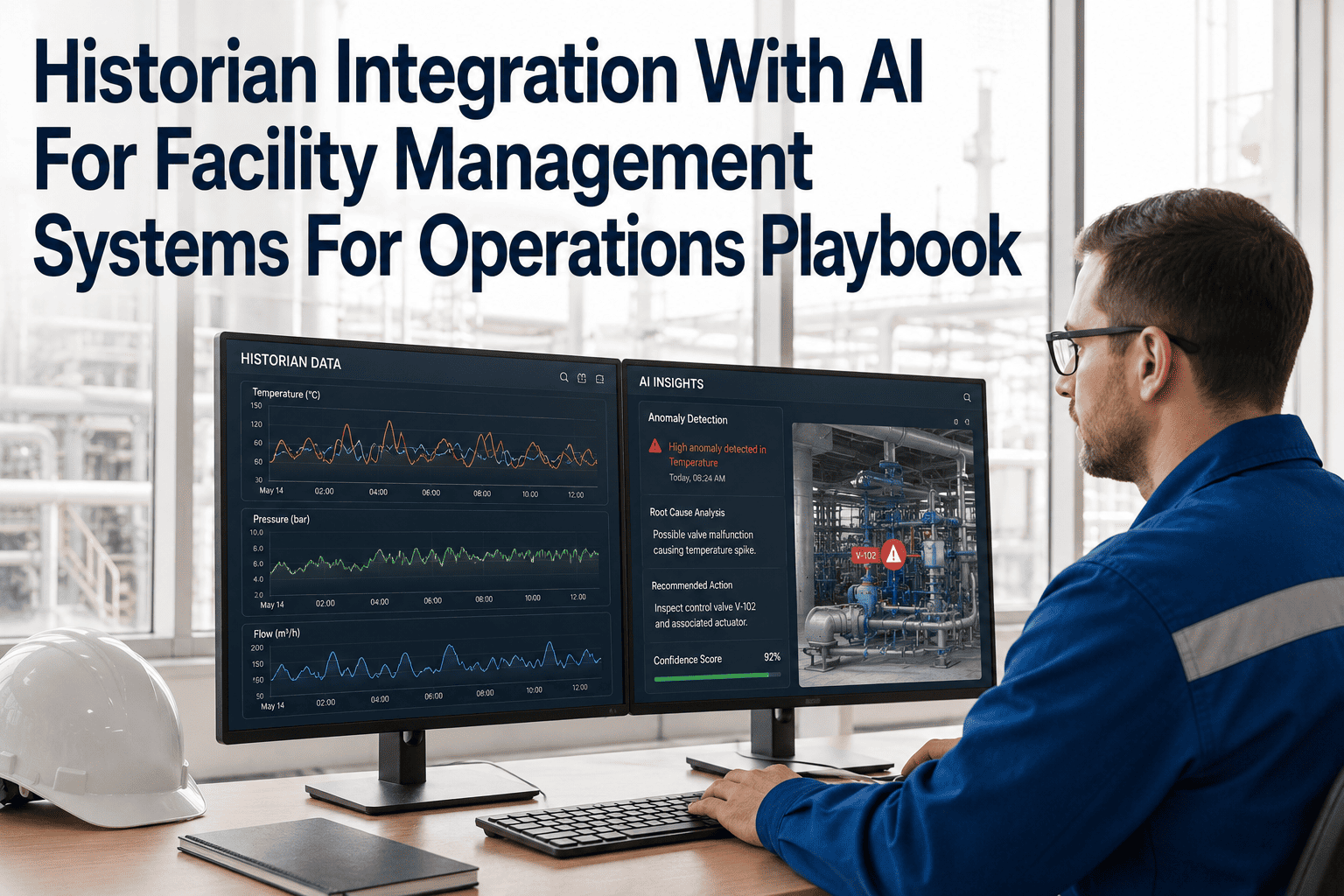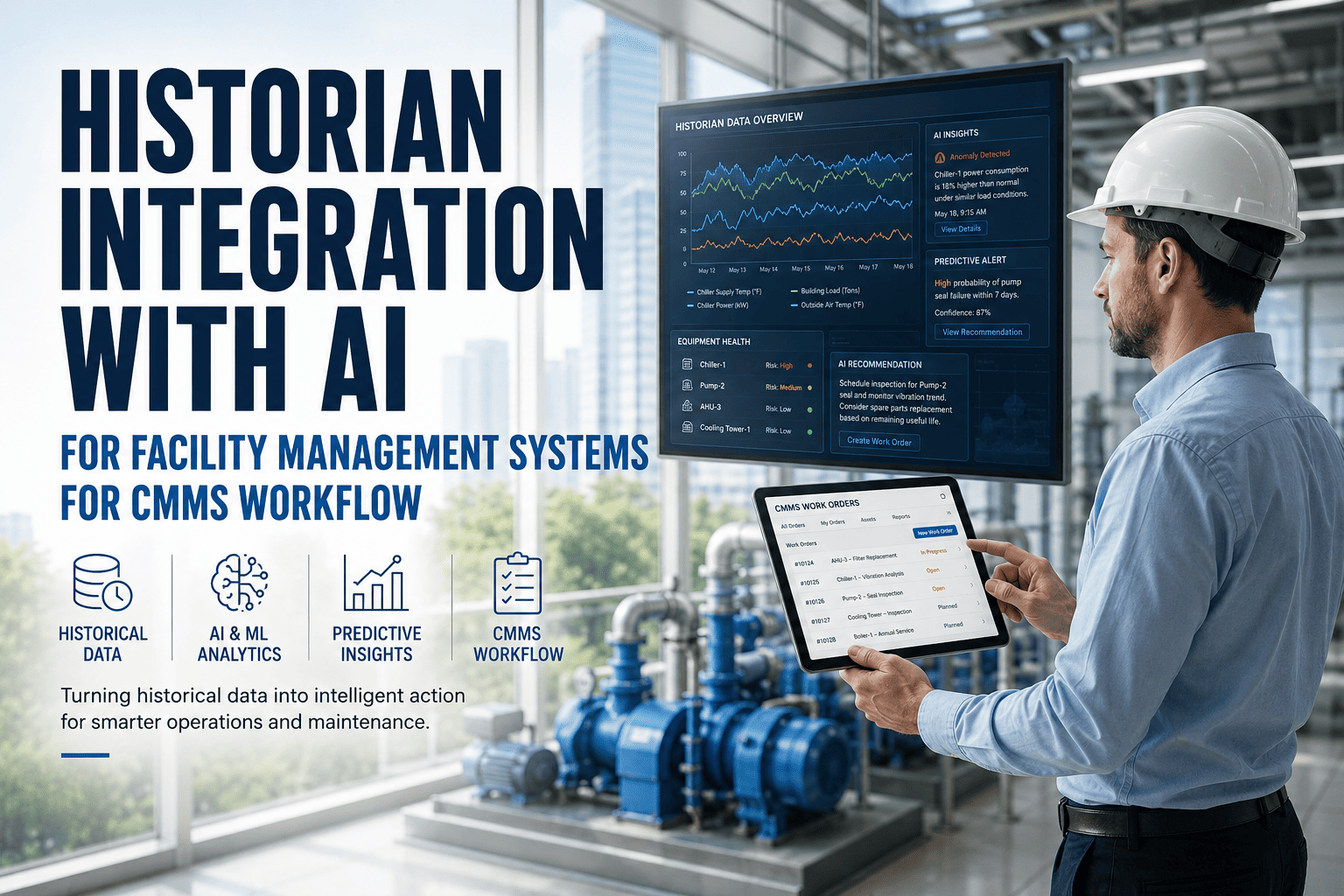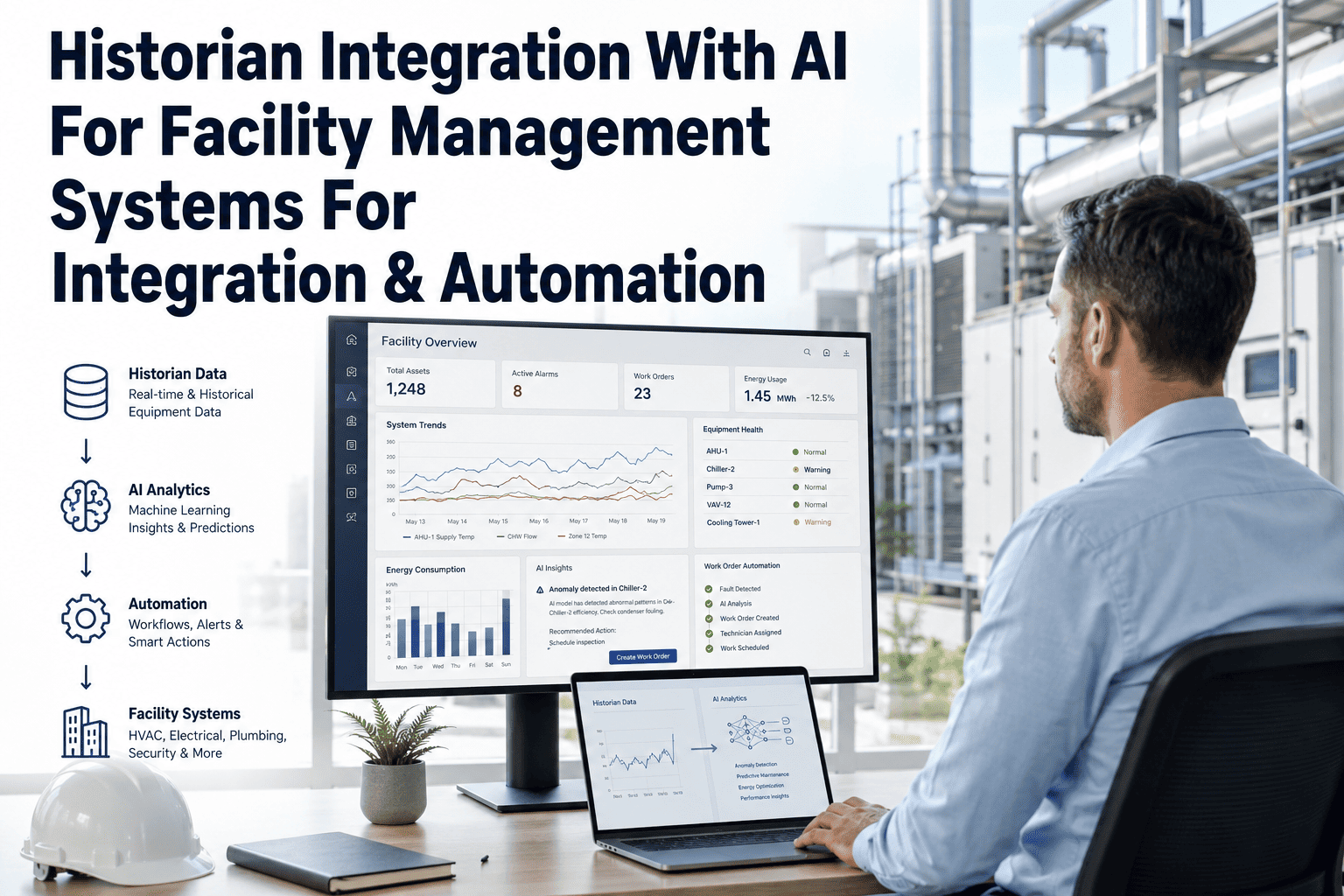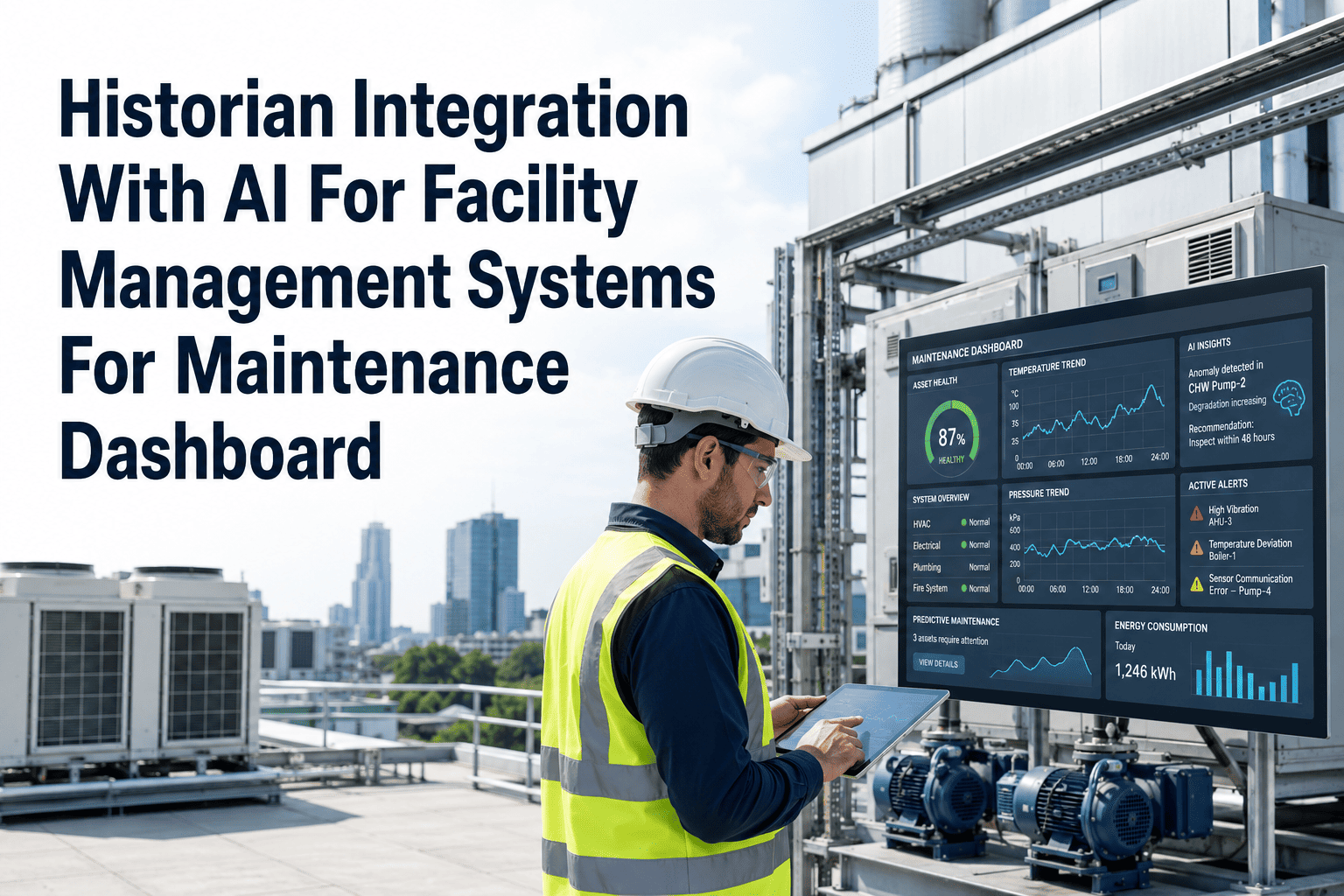
Every building already has more usable maintenance data sitting in its historian than most facility teams realize — years of HVAC temperatures, pump vibration, chiller load and alarm history, logged continuously and almost never analyzed in any meaningful way. The expensive part of predictive maintenance was never collecting that data; it was turning years of historian records into a moving baseline and connecting the result to a CMMS that can actually act on it. AI-based pattern analysis layered on top of an existing historian closes that gap without ripping out the SCADA, BMS or DCS systems your team already trusts. See how OxMaint reads your historian directly. Once that connection exists, an alert stops being just a number on a screen — it becomes a work order, an escalation path and a record a technician can act on, automatically.
Turn Years Of Historian Data Into Maintenance Actions, Not Just Charts
OxMaint connects directly to your existing historian and BMS, layering AI pattern detection on top so the dashboard shows what is degrading, not only what was logged.
From Raw Historian Tags To A Closed Work Order
What Happens Once An Alert Actually Fires
| Alert Type | Detection Method | Auto Action | Escalation Path |
|---|---|---|---|
| Vibration drift, rotating equipment | AI deviation vs learned baseline | High-priority work order created | Shift supervisor if unacknowledged in 30 min |
| Temperature or pressure breach | Static threshold from BMS | Technician alerted on shift | Facility manager after 2 hours open |
| Energy consumption anomaly | AI baseline comparison | Flagged on dashboard, logged | Reviewed weekly, no auto escalation |
| Repeated false-positive pattern | Historian feedback loop | Suppressed, flagged for review | Reliability or controls team |
How OxMaint Actually Plugs Into What You Already Run
An AI layer on top of a historian should sit beside your existing alarms during the first few weeks, not replace them outright — the goal is to confirm the model's flagged events line up with real incidents your team already knows about. Plants that skip this validation window tend to either drown technicians in low-confidence alerts or, worse, tune the model so conservatively that it misses the failure it was meant to catch. Start with one well-instrumented equipment group, prove the match against real history, then widen the scope.
Bring Your Historian Data In, Without Touching Your SCADA Setup
A short technical call is usually enough to confirm whether your current tag structure is ready to connect.
Historian Integration With AI — Common Questions
Do we need to replace our existing historian or SCADA system?
How does the AI layer avoid flooding us with false alerts?
Can escalation rules be customized per site or equipment type?
Does this require sending our OT data outside the facility network?
How long until the AI model is reliable enough to trust?
Your Historian Already Has The Answer. Let's Connect It To A Work Order.
Book a 30-minute technical walkthrough and see your own historian tags mapped to a live maintenance dashboard.