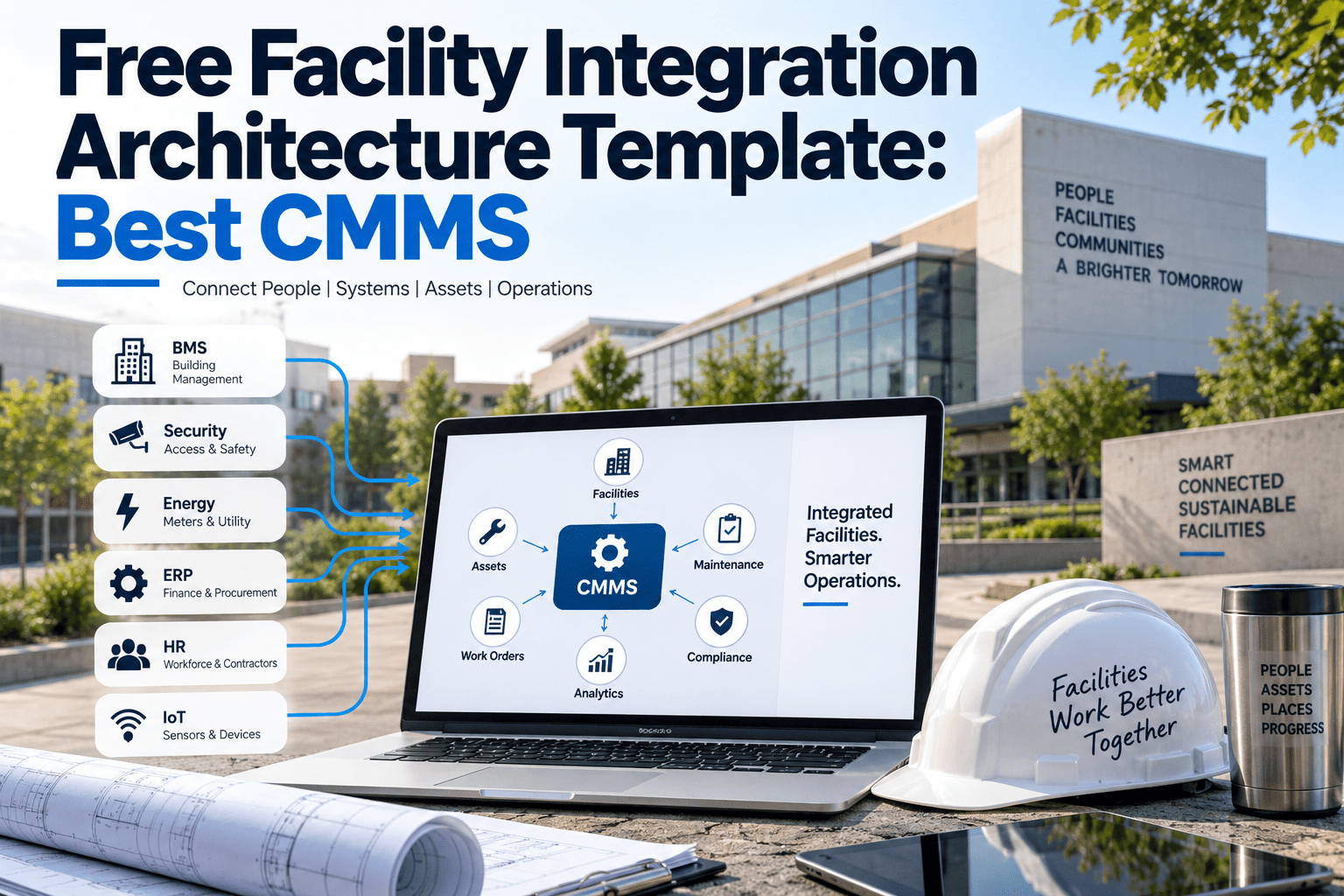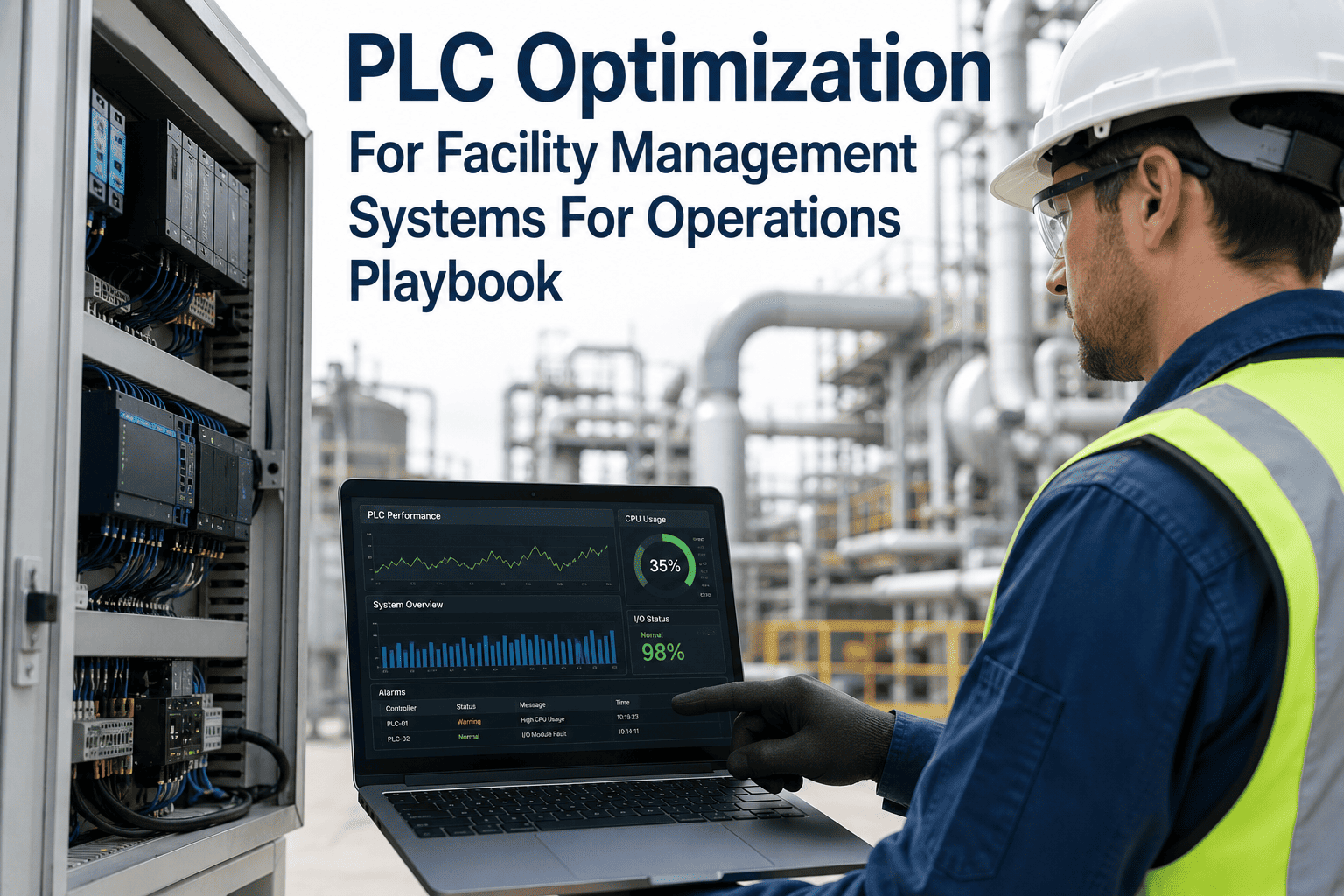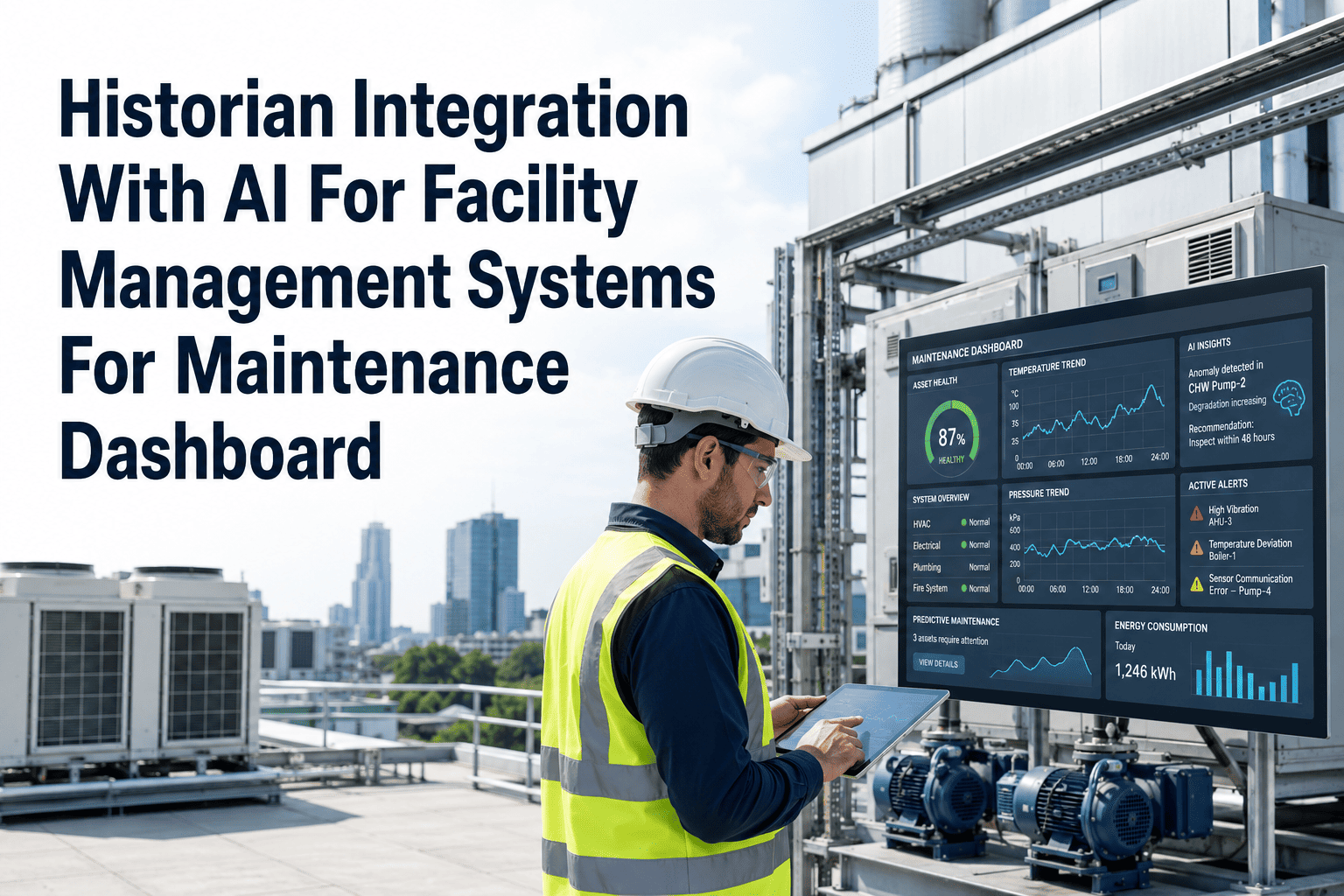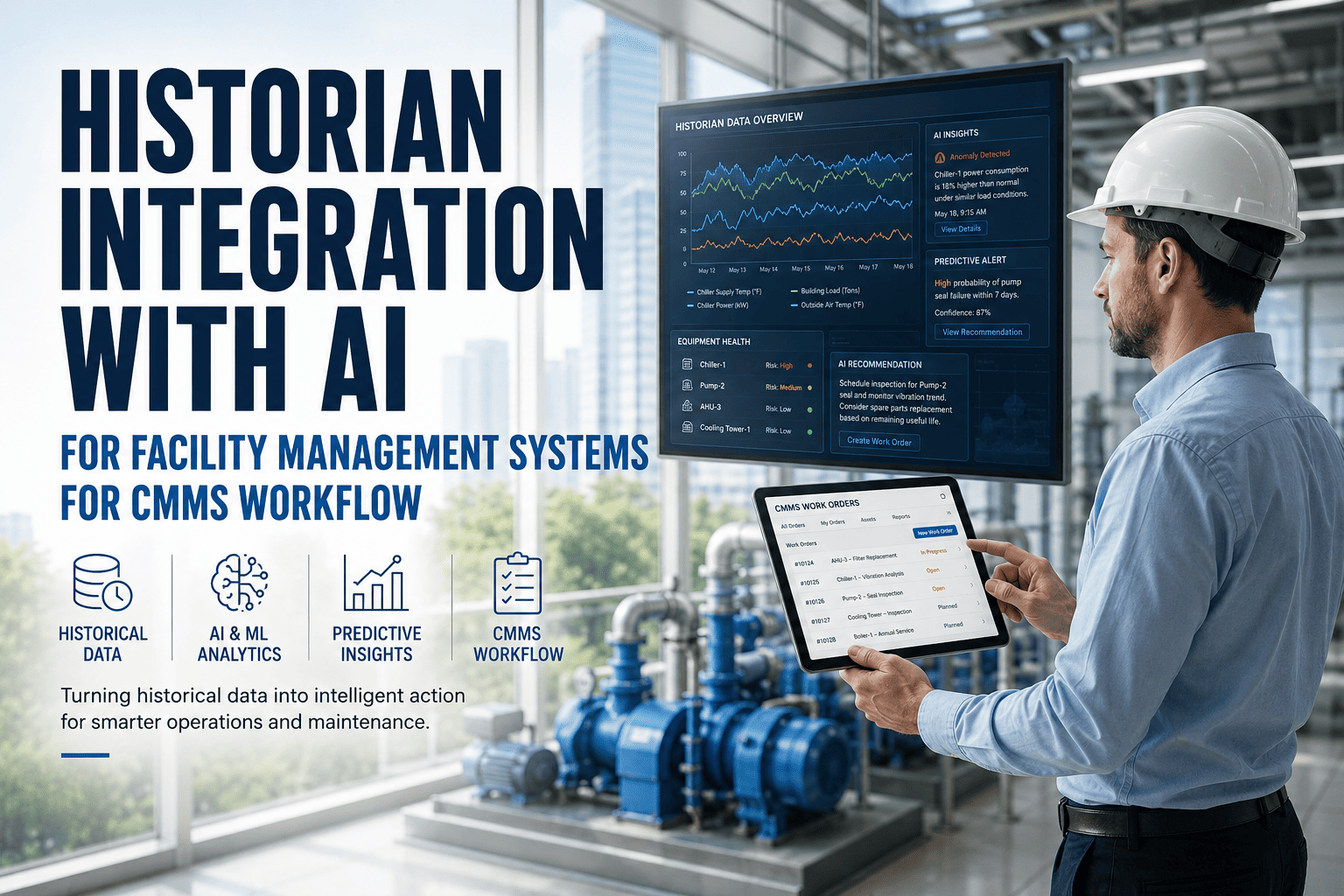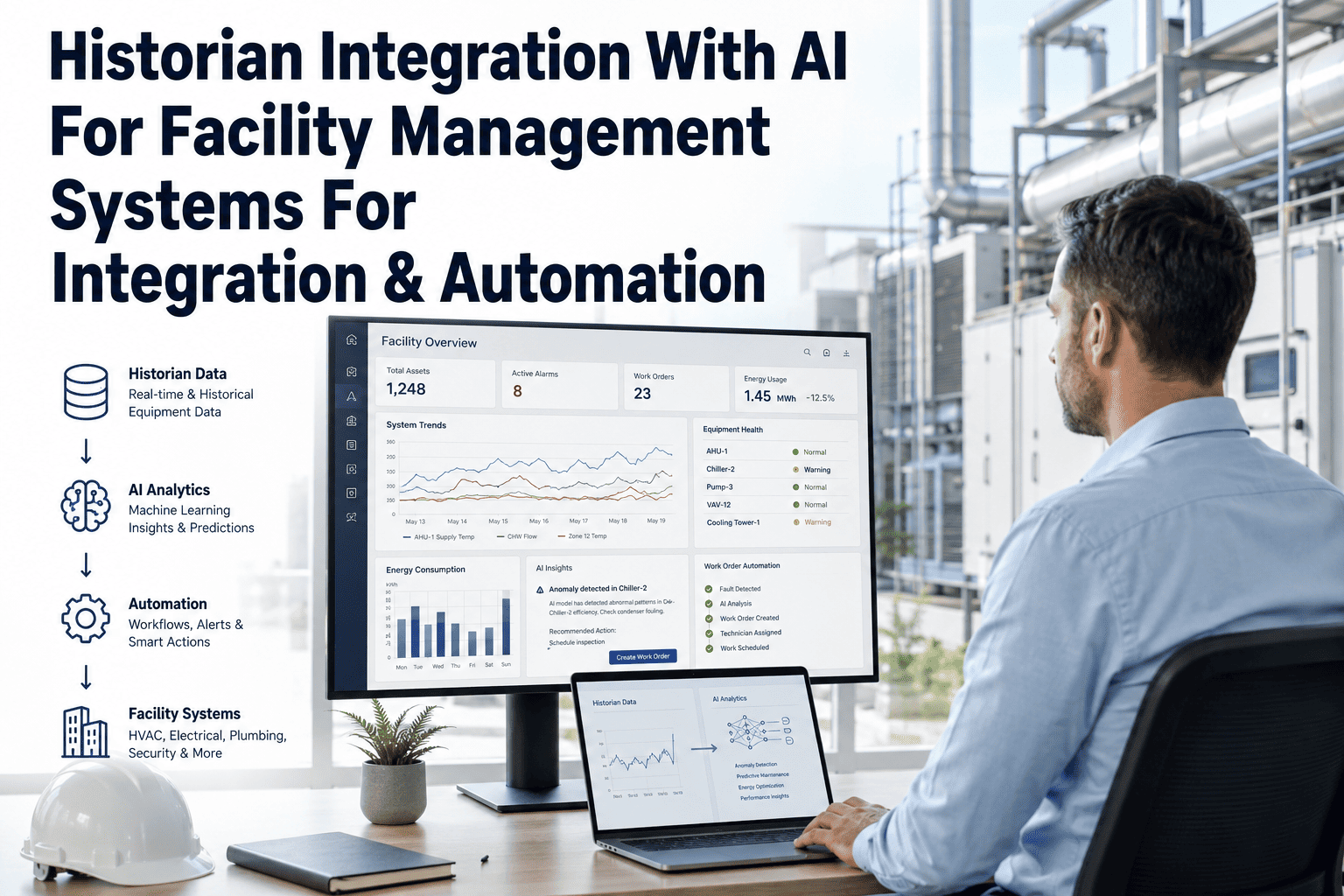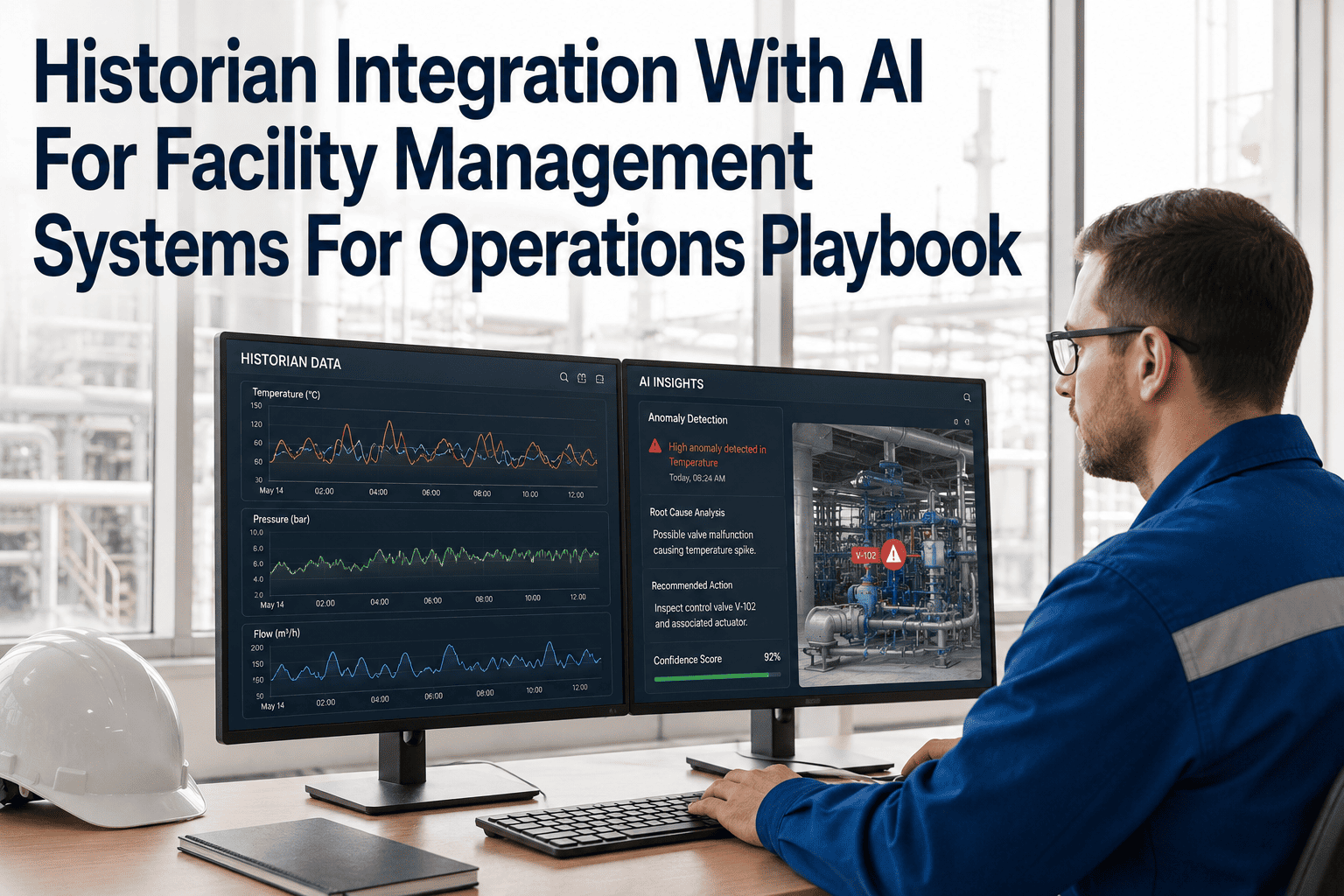
Facility operations teams are sitting on a goldmine of untapped data locked inside historian systems — time-series records of every sensor reading, equipment runtime, energy draw, and process variable across the plant. The problem is that this data never reaches the people who need it most: maintenance planners and operations supervisors. OxMaint's AI-powered CMMS bridges this gap by connecting historian platforms directly to your work order and dashboard workflow — so data that used to sit in a database now triggers inspections, alerts maintenance teams, and generates work orders automatically. If your facility is still running on disconnected systems and manual handoffs, this playbook will show you exactly what integration looks like and why it changes everything. Book a demo to see it live, or sign up free to connect your first historian source today.
Historian Integration With AI for Facility Management
How AI bridges the gap between time-series historian data and real maintenance action — routing BMS, IoT, API, ERP, and sensor signals into work orders before failures happen.
Why Historian Data Never Reaches Maintenance Teams
Historian platforms record everything — but access requires specialist software, trained users, and manual queries. Maintenance teams rarely have the tools or time to pull this data during a shift.
BMS and SCADA systems generate alarms that vanish from a screen without creating any lasting record, work order, or assigned action. Operators acknowledge the alert and move on.
Raw sensor readings require human interpretation. Without an AI model classifying the signal pattern, a gradual drift toward failure looks identical to normal operating variance.
Asset lifecycle data in ERP systems and maintenance history in CMMS platforms are never reconciled with live operational data from historians — producing blind spots in asset health decisions.
Five Source Types OxMaint Connects to Historian AI Workflows
| Source Type | Data Produced | AI Action in OxMaint | Output |
|---|---|---|---|
| BMS / Building Systems | HVAC, fire, access, energy readings | Threshold breach detection, drift pattern classification | Auto work order with fault context |
| IoT Sensors | Vibration, temperature, pressure, flow | Anomaly detection against rolling baseline | Priority alert to maintenance planner |
| API / Webhook Feeds | Third-party asset data, OEM telemetry | Structured event parsing and condition mapping | Work order with OEM fault code reference |
| ERP Systems | Asset age, warranty status, cost records | Risk scoring using operational and financial context | Priority-ranked maintenance schedule |
| Historian Time-Series | Full operational history per asset | Trend analysis, degradation rate modelling | Predictive maintenance trigger |
From Historian Signal to Closed Work Order
OxMaint connects to your historian via API, ODBC, or direct integration. Time-series data streams into the AI processing layer in real time.
The AI model compares live readings against learned baseline patterns, configured thresholds, and cross-asset correlation models to classify signal status.
Detected anomalies are classified by fault type, severity, and probable cause — with confidence score and supporting historian data attached.
OxMaint auto-generates a CMMS work order with fault description, asset history, recommended action, and priority level — assigned to the right team instantly.
All active faults, open work orders, and historian trend data appear in a unified facility operations dashboard — updated in real time, accessible on any device.
Measured Outcomes from Historian-AI Integration
Connect Your Historian Data to AI-Powered Maintenance Workflows
OxMaint integrates with OSIsoft PI, Honeywell Uniformance, Emerson DeltaV, Siemens WinCC, and all major historian platforms via open API. Setup takes hours, not months.
What Industry Specialists Say About Historian-AI Integration
Historian Integration — Common Questions
OxMaint connects to all major historian platforms including OSIsoft PI System, Honeywell Uniformance, Emerson DeltaV Historian, Siemens WinCC, Wonderware, and any platform exposing an ODBC or REST API endpoint. Book a demo to confirm compatibility with your specific historian version and confirm your integration scope before committing to a setup.
A standard historian-to-CMMS integration with OxMaint takes between four and twelve hours of configuration time depending on data volume, asset tag structure, and the number of source systems being connected. Unlike legacy integration projects requiring months of middleware development, OxMaint uses pre-built connectors and guided self-service setup for the most common historian platforms. Most teams are receiving their first AI-generated work orders from historian data within one business day of connection.
OxMaint's AI processing layer is designed for industrial data volumes — supporting ingest rates up to 50,000 tag readings per second per facility without impacting CMMS performance. The system uses edge-side filtering to discard readings within normal operating bands before they reach the AI model, so only meaningful signal variations consume processing resources. Book a demo with your specific tag count and polling frequency to confirm the configuration that fits your infrastructure.
OxMaint's base AI models come pre-trained on industrial asset classes including HVAC, electrical distribution, rotating equipment, and hydraulic systems. Facility-specific calibration uses your historian's existing baseline data — typically 60 to 90 days of historical readings — to set normal operating envelopes for each asset without requiring manual training work. Sign up to begin the baseline calibration process using your existing historian archive.
Your Historian Data Already Contains the Information You Need to Prevent the Next Failure
OxMaint connects your historian to AI-powered work order generation in hours. The fault pattern that will cause your next unplanned outage is probably already visible in your data — you just need the AI layer to find it.