A tenant emails the front desk, a night guard phones the engineer, a manager posts in a chat channel, and someone scribbles a note on a whiteboard. Each request is real, yet none of them sits in the same list, so priorities clash and some work is never started. Unifying every channel into one intake queue is the first step toward predictable response times and clean maintenance records. This guide explains how facility teams design that queue, and how Oxmaint work order software keeps every request visible from the first message to the closed job.
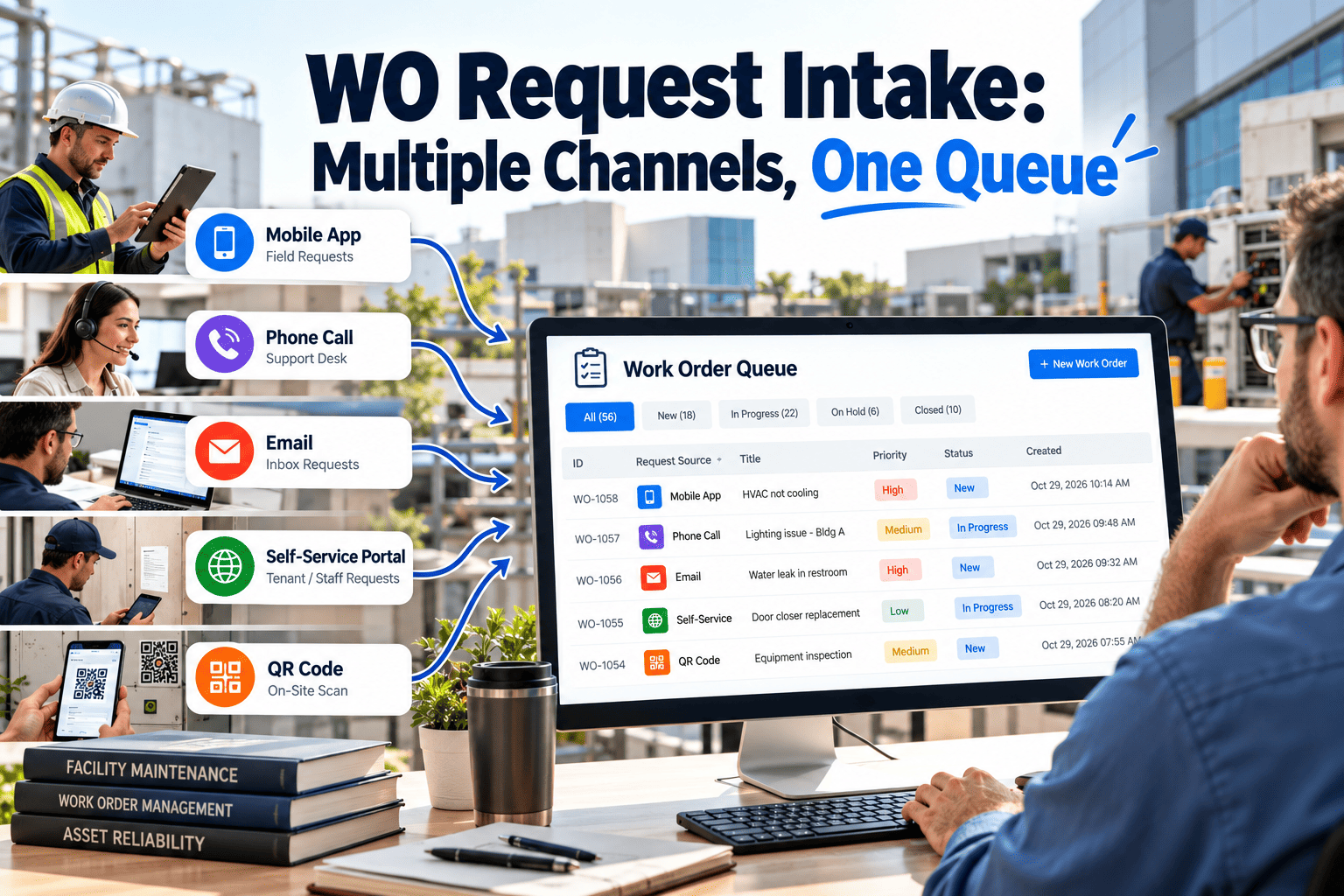
WO Request Intake: Multiple Channels, One Queue
Let people report problems the way that suits them, then land every report in a single, triaged queue with the same required fields, the same clock, and the same owner.
What channel sprawl costs a facility team
The cost is rarely one big failure. It is a steady loss of time, trust, and data quality that makes the maintenance team look slower than it is.
With scattered channels
- Requests live in inboxes, notebooks, and memory
- Two people take the same call and create two jobs, or none
- Location and asset details are missing, so technicians travel to find out
- Requesters chase updates because they cannot see status
- Reports cannot show true request volume or response time
- Urgent items depend on who shouts loudest
With one queue
- Every request becomes a record the moment it arrives
- Duplicates are spotted and merged before dispatch
- Mandatory fields give the technician what they need on arrival
- Requesters get an acknowledgement and status updates
- Volume, source, and response time are measurable
- Priority rules decide order, not volume of complaint
Channel by channel: what each one is good for
You do not need to remove channels. You need each channel to feed the same queue with the same minimum information.
| Channel | Strength | Typical weakness | How to tighten it |
|---|---|---|---|
| Easy for tenants and managers, allows photos | Free text, missing location, long threads | Dedicated request address, a dispatcher logs each message as a record the same day | |
| Phone | Fast for urgent issues | Notes taken on paper, no photo | Call script with required questions, entered live into the system |
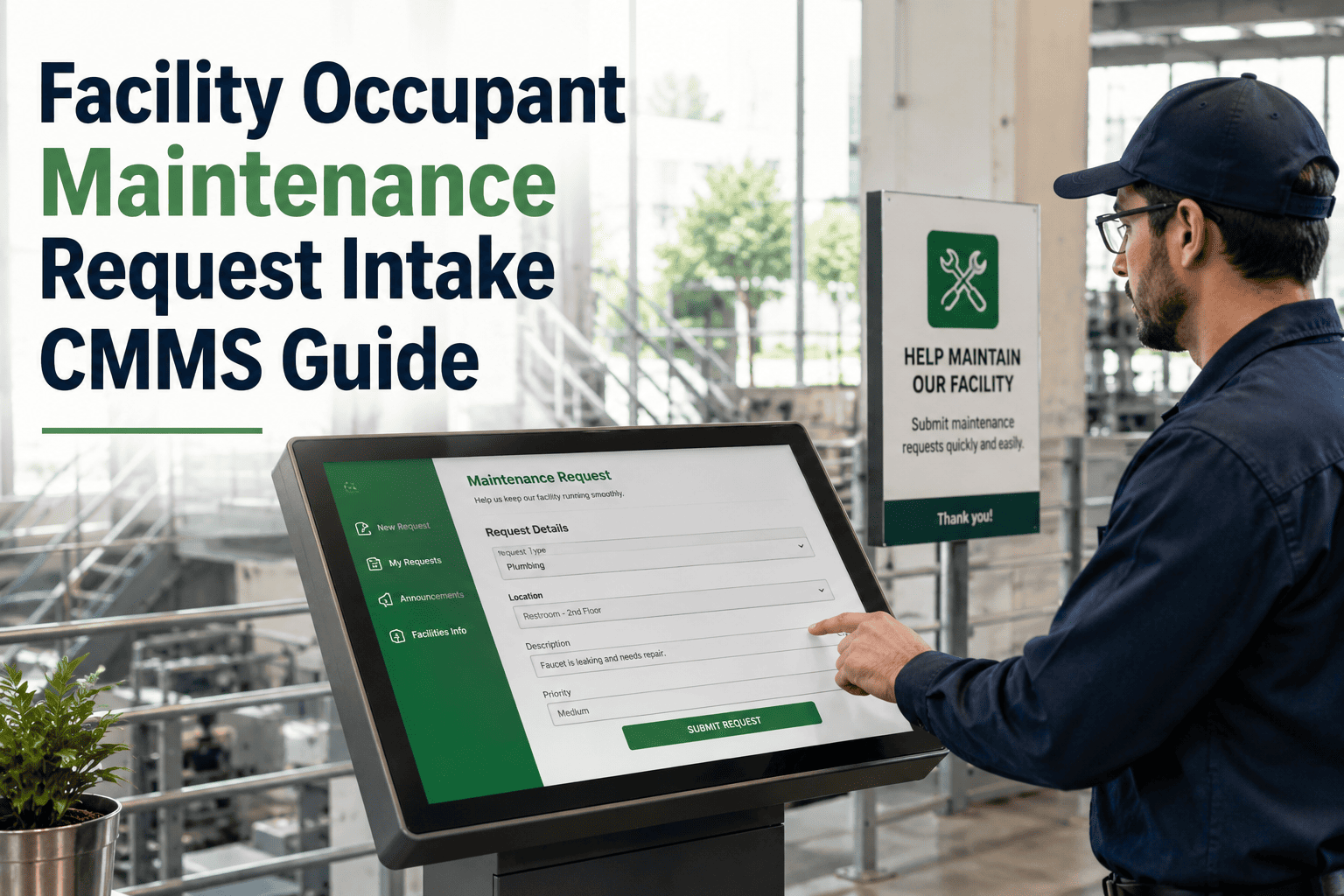
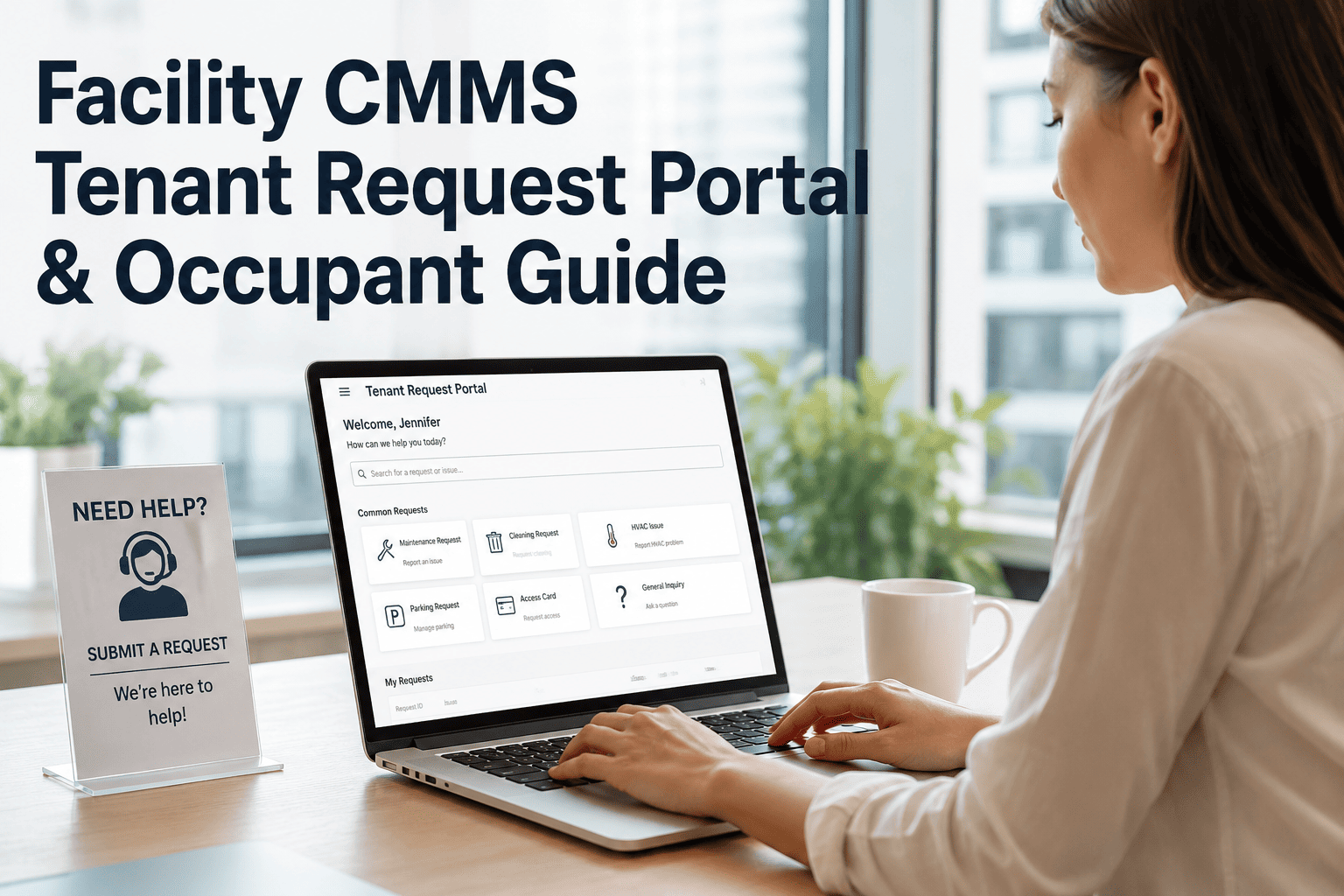
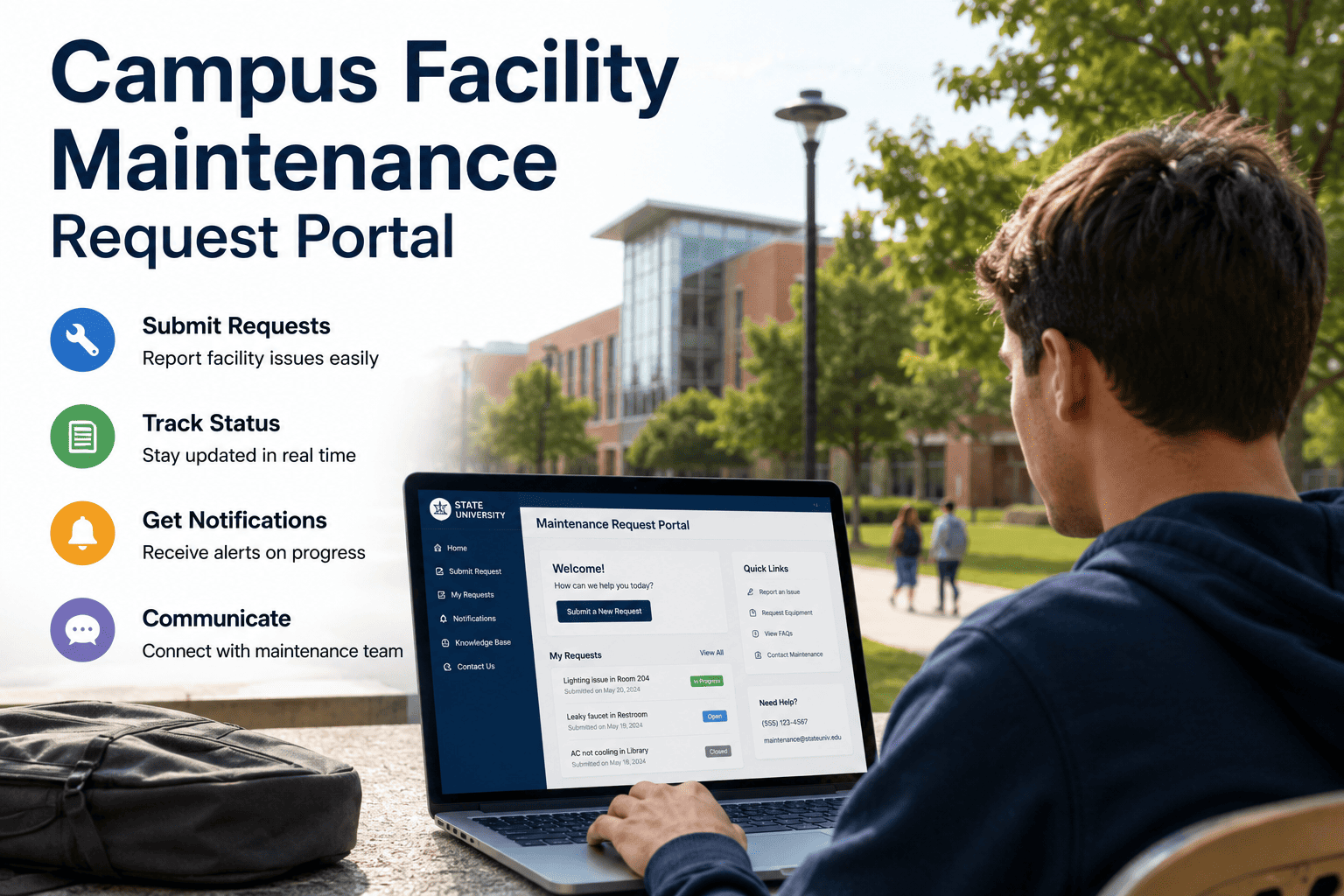
| Request portal | Structured fields, photo upload, status view | People forget it exists | Publish the link in lobbies, welcome packs, and signatures |
| QR code at the asset or room | Location and asset are known before the person types | Labels get damaged or removed | Include label checks in inspection rounds |
| Chat or messaging | Quick, familiar, great for staff | Easily buried, no required fields | Ask staff to use the form link, or have a dispatcher record chat requests |
| Inspections and rounds | Defects found by trained technicians | Findings stay in a report | Convert each defect into a request or work order at the point of finding |
| Building system alarms | Objective, machine-detected | Nuisance alarms flood the queue | Filter by severity and require review before creating work |
The minimum record every request needs
A request that cannot be acted on wastes a dispatcher's time. Decide the required fields once, and make every channel collect them.
From message to dispatch: the intake lifecycle
Treat intake as a short, timed process with a named owner. The target is a request that is understood, prioritized, and assigned within a defined window.
- CaptureRequest arrives from any channel and becomes a record
- AcknowledgeRequester receives confirmation with a reference
- ValidateCheck location, asset, and category are complete
- DeduplicateMerge reports of the same fault into one job
- PrioritizeApply the priority rules and set the response target
- AssignRoute to the right trade, technician, or contractor
- UpdateKeep the requester informed until the job closes
Stop losing requests between channels
Bring phone, email, and portal requests into one list of work orders your whole team can see and act on.
Triage rules that keep the queue honest
Triage is where an intake queue succeeds or fails. Clear rules let any dispatcher make the same decision for the same request.
Handling duplicates and repeat reports
Same fault, many callers
When ten people report a cold floor, one request should exist. Link the others to it so the requesters each receive the same updates without ten technicians being sent.Same location, repeated issue
Repeat requests on the same asset are evidence of a root cause. Flag them for a corrective review rather than closing each one separately.Reopened requests
If a requester says the problem returned, reopen the original record so the history stays intact and repeat fixes become visible.Making the QR and portal channels actually used
A channel only helps if people use it. Adoption is mostly about placement, simplicity, and visible follow-through.
- Put the code where the problem happensRestrooms, kitchenettes, meeting rooms, plant rooms, and lift lobbies are natural spots. The location is pre-filled when the code is scanned.
- Keep the form shortAsk for what the dispatcher truly needs. A form with eight optional fields drives people back to email.
- Close the loop visiblyWhen requesters see an acknowledgement and a completion message, they trust the channel and use it again.
- Train front desk and securityThe people who take the most calls should enter requests in the same format as the portal.
Intake KPIs worth tracking
Measure the intake stage on its own, not only job completion. Slow intake hides inside average repair times.
Time to acknowledge
Minutes from request received to requester confirmationTime to triage
Minutes from capture to priority and owner setRequest mix by channel
Share of requests from each source, to guide where to investFirst-time complete rate
Requests with all required fields on arrivalDuplicate rate
Requests merged into another recordReopen rate
Requests reopened after closureIntake mistakes that undo the queue
How Oxmaint supports a single intake queue
Oxmaint is maintenance management software. It gives intake a structured home, while your people decide channels and rules that fit your buildings.
Work order records
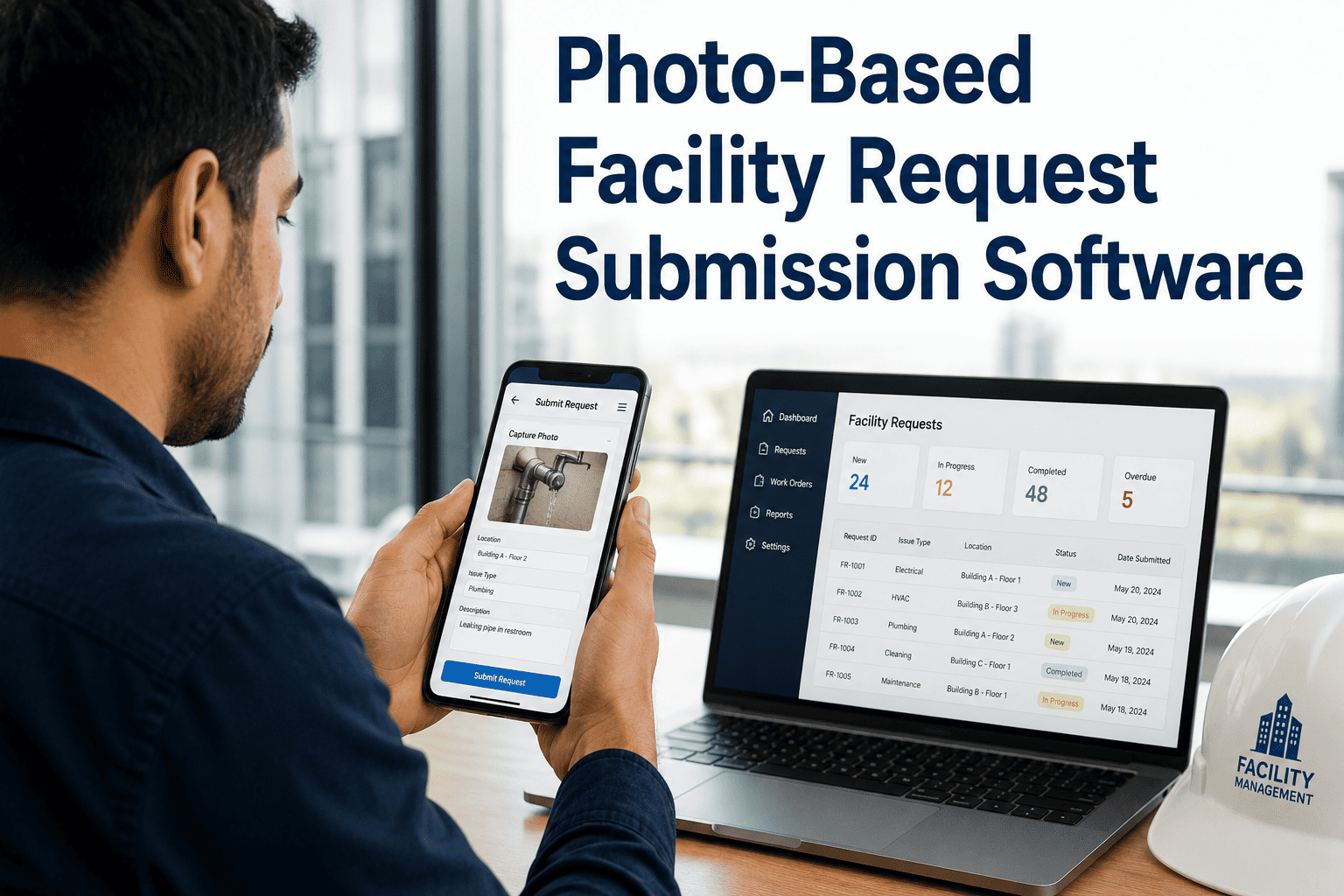
Every request becomes a work order with requester, location, asset, category, and status in one place.Asset and location structure
Link requests to buildings, rooms, and equipment so recurring problems surface by asset.Priority and scheduling
Apply priority levels and schedule work against technician availability.Mobile workflows
Technicians receive, update, and close jobs on mobile with notes and photos.Inspections to work
Turn defects found on rounds into tracked work so nothing stays in a report.Dashboards and reports
Track open requests, response times, and request volume by building or category.Response clocks by request type
Each priority needs a clock that starts when the request is captured, not when someone finally reads it. The targets below are starting points to tune against your lease terms, service agreements, and staffing.
| Request type | Acknowledge | Triage and assign | First response | Update rhythm |
|---|---|---|---|---|
| Emergency | Immediately, by phone | Immediately | Technician or on-call lead dispatched at once | Continuous until made safe |
| Urgent | Within minutes | Same shift | Within hours, per site policy | At start and end of work |
| Routine | Within the same day | Within one working day | Scheduled window shared with requester | When the schedule changes |
| Project or change | Within the same day | Routed to planning | Scoping visit or quote | At each approval stage |
Who does what in a unified intake process
A shared queue fails when everyone assumes someone else owns it. Spell out the responsibilities, and review them whenever staffing changes.
Requester
Reports through any approved channel, gives location and a short description, and answers follow-up questions about access or timing.Dispatcher
Owns the queue each shift. Validates fields, merges duplicates, applies priority rules, and assigns work within the agreed clock.Maintenance supervisor
Balances workload, resolves priority disputes, and reviews aged items so nothing quietly stalls.Technician
Updates status from the site, records findings and parts used, and flags requests that need a different trade.Contractor coordinator
Handles work that goes to outside vendors and keeps the original record updated with visits and completion.Building manager
Receives summaries of volume and response, and sets expectations with tenants about request channels and timelines.Rolling out one queue in four phases
You do not have to switch everything on at once. A phased rollout lets the team learn the process and fix the rough edges while the volume is manageable.
- Phase one: agree the basicsDefine required fields, request categories, location lists, and priority rules. Name the dispatcher role and its backup.
- Phase two: capture everythingLog phone and email requests as records the same day, even before a portal exists, so the queue becomes the single source of truth.
- Phase three: add self-serviceLaunch the portal and QR codes in one building first, gather feedback, and adjust the form before wider release.
- Phase four: review and refineUse intake data monthly to tune priorities, staffing, and preventive tasks for assets that generate repeat requests.
Status messages that reduce follow-up calls
Most chasing calls come from silence. A few well-timed messages remove the uncertainty without adding work for technicians.
Received
Confirms the request exists, gives a reference, and states the expected next step.Assigned
Names the trade or team and gives an expected visit window.In progress
Lets the requester know work has started and whether access is needed.Waiting
Explains the reason, such as parts or access, and the revised expectation.Complete
Describes what was done and invites a reply if the problem persists.Reopened
Acknowledges the repeat issue and links it to the original record for review.Designing for people who rarely report problems
The best intake design is judged by the occasional user, such as a visiting contractor or a new tenant employee, not by the dispatcher who knows every field.
Plain language
Use categories people recognize, such as too hot, too cold, leak, light out, or door will not lock, and map them to technical trades behind the scenes.Few steps
A request that takes more than a minute or two to submit invites a phone call instead. Ask only what the dispatcher cannot work out alone.Mobile friendly
Most problems are noticed away from a desk. A form that works on a phone, with a camera button, produces better evidence than a typed description.Out-of-hours and weekend intake
Nights and weekends are where unmanaged channels cause the most damage, because nobody is watching the inbox. Decide in advance what happens to each type of request.
Work request intake FAQs
Should we remove email and phone once we have a portal?
No. Keep every channel people already use, but make sure each one is logged into the same queue. Over time, a good portal naturally takes the larger share.
Who should triage incoming requests?
A named dispatcher or coordinator per shift, with a backup. Triage works best as a defined role, not a task everyone shares.
How do we handle requests that arrive out of hours?
Define an emergency path with an on-call contact and let routine items wait in the queue for the next shift. Oxmaint keeps both visible.
What is a good first improvement?
Standardize required fields and location lists, then add acknowledgements. These changes cost little and improve every later step.
Can intake data help with planning?
Yes. Request volume by asset and category shows where preventive work is needed. Book a demo to see reporting options.
One queue, every request, no guesswork
Give requesters an easy way to report and give your team one reliable list to work from.