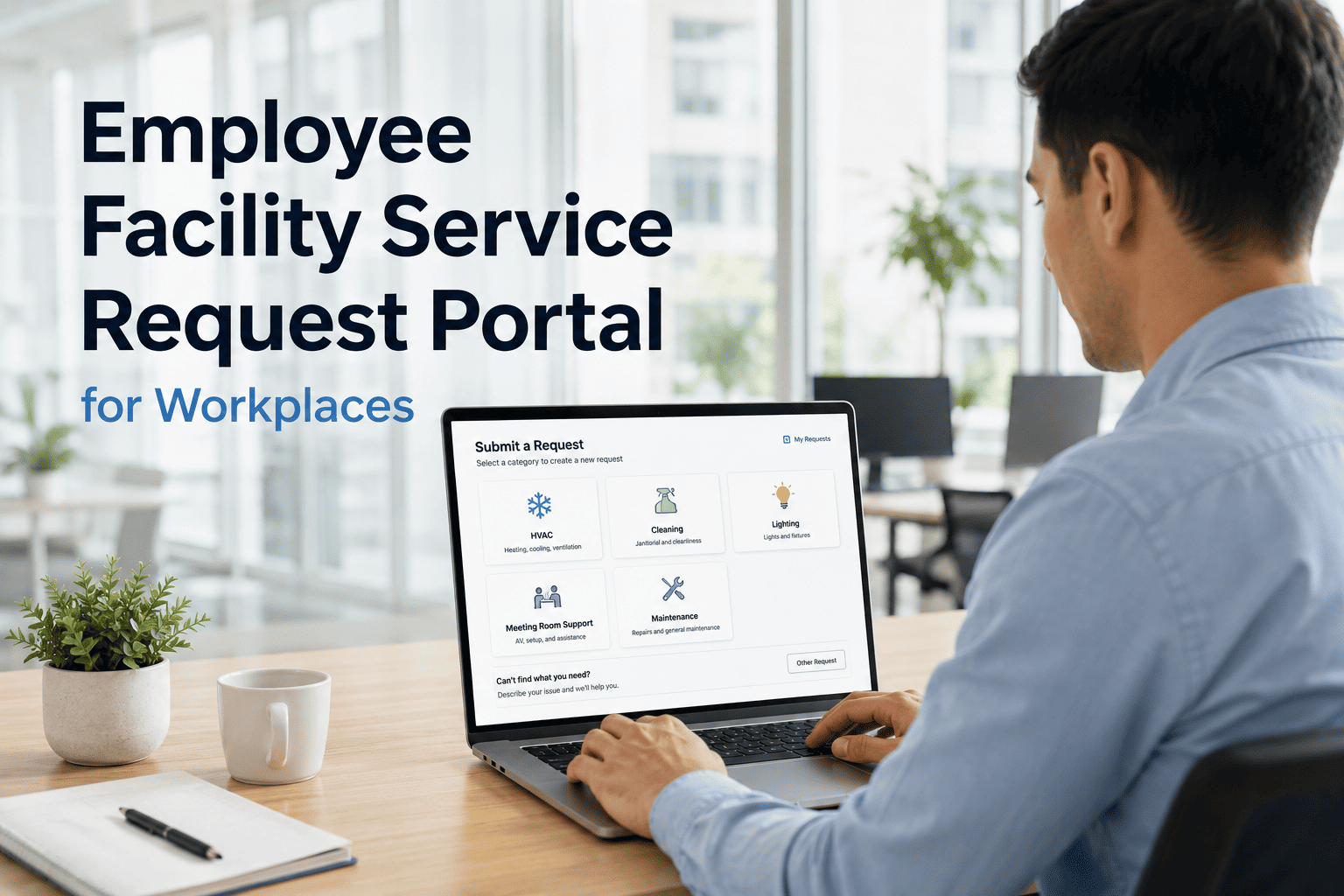
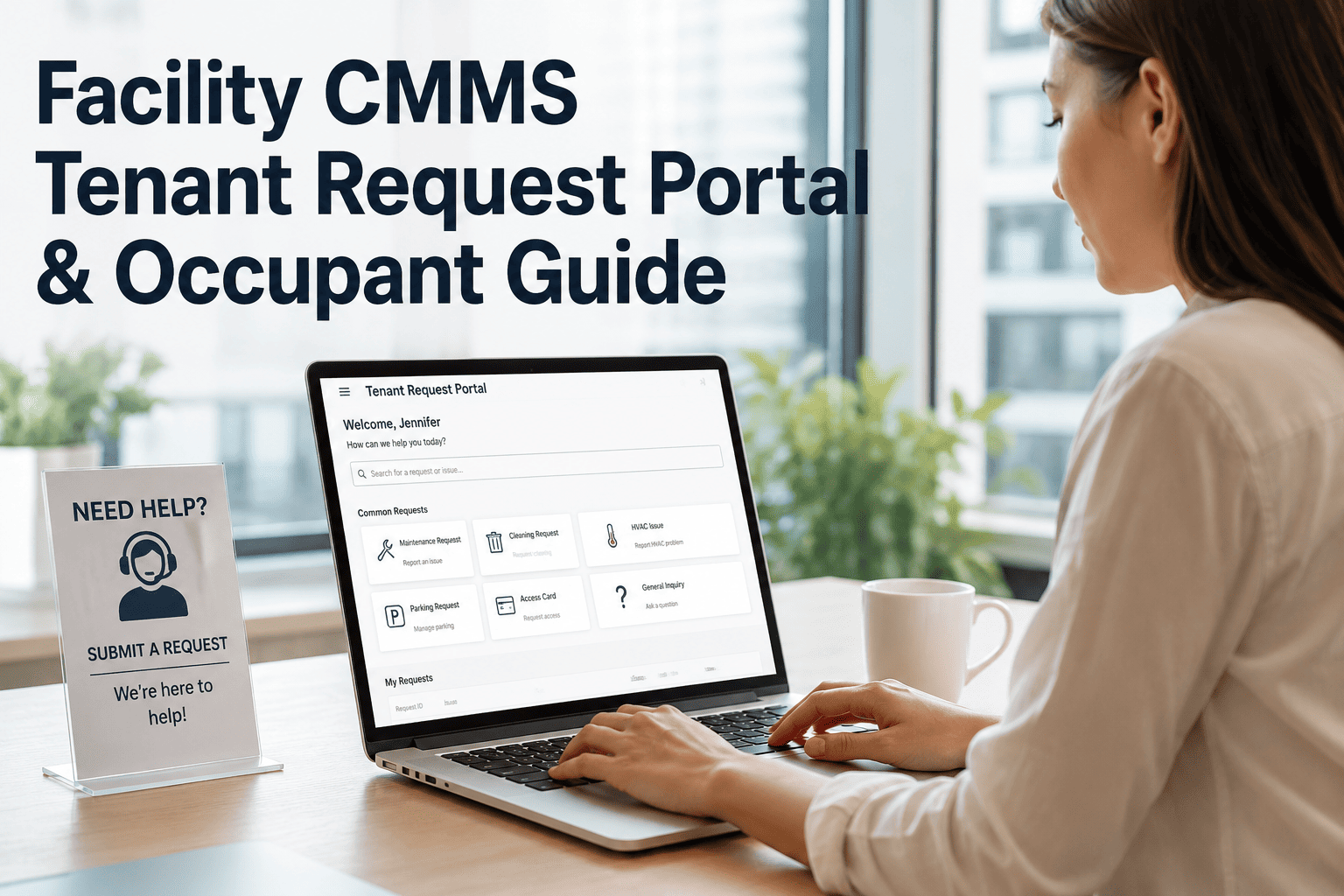
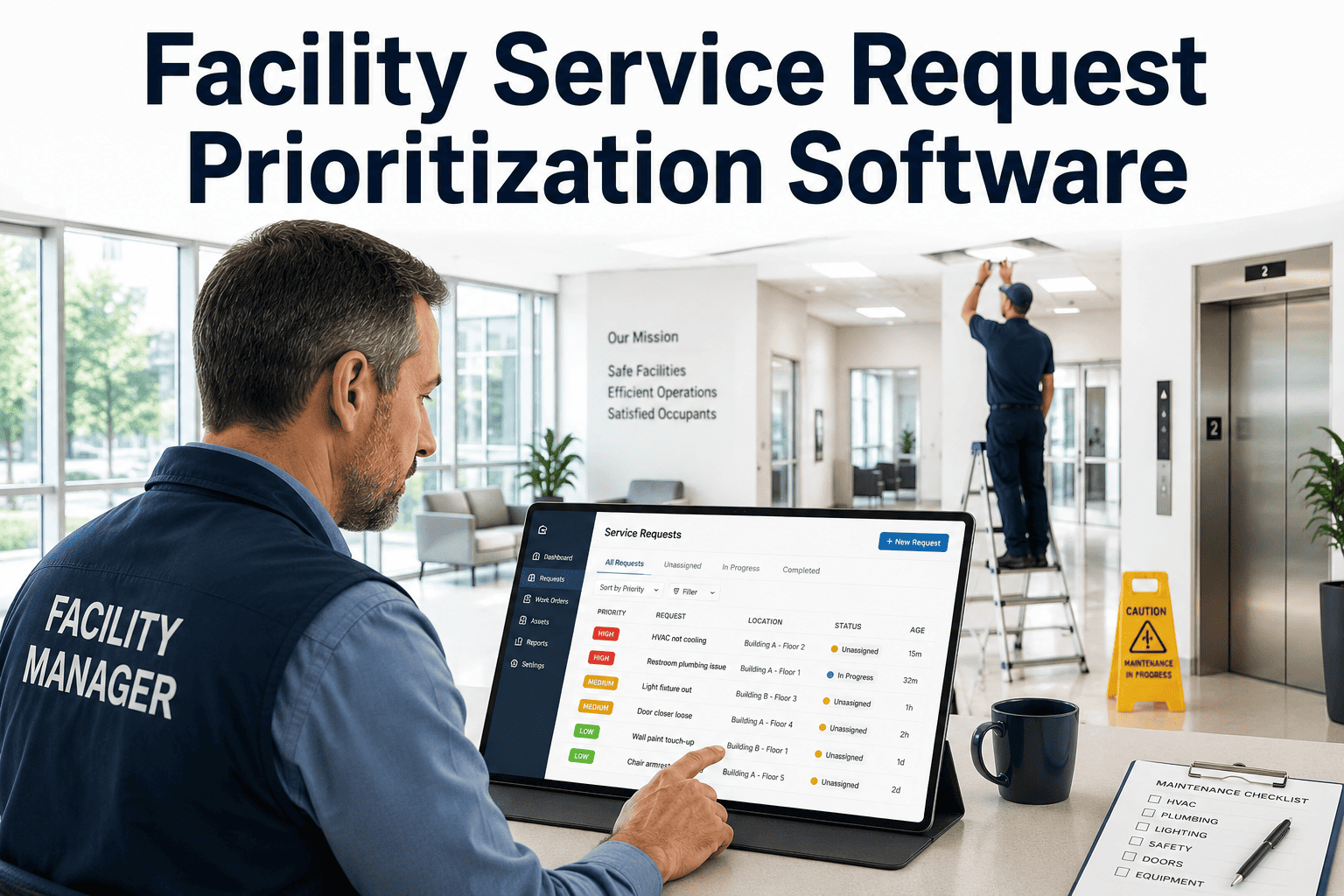
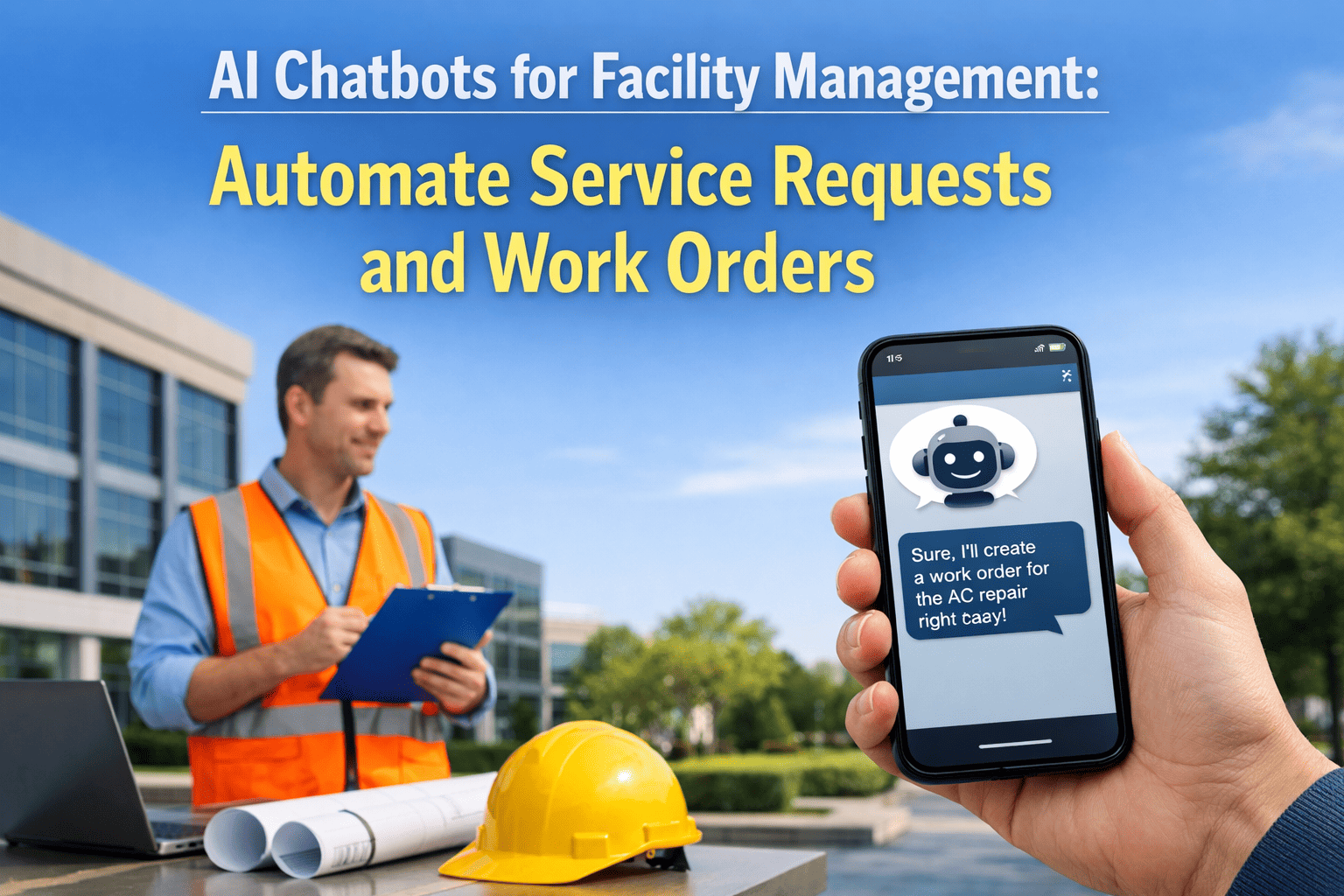
An employee reports a broken AC unit over chat on Monday, follows up by email on Wednesday, and finally mentions it to someone from facilities in the hallway on Friday — and the request is still open, because none of those three messages ever became a work order. In a typical office, facility issues scatter across exactly the channels that are easiest to lose: a private message, a forwarded email, a verbal aside near the elevator. A self-service request portal turns every one of those into a single tracked ticket the moment it's submitted, tied directly to a work order and an SLA. See how the portal connects to OxMaint's work order management, or book a demo to see it set up for your own office.
Workplace Operations / Request Portal
Employee Facility Service Request Portal for Workplaces
Replace email, chat, and hallway requests with one link employees can use from any phone — connected straight to work orders and SLA tracking.
1
Portal replaces email, chat, and walk-ins
<60s
To submit a request from any phone
0
Accounts or logins needed for employees
Five categories cover almost everything
Employees don't need a long form — most office facility issues fall into a handful of categories, each pre-set with the fields that matter for that type of request.
Temperature & HVAC
Too hot, too cold, no airflow
Lighting & Electrical
Flickering, outage, exposed wiring
Cleaning & Supplies
Spill, restroom supplies, trash
Furniture & Fixtures
Broken chair, desk, door, blinds
Safety & Access
Badge reader, blocked exit, hazard
Submitting a request takes four taps
No app to install and nothing to remember — the same link works from a desk, a phone, or a poster by the elevator.
1
Open the link or scan the code
3
Add a note and an optional photo
4
Get a ticket number to track
Give employees one link for every facility issue
See the request form, the categories, and the work order it creates — set up against your own floor plan.
Where requests come from today
Once intake is centralized, the category breakdown itself becomes useful — it tells facilities where to focus before the next lease renewal or refresh budget.
No more checking in to check status
The biggest source of repeat messages is silence after the first one. The portal closes the loop without anyone picking up the phone.
Submitted
Assigned
Resolved
What changes once requests stop scattering
Faster fixes
A work order exists the second the request is sent, not after someone happens to read the message.
Less email noise
Facility requests stop filling shared inboxes and reply-all threads nobody wants to be on.
Happier employees
Issues actually get tracked to resolution instead of quietly disappearing.
Expert Review
"The complaint I hear most from employees isn't that facilities is slow — it's that they have no idea what happened after they reported something. A portal fixes that almost by accident: the moment a request gets a ticket number and a status, people stop following up by email because they can already see it's being handled. For the facilities team, the real win is that every issue becomes searchable data instead of a memory, which makes it obvious which floor or category needs real investment instead of another patch."
Reviewed by a Corporate Workplace Operations Manager, managing multi-floor office facilities for 10+ years.
Stop losing requests to email and chat
Walk through the employee submission flow and the work order it creates on a live OxMaint workspace.
Frequently asked questions
What is an employee facility request portal?
It's a single self-service link or QR code that lets any employee report a facility issue — temperature, cleaning, lighting, furniture, or safety — and have it become a tracked work order automatically, instead of sitting in an inbox. See it set up in
OxMaint.
Do employees need to install anything or log in?
No. The form opens from a link or QR code in any mobile browser, with no account or password required, so submitting a request takes under a minute. Only the facilities team needs a login to manage the work orders.
Book a demo to see the flow.
Can the portal route requests to different vendors or technicians?
Yes. Each category can route to a specific internal team or outside vendor automatically — an electrical issue goes to the electrician on contract, a cleaning request goes to the janitorial team — without anyone manually forwarding it. Configure routing in
OxMaint.
How does the portal stop duplicate requests?
When a new request matches an open ticket for the same floor and category, it's flagged and linked to the existing work order instead of creating a second one, so one broken AC unit doesn't generate five separate tickets from five floors.
See duplicate handling in a demo.
Can employees see the status of what they reported?
Yes. A ticket number is issued on submission, and status updates as the request moves from assigned to resolved, so employees can check progress themselves instead of emailing the facilities inbox again. Try status tracking in
OxMaint.
How long does it take to set up across an office?
Most offices are live within a week — set the categories, print a few QR codes for common areas, and share the link in onboarding materials. No IT project or hardware installation is required. Start with a
free trial.
One link, every facility request, no more guessing
Give employees a simple way to report issues and give facilities one queue to manage them all from.