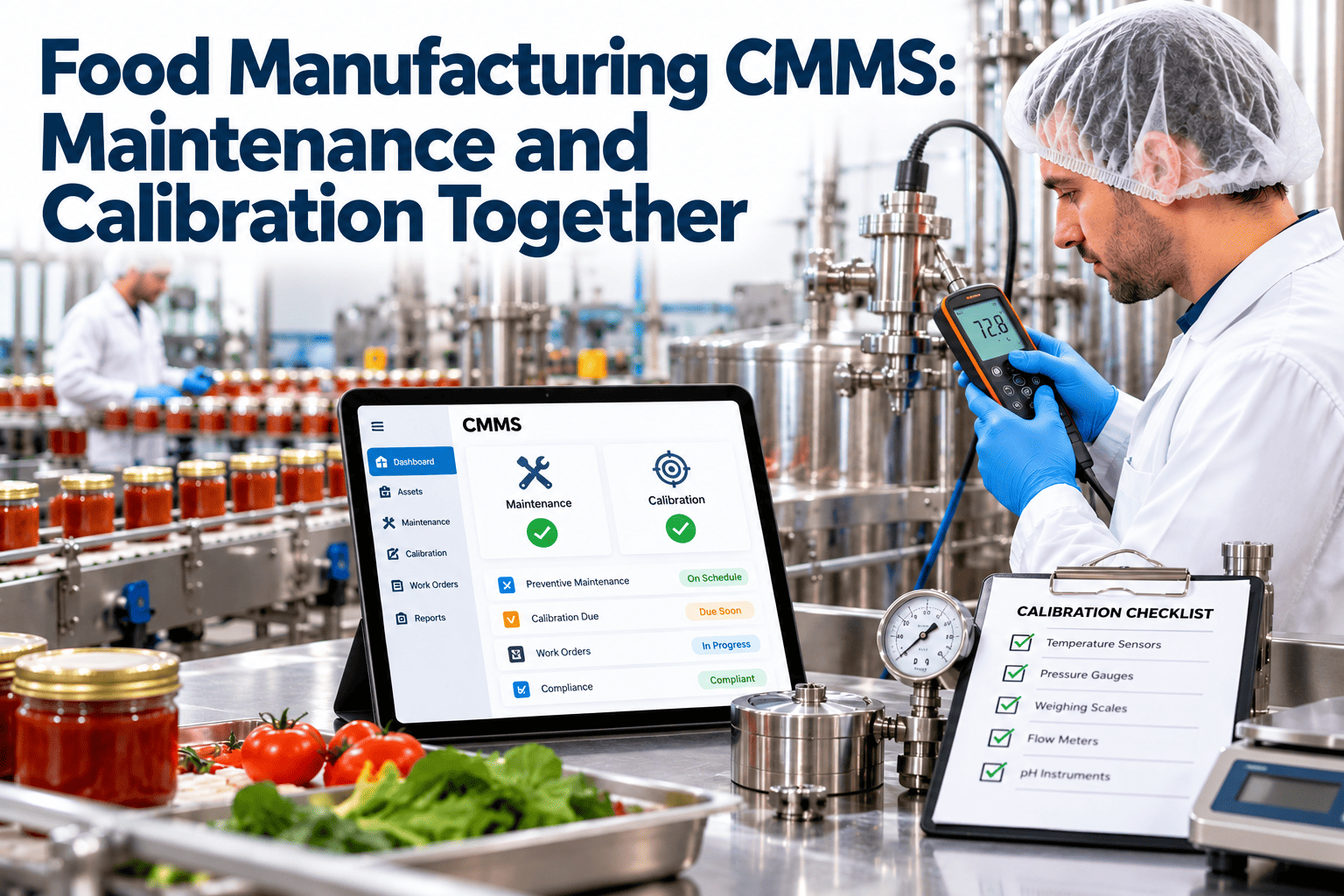
In many food plants, maintenance, calibration, inspections, and equipment release live in separate places: a CMMS here, a calibration spreadsheet there, and a paper release form at the line. Each system may work alone, yet gaps appear between them, and auditors find those gaps first. A food manufacturing CMMS that connects these workflows lets maintenance support food safety instead of sitting beside it. This guide shows how to link them and how to start with Oxmaint CMMS.
Food Manufacturing CMMS: Maintenance and Calibration Working Together
Connect preventive maintenance, calibration, inspections, and equipment release approvals into one workflow your auditors can follow.
Where Disconnected Systems Create Food Safety Risk
- Regulations such as FSMA preventive controls and GFSI-benchmarked schemes expect documented maintenance, calibration, and verification
- Equipment is a common route for physical, chemical, and microbiological hazards
- Missing records are treated as missing controls during audits
Four Workflows, One Connected Record
A food plant CMMS should tie each workflow to the same asset, so history, status, and approvals are visible together.
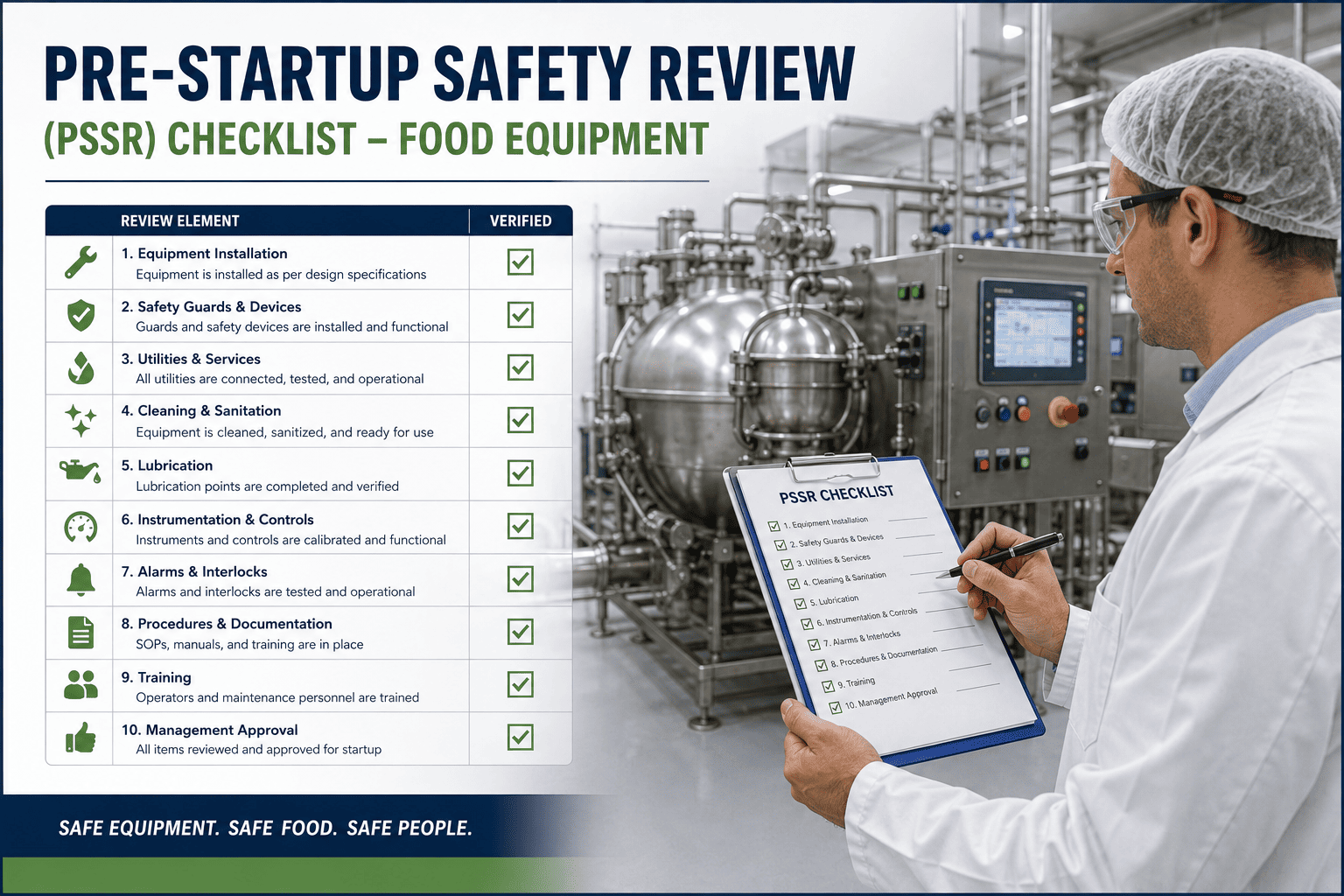
The Equipment Release Workflow, Step by Step
After repair or planned maintenance, equipment should not simply restart. A structured release closes the loop.
Before and After: Separate Tools vs Connected CMMS
| Area | Disconnected Approach | Connected Food Plant CMMS |
|---|---|---|
| Preventive maintenance | Paper schedules, missed tasks unnoticed | Automated schedules with overdue alerts |
| Calibration | Separate spreadsheet, manual reminders | Due dates linked to the asset and work orders |
| Inspection findings | Noted on forms, follow-up unclear | Failed items open assigned work orders |
| Equipment release | Verbal or informal handover | Required checklist and recorded approvals |
| Audit preparation | Manual search across files | Searchable history by asset and date |
| Spare parts | Unknown stock, emergency purchasing | Inventory linked to work orders and PM |
See Maintenance and Calibration in One Workflow
Oxmaint helps food plants manage assets, preventive tasks, inspections, and corrective work from a single system.
What to Look for in a Food Plant CMMS
Food-Specific Maintenance Requirements
Hygiene and Washdown
- Track washdown-rated components and seal replacements
- Schedule inspection of corroded, cracked, or damaged surfaces
- Record use of food-grade lubricants and separate them from industrial products
Foreign Material Prevention
- Inspect guards, fasteners, and wear parts that could detach
- Use tool control and post-maintenance checks as standard tasks
- Test detection equipment on a defined schedule
Process Control
- Keep temperature, pressure, weight, and flow instruments calibrated
- Link instrument failures to product risk review
- Maintain ovens, chillers, pasteurisers, and fillers on criticality-based plans
A Practical Implementation Roadmap
KPIs That Show Maintenance Supports Food Safety
Frequently Asked Questions
Why link calibration to the CMMS?
What is an equipment release approval?
Does a CMMS replace the food safety plan?
Where should a plant begin?
Can technicians use it on the floor?
Ranking Equipment by Food Safety and Production Criticality
Not every asset deserves the same attention. A criticality ranking lets you focus preventive effort where failure would hurt most.
| Criticality Level | Typical Equipment | Maintenance Approach |
|---|---|---|
| Food safety critical | Pasteurisers, cook and chill systems, metal detectors, X-ray units, critical temperature probes | Tight PM, calibration, verification tests, and release approval after any repair |
| Production critical | Mixers, ovens, fillers, packaging machines | Preventive and condition-based tasks, spare parts held on site |
| Supporting | Compressors, conveyors, pumps | Standard PM with regular review |
| Low impact | Redundant or non-process items | Inspect on a longer cycle or run to failure where safe |
Questions to Ask When Ranking
- Could failure create a physical, chemical, or microbiological hazard
- Does the asset control a critical limit in the food safety plan
- How quickly would a failure stop production
- Is there backup equipment or a manual alternative
Designing Preventive Maintenance Tasks for Food Plants
Good PM tasks are specific, safe, and written with hygiene in mind. Vague tasks produce vague records.
- Describe each step clearly, including the acceptance criteria for a pass
- Specify food-grade lubricants and tools suitable for the area
- Include a clearance step to remove tools, parts, and debris before restart
- Note lockout and tagout requirements and any hygienic zone rules
- Add photo or measurement fields where evidence is useful
Choosing Triggers
How Calibration Works Inside the CMMS
Treat each instrument as an asset and each calibration as a scheduled work order. This keeps due dates, results, and repairs together.
The Maintenance and Sanitation Interface
Maintenance work disturbs clean areas, and sanitation can damage equipment if done carelessly. The two functions need a shared workflow.
- Coordinate maintenance windows with cleaning schedules so work is not done on freshly sanitised surfaces
- Require post-maintenance cleaning verification for food contact surfaces
- Report corroded, cracked, or hard-to-clean equipment found during sanitation as work orders
- Track seals, gaskets, and hygienic design components as managed spares
Controls for Maintenance Work in Production Areas
- Use tool control and designated tool kits for each area
- Protect open product and packaging during repairs
- Remove or secure temporary repairs and replace them with permanent fixes promptly
- Record who worked on the asset, what was done, and which parts were used
Audit Walkthrough: Questions and Where the Evidence Lives
| Likely Auditor Question | Evidence Needed | Where a CMMS Helps |
|---|---|---|
| Show the preventive maintenance program | Schedules, completion records, overdue items | Task history by asset with timestamps |
| How do you control calibration | Instrument list, due dates, certificates | Linked records and due date reports |
| What happens after a repair | Release checklist, clean-up verification | Required approval step on the work order |
| How do you prevent foreign material from maintenance | Tool control, post-work clearance | Checklist items stored with each task |
| How do you act on repeat failures | Failure history and corrective action | Asset history and recurring issue reports |
Managing Spare Parts, Lubricants, and Consumables
Food plants hold special items that must be controlled, both for availability and for safety.
- Separate food-grade lubricants from other products and label storage clearly
- Keep critical spares for food safety equipment, such as detector parts and probes
- Set reorder levels for seals, gaskets, and wear parts that affect hygiene
- Link parts used to the work order for traceability
- Review slow-moving stock so money is not tied up unnecessarily
Adoption: Getting Technicians and Quality to Use It
A CMMS only helps if people use it daily. Plan for adoption as carefully as for configuration.
Lockout, Safety, and Hygiene Together
Food plants must manage worker safety and product safety during the same repair. A good work order handles both.
- Include both safety and hygiene steps as required checklist items so neither is skipped
- Store permits and approvals with the work order instead of in separate folders
- Review incident reports against work order history to find equipment-related causes
Moving From Spreadsheets Without Losing History
Migration worries stop many plants from starting. A simple plan keeps useful history and drops clutter.
Reporting That Maintenance and Quality Can Share
| Report | Question It Answers | Who Uses It |
|---|---|---|
| Overdue work orders | What is late and who owns it | Maintenance manager, quality |
| Calibration status | Which instruments are current, due soon, or overdue | Quality, calibration technician |
| Top failing assets | Which equipment causes most downtime or repeat repairs | Engineering, reliability |
| Release approvals | Were repairs on critical equipment approved before restart | Quality, auditors |
| Planned versus reactive | Is the plant moving toward more preventive work | Plant management |
Mistakes to Avoid When Connecting These Workflows
- Loading every asset at once instead of starting with critical equipment
- Copying paper checklists without improving unclear steps
- Leaving calibration outside the system because it belongs to another department
- Making release approvals optional, which defeats their purpose
- Failing to review reports, so overdue work grows unnoticed
- Skipping training for night shifts and contractors
Condition Monitoring on Food Plant Equipment
Condition-based tasks add a second layer to calendar PM by catching faults as they develop.
- Track vibration and temperature on motors, gearboxes, and pumps that serve critical lines
- Record oven and chiller temperature trends to spot slow drift before product is affected
- Log pressure and flow readings on steam, compressed air, and cleaning systems
- Use inspection results, such as belt wear or seal condition, to trigger work rather than waiting for a fixed date
Starting Simple
- Begin with manual readings on a mobile checklist before adding sensors
- Set alert limits from the equipment manual and operating history
- Review the data monthly to confirm limits are useful
Make Maintenance Part of Your Food Safety Proof
Bring PM, calibration, inspections, and release approvals together so every audit question has a clear, connected answer.