AI Room Inspection Software for Hotels 2026: Housekeeping Guide

By William Jerry on September 4, 2026

ai-room-inspection-software-hotels-housekeeping-guide-2026

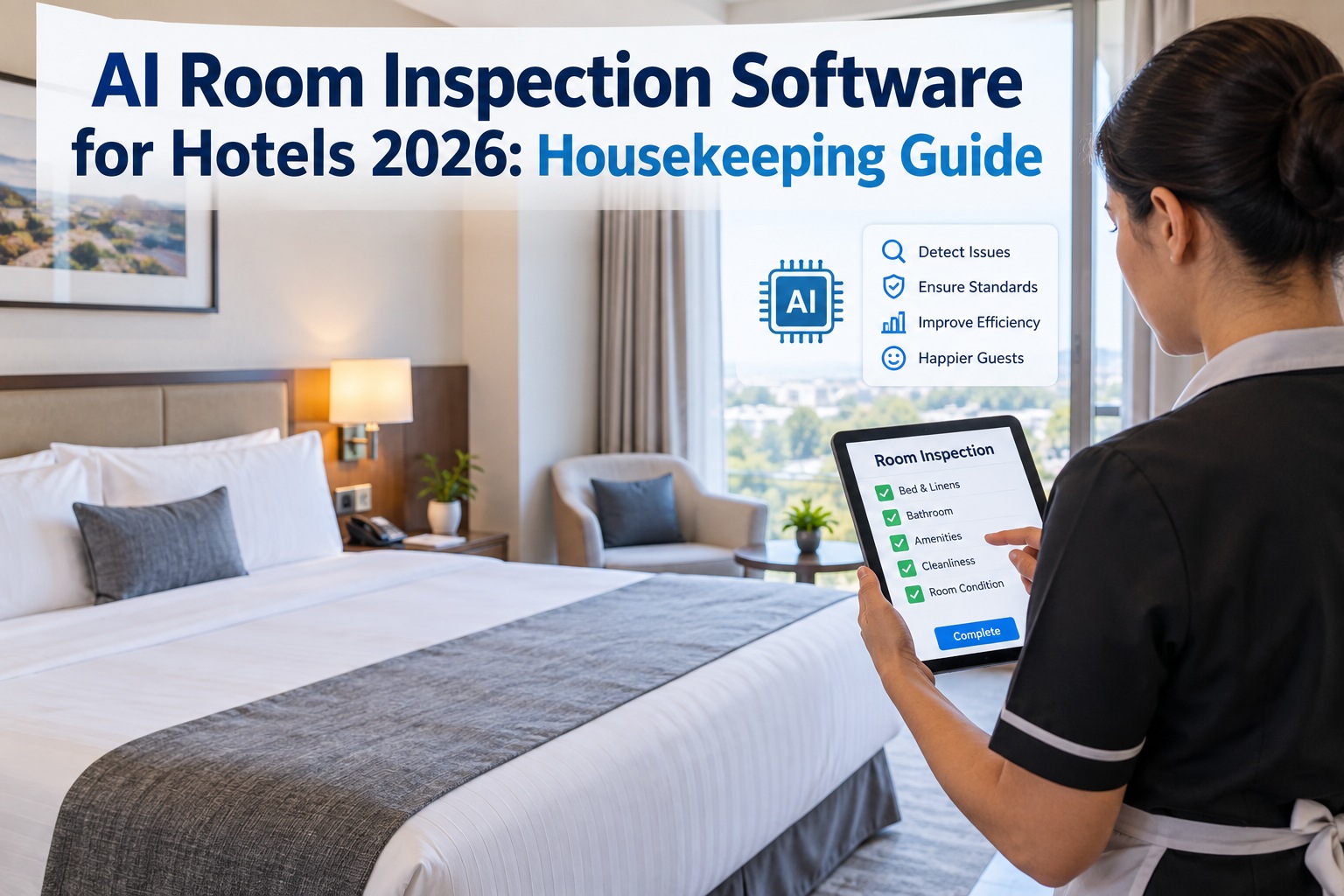
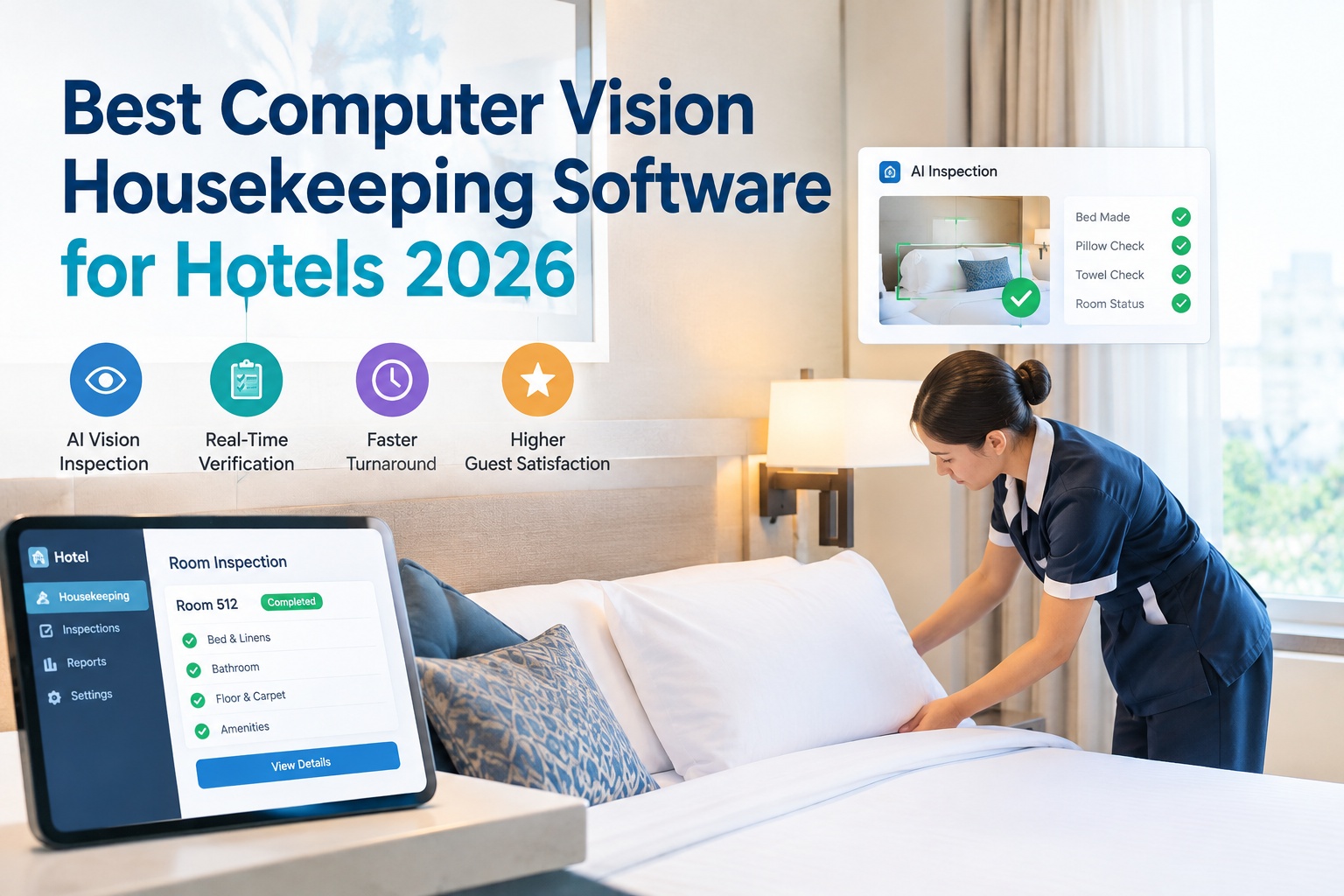
Managing AI room inspection across a hotel property is complex — OxMaint makes it simple. The math of manual inspection is the problem: a housekeeping supervisor covering 180 rooms a day has about 90 seconds per room to catch carpet stains, damaged fixtures, faulty HVAC, plumbing leaks and safety hazards — and in practice can only spot-check around 10% of rooms at all. The other 90% go back into inventory unverified, and the next guest becomes the inspector. AI room inspection closes that gap: computer vision scans every checkout room, flags what a rushed human misses, and turns each finding into a work order before the door reopens. This guide shows how it works and how OxMaint's cloud-based CMMS delivers it. Start free or book a demo.

Hospitality · Housekeeping · AI Room Inspection · CMMS 2026

AI Room Inspection Software for Hotels 2026: Housekeeping Guide

Computer vision checks every checkout room — not the 10% a supervisor has time for — catching missed defects and turning each into a work order before the next guest arrives.

~10%
of rooms a supervisor can actually spot-check by hand
90 sec
average manual inspection window per room at high volume
8 sec
per-zone AI scan — every room, every turnover
74%
annual housekeeping turnover erodes trained inspection skill

Why Manual Inspection Fails — It's Physics, Not Effort

The failure rate of manual room inspection isn't a staffing problem you can train away — it's arithmetic. Give one supervisor 180 rooms and 90 seconds each, and even a diligent, experienced inspector can't cover every surface, fixture and fitting in the time available. Add 74% annual housekeeping turnover and the "experienced" part erodes too: new hires miss the damage patterns a veteran would catch. The result is a share of guest complaints that cite defects which passed a manual pre-arrival check. Sign up free and OxMaint applies one consistent detection standard to every room — a first-week hire's scan sees what a five-year veteran would.

The Time Squeeze
90 seconds per room can't cover walls, bathroom, HVAC, fixtures and furniture. Something is always skipped — usually the thing that becomes a review.
The Coverage Gap
Only about 10% of rooms get a supervisor's eyes. The other 90% go back to inventory verified by nobody until a guest walks in.
The Turnover Drain
With 74% turnover, the staff who knew what to look for are constantly replaced by those who don't — detection skill leaks out of the building.
The Inconsistency
Every inspector and every shift applies a slightly different standard. What one flags, another releases — quality swings by who's on duty.

How AI Room Inspection Works: Capture to Closed Loop

AI doesn't replace the inspector — it standardizes, accelerates and documents the visual part so people spend their time on true exceptions. The pipeline runs in four steps from the checkout scan to a verified repair, with no manual triage in between. Book a demo to see the full loop running inside OxMaint's work-order workflow.

1
Capture
A housekeeper scans the checkout room with the mobile app — or a fixed camera fires on the departure trigger — zone by zone: bathroom, sleeping area, work desk, HVAC, entry. Under 60 seconds, each image auto-tagged to room, zone and timestamp.
2
Detect
Computer vision analyzes the image set against a per-room-type baseline, classifying findings by type, location and severity in seconds — distinguishing normal wear from actionable damage using confidence thresholds.
3
Route
Each finding becomes a work order pre-populated with room number, defect type and photo evidence — maintenance items to engineering, missing items to housekeeping, damage to the right team. No manual logging, nothing forgotten.
4
Resolve & Track
The team fixes it before the next guest, and every scan, detection and resolution is timestamped on the asset record — building the damage-pattern history that feeds capital planning.

The Five Zones a Scan Covers

A complete room scan isn't one photo — it's the room broken into zones, each captured and read against what that zone should look like. Splitting the room this way is what lets the model tag a finding to a precise location and route it correctly. Sign up free and configure zone capture for each of your room types.

Bathroom
Plumbing leaks, mold, cracked tile, fixture damage, cleanliness flags — the highest-complaint zone in the room.
Sleeping Area
Bedding to standard, carpet stains, worn or damaged furniture, wall marks and headboard condition.
Work Desk
Missing amenities, surface damage, chair condition, and the outlets and lamps guests actually use.
HVAC
Vents, thermostat, unit condition and airflow — a comfort failure the next guest reports within the hour.
Entry
Door, lock, lighting, safety signage and first-impression surfaces that set the tone on arrival.
Why zones matter
Zone tagging turns "there's a problem in 412" into "cracked tile, bathroom, 412" — precise enough to route, prioritize and trend.

Seven Defect Types, Three Severity Tiers

Detection is only useful if it's structured. Every finding is sorted into a defect category and a severity tier, and that structure is what decides where it routes and how fast. Urgent plumbing doesn't sit in the same queue as a cosmetic scuff. Book a demo to see severity thresholds tuned to your brand standards.

Defect Categories
Structural
Plumbing
Electrical
HVAC
FF&E (furniture & fittings)
Cleanliness
Safety
Severity Tiers
Urgent
Safety or guest-blocking — routes immediately, room held from inventory.
Moderate
Needs repair soon — scheduled before it becomes a complaint.
Cosmetic
Below threshold — logged for trend monitoring and capital planning.

The Defect Your Supervisor Didn't Have Time to See Is the One in Tomorrow's Guest Review.

Every unverified room is a bet that nothing was missed — and at 90% coverage-by-nobody, the house eventually loses. A cracked tile or a dead thermostat that slips through becomes a one-star review, a comp, and a guest who books elsewhere next time. OxMaint's AI vision scans every checkout, not a sample, and turns each finding into an assigned work order with photo evidence before the room reopens — so the defect gets caught by your team, not discovered by your guest.

Spot-Check Clipboards vs. AI Inspection in OxMaint

For decades room inspection ran on clipboards, checklists and whoever was on duty. AI moves the center of gravity from a sampled, subjective check to a documented, every-room one. Here's the difference on the floor. Start free and put your first room type on AI inspection this week.

Inspection Element
Clipboard & Spot-Check
AI Inspection in OxMaint
Room coverage
~10% sampled by a supervisor
Every room, every turnover
Standard applied
Varies by inspector and shift
One consistent model, staff-experience-independent
Speed per room
90 seconds, rushed
8 seconds per zone, thorough
From finding to fix
Handwritten note, manually logged later
Auto work order with photo, routed to the right team
Evidence trail
A checkmark, no proof
Timestamped photo record per scan and repair
Damage trends
Invisible — nothing aggregated
Patterns by room, floor and property for capital planning

Why Hospitality Teams Run on OxMaint

OxMaint's cloud-based maintenance management software gives hospitality teams the tools to schedule preventive maintenance, run digital inspections, log HACCP and safety records, track asset performance and generate compliance reports in minutes — everywhere the team works, from guest floors to kitchens to boiler rooms, on mobile, offline, with QR asset tags and IoT. Here's what carries the room-inspection program. Book a demo to see it on your property.

AI Vision to Work Order
Detection doesn't stop at a flag — OxMaint creates the work order, assigns the technician and closes the loop, so every finding becomes an action, not a note.
Digital Inspections, Mobile & Offline
Housekeeping and engineering run inspections on any device, on guest floors or in the boiler room, online or off — with QR tags identifying the asset instantly.
Preventive Maintenance Scheduling
HVAC, plumbing and FF&E on recurring schedules so the failures AI catches at checkout get prevented upstream — fewer defects to find.
HACCP & Safety Records
Kitchen and safety compliance logged and retained alongside room condition — one system for every audit the property faces.
Asset Performance Tracking
Every room and asset carries its full defect and repair history, so recurring problem rooms and failing equipment surface instead of hiding.
Compliance Reporting in Minutes
Brand-standard, safety and condition reports generated on demand across single sites or a multi-property group — audit-ready without the scramble.

Reduce equipment downtime, extend asset life, control repair costs, and stay ahead of every audit with an inspection program that checks every room instead of a sample. Try OxMaint free or schedule a live demo to see how it transforms AI room inspection.

"

We run 240 rooms across two properties, and our inspection reality was one supervisor per shift eyeballing maybe 20 rooms on a good day — the rest went out on trust. We were averaging a handful of maintenance-related guest complaints a week, always on rooms nobody had really checked. We rolled OxMaint's AI room scan into the housekeeping turnover: every checkout gets captured, the model flags what's off, and a work order lands on engineering's queue with a photo before the room's back in inventory. Six months in, the "guest found it first" complaints are a fraction of what they were, our repeat problem rooms finally showed themselves in the trend data, and a new housekeeper on day one catches what used to take a year to learn.

Director of Housekeeping · Two-Property Hotel Group, 240 Rooms

Frequently Asked Questions

What is AI room inspection software?
It uses computer vision to evaluate a guest room's cleanliness, condition and brand-standard compliance from photos or a short scan — flagging missed amenities, damage and maintenance needs, and turning each into a routed work order.
Does AI replace housekeeping inspectors?
No. It standardizes, accelerates and documents the visual check so staff spend time on true exceptions. The team still makes the final call — now with consistent, auditable evidence on every room instead of a spot-check sample.
How long does a room scan take?
A full room scan runs under 60 seconds on the mobile app, with the AI reading each zone in about 8 seconds. Fixed cameras in high-turnover room types can capture automatically on the departure trigger.
How does the AI know damage from normal wear?
The model is trained on hospitality imagery and establishes a baseline per room type. It compares each scan to that baseline and applies confidence thresholds — items below the threshold are logged for trends, items above it trigger work orders.
Does it help with more than guest rooms?
Yes. OxMaint runs the whole property — preventive maintenance, digital inspections, HACCP and safety records, asset tracking and compliance reporting across kitchens, back-of-house, boiler rooms and rooftops, not just guest floors.
Can it work across multiple properties?
Yes. OxMaint is built for multi-property hospitality groups, aggregating damage patterns and compliance across sites so a group can see condition and standards portfolio-wide. Sign up free to start.

Check Every Room, Not Just the Ten Percent You Have Time For.

OxMaint's AI vision scans every checkout room, classifies defects by type and severity, and creates an assigned work order with photo evidence before the next guest arrives — plus preventive maintenance, HACCP records, asset tracking and compliance reporting across the whole property. Start free — no credit card, unlimited users, forever. Or book a live demo.
Share This Story, Choose Your Platform!