Hotel Maintenance SLA Guide: Improve Response Time & Guest Satisfaction
By Mark Strong on April 15, 2026
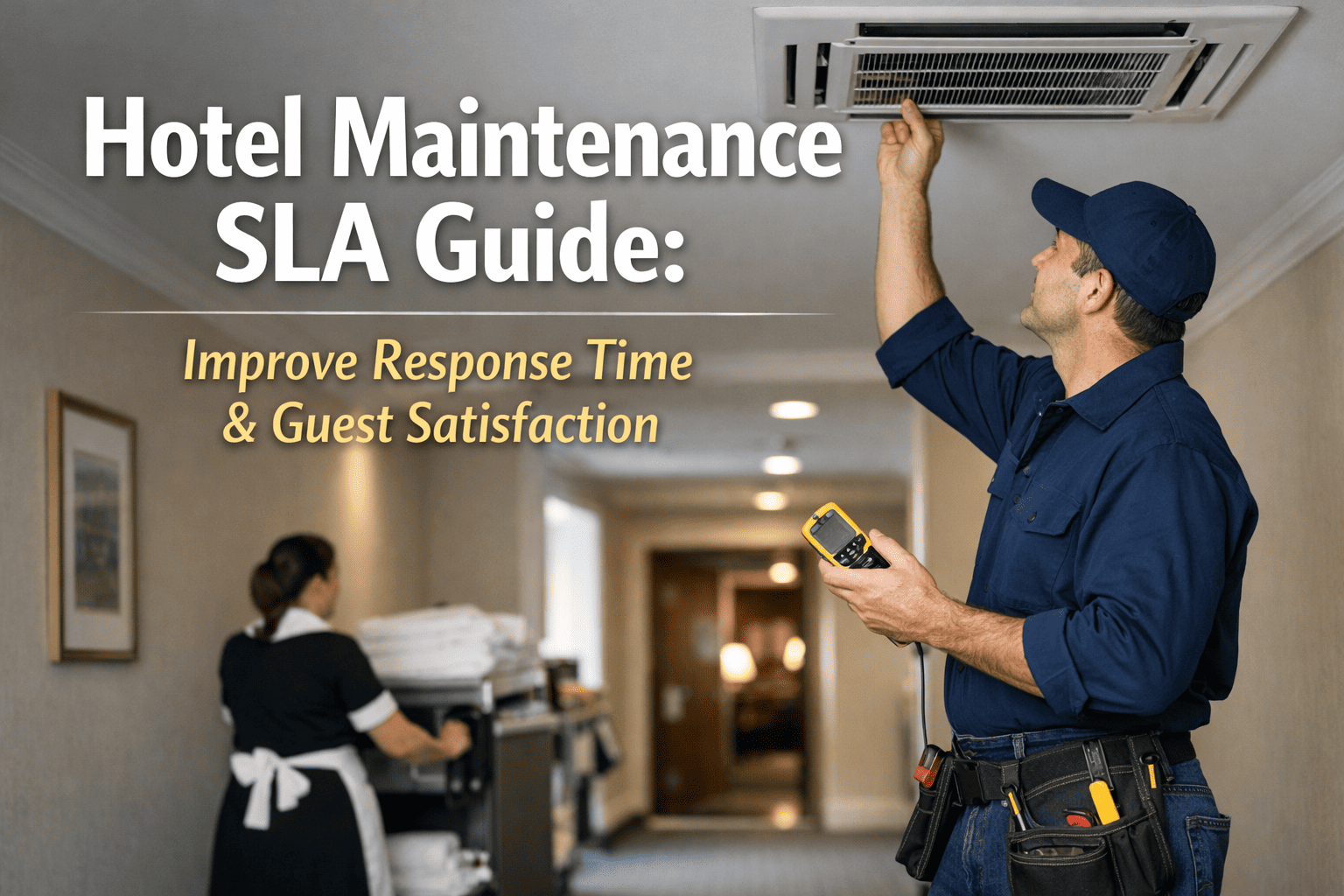
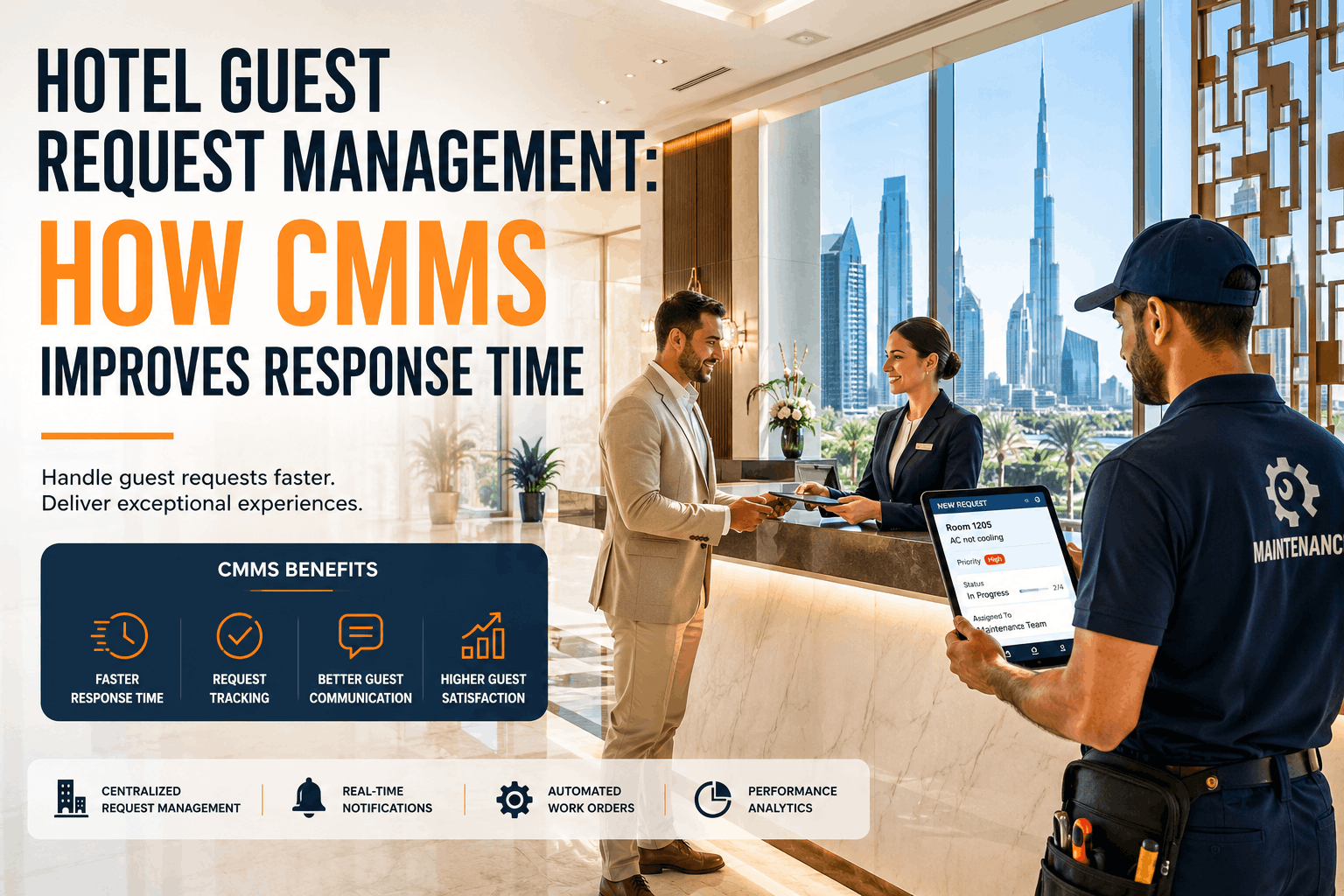
A guest calls the front desk at 11 PM — the room air conditioning has stopped working. How long before a technician is dispatched? How long before the fault is resolved? And if it cannot be resolved that night, when does escalation happen and who is notified? In hotels that operate without defined Service Level Agreements, the answer to every one of those questions depends on who happens to be working that shift. In hotels running OxMaint, the answer is the same every time — because response targets, priority classifications, and escalation rules are built into the work order system and enforced automatically. Sign up free to deploy your hotel's SLA framework today, or book a demo to see how OxMaint tracks and enforces maintenance SLAs in real time.
Every Guest Issue. A Defined Response. Every Time.
OxMaint enforces your hotel's maintenance SLAs automatically — classifying every work order by priority, tracking time-to-response, and escalating breaches before a guest complaint reaches the front desk.
A single response target for all maintenance requests is not an SLA — it is a scheduling default. Effective hotel maintenance SLAs define separate response and resolution targets by urgency tier, aligned to the guest and operational impact of each fault type. OxMaint enforces all four tiers automatically when a work order is raised. Sign up and your hotel's priority matrix is configurable from day one.
P1 — Emergency
Life Safety and Guest Safety Failures
Response Target15 minutes
Resolution Target2 hours or escalate to emergency contractor
EscalationChief Engineer notified at 30 minutes if unresolved
Fire alarm fault, lift entrapment, gas leak, flooding, total loss of power to occupied rooms, security system failure
P2 — High Priority
Guest Room Failures Impacting Stay Quality
Response Target30 minutes
Resolution Target4 hours or room relocation offered
EscalationDuty Manager notified at 1 hour if unresolved
HVAC failure in occupied room, hot water loss, toilet not flushing, internet total outage, bedside lighting failure, door lock fault
P3 — Standard
Non-Critical Guest Comfort Issues
Response Target2 hours
Resolution TargetSame day or next business morning
EscalationEngineering Manager notified at 4 hours if open
Dripping tap, bathroom extractor fan noise, TV remote not pairing, partial lighting fault, minibar not cooling, minor furniture damage
P4 — Planned
Maintenance Items Requiring Scheduling
Response TargetAcknowledged within 4 hours
Resolution TargetScheduled within 5 business days
EscalationWeekly review if not scheduled after 3 days
Your SLA Matrix — Configured in OxMaint Before Your First Shift
OxMaint's hotel SLA templates are pre-built for immediate deployment. Set your response targets, escalation contacts, and priority rules once — the system enforces them on every work order automatically.
How OxMaint Tracks and Enforces SLAs on Every Work Order
Defining SLA targets is straightforward. Enforcing them across a 24-hour operation with multiple technicians, shift changes, and concurrent active faults is where most hotels fall short. OxMaint handles enforcement automatically — no supervisor required to check timers. Book a demo to see the SLA tracking dashboard live.
01
Work Order Raised
Via front desk portal, guest app, or technician mobile. Priority automatically classified by fault type. SLA clock starts immediately at creation timestamp.
02
Technician Assigned
Auto-assigned to the nearest available technician based on skill set and current workload. Mobile push notification sent immediately — no dispatcher required.
03
SLA Timer Active
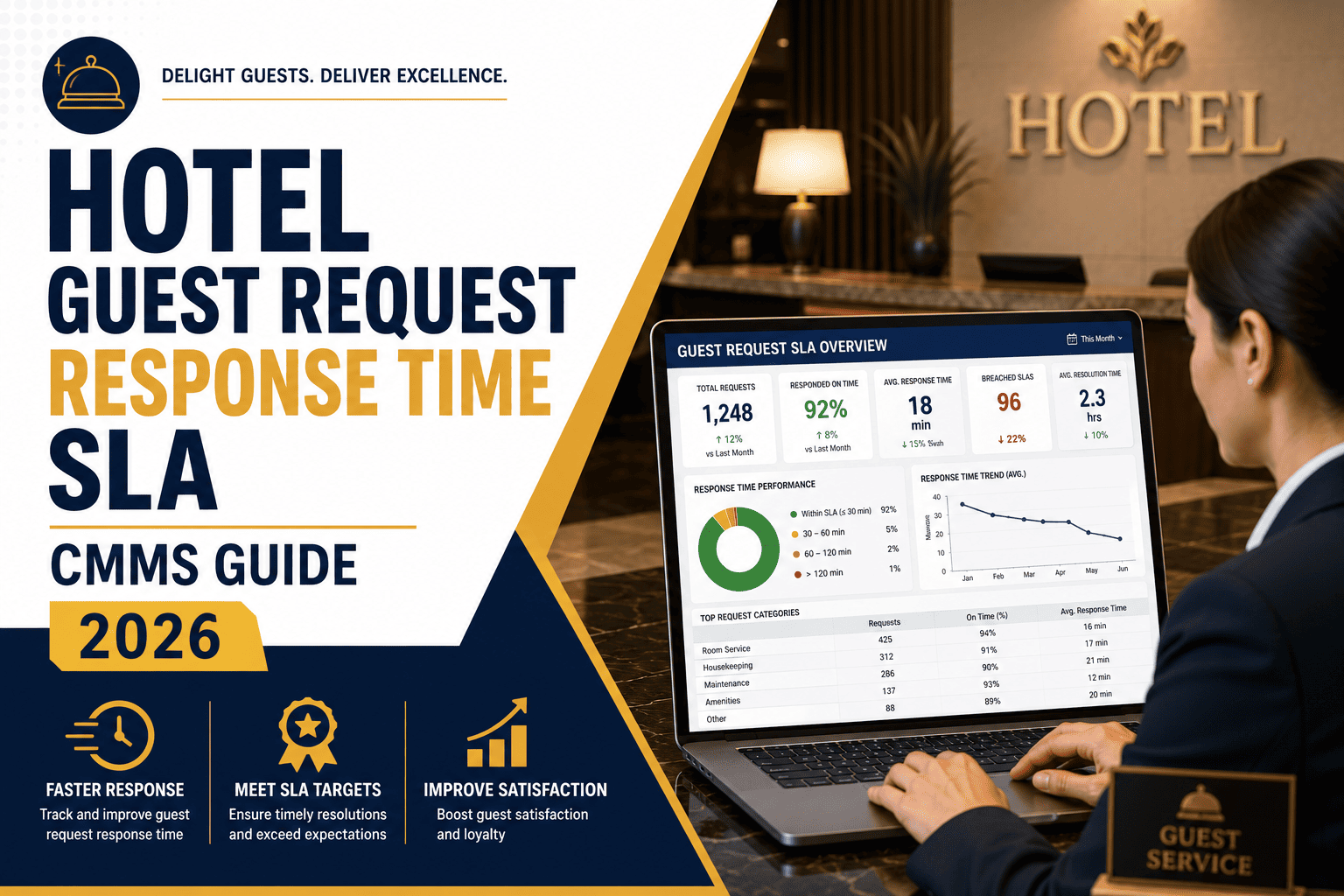
Response SLA countdown visible to engineering manager on dashboard. Amber warning at 75% of target elapsed. Red alert at 90%. All timers survive shift handovers intact.
04
Auto-Escalation
SLA breach triggers automatic escalation notification to the configured contact — Duty Manager, Chief Engineer, or GM — with work order status and time elapsed attached.
05
Closure and Reporting
Work order closed with photo, technician sign-off, and resolution note. SLA performance — met, breached, or escalated — recorded automatically and included in weekly SLA reports.
Common SLA Failures and How OxMaint Prevents Them
Scroll
SLA Failure Mode
Guest Impact
Root Cause
OxMaint Prevention
No acknowledgement of guest request
Guest calls again — frustration escalates
Work order not created or not assigned
Auto-acknowledgement sent to front desk when WO created and assigned
Shift handover loses open faults
Morning shift unaware of overnight issues
Verbal handover — no digital record
All open work orders with SLA status visible across all shifts in real time
Priority misclassification
P1 treated as P3 — 2-hour delay on urgent fault
Manual priority selection by front desk
Fault-type-based auto-classification — priority set by system, not by caller
Escalation not triggered
Breach unnoticed until guest complaint reaches GM
No escalation system — relies on supervisor awareness
Automatic escalation notification at configured breach threshold — no human trigger required
SLA compliance not measured
Recurring failures not identified or addressed
No reporting — no data to act on
Weekly and monthly SLA compliance reports generated automatically per fault type and technician
Implementation Roadmap: SLA-Driven Maintenance with OxMaint
1
SLA Matrix Definition
Day 1–2
Define your hotel's four priority tiers, response targets, resolution targets, and escalation contacts. OxMaint's hospitality SLA template gives you a starting framework to customise.
2
Fault Classification Rules
Day 2–3
Map each fault category — HVAC, plumbing, electrical, lift, pool, gym — to its default priority tier. OxMaint applies the correct SLA clock automatically when a work order is raised.
3
Escalation Configuration
Day 3–4
Set escalation contacts per priority tier. Chief Engineer for P1, Duty Manager for P2, Engineering Manager for P3. Notification method — push, SMS, or email — configurable per contact.
4
Live Monitoring and Reporting
Week 2+
SLA dashboard live — real-time view of all open work orders with time-remaining indicators. Weekly SLA compliance report delivered automatically to engineering leadership every Monday.
SLA Framework Live in 4 Days — Not 4 Weeks
OxMaint's hospitality SLA templates mean you are not building from scratch. Define your targets, configure escalation contacts, and your first SLA-managed work order goes out the same week.
In regulated hotel markets, maintenance response time documentation is not just good practice — it is a compliance requirement. OxMaint's SLA records satisfy the documentation standards applicable in each jurisdiction below. Book a demo to see how OxMaint's compliance export works for your region.
USA
OSHA / State Hospitality Codes — Response time records for life safety faults — fire, structural, electrical — satisfy OSHA documentation requirements. OxMaint exports timestamped SLA records for compliance inspections on demand.
Canada
Provincial Health and Safety Acts — Maintenance response records are a requirement in provincial hotel licensing inspections. OxMaint's SLA closure records with technician sign-off satisfy provincial documentation standards.
UK
HSE / COSHH / Fire Safety Order — Documented response to fire safety faults, hazardous substance exposure risks, and structural defects is a statutory obligation. OxMaint's P1 SLA records demonstrate a systematic emergency response process.
Germany
BetrSichV / VdS Fire Protection — German hotel operators must maintain documented evidence of maintenance response to safety-critical faults. OxMaint generates dual-language SLA records aligned with BetrSichV requirements.
Australia
WHS Act / Building Code / Fire Regs — Response time documentation for fire and electrical faults is a WorkSafe requirement. OxMaint's state-specific SLA records satisfy NSW, VIC, QLD, and WA inspection requirements.
Saudi Arabia
SASO / Civil Defence Requirements — Civil Defence regulations require documented response procedures and records for fire and safety system faults. OxMaint supports Arabic-language SLA documentation and SASO-aligned compliance records.
OxMaint vs. Competitors — SLA Tracking Capabilities
Scroll
Capability
OxMaint
MaintainX
UpKeep
Fiix
Limble
IBM Maximo
Hippo (Eptura)
Multi-tier priority SLA framework
Yes
Limited
Limited
No
No
Yes
No
Auto-classification by fault type
Yes
No
No
No
No
Custom
No
Real-time SLA countdown dashboard
Yes
No
No
No
No
Yes
No
Automatic escalation on breach
Yes
No
No
No
No
Yes
No
SLA compliance reporting (weekly/monthly)
Yes
Limited
No
Limited
No
Yes
No
Shift-handover SLA continuity
Yes
No
No
No
No
Yes
No
Photo evidence on SLA closure
Yes
Yes
Yes
No
Yes
Yes
Limited
Setup time
Days
Hours–Days
Hours–Days
Weeks
Days
Months
Weeks
Results Hotels Achieve with OxMaint SLA Management
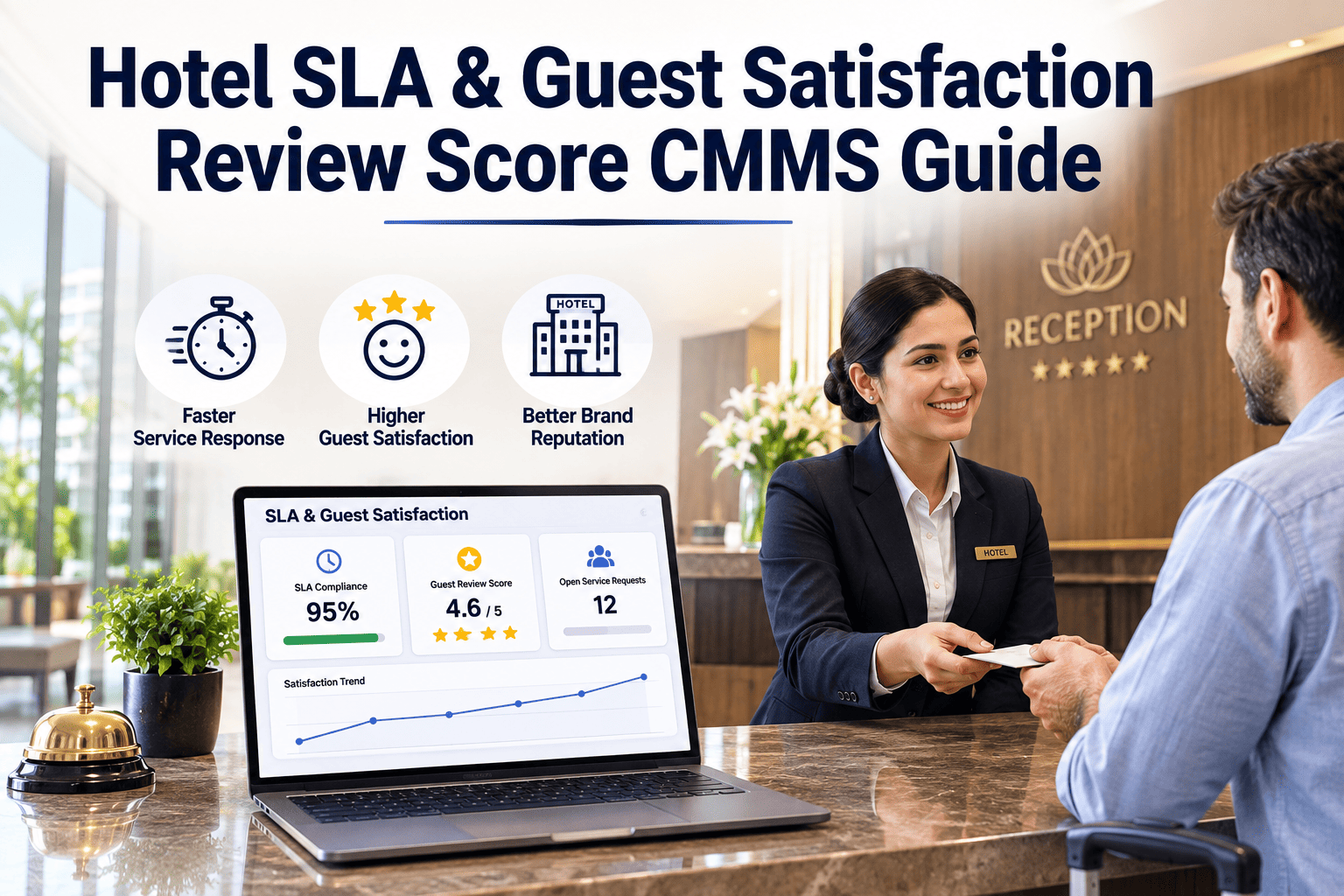
58%
Reduction in P1 and P2 SLA breaches within the first 60 days
41%
Decrease in guest maintenance complaints reaching front desk
100%
Work order SLA tracking — every fault timed, every breach recorded
Zero
Compliance inspection failures related to maintenance response documentation
Why SLA Tracking Improves More Than Just Response Times
Guest Review Scores
OTA review data consistently shows that fast, acknowledged responses — even when resolution takes time — score better than silent delays. SLA-enforced acknowledgement prevents the perceived indifference that generates 1-star reviews.
Staffing Decisions
SLA breach data by time-of-day reveals exactly when engineering coverage is too thin. OxMaint's weekly SLA reports give engineering managers the evidence to justify schedule changes or additional headcount to ownership.
Contractor Management
SLA targets apply to external contractors in OxMaint just as they do to internal teams. Contractor response data becomes a negotiating tool at contract renewal — and a documented basis for contractor performance management.
Data Security
AES-256 encryption, TLS 1.3 — all SLA records and work order data encrypted
Role-based access — technician, manager, and GM permission tiers
Tamper-evident SLA audit trail — timestamps locked on creation and closure
Defined Responses. Automatic Escalation. Measurable Results. Every Shift.
OxMaint turns hotel maintenance SLAs from a policy document into an enforced operational standard — with real-time tracking, automatic escalation, and weekly compliance reporting built in from day one.
Can OxMaint apply different SLA targets to different hotels in a portfolio?
Yes. Each property in an OxMaint portfolio has its own independently configured SLA matrix — reflecting the different star ratings, brand standards, and guest expectations of each hotel. A luxury property and a budget property can run entirely different response targets within the same account. Sign up free to configure your first property's SLA framework immediately.
What happens to SLA timers during a shift change?
SLA timers are property-level — not tied to individual technicians or shifts. When a new shift comes on, all open work orders with active SLA clocks are immediately visible on the dashboard with remaining time displayed. No verbal handover is required for SLA continuity. Book a demo to see the shift handover dashboard in action.
Can OxMaint track SLA performance for external contractors?
Yes. External contractors access OxMaint via a limited mobile login — receiving work orders, updating job status, and closing tasks with photo evidence. Their response and resolution times are tracked against the same SLA targets as internal technicians, giving facilities managers objective contractor performance data.
How does OxMaint classify work order priority automatically?
Priority classification rules are configured per fault category during setup. When a work order is raised for an HVAC fault in an occupied room, for example, OxMaint applies the P2 SLA automatically based on the fault type and room status — without requiring the front desk to make a priority judgement. Manual override is available for edge cases where the default classification is not appropriate.