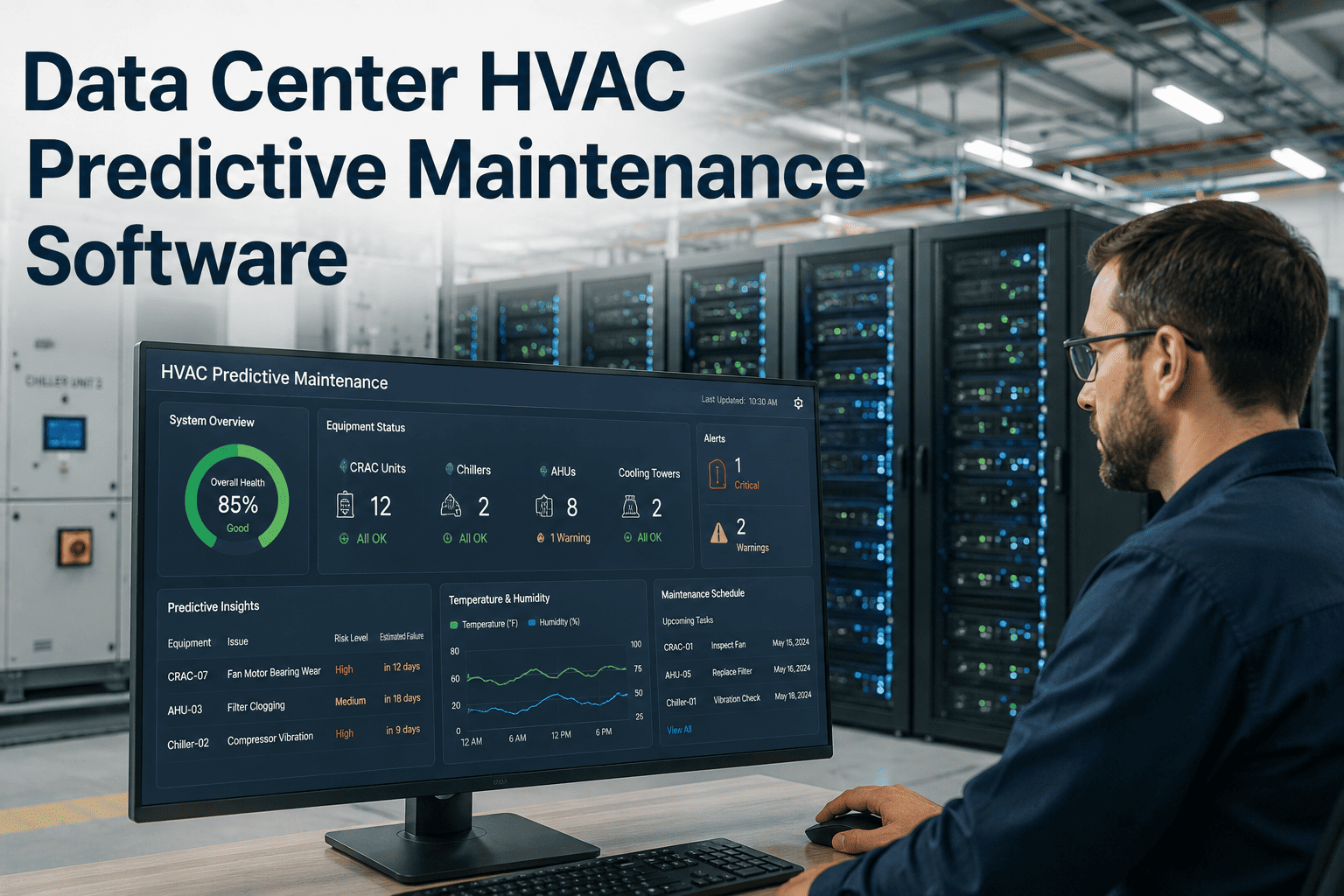
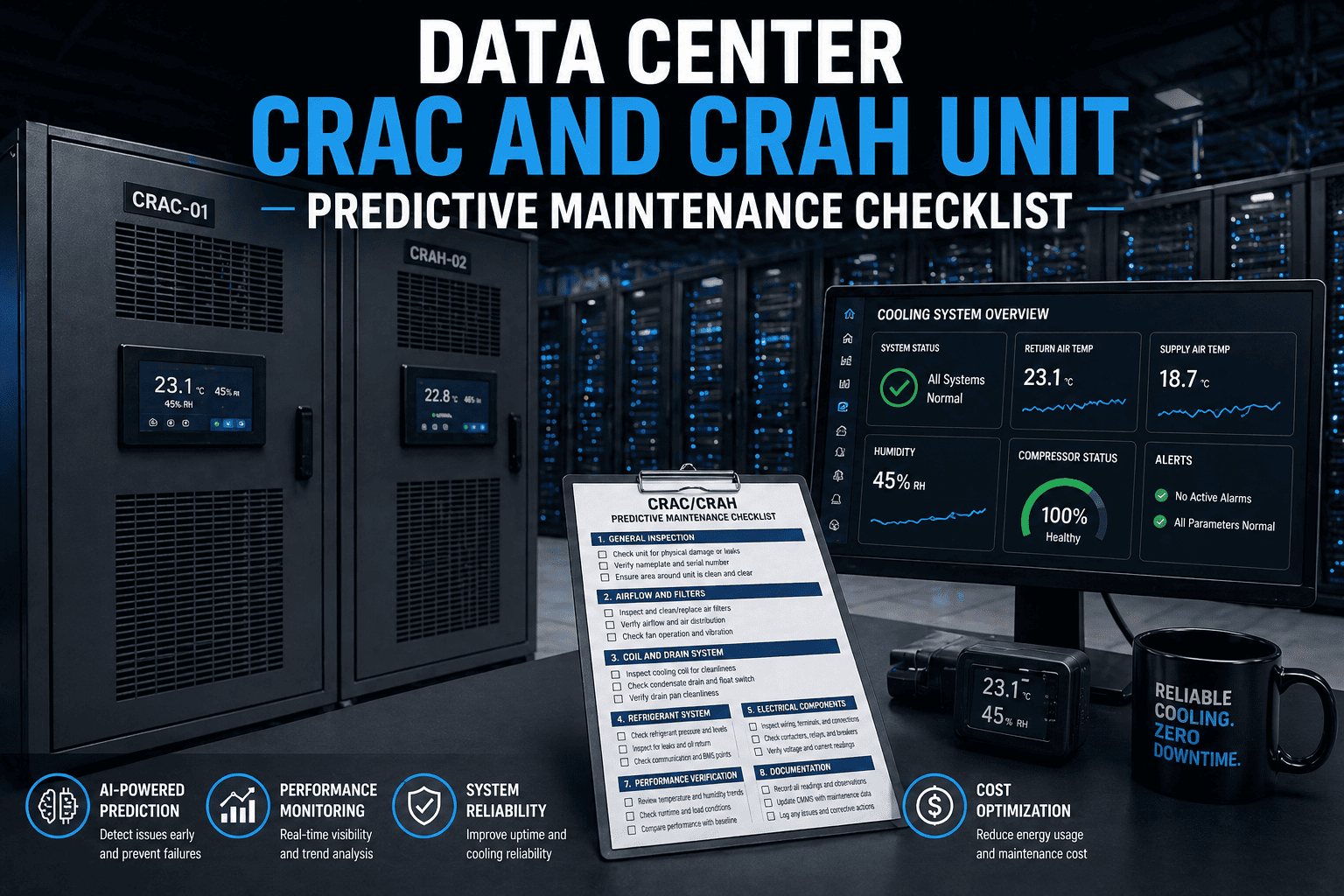
Data center HVAC is the defining variable in your Power Usage Effectiveness score — and every 0.1 improvement in PUE translates directly to tens of thousands of dollars in annual energy savings and a measurable reduction in carbon intensity. The industry average PUE sits at 1.58 for existing facilities, while best-in-class hyperscale operators achieve 1.1–1.2. Cooling system failure accounts for 13% of all data center outages — and with downtime costing up to $9,000 per minute, a single cooling failure that could have been predicted pays for years of monitoring investment. This guide covers the HVAC strategies, metrics, and maintenance programmes that close the gap between your current PUE and the efficiency target your board has committed to. Start tracking your data center HVAC performance in OxMaint — free.
1.9–2.5+
Legacy / Unoptimised
Higher PUE = More energy wasted on cooling and power overhead per unit of IT load
PUE Savings Calculator (500-ton plant, 2,000 hrs/yr at $0.12/kWh)
Reduce PUE 1.8 → 1.5
Save ~$28,800/yr
Reduce PUE 1.5 → 1.3
Save ~$19,200/yr
Reduce PUE 1.3 → 1.2
Save ~$9,600/yr
Estimates based on industry benchmark data. Actual savings vary by facility size, load, and energy rate.
HVAC Strategies
5 HVAC Optimisation Strategies That Directly Improve PUE
01
Hot Aisle / Cold Aisle Containment
Physical containment of hot and cold aisles eliminates mixing — the single largest source of cooling inefficiency in most data centers. Without containment, hot exhaust recirculates into server inlets, forcing CRAC units to work harder to achieve the same supply temperature. Full containment can reduce cooling energy by 20–30% with no equipment change.
02
CRAC Unit Supply Air Temperature Reset
Most data centers run CRAC supply air at 55–60°F when ASHRAE A1 allows 64–80°F at server inlets. Raising supply temperature reduces compressor lift, improving COP by 2–3% per 1°F increase. Continuous monitoring of hotspot inlet temperatures validates how much headroom exists before reset risks thermal events.
03
Economisation — Free Cooling Integration
Air-side or water-side economisers reduce compressor runtime during cool ambient conditions. A facility in a temperate climate can achieve 2,000–4,000 hours of free cooling annually. Economiser controls must be monitored continuously — a stuck damper or failed actuator silently eliminates all economisation savings.
04
Blanking Panel Discipline
Every open rack U-space in a cold aisle is a recirculation path for hot exhaust. Facilities that enforce blanking panel installation and conduct weekly rack audits consistently achieve 8–12°C lower server inlet temperatures than those that do not — without any equipment change.
05
Predictive CRAC Maintenance
Fouled coils, degraded refrigerant, and clogged filters in CRAC units progressively worsen PUE because the same cooling output requires more compressor energy. Condition-based maintenance triggered by efficiency trend monitoring maintains CRAC performance at design specifications rather than waiting for fault alarms.
OxMaint monitors CRAC unit performance, tracks PUE trends, and auto-generates maintenance work orders when cooling efficiency deviates from target — keeping your data center on the efficiency path your operations require.
Monitoring KPIs
Critical Data Center HVAC KPIs to Track Continuously
| KPI |
Definition |
Target |
Action Trigger |
Failure Risk If Ignored |
| PUE |
Total facility power / IT equipment power |
Below 1.5 for existing; 1.2 for new |
Increase 0.1+ from baseline |
Escalating energy cost; missed sustainability targets |
| Server Inlet Temp |
Air temperature at server intake per ASHRAE A1 |
18–27°C (64–80°F) |
Above 25°C in any rack |
Thermal throttling; hardware failure; unplanned outage |
| CRAC Delta-T |
Temperature difference across CRAC supply and return |
20–25°F design value |
Below 15°F (Delta-T syndrome) |
Over-cooling; excessive compressor runtime; wasted energy |
| Cooling Capacity Utilisation |
% of installed cooling capacity currently deployed |
Below 80% for redundancy margin |
Above 85% |
No headroom for CRAC failure; N+1 redundancy compromised |
| CRAC kW/ton |
Electrical consumption per ton of cooling produced by CRAC units |
Below 0.8 kW/ton for DX units |
Above 1.0 kW/ton |
Coil fouling; refrigerant issue; compressor degradation |
Redundancy Strategy
Cooling Redundancy Architecture — Choosing the Right Configuration
N
No Redundancy
Single cooling path. Any component failure causes thermal event. Acceptable only for non-critical infrastructure with planned maintenance windows.
Tier I equivalent
N+1
Single Redundancy
One standby CRAC unit available. Maintains cooling during a single unit failure with no capacity reduction. Industry standard for most commercial data centers.
Tier II–III
2N
Full Redundancy
Two complete, independent cooling systems each capable of full load. No single failure causes loss of cooling capacity. Required for mission-critical and Tier IV operations.
Tier III–IV
Expert Perspective
What Data Center Infrastructure Leaders Say
"Every data center I have audited has at least two or three CRAC units running with fouled coils that nobody has measured. The facility shows no alarms — the units are still cooling — but they are consuming 20–35% more power to do it. The PUE looks acceptable until you measure it with clean coils and realise how much you have been leaving on the table."
Data Center Facilities Auditor, critical infrastructure consultancy — 18 years in precision cooling optimisation
"The blanking panel problem is entirely a maintenance discipline issue. There is no technical barrier — the panels cost under $10 each. The barrier is that nobody has a scheduled audit to verify they are in place after every rack change, and rack changes happen every week. A CMMS that triggers a blanking panel audit after every infrastructure work order eliminates the problem entirely."
Director of Critical Facilities, hyperscale-adjacent colocation campus — 20 years in data center design and operations
FAQs
Frequently Asked Questions
What is PUE and what is a good PUE target for an existing data center?
PUE (Power Usage Effectiveness) is the ratio of total data center facility power to IT equipment power. A PUE of 1.0 would mean 100% of power goes to IT load — practically unachievable. The industry average for existing facilities is approximately 1.58. A realistic optimisation target for an existing data center with reasonable infrastructure is 1.3–1.4, achievable through HVAC optimisation and airflow management without equipment replacement. New-build facilities should target 1.2 or better.
Start tracking your facility PUE trend in OxMaint free.
How does predictive CRAC maintenance improve PUE?
CRAC unit performance degrades gradually as coils foul, refrigerant charge drifts, and filters load — each degradation mode forces the compressor to work harder for the same cooling output. A CRAC unit at 85% efficiency consumes 18% more power for the same ton of cooling as a unit at 100% efficiency. Condition-based maintenance triggered by kW/ton trend monitoring catches these degradation modes before they compound — maintaining the CRAC fleet at design efficiency rather than waiting for alarm-level failure.
Book a demo to see CRAC performance tracking in OxMaint.
What is the right CRAC unit maintenance frequency in a data center?
Best practice requires daily BMS alarm review and inlet temperature monitoring, weekly filter pressure drop checks, monthly coil inspection and drain pan check, quarterly functional tests of economiser operation and high-temperature alarm failover, and annual full refrigerant service with thermographic scanning. The exact frequency should be calibrated to the criticality of the cooled load — N+1 environments with adequate redundancy can afford planned maintenance windows; single-path environments require more frequent condition-based monitoring.
Load your CRAC PM schedules in OxMaint and automate the scheduling.
Close the Gap Between Your Current PUE and Your Target.
OxMaint monitors your data center HVAC performance continuously — tracking PUE trends, CRAC efficiency, and inlet temperatures — and auto-generates maintenance work orders before cooling degradation becomes a downtime risk.