Autonomous Robot Fleet Management — Scale Inspections Across Sites
By oxmaint on February 19, 2026
Running a single inspection robot at one facility is manageable. But when you operate five, ten, or fifty sites — each with its own fleet of autonomous robots — fragmented schedules, siloed data, and disconnected maintenance workflows turn a promising technology investment into an operational headache. The real value of robotic inspection only unlocks when every robot across every location feeds a centralized system that schedules missions intelligently, aggregates findings into asset-level records, and converts threshold breaches into work orders without human handoff delays. Schedule a demo to see how Oxmaint unifies scattered robot deployments into one CMMS-connected inspection network.
What Is Autonomous Robot Fleet Management and Why Does It Matter
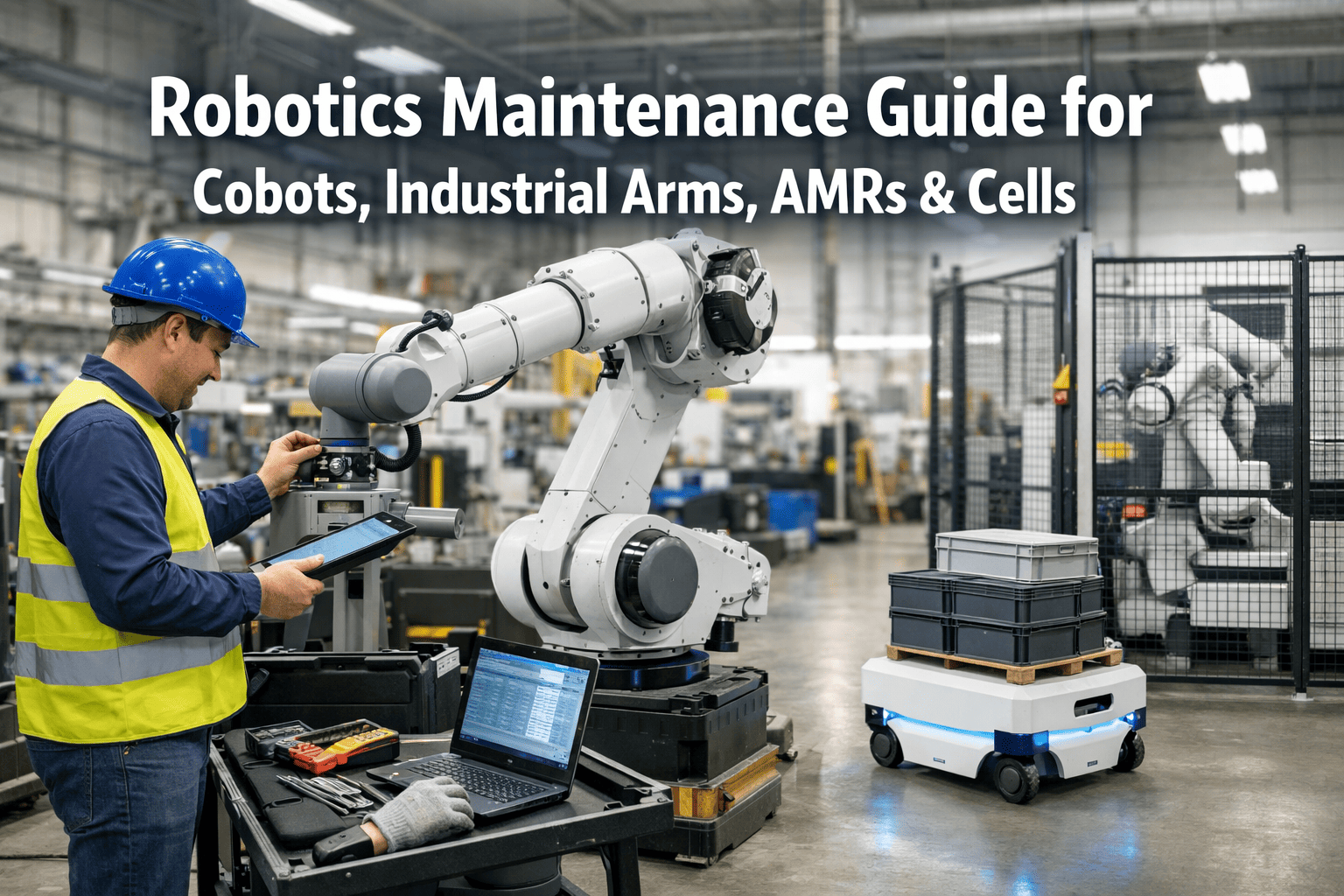
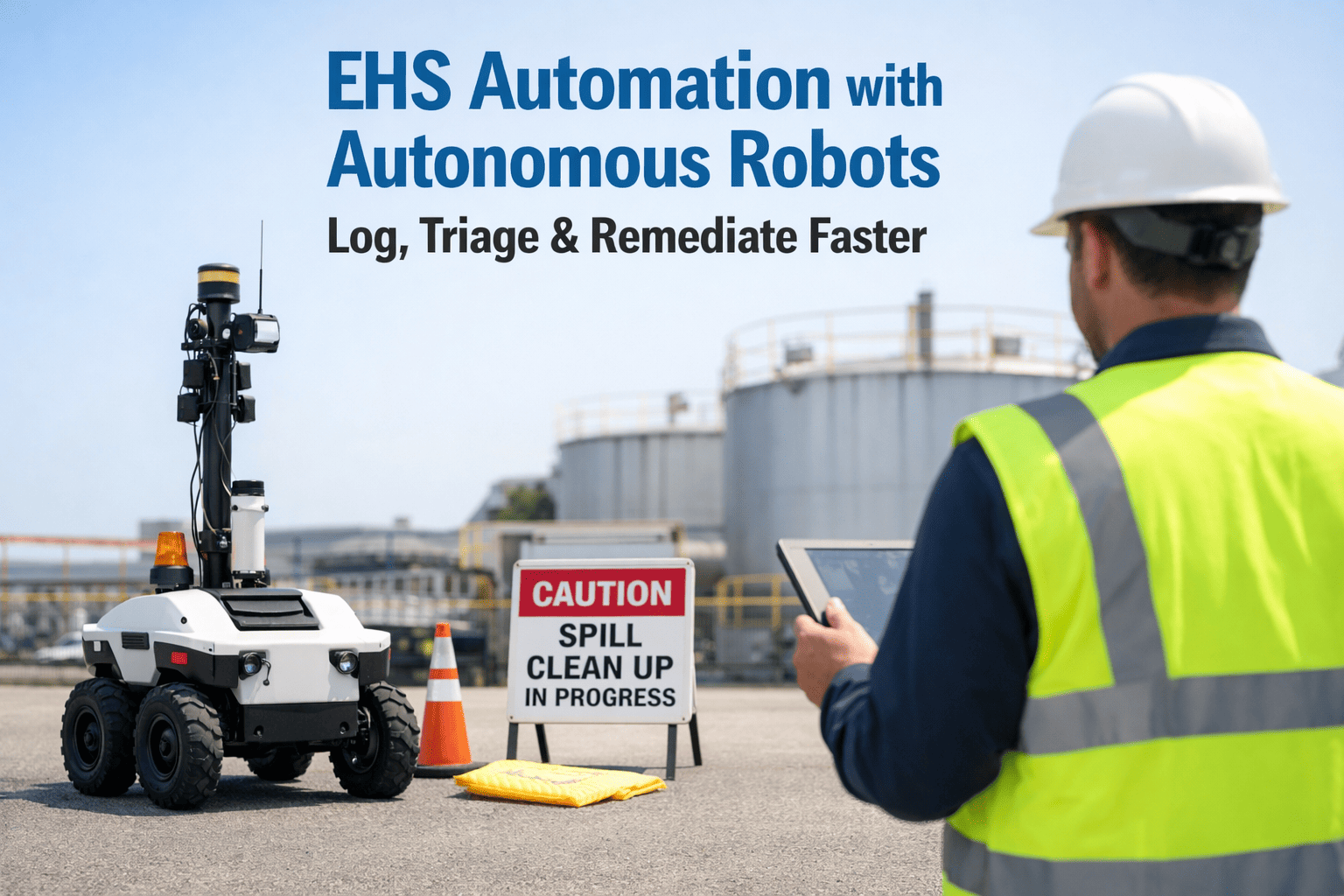
Autonomous robot fleet management is the practice of coordinating, scheduling, and monitoring multiple inspection robots across one or more facilities through a unified software platform. Instead of treating each robot as a standalone device with its own local data, fleet management connects every unit to a centralized command layer that orchestrates missions, normalizes sensor data, and routes inspection findings directly into your maintenance management system.
This matters now more than ever. The robot fleet management software market is growing at nearly 15% annually and is expected to surpass $1.4 billion by 2030. Leading industrial operators have collectively completed over a million autonomous inspections across five continents, eliminating more than 32,000 hours of hazardous human labor. But the organizations seeing the highest return are not just deploying robots — they are connecting them to platforms like Oxmaint that convert raw sensor data into maintenance intelligence at enterprise scale — sign up free to start centralizing your robot inspection data today.
15%
Annual growth rate of robot fleet management software, reaching $1.4B+ by 2030
40%
Operating cost reduction reported by facilities using AI-driven robotic inspection platforms
32K+
Hours of hazardous human labor saved through autonomous inspection deployments globally
Key Components of a Scalable Robot Inspection Architecture
Scaling inspection robots beyond a single pilot requires a deliberate architecture — one that balances local autonomy at each site with centralized visibility and control. Without this structure, adding more robots just multiplies the chaos. Here is what a proven multi-site architecture looks like from the ground up.
On-Robot Intelligence
Each robot navigates independently using onboard LiDAR, cameras, and pre-mapped facility routes. Edge processors handle obstacle avoidance, sensor triggering at inspection points, and safety protocols in real time — so the robot operates reliably even during temporary network outages.
Site-Level Fleet Coordination
A local scheduler manages multi-robot traffic within each facility — preventing route collisions, rotating charging cycles, and ensuring every inspection zone is covered at its assigned frequency. When one robot docks for charging, another automatically picks up the critical route.
Cloud-Based Fleet Command Center
A centralized platform aggregates robot status, inspection completions, and alert data from every site. Over 52% of new fleet management installations in 2024 were cloud-based — enabling remote multi-site orchestration through a single browser interface rather than facility-specific software.
CMMS Integration Layer
Inspection results push into Oxmaint via API — auto-populating asset histories, triggering condition-based work orders, and feeding KPI dashboards. Every thermal anomaly, vibration spike, or visual defect becomes a trackable maintenance event tied to the exact asset it was captured on — sign up to connect your robot fleet to automated CMMS workflows.
Ready to unify your robot fleet under one maintenance platform? Oxmaint connects every robot at every site into a single command center — syncing schedules, aggregating data, and automating work orders.
How to Schedule Inspection Robots Across Multiple Facilities
A single robot on a timer is simple. Coordinating a fleet across facilities — accounting for asset criticality, production windows, compliance deadlines, charging cycles, and time zones — requires intelligent scheduling strategies that most organizations only discover through trial and error. Here are the approaches that work at scale.
Criticality-Weighted Routing
Assign robot patrol frequency based on asset risk scores inside your CMMS. Safety-critical pumps and compressors get daily or twice-daily passes; lower-risk equipment follows weekly or monthly cycles. Oxmaint's criticality ratings drive priority scheduling automatically.
Production-Aware Timing
Program robots to patrol during shift handovers, maintenance windows, or off-peak hours. This avoids interfering with active production while ensuring equipment gets assessed when operators are transitioning between shifts.
Charge-Rotation Coverage
Stagger charging windows so at least one robot is always mission-ready. For 24/7 critical-asset coverage, the outgoing robot's last checkpoint triggers the incoming robot's departure — creating zero-gap handoff across the fleet.
Compliance Calendar Sync
Map regulatory deadlines to fleet schedules. When a compliance window approaches, Oxmaint auto-generates the robot mission and alerts the site manager if the inspection risks closing incomplete — book a demo to see compliance-driven fleet scheduling in action.
Cross-Site Priority Balancing
When one site's fleet faces downtime for maintenance or firmware updates, the cloud scheduler rebalances inspection priorities across remaining sites to keep enterprise-level KPI targets on track without manual intervention.
Event-Triggered On-Demand Missions
Beyond scheduled patrols, configure robots to deploy instantly when Oxmaint detects an anomaly alert, a sensor threshold breach, or a manual work request — dispatching the nearest available robot for immediate confirmation.
Aggregating Robot Inspection Data into Asset-Level Dashboards
Every robot patrol generates hundreds of data points — thermal scans, vibration measurements, acoustic signatures, gauge readings, and timestamped photos. The competitive advantage does not come from collection; it comes from what happens in the seconds after a checkpoint completes. Routing data into the right asset records and converting it into prioritized actions is where fleet management earns its ROI.
Checkpoint-to-Work-Order Pipeline
Robot captures data at inspection point
Edge controller validates, timestamps, and tags to asset ID
Oxmaint API receives normalized record
KPI engine evaluates against thresholds and baselines
Work order auto-generated with sensor evidence attached
Robot Sensor Data to CMMS Asset Action
Sensor Type
What It Captures
CMMS Asset Field
Automated Oxmaint Action
Thermal camera
Surface temperature, hot spots
Bearing/motor temperature history
PM work order if threshold exceeded
Vibration sensor
Amplitude, frequency patterns
Motor condition log
Escalates to predictive maintenance queue
Acoustic imager
Leak signatures, pressure anomalies
Leak/pressure event record
Urgent work order with geo-tagged location
Visual / PTZ camera
Corrosion, damage, gauge readings
Condition score, photo evidence
Photo attached to asset profile for trending
Gas detector
Concentration levels, leak plumes
Environmental safety log
Immediate safety alert and isolation work order
See robot data flow into Oxmaint dashboards live. Walk through the checkpoint-to-work-order pipeline configured for your asset types and inspection requirements.
Setting Up KPI Triggers That Convert Findings into Maintenance Action
Dashboards are useful. But dashboards that wait for someone to look at them are not enough for critical assets. KPI triggers — threshold-based rules that automatically convert inspection findings into prioritized work orders — close the gap between data collection and maintenance action. Here are the trigger types that matter most for fleet-managed inspections.
Anomaly Spike Alerts
When a robot detects a sudden temperature or vibration spike beyond the asset's learned baseline, Oxmaint instantly creates a priority work order and notifies the assigned technician with the sensor evidence attached.
Degradation Trend Triggers
AI tracks gradual condition decline across multiple inspection cycles. When the trend projects a threshold breach within a defined window, Oxmaint schedules proactive maintenance during the next planned downtime — before failure occurs.
Cross-Site Benchmarking Flags
Compare identical assets across facilities. When one site's equipment shows significantly worse performance than the fleet average, Oxmaint flags the variance and recommends investigation — catching problems that site-only monitoring misses.
Compliance Gap Escalation
Track inspection completeness against regulatory deadlines. If a required robot patrol is missed or incomplete, Oxmaint escalates with automated rescheduling and management notifications — keeping your audit trail intact.
Siloed Robots vs. Fleet-Managed Inspections: What Changes
The operational gap between treating each robot as an independent tool and managing them as a coordinated fleet is significant. Here is what shifts when multi-site operations move from fragmented deployments to centralized fleet management connected to a CMMS.
Without Fleet Management
Each site manages robot schedules independently
Inspection data trapped in local systems per facility
Manual export of findings to maintenance teams
No cross-site asset performance comparison
Reactive maintenance based on individual reports
~60%of inspection value lost to data silos
With Oxmaint Fleet Integration
Centralized scheduling synced to Oxmaint calendars
Unified data lake with asset-level aggregation
Auto-generated work orders from robot findings
Cross-site KPI benchmarking on shared dashboards
Predictive maintenance driven by fleet-wide trends
95%inspection-to-action conversion rate
Centralize Your Entire Robot Fleet in Oxmaint
Stop toggling between site-specific systems. Oxmaint brings fleet scheduling, inspection data aggregation, asset dashboards, and automated work orders together in one platform — so every robot finding drives maintenance action at every site, every time.
Overcoming the Biggest Challenges When Scaling Robot Inspections
Expanding robot inspections beyond a pilot site introduces operational hurdles that most teams do not anticipate until they are already in the middle of deployment. Planning for these challenges upfront saves weeks of troubleshooting.
Inconsistent facility layouts
Routes validated at one site fail at another due to different floor plans or obstructions.
Standardize inspection zone templates in Oxmaint with configurable parameters, then customize per-site within the template framework — maintaining data consistency while accommodating physical differences.
Network connectivity gaps
Remote or underground areas experience unreliable connectivity, creating data delays.
Edge buffering stores all inspection data locally during outages. When connectivity restores, data syncs to the cloud CMMS automatically — zero data loss, no manual intervention required.
Mixed robot platforms and vendors
Different robot brands produce different data formats, complicating integration.
Hardware-agnostic fleet layers normalize data before it reaches Oxmaint. The same KPI structure applies regardless of whether the data comes from a quadruped, wheeled platform, or drone.
Workforce adoption resistance
Maintenance teams ignore robot-generated work orders or distrust automated findings.
Inspection records scatter across systems, making audits slow and error-prone.
Oxmaint creates unified, timestamped inspection records linked to asset IDs across all sites — producing audit-ready documentation accessible from a single interface.
Step-by-Step Deployment Guide for Multi-Site Robot Fleet Rollout
Successful fleet deployments follow a phased approach — prove value at one site through measurable CMMS outcomes, then replicate systematically. Rushing to deploy everywhere at once is the most common and most expensive mistake in fleet scaling.
Phase 1
Week 1 - 3
Pilot Site Assessment
Facility walkdown and inspection zone mapping. Register pilot-site assets in Oxmaint. Program initial robot routes aligned to asset criticality ratings.
Phase 2
Week 4 - 6
CMMS Integration and Calibration
Establish robot-to-Oxmaint API connections. Configure KPI thresholds, alert rules, and work order auto-generation. Map sensor data types to specific asset record fields.
Phase 3
Week 7 - 10
Validate and Optimize
Review auto-generated work orders for accuracy. Calibrate alert thresholds using live operational data. Document ROI metrics to build the business case for expansion.
How does Oxmaint connect to different robot brands and platforms?
Oxmaint uses open API connections and standardized data protocols to receive inspection data from any robot platform — quadrupeds, wheeled units, crawlers, or drones. A hardware-agnostic normalization layer ensures that your CMMS dashboards show consistent data regardless of which robot brand collected it — sign up free to explore robot-to-CMMS integration for your fleet.
Can robot inspection schedules sync with existing maintenance calendars?
Yes. Fleet-level scheduling in Oxmaint ties directly to your maintenance calendars. Robot missions coordinate with planned downtime, shift schedules, and compliance deadlines. When a preventive maintenance task is scheduled, the system can automatically trigger a pre-maintenance robot inspection to confirm asset condition before technicians arrive.
How many facilities can a centralized fleet management system support?
Cloud-based fleet orchestration scales horizontally — whether you run 3 sites or 50, the centralized command layer aggregates data from all locations into unified dashboards. Each site keeps local autonomy for real-time robot control while the cloud handles scheduling coordination, cross-site analytics, and CMMS integration — book a demo to see multi-site fleet management configured for your scale.
What happens when a robot misses a scheduled inspection?
Oxmaint tracks inspection completeness against the fleet calendar. If a mission fails due to robot malfunction, charging delays, or route obstruction, the system flags the gap, attempts to reassign to another available robot, and notifies the site manager. Compliance dashboards show exactly which inspections were completed and which need attention.
How fast can we see ROI from CMMS-connected robot inspections?
Most operations identify actionable maintenance findings within 30 days of deploying connected robot inspections. The CMMS integration delivers immediate value by eliminating manual data transfer — technicians receive auto-generated work orders with sensor data and photos attached, cutting response times significantly. Sign up free and start connecting your robot fleet to automated maintenance workflows today.