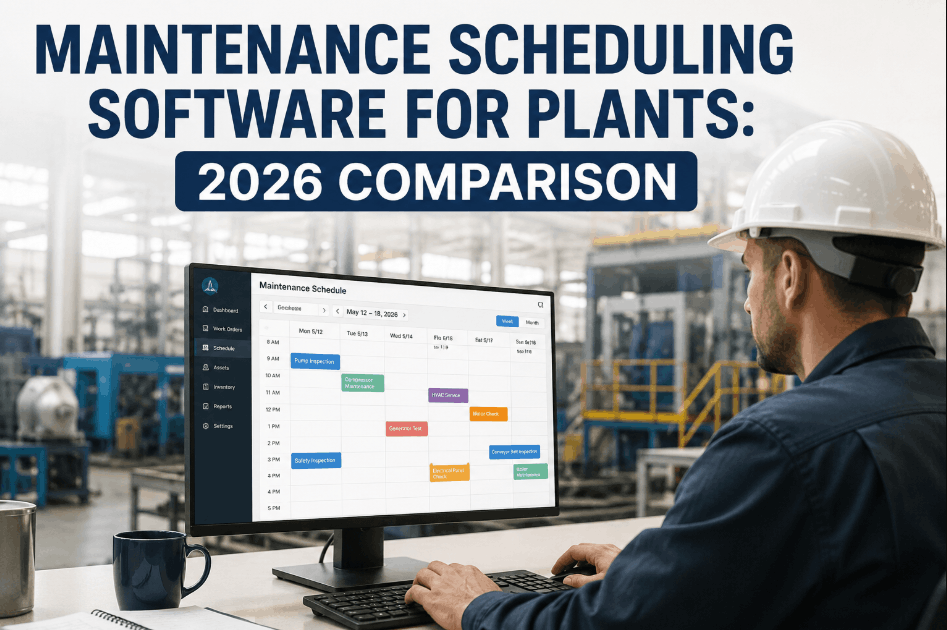
Choosing maintenance scheduling software for a manufacturing plant comes down to how well it handles mobile dispatch, multi-craft routing, and shutdown sequencing under real production pressure. Sign Up Free on Oxmaint to see mobile-first scheduling, AI-driven auto-assignment, and shutdown planning working together in one CMMS.
The right scheduling software should reduce dispatch delays and craft conflicts, not just digitize a paper calendar. Book a Demo to see how these capabilities work together inside Oxmaint's scheduling engine.
Technicians receive, accept, and update work orders directly from a phone, with no return trips to a central terminal.
Jobs requiring multiple trades are sequenced automatically so crafts aren't waiting on each other unnecessarily.
Turnaround and shutdown tasks are ordered and resourced to minimize the length of a planned outage window.
Recurring preventive maintenance tasks are generated and assigned automatically as they come due.
The table below compares the manual scheduling approach most plants start with against an AI-driven CMMS scheduling workflow.
| Capability | Traditional Scheduling | Oxmaint AI-Driven Scheduling |
|---|---|---|
| Work order assignment | Manual, by supervisor | Auto-assigned to nearest certified tech |
| Mobile access | Limited or none | Full mobile dispatch and updates |
| PM scheduling | Manual calendar entry | Automated, condition-aware scheduling |
| Shutdown planning | Spreadsheet-based sequencing | AI-optimized task sequencing |
| Schedule visibility | Static, updated periodically | Real-time updates across all teams |
The value of scheduling software compounds most in plants juggling multiple crafts, shifts, and shutdown windows at once. Sign Up Free to see how automated routing reduces dispatch delays across your team.
Technicians get real-time job details, asset history, and parts availability without walking back to an office terminal.
Jobs route automatically to the nearest available, certified technician based on skill and current workload.
Task order and resource allocation are optimized in advance to keep planned outage windows as short as possible.
Work order and cost data sync bidirectionally with SAP PM, MM, and EAM so scheduling doesn't live in a silo.
Supervisors see live workload across the team and can rebalance assignments before bottlenecks form.
Map how many crafts, shifts, and locations need coordinated scheduling to know what level of routing you actually need.
Have technicians trial the mobile app on the floor, not just in a demo, to confirm it holds up under real conditions.
Confirm the software actually routes jobs based on skill, certification, and proximity — not just a flat round-robin queue.
If you run periodic shutdowns, test how the software sequences dependent tasks and allocates limited resources.
Check that work order and cost data sync with your existing SAP or ERP system without manual re-entry.
Pilot the scheduling workflow on one line or shift before committing to a plant-wide rollout.
Automated, AI-driven scheduling reduces the dispatch delays and craft conflicts that quietly extend downtime. Book a Demo to see auto-assignment and shutdown sequencing running live.


.png)

.png)


