Industrial robots and cobots now operate in over 400,000 manufacturing facilities globally — yet fewer than 30% have a structured maintenance programme in place. The result: unplanned robot downtime costs manufacturers an average of $260,000 per hour in lost production. Start tracking your robot fleet maintenance with OxMaint — free, no hardware required, first PM schedule active within days.
Robotics & Automation · OxMaint
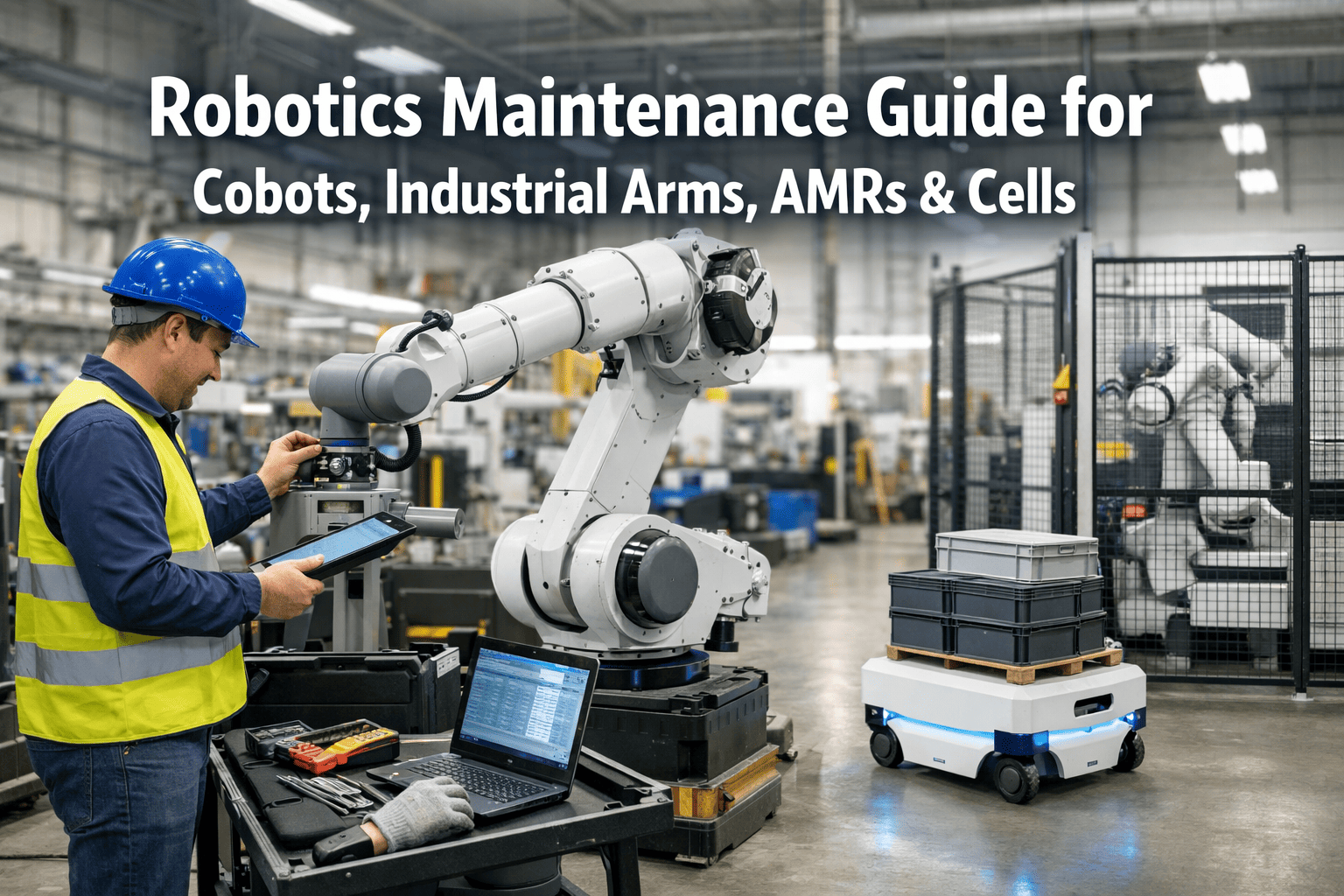
Robotics Maintenance Guide: Cobots, Industrial Arms, AMRs & Cells
PM schedules, calibration intervals, safety inspection checklists, and predictive monitoring practices for every robot type in your facility — structured to reduce unplanned downtime by up to 70%.
70%
Downtime reduction with structured PM vs reactive-only maintenance
$260K
Average cost per hour of unplanned robot downtime in automotive
3×
Longer joint & actuator life with regular calibration and lubrication
85%
Of robot failures are detectable in advance through vibration and thermal monitoring
Robot Types Covered
Four Robot Categories. Four Distinct Maintenance Profiles.
Each robot type has different failure modes, maintenance intervals, and safety requirements. A single generic PM checklist applied across all four is the most common cause of robot maintenance programme failure.
Collaborative Robots
Cobots
PM Frequency
Every 1,000 hrs
Failure Complexity
Low–Medium
Critical checks: Force/torque sensor calibration · Joint torque limits · Collision detection sensitivity · Cable wear at wrist
6-Axis & SCARA
Industrial Arms
PM Frequency
Every 500 hrs
Critical checks: Gearbox backlash · Servo motor temperature · Brake hold test · Teach pendant E-stop · Reach envelope accuracy
Autonomous Mobile
AMRs & AGVs
PM Frequency
Every 750 hrs
Failure Complexity
Medium
Critical checks: LiDAR / camera calibration · Drive wheel tread depth · Battery cycle health · Bumper sensor response · Fleet path validation
Enclosed Automation
Robotic Cells
PM Frequency
Every 250 hrs
Failure Complexity
Very High
Critical checks: Safety fence interlock · Light curtain alignment · Guarding integrity · Pneumatic pressure · End effector torque spec
Preventive Maintenance Schedule
The Master PM Schedule: Daily, Weekly, Monthly, Annual
PM interval selection is the single most impactful decision in robot maintenance. These intervals are derived from OEM documentation and real-world fleet data across more than 50,000 robot operating hours.
Daily
Visual inspection of cables, hoses, and end effector for wear or damage
Check teach pendant display and E-stop button function
Confirm safety zone sensors and light curtains are clear and responsive
AMR only: Battery state-of-charge, charge port condition, wheel contact
Log any unusual sounds, vibration, or motion hesitation in OxMaint
Duration: 5–10 min per robot
Weekly
Clean robot body, joints, and cable carrier — remove metal swarf and dust
Inspect joint seals and bellows for cracking or contamination ingress
Check axis brake hold: apply brake, attempt to move axis manually
Verify tool centre point (TCP) accuracy against reference — flag drift above 0.2mm
AMR: LiDAR lens cleaning, wheel tread measurement, bumper test
Duration: 20–40 min per robot
Monthly
Lubricate axes per OEM spec — grease type and quantity critical; over-greasing causes seal damage
Check gearbox oil level and colour — milky appearance indicates water ingress
Cobot: Recalibrate force/torque sensor and verify payload detection accuracy
Thermal scan of servo drives and control cabinet under operating load
Review controller error logs — recurring fault codes predict imminent failures
Duration: 1–2 hrs per robot
Annual
Full gearbox oil change on all axes — sample for metal particle count before disposal
Battery replacement in teach pendant and UPS backup systems
Complete safety function verification per ISO 10218 / ISO/TS 15066 (cobots)
Re-master all axes and update TCP calibration to factory specification
Full cable harness inspection — replace any cable showing jacket cracking or abrasion
Duration: 4–8 hrs per robot
Calibration & Accuracy
Robot Calibration: When, Why, and How Often
Calibration drift is invisible until it causes a quality escape or a collision. These thresholds and triggers define when re-calibration is required — regardless of whether the robot has flagged an error.
TCP Calibration
Every 500 operating hours or after any collision event
Tool Centre Point drift above 0.3mm causes weld misalignment, pick-and-place errors, and assembly rejects. Measure TCP against a fixed reference point and re-master if deviation exceeds 0.2mm. Always re-calibrate immediately after any unplanned collision — even low-speed contact changes joint zero positions.
Trigger events: Collision · Part quality escape · New end effector fitted
Force/Torque (Cobots)
Every 1,000 hours or after payload change
Cobot force/torque sensors drift over thermal cycles. A miscalibrated sensor underestimates contact force — the primary safety risk in human-robot collaboration. Verify against a known reference load. Any cobot operating in a shared workspace with humans requires force calibration verification as a non-negotiable safety check.
Trigger events: Temperature extreme · Payload change · Collision event
LiDAR / Vision (AMRs)
Every 750 hours or after any physical contact event
AMR navigation accuracy depends on LiDAR point cloud alignment with the facility map. Drift causes route deviation, docking errors, and obstacle detection failures. Clean LiDAR optics weekly; recalibrate the sensor-to-chassis alignment after any collision or physical impact. Map re-validation is required after any significant facility layout change.
Trigger events: Physical contact · Route deviation · Map update
Axis Mastering
Annually or after battery replacement / controller swap
Axis master positions are stored in the controller and backed up by a battery. Battery failure causes master position loss — the robot will not run a programme until re-mastered. Schedule controller battery replacement at 3-year intervals and always verify axis master positions after any controller power cycle event that was not a controlled shutdown.
Trigger events: Battery failure · Controller swap · Firm software update
Track every PM, calibration, and safety check across your entire robot fleet.
OxMaint auto-generates robot work orders by type, interval, and asset — no spreadsheet required.
Predictive Monitoring
Predictive Monitoring: The 4 Signals That Predict Robot Failure
85% of robot failures produce a detectable signal 2–6 weeks before the failure event. These four parameters, monitored continuously, convert reactive breakdown response into scheduled replacement.
Vibration Signature
Highest Value
Gearbox bearing degradation produces a characteristic vibration frequency shift 3–8 weeks before failure. Mount accelerometers on axis gearboxes and trend FFT spectral data. A 15% rise in the bearing defect frequency band is the action threshold for scheduled replacement before failure occurs.
What it predicts: Gearbox bearing failure · Motor bearing failure · Coupling misalignment
Servo Motor Current
High Value
Rising servo current draw at constant speed and load indicates increasing internal friction — from worn bearings, gearbox degradation, or lubrication failure. Current data is available from most modern robot controllers without additional sensors. Trend per-axis current at the same programme step over time; a 10% upward trend over 30 days warrants investigation.
What it predicts: Bearing wear · Lubrication failure · Gearbox degradation
Thermal Profile
Medium Value
Servo drive, motor, and gearbox temperature above OEM specification indicates inadequate cooling, lubrication breakdown, or electrical fault. Thermal imaging during operation identifies hot spots invisible to touch inspection. A sustained 10°C rise above baseline in any drive component is an immediate investigation trigger — not a monitor-and-trend situation.
What it predicts: Cooling failure · Lubrication breakdown · Drive overload
Position Repeatability
Medium Value
Increasing TCP position scatter at a fixed programme point — measured with a laser tracker or repeatability gauge — indicates gearbox backlash growth, joint compliance increase, or encoder drift. A repeatability decline from ±0.05mm to ±0.15mm is the threshold for scheduled gearbox inspection before part quality is impacted.
What it predicts: Gearbox wear · Encoder failure · Structural compliance
Safety Inspection
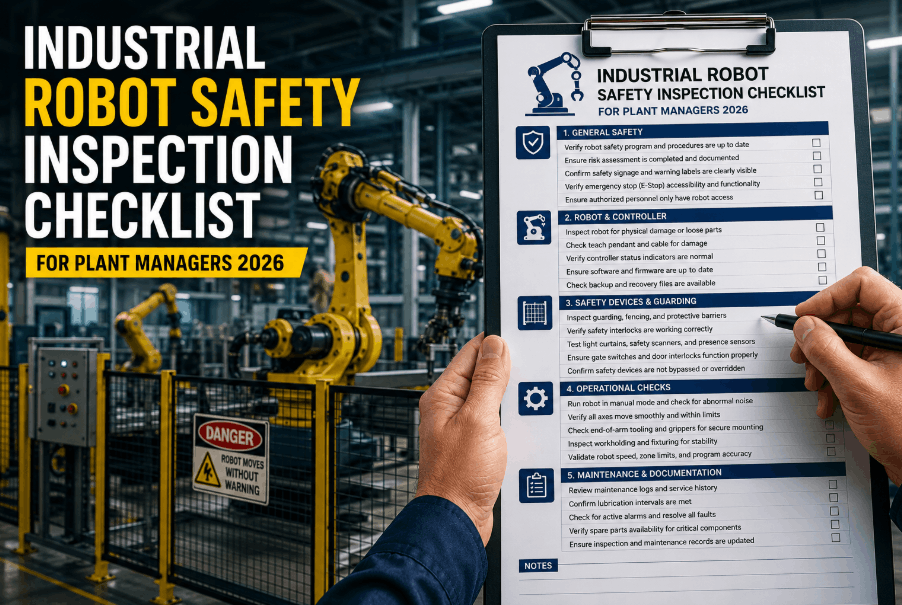
Robotic Cell Safety Inspection: Non-Negotiable Checks
Robot safety failures are low-frequency, high-consequence events. These checks are required regardless of whether the robot has shown any symptoms — safety system degradation is often invisible until it fails under demand.
Physical Guarding
Safety fence integrity
Inspect all fence panels for deformation, missing fasteners, and gaps. A 50mm gap at floor level is sufficient for limb access — below the threshold many visual inspections miss.
Gate interlock function
Test that robot motion stops within the required PLr/SIL level response time when each gate is opened. Test with the robot in motion, not at rest — interlock response differs under dynamic conditions.
Reach envelope clearance
Verify no stored materials, fixtures, or equipment have migrated into the robot reach envelope since last inspection. This is the most commonly failed check in routine safety audits.
Sensing & Control
E-stop response test
Test all E-stop devices in the cell — pendant, panel, and rope pull — under load. Measure stopping time and stopping distance. Document against the risk assessment baseline.
Light curtain alignment
Test curtain muting function, resolution (minimum object detection size), and response time. Contaminated optics reduce effective resolution — clean and re-verify monthly.
Safety-rated soft limits
Verify software joint limits and Cartesian space limits are active and match the risk assessment. Controller firmware updates can reset safety parameter files — always verify post-update.
Cobot-Specific (ISO/TS 15066)
Speed and separation monitoring
Verify the protective stop distance is correctly calculated for the monitored separation zone. SSM systems require area scanner calibration verification every 6 months at minimum.
Power and force limiting
Contact force verification
Measure actual contact force at the most exposed body region using a biomechanical force gauge. Force limits must not exceed the ISO/TS 15066 Annex A thresholds for the relevant body region.
Hand guiding safety
Verify hand guiding speed limits, enabling device function, and that teach mode cannot be activated remotely while an operator is within the collaborative workspace.
Fleet Management
Managing a Robot Fleet: From 5 Units to 500
Fleet maintenance fails when PM tasks are tracked in spreadsheets, on whiteboards, or informally between technicians. These are the four fleet management practices that separate high-availability robot operations from reactive breakdown cycles.
01
Asset-Linked PM Templates
Each robot type requires a different PM checklist. A cobot PM template applied to a 6-axis industrial arm will miss gearbox lubrication, brake testing, and axis mastering checks that are irrelevant to a cobot. In OxMaint, each robot asset is linked to a type-specific PM template that auto-generates the correct work order on the correct interval — regardless of fleet size.
02
Utilisation-Based Scheduling
Calendar-based PM (every 4 weeks) is wrong for robots in variable-demand environments. A robot running 3 shifts accumulates operating hours 3× faster than one running 1 shift. PM triggers should be operating-hour based, not calendar based. OxMaint tracks runtime hours per asset and triggers PM work orders at the correct hour threshold — not 4 weeks after the last PM regardless of utilisation.
03
Controller Error Log Review
Every industrial robot controller logs fault codes continuously. Recurring fault codes — even ones that self-clear — are the most reliable leading indicator of imminent failure. A maintenance programme that does not include weekly error log review is operating blind. Recurring codes for joint overload, position error, or thermal warnings each predict a specific component failure 2–6 weeks ahead of breakdown.
04
Spare Parts Inventory Alignment
The most common cause of extended robot downtime is not the failure itself — it is the 3–10 day lead time to procure a replacement servo drive, gearbox, or battery backup unit. Align your spare parts inventory to your fleet's failure history. For a fleet of 10+ robots, hold a minimum of one spare servo drive per axis family, one controller backup battery set, and a full set of teach pendant batteries on the shelf at all times.
Common Questions
Robotics Maintenance: Questions Teams Ask
How often should I lubricate a 6-axis industrial robot?
Lubrication intervals vary by axis, load, and speed — but as a starting baseline, grease all axes every 3,000–5,000 operating hours for a standard duty cycle. High-speed or high-load applications (>80% rated payload, >70% rated speed continuously) require intervals as short as 1,500 hours. Always use the OEM-specified grease type and quantity. Over-greasing is more damaging than under-greasing — excess grease pressurises seals and causes joint contamination. Document each lubrication event in OxMaint with the grease type, quantity per axis, and operating hours at service.
Use OxMaint's lubrication tracking templates — free.
What is the most common cause of cobot downtime?
The most common cause of cobot downtime in production environments is not mechanical failure — it is application-level configuration issues triggered by minor environmental changes. A pallet arriving 5mm out of position, a lighting change affecting a vision-guided pick, or a fixture wearing slightly all cause collaborative robot programmes to fault and stop. The second most common cause is force/torque sensor drift causing unexpected protective stops. Structured PM that includes TCP verification, F/T sensor calibration, and application parameter review prevents the majority of cobot stoppages that maintenance teams currently treat as electrical or mechanical faults.
How should I maintain an AMR fleet to maximise uptime?
AMR fleet uptime depends on three maintenance areas: battery management, sensor calibration, and drive system condition. Battery: implement opportunity charging protocols that keep cells above 20% state-of-charge — deep discharge cycles below 15% accelerate cell degradation and reduce pack life by 30–50%. Sensors: clean LiDAR optics weekly and re-validate sensor-to-chassis alignment after any physical contact event. Drive system: measure drive wheel tread depth monthly — worn tyres cause odometry drift that compounds navigation errors across the entire fleet. OxMaint tracks each AMR unit individually by serial number, with separate PM schedules for battery cycle counts, sensor calibration, and drive system inspection intervals.
Book a demo to see AMR fleet tracking in OxMaint.
Do I need a specialist to perform robot preventive maintenance?
Daily and weekly PM tasks — visual inspection, cleaning, basic function checks, and error log review — can be performed by any trained maintenance technician following a documented checklist. Monthly tasks including lubrication, brake testing, and TCP verification require technicians trained on the specific robot brand, but do not require OEM-certified engineers. Annual tasks — gearbox oil change, axis re-mastering, and safety function verification — should be performed by OEM-certified technicians or authorised service providers. The practical implication for fleet management: structure your PM programme so that 80% of tasks by frequency are within your internal team's capability, with OEM-level work scheduled annually as planned downtime. This approach reduces robot maintenance cost by 40–60% compared to fully outsourced maintenance contracts.
Robotics Maintenance · OxMaint · Fleet Reliability
One Platform. Every Robot Type. Every PM Interval. Zero Spreadsheets.
OxMaint tracks PM schedules, calibration events, safety inspections, and error log reviews for your entire robot fleet — cobots, industrial arms, AMRs, and robotic cells — with type-specific templates and hour-based PM triggers built in.