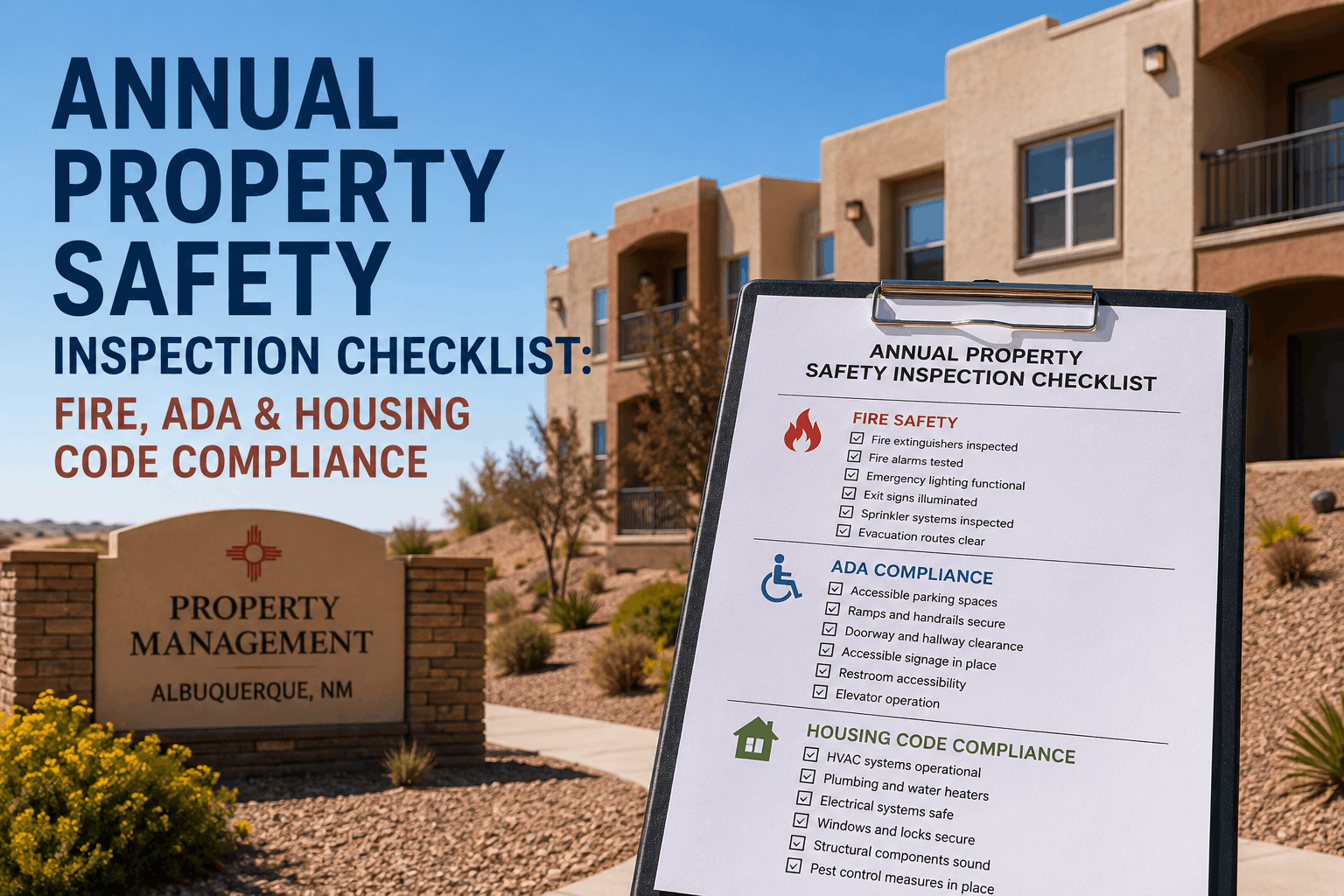
Fire Safety Compliance Checklist for Commercial Property Managers
By allen on March 4, 2026
Digital work order management has become the operational backbone of high-performing commercial property teams in 2026. Properties still relying on paper forms, email chains, or disconnected spreadsheets are losing an average of 14 hours per manager per week to administrative overhead — while their competitors act on live data from mobile devices in the field.
A 2025 JLL operations report found that commercial properties using digital work order platforms resolved maintenance issues 52% faster and reduced emergency repair costs by 31% compared to teams using manual or legacy systems. The shift from reactive chaos to structured, automated workflows is no longer optional — it is the standard investors, tenants, and regulators now expect.
52%
Faster Issue Resolution
JLL Operations Report, 2025
31%
Lower Emergency Repair Costs
JLL Operations Report, 2025
14 hrs
Lost Per Manager Weekly
Manual Process Overhead
3x
Higher Emergency Cost vs Planned
Industry Benchmark
What Digital Work Order Management Actually Solves
The problem is not that property teams lack effort — it is that disconnected systems create gaps between request, assignment, execution, and reporting. Digital work order management closes every gap with automated workflows that keep the entire operation visible and accountable.
Missed Requests
Tenant emails get buried. Paper forms go missing. Digital intake captures every request the moment it is submitted — with automatic acknowledgment and priority tagging.
Untracked SLAs
Vendor contracts mean nothing without performance data. Automated SLA timers start the moment a work order is created and flag breaches before penalties kick in.
No Audit Trail
Compliance audits reveal gaps that should have been caught months earlier. Every work order auto-documents completion timestamps, technician signatures, and photo evidence.
Slow Technician Dispatch
Phone calls and back-and-forth coordination waste hours. Smart auto-assignment routes work orders to available technicians based on skills, location, and workload in seconds.
Invisible Cost Data
Budget overruns discovered at quarter-end are too late to correct. Real-time cost tracking per work order, per asset, and per property keeps spend visible and controllable.
Field Disconnection
Technicians in the field have no access to asset history or parts availability. Mobile CMMS apps give field teams full work order context, checklists, and photo capture from any device.
The Digital Work Order Lifecycle
A fully digital work order does not just replace a form — it automates the entire workflow from the moment a request enters the system to the final report. Here is how each stage drives efficiency:
End-to-End Digital Work Order Flow
Automated at every step — zero manual hand-offs
01
Request Intake
Tenant submits via portal, QR scan, or mobile app. Auto-categorized by type, asset, and priority. Requester gets instant confirmation with ticket number and estimated response time.
02
Smart Assignment
System matches the work order to the best-fit technician based on skill tags, current workload, and proximity. Emergency work orders escalate automatically when response thresholds are breached.
03
Mobile Execution
Technician opens the work order on mobile, views full asset history and previous repairs, follows guided checklist steps, captures photos, and logs parts used — all offline-capable.
04
Completion and Verification
Technician submits with digital sign-off and photo proof. System auto-calculates MTTR, updates asset records, and logs parts consumed against inventory. SLA clock stops automatically.
05
Tenant Notification
Requester receives automated completion notice with resolution summary. Satisfaction prompt sent for CSAT tracking. Full resolution timeline stored for compliance documentation.
06
Automated Reporting
Work order data rolls into live KPI dashboards instantly — feeding MTTR, vendor SLA scores, emergency ratios, and cost-per-asset metrics. No manual data entry. No monthly compilation.
Mobile CMMS for Field Technicians
The biggest efficiency gap in commercial property operations sits between the office and the field. Technicians without mobile access to work order data return to the office for information, make repeat trips for missing parts, and complete paper logs that take days to enter. Mobile CMMS eliminates every one of these friction points.
Offline-First
Works Without Signal
Basements, plant rooms, and signal-dead zones do not interrupt field operations. Work order data syncs automatically when connectivity is restored.
Asset History
Full Context at Every Job
Technicians view previous repairs, warranty status, parts used historically, and manufacturer specs directly on the work order — no office calls required.
QR / Barcode Scan
Instant Asset Identification
Scan the asset tag to pull up its complete record, open a new work order, or check scheduled PM tasks. Zero time spent searching asset lists.
Photo Documentation
Before and After Evidence
Photos attached to work orders create tamper-proof repair records — protecting against liability claims, supporting warranty disputes, and satisfying insurance requirements.
Vendor SLA Monitoring Built Into Every Work Order
Commercial properties spend 18–35% of their maintenance budget on external contractors. Without SLA tracking built directly into work orders, that spend is largely unaccountable. Digital work order platforms that monitor vendor performance in real time transform contractor relationships from trust-based to data-driven.
Vendor SLA Performance Tracking
Every contractor, every work order, fully scored
Response Time SLA
Time from work order assignment to vendor acknowledgment — tracked per contract tier and asset priority class
Completion Time SLA
Total duration from dispatch to verified resolution — compared against contracted response windows for each work category
First-Time Fix Rate
Percentage of vendor work orders resolved on the first visit — low rates indicate skills gaps or parts management failures that increase per-job cost
Cost vs. Contract
Actual invoiced cost against agreed rate card per job type — flags scope creep and unauthorized billing before invoice approval
Properties with digital SLA tracking report 18-24% reduction in annual vendor spend through data-driven contract renegotiation
Maintenance Automation That Runs in the Background
The most powerful part of digital work order platforms is not the interface — it is the automation that operates without human input. Preventive maintenance schedules trigger work orders on time every time. Escalation rules alert managers before SLAs breach. Inventory warnings prevent parts shortages from delaying critical repairs.
Time-Based PM Triggers
HVAC servicing, filter changes, fire equipment checks — auto-created on schedule with assigned technicians and checklists pre-loaded.
Escalation Rules
Work orders not acknowledged within defined windows auto-escalate to supervisors via push notification — no breach goes unnoticed.
Parts Inventory Alerts
Low-stock warnings triggered automatically when critical spare parts fall below reorder threshold — preventing repair delays from parts shortages.
Recurring Report Generation
Weekly operations summaries, monthly vendor scorecards, and quarterly performance packs delivered automatically to managers and investors.
Work Order Analytics: From Data to Decisions
Every digital work order generates data. The platforms that convert that data into actionable insight — not just historical logs — are the ones delivering measurable operational improvements. These are the metrics that matter:
Key Performance Metrics Tracked Automatically
Calculated live from every work order transaction across the portfolio
MTTR
Mean Time to Repair
Target: Under 24 hours
Measures end-to-end resolution speed. Teams under 4-hour MTTR achieve 28% higher asset availability and significantly lower tenant disruption costs.
FTF Rate
First-Time Fix Rate
Target: 85%+
Each revisit doubles cost and tenant disruption. Low FTF reveals dispatch, skills, or inventory weaknesses that digital routing directly addresses.
Backlog Aging
Open Work Order Age
Track: Weekly trend
Work orders aging beyond SLA windows predict tenant satisfaction drops before lease renewals. Proactive backlog management prevents churn at renewal time.
WO Volume
Planned vs. Reactive Ratio
Target: 80%+ planned
World-class operations keep emergencies below 10% of total work orders. Properties averaging 60%+ reactive work pay 3–5x more per repair and experience higher tenant turnover.
Automate Your Commercial Property Work Orders
Oxmaint gives commercial property teams a fully digital work order platform — mobile-first, SLA-tracked, and connected to live KPI dashboards. From request intake to investor reporting, every step runs automatically.
Platform Integration With Property Management Systems
A digital work order platform that operates in isolation creates a new data silo. The platforms delivering the highest ROI connect maintenance operations directly to the financial and leasing data inside existing property management systems.
Yardi
Maintenance cost data flows directly into Yardi financials — no manual entry, no reconciliation delays between operations and accounting.
MRI Software
Work order completion data syncs with MRI tenant records, connecting maintenance response history to lease renewal decisions and satisfaction scores.
AppFolio
Maintenance requests submitted through AppFolio resident portals auto-convert to digital work orders in Oxmaint with full property and tenant context attached.
RealPage
Bidirectional sync ensures maintenance performance data is always current in RealPage — supporting NOI reporting and asset management decisions without manual updates.
Implementation Timeline
The primary reason commercial property teams delay platform adoption is concern about implementation disruption. Modern cloud-based CMMS platforms are designed for rapid deployment — most teams are fully operational within two weeks.
Go Live in 14 Days
Standard commercial portfolio deployment schedule
Days 1-3
Data Import
Asset register, existing work order history, vendor contacts, and PM schedules imported from current systems. Template library pre-configured for your property types.
Days 4-7
Team Onboarding
Managers and technicians trained on web and mobile interfaces. Role-based permissions configured. First work orders processed through the digital system.
Days 8-11
Integration Setup
Property management system integration connected. Tenant request portal activated. SLA timers and escalation rules configured per property and vendor contract.
Days 12-14
Live Dashboard
KPI dashboards populated with live data. First automated reports generated. Cross-portfolio benchmarking active. Full operational visibility from day 14 onward.
Frequently Asked Questions
How is digital work order management different from our current email-based process?
Email chains create invisible gaps — requests get missed, priorities are unclear, and there is no audit trail. Digital work order platforms provide a single structured record for every request, with automatic priority assignment, technician routing, SLA tracking, and completion documentation. Every stakeholder sees the same real-time status without chasing updates over email.
Can tenants submit maintenance requests directly into the system?
Yes. Oxmaint provides branded tenant portals and QR code-based request submission that tenants can access from any device. Each submission automatically creates a work order with the property, unit, asset, and contact details pre-populated. Tenants receive automatic updates at every stage of resolution without any manual notifications from your team.
Does the mobile app work in areas without internet connectivity?
Yes. Oxmaint's field technician app is offline-first. Work orders, asset records, checklists, and parts data are cached locally so technicians can work in plant rooms, basements, and signal-poor environments. All data syncs automatically when connectivity is restored. No work is lost and no manual re-entry is required.
How does the platform handle emergency work orders differently from routine maintenance?
Emergency work orders trigger a separate escalation workflow — immediate push notifications to on-call technicians and managers, SLA clocks set to emergency response windows, and real-time status visibility for all stakeholders. The system also tracks emergency frequency by asset and property, identifying chronic problem areas that warrant preventive maintenance investment.
What is the ROI timeline for a commercial portfolio?
Most commercial property portfolios see measurable cost reduction within 60–90 days of deployment. The fastest returns come from emergency repair reduction (30–45% within the first quarter) and vendor cost optimization via SLA data. Full ROI — including extended asset life, reduced administrative overhead, and tenant retention value — typically materializes within 6–12 months. Platform cost for a 10–50 property portfolio ranges from $14,400 to $48,000 annually.
How does Oxmaint support compliance documentation for commercial properties?
Every work order generates a timestamped, photo-evidenced compliance record automatically. Fire safety checks, electrical inspections, HVAC servicing, and regulatory audits all produce audit-ready documentation without any separate record-keeping. Compliance gaps are flagged in real time before auditors arrive — not discovered during walkthroughs.
Replace Manual Work Orders With a System That Runs Itself
Oxmaint's digital work order platform handles request intake, technician assignment, SLA tracking, vendor scoring, compliance documentation, and KPI reporting automatically — across every property in your commercial portfolio.
Mobile-first for field technicians
Automated SLA monitoring and escalation
Live dashboard analytics from every work order
Integrates with Yardi, MRI, AppFolio, and RealPage