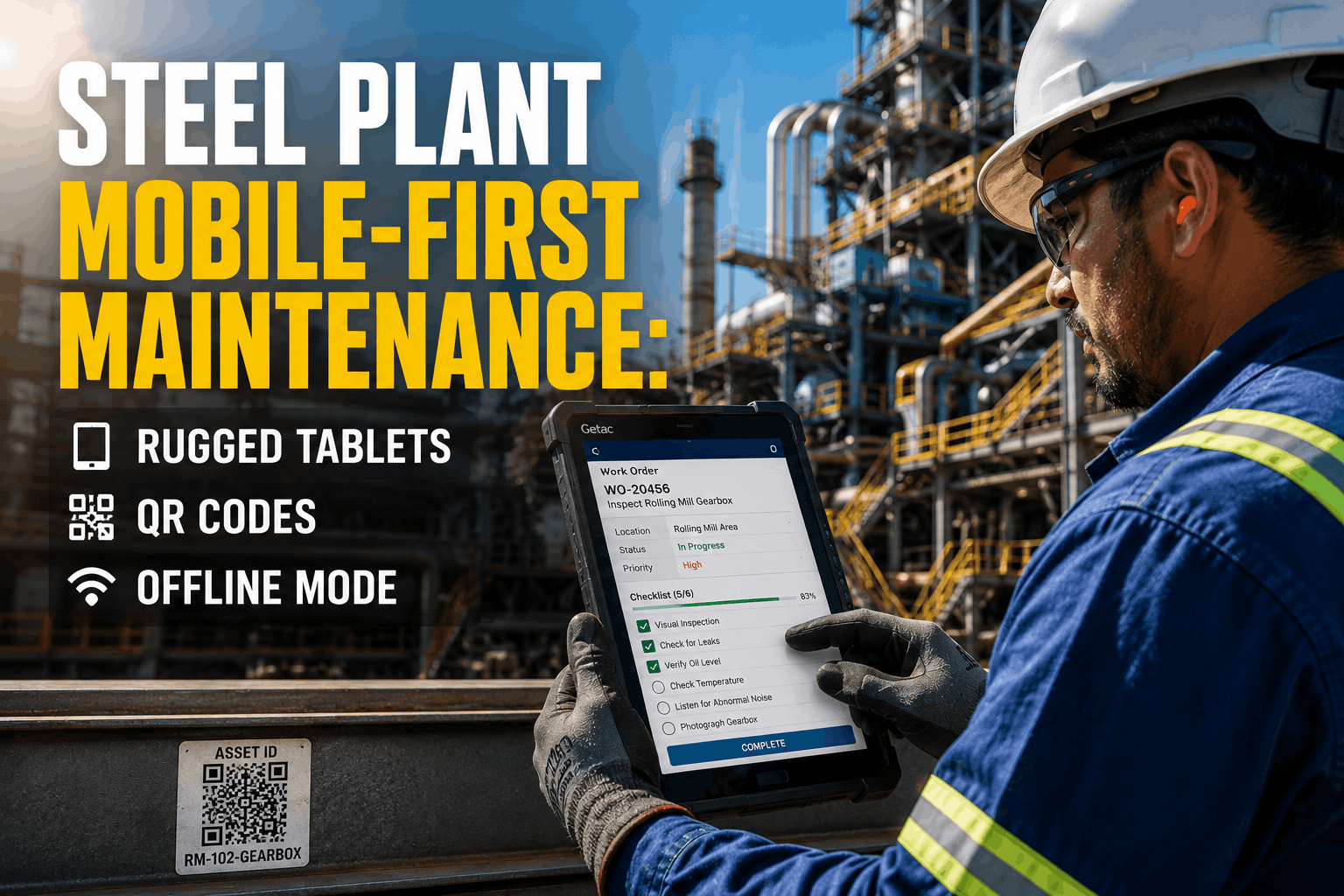
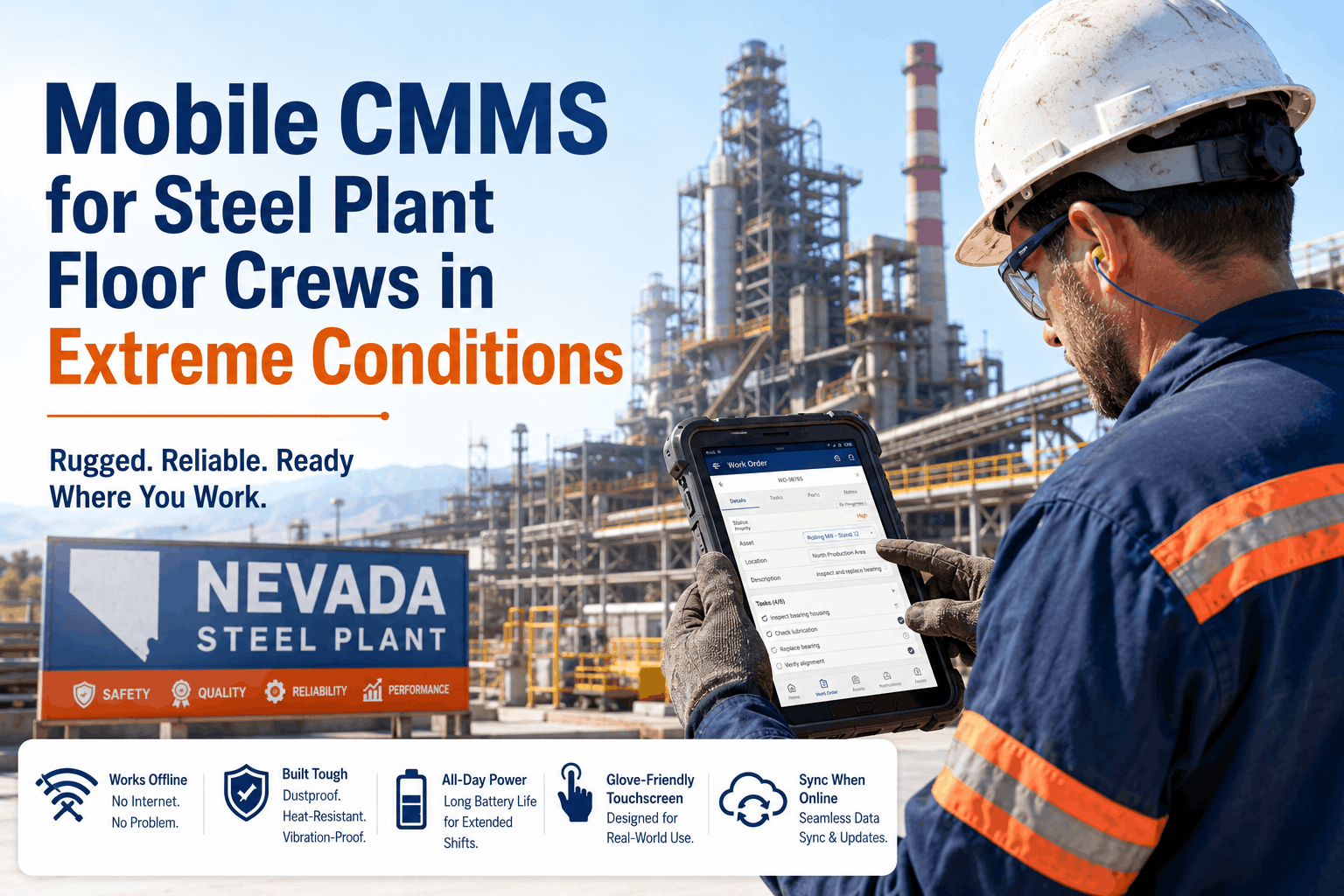
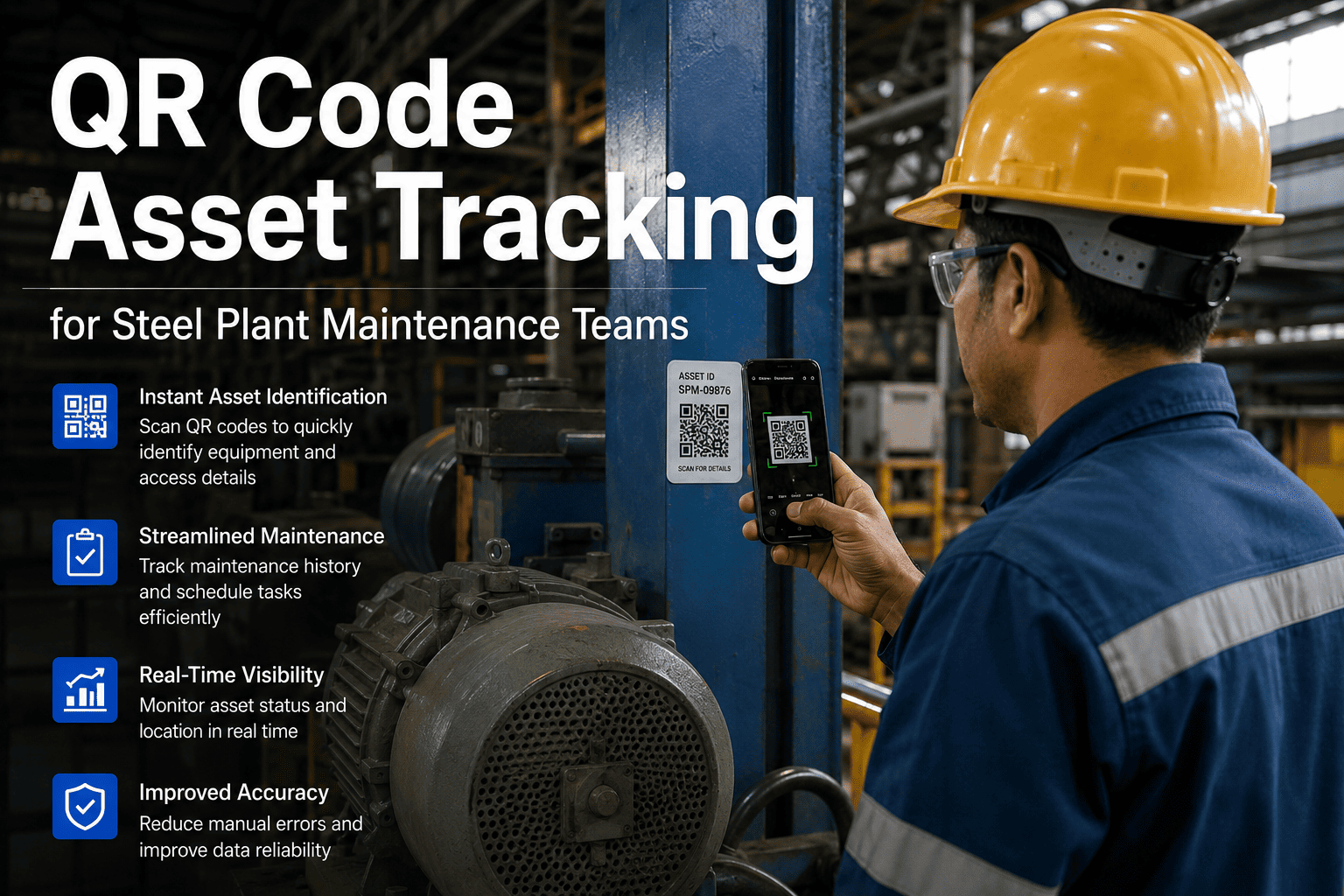
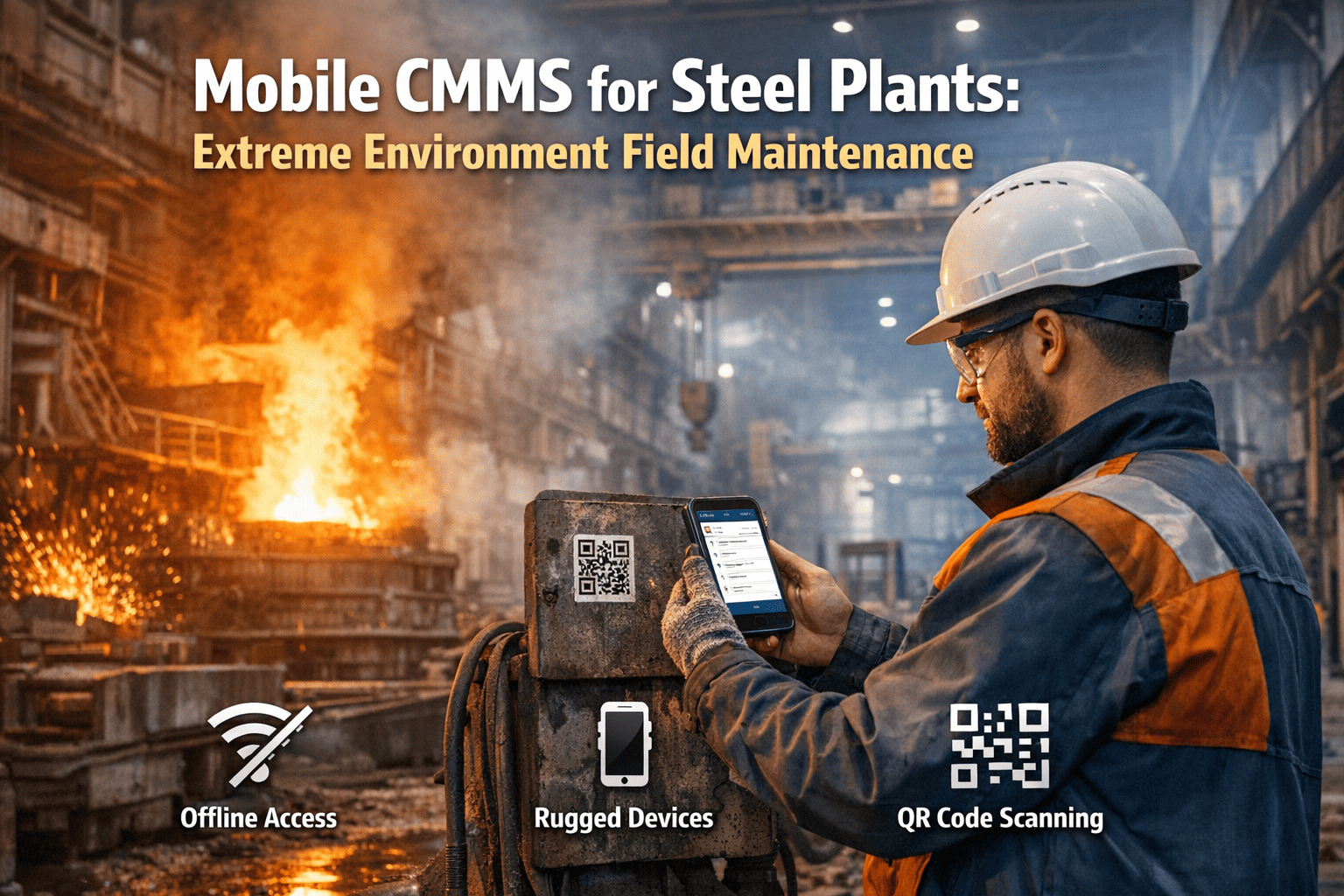
Steel Plant Mobile-First Maintenance: Rugged Tablets QR Codes Offline Mode
By Alex Jordan on June 2, 2026
Mobile-first maintenance in steel plants isn't a convenience anymore — it's an operational necessity. Technicians working across furnaces, rolling mills, and casting equipment need instant access to work orders, equipment specs, and historical maintenance data without returning to the office. Rugged tablets with offline-capable CMMS, integrated QR code scanning, and glove-friendly interfaces have become the backbone of modern steel mill maintenance operations, reducing unplanned downtime by up to 38% while eliminating paper-based work order backlogs entirely. OxMaint's mobile-first maintenance platform connects field technicians directly to CMMS intelligence — work orders sync automatically when connectivity resumes, QR code asset scanning populates inspection forms instantly, and offline work order access means zero job delays due to WiFi dead zones.
Equip steel mill technicians with offline-capable CMMS, QR code asset tracking, and dustproof interfaces. Reduce technician walk-backs 72%, eliminate paper work orders, and maintain full inspection compliance in high-temperature environments.
Steel mill environments are hostile to standard mobile devices. Temperatures fluctuate from ambient to 120°F near furnaces. Dust, slag, and moisture penetrate ordinary tablet seals. Technicians wear heavy gloves, making capacitive touchscreens unreliable. Steel plants also operate across multiple buildings with intermittent WiFi coverage — dispatch zones, shop floors, and outdoor material yards often have connectivity gaps lasting hours. Traditional CMMS accessed via desktop terminals forces technicians to interrupt jobs, walk back to the office, submit paper forms, and return to resume work. A rugged tablet running offline-capable CMMS software eliminates every one of these friction points. Field technicians receive work orders on the device before arriving at the equipment. They scan the asset QR code, automatically populating equipment history and PM schedules. They complete inspections offline, capture photos and signatures, and the CMMS syncs all data the moment WiFi is available. Studies of North American steel plants deploying rugged mobile CMMS report a 72% reduction in unnecessary technician walk-backs — the equivalent of recovering 4-5 hours per technician per week for actual maintenance work rather than administrative overhead.
5 Critical Features for Steel Mill Mobile Maintenance Success
QR Code Asset Scanning
Feature: Instant equipment ID & history lookup
Auto-PopulateTechnician scans asset QR code — equipment specifications, maintenance history, and PM intervals load automatically without manual entry. One scan replaces 6 minutes of manual data lookup.
Offline Work Order Access
Feature: Complete jobs without WiFi
Work OfflineWork orders, equipment manuals, and checklists download locally. Technicians complete entire jobs in WiFi-dead zones. Data syncs automatically when connectivity returns. Zero job delays from network outages.
Dustproof & Sunlight Readable
Feature: IP67 rating, high-brightness display
RuggedizedScreen readable in direct sunlight (2000+ nits) on casting floors. IP67 rating protects against dust, moisture, and thermal shock. Gorilla Glass withstands gloved-hand operation and accidental drops from work platforms.
Integrated Photo & Signature Capture
Feature: On-device multimedia attachment
Digital RecordsTechnicians capture equipment condition photos, record voice notes, and digitally sign work completion — all without leaving the job site. Eliminates rework requests from missing inspection documentation.
Edge Network & 5G Ready
Feature: Intermittent connectivity management
Smart SyncWorks seamlessly on 4G LTE, WiFi, or site-specific 5G networks. Queues transactions locally when offline. Syncs entire batch when connectivity returns — no data loss, no manual re-entry required.
Mobile CMMS Capability Comparison: Steel Industry Standard
Steel plants implementing mobile-first maintenance report dramatic improvements in technician productivity, compliance accuracy, and equipment availability. The comparison below shows the operational gap between traditional desktop-only CMMS workflows and modern mobile-enabled platforms deployed across North American steel mills.
Maintenance Activity
Desktop CMMS Only
Rugged Mobile CMMS
Equipment ID & History Lookup
Manual equipment number lookup in database — 6–12 min per job + WiFi dependency
QR code scan auto-loads equipment specs, history, and PM schedule in 18 seconds — offline access
Work Order Completion Time
Technician walks back to office to update work order — 2 extra trips per shift average
Offline work order updates on tablet — data syncs when WiFi available. Zero office walk-backs
Inspection Photo Documentation
Technician returns with paper notes, manually attaches photos later — 48–72 hour delay
Photos captured on-device, automatically attached to work order, synced same-day with digital signatures
Compliance Checklist Completion
Paper checklists — legibility issues, incomplete fields, manual data re-entry creates 14% error rate
Digital guided checklists with mandatory field enforcement — 99.8% compliance, zero transcription errors
Spare Parts Lookup & Ordering
Technician carries printed parts catalog or walks to office — average 18 min delay per parts decision
Offline parts database on tablet — barcode scan finds part number instantly, order placed from job site
Network Connectivity Dependency
WiFi dead zones force job interruption or manual workarounds — casting floor, outdoor yards unavailable
Offline-first design works in any location — completes jobs in WiFi-dead zones, syncs when online
Real-World Implementation: Steel Plant Mobile CMMS Success Metrics
Steel plants across North America that deployed mobile-first CMMS platforms report consistent improvements in technician utilization, maintenance compliance, and unplanned downtime reduction. OxMaint's mobile platform tracks performance across these core operational areas by connecting field-level data to predictive maintenance algorithms and real-time availability dashboards.
72%
Reduction in Technician Walk-Backs
Offline work order access eliminates office trips for data lookup and job updates. Technicians spend 4–5 additional hours per week on actual maintenance vs. administrative overhead.
38%
Downtime Reduction
Mobile inspection scheduling pushes preventive maintenance completion forward by average 2.3 days. Fewer reactive breakdowns, more planned maintenance windows. Dramatic improvement in equipment availability ratios.
99.8%
Inspection Compliance Rate
Digital guided checklists with mandatory field enforcement eliminate incomplete inspections and legibility issues common in paper-based systems. Audit-ready compliance every shift.
18 min
Time Saved per QR Code Scan
Automatic equipment history and specifications populate instantly with QR scan. Eliminates manual equipment ID lookup, equipment spec search, and PM schedule verification per job.
Deploying mobile-first CMMS in steel plants requires matching device specifications, network infrastructure, and software design to the environment's unique demands. Tablets must handle temperature extremes, moisture, and impact. Network architecture must account for intermittent WiFi and edge computing needs. Software must support full offline operation without sacrificing data integrity or synchronization accuracy. OxMaint's platform addresses all three by supporting IP-rated rugged tablets, edge network deployment, and real-time data synchronization across connectivity states.
Rugged Tablet Specs
IP67 Rating · Sunlight Readable
Device requirements for steel plant operation
7–10 inch display, IP67 dustproof rating, 2000+ nits brightness for outdoor use, capable of -4°F to 122°F operation, 15+ hour battery life, glove-friendly capacitive display with stylus support for high-vibration environments.
Offline Work Order Access
Zero Connectivity Dependency
Complete maintenance jobs without WiFi
Work orders, equipment specs, maintenance history, and checklists download to tablet storage. Technicians update work status, capture photos, and record notes offline. CMMS queues all changes locally and syncs entire batch when WiFi returns — no data loss or re-entry.
Edge Network Deployment
4G LTE / 5G Ready
Intermittent connectivity management
CMMS operates on 4G LTE, WiFi, or site-based 5G networks. Tablets connect to nearest available network automatically. Intelligent sync queuing prevents data conflicts when devices reconnect after extended offline periods.
QR Code Asset Tagging
Instant Equipment Lookup
One-scan asset identification
Asset QR codes link to digital equipment records in CMMS. Single scan retrieves equipment ID, maintenance history, part numbers, PM schedules, and operator manuals. Eliminates 6–12 minute manual lookup per job. QR codes rated for industrial environment durability.
Frequently Asked Questions
Which tablets are compatible with OxMaint mobile CMMS?
OxMaint supports all major rugged tablets including Samsung Galaxy Tab Active, Panasonic Toughpad, Getac, Zebra, and Apple iPad Pro with rugged cases. Minimum requirements: IP54 rating, 7+ inch display, 64GB storage, and latest iOS or Android OS. Start a free trial to test with your current hardware.
How does offline data sync work in areas with zero WiFi coverage?
Work orders, photos, and form data queue locally on the tablet. When the technician moves into a WiFi zone or uses 4G LTE, OxMaint automatically syncs the entire queue without requiring manual intervention. Multi-device sync prevents conflicts through timestamp-based conflict resolution.
Can technicians capture photos and signatures directly on the tablet work order?
Yes — OxMaint's mobile app includes integrated photo capture, voice recording, digital signature pad, and sketch annotation tools. All attachments sync with the work order when connectivity returns. No manual file transfer or email needed.
How do QR codes improve technician efficiency in steel plants?
A single QR scan auto-loads equipment ID, maintenance history, PM schedules, and specifications — replacing 6–12 minutes of manual database lookup per job. Technicians also use barcodes to scan parts and tools from the spare parts inventory without visiting the parts room.
Does the mobile CMMS work on 5G networks or edge computing infrastructure?
OxMaint is 5G and edge-network ready. Works seamlessly on WiFi, 4G LTE, and 5G networks. Data syncs intelligently through any available connection without requiring configuration changes or manual switching between networks.
Can maintenance checklists be customized for specific steel mill equipment like furnaces and rolling mills?
Yes — create unlimited custom checklists per equipment type. Add mandatory fields, conditional logic, photo requirements, and reference images. Digital guided checklists enforce field completion — zero incomplete inspections. Reuse templates across similar assets.
How does mobile CMMS handle parts ordering and inventory tracking from the field?
Technicians barcode-scan parts in the spare parts inventory directly from the tablet. OxMaint cross-references equipment-specific part numbers and quantities. Parts can be reserved or ordered directly from the job site without returning to the office or parts room.
"
We were losing 6–8 hours per technician per week to office walks for equipment lookups and work order updates. After deploying OxMaint mobile CMMS on rugged tablets, our technicians spend 72% less time on administrative tasks. Our furnace preventive maintenance hit 96% compliance — we went from reactive breakdowns to scheduled maintenance. The QR code scanning alone saves 18 minutes per technician per day. Our unplanned downtime dropped 38% in the first quarter.
Operations Manager — Integrated Steel Mill, Midwest USA (450+ employees)
Deploy Mobile CMMS Across Your Steel Plant Today.
Equip technicians with offline-capable work orders, QR code asset scanning, and digital compliance checklists. Zero office walk-backs, 38% downtime reduction. Free to start.