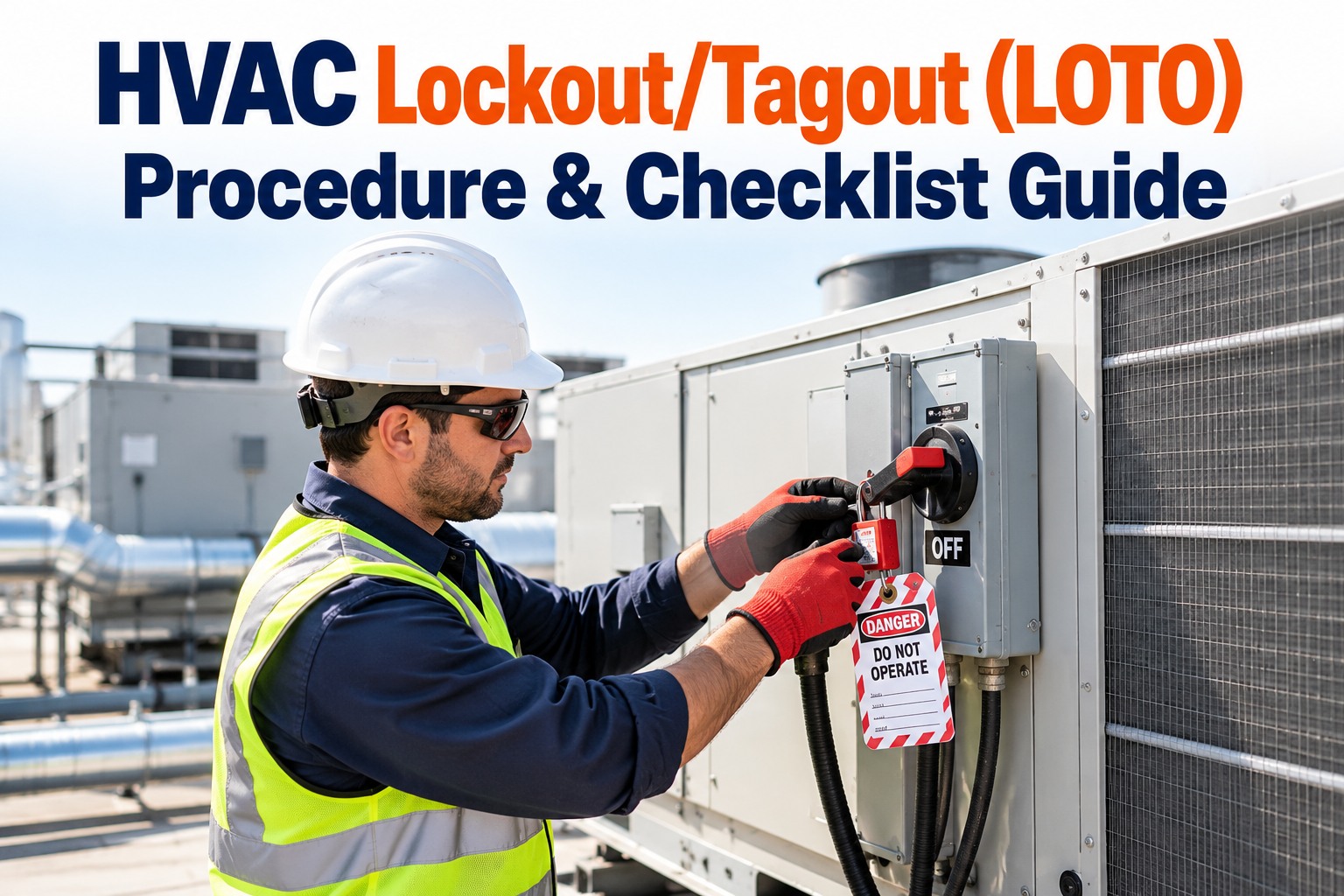
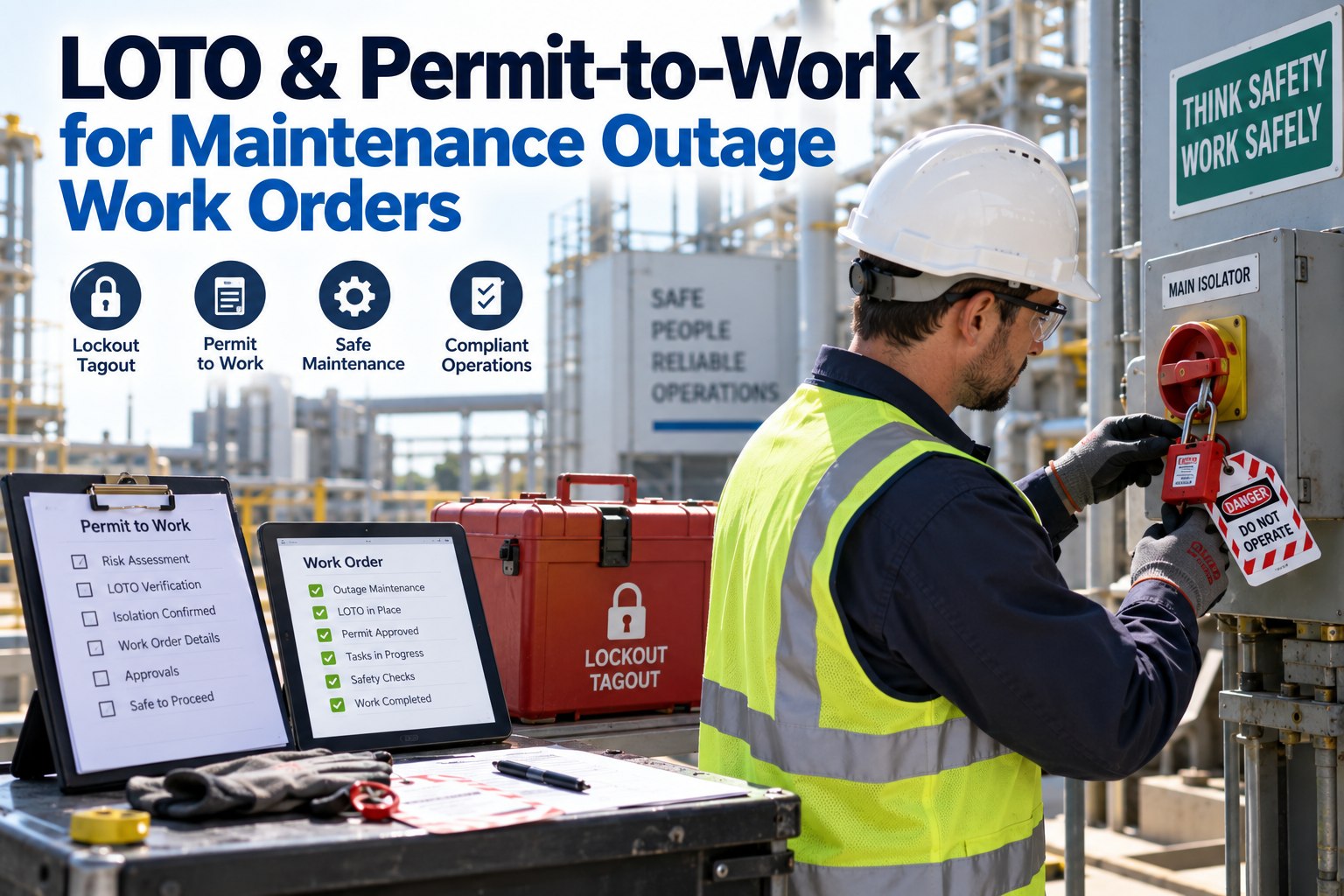
An HVAC unit that looks dead can still kill. A disconnect left on, a capacitor holding a charge, a fan that free-spins, refrigerant under pressure, a surface still hot from a run — any one of them can injure a technician who assumed the power was off because the thermostat said so. Lockout/tagout is the discipline that turns "I think it is off" into "I have proven it is off and no one can turn it back on while my hands are inside." This guide walks the OSHA six-step procedure, the energy a technician has to isolate on HVAC equipment, and the checklist to run every time. Tick each item, and let the OXMAINT AI — the AI-powered maintenance management software — attach the LOTO procedure to the work order and keep the sign-off record.
Commercial HVAC · Technician Safety · LOTO Procedure & Checklist · 2026
HVAC Lockout/Tagout (LOTO) Procedure & Checklist Guide
Prove the energy is off before your hands go in. The six-step procedure, every energy source HVAC hides, and a checklist to run every time — with OXMAINT AI holding the procedure and the sign-off on every work order.
This guide explains the OSHA lockout/tagout approach under 29 CFR 1910.147 in general terms. Build your site-specific energy-control program to the current standard and your equipment, and treat your written program and training as the authority — not this page.
The Six Steps of Lockout/Tagout
Every compliant lockout follows the same six steps in the same order — the order is the safety. Skip or swap one and the whole thing stops protecting the person at the equipment; start free and issue these six steps with every LOTO work order in OXMAINT AI.
1
Prepare & notify
Identify the equipment, the energy sources it holds, and tell every affected worker the unit is going down.
Know what you are isolating
2
Shut down
Stop the equipment by its normal controls — an orderly shutdown, not a yank at the disconnect.
Controlled stop first
3
Isolate the energy
Open the disconnect, close the valves, block the moving parts — cut every energy source at its isolation point.
Cut it at the source
4
Apply lock & tag
Each worker puts their own lock and tag on each isolation point — the lock holds it, the tag says who and why.
One worker, one lock
5
Release stored energy
Bleed pressure, discharge capacitors, relieve springs, let hot surfaces cool — neutralise anything still held.
Isolated is not empty
6
Verify zero energy
Try to start it and test with a meter — prove there is no energy before any work begins. This is the step that saves lives.
Prove it, do not assume
The Energy HVAC Hides
Electrical power is the obvious one, but HVAC equipment stores energy in forms that stay dangerous after the disconnect is open. A lockout only protects you if you isolate all of them — these are the six to find on the unit; book a demo to list every energy source per asset in OXMAINT AI.
Electrical
Live supply at the disconnect, panel or breaker feeding the unit.
Stored electrical
Capacitors holding a charge long after power is cut.
Refrigerant pressure
Refrigerant and compressed gas held under high pressure in the circuit.
Rotating mechanical
Fans, blowers and belts that free-spin or restart under load.
Thermal
Hot coils, heat exchangers and surfaces still above burn temperature.
Water & hydraulic
Hydronic loops and condensate lines under pressure or head.
Lock or Tag — They Are Not the Same
The two halves of LOTO do different jobs, and a tag alone is not a lockout. One physically prevents the energy returning; the other tells everyone why. You need both, and the lock is what actually protects you; start free and record both on the work order in OXMAINT AI.
The Lock
Controls the energy
A physical device that holds the isolation point open or closed so the energy cannot be restored. Only the worker who applied it removes it — their key, their lock, their protection.
The Tag
Informs the people
A visible warning naming who locked it, when and why. It communicates — it does not restrain — so it never replaces a lock, only explains one.
The LOTO Checklist
Run this every time, in order, from preparation through to the controlled restore. The verification group is the one never to rush. Tick each item as you confirm it; start free and run this as a safety checklist on every work order in OXMAINT AI.
Step 6 is the one people skip — and the one that saves lives.
Applying the lock is not the end. Verify zero energy by trying the normal start control and testing with a meter before a single tool goes in. A lock on a disconnect that was never the right disconnect protects no one — the try-out is what proves it.
Who the Program Covers
A LOTO program names two groups and one special case — getting the roles right is as much a part of compliance as the locks themselves; book a demo to track roles and training in OXMAINT AI.
Authorized workers
The people who perform the lockout and the service — trained to isolate the energy and apply the locks.
Affected workers
Those who operate or work near the equipment — not locking it themselves, but told when it is down and why.
Group lockout
When a crew works together, each member applies their own lock to a group device, so the energy stays off until the last person is clear.
A Lockout Nobody Can Prove Happened Is a Lockout That Did Not Protect Anyone.
LOTO is only as strong as the record behind it — the procedure followed, the energy verified, the sign-off captured. The OXMAINT AI maintenance management software attaches the energy-control procedure to the work order, prompts the steps, and logs who locked out and when, so every service has a safety record and every audit has its proof.
How OXMAINT AI Runs LOTO
A lockout program lives or dies on consistency and records — exactly what a maintenance platform keeps. Here is what the OXMAINT AI maintenance management software brings to energy control; start free and put LOTO on every work order in OXMAINT AI.
LOTO built into the work order
The energy-control procedure attached to the job, so the steps are in front of the technician every time.
Per-asset energy-source list
Each unit carries its own list of energy sources and isolation points, so none is forgotten at the equipment.
Verification sign-off
The zero-energy check captured and timestamped, so the step that matters most is never just assumed.
Mobile sign-off at the unit
Technicians confirm each step from a phone at the equipment, with the record made on the spot.
Authorized-worker & training record
Who is trained and authorised held on record, so only qualified people are assigned LOTO work.
Audit & periodic-inspection log
A complete history of lockouts and reviews, ready for the periodic inspection the program requires.
Frequently Asked Questions
What are the six steps of lockout/tagout?
Prepare and notify, shut down by normal controls, isolate the energy sources, apply locks and tags, release stored energy, and verify zero energy before work begins. The order matters — verification last is what proves the equipment is safe.
What energy sources must be isolated on HVAC equipment?
Live electrical supply, stored charge in capacitors, refrigerant and gas under pressure, rotating fans and belts, hot surfaces and coils, and water or hydronic pressure. A lockout only protects the worker if every one of them is isolated and released.
Is a tag the same as a lock?
No. A lock physically prevents the energy from being restored; a tag only warns and informs. A tag never replaces a lock — the two work together, with the lock providing the actual protection and the tag explaining it.
Why is the verification step so important?
Because applying a lock does not guarantee the energy is gone — the wrong disconnect, a second feed or stored energy can all leave the unit live. Trying the start control and testing with a meter is the only way to prove zero energy before work begins.
How does a CMMS support lockout/tagout?
It attaches the energy-control procedure to the work order, lists each asset's energy sources, captures the verification sign-off, holds authorised-worker and training records and keeps the audit log for periodic inspection;
OXMAINT AI runs LOTO as part of the work.
Prove It Is Off — Every Unit, Every Time.
Run HVAC lockout/tagout inside the OXMAINT AI maintenance management software — the procedure on every work order, a per-asset energy-source list, verification sign-off, mobile confirmation, training records and an audit-ready log — so every technician works on equipment proven dead, and every lockout leaves a record behind it.