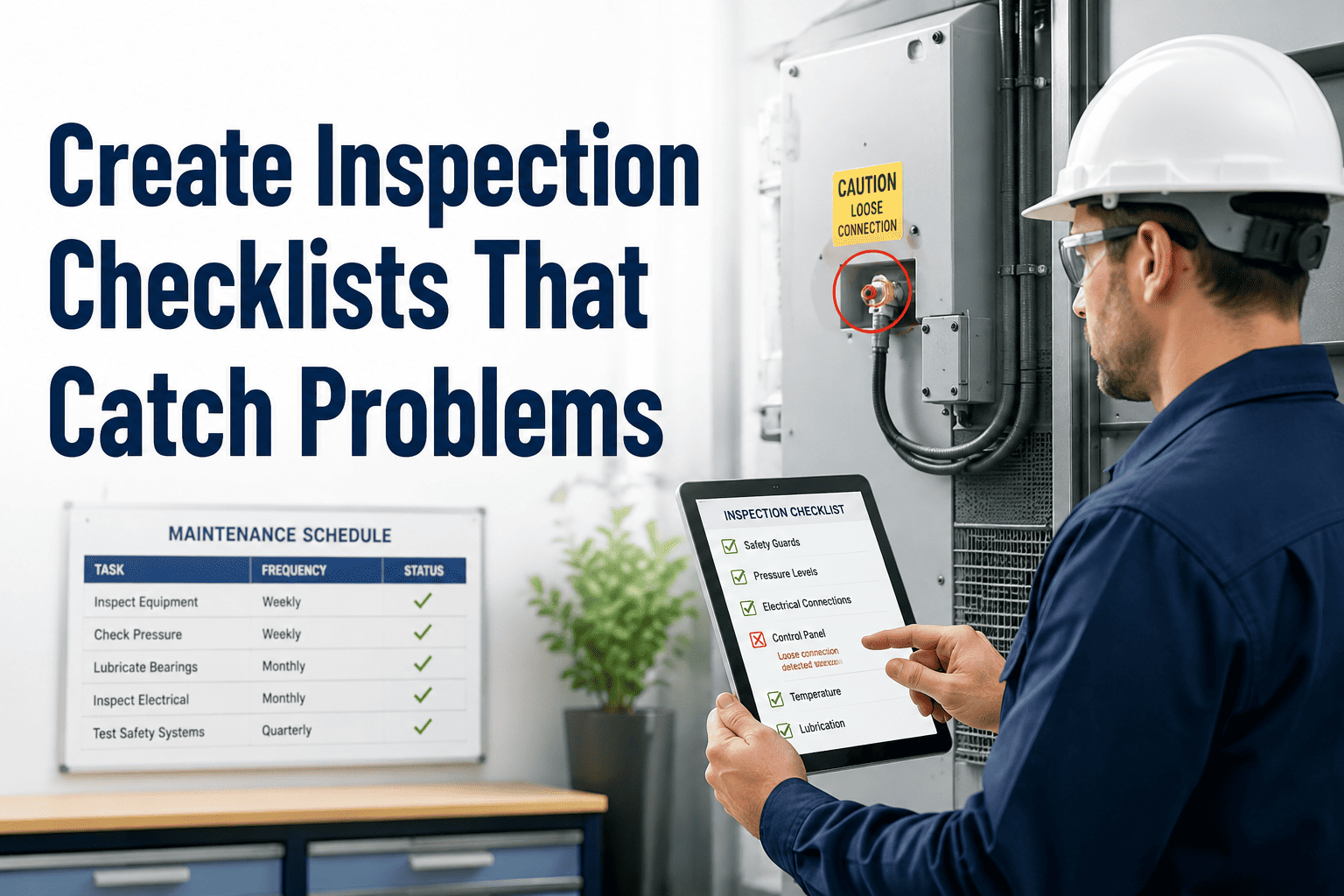
Most maintenance inspection checklists don't fail because they were created by careless people — they fail because they were designed by people sitting at a desk who have never stood in front of the machine being inspected. Vague items like "check pump condition" tell a technician almost nothing about what to look at, what pass/fail looks like, or what to do when something is wrong. The result is a checklist completed in 8 minutes that should take 25, with every box ticked and nothing actually found — until the pump fails three weeks later and someone pulls the inspection record and discovers it was technically signed off. OxMaint's inspection management module gives maintenance teams the tools to build, deploy, and continuously improve checklists that are specific enough to catch developing problems — with digital enforcement, photo requirements, and defect-to-work-order automation built in.
Inspection Management · Checklist Design · Defect Tracking
How to Create Inspection Checklists That Actually Catch Problems
The anatomy of a high-capture inspection item. The seven design failures that make checklists useless. How to structure checklists by defect type, not by asset section. And the digital enforcement layer that makes compliance real rather than assumed.
Cost of a Checklist That Misses Problems
$18,000
Per inspector per year — wasted productivity from paper-based inspection processes
25–35%
Reduction in defect escape rate with properly designed digital checklists (Inspectly360, 2025)
60%
Faster inspection completion with digital checklists vs. paper — same quality, lower admin burden
90%+
Reduction in data entry errors when inspection is captured directly in a mobile CMMS
The 7 Design Failures That Make Inspection Checklists Miss Problems
Before building a better checklist, it helps to recognise the specific design failures that make existing ones ineffective. Each one has a structural fix.
Failure 01
Vague Pass/Fail Language
"Check bearing condition" — what exactly am I checking, and what does "bad" look like?
Fix: Define the measurement. "Measure bearing temperature at drive end. Pass: below 75°C. Flag: 75–85°C. Fail: above 85°C — close equipment and raise P1 work order."
Failure 02
Too Many Items Per Checklist
A 60-item checklist generates "checklist fatigue." By item 40, the inspector stops looking carefully and starts ticking.
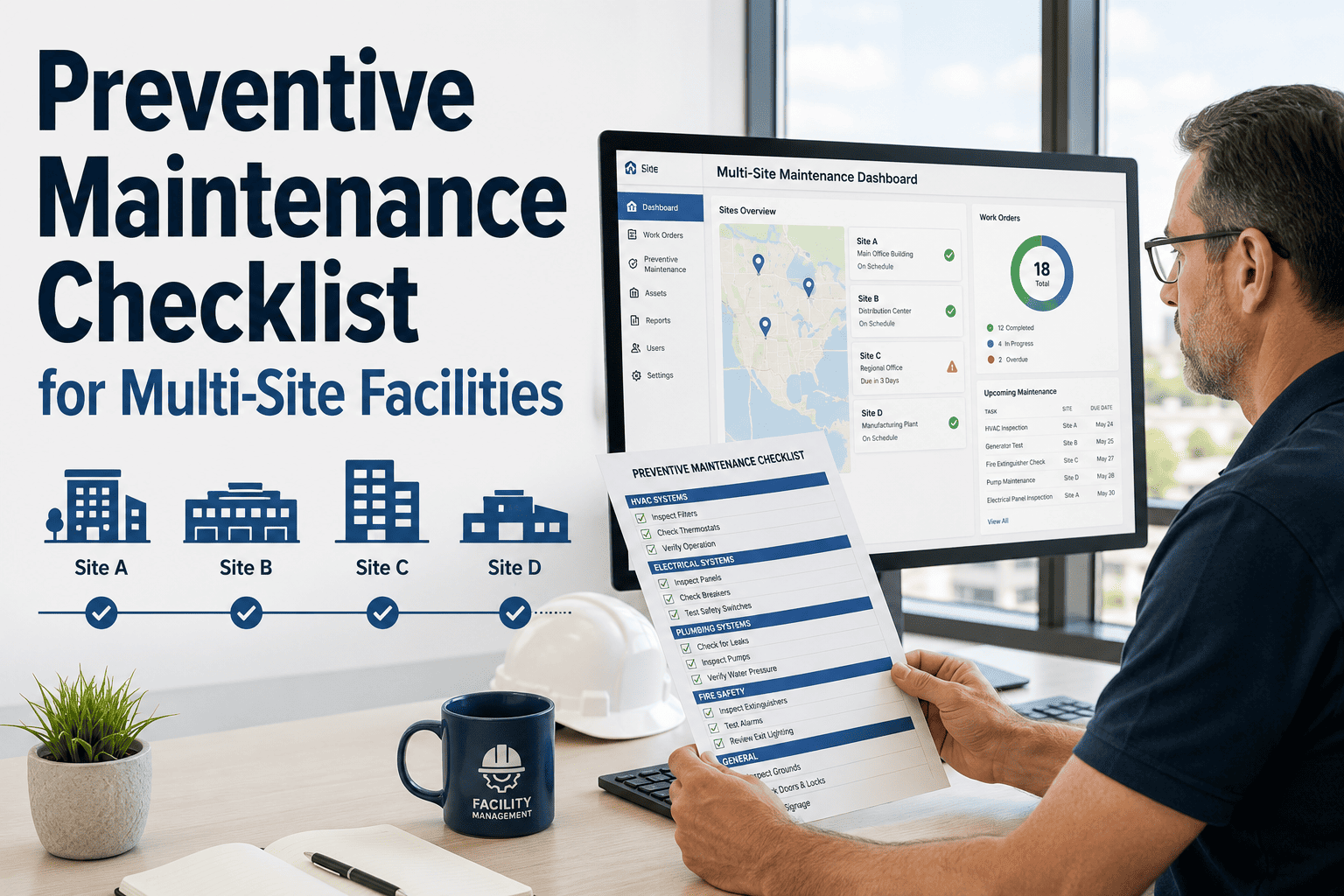
Fix: Split long checklists by system or frequency. No single inspection should exceed 20 meaningful items. Break large assets into subsystem checklists completed at different frequencies.
Failure 03
Binary Yes/No With No Context
A yes/no checkbox tells you nothing about severity. "Leak present: Yes" could mean a weeping seal or a catastrophic failure.
Fix: Use condition scales. "Seal condition: 1 = No leak · 2 = Seeping (< 1 drop/min) · 3 = Dripping · 4 = Streaming — automated work order on 3 or 4." Severity scales generate trend data over time.
Failure 04
No Photo Requirement on Failure Items
Inspector finds a crack. Marks "Fail." No photo. The planner creates a work order based on a text description. The technician arrives without knowing what they're looking for.
Fix: Make photo capture mandatory on any item that returns a fail or borderline reading. The photo becomes the work order attachment — technician arrives with context, not just a description.
Failure 05
No Corrective Action Defined
The checklist says "Fail" but doesn't tell the inspector what to do next. Who to call? What priority? Does work stop?
Fix: Each fail condition should trigger a predefined response: severity level → work order priority → who gets notified → whether the asset should be taken out of service immediately.
Failure 06
Sequence Designed by Asset Section, Not Defect Type
Items are grouped by physical location (top of machine, then middle, then base) rather than inspection technique — forcing the inspector to switch tools and techniques constantly.
Fix: Sequence by inspection method: all visual checks first, then all listen/touch checks, then all measurements. Reduces inspection time by 20–30% and improves detection because the inspector is in the right cognitive mode.
Failure 07
Never Updated After Defects Are Found
The checklist was built three years ago. Since then, three new failure modes have been discovered — none of them appear as inspection items because nobody updated the template.
Fix: Build a quarterly checklist review into the PM programme. When a work order identifies a failure mode that wasn't on the inspection checklist, the template is updated within 30 days. OxMaint tracks template version history.
The Anatomy of a High-Capture Inspection Item
Every inspection item that reliably catches developing problems shares the same six components. Missing any one of them degrades detection performance.
The Six-Component Inspection Item
1
Specific Observation
Exactly what to look at, listen to, touch, or measure — referenced to a specific component location. Not "check the motor" but "check the motor drive-end bearing housing at the 3 o'clock position."
2
Measurement Method
What tool or technique to use. IR thermometer, vibration pen, torque wrench, moisture meter, or visual with 10× magnification. Remove ambiguity about how the observation is made.
3
Pass / Flag / Fail Thresholds
Three-tier thresholds — not binary yes/no. Pass means no action. Flag means schedule a follow-up. Fail means act now. Each threshold is a specific number or condition, never a subjective judgement.
4
Photo Trigger
Mandatory photo on any Flag or Fail response. The photo is attached to the inspection record and becomes the primary attachment on the resulting work order. Evidence, not description.
5
Corrective Action Rule
If Flag: schedule follow-up inspection within X days. If Fail: auto-create work order at defined priority, notify defined role, determine whether asset continues operating or is taken out of service.
6
Trend Capture
Numerical readings (temperature, vibration, wear measurement) logged against the asset record over time — not just pass/fail. A bearing temperature of 72°C is "Pass" today, but the trend from 58°C over 8 weeks is a P2 warning signal.
Same Asset — Two Different Checklist Items
Poorly Written Item
Check pump condition
☐ OK ☐ Needs Attention
No specific observation point
No measurement method defined
Subjective pass/fail — what is "needs attention"?
No photo requirement
No corrective action
No numerical trend capture
Detection rate: Low — technician ticks OK by default under time pressure
High-Capture Item
Pump P-103 — Drive-end bearing temperature (IR thermometer at 3 o'clock housing)
Pass: <70°C
Flag: 70–80°C → schedule recheck in 7 days
Fail: >80°C → P2 work order auto-created, photo required
Exact component and measurement point defined
Tool specified: IR thermometer
Three-tier threshold — no subjectivity
Photo mandatory on Fail
P2 work order auto-created on trigger
Temperature logged as trend data per inspection
Detection rate: High — every developing bearing fault caught before failure
OxMaint lets you build checklist items exactly like the example above.
Three-tier thresholds. Mandatory photo triggers. Auto-created work orders on fail conditions. Trend data logged against the asset. No coding, no spreadsheets.
Checklist Templates by Asset Type: What to Include
| Asset Type |
Critical Inspection Items |
Measurement Method |
Fail Trigger |
OxMaint Action |
| Centrifugal Pump |
Bearing temperature, seal leak rate, vibration at bearing housing, shaft coupling alignment |
IR thermometer, vibration pen, visual |
Temp >80°C / Vibration >7 mm/s / Active seal leak |
P2 work order + photo mandatory + supervisor alert |
| Electric Motor |
Operating amps vs. nameplate, winding temperature, bearing noise, vibration, terminal condition |
Clamp meter, IR thermometer, vibration pen |
Amps >105% nameplate / Winding temp >90°C |
P1 or P2 work order based on severity band |
| HVAC Air Handler |
Filter differential pressure, belt tension and wear, coil condition, drain pan water level, supply/return temperature delta |
Magnehelic gauge, visual, thermometer |
Delta P >1.5 in. H₂O / Belt cracking visible / Standing water in pan |
Filter WO on Delta P / P2 belt WO / Immediate drain WO |
| Conveyor System |
Belt tension and tracking, roller condition and rotation, drive chain lubrication, take-up tension, emergency stop function |
Visual, run test, tension gauge |
Belt mistrack >25mm / Seized roller / E-stop failure |
E-stop fail: P1 immediate shutdown + work order |
| Electrical Panel |
Thermal scan for hot spots, breaker condition, cable termination tightness, 36-inch clearance, labelling accuracy |
IR camera, visual, torque wrench |
Hot spot >10°C above ambient / Any loose termination |
P2 thermal work order with IR image attached |
| Fire Suppression Sprinkler |
Control valve position, waterflow alarm test, inspector test valve, pipe condition, head clearance |
Visual, function test |
Valve not fully open / Alarm test fail / Blocked head |
P1 work order + immediate AHJ notification trigger |
How OxMaint Enforces Checklist Quality — Not Just Completion
Conditional Logic
Skip Logic and Required Follow-Ups
When a technician enters a Fail reading on one item, OxMaint can automatically expand additional sub-items specific to that fault — "If bearing temp >80°C, also check: lubricant level, coupling alignment, recent load history." Relevant items appear; irrelevant ones stay hidden. Inspection efficiency up, detection rate up.
Mandatory Evidence
Photo-Locked Completion
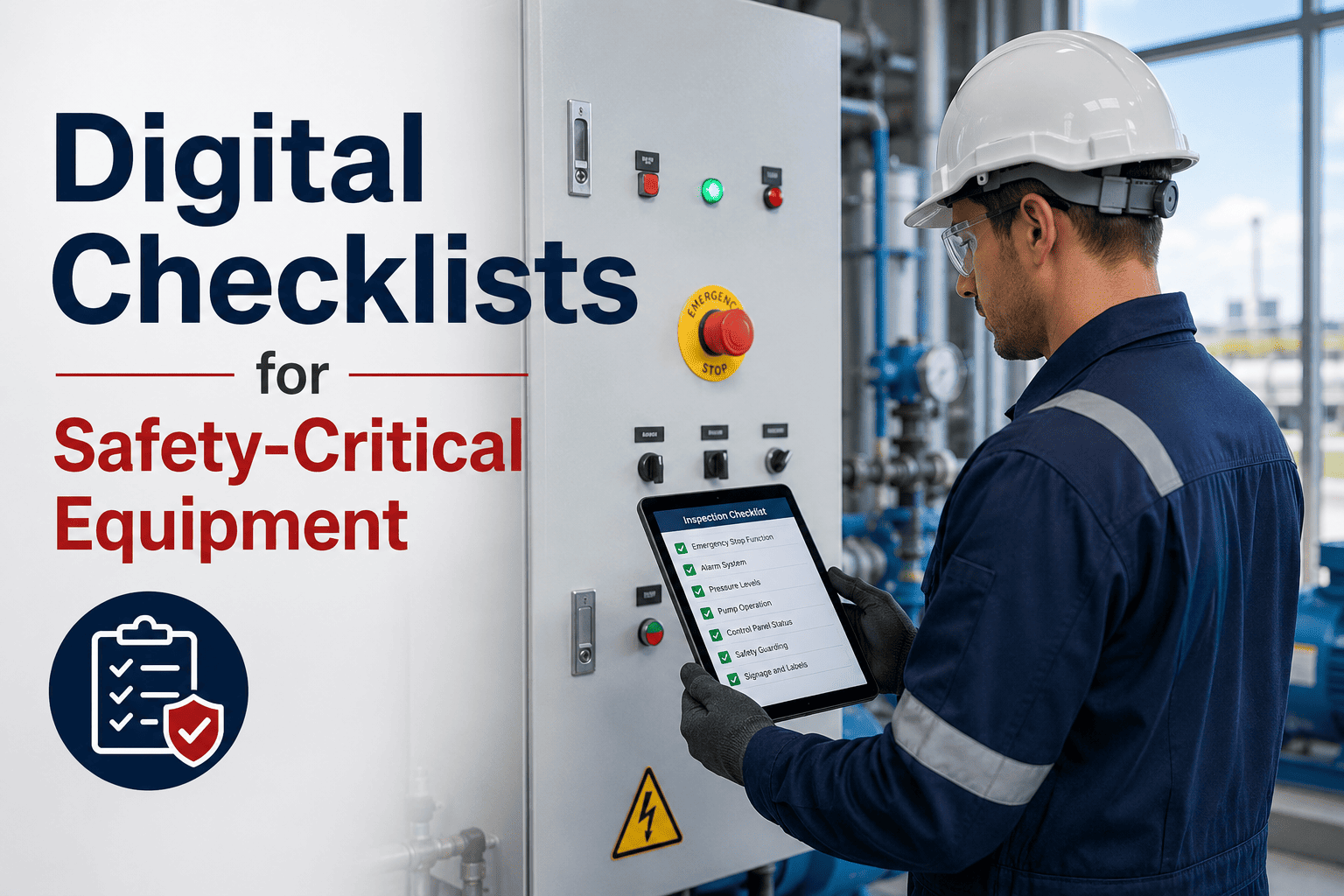
Fail and Flag items cannot be completed without a photo captured in-app. The photo is timestamped and GPS-tagged. The checklist cannot be closed while mandatory evidence fields are open. Ghost completions are structurally impossible — the system enforces evidence at the point of inspection, not as an afterthought.
Auto Work Orders
Defect-to-Action Without Manual Steps
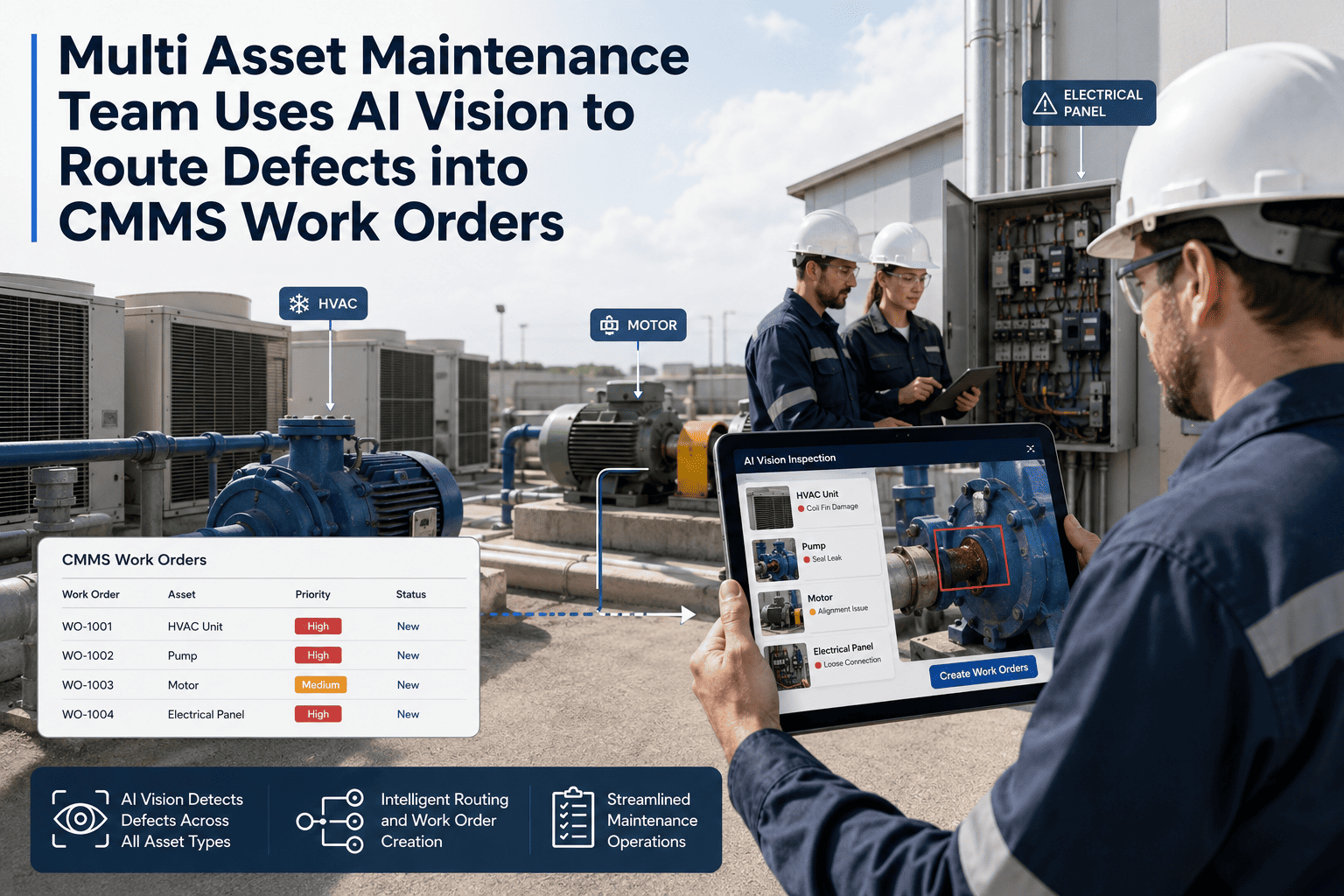
A Fail response on any configured checklist item automatically creates a work order in OxMaint at the defined priority, assigns it to the correct craft or crew, attaches the inspection photo, and notifies the relevant supervisor. The time from finding a defect to a work order existing in the system: under 90 seconds, with no manual relay step required.
Trend Analytics
Condition Trend Over Time Per Asset
Numerical readings from inspection items — bearing temperatures, vibration levels, pressure differential readings — are logged against the asset record with each inspection. OxMaint plots these readings over time, making a developing trend visible before any individual reading reaches the Fail threshold. The most powerful early warning signal in condition monitoring.
Template Versioning
Controlled Updates With Change History
Every checklist template in OxMaint is version-controlled. When a new failure mode is discovered and a new inspection item is added, the change is recorded with a timestamp, the reason, and who made it. Historical inspection results remain linked to the version of the template that was in use when they were captured — audit integrity preserved across template updates.
Completion Rate Tracking
Supervisor Visibility on Missed Inspections
Supervisors see a live dashboard of inspection completion rates per asset, per technician, and per site. Overdue inspections appear as alerts before the missed-inspection window becomes a compliance or reliability problem. The difference between a missed inspection that's discovered during an audit and one that's caught the morning it was due is simply visibility — OxMaint provides it.
"
I have reviewed failure investigations for equipment at 11 different manufacturing sites over 20 years, and in every case where a scheduled inspection occurred within 90 days of the failure, I looked at the checklist record. In roughly 60% of those cases, the precursor condition was there — a slightly elevated temperature, a vibration reading that was borderline, a small but visible lubricant discolouration — and the inspection item was marked Pass. Usually because the item was written so vaguely that anything short of an obvious failure got ticked as acceptable. The problem isn't that technicians are inattentive. The problem is that the checklist did not tell them precisely what to look for, what pass and fail look like in numbers, or that a borderline reading was worth flagging rather than ignoring. A checklist that doesn't define "fail" in specific, measurable terms is not an inspection tool — it's a paperwork ritual. The equipment doesn't care about the ritual.
Dr. Yuki Tanaka-Morris, CRE
Certified Reliability Engineer · 20 years equipment failure investigation and root cause analysis · Instructor, Society for Maintenance and Reliability Professionals · Specialist in inspection programme design, checklist effectiveness measurement, and FMEA-based preventive maintenance development
Frequently Asked Questions
How many items should a maintenance inspection checklist have?
The research-backed answer is 20 items maximum per single inspection session. Beyond 20 items, inspector attention degrades measurably — a phenomenon called "checklist fatigue" — and critical items later in the list receive less cognitive attention than those at the top. For complex assets with more inspection points, split the checklist by system (mechanical, electrical, lubrication) and schedule each at its appropriate frequency. OxMaint supports multiple linked checklists per asset, each triggered on its own schedule. Start your free trial to see how multi-checklist asset inspection is configured per asset class.
How does OxMaint generate a work order automatically when an inspection finds a defect?
Each checklist item in OxMaint can be configured with a fail-trigger rule: if the technician selects a Fail or Flag response, or enters a numerical value outside the defined threshold, a work order is automatically created at the defined priority level. The work order is pre-populated with the asset name, the defect description, and the inspection photo — and is immediately visible to the maintenance planner and assigned crew. The inspector never needs to separately create the work order. From defect found to work order created and assigned: under 90 seconds. Book a demo to see the fail-trigger configuration for your specific checklist types.
How do you measure whether an inspection checklist is actually working?
The key metric is defect escape rate — the percentage of equipment failures that were not preceded by a recorded defect flag on a preceding inspection. A checklist that never finds anything and is followed by a failure is a failed checklist. OxMaint tracks defect detection rate per checklist, defect-to-failure lead time (how far in advance the inspection caught the problem), and false-negative rate (failures with a prior clean inspection). This data drives quarterly checklist review: add items for undetected failure modes, remove items with zero detection over 24 months. Start your free trial and begin measuring defect detection rate from your first digital inspection.
Can OxMaint inspection checklists work offline in the field?
Yes. OxMaint's mobile app caches the technician's assigned checklists, asset records, and reference data before they enter a no-signal zone. Checklists are completed fully offline — all responses, photo captures, and numerical entries are stored locally and sync automatically when connectivity is restored. The GPS timestamp on each checklist item is captured at the moment of completion, even without signal. For facilities with remote equipment, basements, or outdoor locations with poor coverage, offline-first design means no inspection is lost due to connectivity. Book a demo to test the offline inspection workflow for your most remote assets.
Inspection Management · OxMaint
A Checklist That Doesn't Define "Fail" Isn't an Inspection Tool — It's a Paperwork Ritual.
OxMaint gives maintenance teams the tools to build inspection checklists with specific thresholds, mandatory photo evidence, automatic work order creation, and condition trend tracking — so every inspection that runs produces either a confirmed clean record or a captured defect with a corrective action already in progress.



.png)
