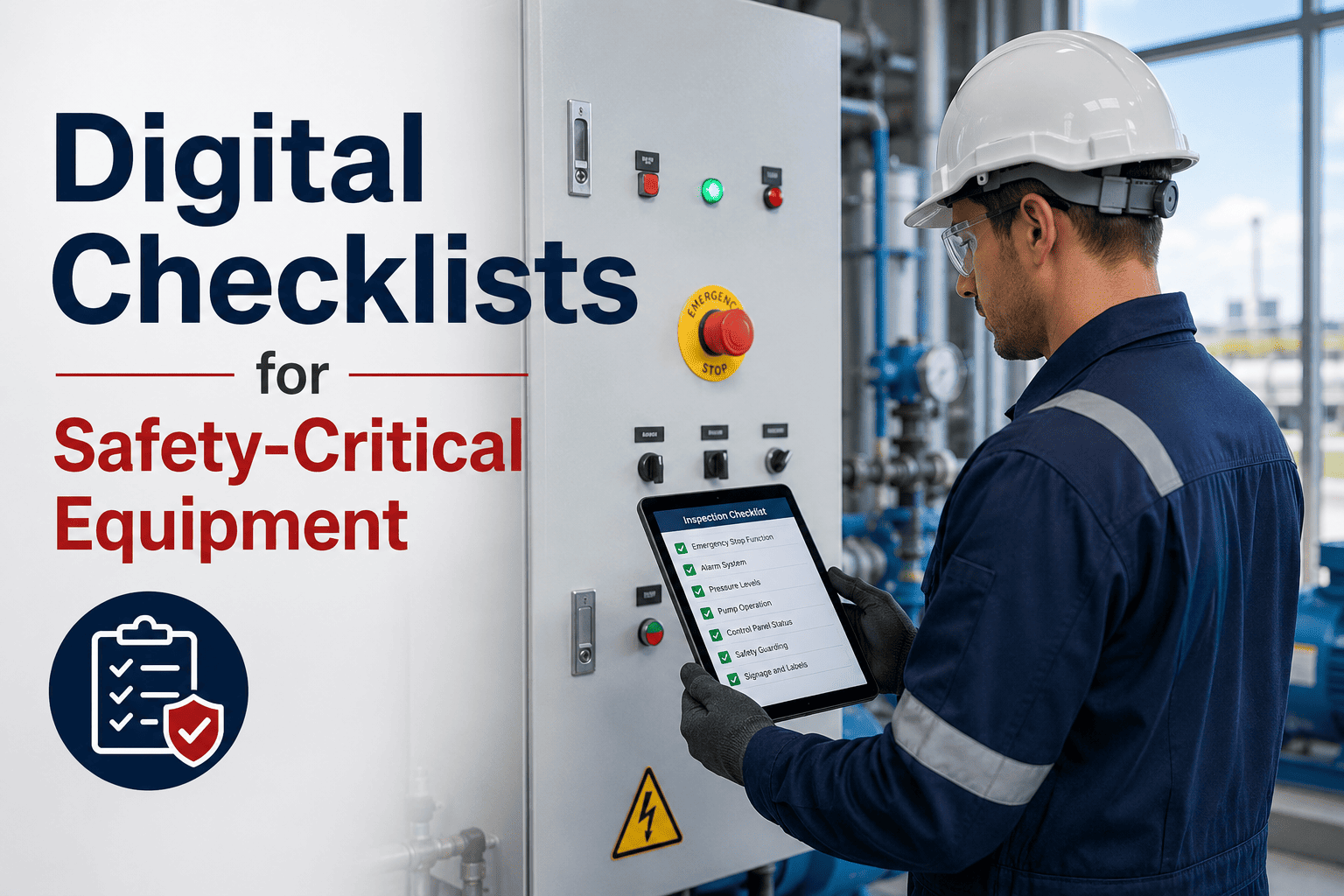
A paper checklist for safety-critical equipment isn't a compliance record — it's a liability. It can be pre-signed, backdated, or lost. OxMaint's digital inspection management module replaces paper with enforced digital workflows: required fields that can't be skipped, photo capture with timestamps, pass-fail logic that triggers corrective work orders automatically, and an audit trail that proves inspections happened — not just that someone said they did.
How to Use Digital Checklists for Safety-Critical Equipment
Build inspection checklists that enforce completion, capture photo evidence, apply pass-fail logic, and auto-generate corrective work orders — so safety inspections produce proof, not just paper.
Building a Digital Safety Checklist: 6 Required Elements
A safety-critical digital checklist must include all six of these elements. Remove any one of them and the checklist loses its compliance value and its ability to prevent incidents.
Every critical inspection point must be a required field. The technician cannot submit the checklist with blank fields. This is the single most important difference between digital and paper — it removes the option to skip steps under time pressure.
For each critical inspection point, require a photo upload. The photo is automatically timestamped and geotagged — proving the technician was physically at the asset at the time of inspection. This is the primary defense against pre-signed or desk-completed checklists.
When a technician marks an inspection point as Fail, the checklist should branch to additional required fields: describe the finding, photograph the condition, and confirm whether operation should continue or stop. Fail conditions captured without mandatory follow-up fields are compliance theater.
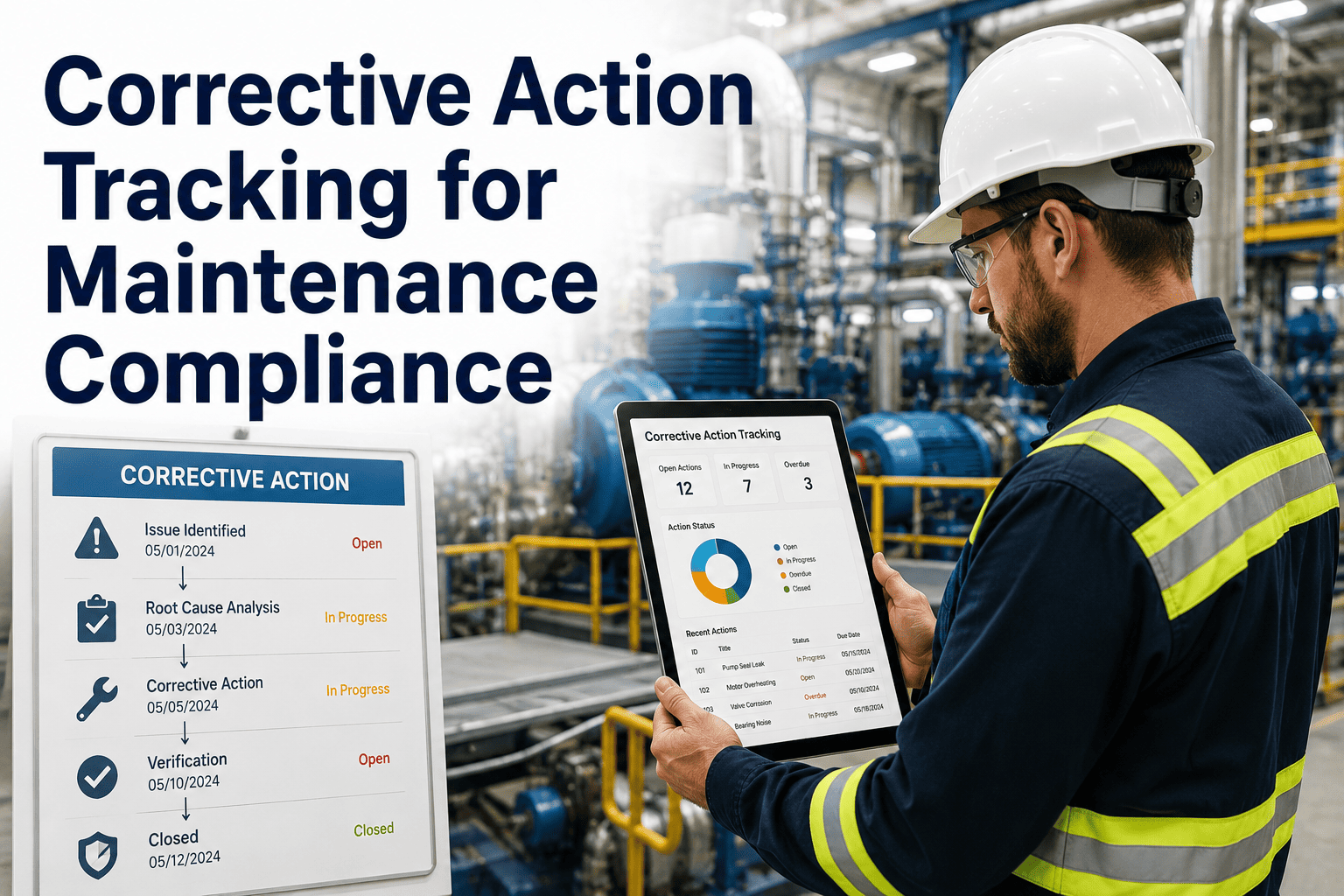
Any inspection Fail result should automatically generate a corrective work order — pre-populated with the asset, the finding description, and the photo evidence. This removes the gap between identifying a problem and creating the repair record that defines whether it gets fixed.
Each completed checklist must capture the technician's digital signature and ID at submission. This creates individual accountability for inspection quality and provides the audit record required by most regulatory frameworks for safety-critical equipment inspections.
Every completed inspection must be instantly retrievable by asset name, date range, technician, or finding type. In incident investigations, the ability to pull 12 months of inspection records in under 60 seconds is the difference between demonstrating compliance and being unable to prove it.
Paper vs Digital: Inspection Quality Comparison
| Feature | Paper Checklist | Digital Checklist (OxMaint) |
|---|---|---|
| Skip prevention | None — fields can be left blank | Required fields enforced at submission |
| Proof of presence | Signature only — no location or time proof | Timestamped photo with GPS location |
| Fail condition response | Manual — separate WO creation required | Auto-generates corrective WO on Fail |
| Audit trail | Physical files — searchable only if filed correctly | Instant digital retrieval by asset, date, or technician |
| Trend visibility | Manual data extraction — hours of work | Automatic — view inspection pass rates by asset |
| Compliance evidence | Paper only — loss risk and tamper risk | Immutable digital record with signature and timestamp |
Build Inspection Checklists That Prove Safety Compliance — Not Just Record It.
OxMaint's digital checklists enforce required fields, capture photo evidence, apply pass-fail logic, and generate corrective work orders automatically. Every inspection leaves a compliance record that holds up under audit — and prevents incidents before they happen.
"I've conducted incident investigations where the paper inspection record showed the asset was inspected the morning of the failure — with every box checked. And the inspection had almost certainly never happened. There's no way to distinguish a real inspection from a fabricated one on paper. With digital checklists that require timestamped photos from a mobile device at the asset location, that's no longer possible. The evidence is either there or it isn't. Beyond compliance, what I consistently see is that digital checklists with required photo fields improve inspection quality dramatically — because technicians know the record is real and searchable. Behavior changes when accountability is tangible."
— Industrial Safety Auditor and Incident Investigator, 25 years in high-consequence maintenance environments