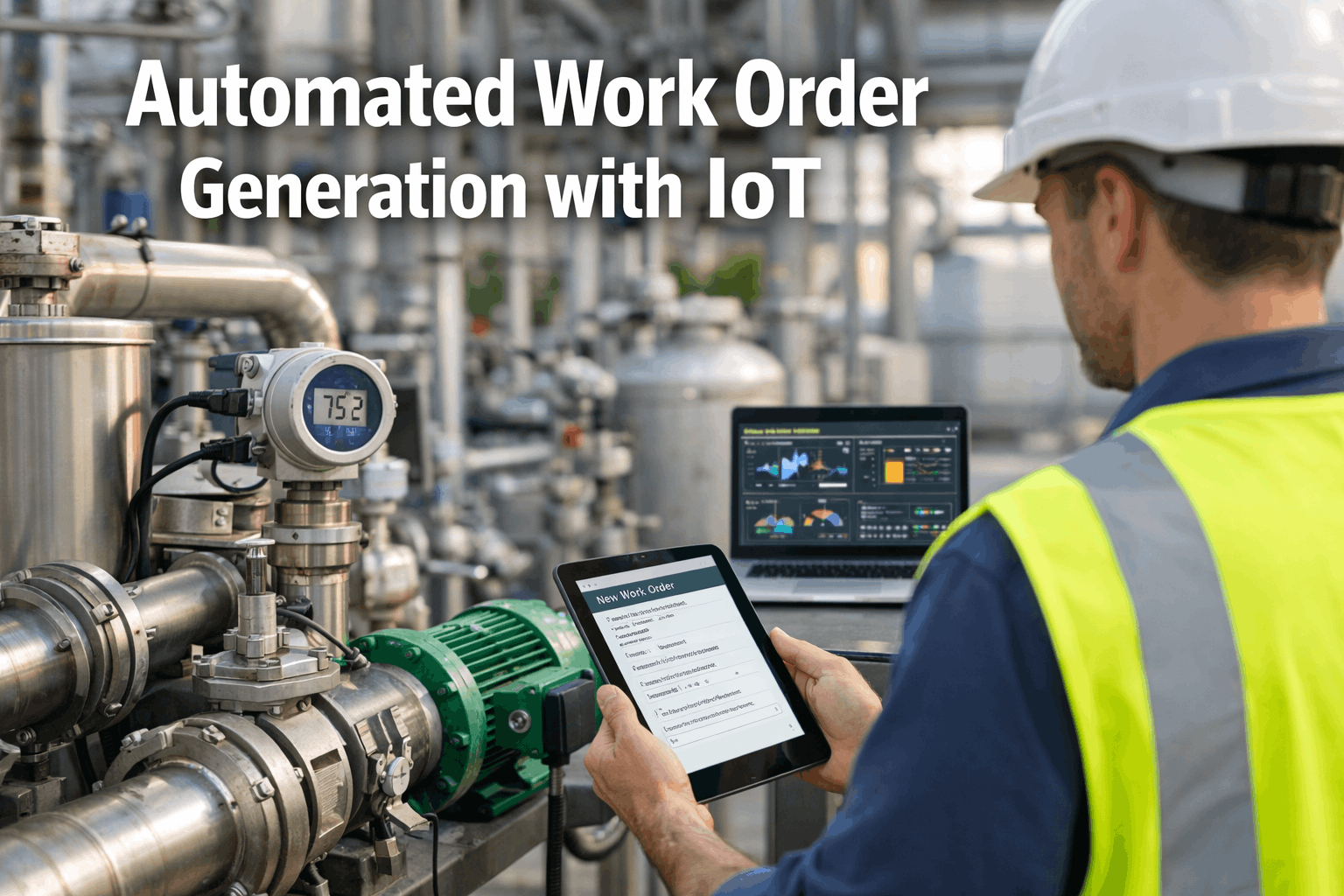
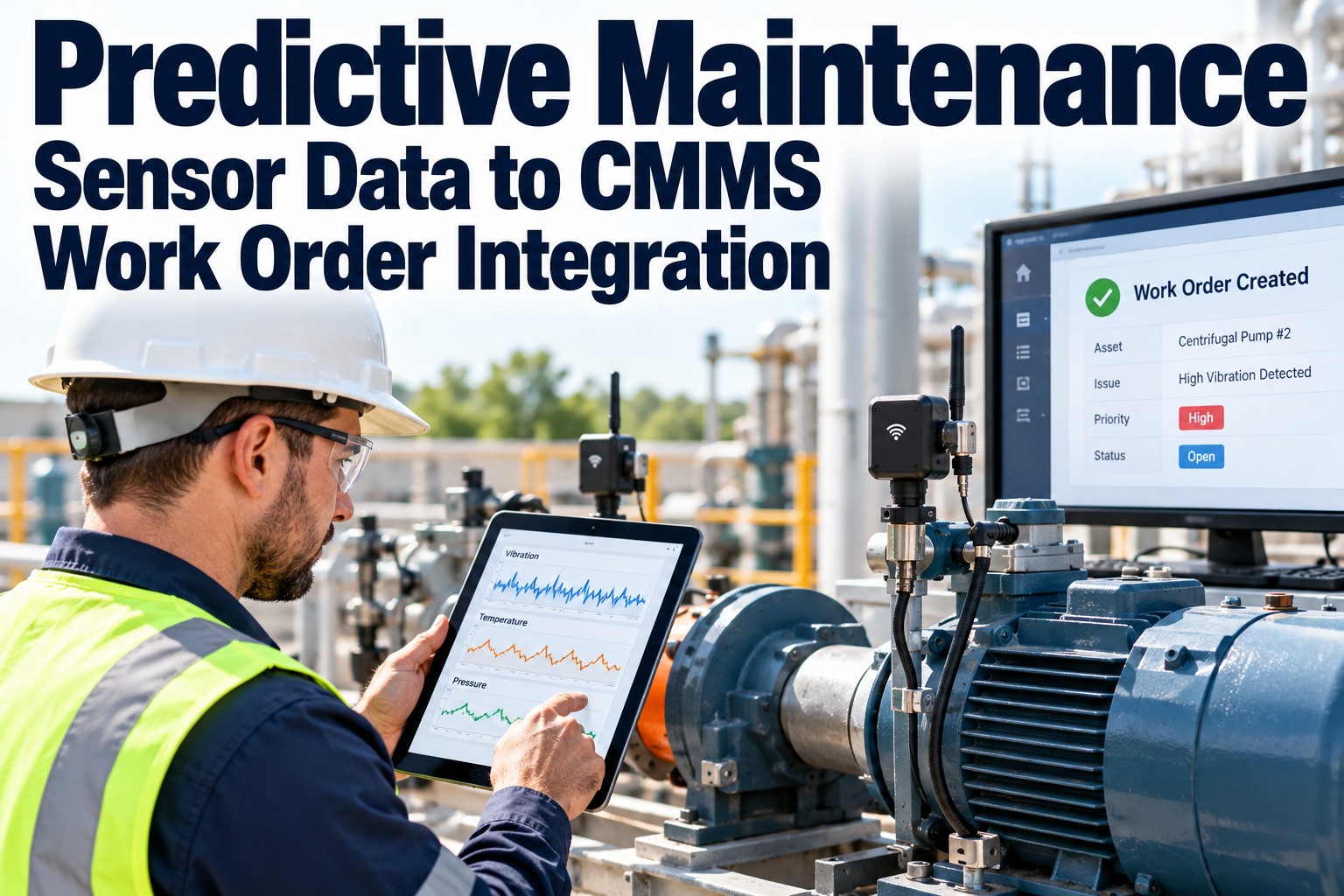
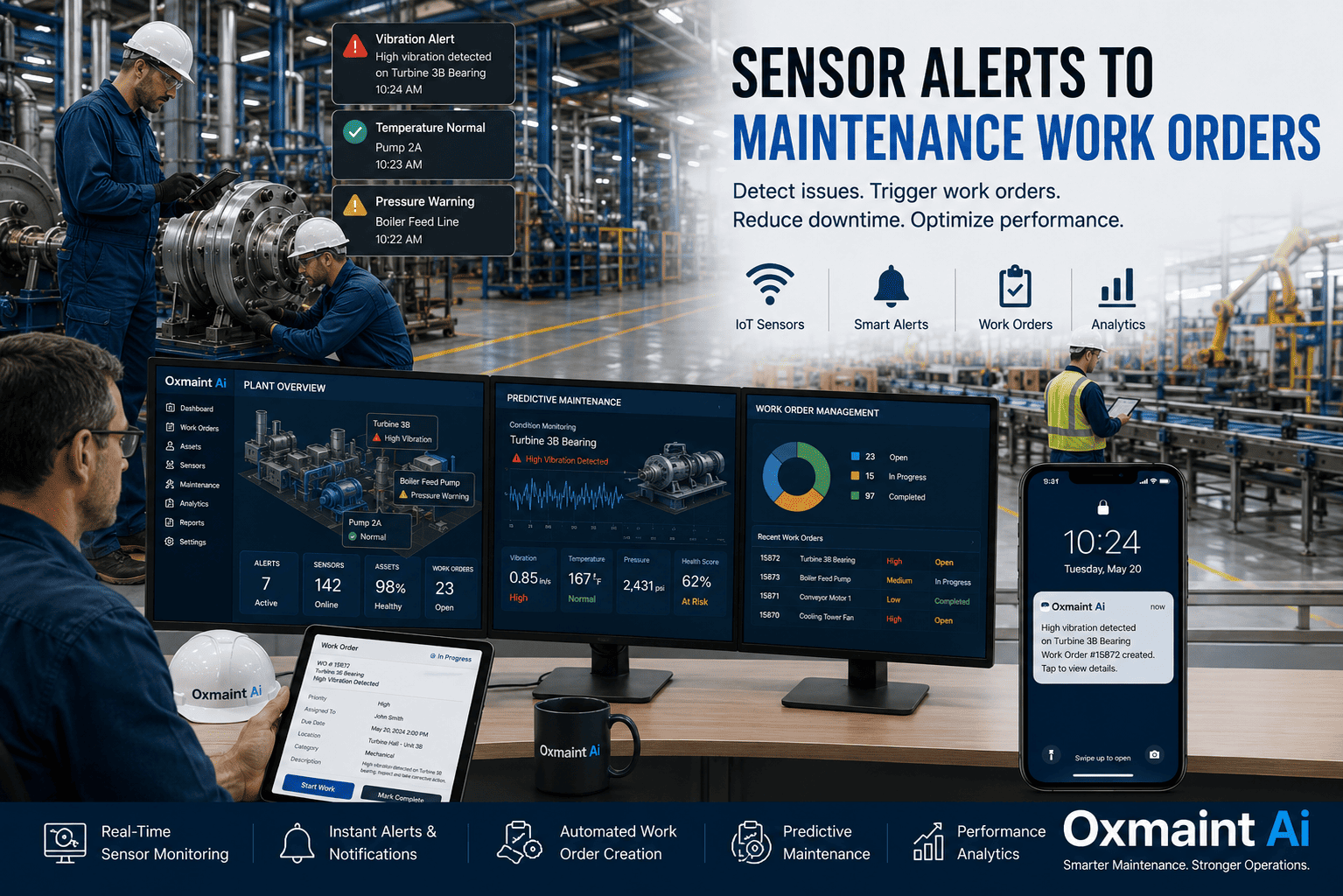
A chilled water flow sensor detects a 23% drop in cooling circuit pressure at 11:47 PM on a Thursday. Nobody is in the facilities office. Nobody checks the BAS dashboard until 7 AM Friday. By then, the residence hall has been without cooling for seven hours, 380 students have filed complaints, and the emergency HVAC contractor charges weekend rates because Friday’s schedule is already full. In a system with automated work order generation, the same pressure drop triggers a work order at 11:47 PM — classified as urgent, assigned to the on-call HVAC technician, pre-loaded with the building schematic and isolation valve locations, and dispatched via push notification before the sensor reading is 60 seconds old. The technician arrives at 12:15 AM, identifies a failed circulation pump seal, replaces it from the emergency parts kit, and restores cooling by 1:30 AM. Total cost: $1,200. Total student complaints: zero. The difference is not the sensor — both scenarios have the same sensor detecting the same fault at the same time. The difference is what happens in the 60 seconds after detection: nothing (manual system) or a complete, classified, assigned, and dispatched work order (automated system). Schedule a demo to see IoT-triggered work order generation running on live sensor data.
<60 sec
from sensor threshold breach to fully classified, assigned work order in the CMMS
65%
of emergency failures preventable when sensors auto-generate work orders before human detection
Zero
human steps between fault detection and technician dispatch with full IoT-CMMS automation
$28K→$1.2K
typical cost reduction when IoT auto-detection replaces occupant-reported emergency discovery
Why Manual Work Order Creation Is the Bottleneck
The sensor detected the fault. The BAS logged it. The data exists. But nothing happens until a human sees it, interprets it, decides it needs action, creates a work order, classifies it, assigns it, and dispatches it. Each step adds minutes to hours. In after-hours scenarios, the delay stretches to 8–12 hours. Automated work order generation eliminates every step between detection and dispatch.
Manual Process (Sensor → Human → Work Order)
Sensor triggers BAS alarm — logged in historian, nobody watching
Operator notices alarm next morning (8–12 hour delay after-hours)
Operator calls supervisor to interpret the alarm meaning
Supervisor decides whether it warrants a work order (judgment call)
Work order created manually — often with vague description
Technician assigned, dispatched by phone — arrives without context
Result: 8–24 hours from detection to response. Damage accumulates. Cost escalates.
Automated Process (Sensor → CMMS → Technician)
Sensor triggers threshold breach — CMMS receives signal instantly
AI classifies: asset, fault type, severity, priority — under 3 seconds
Work order auto-generated with asset history, parts list, schematics
Nearest qualified technician dispatched via push notification
Technician arrives with full context on mobile device
Stakeholders notified simultaneously — zero phone calls
Result: Under 60 seconds from detection to dispatch. Damage contained. Cost minimized.
The Architecture: How Sensors Become Work Orders
Automated work order generation requires four connected layers working in sequence. Each layer adds intelligence to the raw sensor signal, transforming a voltage change on a transducer into a complete, actionable maintenance task.
Layer 1
Sensor Layer: Detection
Vibration sensors
Temperature probes
Pressure transducers
Flow meters
Power monitors
Water leak detectors
IAQ sensors
BAS points
What happens: Physical sensors and BAS control points continuously monitor equipment operating conditions. When a reading exceeds a predefined threshold or deviates from the AI behavioral model, the signal is flagged as an anomaly and transmitted to the analytics layer. No human involvement. The sensor does not know it is creating a work order — it is just reporting a measurement.
↓ signal transmitted in real time ↓
Layer 2
Analytics Layer: Diagnosis
Threshold rules
AI behavioral models
Multi-variable correlation
Failure mode classification
What happens: The analytics engine evaluates whether the anomaly is real (not noise), identifies the probable failure mode, estimates severity, and determines time-to-failure if applicable. Three analysis types work in parallel: threshold monitoring (immediate alerts for acute conditions), trend analysis (rate-of-change detection for gradual degradation), and pattern recognition (AI matching against known failure signatures). The output is a diagnosis, not just an alarm.
↓ diagnosis transmitted to CMMS ↓
Layer 3
CMMS Layer: Work Order Generation
Asset registry
Parts inventory
Technician profiles
Academic calendar
Compliance rules
What happens: The CMMS receives the diagnosis and auto-generates a complete work order: identifies the specific asset from the sensor-to-asset mapping, attaches the maintenance history, checks parts availability, selects the priority level based on asset criticality and impact scoring, identifies the optimal technician based on skill, location, and availability, and sets the scheduling window based on time-to-failure estimate and academic calendar constraints. The work order is complete before any human sees it.
↓ work order dispatched to technician ↓
Layer 4
Execution Layer: Field Response
Push notification
Mobile work order
GPS routing
Parts pre-staging
Photo documentation
What happens: The technician receives a push notification with the complete work order on their mobile device. They see: what failed, where it is, what the sensor data shows, what the asset history says, what parts to bring, and the navigation route to the building. They respond, repair, document, and close — feeding data back to the analytics layer that improves future detection accuracy. The loop closes.
→
The critical integration: Most facilities have sensors (Layer 1) and a CMMS (Layer 3) but no connection between them. The analytics layer (Layer 2) is the bridge that transforms raw sensor data into maintenance intelligence. Without it, sensors generate alarms that humans ignore. With it, sensors generate work orders that technicians execute.
Sensors Without Work Orders Are Expensive Thermometers
OxMaint connects your existing BAS and IoT sensors to the CMMS work order engine — transforming every threshold breach into a classified, assigned, and dispatched maintenance task in under 60 seconds. No human triage. No phone calls. No delays.
The Three Types of Automated Work Orders
Not all sensor-generated work orders are emergencies. The automation engine generates three distinct work order types based on the nature and urgency of the detected condition — each with different classification, priority, and scheduling logic.
When a Sensor Exceeds a Hard Limit
Trigger: A single sensor reading exceeds a predefined critical threshold — temperature above safety limit, water flow indicating active leak, gas concentration above action level, power loss detected.
Work order type: Emergency or Urgent. Auto-classified based on the threshold severity and asset criticality.
Example: Water flow sensor detects 23% pressure drop in chilled water circuit at 11:47 PM. Emergency work order generated: “CHW Circuit 3, Building 7 — pressure loss indicating possible leak or pump failure. On-call HVAC tech dispatched. Isolation valve location: Mech Room B-01.”
Scheduling: Immediate dispatch. No scheduling window — the work order is assigned and dispatched in under 60 seconds.
Use case: Active failures, safety hazards, and conditions that are getting worse every minute without intervention.
When AI Detects a Developing Failure
Trigger: No single reading exceeds a threshold, but the AI detects a degradation trend — vibration amplitude increasing 0.003 in/sec/week, discharge pressure rising against stable load, energy consumption deviating from the behavioral model.
Work order type: Predictive. Priority set by estimated time-to-failure and consequence severity.
Example: AI detects chiller compressor bearing vibration trending upward over 3 weeks. Predictive work order generated: “Chiller #2 drive-end bearing — 94% probability of failure in 18–22 days. Schedule bearing replacement during Thanksgiving break. Parts: SKF 6312-2RS (in stock).”
Scheduling: Scheduled for the optimal maintenance window — academic break, weekend, or low-occupancy period — based on the time-to-failure estimate and academic calendar.
Use case: Gradual degradation detectable weeks before failure. The highest-value work order type — prevents the $340K emergency at $28K planned cost.
When Operating Conditions Cross an Efficiency Threshold
Trigger: A sensor detects a condition that is not a failure and not trending toward failure, but is causing waste or reduced performance — filter differential pressure exceeding optimal range, economizer damper not modulating correctly, after-hours equipment operation.
Work order type: Corrective (optimization). Priority set by waste magnitude and energy cost impact.
Example: Energy model detects AHU-7 consuming 46% above expected baseline. AI identifies stuck economizer damper. Corrective work order generated: “AHU-7 economizer damper stuck at 40%. Energy waste: $2,400/month. Inspect damper actuator and linkage. Assign to next available HVAC tech.”
Scheduling: Scheduled within the next 1–5 business days based on waste magnitude. Not an emergency, but every day of delay costs measurable dollars.
Use case: Energy waste, efficiency degradation, and operating conditions that cost money without causing failure. Generates continuous savings.
Eight Real-World Use Cases: Sensor → Work Order → Resolution
01
Water Leak Detection → Emergency Plumbing WO
Flow sensor detects abnormal pressure drop in domestic water main at 2 AM. CMMS generates emergency work order with building schematic, isolation valve location, and at-risk adjacent spaces (IT server room). On-call plumber dispatched via push notification. Arrival: 18 minutes. Damage contained to one room. Without automation: discovered at 7 AM — 5 hours of uncontained water. Cost difference: $8K vs. $220K.
02
Chiller Bearing Degradation → Predictive WO
Vibration sensor on Chiller #2 detects bearing defect frequency trending upward over 3 weeks. AI estimates 94% failure probability within 18–22 days. CMMS generates predictive work order scheduled for Thanksgiving break. Parts pre-ordered. Bearing replaced in 6 hours during break. Without automation: compressor seizes mid-August. Emergency replacement: $340K + 5 days downtime. Planned repair cost: $28K.
03
HVAC Energy Waste → Optimization WO
Energy model detects AHU-7 consuming 46% above expected baseline for current outdoor temperature and occupancy. AI identifies stuck economizer damper. CMMS generates corrective work order with estimated monthly waste ($2,400). HVAC tech finds disconnected actuator linkage. Repair: 45 minutes, $0 parts. Verified savings: $2,280/month ongoing. Without automation: waste continues undetected until next annual energy audit.
04
Elevator Door Fault → Vendor Dispatch WO
Elevator controller logs increasing door cycle times and motor current spikes. CMMS generates work order assigned to the elevator service contractor with specific fault codes, callback history, and ADA compliance flag. Contractor dispatched automatically with building access details. Door operator motor replaced before entrapment occurs. Without automation: entrapment event triggers emergency dispatch at premium rates + ADA complaint.
05
IAQ Threshold Breach → HVAC Investigation WO
CO2 sensor in a 300-seat lecture hall exceeds 1,200 ppm (ASHRAE 62.1 action threshold) during a 2 PM class. CMMS generates an HVAC investigation work order flagged for ASHRAE compliance. Tech finds outdoor air damper stuck at minimum position. Damper freed and verified. CO2 drops below 800 ppm within 30 minutes. Without automation: students experience headaches and fatigue. Nobody connects the symptom to the HVAC fault.
06
Electrical Power Quality → Switchgear Inspection WO
Power quality monitor detects voltage harmonic distortion increasing on the main bus serving the science building. CMMS generates a predictive work order for switchgear inspection by a qualified electrician. Loose bus bar connection found and torqued. Without automation: progressive heating leads to arc flash event — $200K–$1M in damage, potential injury, building closure.
07
Filter DP Threshold → PM Acceleration WO
Filter differential pressure sensor on AHU-12 exceeds the replacement threshold 3 weeks before the scheduled PM. CMMS automatically accelerates the filter change: generates a work order, confirms filter stock availability, and schedules the replacement for the next available maintenance window. Without automation: dirty filter runs for 3 more weeks — reducing airflow, increasing energy consumption 5–8%, and degrading IAQ.
08
After-Hours Operation → Schedule Correction WO
Energy monitoring detects HVAC system in Building 9 running at full capacity at 11 PM on a Saturday — building confirmed unoccupied via access control data. CMMS generates a controls investigation work order: “Building 9 AHU-1 operating during unoccupied period. BAS schedule override suspected. Estimated waste: $180/day.” Controls tech finds a manual override from an event 2 weeks ago that was never removed. Energy savings: $180/day recovered.
Every Sensor on Your Campus Is Generating Data. Turn It Into Work Orders.
OxMaint connects to your existing BAS, IoT sensors, and building systems to auto-generate classified, assigned, and dispatched work orders from every threshold breach, every trend anomaly, and every efficiency deviation — 24/7, with zero human triage.
What the Auto-Generated Work Order Contains
An automated work order is not a bare alert with a sensor reading. It is a complete maintenance task pre-loaded with every piece of information the technician needs to respond without a phone call, a shop visit, or a diagnostic trip. Sign up free to see a fully populated auto-generated work order from your connected building data.
Trigger source: Sensor type, reading value, threshold that was exceeded, timestamp of detection
Asset identification: Specific equipment from sensor-to-asset mapping (not just building/room — the actual asset tag)
AI diagnosis: Probable failure mode, confidence score, estimated severity, and time-to-failure (if predictive)
Maintenance history: Last 5 work orders on this asset, most common failure modes, parts previously used
Recommended action: AI-suggested repair based on diagnosis and asset history (e.g., “inspect damper actuator and linkage”)
Parts required: Suggested parts with part numbers, current stock level, and storeroom location
Priority and classification: Auto-scored from asset criticality, safety impact, student impact, and compliance relevance
Assignment: Technician selected by skill match, GPS proximity, current availability, and on-call schedule
Building context: Building schematic, isolation valve/breaker locations, at-risk adjacent spaces, emergency contacts
Cost comparison: Estimated cost if repaired now vs. cost if failure occurs (for predictive work orders)
The technician receives all of this on their mobile device before they arrive at the building. Zero diagnostic trips. Zero phone calls to the office. Zero searching for asset records.
Implementation: From BAS to Auto-Generated Work Orders in 30 Days
BAS and Sensor Integration
✓ Connect BAS via BACnet/Modbus/API — temperature, pressure, flow, equipment status
✓ Map every sensor point to a specific asset in the CMMS asset registry
✓ Configure threshold rules for critical systems: water flow, temperature, power, gas
✓ Establish baseline behavioral models for AI trend detection (begins learning immediately)
Work Order Generation Rules
✓ Map each sensor trigger type to a work order template: emergency, predictive, or optimization
✓ Configure auto-classification: priority scoring from asset criticality + sensor severity + impact
✓ Set up technician auto-assignment rules: skill matching, GPS routing, on-call schedules
✓ Configure notification cascade: who gets notified for each trigger type and severity tier
Parallel Run and Go-Live
✓ Run auto-generation in parallel with manual process — validate that every auto-WO is accurate and complete
✓ Tune thresholds to eliminate false positives (target: under 5% false positive rate)
✓ Train technicians on receiving and executing auto-generated work orders via mobile
✓ Go live: auto-generated work orders enter the production queue alongside manual and PM work orders
By day 30, every connected sensor on your campus is generating work orders automatically when conditions warrant — classified, assigned, and dispatched without human triage. The system improves continuously: every closed work order feeds data back to the AI, improving diagnosis accuracy from 82–85% in month 1 to 92–96% by month 12. Start your free trial and have auto-generated work orders flowing from your BAS within the first two weeks.
The Financial Impact: What Automation Changes
65%↓
Emergency failures prevented through sensor-triggered early detection — catching faults hours or weeks before human discovery
$1.3M+
Annual savings from combined emergency prevention ($800K), energy optimization ($350K), and asset life extension ($200K+)
<60 sec
Detection-to-dispatch time replacing 8–24 hour manual discovery and triage cycles
92–96%
AI diagnosis accuracy by month 12 — up from 82–85% at deployment — through continuous feedback loop learning
Your Sensors Already Detect the Problem. OxMaint Turns Detection Into Action.
Every BAS sensor, IoT device, and building monitor on your campus is generating the data that automated work order generation needs. OxMaint connects to your existing systems, applies AI diagnosis, and generates complete work orders dispatched to the right technician in under 60 seconds — 24/7, with zero human triage. 30 days to deployment. ROI from the first prevented emergency.
Frequently Asked Questions
Do we need new sensors to use automated work order generation?
No. Most facilities already have BAS systems generating the temperature, pressure, flow, and equipment status data that automated work order generation requires. OxMaint connects to existing BAS platforms (Siemens, JCI, Honeywell, Tridium, Schneider Electric) via BACnet, Modbus, and API. For 80%+ of buildings, existing BAS data is sufficient to begin auto-generating work orders within the first two weeks. Targeted IoT sensor additions ($200–$500 per point) enhance detection on specific high-value systems but are not prerequisites for starting.
Sign up free to connect your existing BAS and see auto-generated work orders from your building data.
How do we prevent false positives from flooding the work order queue?
Three mechanisms prevent false positive overload. First, AI validation: the analytics layer evaluates whether a sensor reading is a genuine anomaly or noise — filtering out transient spikes, sensor calibration drift, and normal operational variation. Second, confidence thresholds: work orders are only auto-generated when AI confidence exceeds 80% for immediate alerts and 85% for predictive work orders. Third, a 2-week parallel run during implementation tunes the thresholds against your specific building behavior. Production deployments achieve under 5% false positive rates by the end of month one.
Can the system still generate work orders if a sensor fails or goes offline?
Yes — sensor health monitoring is built into the platform. When a sensor goes offline, stops reporting, or begins producing readings outside its calibration range, the system generates a sensor maintenance work order to investigate and repair the monitoring infrastructure. Meanwhile, the CMMS continues accepting manual work order submissions and PM schedules normally. No sensor-dependent capability prevents manual operation from continuing. The system degrades gracefully, not catastrophically.
Does automated generation replace the maintenance planner’s role?
No — it elevates the role. The planner shifts from manual work order creation and triage (low-value, time-consuming) to reviewing AI-generated work orders for scheduling optimization and resource allocation (high-value, strategic). For threshold-triggered emergencies, auto-dispatch is appropriate and no planner review is needed. For predictive and optimization work orders, the planner reviews the AI recommendation, confirms parts availability, selects the maintenance window, and approves. The planner makes scheduling decisions, not diagnostic decisions.
Book a demo to see how the planner approval workflow integrates with auto-generated work orders.
What is the realistic timeline and cost for implementing automated work order generation?
Implementation follows a 30-day timeline: Week 1 connects BAS and maps sensors to assets. Week 2 configures work order generation rules and auto-assignment. Weeks 3–4 run parallel validation and go live. For buildings already connected to a BAS, no new hardware is needed — the cost is the platform subscription. For buildings requiring IoT sensor additions, hardware costs $200–$500 per monitored point. ROI begins with the first prevented emergency: a single avoided chiller failure ($150K–$500K) or contained water leak ($200K+ damage reduction) typically covers the entire annual platform cost multiple times over.