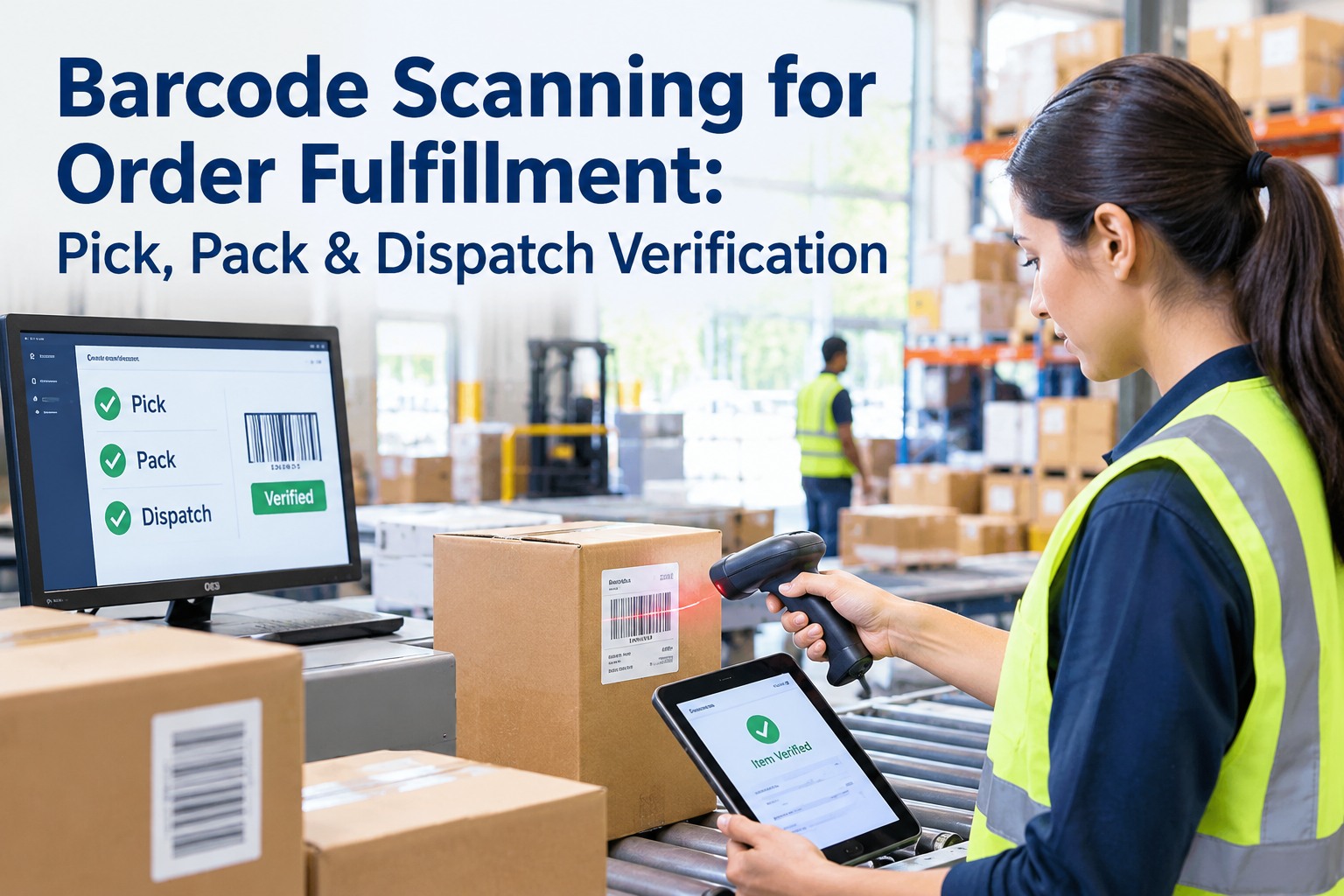
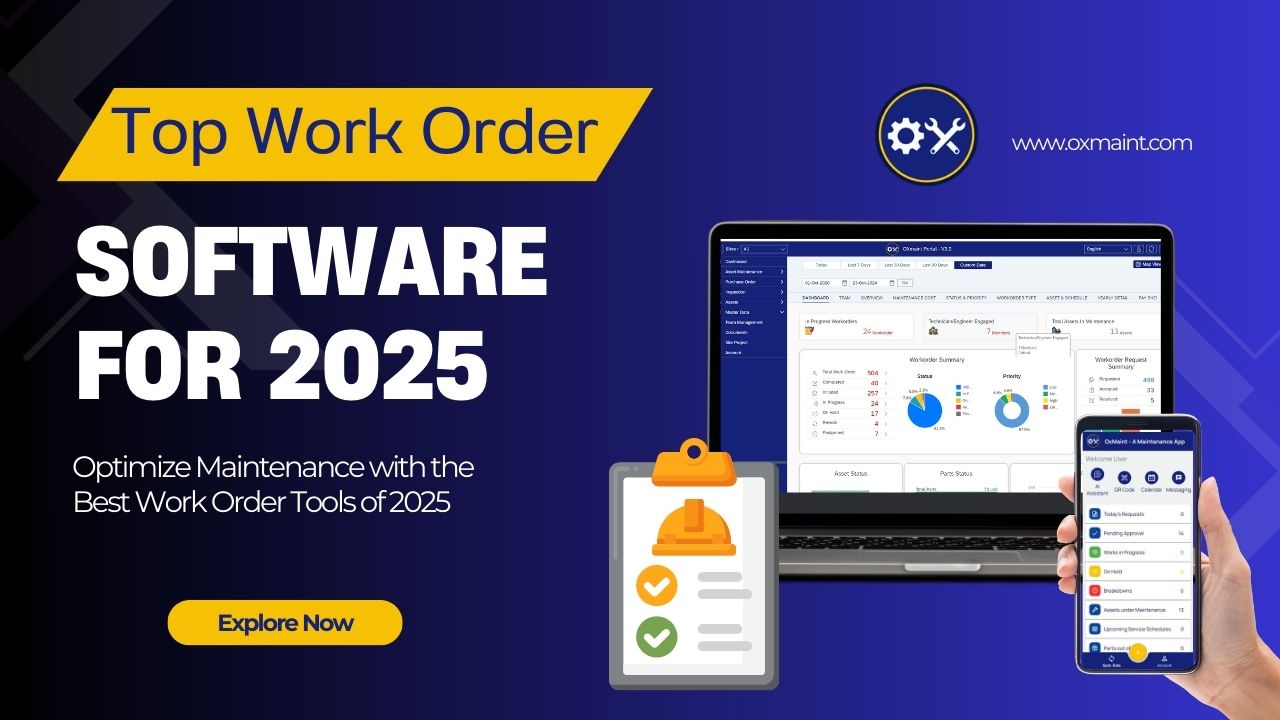
A picker grabs the item that looks right. A packer trusts the tote. A shipping label gets slapped on without a second look. Every one of those is a guess — and a guess is how the wrong order reaches the customer. A scan turns each step from trust into proof. OXMAINT AI is the AI-powered maintenance management software that turns every failed scan into a ranked work order and keeps the scanners and printers reading true — or book a demo of the scan-exception loop in OXMAINT AI.
BARCODE SCANNING · PICK, PACK & DISPATCH VERIFICATION · 2026
Barcode Scanning for Order Fulfillment: Pick, Pack & Dispatch Verification
Three gates stand between a picked item and a shipped order — and a scan at each one is the difference between proof and a guess. OXMAINT AI is the AI-powered CMMS that turns every mismatch or no-read into a logged issue and a ranked work order, and keeps the scanners, printers and verifiers calibrated so read rates hold — faster exception-to-work-order action and order accuracy that doesn't drift shift to shift.
1 · Pick scan
2 · Pack scan
3 · Dispatch scan
4 · Exception → WO
23%
of e-commerce returns happen because the customer received the wrong item
$22–$75
cost of a single mis-pick once re-ship and returns processing are counted
1 in 300
manual keystrokes carries an error — a scan verifies instead of trusting the keying
2–12×
faster per carton than a manual count at receiving — 5–15s versus 30–60s
Three Gates Where a Scan Saves the Order
Order accuracy isn't one check at the end — it's a scan at each handoff, each catching a different error before it moves downstream. OXMAINT AI registers the scanner and printer at every gate, so a failed scan always resolves to an asset and an owner — start free and put every scan point on OXMAINT AI.
1
Pick Verification
Scan item + location to the order line
Confirms the right SKU in the right quantity from the right bin. A wrong-item scan holds the line before it ever reaches pack.
OXMAINT AI: raises a re-pick task and trends mis-picks by picker and zone.
2
Pack Verification
Scan each unit into the carton
Every unit scanned against the order as it is packed — a missing, extra or swapped item stops the carton from being sealed.
OXMAINT AI: raises a repack task and flags the pack station if it repeats.
3
Dispatch Verification
Scan label + carton to the manifest
The shipping label, address and carrier verified against the order before the carton leaves the dock. The last scan before custody passes.
OXMAINT AI: raises a re-label task and queues the printer if reads keep failing.
Four Scan Outcomes — and What Each Triggers
Every scan returns one of four verdicts, and each one drives a different action. The point of verification is that nothing ambiguous moves forward on its own.
MATCH
Barcode equals the expected value. The unit advances to the next gate — no action, no delay.
MISMATCH
Scanned value differs from the order. The unit is held and routed to correction before it moves.
NO-READ
Code unreadable or missing. Re-present or re-label — and if it recurs, the scanner or printer is the cause.
DUPLICATE
Same unit scanned twice or a cloned label. Flagged and investigated so one item isn't shipped as two.
Why Scans Fail: Barcode Print Quality
A no-read is rarely the scanner's fault first — it's usually the code. Barcode quality is a measurable grade under ISO/IEC 15416 (1D) and ISO/IEC 15415 (2D), scored A to F; GS1 asks for a minimum passing grade on trade labels. Below the line, reads get slow, then fail.
A4.0 — crisp contrast, scans first time, every time
B3.0 — reliable; the usual real-world target on labels
C2.0 — marginal; slower reads, re-scans creeping in
D1.0 — unreliable; no-reads common, line stalls
F0.0 — fails verification; re-print required
What drags the grade down is fixable, and most of it traces to a machine OXMAINT AI already maintains: low contrast or faint print from a worn head, a damaged or smudged label, too little quiet zone, the wrong symbology, or glare on a curved pack. Schedule a walkthrough of the no-read board in OXMAINT AI.
OXMAINT AI · SCAN VERIFICATION · LINE 2 · 14:20
34
held: no-read / mismatch
PRINTER · Pack 4Label grade slipping to D — print head wornWO 6142 raised
PICK · Zone C11 SKU mismatches held this shift, one pickerRe-pick queued
TUNNEL · DispatchNo-read rate climbing — lens or focusPM due today
LABEL · Outbound3 mismatched labels held, re-printedClosed
Keep the Scanners & Printers Reading True
Scan verification only works if the hardware does. A worn print head, a dirty lens or an out-of-calibration verifier quietly drops read rates until the line slows and no-reads pile up — and keeping that hardware healthy is exactly what OXMAINT AI is built for.
Handheld & Ring Scanners
Cracked windows, dead batteries and trigger wear cause slow reads and mis-scans at the shelf.
Clean & battery checkWeekly
Fixed Tunnel Scanners
Lens dust, focus drift and belt-speed changes push up no-reads on the conveyor.
Lens & read-rateMonthly
Label Printers & Applicators
Worn print heads and low ribbon produce faint, skewed codes that grade D or below.
Head & placementMonthly
Barcode Verifiers
An uncalibrated verifier passes bad labels and fails good ones — grading drifts untrusted.
CalibrationPer schedule
How OXMAINT AI Runs Scan Verification
OXMAINT AI doesn't replace your scanners or your WMS — it is the AI-powered maintenance management software that makes their flags matter and keeps them accurate. Put your first line on it when you start free and build your scan-point register in OXMAINT AI.
Scan-Point Asset Register
Every handheld, tunnel scanner, printer and verifier — by gate and line, with model, warranty and PM cadence.
Exception → Work Order
Each mismatch, no-read or duplicate becomes a ranked work order on the order, the station or the machine.
First-Pass-Yield Tracking
Clean-scan rate per gate, line and shift, so a dip is seen before it becomes a batch of returns.
PM & Calibration
Read-rate checks, print-head service and verifier calibration scheduled so scan accuracy doesn't drift.
No-Read Trend Analytics
No-reads and mismatches trended by scanner, printer and picker so the root cause is fixed, not the symptom.
Multi-Site Scan Board
One view across every line and DC — scans, holds, first-pass yield, open work orders — with full history.
A No-Read You Ignore Is a Return You Pay For.
The gap between a scanner and a clean shipment is the work order — who was told, what they fixed, whether the printer behind the bad label got serviced. OXMAINT AI closes that gap on one screen, per gate, per line.
EXPERT REVIEW
Written for fulfillment, quality and maintenance teams. OXMAINT AI is a maintenance management platform, not a WMS or scanning engine — it works alongside your scanners and label printers, turning their flags into tracked work orders and keeping the hardware calibrated so read rates hold. Barcode grades follow ISO/IEC 15416 and 15415; accuracy and return figures vary by operation, and the numbers here are industry benchmarks, not a guarantee of results.
Frequently Asked Questions
Does OXMAINT AI do the barcode scanning itself?
No — OXMAINT AI is the maintenance and work-order layer, not the scanner or the WMS. It takes the mismatches and no-reads your scanners produce, turns each into a ranked work order, and keeps the hardware calibrated so reads stay reliable.
Start free and connect your first line in OXMAINT AI.
Where should a scan happen in the fulfillment flow?
At three gates: pick (item and bin to the order line), pack (each unit into the carton), and dispatch (label and carton to the manifest). Each gate catches a different error before it moves on.
Book a demo of the three-gate flow in OXMAINT AI.
What makes a barcode fail to scan?
What happens when a scan is held?
Can it show first-pass yield across sites?
Turn Every Scan Into a Shipment You Can Trust.
Put your scanners, printers and verifiers on OXMAINT AI: scan-exception routing to work orders, PM and calibration that keeps read rates high, and a first-pass-yield board across every gate and site — so the order that was picked is the order that ships.