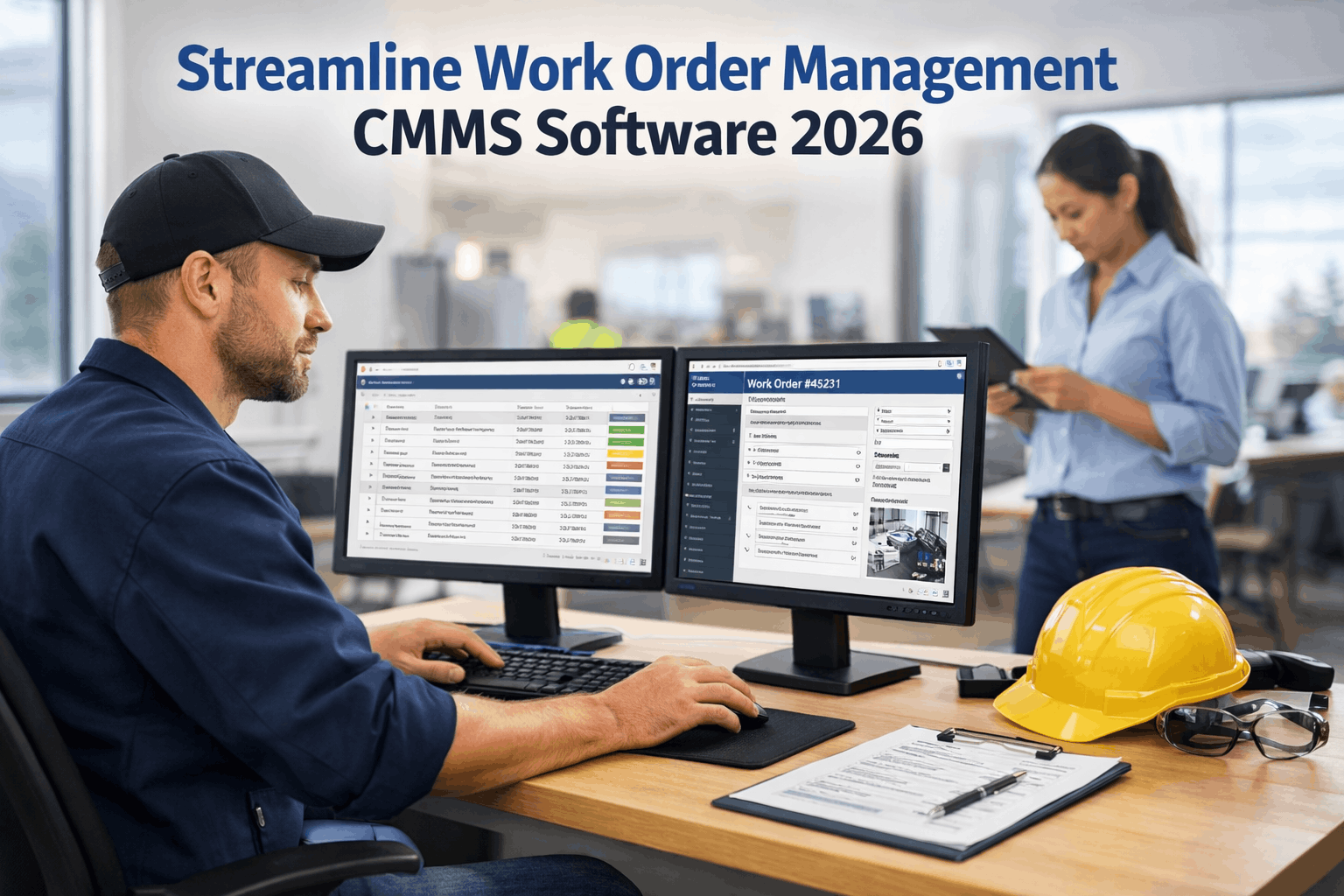
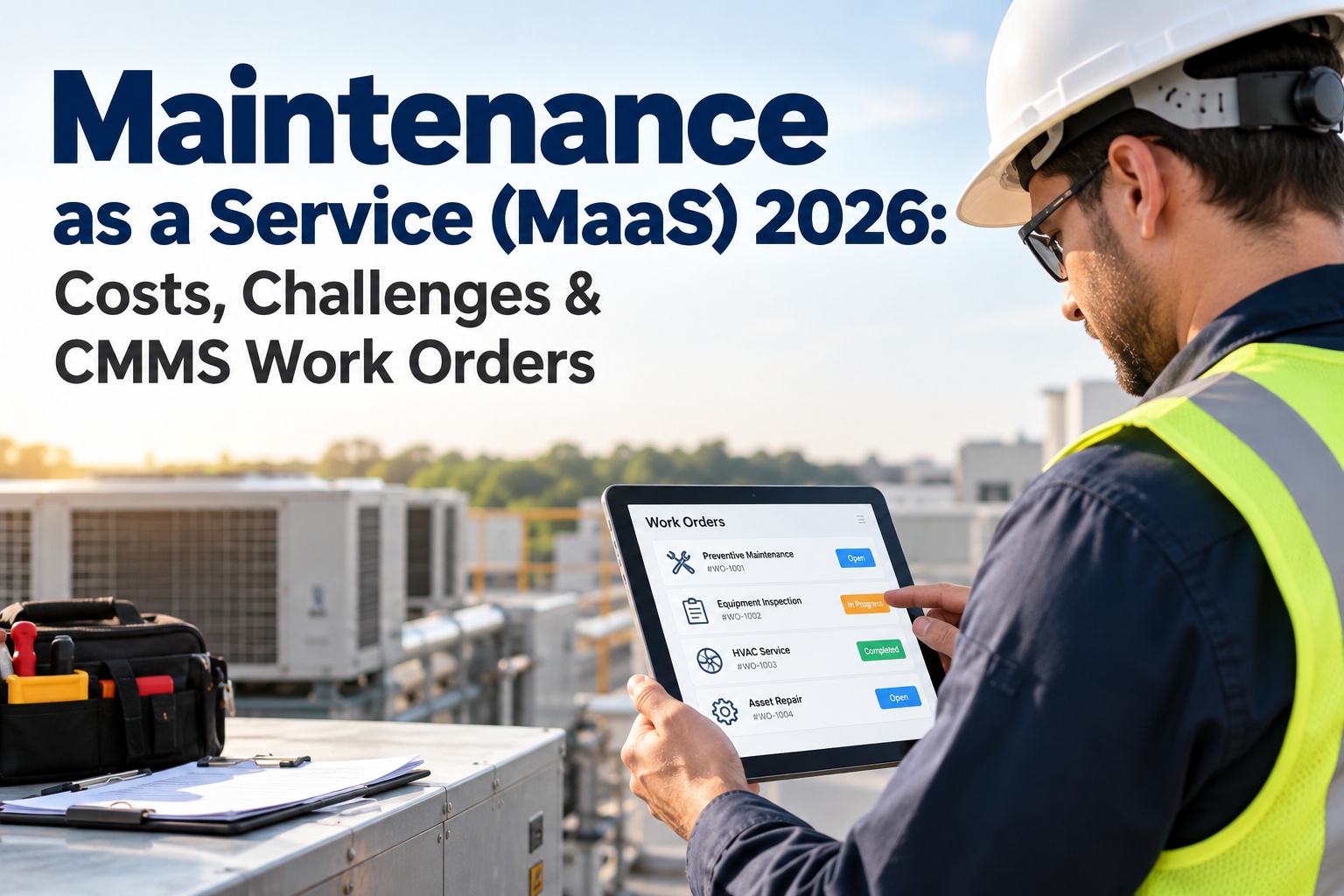
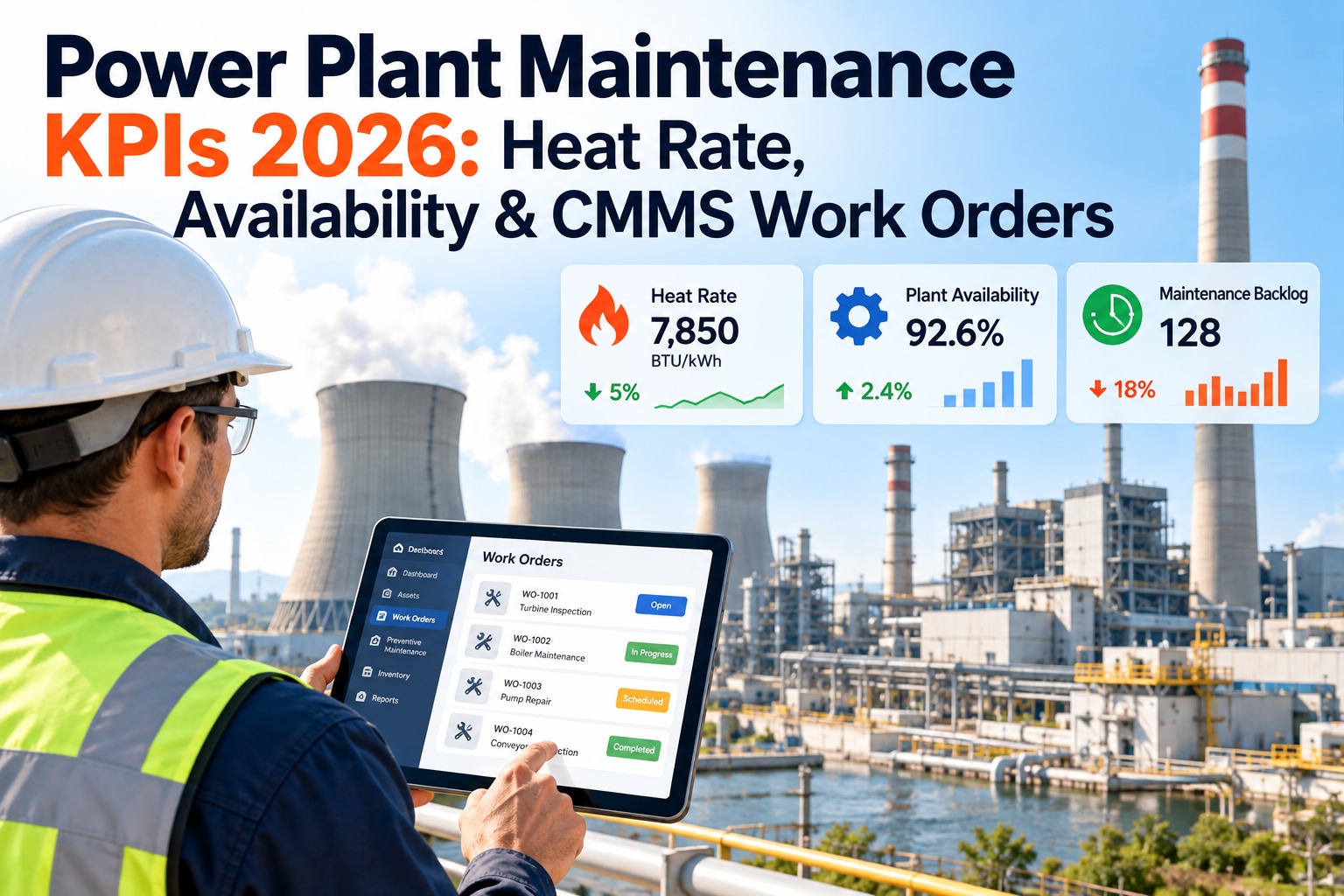
The average maintenance team loses 30–45% of available wrench time to work order friction: searching for asset history, tracking down parts, waiting for approvals, re-entering data across disconnected systems, and chasing technicians for status updates. A $12M annual maintenance budget with 35% administrative waste means $4.2M spent on process overhead instead of repairs. CMMS work order management eliminates this friction by automating creation, assignment, tracking, and closure — turning every maintenance request into a structured workflow that moves from submission to completion without manual handoffs, lost paperwork, or invisible backlogs. The result is 25–40% more completed work orders per technician, 60–80% faster response times, and maintenance costs that drop $0.50–$1.50 per square foot within the first year. Schedule a demo to see automated work order management running in a live CMMS environment.
The Work Order Problem
35%
of technician time consumed by administrative friction — not repairs
6.3 days
average work order response time without CMMS automation
<24 hrs
response time with automated routing, priority scoring, and mobile dispatch
3–5×
cost multiplier when reactive work orders replace planned maintenance
Why Manual Work Order Systems Break Down
Manual systems — email requests, paper forms, whiteboard assignments, spreadsheet trackers — fail at scale because they create information silos. The requester does not know if their work order was received. The supervisor does not know the current backlog size. The technician does not know which parts are available. The CFO does not know whether maintenance is running over budget. Every stakeholder operates on incomplete information, and every decision made from incomplete information costs money.
Lost Requests
23%
of verbal and email maintenance requests never become work orders. They are forgotten, duplicated, or misrouted before reaching a technician.
Approval Bottlenecks
4.2 days
average delay from work order submission to approval when approvals require manual signatures or email chains instead of mobile one-tap authorization.
Invisible Backlog
340+
open work orders hidden across spreadsheets, whiteboards, and email threads at a typical mid-size facility — with no priority ranking or aging visibility.
No Closure Loop
41%
of completed work orders in manual systems are never formally closed — meaning no recorded labor hours, no parts consumption, no root cause, and no cost data for future decisions.
The cost of these failures is not theoretical. It is the $4.2M in wasted labor, the 6-day response time that turns a $500 repair into a $15,000 emergency, and the backlog that grows by 12–18% per year because nobody can see it clearly enough to manage it.
The 7-Step Work Order Lifecycle: From Request to Insight
Effective CMMS work order management is not a single feature — it is an end-to-end lifecycle that captures every maintenance event from the moment someone reports a problem through completion, closure, and the historical data that improves future decisions. Each step eliminates a specific friction point that manual systems leave unresolved.
Before and After: What Changes When Work Orders Are Automated
Manual / Spreadsheet
CMMS Automated
Request capture
Verbal, email, sticky notes — 23% lost
QR scan, mobile app, IoT, AI — 100% captured
Priority ranking
Supervisor judgment, squeaky wheel
AI scoring by criticality, safety, cost
Approval time
4.2 days average (email chains)
Under 15 minutes (mobile push)
Assignment method
Morning meeting, whiteboard
Auto-dispatch by skill, location, load
Field documentation
Paper clipboard, entered later (if ever)
Mobile real-time: photos, time, parts
Closure rate
59% formally closed with data
100% — mandatory fields enforced
Response time
6.3 days average
Under 24 hours
Backlog visibility
Unknown until audit or crisis
Real-time dashboard with aging analysis
Cost tracking
Estimated from invoices quarterly
Per work order: labor + parts + contractor
Every row in this table is a specific friction point that CMMS automation eliminates. The cumulative effect is not incremental improvement — it is a structural transformation in how maintenance work flows from request to completion.
Five Features That Deliver the Highest ROI in 2026
01
QR Code Asset-Linked Requests
Every maintainable asset gets a QR code. Anyone — building occupant, custodian, teacher, student — scans the code on their phone and submits a maintenance request pre-populated with asset type, location, and maintenance history. No app download required. No training needed. The work order arrives in the CMMS with the correct asset record already attached. Eliminates the “we got a call about something leaking somewhere in Building 7” problem entirely.
02
IoT and Sensor-Triggered Work Orders
When a vibration sensor detects bearing degradation, a BAS reports a temperature anomaly, or an energy meter shows consumption outside normal range, the CMMS generates a work order automatically — before any human notices the problem. The work order includes the sensor reading, the asset behavioral model deviation, the AI risk score, and the recommended repair action. The technician receives a predictive work order for a problem that has not yet become visible.
03
Mobile-First Technician Interface
Everything the technician needs is on their phone: today’s work queue sorted by priority, navigation to the next job, complete asset history, digital checklists, parts availability check, photo capture, time logging, and closure documentation. No return to the office. No paper forms. No end-of-day data entry. The work order is documented as the work happens — not reconstructed from memory hours later.
04
Recurring PM Auto-Generation
Preventive maintenance work orders generate automatically at configured frequencies: time-based (monthly filter changes), meter-based (every 500 runtime hours), and condition-based (when sensor readings cross threshold). Each PM work order includes the specific checklist for that asset type, the parts required, the estimated duration, and the skill requirement. PM compliance tracks automatically — no manual calendar management.
Sign up free and configure recurring PM schedules for your first 50 assets within the first week.
Financial Impact: What Streamlined Work Orders Save
Savings Category
Small (50K–200K sf)
Mid (200K–1M sf)
Large (1M–5M sf)
Emergency failure prevention
$80K–$200K
$400K–$1.2M
$1.5M–$4M
Technician productivity gain
$40K–$80K
$180K–$350K
$500K–$1.2M
Report and admin elimination
$25K–$50K
$100K–$250K
$320K–$600K
Energy correction from PM
$15K–$50K
$100K–$350K
$300K–$800K
Total annual value
$160K–$380K
$780K–$2.15M
$2.6M–$6.6M
$0.50–$1.50/sf
maintenance cost reduction
Every dollar saved comes from the same source: work orders that flow faster, documentation that generates itself, decisions made from data instead of guesswork, and emergencies prevented because PM actually gets completed on schedule.
Implementation: From Manual to Automated in 30 Days
Week 1
Foundation
Import asset registry with locations, types, and criticality. Configure work order categories, priority scoring rules, and approval tiers. Set up technician profiles with skills, certifications, and shift schedules.
Week 2
Activation
Deploy mobile app to all technicians. Activate QR code request capture at high-traffic assets. Enable automated work order routing with priority scoring and approval workflows. First digital work orders flowing.
Week 3
PM Integration
Configure recurring PM schedules for all asset categories. Activate IoT sensor triggers where BAS or monitoring systems exist. Enable parts inventory tracking linked to work orders. PM work orders generating automatically.
Week 4
Intelligence
Activate KPI dashboards for all stakeholder roles. Retire manual spreadsheets and whiteboard systems. Establish baseline metrics: response time, closure rate, PM compliance, emergency ratio. Continuous improvement begins.
By day 30, every work order is digital, every request is tracked, every technician works from their phone, every approval happens via mobile push, and every KPI is visible in real time. The manual system is retired — not because of a mandate, but because nobody needs it anymore.
Your Work Orders Should Flow. Not Wait.
Oxmaint automates every step of the work order lifecycle: request capture from QR codes and sensors, AI priority scoring, tiered approval routing, mobile dispatch, field documentation, and real-time KPI dashboards. Start free. Deploy in 30 days. See measurable results from week one.
Frequently Asked Questions
How quickly can we transition from spreadsheets to CMMS work order management?
Full deployment takes 30 days through four weekly phases: foundation (asset import, configuration), activation (mobile deployment, digital work orders flowing), PM integration (recurring schedules, sensor triggers), and intelligence (dashboards, KPI tracking). Most teams have digital work orders flowing by day 10 and see measurable improvements in response time and closure rate within the first two weeks. The transition is additive — digital work orders start flowing while the old system is still running, and the old system is retired once the team confirms the new workflow is complete.
Can building occupants submit work orders without downloading an app?
Yes. QR code request capture works through the phone’s native camera — no app download, no login, no training. The occupant scans the QR code on the asset or room, selects the issue category from a visual menu, adds an optional photo and description, and submits. The request becomes a structured work order in the CMMS within 60 seconds, pre-populated with the correct asset, location, and maintenance history. Building occupants, teachers, students, and visitors can all submit requests without any setup.
How does the system prioritize work orders without supervisor intervention?
AI priority scoring evaluates five factors automatically: asset criticality (a chiller serving a data center vs. a storage heater), failure consequence (safety hazard vs. cosmetic), compliance deadline (OSHA-mandated vs. discretionary), historical failure pattern (recurring vs. first-time), and occupant impact (classroom vs. storage). The composite score places every work order in the correct position in the queue without anyone making a subjective judgment. Supervisors can override scores manually when context requires it, but 85–90% of prioritization happens automatically.
What integrations does the CMMS support for work order automation?
Oxmaint integrates with building automation systems (BACnet, Modbus, OPC-UA) for sensor-triggered work orders, energy management systems for consumption anomaly alerts, IoT platforms (MQTT, REST API) for vibration, temperature, and condition monitoring, ERP and financial systems for cost tracking, and email/calendar platforms for notification delivery. Any system that can output an API call or webhook can trigger a work order in Oxmaint automatically. Most integrations configure in 1–3 days without custom development.
Start free and test integrations with your existing BAS and IoT systems within the first two weeks.
What does Oxmaint cost for work order management?
Oxmaint offers a free tier to start with core work order management capabilities. Paid plans scale by number of assets and users, with full-featured plans for mid-size facilities starting at $200–$500/month — a fraction of the $160K–$6.6M annual value documented across facility sizes. Most organizations see positive ROI within the first 30–60 days through emergency prevention and productivity recovery alone. No long-term contracts required. No implementation fees. Deploy in 30 days, measure results, and scale based on documented outcomes.