Campus Security & Access Control Maintenance Management

Connect with Industry Experts, Share Solutions, and Grow Together!

Join Discussion Forum
campus-security-access-control-maintenance-management

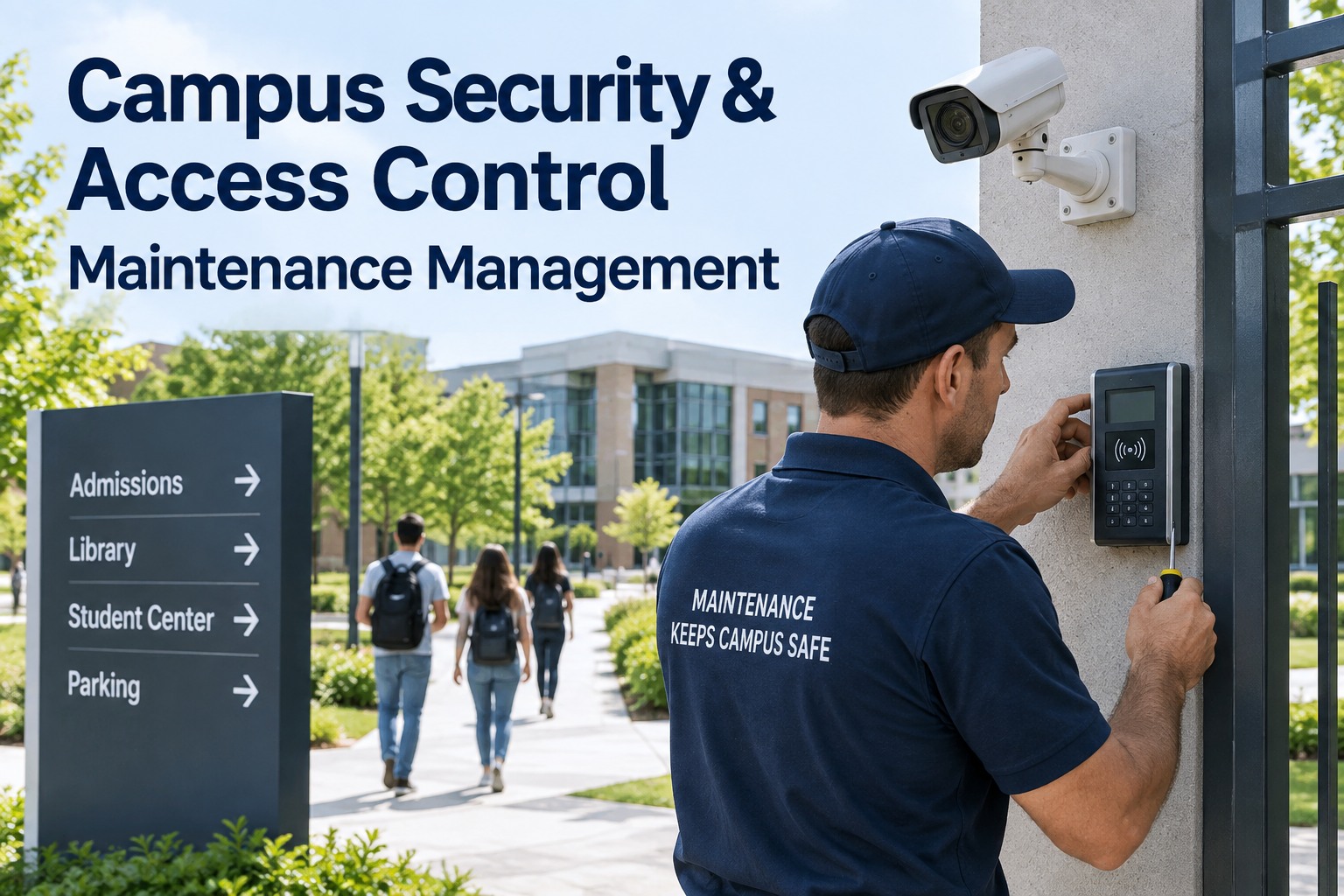
Here's the uncomfortable truth about campus security systems: the dashboard is green, and it's lying. A camera can show "online" while its lens is fogged, its IR is dead, or its image has degraded below usable resolution — and you only discover it when you go looking for footage that isn't there. Security technology is a software layer running on physical hardware that fouls, drifts, drains, and fails, and the AI analytics on top are only as good as the reader, camera, strike, and battery underneath. When a card reader intermittently fails or a door closer lets a secured door drift open, that's not an IT ticket — it's a maintenance failure with a safety consequence. This guide covers PM for the six campus security systems — access control, cameras, door hardware, intercoms, intrusion, and emergency stations — and how OxMaint's maintenance management software runs each as a scheduled asset. Start free or book a demo.

Higher Education · Campus Security · Access Control · CMMS 2026

Campus Security & Access Control Maintenance Management

Every reader, camera, strike, and call station is an asset with its own inspection schedule, test record, and replacement forecast — so the security layer runs on hardware that actually works, not a dashboard that says it does.

The Dashboard Says "Online." The Footage Isn't There.

The most dangerous state in campus security isn't a device that's clearly down — it's one that reports healthy while quietly failing. Campus audits routinely find cameras offline or below usable resolution that appeared fully operational on the monitoring dashboard. A "connected" reader can still misread cards intermittently; a mag lock can hold while its strike wears. Connectivity is not condition — and only physical PM tells the difference. Sign up free and OxMaint turns an offline or degraded device into an immediate work order, not just a dashboard flag.

What the dashboard shows
Camera: Online ✓
Reader: Connected ✓
Door: Secured ✓
reality ↓
What PM actually finds
Lens fogged, IR dead, footage unusable
Intermittent card misreads
Closer drifting — door held ajar

Six Systems, One PM Program

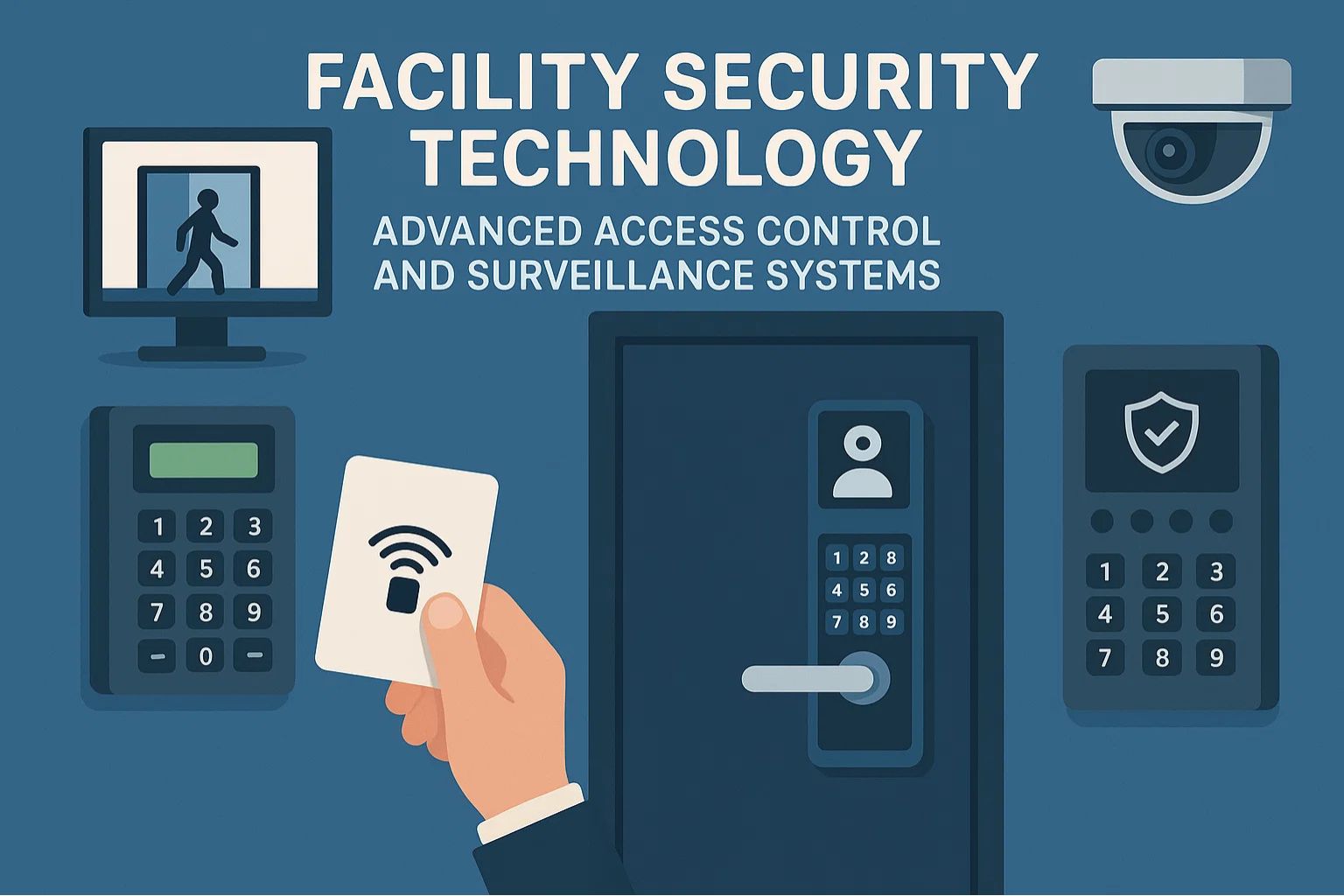
Campus security isn't one system — it's six, each with distinct hardware, failure modes, and the right inspection rhythm. Registering every device as an individual asset with its own schedule is what turns "we have cameras" into "every camera is verified this month." Here's the per-system PM map. Book a demo to see all six on one asset register.

System
Key Assets
PM Focus
Cadence
Access Control
Card readers, controllers, credential database
Read performance, controller health, database integrity
Monthly
Cameras / CCTV
IP cameras, NVRs, storage
Resolution, lens & IR, field-of-view alignment, retention
Monthly
Door Hardware
Electric strikes, mag locks, closers, operators
Closer condition, strike wear, ADA & fail-safe operation
Quarterly
Intercom / Call
Door intercoms, blue-light phones
Audio clarity, two-way function, light & beacon test
Monthly
Intrusion / Alarm
Door contacts, motion sensors, panic buttons
Sensor function, panic-button test, panel comms
Quarterly
Emergency Notify
Mass-notification, sirens, call stations
Activation test, audibility, message delivery
Monthly test

Access Control: Three Failure Modes That Need PM

Access control feels like software, but it fails as hardware. Three failure modes recur across campuses, and each has a physical PM task that prevents it — none of which a software dashboard performs. Sign up free to schedule these against every controlled door.

Reader Performance
Readers foul, drift, and misread over time. Cleaning, alignment and a read-rate check keep the credential handshake reliable at the door.
Door Closer Condition
A worn or misadjusted closer lets a "secured" door drift ajar — defeating access control entirely. The single most-missed access PM.
Credential Database Integrity
Stale credentials, orphaned cards and un-revoked access accumulate. Periodic reconciliation is a maintenance task, not just an admin one.

A Locked Door That Traps People Is a Code Violation, Not Security.

Campus door hardware answers to two masters at once: security and life safety. Fire codes demand free evacuation — doors can't trap occupants — and ADA requires accessible operation, even as the door stays secured against intruders. Every closer, strike, and operator PM must verify fail-safe and accessible behavior, not just that the lock holds. OxMaint records each door's inspection against both the security and life-safety checks, so compliance is provable.

The Cameras Problem: Verify Image, Not Uptime

A camera's job isn't to be online — it's to produce usable footage when something happens. Those are different things, and only one shows on a dashboard. The monthly camera PM verifies the four things that make footage actually usable, and any failure opens a work order rather than sitting as a green tile. Book a demo to see image-quality PM per camera.

Resolution
Confirm the live image still meets usable resolution — degradation is invisible until you need the footage.
Lens Condition
Fog, dust, spider webs and vandalism blur the view while the device still reports online.
IR / Night Function
Failed IR means a camera that works by day and is blind exactly when most incidents happen.
Field-of-View Alignment
Cameras get bumped and drift off their intended coverage — the entrance is now a wall.

Reactive / Vendor-Only vs. OxMaint Security PM

Most campuses run security maintenance two ways: fix-on-fail, or lean entirely on the install vendor's occasional visit. Both leave the gap where a device fails silently between touches. Here's what changes when every device is a scheduled asset. Start free and build your security asset register this week.

Element
Reactive / Vendor-Only
OxMaint Security PM
Device status
Trusted from the dashboard
Verified by physical PM & image check
Offline camera
A flag someone may notice
Immediate auto-generated work order
Door hardware
Checked after a complaint
Scheduled closer, strike & ADA inspection
Smart-lock batteries
Replaced when the door dies
Voltage-monitored, replaced weeks ahead
Test records
Undocumented or scattered
Per-device history for audit & compliance
Replacement planning
Reactive, unbudgeted
Per-asset replacement forecast

What OxMaint Gives Campus Public Safety & Facilities

OxMaint registers every security device as an individual asset with its own schedule, test record, and replacement forecast — so public safety and facilities share one source of truth instead of trusting a dashboard. Here's the concrete mapping. Book a demo to see it on your campus.

Every Device an Asset
Each camera, reader, strike, intercom and call station registered with location, model, and its own inspection schedule and history.
Image-Quality PM
Monthly camera checks on resolution, lens, IR and field of view — offline or degraded cameras trigger work orders, not just flags.
Door Life-Safety Inspections
Closer, strike and operator PM that verifies fail-safe and ADA behavior alongside security — compliance recorded per door.
Smart-Lock Battery Monitoring
Voltage thresholds and heartbeat monitoring auto-schedule battery swaps weeks before a lock dies — right SKU staged by building.
Emergency-Station Test Logs
Documented, scheduled tests for blue-light phones, call stations and mass notification — the record most campuses lack.
Compliance & Replacement Reporting
Fleet health, test compliance and per-device replacement forecasts — the evidence leadership and auditors need.

Use this program plus OxMaint to make every camera, reader, door, and call station a maintained asset — closing the gap between a dashboard that says "fine" and hardware that actually protects students. Try OxMaint free or book a demo to see it on your campus.

"

We thought our camera coverage was solid because the VMS dashboard was all green. Then an incident needed footage from a residence-hall entrance and the camera had been producing a fogged, useless image for months — online the whole time. That was the wake-up call. We put all six security systems into OxMaint as individual assets: every camera gets a monthly image-quality check, every controlled door a quarterly closer-and-ADA inspection, our blue-light phones a documented monthly test. Degraded devices now open work orders instead of hiding behind a green tile. When our Clery and safety auditors came, we had a per-device test record for the first time — and we haven't been surprised by a dead camera since.

Director of Public Safety Technology · State University

Frequently Asked Questions

Why isn't the security dashboard enough?
Because connectivity isn't condition. A camera can report online while its image is degraded below usable resolution, and a reader can be connected yet misread cards. Only physical PM catches the silent failures a dashboard shows as green.
How often should campus security devices be maintained?
Cameras, readers, intercoms and emergency stations suit a monthly check; door hardware and intrusion sensors typically quarterly. The point is that every device has a documented schedule and test record, not an ad-hoc fix-on-fail approach.
Why does door hardware need special attention?
Because it must satisfy security and life safety at once. Fire codes require doors not to trap occupants and ADA requires accessible operation, so every door PM verifies fail-safe and accessible behavior, not just that the lock holds.
What's the most-missed maintenance item?
Door closers and smart-lock batteries. A drifting closer leaves a "secured" door ajar, and an unmonitored battery kills a lock without warning — both preventable with scheduled, condition-based PM.
How does OxMaint support security compliance?
It holds a per-device inspection and test history, records door life-safety checks, and logs emergency-station tests — giving public safety a defensible record for Clery, ADA and safety audits. Sign up free to start.

Don't Trust the Green Tile. Maintain the Hardware.

OxMaint registers every camera, reader, door, intercom, sensor and call station as a scheduled asset with its own test record and replacement forecast — so degraded devices open work orders, life-safety checks are documented, and campus security runs on hardware that actually works. Start free — no credit card, unlimited users, forever. Or book a demo.
By William Jerry

✨

Experience
Oxmaint's
Power

Take a personalized tour with our product expert to see how OXmaint can help you streamline your maintenance operations and minimize downtime.

Book a Tour

Share This Story, Choose Your Platform!

Connect all your field staff and maintenance teams in real time.

Report, track and coordinate repairs. Awesome for asset, equipment & asset repair management.

Schedule a demo or start your free trial right away.

iphone

Get Oxmaint App
Most Affordable Maintenance Management Software

Download Our App