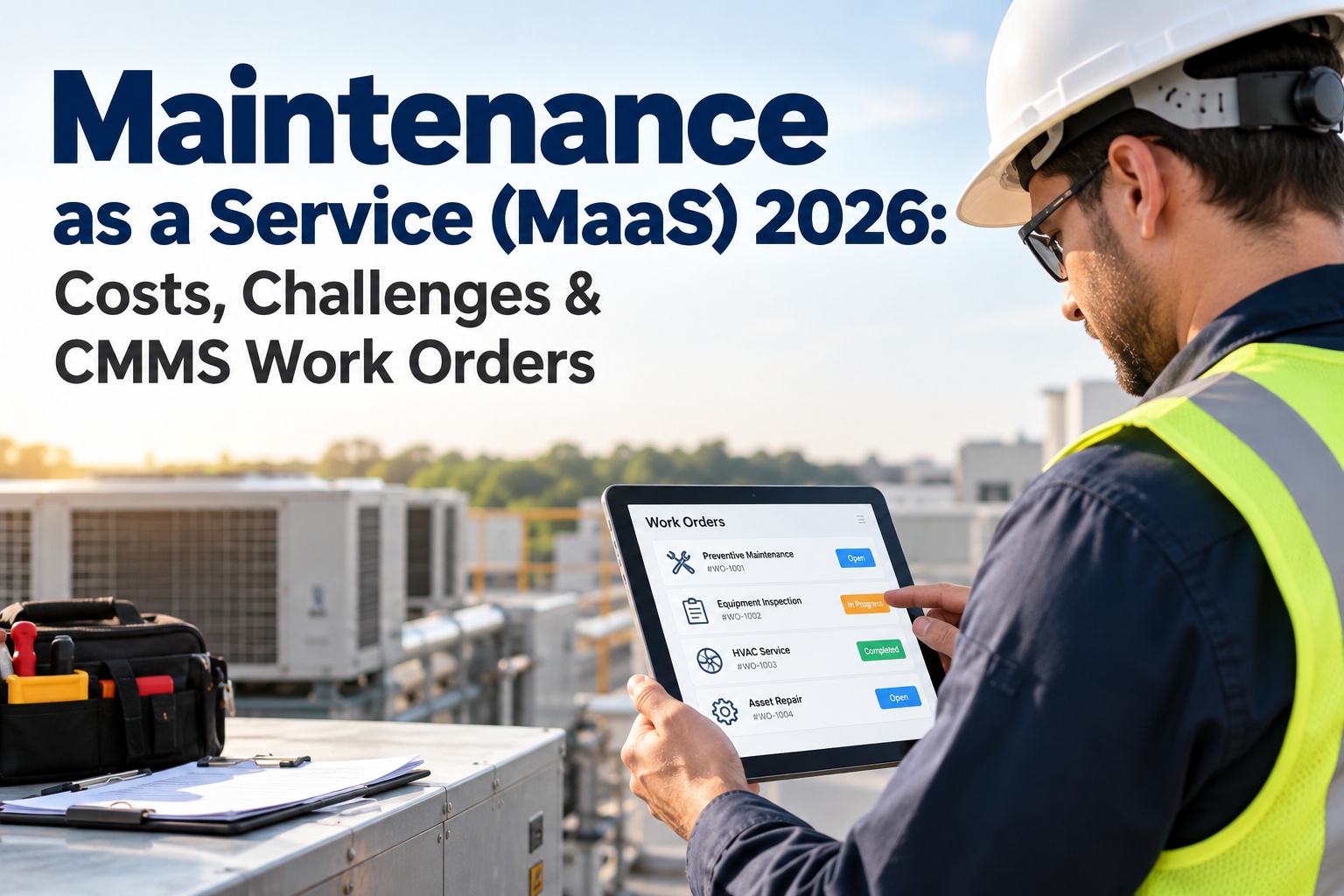
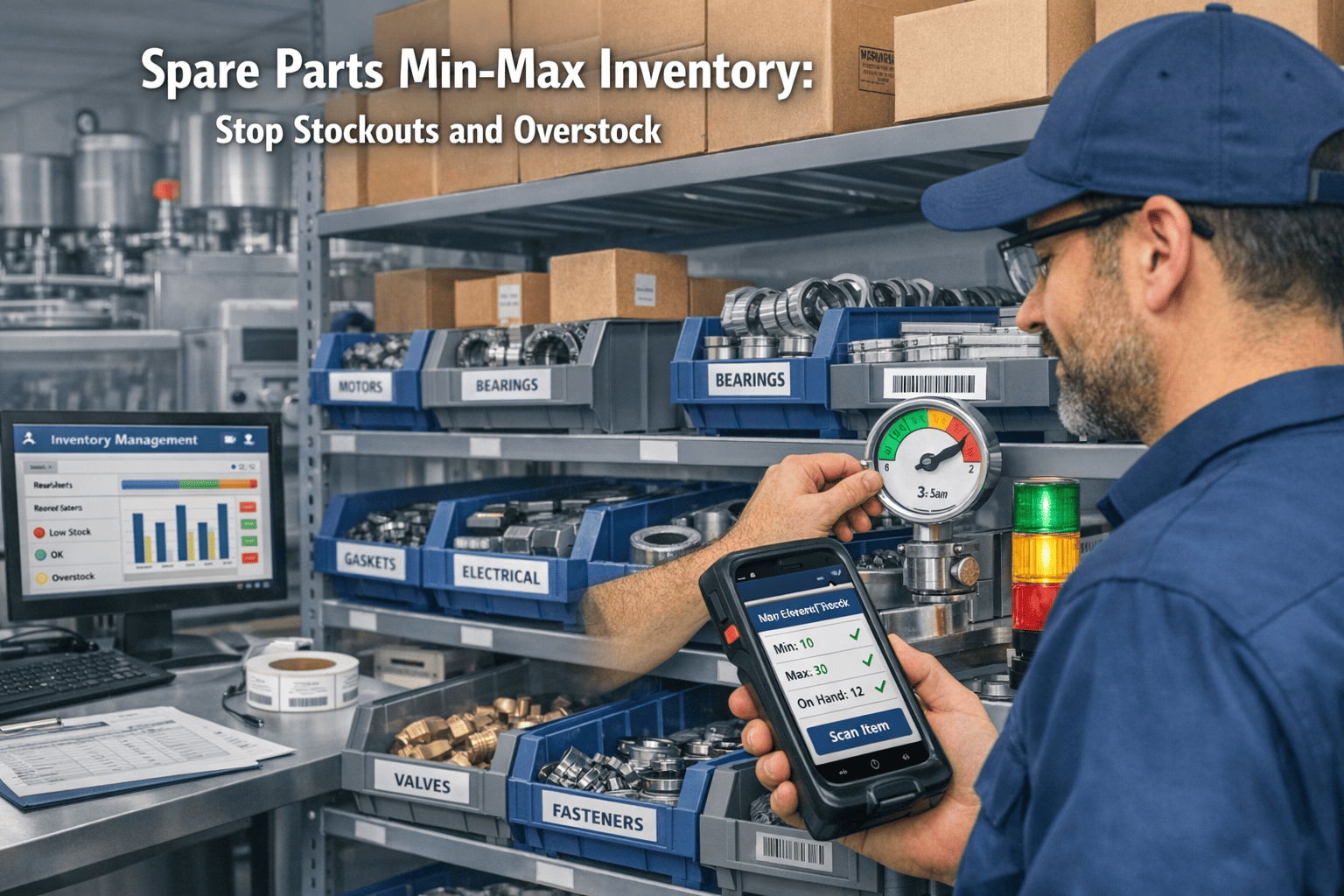
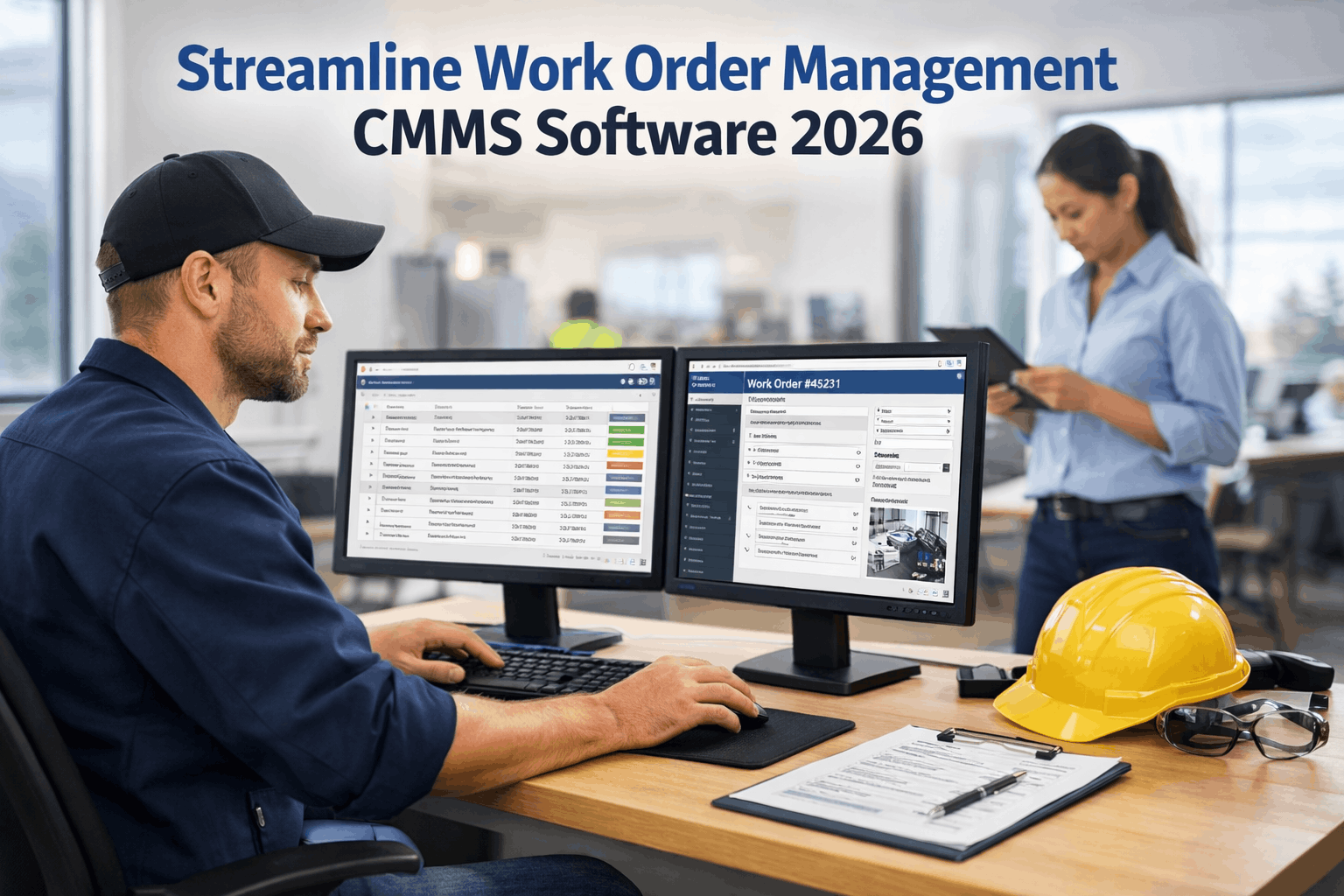
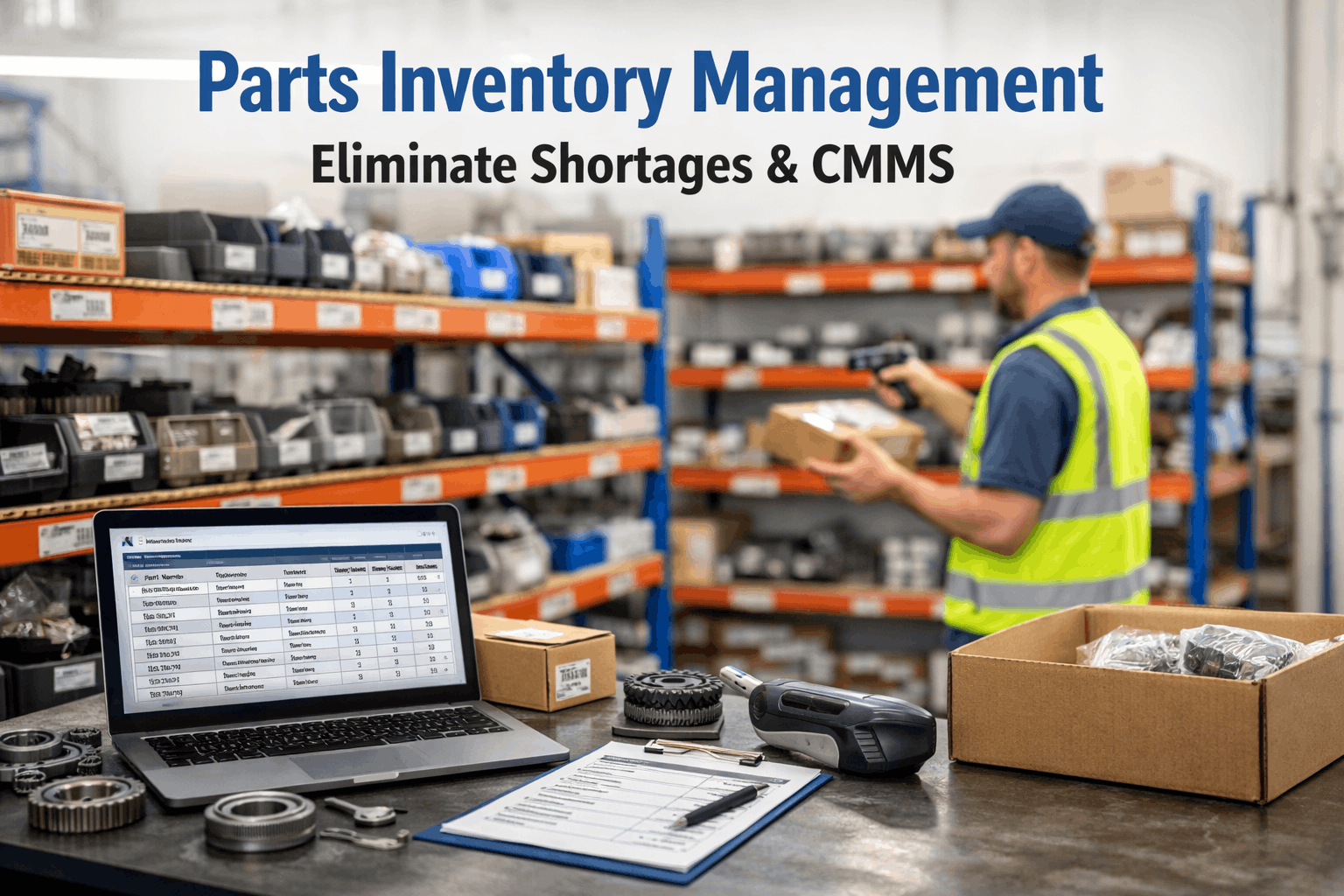
A technician at a manufacturing plant discovers a failing bearing on a critical conveyor. He needs a replacement — specific model, specific vendor, next-day delivery. He walks to the office, fills out a paper purchase requisition, places it in the maintenance supervisor's inbox. The supervisor is in a meeting until 3 PM. He reviews it at 4:15 PM, approves it, and walks it to the purchasing department. The purchasing coordinator left at 4 PM. The requisition sits overnight. The next morning, the coordinator calls three vendors for quotes, creates a purchase order in the ERP, emails it to the selected vendor at 11 AM. The part ships that afternoon, arrives two days later. Total elapsed time from need to delivery: four days. The conveyor was down for all four of them. Production loss: $47,000. In OxMaint, the technician opens the mobile app at the machine, taps the failed bearing in the asset parts list, selects the pre-approved vendor, and submits a purchase requisition — with the work order automatically linked. The supervisor receives a push notification, approves in 30 seconds from his phone. OxMaint auto-generates the PO and sends it to the vendor via email API. The part ships within hours. Total elapsed time: under 4 hours. Same bearing. Same technician. Different system. Different outcome by a factor of 24×. Schedule a demo to see integrated purchase management in action.
Traditional Maintenance Purchasing
Paper requisitions, phone-based vendor quotes, manual PO creation, disconnected approvals, and no link between what was ordered and why.
Paper-dependent4–7 day cycleNo cost visibility
VS
Integrated CMMS Purchase Management
Mobile requisitions linked to work orders, one-tap approvals, auto-generated POs, vendor performance tracking, and complete spend visibility by asset.
AutomatedUnder 4 hours100% traceability
Side-by-Side: What Changes When Purchasing Lives Inside Your CMMS
Traditional
OxMaint
Purchase request
Paper form walked to supervisor's desk
Mobile request from the asset, linked to work order
Approval workflow
Physical signature — waits for supervisor availability
Push notification, one-tap approve from any device
PO creation
Manual entry in ERP or spreadsheet — 15–30 min
Auto-generated from approved requisition in seconds
Vendor selection
Phone calls to 2–3 vendors for quotes
Pre-approved vendor list with pricing history per part
Work order linkage
None — purchase exists in a separate system
Every PO linked to specific work order and asset
Cost attribution
Parts cost buried in general maintenance budget
Spend tracked per asset, per building, per cost center
Receiving
Parts arrive at dock — technician may not know
Auto-notification to technician when parts arrive
Cycle time
4–7 business days from need to delivery
Under 4 hours from request to vendor dispatch
Audit trail
Paper files — 2–4 weeks to reconstruct for audit
Complete digital trail — one-click export
Where Disconnected Procurement Costs You Money
60%
Purchasing Cycle Time Wasted on Manual Steps
Paper requisitions, phone-based approvals, manual PO entry, and vendor phone calls consume 60% or more of the purchasing cycle. Automated workflows compress a 4-day process into 4 hours — turning procurement from a bottleneck into a fast lane.
$12K–$50K
Maverick Spending Per Year
When technicians bypass the purchasing process — using company credit cards, ordering from non-approved vendors, or buying without POs — the organization loses negotiated pricing, vendor accountability, and financial traceability. This maverick spending is invisible until audit.
Zero
Cost-Per-Asset Visibility in Paper Systems
When purchase orders exist in the ERP and work orders exist in a spreadsheet, no one can answer: "How much have we spent maintaining Chiller 3 this year?" This question — fundamental to repair-vs-replace decisions — requires data that only an integrated system can produce.
Built Into Your CMMS
4-Day Purchasing Cycle or 4-Hour Purchasing Cycle. Same Part. Different System.
OxMaint's integrated purchase management connects every requisition to the work order that created it, every PO to the asset that needs the part, and every dollar to the cost center that owns it. No separate procurement system. No manual data entry. No lost paper trails.
Six Capabilities That Transform Maintenance Procurement
Integrated purchase management is not a bolt-on feature — it is six interconnected capabilities that eliminate manual handoffs, enforce spending controls, and give finance teams complete visibility into where every maintenance dollar goes.
1. Work-Order-Linked RequisitionsCore Capability
What it does: Every purchase requisition originates from a work order and stays linked throughout its lifecycle. When a technician needs a part, they create the requisition directly from the work order screen — the asset, work order number, cost center, and required-by date auto-populate. No re-keying. No separate system. No lost context.
Why it matters: In traditional systems, purchase orders and work orders exist in separate databases with no connection. When finance asks "why did we buy this $3,200 motor?" there is no answer. With OxMaint, every purchase traces back to a specific repair, on a specific asset, at a specific location — providing the total cost-of-ownership visibility that drives repair-vs-replace decisions.
Every dollar spent is attributed to an asset, work order, and cost center — automatically.
2. Configurable Approval WorkflowsCore Capability
What it does: Define multi-level approval rules based on dollar thresholds, cost centers, or purchase categories. Under $500: auto-approved from pre-approved vendor list. $500 to $5,000: supervisor approval via push notification. Over $5,000: supervisor plus finance director. Emergency purchases: expedited single-step approval with post-purchase documentation requirement.
Why it matters: Paper approval workflows fail when the approver is in a meeting, on vacation, or at another site. Digital approvals travel with the approver — they approve from their phone in 30 seconds, regardless of location. Configurable thresholds prevent both over-approval (wasting management time on small purchases) and under-approval (allowing large uncontrolled spending).
Approval cycle drops from 24–48 hours to under 30 minutes. Zero bottlenecks.
3. Vendor Management and Performance TrackingCore Capability
What it does: Maintain a centralized database of approved vendors with contact information, pricing agreements, lead times, and performance history. Track on-time delivery rates, quality rejection rates, and price competitiveness per vendor. When a technician creates a requisition, OxMaint recommends the pre-approved vendor with the best combination of price, availability, and delivery track record.
Why it matters: Without vendor performance data, organizations default to "whoever the technician knows" or "whoever answers the phone first." This eliminates negotiated pricing advantages and makes vendor accountability impossible. OxMaint's vendor scoring creates data-driven purchasing decisions that compound savings over time.
Pre-approved vendors with tracked performance. Negotiated pricing enforced automatically.
4. Automatic PO Generation and DispatchAutomation
What it does: Once a requisition is approved, OxMaint automatically generates a purchase order with all required fields: vendor address, part number, quantity, unit price, delivery address, required-by date, and PO number. The PO is sent to the vendor via email or API integration — no manual creation, no re-keying, no handoff to a purchasing coordinator.
Why it matters: Manual PO creation is where 30 to 60 minutes disappear per order — typing vendor details, cross-referencing part numbers, calculating totals, formatting the document. Multiply that by 50 to 200 POs per month and the administrative cost becomes significant. Auto-generation eliminates this entirely.
PO generated and dispatched within seconds of approval. Zero manual data entry.
5. Inventory Reorder AutomationAutomation
What it does: Set minimum stock levels for critical spare parts. When inventory drops below the reorder point — whether from work order consumption, physical count adjustment, or cycle count discrepancy — OxMaint automatically generates a purchase requisition for the standard reorder quantity from the designated vendor. No human monitoring of stock levels required.
Why it matters: Stockouts are the silent killer of maintenance efficiency. A $15 bearing that is out of stock creates a $47,000 production loss while waiting for emergency delivery. Automatic reordering prevents stockouts by ensuring critical parts are replenished before the last one is consumed.
Zero stockouts on critical parts. Reorder happens before the last unit is consumed.
6. Spend Analytics and Budget ControlIntelligence
What it does: Real-time dashboards track maintenance spending by asset, building, cost center, vendor, trade, and time period. Budget thresholds alert managers when spending approaches limits. Trend analysis identifies which assets are consuming disproportionate parts budgets — flagging candidates for replacement rather than continued repair.
Why it matters: Finance teams need to know where maintenance money goes. Without integrated purchase data, the answer is "the maintenance budget" — a single opaque line item. With OxMaint, the answer is "Chiller 3 consumed $18,400 in parts this year, up 34% from last year, and is now exceeding 60% of replacement value — recommend capital replacement."
Board-ready spend reports. Repair-vs-replace decisions backed by actual cost data.
The Purchase Order Lifecycle: From Need to Receipt in 6 Steps
Every maintenance purchase follows a standardized lifecycle that compresses cycle time, enforces approvals, and maintains complete financial traceability from the moment a technician identifies a need to the moment the part is received and consumed.
Need Identified at the AssetField Level
Technician is working a repair and identifies a part that is needed but not in stock — or a part that should be pre-ordered for an upcoming preventive maintenance task. They open the work order on their mobile device, tap the parts list for that asset, and select the required item. The system shows current stock level, last purchase price, preferred vendor, and estimated lead time.
If the part is not in the asset's bill of materials, the technician can search the parts catalog or create a new part request with description, quantity, and urgency. Photo attachment available for non-standard items.
Requisition Created and Routed for ApprovalSeconds
The purchase requisition auto-populates with: part description, quantity, vendor, unit price, total cost, work order number, asset ID, building, cost center, and required-by date. The system routes it to the correct approver based on the dollar amount and configured approval rules.
Under-threshold purchases from pre-approved vendors can be configured for auto-approval — the requisition converts directly to a PO without human intervention, cutting the cycle to zero wait time for routine, low-value purchases.
Approval and PO GenerationUnder 30 min
Approver receives a push notification with the requisition details. Reviews cost, vendor, and justification (linked work order). Approves or rejects with one tap. On approval, OxMaint auto-generates a numbered purchase order with all commercial terms, delivery details, and payment terms pre-configured from the vendor record.
If the approver is unavailable, configurable escalation rules route the approval to an alternate authority after a defined timeout period. No requisition sits in limbo because one person is on vacation.
PO Dispatched to VendorAutomated
The generated PO is automatically sent to the vendor via email or API integration. The PO includes all necessary details: PO number, line items with part numbers and quantities, delivery address, required-by date, and payment terms. The vendor record logs the PO send time and tracks acknowledgment.
For vendors integrated via API or EDI, the PO enters their order management system directly — eliminating email parsing delays. For standard vendors, the formatted PDF email includes clear response instructions.
Receiving and Inventory UpdateAt Dock
When the shipment arrives, the receiving clerk scans the packing slip or PO barcode. OxMaint pulls up the PO, displays expected items and quantities, and allows line-by-line verification. Discrepancies — short shipments, wrong parts, damaged items — are flagged immediately. Accepted items are added to inventory stock automatically.
The technician who originated the work order receives an automatic notification: "Your parts for WO-4872 have arrived and are in stock." They can schedule the repair without checking with anyone.
Invoice Matching and Cost FinalizationFinance
Three-way matching: PO, receiving record, and vendor invoice are compared automatically. Price discrepancies, quantity mismatches, and unauthorized charges are flagged before payment authorization. Matched invoices are approved for payment. All costs are finalized against the originating work order and asset record.
The complete chain — from the work order that identified the need, through the requisition, approval, PO, receipt, and invoice — is a single searchable digital record. Auditors see the full story in one view.
Financial Impact of Integrated Purchase Management
Reduction in purchasing cycle time — days to hours
8–15%
Parts cost reduction from vendor consolidation and pricing enforcement
25%
Reduction in maverick spending through approval workflow enforcement
100%
Purchase-to-asset traceability — every dollar attributed
Bottom Line
Every Dollar Tracked. Every Purchase Justified.
Platform starts free · Full deployment payback: 60–90 days · Typical first-year savings: 8–15% of total parts spend
Stop Losing Days on Purchasing. Start Losing Minutes.
OxMaint's integrated purchase management connects every requisition to a work order, every PO to an asset, and every invoice to a cost center. Mobile requisitions. One-tap approvals. Auto-generated POs. Complete spend visibility. No separate procurement system required. Start free today.
Not necessarily. OxMaint handles the maintenance-specific purchasing workflow — from the technician's need at the asset through requisition, approval, PO generation, and receipt. For organizations that want all purchasing in their ERP, OxMaint integrates via REST API to push approved POs into systems like SAP, Oracle, Banner, Workday, or PeopleSoft. The key difference: OxMaint links every purchase to a work order and asset — context that ERP purchasing modules do not capture because they do not manage maintenance workflows. Many organizations use OxMaint for maintenance procurement and their ERP for everything else, with bidirectional sync for financial reporting.
How does the approval workflow handle emergency purchases?
Emergency purchases have a configurable fast-track path. When a technician marks a requisition as "emergency" — linked to a Priority 1 work order — the approval workflow can be configured for single-step approval, elevated approval authority, or even auto-approval up to a defined dollar threshold. The purchase proceeds immediately, and post-purchase documentation ensures the emergency is fully recorded. This prevents the worst-case scenario: a technician bypassing the system entirely because the normal approval process is too slow, resulting in zero documentation and zero cost tracking.
Can we track vendor performance over time?
Yes. OxMaint tracks four key vendor metrics: on-time delivery rate (percentage of POs delivered by the required-by date), quality rejection rate (percentage of received items that failed inspection or were wrong), price competitiveness (comparison across vendors for the same parts), and responsiveness (time from PO receipt to acknowledgment). These metrics accumulate over time and are visible on the vendor profile. When a technician creates a requisition, OxMaint recommends the vendor with the best composite score — not just the cheapest price. Sign up free and start building your vendor performance database.
How does automatic reordering work for spare parts?
For each stocked item, you configure a minimum stock level (reorder point) and a standard reorder quantity. When the on-hand quantity drops to or below the reorder point — through work order consumption, manual adjustment, or cycle count — OxMaint automatically generates a purchase requisition for the reorder quantity from the designated vendor. The requisition follows the same approval workflow as any other purchase. This prevents the most expensive procurement failure: a $15 part being out of stock, causing a $47,000 production loss while waiting for emergency delivery.
What reporting does finance get from the purchase management module?
Finance teams access real-time dashboards showing: total maintenance spend by period, building, and cost center; spend by vendor with trend analysis; spend by asset (enabling total cost of ownership calculations); budget vs. actual by department; and purchase order aging (open POs, overdue deliveries, pending invoices). All reports are exportable and configurable by date range. The critical insight: because every purchase links to a work order and asset, finance can answer "how much did we spend maintaining Chiller 3 this year?" — the question that drives capital replacement decisions. Book a demo to see finance reporting in action.
By Oxmaint
✨
Experience Oxmaint's Power
Take a personalized tour with our product expert to see how OXmaint can help you streamline your maintenance operations and minimize downtime.