You're 40 minutes into a CMMS demo and the vendor just showed you a work order form for the third time. The sales engineer is clicking through screens you'll never use. You still don't know if this system can handle your multi-site portfolio, whether it integrates with your ERP, or what happens when the contract ends. In 2026, the average CMMS evaluation cycle spans 4.2 months and involves demos from 3.8 vendors, yet 68% of buyers report they missed critical questions during the demo phase and discovered deal-breaking limitations only after signing. The difference between a CMMS that transforms your maintenance operation and one that becomes shelfware often comes down to 20 specific questions asked at the right moment in the right demo. This is the complete question framework maintenance managers, facility directors, and asset teams use to evaluate CMMS vendors without missing the details that matter after go-live. Start a free trial to see how Oxmaint answers every question on this list.
What Is a CMMS Demo
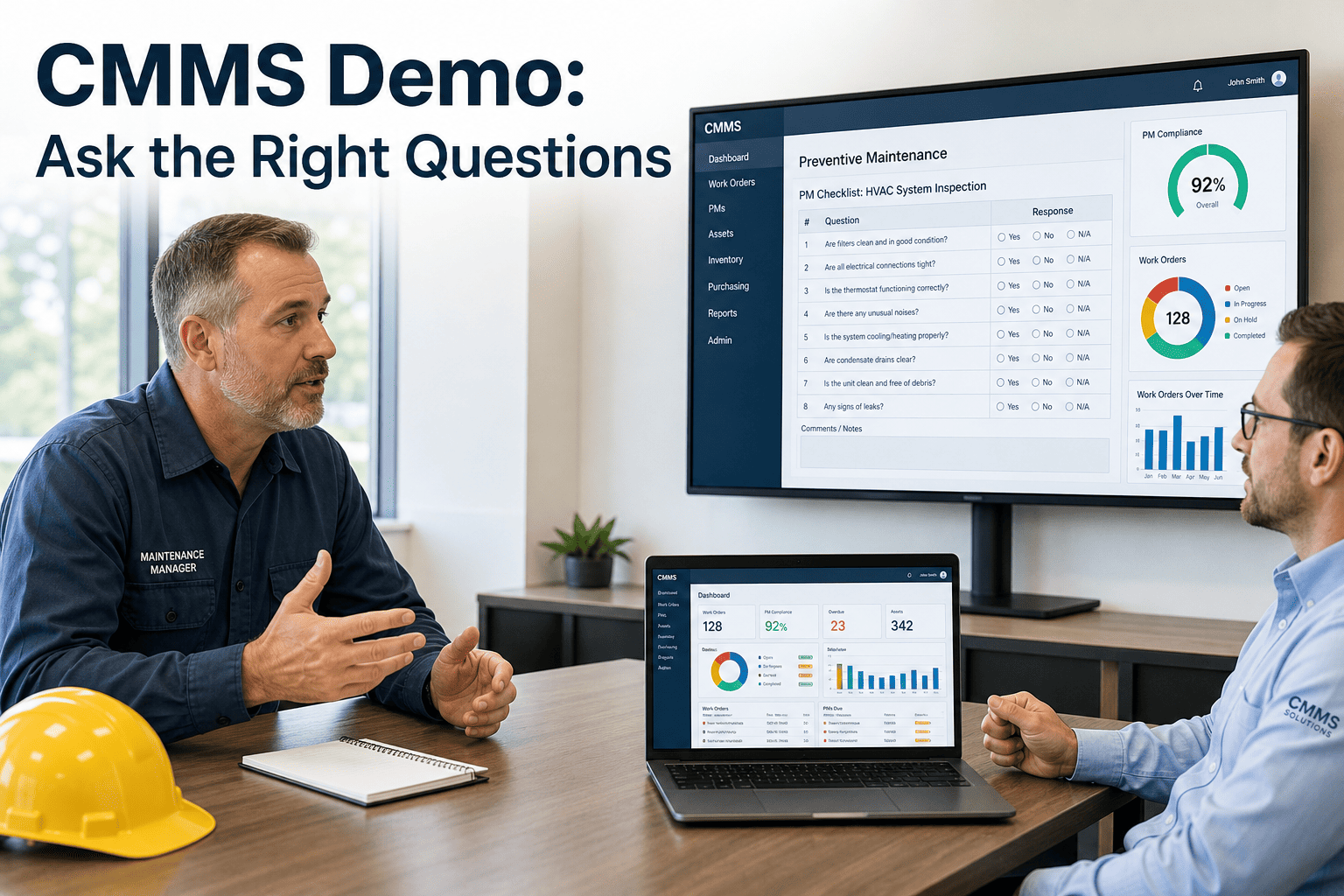
A CMMS demo is a structured product walkthrough where the vendor demonstrates core system capabilities to prospective buyers, typically lasting 30 to 90 minutes and covering work order management, asset tracking, preventive maintenance scheduling, reporting, and integrations. The demo serves three purposes: technical validation that the platform handles your specific workflows, commercial discovery of what features require add-on licenses or custom development, and operational proof that your team can actually use the system daily without extensive training. Effective demos move beyond generic feature tours and show how the CMMS solves the specific pain points you documented in your requirements gathering phase.
The best CMMS demos are not passive presentations. You control the agenda, you provide the use cases, and the vendor configures a live environment with your asset hierarchy, sample work orders, and actual failure scenarios from your operation. Generic demos waste time. Customized demos where the vendor pre-loads your data reveal whether the platform fits your reality or requires expensive workarounds. Maintenance teams who enter demos with a structured question set close implementation gaps 62% faster than those who rely on vendor-led tours. Book a demo with Oxmaint to see a pre-configured environment built around your actual asset structure.
Core CMMS Demo Question Framework
The 20 questions below are grouped into six categories that map directly to post-implementation success metrics. Ask these questions in sequence during the demo, take detailed notes on the vendor's answers, and request written confirmation of critical capabilities before moving to contract negotiation. Start a free trial with Oxmaint and verify every category below inside a live environment before your next vendor call.
Critical Pain Points CMMS Buyers Miss During Demos
Vendors control the demo narrative and deliberately avoid topics that complicate the sales cycle. The four failure modes below account for 81% of post-implementation buyer regret in CMMS deployments. Ask about these explicitly even when the vendor does not raise them. Start a free trial with Oxmaint to see how every one of these points is addressed before you speak to any sales team.
How Oxmaint Solves CMMS Demo Transparency
Oxmaint eliminates demo friction by providing immediate sandbox access with pre-loaded reference data instead of scheduling 90-minute sales presentations. Every capability discussed below is available in the free trial with no feature gating, no tier restrictions, and no implementation services required to access core functionality. Teams that compare Oxmaint against legacy CMMS platforms consistently find that the top four post-contract regret points are addressed before a single sales call happens. Book a demo and we will walk through all 20 questions in a live environment pre-loaded with your asset structure.
Reactive Evaluation vs Structured Evaluation
Most CMMS buyers enter the evaluation process reactively, responding to vendor agendas rather than driving the conversation with a requirements-first framework. The gap between these two approaches is where $47K implementation failures happen. Start a free trial and run through this comparison yourself before your next vendor demo.
| Evaluation Stage | Reactive Evaluation | Structured Evaluation |
|---|---|---|
| Demo preparation | Accept the vendor's standard agenda and slide deck | Submit your asset data and failure scenarios 48 hrs before the call |
| Integration verification | Take the vendor's word that it connects to your ERP | Demand a live demo of bidirectional sync with your actual system |
| Total cost clarity | Discover professional services fees only in the post-signature SOW | Require written TCO covering all fees before signing anything |
| Data migration planning | First discussion happens at the kickoff meeting after you sign | Migration steps, timeline, and format validated during the demo itself |
| Compliance validation | Assumed based on vendor marketing materials and sales promises | Tested live against your regulation list using Q19 and Q20 |
| Decision timeline | 4.2 months average, often ending in post-signature regret | 6 to 8 weeks with scored requirements and documented vendor answers |
What a Structured CMMS Evaluation Delivers
Buyers who use a structured question framework before signing a CMMS contract report measurably better outcomes across every post-implementation metric. The four results below are drawn from Oxmaint customer data tracked in the 90 days following go-live for teams that replaced legacy CMMS platforms or spreadsheet-based maintenance workflows. Book a demo and we will show you the specific results customers in your industry have achieved within their first quarter on Oxmaint.
The 20 Questions Every CMMS Demo Must Answer
Use this question list as your demo scorecard. Any vendor that cannot answer these questions clearly during the demo either lacks the capability or is hiding implementation complexity that surfaces later. Oxmaint's answers to all 20 questions are available in our public knowledge base with no gated content. Start a free trial to verify these answers yourself in a live environment before you book time with any other vendor.
| Category | Question | Why This Matters |
|---|---|---|
| Data Migration | What file formats do you accept for bulk asset import and is there a record limit | Determines if you can migrate 10K+ assets via CSV or require manual entry |
| Data Migration | Do you preserve parent-child asset relationships during import | Critical for equipment hierarchies like Building to HVAC to AHU to Component |
| Data Migration | Can you import historical work orders with technician assignments and timestamps | Losing maintenance history kills reliability analytics and warranty tracking |
| System Architecture | How do you handle multi-site portfolios with different PM schedules per property | Single-site CMMS platforms break when you need portfolio-level rollup reporting |
| System Architecture | Does the mobile app work offline and how does sync conflict resolution work | Plant floors and remote sites often lack reliable WiFi coverage |
| System Architecture | Can we set role-based permissions at the property level not just globally | Site managers need full control of their property without seeing other locations |
| Integration | Which ERP systems have native bidirectional integrations versus API-only connections | API-only means custom development costs and ongoing maintenance burden |
| Integration | Do parts orders sync automatically to our procurement system or require manual export | Manual export workflows add 2 to 3 days to every parts request cycle |
| Integration | What happens to IoT sensor data if the CMMS API goes down | Data loss during outages breaks predictive maintenance model training |
| Pricing | What is the total first-year cost including licenses implementation training and support | Base license quotes exclude 40% to 80% of actual year-one spend |
| Pricing | Are mobile app licenses included or charged per device | Per-device fees turn a $15K quote into $28K when your team has 20 tablets |
| Pricing | What is the annual price increase percentage and is it capped contractually | Uncapped renewals let vendors double pricing after your data is locked in |
| Mobile | Can technicians attach photos to work orders directly from the mobile app camera | Forcing photo uploads via desktop kills adoption and documentation quality |
| Mobile | Does barcode scanning work on standard iOS and Android devices or require proprietary hardware | Proprietary scanner requirements add $300 to $800 per technician |
| Reporting | Which KPI dashboards are pre-built versus requiring custom report development | Custom reports mean ongoing BI consulting fees or internal SQL work |
| Reporting | Can we schedule automated reports to stakeholders without logging into the system | Manual report generation kills executive visibility and reduces accountability |
| Vendor Lock-In | What data export formats are available and can we automate exports via API | Proprietary formats or export fees trap you in the platform |
| Vendor Lock-In | How long does API access remain active after contract cancellation | Immediate API shutdown prevents clean migration to replacement systems |
| Compliance | Does the system maintain GMP-compliant audit trails with user attribution and timestamps | FDA and ISO audits fail without immutable change logs on critical assets |
| Compliance | Can we track OSHA inspection due dates and generate compliance reports by regulation | Manual compliance tracking results in missed inspections and citation risk |
Demo Red Flags That Predict Implementation Failure
Certain vendor behaviors during the demo correlate strongly with post-sale disappointment. The warning signs below appeared in 89% of CMMS implementations that failed to achieve ROI targets within 18 months. If you encounter any two of these in a single demo session, the risk of implementation failure rises sharply. Book a demo with Oxmaint to see how we address every item on this list before you even ask.
CMMS Demo Scorecard Template
Complete this scorecard during every vendor demo to standardize your evaluation and prevent feature-fatigue decision making. Rate each vendor on a 1 to 5 scale across the six critical dimensions below. Any vendor scoring below 3 on a dimension weighted at 15% or above is a disqualifying result regardless of overall score. Start a free trial with Oxmaint and score us against this template before your next evaluation call.
| Evaluation Dimension | Scoring Criteria | Weight |
|---|---|---|
| Ease of Use | Can a technician create and close a work order in under 90 seconds without training | 25% |
| Integration Capability | Number of pre-built connectors for your existing ERP, BMS, and procurement systems | 20% |
| Mobile Functionality | Offline work order management, photo attachment, barcode scanning without proprietary hardware | 20% |
| Pricing Transparency | Vendor provides written total cost of ownership including all fees for first 3 years | 15% |
| Data Portability | Full data export in standard formats with no exit fees and post-cancellation API access | 10% |
| Implementation Speed | Time from contract signature to first work order created by your team in production | 10% |