In precision machining, the tolerance you promise your customer is only as stable as the machine holding it. A CNC that's a few microns out — a spindle starting to run out, backlash creeping into an axis, coolant drifting off concentration — doesn't stop; it keeps cutting parts that are quietly out of spec until a first-article check or a customer complaint catches them. Preventive maintenance is how a shop keeps the machine inside tolerance instead of discovering it drifted last week. The trick is cadence: the daily wipe-down, the weekly backlash check, the monthly coolant-tank clean, and the quarterly calibration each catch a different kind of drift. This checklist lays out the full CNC PM program by frequency, with the four subsystems that decide whether your parts pass. OxMaint AI schedules every task by run-hours and turns a flagged check into a work order.
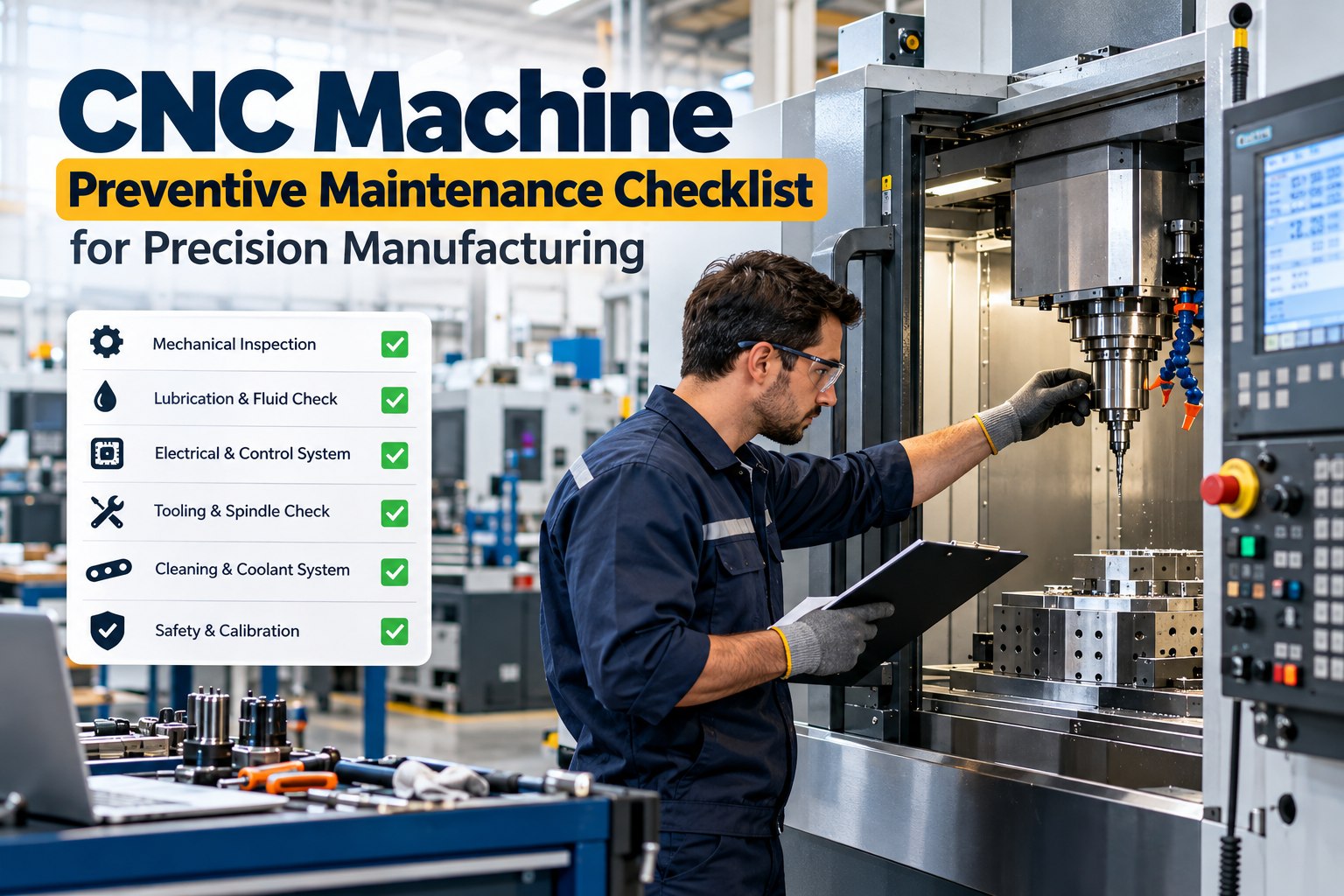
CNC Machine Preventive Maintenance Checklist for Precision Manufacturing
A precision CNC holds tolerance only while it's maintained to hold it — and drift in the spindle, axes, or coolant shows up as scrap long before the machine fails. A frequency-based PM program catches each kind of drift at the right interval: daily cleaning, weekly backlash and tooling checks, monthly fluid changes and accuracy verification, quarterly calibration. This checklist covers the full program plus the four subsystems that decide whether parts pass. OxMaint schedules it by run-hours and auto-raises a work order the moment a check flags a problem.
Why Cadence Is the Whole Point
Drift happens at different speeds. Chips and coolant residue accumulate by the shift; backlash and belt wear develop over weeks; geometry and spindle runout move over months. A single annual service misses everything that drifts faster than a year — which is most of what puts parts out of spec. Matching each check to the rate its problem develops is what keeps a precision machine precise. Start free and schedule each cadence in OxMaint AI.
The CNC PM Checklist, by Frequency
Here's the full program, organized the way it's run on the floor. Book a demo to load this cadence into OxMaint.
- Clear chips, coolant residue, and debris from the bed
- Wipe way surfaces and check for scoring
- Check coolant level and concentration
- Verify way-lube and hydraulic levels and pressure
- Run warm-up cycle, listening for unusual noise
- Test emergency stop, guards, and interlocks
- Review the controller alarm log
- Inspect ballscrews for damage and check backlash in all axes
- Inspect drive belts, racks, and pinions for wear
- Monitor spindle bearing temperature
- Clean tool-holder tapers; inspect collets and seats
- Check automatic tool changer operation
- Clean the control-cabinet air filter (around every 40 hours)
- Clean or replace coolant-system filters
- Replace hydraulic oil and lube fluids; clean the lube unit
- Clean the coolant tank of sludge and chips; check for bacteria
- Verify axis repeatability and homing accuracy vs. baseline
- Re-check backlash and compare to the prior reading
- Measure spindle runout and compare to baseline
- Check machine leveling and squareness
- Back up machine parameters and control settings
- Spindle vibration analysis
- Laser calibration for geometric-accuracy validation
- Full safety-system audit — e-stops, interlocks, limit switches
- Headstock inspection (annual)
- Ballscrew replacement if backlash exceeds tolerance
- OEM service for persistent electrical faults
Run this way, the machine is never more than a shift from a cleaning and never more than a quarter from a full accuracy check. Start free and schedule every interval in OxMaint.
The Four Subsystems That Hold Tolerance
Not every part of a CNC affects accuracy equally. Four subsystems decide whether a part passes — and each has one measurement worth trending against its baseline. Book a demo to trend these four in OxMaint.
The Machine Doesn't Announce It's Out of Tolerance. The Scrap Bin Does.
A drifting spindle or a loose axis keeps running and keeps cutting — the first sign is often a batch that fails inspection, after the parts are already made. PM that trends runout, backlash, and concentration against baseline catches the drift while it's still a reading, not a reject. That's the difference between a scheduled adjustment and a scrapped lot.
Precision-Specific Watch Points
A general PM keeps a machine running; a precision PM keeps it accurate. These are the checks that matter most when microns count. Start free and trend each one against baseline in OxMaint.
How OxMaint Runs the CNC PM Program
Scheduling by run-hours, baseline trending, and flag-to-work-order all live in one CMMS — so the checklist becomes a managed program linked to your quality data. Start free and turn the checklist into a program.
Frequently Asked Questions
Hold the Tolerance You Promised — Every Shift.
Precision isn't a one-time setup; it's a maintenance cadence. Clean daily, check backlash weekly, verify accuracy monthly, calibrate quarterly — and trend the four subsystems that decide whether parts pass. OxMaint schedules the program by run-hours, trends each metric against baseline, and raises the work order before drift reaches the scrap bin.