Lockout/tagout is the procedure that stands between a technician and the stored energy in a machine they're about to open — and it's one of the most-cited safety failures in industry precisely because it's often done from memory instead of from a procedure. A skipped isolation point, stored energy nobody released, a lock removed by the wrong person: each is how a de-energized machine turns back on with someone inside it. A digital energy-control workflow fixes the two weak points of paper LOTO — it makes the equipment-specific steps impossible to skip, and it keeps the record every OSHA audit asks for. This is the full lockout/tagout checklist, built on the required six-step sequence, as checkable stages you can run on the job. OxMaint AI attaches the right LOTO procedure to the work order, tracks who locked out what, and keeps the compliance record.
Safety & Compliance · Lockout/Tagout · Digital Energy Control · 2026
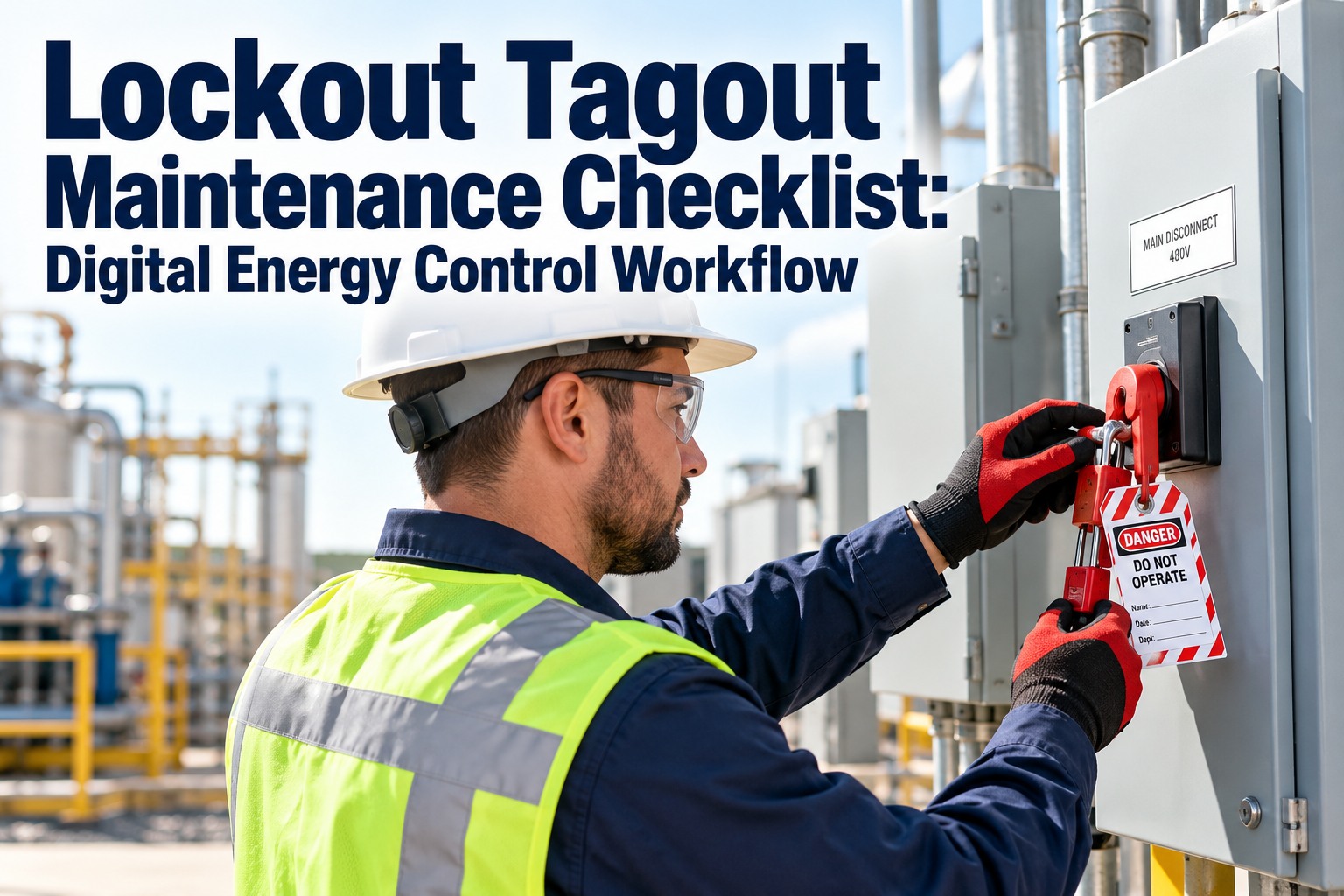
Lockout Tagout Maintenance Checklist: Digital Energy Control Workflow
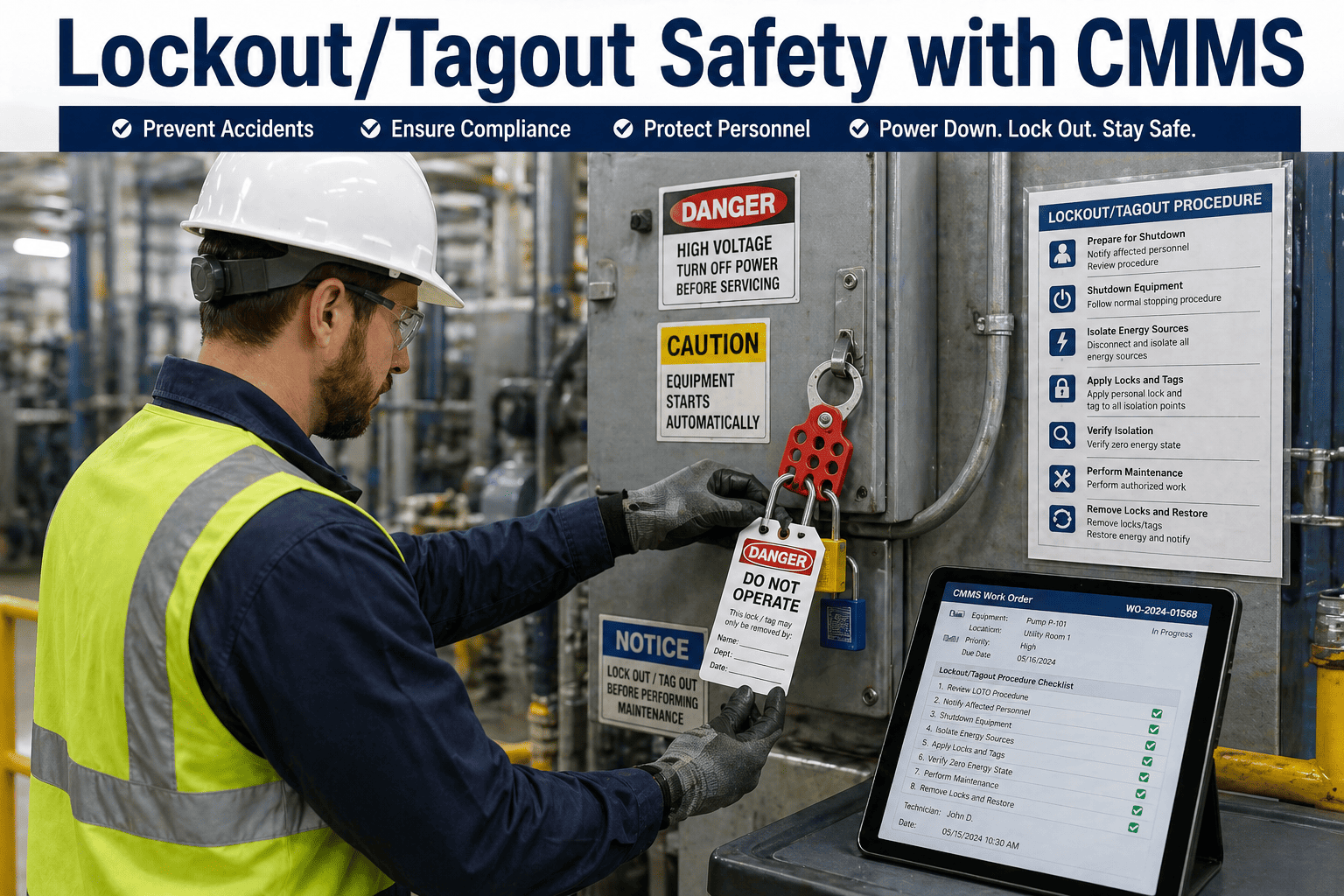
Every lockout/tagout follows the same required sequence — prepare, shut down, isolate, lock and tag, release stored energy, verify zero energy — and the danger is in the step that gets skipped from memory. This checklist lays out all six as checkable stages, plus the restore sequence and the records an OSHA audit expects. Run it as a digital workflow and the procedure is attached to the work order, the locks are tracked to a person, and the proof is kept. OxMaint ties LOTO to the job, not to a clipboard.
the required OSHA 1910.147 energy-control sequence
Zero energy
verified by test, not assumed — the step that saves lives
One lock, one person
each lock applied and removed only by its owner
Audit-ready
procedure, sign-offs, and periodic inspection on record
How to Use This Checklist
Work the six lockout steps in order — the sequence is the safety, and verification is never optional. Use the equipment-specific procedure for the machine in front of you, apply your own lock, and record each step. In a digital workflow, the procedure is pulled from the asset and each sign-off is captured. Start free and attach LOTO procedures to every asset in OxMaint AI.
The Machine That Turns On Mid-Repair Was Verified From Memory, Not by Test.
Almost every lockout failure traces to a step done from habit instead of procedure — an isolation point missed, stored energy left in a line, a verification skipped because "it's obviously off." A digital workflow pulls the equipment-specific steps for the exact machine and won't let the job proceed until each is checked — so the procedure, not the technician's memory, is what guarantees zero energy.
Multiple workers on one machine — each applies a personal lock to a group lockbox, so the machine can't restart while anyone is still on it.
Shift Change
Lockout must pass continuously from the outgoing to the incoming worker, with no gap where the machine is unlocked and unattended.
Lock Left On
A lock whose owner has left can only be removed under a strict, documented procedure after verifying the person is gone — never casually cut off.
Contractors On Site
Outside workers and the host must coordinate lockout so each side's procedures are understood and respected.
Authorized vs. Affected: Who Does What
OSHA 1910.147 draws a clear line between the people who perform lockout and the people around it — and the workflow should know which is which. Book a demo of role-based LOTO in OxMaint.
Authorized Employee
Performs the lockout — identifies energy sources, applies and removes their own locks and tags, and verifies zero energy. Trained and designated for the procedure.
Affected Employee
Operates or works near the machine but does not perform lockout. Must be notified before and after, and kept clear while it's locked out.
The procedure, the sign-offs, the roles, and the periodic inspection all live in one CMMS — so energy control is enforced and documented, not trusted to memory. Start free and turn LOTO into a managed workflow.
Procedure Tied to the Asset
The equipment-specific energy-control steps pulled onto the work order for the exact machine being serviced.
Step-by-Step Sign-Off
Each of the six steps checked and recorded, so verification can't be skipped before work begins.
Lock-to-Person Tracking
Every lock recorded to its owner, so the workflow shows who locked out what, and who must remove it.
Group & Shift Handling
Group lockbox and shift-change handover built in, so the machine stays locked while anyone is on it.
Periodic Inspection Scheduling
The annual review of each procedure raised on cadence and documented, as the standard requires.
Audit-Ready Export
Procedures, sign-offs, training, and inspections produced on demand for an OSHA review.
Frequently Asked Questions
What are the six steps of lockout/tagout?
Prepare and notify, shut down, isolate the energy, apply locks and tags, release stored energy, and verify zero energy by attempting a start. The sequence is required and verification is never optional. Start free and run all six in OxMaint.
What standard governs lockout/tagout?
OSHA 29 CFR 1910.147, the control of hazardous energy standard, which requires written energy-control procedures, authorized-employee training, and an annual periodic inspection of each procedure.
Who is allowed to remove a lock?
Only the authorized employee who applied it. If that person is unavailable, the lock may be removed only under a strict documented procedure after confirming they are off-site.
What is the difference between an authorized and an affected employee?
An authorized employee performs the lockout and verification; an affected employee operates or works near the machine but does not lock out, and must be notified before and after.
How does a digital workflow help with LOTO?
OxMaint attaches the machine's procedure to the work order, captures each step's sign-off, tracks locks to people, schedules the annual periodic inspection, and keeps the whole record audit-ready.
Verify Zero Energy — and Prove You Did.
Lockout/tagout only protects the person at the machine when every step is followed and verification is a test, not a habit. A digital energy-control workflow makes the procedure impossible to skip and keeps the record OSHA expects. OxMaint ties LOTO to the asset and the work order, tracks every lock to its owner, and holds the compliance history ready.