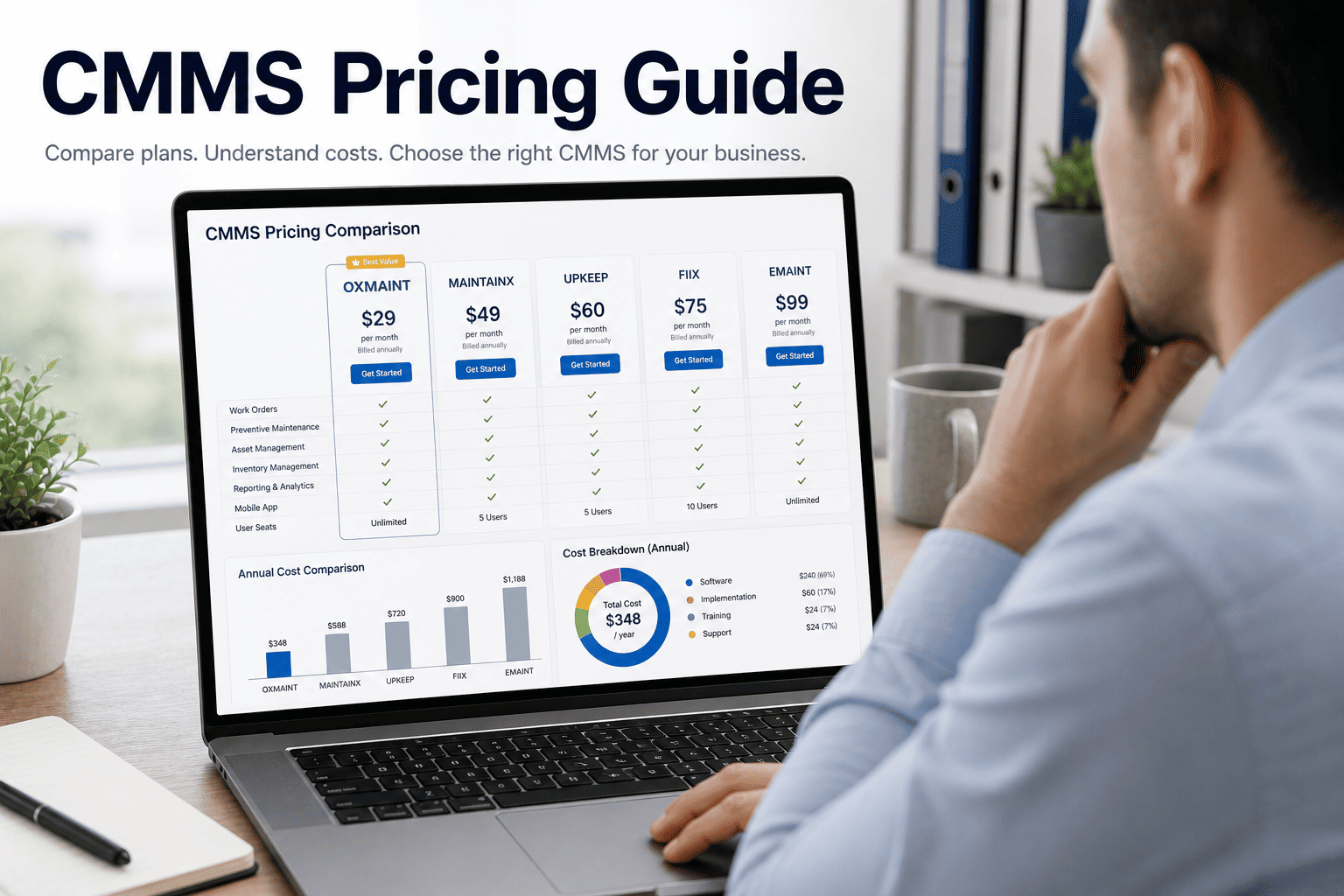
Buying a CMMS without understanding the pricing model is like signing a lease without reading the escalation clause — you're committed before you see what it actually costs at scale. The maintenance software market has fractured into at least five distinct pricing architectures, and the one that looks cheapest at signup often becomes the most expensive by year three. This guide breaks down every model, shows the real math, and tells you which structure fits which operation — so you can make the decision with numbers, not vendor narratives. Start a free trial to see exactly how Oxmaint's transparent pricing scales with your portfolio.
No pricing surprises
See exactly what Oxmaint costs for your operation — before you talk to any vendor
Full production system. Real asset data. Transparent pricing. No quote forms, no sales pressure.
Average annual CMMS spend for mid-size manufacturers
Plant Engineering, 2025
62%
of buyers underestimate total CMMS cost within 2 years of purchase
Gartner, 2024
4–7×
Cost increase when per-user pricing scales to full team rollout
Forrester, 2024
18 mo
Median time before organizations renegotiate or switch CMMS due to pricing
Aberdeen Group, 2025
What Is CMMS Pricing — and Why It's Harder to Compare Than It Looks
A CMMS (Computerized Maintenance Management System) is the operational backbone for tracking assets, scheduling preventive maintenance, managing work orders, and generating compliance reports. But the software market has never standardized on a single pricing model. You'll find per-user SaaS subscriptions, per-asset fees, flat-rate site licenses, module-based pricing, and hybrid combinations — often from the same vendor, depending on which sales rep you reach. The challenge isn't just comparing sticker prices. It's modeling what you actually pay when your team grows, when you add a second facility, or when you need a feature that turns out to be a premium add-on. Real CMMS cost analysis requires understanding the pricing architecture before you request a quote. Book a demo and we will walk through your specific headcount and asset footprint to show the real number.
The 6 CMMS Pricing Models — Decoded
01
Per-User Subscription
Most common SaaS model. You pay per named user per month, typically $30–$120/user. Looks cheap at 5 users; becomes expensive at 50. Read-only access for technicians often still counts as a billable seat.
02
Per-Asset Pricing
Charged per tracked asset, usually $1–$8/asset/month. Scales predictably if your inventory is stable, but discovery audits often reveal 2–3× more assets than expected — which doubles the quote instantly.
03
Flat-Rate / Site License
Single annual fee for unlimited users at one location. Predictable budgeting, but rates often jump significantly for multi-site coverage. Best for single-facility operations with stable headcount.
04
Module-Based Pricing
Base platform plus add-on charges for PM scheduling, analytics, IoT integration, or CapEx reporting. The base looks affordable; the full feature set required for real operations can cost 3–4× the base price.
05
Perpetual License + Maintenance
One-time purchase plus 18–22% annual maintenance fees. Declining in prevalence but still common in regulated industries. High upfront cost, lower long-term cost if the system isn't replaced within 7 years.
06
Portfolio / Enterprise Tiers
Negotiated pricing for multi-site, multi-country operations. Usually custom, often includes implementation support. Best value per site at scale, but requires volume commitment and longer contract terms.
Where CMMS Budgets Break Down — The Real Pain Points
Hidden Implementation Fees
Data migration, asset import, and system configuration are rarely included in SaaS quotes. Implementation services typically add $15,000–$80,000 to the first-year total for enterprise systems.
Per-User Scaling Shock
A 10-user pilot at $50/user/month is $6,000/year. Rolling it out to 80 technicians at the same rate is $48,000/year — before any add-ons. Most pilots don't model this growth curve.
Training and Onboarding Costs
Heavy enterprise CMMS systems require 40–120 hours of formal training per administrator. At $150/hr consulting rates, onboarding alone can cost more than the first year of software fees for small teams.
Annual Price Escalation Clauses
SaaS contracts often include CPI+3% or flat 8–12% annual increases buried in terms. A $40,000 year-one contract becomes $59,000 by year four at 10% annual escalation — a 47% increase with no new features.
Feature Lock-In Without Portability
When critical data — work orders, PM history, asset records — lives in a proprietary format with export restrictions, switching vendors costs more than staying. This is the mechanism that enables aggressive price increases at renewal.
Multi-Site Pricing Cliffs
Many CMMS vendors price single-site and multi-site at completely separate product tiers — not incremental additions. Moving from Site 1 to Site 2 can trigger a tier jump that doubles the annual contract cost.
How Oxmaint Solves CMMS Pricing Complexity
Portfolio-Native Pricing
Oxmaint is architected for multi-site from the start. Portfolio, Property, System, Asset, and Component hierarchy means adding Site 2 is configuration — not a tier upgrade or a new contract.
No Heavy Onboarding Required
Mobile-first design and intuitive workflows mean technicians are operational within days, not months. You don't pay $40,000 in consulting fees before a single PM is scheduled.
Full Feature Access at Every Tier
Asset registry, PM scheduling, work orders, CapEx modeling, OEE dashboards, and IoT integration are not module add-ons. The platform ships complete — the price you see is the price you pay.
Data Portability Built In
Your asset records, work order history, and PM schedules are yours — exportable in standard formats at any time. No proprietary lock-in means Oxmaint earns your renewal with performance, not data hostage-taking.
Investor-Grade CapEx Reporting
Rolling 5–10 year CapEx models are included — not a premium analytics add-on. Asset condition scoring feeds directly into replacement forecasting, so your budget presentations are built from live data.
Free Trial — Real System, No Sandbox
The free trial runs the production platform against your actual asset data. You see the real system, the real workflows, and the real pricing before committing. No bait-and-switch at contract time.
Reactive vs. Planned Maintenance — The Cost Comparison
Factor
Reactive (No CMMS or Poor Adoption)
Planned (Oxmaint CMMS, Full Adoption)
Emergency repair cost vs. planned
4.8× more per incident
Incidents reduced 30–50% within 12 months
Asset lifecycle visibility
Zero — decisions made on memory or paper
Condition scores, age, and failure history per asset
CapEx planning accuracy
Guesswork — surprises in budget cycle
Rolling 5–10yr models from live asset data
Compliance documentation
Manual, incomplete, audit risk
GMP-compliant inspection records, auto-logged
Multi-site visibility
Siloed — each site operates blind to others
Portfolio dashboard — all sites, one view
Technician productivity
20–35% time lost to reactive response
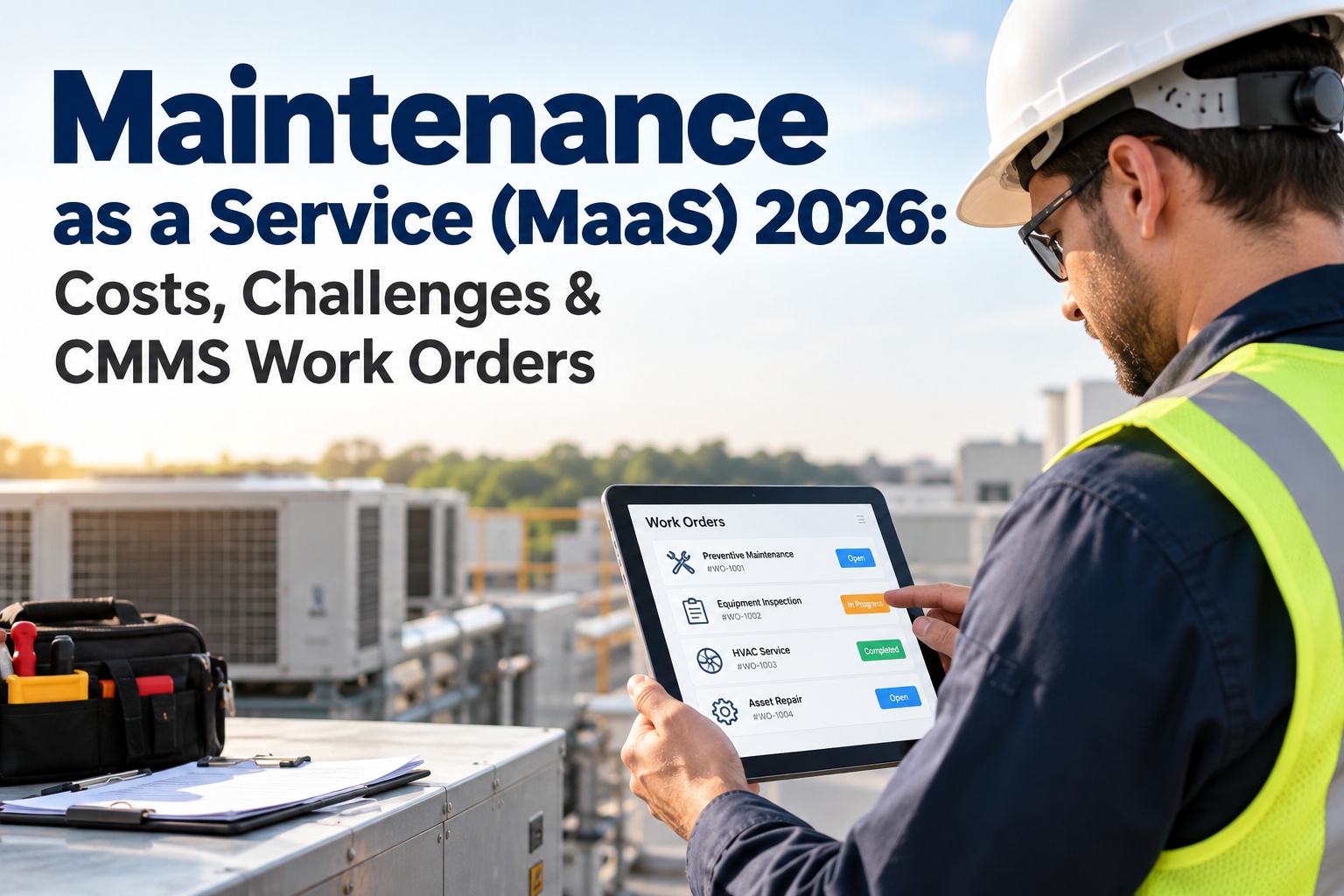
Planned routes, mobile work orders, zero paperwork
Year-3 software cost trajectory
Rising (escalation clauses, add-ons)
Predictable — no surprise tier upgrades
ROI and Results — The CMMS Investment Math
40%
Reduction in maintenance costs
Average for operations shifting from reactive to PM-driven maintenance (U.S. DOE)
25%
Increase in asset uptime
Reported by facilities adopting CMMS with PM scheduling within the first year (Aberdeen Group)
$14
Returned per $1 invested in preventive maintenance
U.S. Department of Energy study on planned vs. reactive maintenance programs
6 mo
Typical payback period
Median time-to-ROI for mid-size facilities implementing CMMS with full technician adoption (Plant Engineering)
Frequently Asked Questions
What is a realistic all-in CMMS budget for a 3-site operation?
For a 3-site portfolio with 15–30 technicians, budget $18,000–$55,000 annually for a full-featured cloud CMMS, depending on vendor and tier. Add $10,000–$40,000 for implementation and data migration in year one. Oxmaint is designed to compress both numbers — no heavy onboarding means implementation costs are substantially lower, and multi-site is included rather than priced as an upgrade. The free trial lets you validate the fit before committing any budget.
Is per-user or per-asset pricing better for a manufacturing plant?
Per-asset pricing tends to be more predictable for manufacturing because asset counts are more stable than headcount. However, if your plant has 2,000+ assets, per-asset fees accumulate quickly. The better question is whether the vendor's pricing model aligns with how your operation actually grows — and whether multi-site or additional modules trigger pricing tier jumps that break your budget model in year two.
What features should be included vs. treated as add-ons?
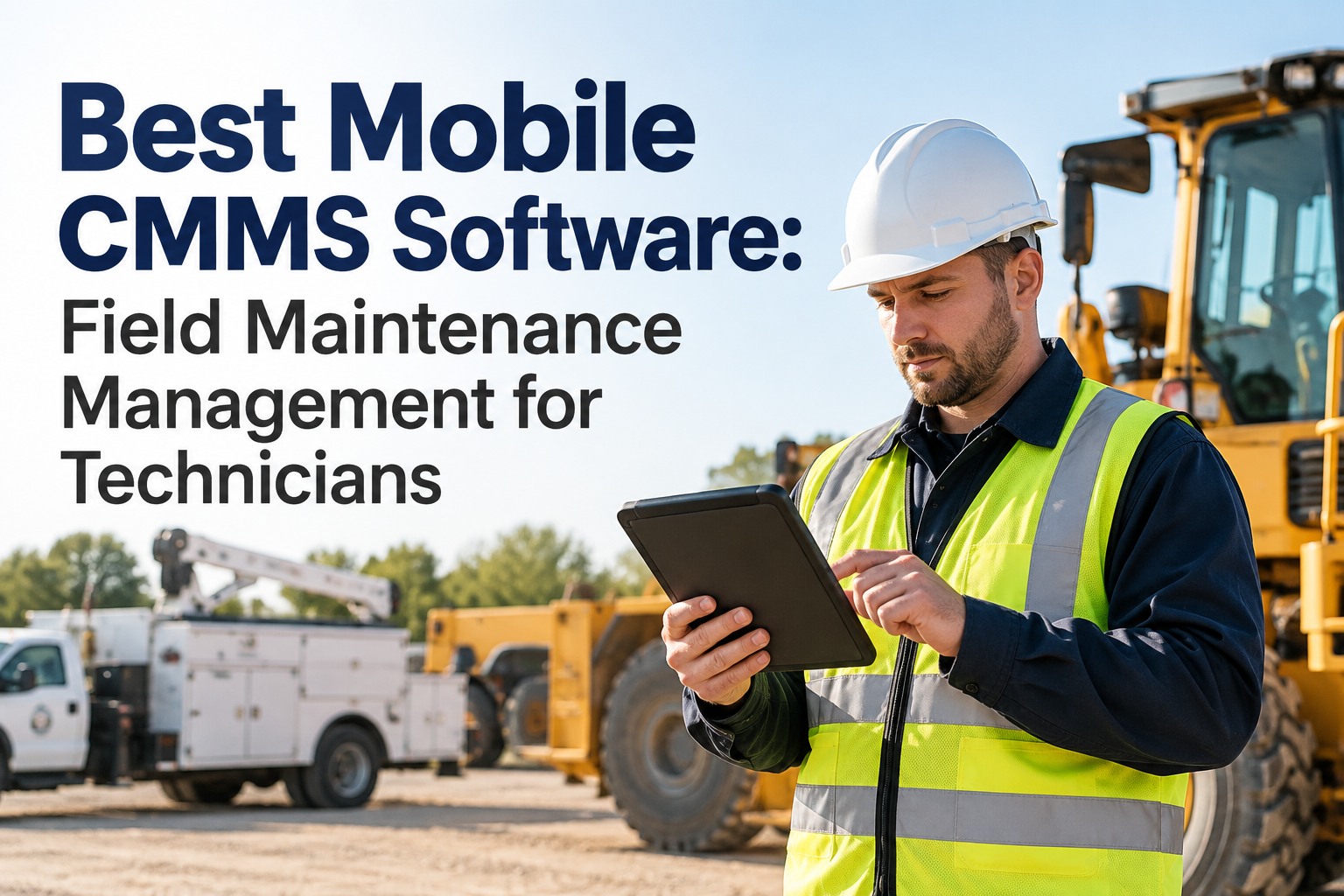
Core functionality that should be included at base pricing: asset registry, PM scheduling, work order management, mobile access, and basic reporting. Features that are commonly up-sold as add-ons but should be standard: IoT/sensor integration, CapEx forecasting, multi-site dashboards, compliance inspection templates, and spare parts tracking. If a vendor prices these separately, model the fully-loaded cost before comparing to competitors.
How do I avoid CMMS pricing surprises at renewal?
Read the escalation clause before signing — specifically the annual increase cap and the conditions that can trigger a tier upgrade (user count thresholds, asset count limits, API call volumes). Request a 3-year total cost projection in writing, including implementation, training, and any add-ons your operation requires. Vendors who refuse to provide this in writing are the ones most likely to surprise you at renewal.
Transparent Pricing · No Implementation Shock · Multi-Site Ready
See Exactly What Oxmaint Costs for Your Operation
No quote forms. No sales pressure. The free trial runs the full production system against your asset data — you see the real platform and the real pricing before any commitment. If you want the numbers modeled for your specific headcount, site count, and asset inventory, book a demo and we will build the cost comparison live.