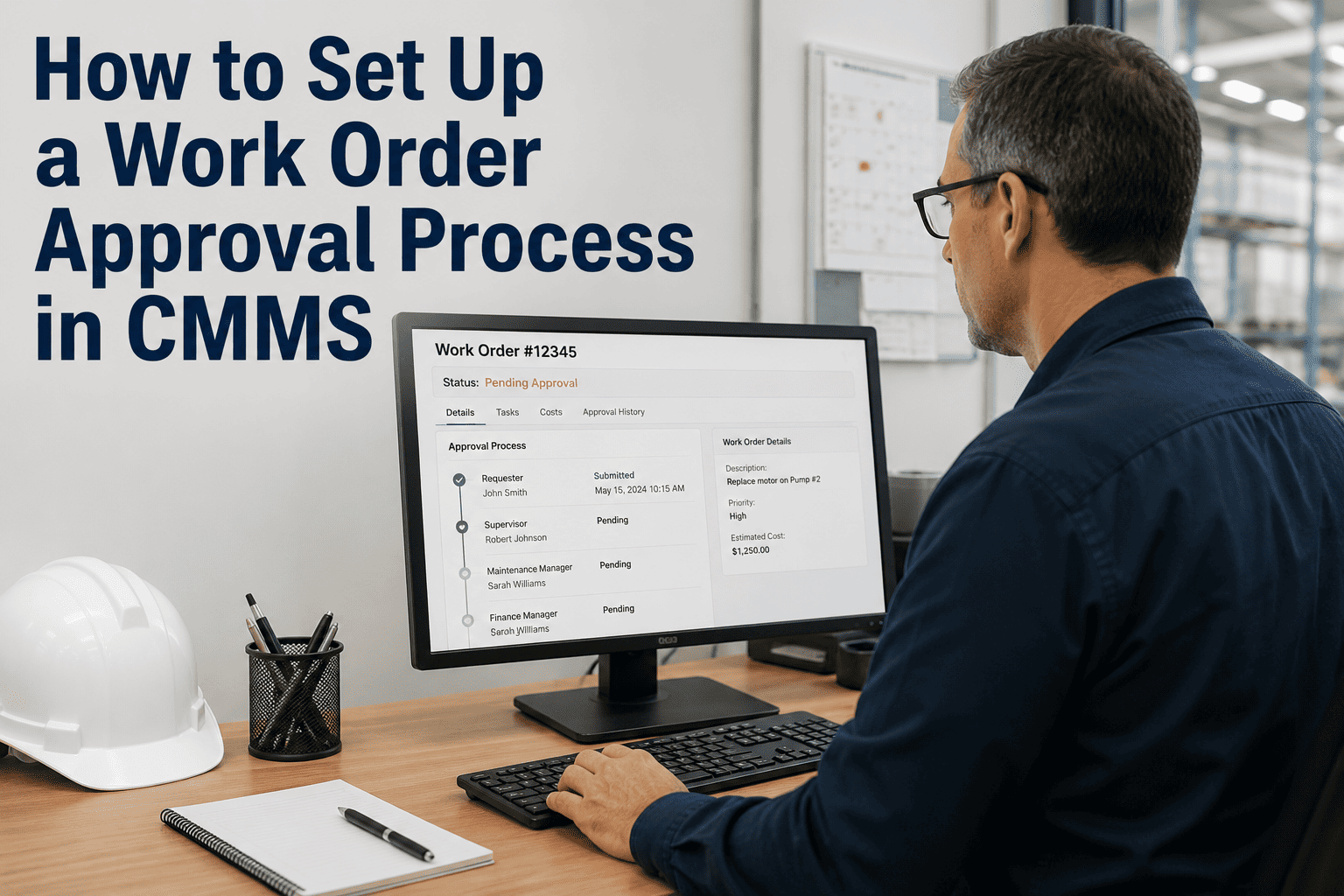
A maintenance team at a 1.2-million-square-foot manufacturing campus closes 14,000 work orders per year. On paper, that looks productive. In practice, 23% of those work orders are duplicates of existing open requests. Another 18% are closed incomplete because the technician lacked the right part or the right information at point of repair. Fifteen percent are corrective work orders generated by PM tasks that were deferred the previous month because emergency work consumed all available capacity. And 11% are rework — return trips to fix repairs that failed within 30 days because the root cause was never identified. Strip away the waste and the team’s effective output is roughly 4,600 genuinely completed, non-duplicate, non-rework work orders per year — 33% of the headline number. The problem is not the team. It is the process. Every work order management failure — lost requests, misclassified priorities, skill mismatches, missing parts, incomplete documentation, absent root cause analysis — compounds into a system that runs at a fraction of its potential. This guide covers the six stages of the work order lifecycle and the specific best practices at each stage that separate high-performing maintenance operations from the 67% waste rate described above. Schedule a demo to see the complete work order lifecycle automated in a single platform.
6 Stages
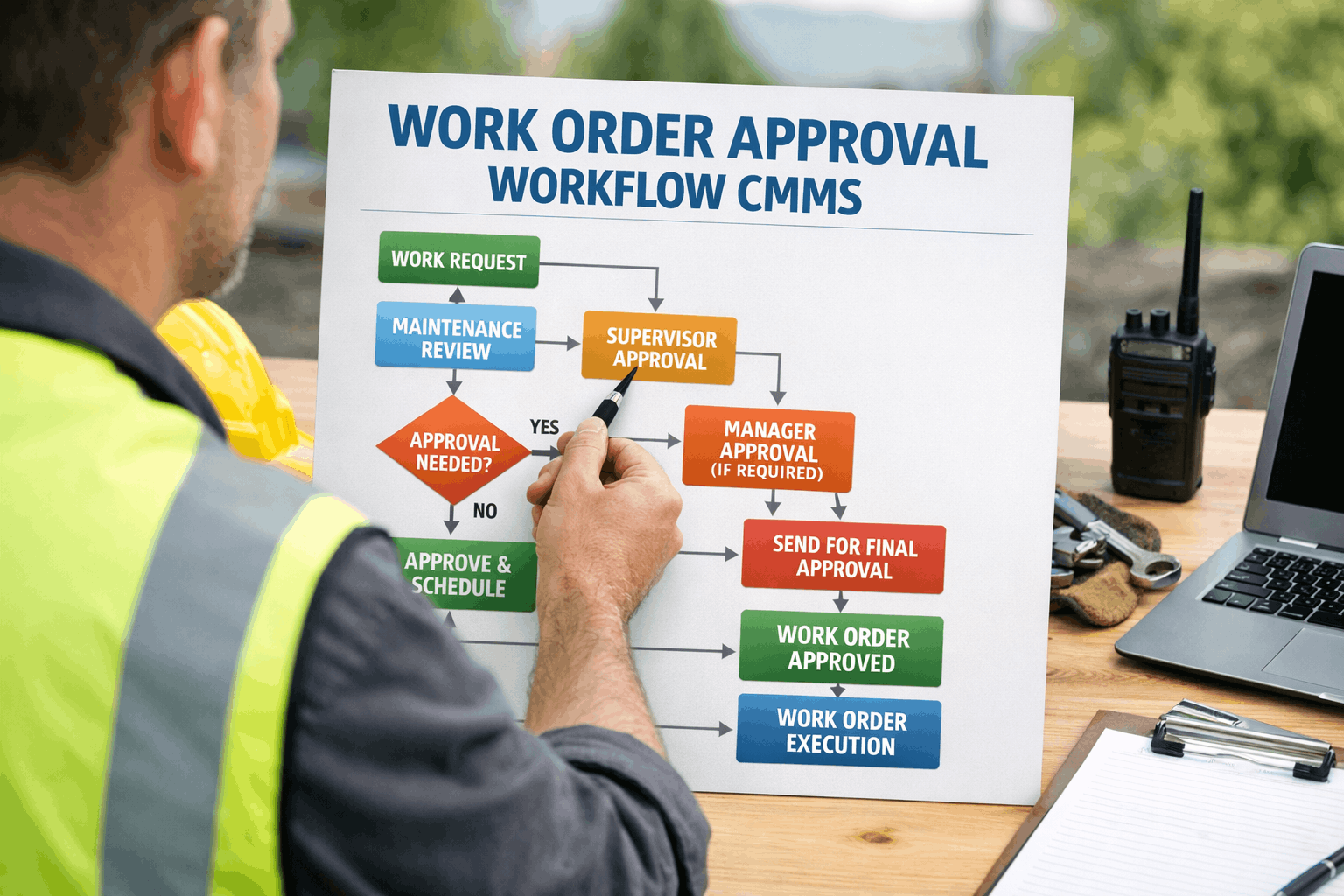
Request → Triage → Assign → Execute → Close → Analyze — each with specific best practices
67%
of work order volume is waste: duplicates, rework, incomplete closures, and deferred-PM consequences
2×
effective output when lifecycle best practices are implemented across all six stages
85%+
first-time fix rate achievable with proper triage, parts staging, and technician context delivery
Stage 1: Request — Capturing the Right Information at the Point of Need
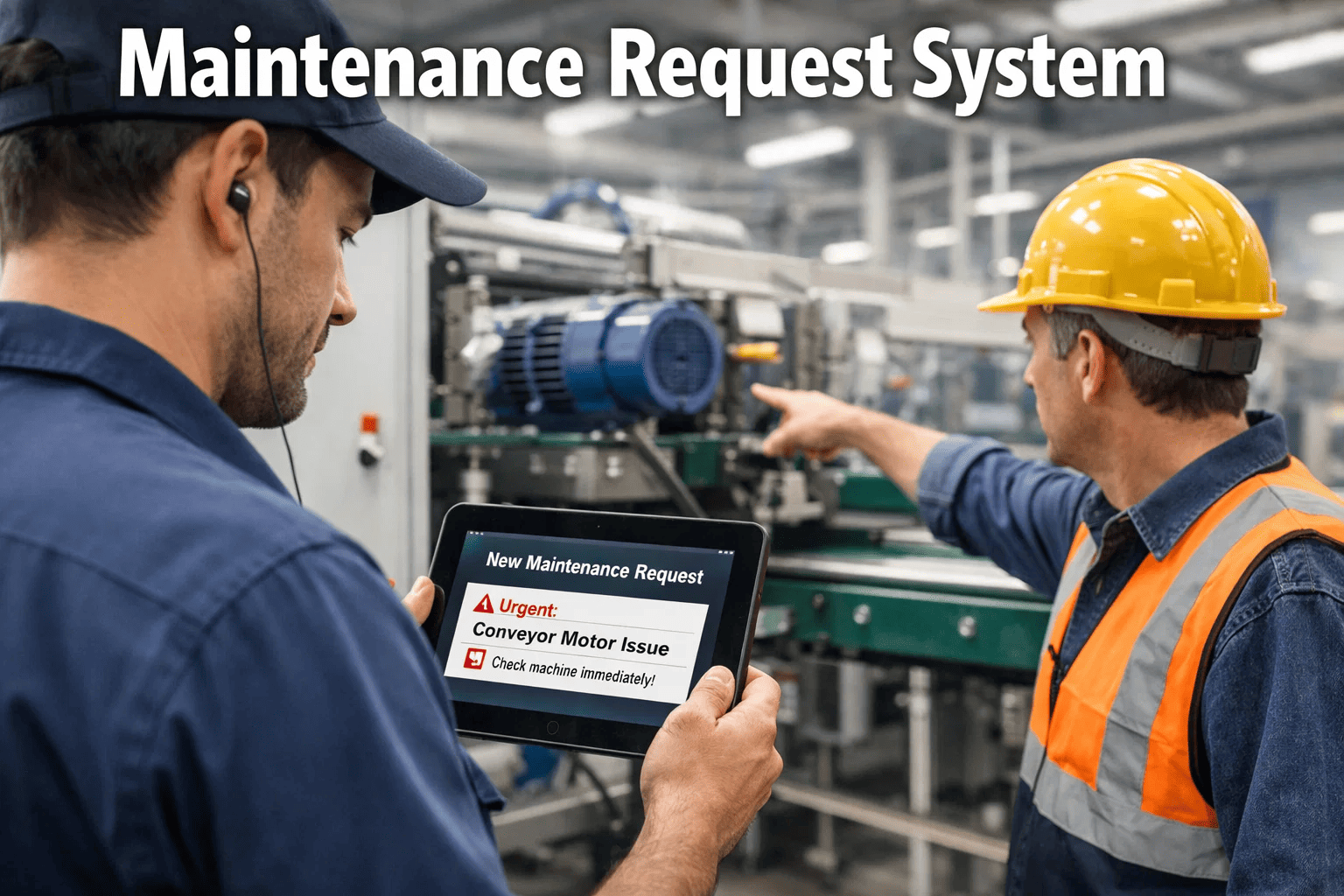
The work order lifecycle begins when someone identifies a maintenance need. The quality of everything that follows — triage accuracy, assignment precision, first-visit resolution — depends on the quality of the initial request. A request that says “something is wrong in Room 204” produces a different outcome than one that specifies building, room, asset, symptom, photo, and urgency. The goal is not to train every requestor to be a maintenance professional. It is to design the request interface so that complete, actionable information is captured with minimal effort.
Essential
1A. Mobile-First Request Portal
Provide a mobile app or web portal that any staff member can access without training. The interface guides the requestor through location selection (building, floor, room), problem description in plain language, and photo attachment — requiring no maintenance terminology, no priority classification, and no trade identification. The lower the barrier, the higher the capture rate.
Why it matters: 15–25% of maintenance needs are never reported in organizations that rely on phone calls or email. A mobile portal with under-60-second submission captures problems that would otherwise become emergencies.
Essential
1B. Mandatory Photo Attachment
Require at least one photo for every non-emergency request. A photo of a ceiling stain tells the triage team more about the severity, location, and probable cause than any text description. Photos also prevent duplicates — the triage team can see whether two requests describe the same issue from different angles.
Why it matters: Requests with photos are triaged 40% faster and assigned to the correct trade 25% more accurately than text-only requests. The photo becomes documentation that follows the work order through its entire lifecycle.
High Value
1C. Auto-Acknowledgment with Tracking
The moment a request is submitted, the requestor receives an automatic acknowledgment with a tracking number and an estimated response time based on current queue position. Status notifications push at each lifecycle milestone: triaged, assigned, in progress, completed. This eliminates the “is it done yet?” phone calls that consume coordinator time.
Why it matters: Requestors who receive no acknowledgment submit duplicate requests at 3× the rate of those who receive instant confirmation. Auto-acknowledgment prevents 60–70% of duplicate work orders.
High Value
1D. AI Duplicate Detection at Submission
When a new request is submitted, AI checks for existing open work orders on the same asset or in the same location with a similar description. If a match is found, the requestor is informed that the issue is already being tracked and given the existing tracking number. The duplicate is merged, not created. This prevents the 10–20% duplicate rate that inflates backlogs.
Why it matters: A single broken AHU can generate 3–5 requests from different occupants. Without deduplication, the backlog shows 5 work orders for 1 issue — wasting triage time and inflating metrics.
Stage 2: Triage — Classifying Priority, Trade, and Urgency
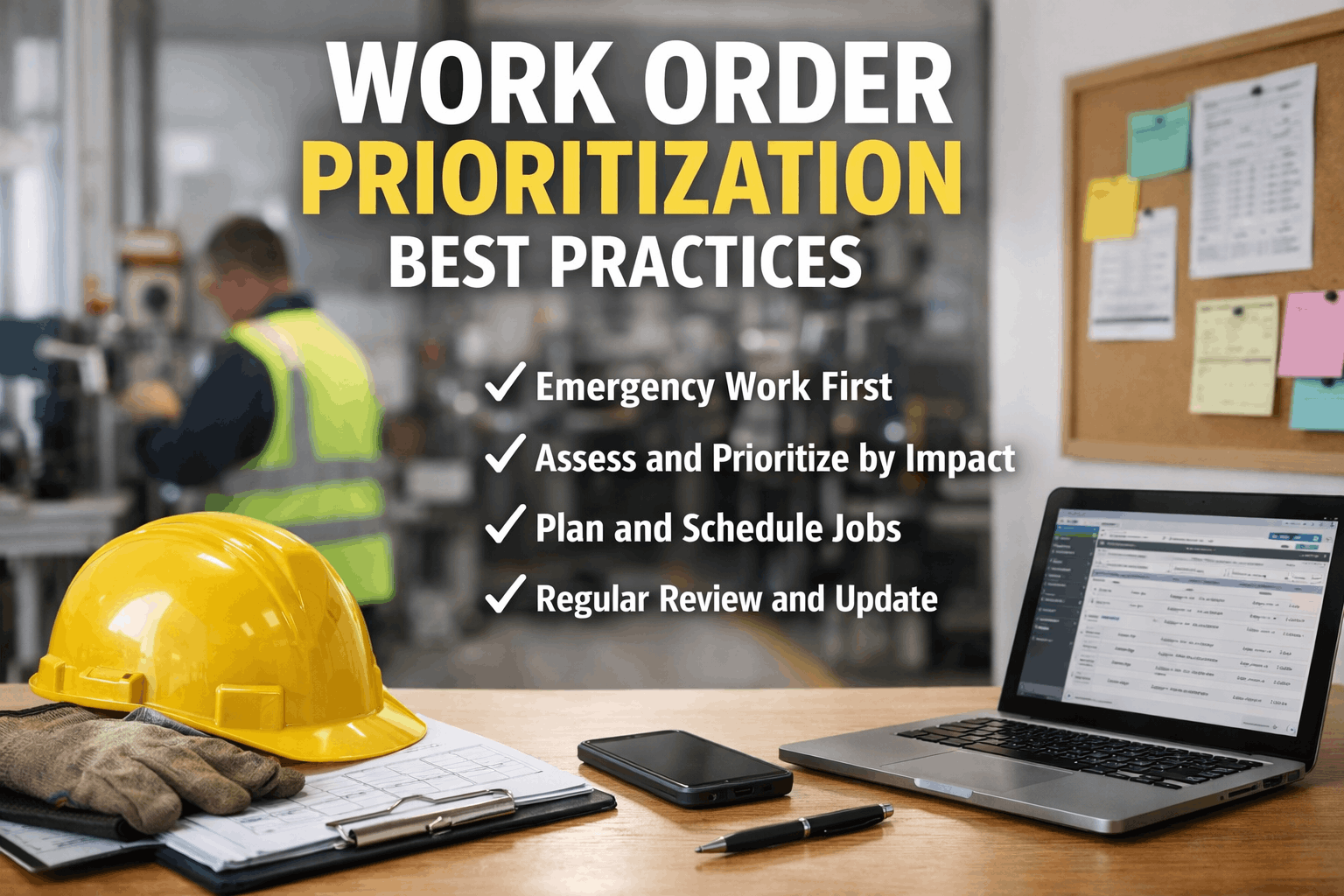
Triage is the decision point that determines whether the right work gets done in the right order. In manual systems, triage depends on whoever reads the request — their experience, their biases, and their workload at that moment. AI-powered triage replaces this variability with consistent, quantified classification that applies the same criteria to every request, every time.
Safety impact — Is anyone at immediate risk?
25% weight
Occupant / production impact — Who is affected?
30% weight
Asset criticality — What happens if this asset fails?
20% weight
Compliance deadline — Is a regulatory date approaching?
15% weight
Cost consequence — How expensive is further deferral?
10% weight
AI applies this matrix in under 3 seconds per work order. Manual triage takes 2–5 minutes per request and applies inconsistent criteria depending on who is triaging.
Practice
Without Best Practice
With Best Practice
2A. AI auto-classification
Human reads each request, guesses category and trade. 15–20% misclassification rate.
AI classifies type, trade, and priority in 3 seconds. 85–95% accuracy, improving with each closed WO.
2B. Weighted priority scoring
Priority assigned by who complained loudest or who knows the manager. Political, inconsistent.
Five-factor weighted matrix applied to every request. Transparent, defensible, consistent.
2C. SLA assignment by tier
No formal SLAs. Response time varies from 2 hours to 14 days depending on who is working.
Emergency: 15 min. High: 4 hrs. Medium: 24 hrs. Low: 5 days. Auto-escalation on SLA breach.
2D. Compliance tagging
Compliance items buried in the general queue. Discovered only when the inspector arrives.
AI auto-tags compliance-related WOs with regulatory domain (OSHA, NFPA, ADA, EPA) and deadline.
Triage in 3 Seconds, Not 3 Minutes. Every Work Order, Every Time.
Oxmaint’s AI classifies type, trade, priority, and SLA for every work order automatically — applying the same weighted criteria to every request regardless of who submitted it or when.
Stage 3: Assign — Matching the Right Technician to the Right Job
Assignment is where most manual systems lose the most time. A coordinator looks at the backlog, checks who is available (often by memory or phone call), and dispatches based on incomplete information about skills, location, and current workload. AI assignment evaluates four variables simultaneously that no human can hold in working memory across a full team and open backlog.
3A. Skill and Certification Matching
Critical
Every work order is matched to technicians who hold the required trade qualification. An HVAC work order is never assigned to an electrician. A confined-space entry task is never assigned to an uncertified technician. The CMMS maintains a live skills matrix for every team member, including certification expiration dates that automatically remove qualifications when they lapse.
Impact: Eliminates skill mismatches that cause 8–12% of first-visit failures and 100% of compliance violations from unqualified personnel performing regulated work.
3B. Geographic Clustering and Route Optimization
Critical
Work orders are grouped by building or building cluster and assigned as batches to the nearest qualified technician. Instead of dispatching 6 tasks across 6 scattered locations, the scheduler assigns 6 tasks across 2–3 adjacent buildings — reducing inter-task travel from 15–25 minutes to 3–5 minutes. Across a 12-person team, geographic clustering recovers 12–18 productive hours per day.
Impact: Equivalent to adding 1.5–2.0 FTE at zero hiring cost. Each technician completes 2–4 additional work orders per day from travel time savings alone.
3C. Parts Availability Verification Before Dispatch
High Value
Before a work order is assigned, the CMMS checks whether the required parts are in stock. If the part is available, it is added to the technician’s daily kit list for pre-staging. If the part is not in stock, the work order is held and a purchase order auto-generates. No technician is dispatched to a job they cannot complete because the repair part is unavailable.
Impact: First-time fix rate rises from 65% to 85%+. Each prevented return trip saves 45–90 minutes and removes one “open but waiting” item from the backlog.
3D. Workload Balancing Across the Team
High Value
The scheduler distributes work orders evenly across available technicians, accounting for current assigned load, estimated task duration, and shift remaining hours. No technician is assigned 12 work orders while another has 3. The result is consistent daily output across the entire team rather than bottlenecks on overloaded individuals and idle time on underutilized ones.
Impact: Team utilization variance drops from ±40% (common in manual dispatch) to ±10%. Total team output increases 15–25% from balancing alone.
Stage 4: Execute — Field Completion with Full Context
Execution is where the actual repair happens — and where the most time is wasted in poorly designed systems. A technician who arrives at a job without knowing the asset’s history, without the right part, and without a clear understanding of the problem will take 2–3× longer than one who arrives fully prepared. The best practice is not “work faster” — it is “arrive prepared.”
4A
Full Context on Mobile Device
Technician receives work order on mobile with: problem description, requestor photo, building and room with navigation, asset maintenance history (last 5 repairs, failure patterns), suggested repair action, and required parts with stock confirmation. No clipboard. No return to shop for information.
↓
4B
GPS-Confirmed Check-In
Technician taps “Arrived” when on site. GPS confirms location. Timestamp logs response time automatically. No manual time tracking. No disputed arrival times. The SLA clock stops the moment the technician checks in.
↓
4C
Before Photo Documentation
Technician photographs the condition before starting work. This creates a baseline for the repair record, protects against disputed claims, and provides training material for future technicians encountering the same failure mode on similar assets.
↓
4D
Digital Checklist Execution
For PM tasks and complex repairs, the technician follows a step-by-step digital checklist. Each step is confirmed with a checkbox, reading entry, or photo. The checklist ensures nothing is skipped — especially critical on compliance-driven work where incomplete execution voids the inspection.
↓
4E
Parts Consumption via Barcode Scan
Technician scans the barcode on every replacement part used. Inventory updates in real time. Cost is automatically assigned to the work order. Reorder triggers fire when stock drops below minimum. Zero manual inventory tracking. Zero end-of-day parts reconciliation.
↓
4F
Voice-to-Text Repair Notes
Technician speaks repair notes into the mobile app: “Replaced supply fan bearing, east AHU, Building 7. Bearing showed outer race spalling. Belt tension adjusted. No secondary damage.” AI parses the voice note into structured data: root cause, action taken, parts used, condition assessment.
↓
4G
After Photo and Completion
Technician photographs the completed repair and taps “Complete.” All mandatory fields verified: root cause identified, action documented, parts logged, photos attached, labor time recorded. Work order moves to closed status. Requestor receives automatic completion notification. Total documentation time: under 90 seconds.
Stage 5: Close — Verification, Quality Assurance, and Cost Finalization
Practice
Without Best Practice
With Best Practice
5A. Mandatory root cause
“Fixed” or “Completed” in the notes field. No information about why it failed or what was done.
Root cause selection required from standardized codes. AI suggests probable cause from description. Feeds failure pattern analysis.
5B. Supervisor exception review
Supervisor reviews every closed WO manually. Bottleneck. 48-hour review backlog typical.
Supervisor reviews exceptions only: high-cost repairs, repeated failures, SLA breaches. Routine closures auto-verify.
5C. Automatic cost finalization
Costs assembled at month-end from separate labor and parts systems. Often inaccurate or incomplete.
Labor time + parts consumption + contractor invoices auto-totaled at closure. Real-time cost-per-WO feeds budgeting.
5D. Requestor satisfaction loop
No feedback mechanism. Requestor frustration builds silently until it reaches leadership as a complaint.
1-tap satisfaction rating on completion notification. Low ratings auto-trigger follow-up. Trends feed service improvement.
Stage 6: Analyze — Turning Closed Work Orders into Continuous Improvement
The most overlooked stage. Most teams close a work order and never look at it again. High-performing teams analyze every closed work order as a data point that improves future performance: identifying recurring failures, quantifying cost per asset, detecting skill gaps, and projecting capital replacement needs. Start your free trial to see how closed work order analytics drive continuous improvement from your first month of data.
6A
Recurring Failure Detection
AI identifies assets with 3+ work orders in 12 months for the same failure mode. Flags for root cause investigation or capital replacement review.
6B
Cost-Per-Asset Trending
Total maintenance cost per asset over time. When cumulative repair costs approach 50% of replacement value, the replace-vs-repair analysis triggers automatically.
6C
Technician Performance Analytics
First-time fix rate, average completion time, rework rate, and skill utilization per technician. Identifies training needs and top performers for mentoring roles.
6D
PM Effectiveness Review
Compares PM-covered assets against failure rates. If an asset with quarterly PM still fails quarterly, the PM task is not preventing failure and needs redesign.
6E
Backlog Velocity Monitoring
Daily tracking of backlog growth/shrinkage rate. Three consecutive days of growth triggers auto-escalation before the backlog silently compounds into a crisis.
6F
Capital Planning Intelligence
Work order data feeds capital replacement projections: which assets have the highest risk scores, repair cost trajectories, and failure frequency trends — generating board-ready capital requests.
The Complete Lifecycle: What Changes at Every Stage
Manual Process
Request: Phone call, email, sticky note — 15–25% never captured
Triage: Whoever reads it decides priority — inconsistent, political
Assign: Morning meeting dispatch — 45 min, based on memory
Execute: Clipboard, no asset history, no parts confirmation
Close: “Fixed” in the notes field — no root cause, no cost data
Analyze: Monthly spreadsheet report — 4-week lag, aggregated
Result: 35% wrench time. 45% emergency ratio. 65% first-time fix. Growing backlog.
CMMS Best Practices
Request: Mobile app, photo, location — 100% capture, dedup at entry
Triage: AI classification in 3 seconds — consistent, quantified
Assign: AI dispatch by skill, location, parts — under 10 seconds
Execute: Full mobile context, GPS, checklist, barcode, voice notes
Close: Mandatory root cause, auto-cost, satisfaction loop
Analyze: Real-time dashboards, pattern detection, capital intelligence
Result: 70%+ wrench time. Under 15% emergency. 85%+ first-time fix. Stable backlog.
Effective Output Improvement
2× Output. Same Team.
Every best practice compounds: better requests produce better triage, which enables better assignment, which improves execution, which generates better data for analysis.
Implementation: 30 Days to Full Lifecycle Optimization
Week 1
Foundation
✓ Import asset registry and locations
✓ Configure work order types and SLAs
✓ Set up technician profiles with skills
✓ Deploy requestor portal
Week 2
Activation
✓ Enable AI classification and scoring
✓ Activate geographic routing
✓ Deploy mobile app to technicians
✓ Link parts inventory to scheduling
Week 3
Optimization
✓ Calibrate priority scoring weights
✓ Configure root cause code library
✓ Activate compliance tagging
✓ Enable requestor notifications
Week 4
Intelligence
✓ Deploy KPI dashboards
✓ Activate backlog velocity monitoring
✓ Enable recurring failure detection
✓ Establish continuous improvement cycle
By day 30, every work order flows through a fully optimized lifecycle: mobile request with photo and dedup, AI triage in 3 seconds, skill-matched and route-optimized assignment, mobile execution with full context and documentation, verified closure with root cause and cost, and continuous analysis that improves every future work order. Sign up free and have the complete work order lifecycle operational within the first week.
67% of Your Work Order Volume Is Waste. Eliminate It.
Oxmaint automates every stage of the work order lifecycle — from mobile request capture through AI triage, optimized assignment, mobile field execution, verified closure, and continuous analysis. Same team. Double the effective output. 30 days to full deployment.
Frequently Asked Questions
How long does it take for AI classification to reach high accuracy?
AI classification reaches 85% accuracy from day one using industry-trained models that understand common maintenance terminology and failure patterns. By month 3, with 2,000–3,000 closed work orders providing feedback, accuracy rises to 92–95% because the AI has learned your specific asset types, common issues, and requestor language patterns. Every closed work order where the classification was correct or corrected trains the model further. The 5–8% residual error rate is overwhelmingly on ambiguous requests that would also challenge a human triager.
Start free to see AI classification accuracy on your first batch of work orders.
What if our technicians resist using the mobile app?
Technician adoption depends on whether the app makes their day easier or harder. The Oxmaint mobile app is designed for field use: 5 taps from open to close, voice-to-text for repair notes (no typing in the field), offline mode for basements and mechanical rooms, and barcode scanning for parts (no manual entry). Most resistance comes from systems that add documentation burden. This one reduces it: the technician who previously returned to the shop to enter data into a desktop CMMS now completes documentation in 90 seconds at point of repair. Adoption rates exceed 90% within the first two weeks when technicians see that the app gives them asset history at point of repair, which they previously had to search for.
How does the priority scoring handle genuinely urgent requests that score low on the matrix?
The scoring matrix is the default, not the ceiling. Supervisors can override any priority score with a single tap and a mandatory reason note. The override is logged — creating accountability and a data trail that the analytics engine uses to refine future scoring. If a certain type of request is consistently overridden, the AI adjusts the scoring weights to reflect the operational reality. Emergencies bypass the scoring matrix entirely through a dedicated emergency channel that dispatches immediately. The matrix handles the 85% of work orders that are non-emergency and benefit from consistent, objective prioritization.
Can we implement these practices incrementally or do we need all six stages at once?
Incremental implementation works and is actually recommended. Stage 1 (mobile requests) and Stage 4 (mobile execution) deliver immediate value on day one because they capture data that was previously lost. Stage 2 (AI triage) activates in week 2 and improves progressively. Stages 3 (optimized assignment) and 5 (verified closure) activate by week 3. Stage 6 (analysis) becomes meaningful by week 4 when sufficient closed work order data has accumulated. Each stage delivers standalone value while building toward the compounding effect where all six reinforce each other.
What metrics should we track to measure work order lifecycle improvement?
Six metrics form the core dashboard: first-time fix rate (target: over 85%), average response time by priority tier (Emergency under 15 min, High under 4 hrs, Medium under 24 hrs), work order completion rate (completions vs. arrivals — must be positive for backlog stability), PM compliance rate (target: over 95%), emergency work ratio (target: under 15%), and rework rate within 30 days of closure (target: under 5%). Track these weekly. Improvement is typically visible within 2–3 weeks of deployment because the biggest gains come from eliminating waste (duplicates, skill mismatches, parts failures) rather than working faster.
Book a demo to see the KPI dashboard configured for your operation’s specific SLA and target metrics.