A cement plant maintenance coordinator spends 18 to 22 hours every week on repetitive admin — typing work orders from paper inspection sheets into the CMMS, re-keying parts data from the CMMS into SAP, matching three-way invoices for kiln refractory purchases, compiling MTBF and PM compliance reports for the VP of operations, and updating regulatory compliance logs by hand. None of that work improves kiln availability, extends refractory campaign life, or prevents a single bearing failure. It is pure overhead — and it is exactly the workload OxMaint's RPA-enabled CMMS platform eliminates by deploying software bots that execute these rule-based workflows automatically across CMMS, ERP, and finance systems. Industry data shows cement plants deploying RPA in maintenance admin recover 15 to 25% of coordinator capacity within 90 days, cut work-order-to-PO cycle time from days to minutes, and eliminate the 80% of maintenance data errors caused by manual re-entry between systems. This page walks through the exact cement plant maintenance workflows RPA automates, the integration architecture that makes it work without replacing your existing systems, and the measurable operational impact documented by cement groups running bot-assisted maintenance operations today.
RPA · Maintenance Admin Automation · Cement Operations
Put Your Maintenance Admin Work on Autopilot
OxMaint deploys software bots that execute work order creation, ERP sync, purchase order routing, compliance reporting, and cross-system data entry automatically — giving cement plant maintenance teams back the 20+ hours per week they currently lose to repetitive admin.
20+ hrs
Weekly admin recovered per coordinator
80%
Reduction in manual data entry errors
24/7
Bots execute without breaks or delays
90 days
To measurable productivity gain
Where Cement Plant Maintenance Admin Time Actually Goes
Before automating anything, the honest audit question is: where does a maintenance coordinator's week actually go? Across cement plants we have mapped, the breakdown is remarkably consistent — and remarkably recoverable. Four workflow categories consume roughly two-thirds of a coordinator's time. All four are rule-based. All four are ideal RPA targets.
Where 40 Weekly Hours Go — Maintenance Coordinator Baseline
Work Order Admin
12 hrs
ERP & PO Sync
6 hrs
Reports
5 hrs
Compliance
4 hrs
Strategic Work
13 hrs
Work Order Admin — typing from paper, routing, closing
ERP & PO Sync — re-entering parts, PO creation, approvals
Reports — MTBF, MTTR, PM compliance, cost summaries
Compliance — logbook updates, audit trail assembly
Strategic Work — reliability planning, RCA, vendor management
27 of 40 weekly hours — 67% — go to rule-based admin tasks that bots can execute. Automating even half of this returns the equivalent of a full working day per week to every coordinator.
The Six Cement Maintenance Workflows RPA Automates End-to-End
RPA does not replace maintenance judgement. It replaces the repetitive digital steps that sit between a decision being made and a system being updated. The six workflows below are the highest-value automation targets in cement plant maintenance — each follows clear rules, involves multiple systems, and currently consumes hours of coordinator and planner time every week.
Workflow 01
Saves 6-8 hrs/week
Inspection Finding to Work Order Generation
Inspection logged
>
Severity rule applied
>
WO created
>
Technician assigned
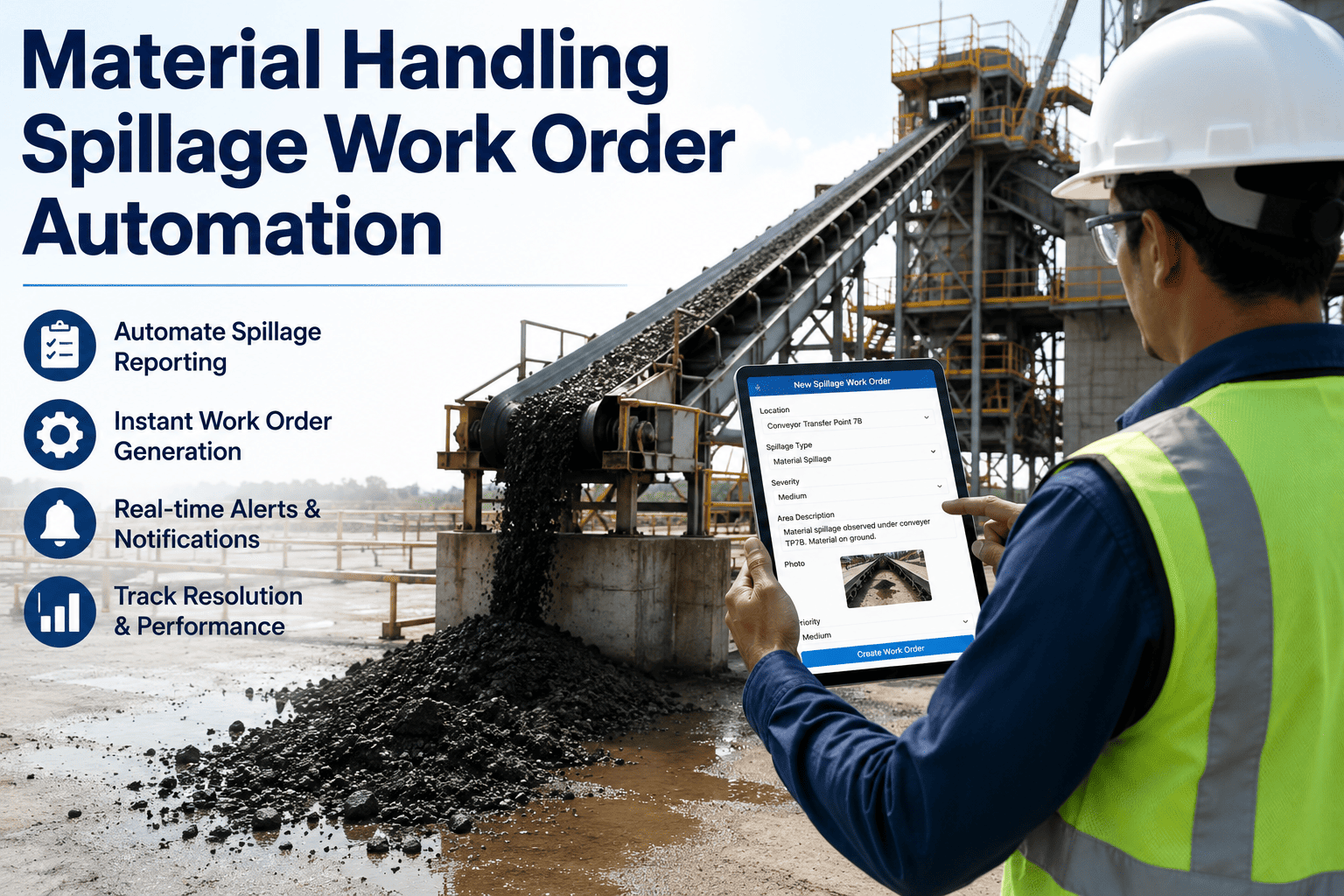
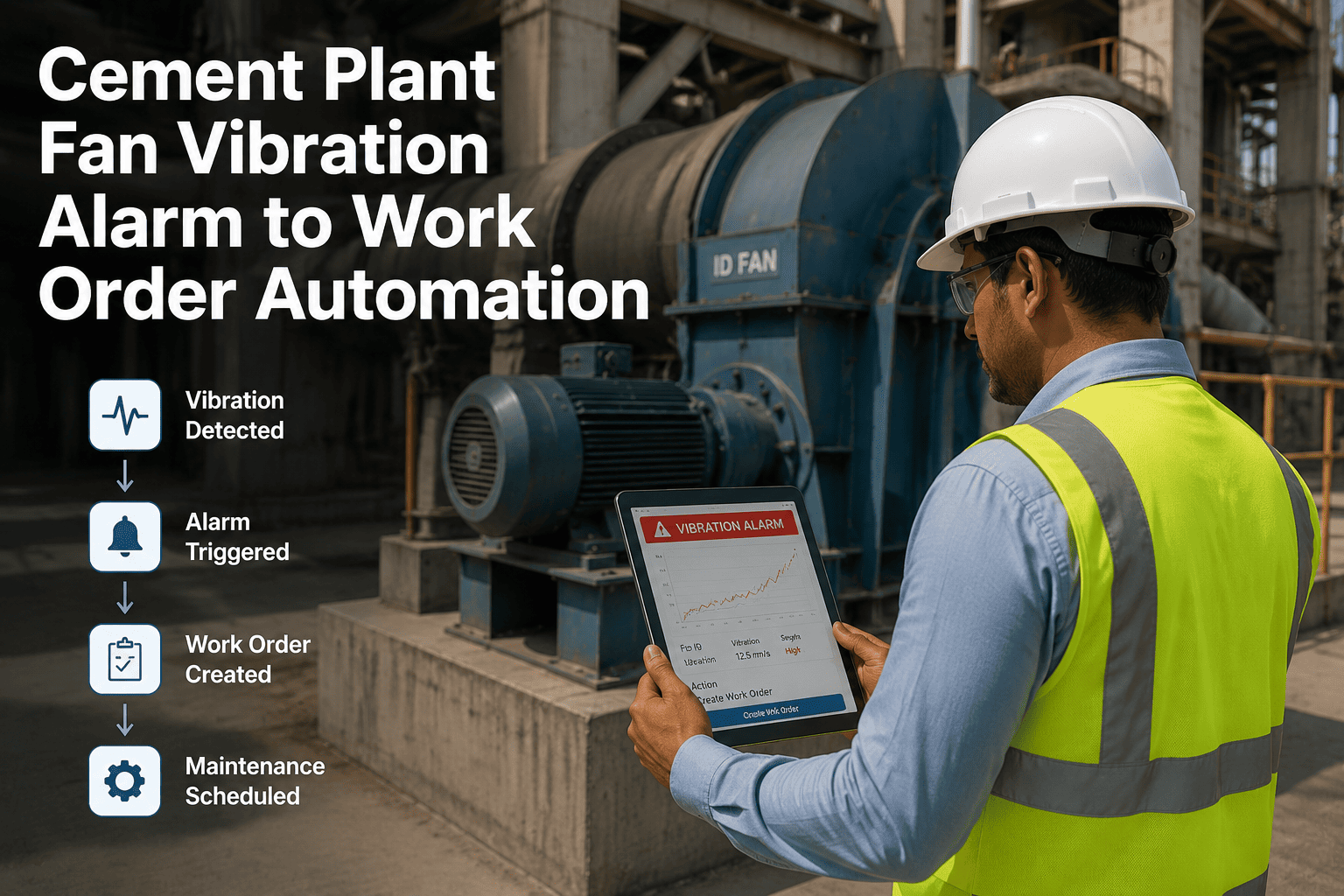
Bot reads kiln shell thermography findings, vibration reports, and refractory inspection outcomes. Applies severity rules, creates a work order in OxMaint with the correct priority, assigns the right technician based on trade and shift, and attaches the inspection evidence — all in under 90 seconds per finding.
Workflow 02
Saves 4-6 hrs/week
Parts Requisition to ERP Purchase Order
WO needs part
>
Stock checked
>
PO drafted in SAP
>
Routed for approval
When a work order requires a part not in stock, the bot checks the BOM, looks up the approved vendor in the ERP, drafts the purchase order with specifications attached, and routes it through the approval chain — eliminating the manual re-entry of data that already exists in the CMMS.
Workflow 03
Saves 3-5 hrs/week
Three-Way Invoice Matching
Invoice received
>
PO matched
>
GRN validated
>
Posted for payment
Bot pulls supplier invoices, matches them against the purchase order and goods-receipt note in the ERP, flags variances above tolerance, and posts approved invoices for payment. A process that takes hours per batch manually completes in minutes, and often unlocks early-payment discounts.
Workflow 04
Saves 4-5 hrs/week
KPI Report Compilation & Distribution
Schedule triggers
>
Data extracted
>
Report built
>
Distributed
MTBF, MTTR, PM compliance rate, OEE impact, and maintenance cost-per-asset reports are built on schedule and emailed to plant managers, group reliability, and ownership — no coordinator time required to compile, format, or distribute.
Workflow 05
Saves 2-3 hrs/week
Compliance Logbook Updates
Event occurs
>
Rule identifies filing
>
Log updated
>
Audit trail stored
Environmental permit events, safety incidents, LOTO events, and pressure vessel inspections are automatically logged in the correct compliance register with timestamp, user, and evidence attachments — creating an audit-ready trail without coordinator data entry.
Workflow 06
Saves 3-4 hrs/week
CMMS, ERP & Finance Data Sync
WO closed
>
Cost posted ERP
>
Asset updated
>
Finance synced
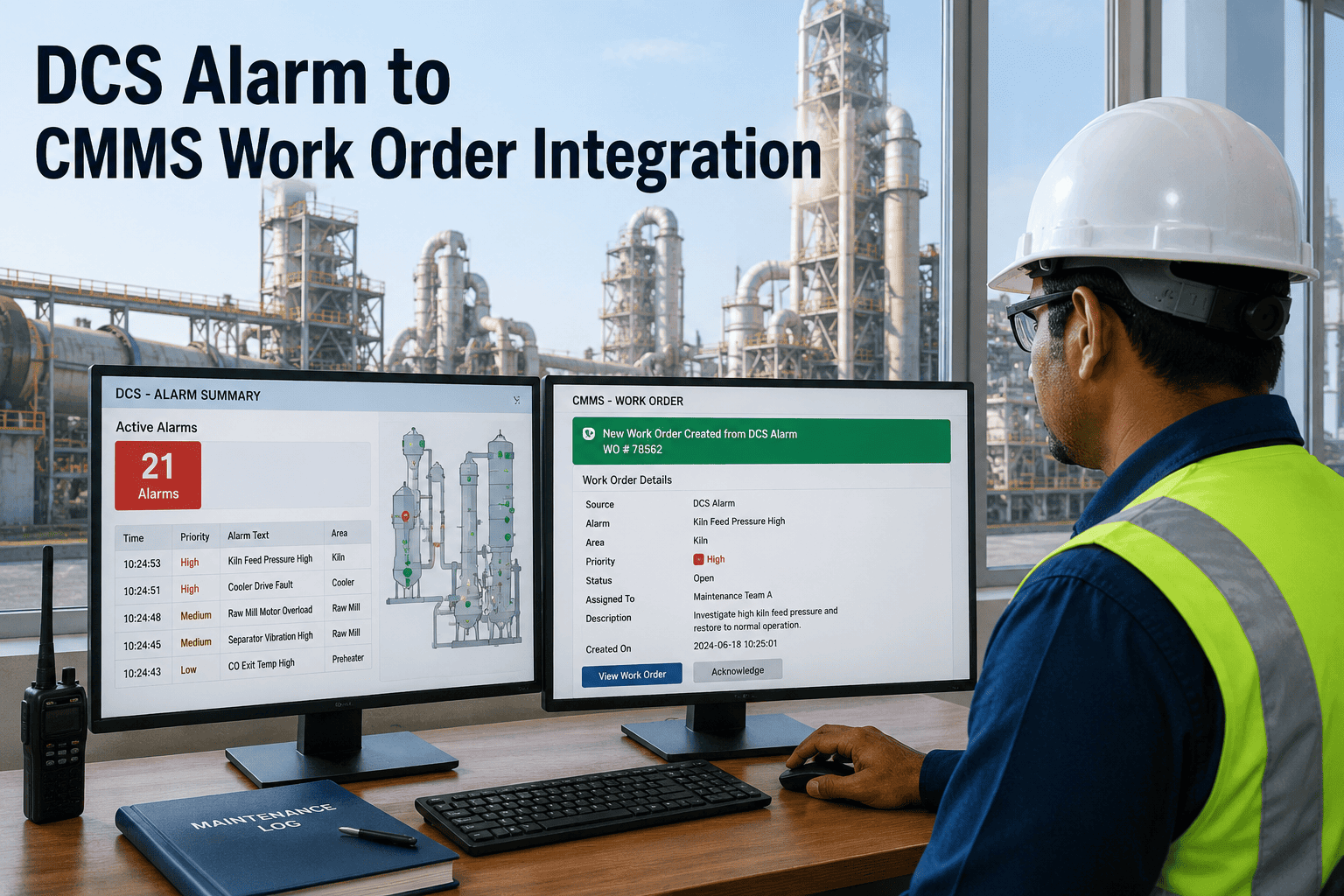
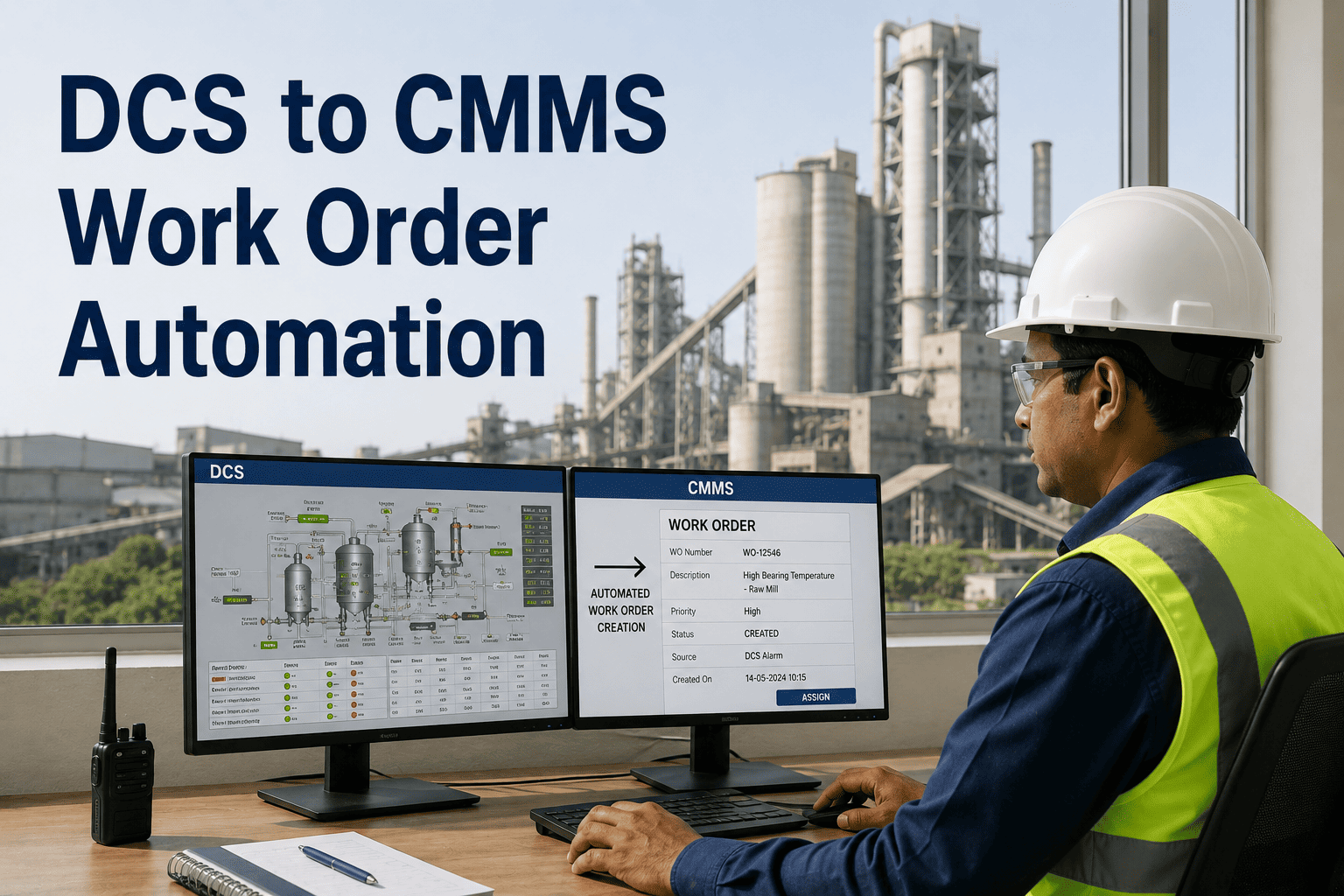
When a work order closes in OxMaint, the bot posts labour and parts cost to the ERP work centre, updates the asset maintenance history in finance, and reconciles any inventory adjustments — eliminating the manual duplicate entry that creates 80% of maintenance data errors.
RPA-Enabled CMMS
Recover 20+ Hours of Maintenance Admin Time Every Week
OxMaint's bot workforce executes work order creation, ERP sync, PO routing, and compliance reporting across your cement plant systems — without asking you to replace a single existing application.
The Same Task — Manual vs. Automated
The clearest way to understand RPA's impact is to watch a single task execute both ways. Below is a refractory brick purchase order — a workflow every cement plant runs dozens of times per campaign. The manual path touches five systems and three people. The automated path touches the same systems but removes the human copy-paste work between them.
The Manual Path — 47 Minutes
1
Kiln inspection logged on paper
Technician writes finding
2
Coordinator types into CMMS
8 min — types asset ID, finding, severity
3
Looks up brick spec in BOM file
6 min — searches shared drive
4
Opens SAP, creates PO draft
12 min — re-types vendor, spec, quantity
5
Emails planner for approval
Waits — varies by planner availability
6
Planner approves, sent to procurement
15 min — verifies details, forwards
7
Procurement releases PO to vendor
6 min — re-verifies, sends
Total: 47 minutes of human effort · 3 people · 2 systems re-keyed
The RPA Path — 2 Minutes
1
Technician logs finding in mobile CMMS
30 sec — tap, photo, severity selected
2
Bot reads finding, pulls BOM from asset
Instant — structured data lookup
3
Bot drafts PO in SAP with full spec
45 sec — auto-populated from CMMS
4
Bot routes for digital approval
Instant — mobile push to planner
5
Planner approves with one tap
15 sec — reviews summary, approves
6
Bot releases PO to vendor automatically
Instant — sent with digital signature
7
CMMS, ERP, finance sync in background
Instant — all records updated
Total: 2 minutes of human effort · 2 people touch it · 0 re-keying
Attended vs. Unattended Bots — What Runs Where in a Cement Plant
Not every maintenance workflow should run unattended. Some require a human in the loop — reviewing a flagged exception, approving a capital spend, or confirming a safety-critical decision. RPA deployments in cement plants use both types of bots strategically, matching the automation mode to the workflow's risk profile and decision complexity.
Attended Bots
Human-triggered · Runs alongside user
Bot sits in the user's workspace and executes on demand. The planner clicks a button; the bot completes the repetitive portion while the planner retains judgement over the outcome.
Refractory campaign PO batch generation (planner approves vendor choice)
Shutdown work order bulk creation from scope document
Contractor access approval workflow with manager sign-off
CapEx request assembly from asset condition data
Unattended Bots
Schedule or event-triggered · Runs 24/7
Bot runs in the background on its own schedule or when triggered by a system event. No user interaction required. Best for high-volume, rule-based workflows with low exception rates.
Weekly KPI report generation and distribution
Invoice three-way matching at end of day
Work order cost posting from CMMS to ERP on WO close
Compliance log updates when events occur
PM work order auto-creation based on meter readings
How OxMaint's RPA Integrates With Your Existing Systems
Cement plants run SAP, Oracle, Infor EAM, legacy maintenance databases, email, and paper forms — often in the same shift. OxMaint's RPA does not require you to rip out any of these. Bots integrate through three complementary methods, chosen based on what each target system supports.
Method 1
API Integration
Preferred method where the target system exposes a REST or SOAP API — SAP S/4HANA, Oracle Cloud ERP, modern EAM platforms. Fastest, most reliable, easiest to maintain over time.
Method 2
Screen-Level Automation
For legacy systems without APIs, the bot drives the application UI the same way a user would — keystrokes, clicks, field reads. Essential for older SAP ECC installs, green-screen procurement systems, and in-house databases.
Method 3
Document & Email Automation
OCR plus rule engines extract structured data from supplier invoices, inspection PDFs, and emailed work requests — turning unstructured inputs into structured CMMS and ERP records without human re-typing.
Expected Impact — 90-Day and 12-Month Benchmarks
Cement plants deploying RPA-enabled CMMS see measurable impact in two distinct windows. The first 90 days deliver direct time savings as the highest-volume workflows automate. The 12-month horizon compounds those savings into reliability and cost outcomes — because recovered coordinator time is redirected to planned maintenance, root cause analysis, and capital planning.
First 90 Days
Direct admin time recovery
20+ hrs
Weekly admin time recovered per coordinator
80%
Reduction in manual data entry errors between CMMS & ERP
95%
Reduction in work-order-to-PO cycle time
100%
On-time KPI report distribution
12-Month Horizon
Compounded reliability outcomes
25%
Reduction in unplanned equipment downtime (Siemens RPA benchmark)
40-60%
Faster invoice cycle — unlocks early-payment discounts
73%
Reduction in critical spare parts stockouts via automated reorder
5 weeks
Annual capacity recovered per coordinator — redirected to reliability work
Frequently Asked Questions
Do we need to replace our existing SAP or ERP to use OxMaint's RPA?
No. OxMaint's bots integrate with SAP ECC, SAP S/4HANA, Oracle, Infor, and other ERPs through APIs where available and through screen-level automation for legacy systems. Your ERP stays in place — RPA eliminates the manual re-keying between it and the CMMS.
Book a demo to see the integration in action.
What happens when a bot encounters an exception it cannot handle?
Every bot is configured with exception rules. When a workflow hits a case outside the rule set — an unusual variance, a missing approval, or a data mismatch — the bot stops and routes the exception to a human reviewer with full context. No silent failures, no unchecked decisions.
How long does RPA deployment take for a cement plant?
A typical first workflow goes live in 4 to 6 weeks. Most cement plants automate three to five core workflows in the first 90 days, with incremental workflows added quarterly. OxMaint ships with pre-built bot templates for work order creation, ERP sync, and KPI reporting.
Start a free trial to explore the templates.
Are RPA bots safe to use in a regulated cement operation?
Yes. Every bot action is time-stamped and stored in an immutable audit log, which makes regulatory and customer audits faster to prepare. Safety-critical decisions remain with humans — RPA executes the administrative steps, not the control decisions that affect process safety.
Will automation reduce our maintenance team headcount?
The cement plants we work with redirect recovered capacity into planned maintenance, RCA, contractor management, and capital planning — work they were under-resourced for before. RPA changes what the team works on, not how many people the team has.
Book a demo to discuss the deployment model.
Can RPA work across multiple cement plants in a group?
Yes. Once a workflow is automated at one plant, the same bot logic deploys to additional plants with only site-specific field mappings. Multi-plant groups typically see the strongest ROI because the same bot runs across every site without duplicated build effort.
OxMaint · RPA-Enabled CMMS for Cement Operations
Every Hour Your Team Loses to Admin Is an Hour Not Spent on Reliability.
OxMaint deploys RPA bots that execute maintenance admin workflows — work orders, ERP sync, POs, compliance, reporting — automatically across your cement plant systems. The team gets its time back. The plant gets its reliability capacity back. The numbers speak for themselves.