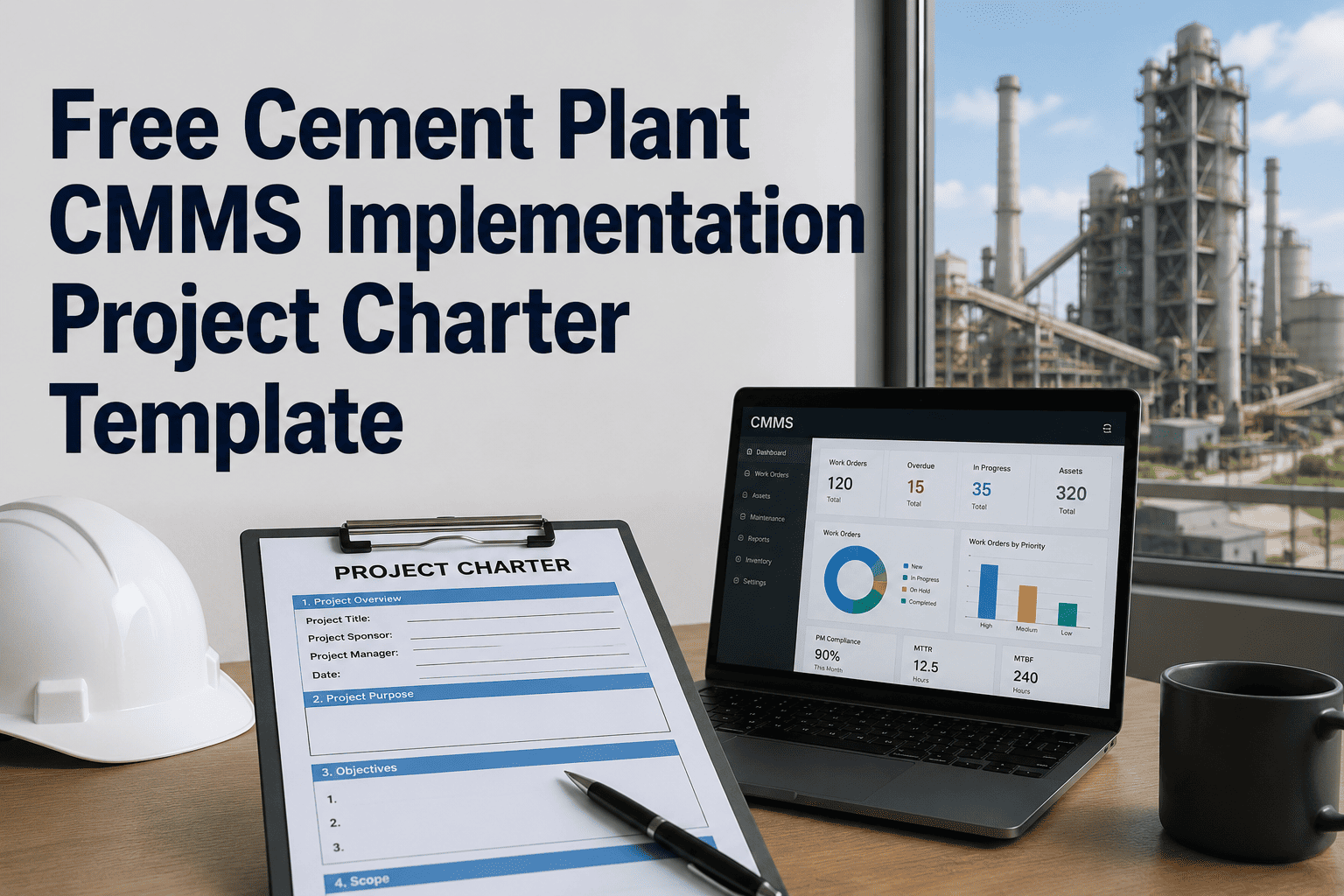
Every cement plant operator round starts the same way — walk the floor, check the gauges, note anything that looks or sounds wrong. The difference between a round that catches problems early and one that just confirms nothing has obviously broken yet is structure: a fixed checkpoint list, clear pass/fail thresholds, and somewhere for the reading to go once it's taken. This playbook lays out a 50-point template across kiln, mill, cooler, and preheater, and shows what changes when that same checklist runs as a digital round inside a CMMS instead of a paper sheet clipped to a board.
Free Template · 50-Point Checklist
A rounds template that covers the plant, not just the kiln.
50 checkpoints across four critical zones — kiln, mill, cooler, and preheater — built for operators walking the floor and reliability teams reviewing what they found.
Why It's Structured This Way
Why 50 points, and why these four zones
A checklist that's too short misses developing faults; one that's too long stops getting completed properly under shift time pressure. Fifty points split across four zones keeps a full round achievable inside a normal patrol window while still covering the equipment that causes the most unplanned downtime.
Why these four zones specifically
Kiln, mill, cooler, and preheater aren't chosen arbitrarily — together they account for the large majority of unplanned stops at a typical integrated cement plant, and each has failure signatures an alert operator can catch well before a vibration sensor or a control-room alarm would.
Plants running a fifth or sixth critical circuit — a separate grinding line, a bypass system, or an alternative fuel feed — can extend this same structure with an additional zone rather than folding those checkpoints awkwardly into one of the four below.
The Checklist
The 50-point rounds template
Each zone below groups checkpoints the way an operator would naturally encounter them walking the route, rather than sorting by equipment type — the goal is a round that follows the plant's physical layout, not a filing system.
Zone 1 — Rotary Kiln System
- Shell temperature scan at fixed circumferential points, compared to last round
- Tyre and roller lubrication film present, no dry contact visible
- Girth gear spray lubrication pattern and coverage
- Main drive and auxiliary drive bearing temperature
- Kiln inlet and outlet seal condition, no visible dust leakage
- Support roller axial position against baseline mark
- Tyre migration reading versus previous shift
- Unusual vibration or noise at main drive gearbox
- Kiln hood and nose ring refractory condition, visual
- Burner pipe position and flame shape, visual from sight glass
- Cooling air fans on shell running and unobstructed
- Oil level on main drive gearbox and auxiliary drive
- Kiln speed and torque reading against normal operating band
- Any red or discolored patch on shell surface, photographed
Zone 2 — Preheater & Calciner
- Cyclone stage differential pressure against normal range
- Riser duct and cyclone refractory condition at accessible points
- Buildup or blockage indication at cyclone cone outlets
- Calciner burner flame stability, visual check
- Tertiary air duct damper position matches control room setpoint
- Preheater fan bearing temperature and vibration, hand-check
- Expansion joint condition on riser ducts, no visible cracking
- Gas analyzer sample line free of blockage or condensation
- Feed material flow visible and consistent at inlet points
- Compensator and duct support condition, visual
- Insulation and lagging intact, no exposed hot surfaces
- Any unusual dust emission at duct joints or inspection doors
Zone 3 — Clinker Cooler
- Grate plate condition and clinker bed depth, visual
- Undergrate fan pressure against setpoint for each compartment
- Hydraulic drive oil level, pressure, and temperature
- Clinker breaker or hammer crusher condition and clearance
- Cooler vent stack dust emission, visual
- Grate plate wear or breakage, visual where accessible
- Recuperation air temperature to kiln and calciner within range
- Red river or hot clinker spillage at cooler outlet
- Chain conveyor or drag chain condition under cooler discharge
- Cooler fan bearing temperature and lubrication
- Refractory condition at cooler inlet hood
- Water spray system function where fitted, no blocked nozzles
Zone 4 — Grinding & Material Handling
- Mill bearing temperature and lubrication oil pressure
- Mill motor current draw against normal operating range
- Separator vibration and bearing temperature, hand-check
- Roller or ball wear indicator, visual where accessible
- Conveyor belt tracking and tension at troughing idlers
- Bucket elevator chain or belt condition, no visible slack
- Dust collector differential pressure against baseline
- Screw conveyor and airslide fluidizing air pressure
- Bag filter compartment pulse cleaning cycle audible and functioning
- Silo level indicator reading matches expected inventory trend
- Weighfeeder calibration flag or drift alert, if fitted
- Housekeeping — spillage, dust accumulation, and walkway clearance
Turn this checklist into a live digital round
OxMaint can load these 50 checkpoints against your plant's actual asset register in a single setup session, ready for operators to run on mobile from the next shift.
Using The Template
Priority classification: what an operator does with each reading
A checklist without a decision rule attached to each entry just becomes a list of numbers. Every checkpoint above should carry one of three classifications at the moment it's recorded.
Reading within the expected band for that checkpoint — logged and closed, no further action needed this round.
Reading trending toward the limit or a minor deviation observed — flagged for the incoming shift and reviewed at the next round.
Reading outside the safe operating band or a clear defect observed — work order raised immediately, supervisor notified before the round continues.
Assigning the classification at the point of recording, rather than during a later review, is what makes an amber or red reading reach the right person before the shift ends instead of surfacing days later in a spreadsheet nobody opened. It also removes the guesswork of deciding, hours after the fact, whether a reading was concerning enough to have mentioned.
Paper vs Digital
Running this template on paper vs running it in a CMMS
The checkpoints themselves don't change between a paper sheet and a mobile round — what changes is whether a reading actually gets compared to the last one, and whether a bad reading turns into action or just ink.
| Capability | Paper Round Sheet | Digital Round (CMMS) |
|---|---|---|
| Mandatory field enforcement | Fields skipped routinely under time pressure | Round can't be submitted with blank checkpoints |
| Trend visibility | Manual comparison against last sheet, rarely done | Reading auto-plotted against full checkpoint history |
| Defect-to-work-order link | Separate paper form, often filled in later or not at all | Red-flagged checkpoint raises a work order instantly |
| Shift handover record | Verbal summary, details lost in translation | Open items attached to handover, requiring acknowledgement |
| Completion tracking | Missed rounds go unnoticed until reviewed manually | Round completion visible in real time on a dashboard |
Common Pitfalls
Where a rounds program quietly stops working
A checklist this thorough can still fail to catch problems if the program around it develops gaps. These are the patterns worth watching for once the template is in service, and most of them show up gradually rather than as an obvious breakdown.
- Checkpoints copied without adjustment. A template built for a different plant's equipment configuration leaves gaps at your own auxiliary systems and asks operators to check things that don't exist on your line.
- Thresholds set once and forgotten. A bearing temperature band that made sense at the start of a campaign can drift out of step with actual wear patterns months later if nobody revisits it.
- Rounds rushed to hit a completion metric. When completion rate becomes the only thing measured, operators learn to click through checkpoints without genuinely inspecting them — the round exists on paper but not in practice.
- Flags raised but never closed. A watch or action flag that sits open for weeks without follow-up teaches operators that flagging doesn't lead anywhere, which quietly erodes how seriously the next flag gets treated.
- No feedback loop to the checklist itself. If a failure occurs at a point the checklist didn't cover, and the checklist isn't updated afterward, the same blind spot stays open for the next campaign.
Rollout
Putting the template into service: a four-step rollout
Moving from a printed version of this checklist to a working digital rounds program doesn't require a long implementation — most plants can be running the first digital round within one to two weeks of starting the process below, since the checkpoints themselves already exist, they just need to move into a system that remembers them.
Match checkpoints to your asset register
Adjust the 50 points to your plant's actual equipment configuration — not every plant runs a calciner or a hammer crusher, and some run additional auxiliary systems these points don't cover.
Set thresholds per checkpoint
Where a numeric reading applies — bearing temperature, differential pressure, current draw — define the normal, watch, and action bands from your own equipment history rather than a generic industry figure.
Load it as a digital round
Build the checklist in your CMMS against each asset record, with mandatory fields and photo capture on any checkpoint marked watch or action.
Review completion and trend weekly
A reliability engineer reviews round completion rates and checkpoint trends weekly, adjusting thresholds or checklist scope as real operating data accumulates.
OxMaint For Rounds Management
How OxMaint runs this template as a live rounds program
OxMaint takes a checklist like this one and turns it into a mobile round tied directly to your plant's asset records, so every reading has somewhere useful to go the moment it's taken. The setup mirrors the same route operators already walk — the change is entirely in what happens after the checkpoint is checked.
Mobile checklist, zero paper
Operators complete the round on a phone or tablet, with the 50 checkpoints grouped by zone and mandatory fields that prevent a skipped entry from going unnoticed, even when the plant floor has no reliable network connection.
Automatic priority routing
A watch-flagged checkpoint queues for the next round; an action-flagged checkpoint raises a work order immediately and notifies the shift supervisor.
Photo capture on every flag
Any checkpoint marked watch or action prompts for a photo, giving maintenance planners visual context before they even reach the equipment.
Shift handover built in
All open items from the round attach automatically to the shift handover record, requiring the incoming operator's acknowledgement before the round closes.
FAQ
Cement operator rounds template: frequently asked questions
How long should a 50-point round actually take?
Most plants target under 25–30 minutes for the full round once operators are familiar with the route and the checklist. A digital round on mobile, following an optimized walk sequence, is typically faster than the same checklist on paper simply because there's no separate transcription step afterward, and the app can guide the operator through checkpoints in a logical physical order rather than the order they appear on a printed sheet.
Should this template replace condition-monitoring sensors?
No — operator rounds and fixed condition-monitoring sensors cover different gaps. Sensors give continuous data on a fixed set of points; a round covers everything a trained eye and ear can catch that a sensor isn't installed on, including visual defects, unusual smells, and early-stage abnormalities that don't show up as a single numeric reading. The two work best layered together rather than one replacing the other.
How often should checkpoint thresholds be reviewed?
A quarterly review is a reasonable starting cadence for most checkpoints, tightened for any zone that's had a recent failure or campaign change. Thresholds set once and never revisited tend to drift out of step with actual equipment condition over a campaign, especially after a reline, a major overhaul, or a change in fuel or feed material.
Can OxMaint customize this checklist for our specific plant layout?
Yes. OxMaint configures the checklist against your actual asset register during setup, adding, removing, or adjusting checkpoints to match your kiln line, mill configuration, and auxiliary equipment. Book a demo at calendly.com/oxmaintapp/30min to see it built for your plant.
Do operators need special training to run digital rounds?
Most operators pick up a mobile round within one or two shifts, since the interface follows the same checkpoint sequence they already walk. The bigger adjustment is usually cultural — trusting that a flagged reading will actually reach maintenance rather than sit in a drawer.
Stop running rounds that disappear into a binder
Load this 50-point template into OxMaint and give every kiln, mill, cooler, and preheater reading a trend, a threshold, and a work order when it needs one — so the next developing fault gets caught on a round instead of during an unplanned stop.
Free 14-day trial · No credit card