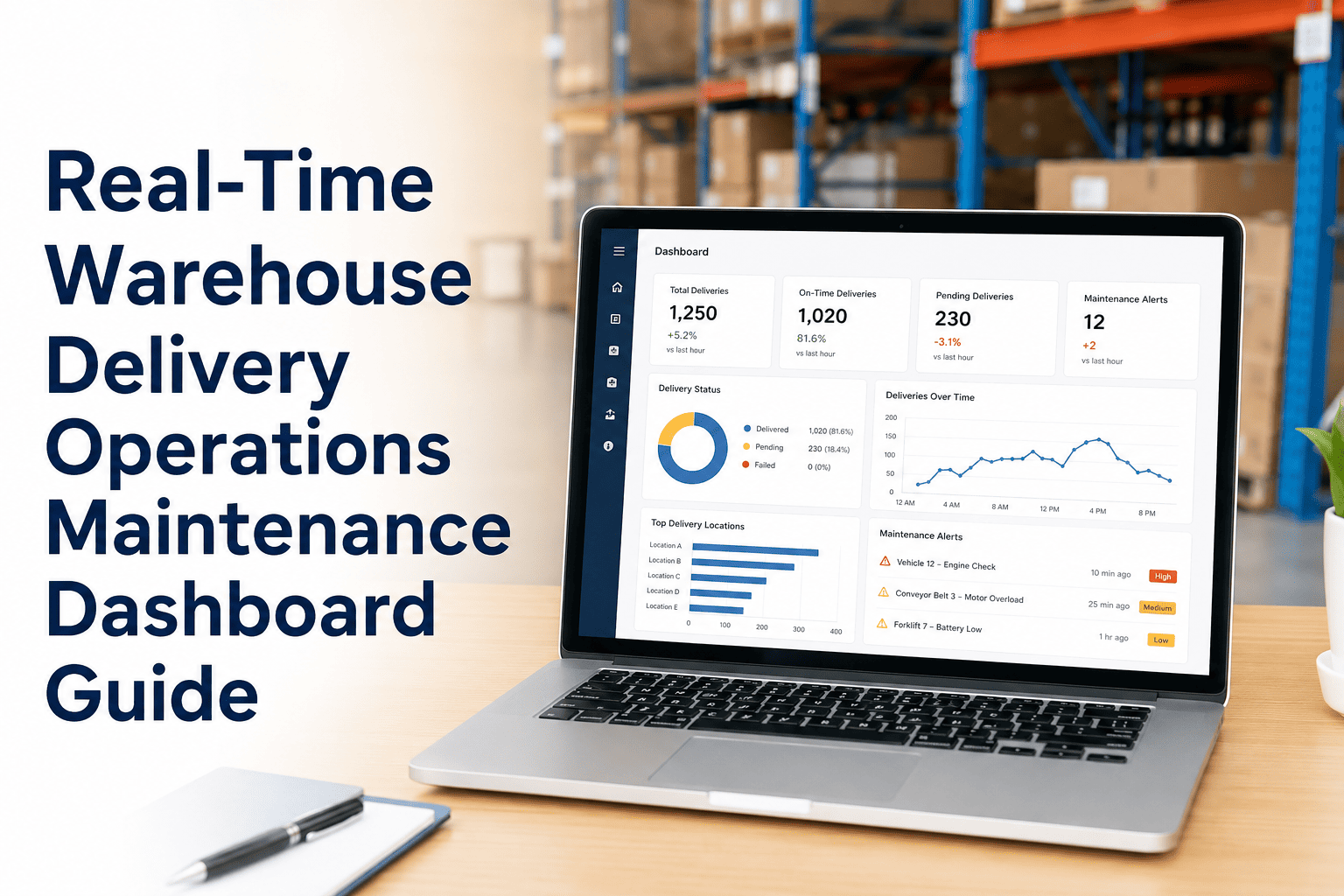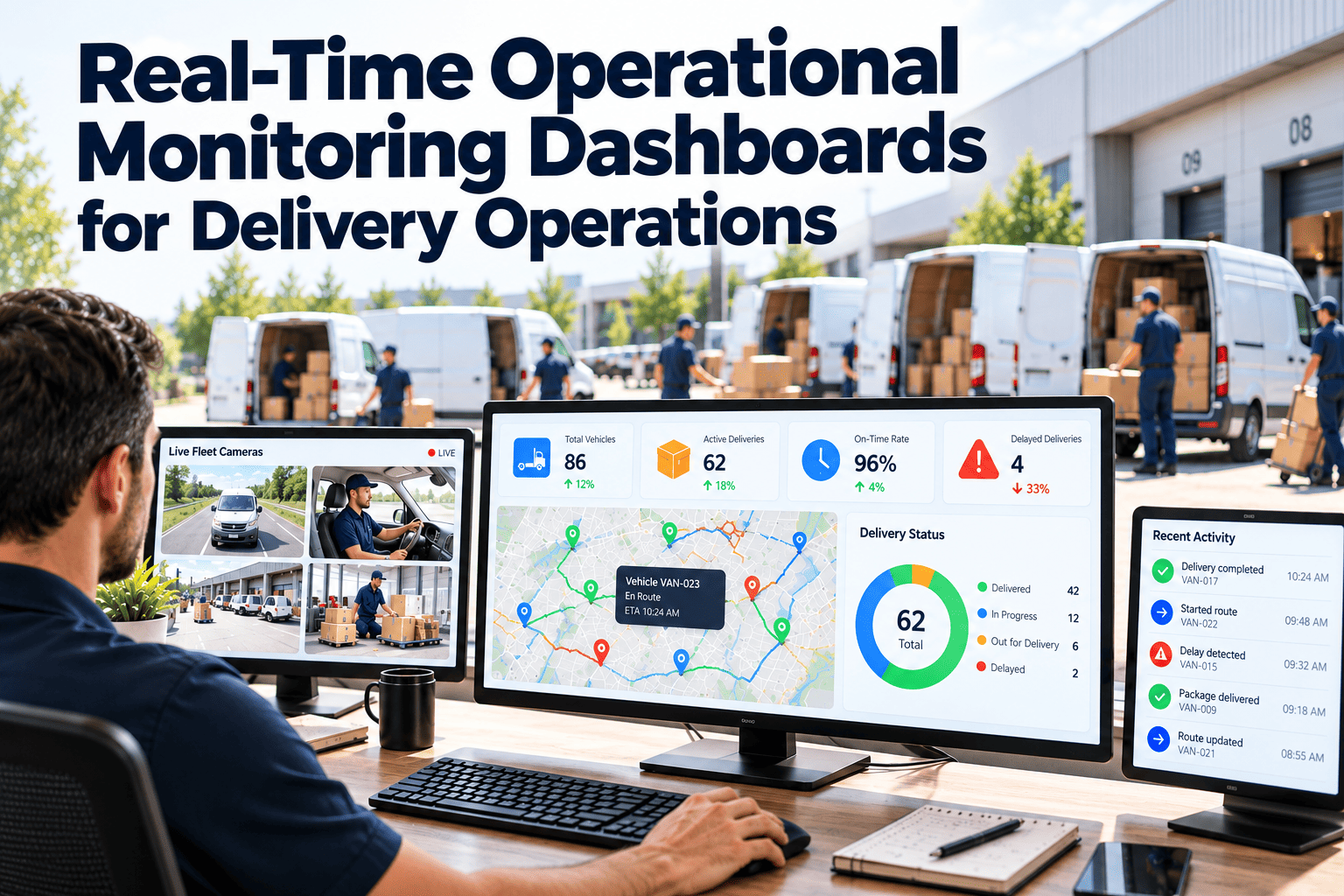
Most delivery operations already collect plenty of data, yet managers still learn about problems from a driver's phone call or a customer complaint. The gap is rarely a lack of numbers. It is that data lands in separate tools, arrives too late, and is not tied to someone who can act. Real-time operational monitoring closes that gap by showing the live state of vehicles, sites, and equipment, and by alerting on exceptions instead of asking people to watch screens. This guide covers design and workflow, with Oxmaint turning asset alerts into tracked maintenance work.
Real-Time Operational Monitoring Dashboards for Delivery Operations
See the live state of routes, hubs, and equipment, and design alerts that put the right problem in front of the right person in time to act.
What Flying Blind Costs a Delivery Operation
The cost of poor visibility rarely appears as one line item. It shows up as many small delays that compound across a shift.
Control Tower Architecture in Four Layers
A useful control tower is more than a screen. It joins data, interprets it, and routes action.
Make Equipment Status Part of the Live Picture
Oxmaint keeps asset condition, open work orders, and inspection results in one place, so maintenance status can sit alongside routes and throughput.
Exception-Based Alerting: Show What Needs Attention
A dashboard showing every number equally forces people to hunt for problems. Exception-based design surfaces only the items outside normal limits and ranks them.
- Dozens of charts compete for attention
- Problems hide among normal readings
- Staff stop looking after the first week
- Alerts, if any, arrive by email and are ignored
- A short list of items outside limits, ranked by impact
- Each item shows owner, age, and next action
- Normal operation stays quiet
- Escalation occurs automatically when no one responds
Principles for useful alerts
- Every alert has a named owner or role, not a shared inbox.
- Every alert states what happened, why it matters, and the first step to take.
- Thresholds reflect operational reality, reviewed regularly against false alarms.
- Related alerts are grouped so one root cause does not produce twenty notifications.
What to Monitor, and Who Needs to See It
| Area | Live measures | Primary audience | Example exception |
|---|---|---|---|
| Routes and stops | Stops completed against plan, delay risk, failed attempts | Dispatch, route supervisors | Route projected to miss its final delivery window |
| Fleet readiness | Vehicles available, in repair, overdue for service, open defects | Fleet manager, dispatch | Van flagged with a safety defect after inspection |
| Hub throughput | Packages processed per hour, queue length, dock status | Site managers | Induction rate falling below the shift plan |
| Equipment health | Sorter and conveyor status, faults, running hours | Maintenance, site managers | Repeated jam fault on a main diverter |
| Cold chain | Temperature by room and vehicle, door open time | Quality, operations | Cargo temperature outside range beyond allowed time |
| Charging and energy | Charger availability, state of charge for electric vans | Fleet, facilities | Charger offline with vans needing charge before dispatch |
Turning Real-Time Data Into Real-Time Decisions
Playbooks make decisions fast
Write short response playbooks for the most common exceptions. A technician or dispatcher who knows the first three steps acts in minutes, instead of waiting for a manager to decide.
Maintenance Signals That Belong on the Dashboard
A Practical Build Sequence
Oxmaint Capabilities That Feed Operational Visibility
Role-Based Dashboard Design
One screen cannot serve everyone. Each role makes different decisions, so each needs a focused view with the few measures that drive its choices.
Data Latency and Trust
People stop using dashboards the first time a tile shows the wrong thing. Be explicit about how fresh each number is and what happens when it goes stale.
| Data source | Typical refresh | Risk if stale | How to handle |
|---|---|---|---|
| Vehicle telematics | Seconds to minutes | Wrong location or status for dispatch decisions | Show the time of last update on every tile |
| Warehouse systems | Minutes | Throughput figures lag behind real queues | Use event-based updates for critical flows |
| IoT sensors | Minutes | Late temperature alerts | Alert on lost connection as well as on readings |
| Work order data | As entered | Equipment shown healthy while repairs are open | Require mobile updates at the vehicle or machine |
| Manual entries | Shift end | Gaps and errors | Replace with scans or forms where possible |
Show data age
Display the age of each data point next to its value. A number that is ten minutes old can be fine for staffing and dangerous for a cold chain alert, and users should be able to tell the difference at a glance.
Mobile and Shop-Floor Displays
Monitoring has to reach people where they work. The same data needs different presentation on a wall, a phone, and a technician tablet.
Governance: Keeping Dashboards Useful
Dashboards decay without ownership. A light governance routine keeps them accurate and keeps alerts meaningful.
Example Exceptions and Playbook Responses
Written playbooks turn an alert into a decision within minutes. These examples show who should hear about each exception and what happens first.
| Exception | Who is alerted | First response | Escalate if |
|---|---|---|---|
| Route behind plan | Dispatcher | Check traffic, driver status, and stop sequence, then rebalance stops | Delay threatens committed delivery windows |
| Vehicle fails inspection | Fleet manager and maintenance | Remove vehicle from the dispatch list and open a work order | No spare vehicle is available for the route |
| Sorter fault | Site manager and maintenance | Divert to manual handling and dispatch a technician | Fault repeats or clears no queue in the agreed time |
| Temperature excursion | Quality and operations | Protect product and verify equipment | Product is outside limits beyond the allowed duration |
| Charger offline | Fleet and facilities | Reassign vehicles to working chargers | Vehicles risk starting routes without enough charge |
| Parts below reorder point | Maintenance planner | Place the order and check substitutes | A critical repair is waiting on the part |
Rehearse the playbooks
Run short drills on the most likely exceptions and time each step. Drills show whether alerts reach the right phones, whether instructions are clear, and whether the dashboard supports a fast decision.
- Time from alert to acknowledgment
- Time from acknowledgment to action
- Share of alerts resolved without escalation
- Repeat exceptions on the same asset or route
Questions to Settle Before Choosing a Platform
Tool selection matters less than clear requirements. Answer these questions first so any platform you evaluate is judged against real needs.
- Which ten decisions should the dashboard help make faster?
- Which systems must it connect to, and how often does each need to refresh?
- Who will own alert rules, and who responds to each one?
- How will maintenance and asset status appear alongside route and site data?
- What must work offline on vehicles and in warehouse dead zones?
- How will users be trained, and how will adoption be measured?
- What reports do audits and customers require from the same data?
- How will the platform grow as sites, vehicles, and sensors are added?
Real-Time Monitoring Questions
Act on Problems Before They Grow
Give your teams a single view of assets, work orders, and exceptions, and let maintenance status support every operating decision.