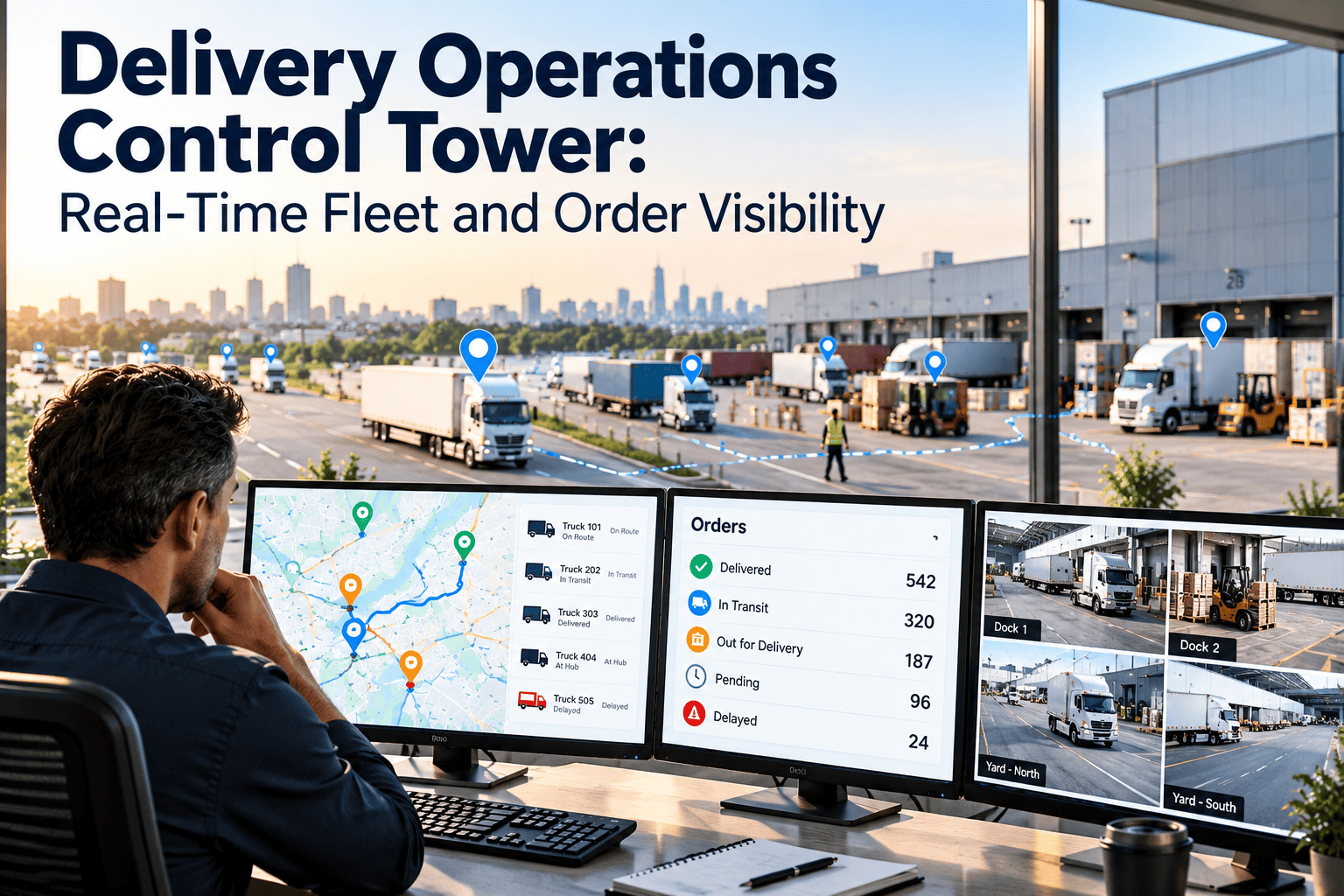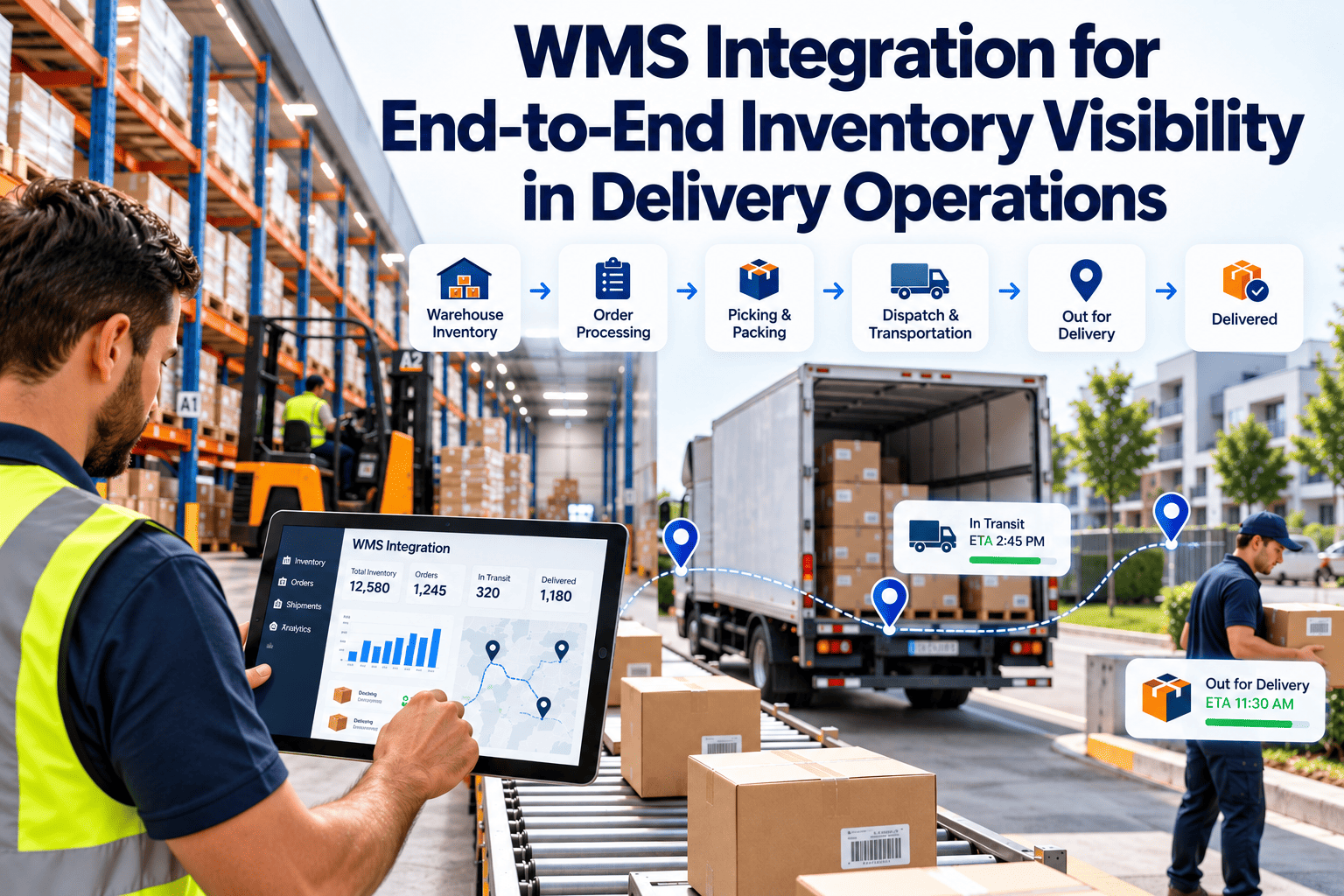
Every disconnect between a warehouse management system, an ERP, a transportation system, and an order management platform is a place where inventory can hide or be counted twice. The result is overselling, late shipments, and teams who spend their days reconciling spreadsheets instead of moving freight. This guide covers WMS integration for end-to-end inventory visibility: data flows, architecture choices, master data, timing, and testing, plus the physical equipment layer that maintenance management software helps keep dependable.
WMS Integration for End-to-End Inventory Visibility in Delivery Operations
Inventory visibility is decided at the seams between systems. When the WMS, ERP, TMS, and OMS agree on what exists, where it sits, and what has shipped, delivery operations run on facts instead of reconciliation.
Where inventory visibility is won or lost
Each system is good at its own job, but none was designed to hand its data to the others cleanly. Visibility fails when the handoffs are manual, delayed, or ambiguous.
- The OMS promises stock that the WMS has already committed to another order
- The TMS tenders a load against inventory the WMS has short-picked
- The ERP shows on-hand quantities that differ from the warehouse, so finance cannot close with confidence
- A customer asks about an order and support has to check four systems to answer
What batch-only integration does to delivery operations
A batch-integrated stack runs on yesterday's data. That is acceptable for monthly reporting, but it undermines same-day and next-day delivery, where decisions depend on what happened an hour ago.
Batch-only symptoms
- The OMS keeps selling an item the WMS has already allocated
- A short pick at midday is unknown to the TMS until the overnight sync
- Customers receive shipment notices late or with wrong contents
- Support teams copy data between screens to answer simple questions
- Cycle count corrections reach the ERP days later
Event-driven benefits
- Reservations and releases update availability as they happen
- Short picks trigger immediate replanning of loads
- Shipment events feed customer notices automatically
- One order record can be followed across systems
- New consumers can subscribe without changing the source
Designing for reliability, recovery, and security
An integration that works on a clean test day but fails under load or after an outage will erode trust in inventory data. Build resilience in from the start.
Keeping the floor moving while systems catch up
Pickers and receivers should not wait on a slow remote call. Floor workflows need to tolerate short delays between a scan and its confirmation in every connected system.
- Confirm scans locally and send the transaction asynchronously, with clear on-screen status for the operator
- Queue transactions during a network or system outage and replay them in order when service returns
- Show users when a quantity is pending confirmation, so they do not assume it is final
- Define a manual fallback for critical flows such as shipment confirmation, with a reconciliation step afterward
- Test the fallback regularly, because untested procedures tend to fail on the day they are needed
Testing an integration before it goes live
Clean demonstration data hides most integration problems. Real conditions expose them.
| Test type | What it proves | Typical gap if skipped |
|---|---|---|
| Unit and mapping tests | Fields translate correctly between systems | Wrong units or truncated identifiers |
| End-to-end flow tests | A unit can be followed from receipt to delivery | Missing events at system handoffs |
| Peak-volume tests | Systems cope with busy-hour traffic | Delays and failures during promotions |
| Failure and recovery tests | Messages are not lost or duplicated after an outage | Inventory drift after downtime |
| Floor device tests | Scanners and printers behave in each zone | Dead zones and unreadable labels |
The core data flows to integrate
Most integration programs begin with the flows that directly affect inventory accuracy and delivery commitments.
| Data flow | From | To | Why it matters |
|---|---|---|---|
| Item and location master | ERP or master data system | WMS, OMS, TMS | Every other flow depends on shared identifiers |
| Purchase and inbound notices | ERP | WMS | Prepares receiving and expected stock |
| Receipts and putaway | WMS | ERP, OMS | Makes new stock sellable and valued |
| Orders and reservations | OMS | WMS | Releases pick work and protects stock |
| Inventory adjustments | WMS | ERP, OMS | Keeps counts aligned after cycle counts and damage |
| Shipment confirmation | WMS | TMS, OMS, ERP | Triggers delivery tracking and invoicing |
| Delivery status and exceptions | TMS | OMS, WMS | Informs customers and returns handling |
Following one unit through the integration points
A single unit touches every system between the dock door and the customer. Each step is a point where an event should be sent and confirmed.
Choosing an integration architecture
There is no universal winner. The right pattern depends on volume, number of systems, internal skills, and how often systems change.
| Pattern | Strength | Limitation | Best fit |
|---|---|---|---|
| Point-to-point | Quick to start for a few links | Every added system multiplies connections and hidden dependencies | Small environments with few systems |
| Middleware or service bus | Central routing and transformation | Can become a bottleneck and need specialist skills | Large enterprises with many legacy systems |
| Integration platform as a service | Prebuilt connectors and faster delivery | Connector depth varies by system | Mid-sized networks with standard applications |
| API and event-driven | Real-time, loosely coupled, easy to add consumers | Needs API governance and mature systems | High-volume e-commerce and omnichannel |
Real-time versus batch: decide by consequence
Not every data flow needs to be instantaneous. Match the speed of each flow to the cost of being wrong.
Keep the equipment under your WMS dependable
Scanners, printers, conveyors, and docks decide whether integrated data stays accurate. See how preventive maintenance and work orders protect them.
Integrating across multiple sites and third-party partners
Networks that mix owned warehouses with third-party logistics partners rarely run one WMS. Visibility depends on how consistently each site reports.
- Publish a single event standard for receipts, adjustments, and shipments, and require every site to follow it, regardless of the underlying system
- Agree service levels for data timeliness with partners, not only for physical performance
- Reconcile partner inventory against your own records on a fixed schedule and investigate variances by cause
- Keep a shared dictionary of statuses so a held unit means the same thing at every site
- Give each site a named integration contact who can resolve message failures quickly
Questions to ask before choosing a connection approach
A demonstration on clean data says little about integration depth. Ask structural questions before committing.
Master data: the foundation integration cannot replace
Integration moves data faster, which means it also spreads bad data faster. Decide which system owns each object before building any connection.
| Data object | Typical owner | Rule to enforce |
|---|---|---|
| Item and unit of measure | ERP or product master | One identifier and one set of pack definitions everywhere |
| Warehouse locations | WMS | Shared location codes used by every consuming system |
| Customer and order | OMS or ERP | Only one system may create or change the order header |
| Carrier and service level | TMS | Shared carrier codes with documented mapping |
| Inventory quantity and status | WMS for physical, OMS for promise | Clear definitions of on hand, available, and reserved |
Common integration failures and their remedies
Most production problems repeat across companies. Designing against them saves months of rework.
A phased implementation path
Build one flow end to end before adding the next. Small vertical slices expose problems while they are cheap to fix.
The physical layer that integration depends on
Software integration assumes that scans, labels, and conveyor events are captured correctly. When floor equipment degrades, the data entering the integration becomes unreliable.
How Oxmaint supports the WMS equipment layer
Oxmaint is maintenance software and does not replace a WMS, ERP, TMS, or OMS. It keeps the equipment that feeds those systems under planned maintenance.
- Asset management for scanners, printers, conveyors, sorters, scales, docks, and network hardware with full service history
- Preventive maintenance schedules and inspections that catch wear before it affects scan or label quality
- Work orders with priority, assignment, and status so equipment faults reach the right technician quickly
- Inventory management for spare printheads, batteries, belts, and other parts that keep floor equipment running
- Reports on downtime and repeat failures that help operations explain data exceptions
KPIs for integration health and inventory trust
Track both data quality and the equipment that produces it.
| KPI | What it shows | Warning sign |
|---|---|---|
| Inventory accuracy, WMS versus ERP | Agreement between physical and financial counts | Growing variances at close |
| Message failure and retry rate | Reliability of system connections | Failures concentrated at peak hours |
| Event latency | Delay between floor action and system update | Rising delay on reservations or shipments |
| Order status mismatches | Disagreement between OMS, WMS, and TMS | Manual status corrections |
| Scan error rate | Quality of data capture on the floor | Errors tied to specific devices or zones |
| Equipment downtime in capture points | Capacity lost to scanner, printer, and conveyor faults | Repeat failures on the same assets |
- Review integration KPIs weekly during the first months after go-live, then monthly once results are stable
- Link every message failure to a root cause category so recurring problems get fixed, not just retried
- Compare scan error rates by device and zone to find equipment that needs service or replacement
- Share equipment downtime with the integration team so data exceptions are not blamed on software alone
Frequently asked questions
Should WMS integration be real-time or batch?
Use real-time for flows that affect promises, such as reservations and shipment confirmations, and batch for reports and history. Many programs combine both.
What is the most common cause of inventory mismatches between systems?
Unclear ownership of master data and statuses is a frequent cause. Agree which system is authoritative for each object before connecting them.
Does Oxmaint integrate with a WMS?
Oxmaint is a maintenance platform for equipment, inspections, and work orders. To discuss how it fits beside your WMS, book a demo.
How does equipment condition affect inventory data?
Worn scanners, faulty printers, and unstable networks create scan errors and delayed events. You can start tracking these assets with inspections and PM schedules.
How do we keep operations running if an integration fails?
Design degraded modes so floor tasks continue and queue their updates. Add alerts and replay tools so failed messages can be recovered.
Protect the equipment behind every inventory transaction
Give maintenance and operations one record of asset condition, planned work, and spare parts across your delivery and warehouse sites.